13

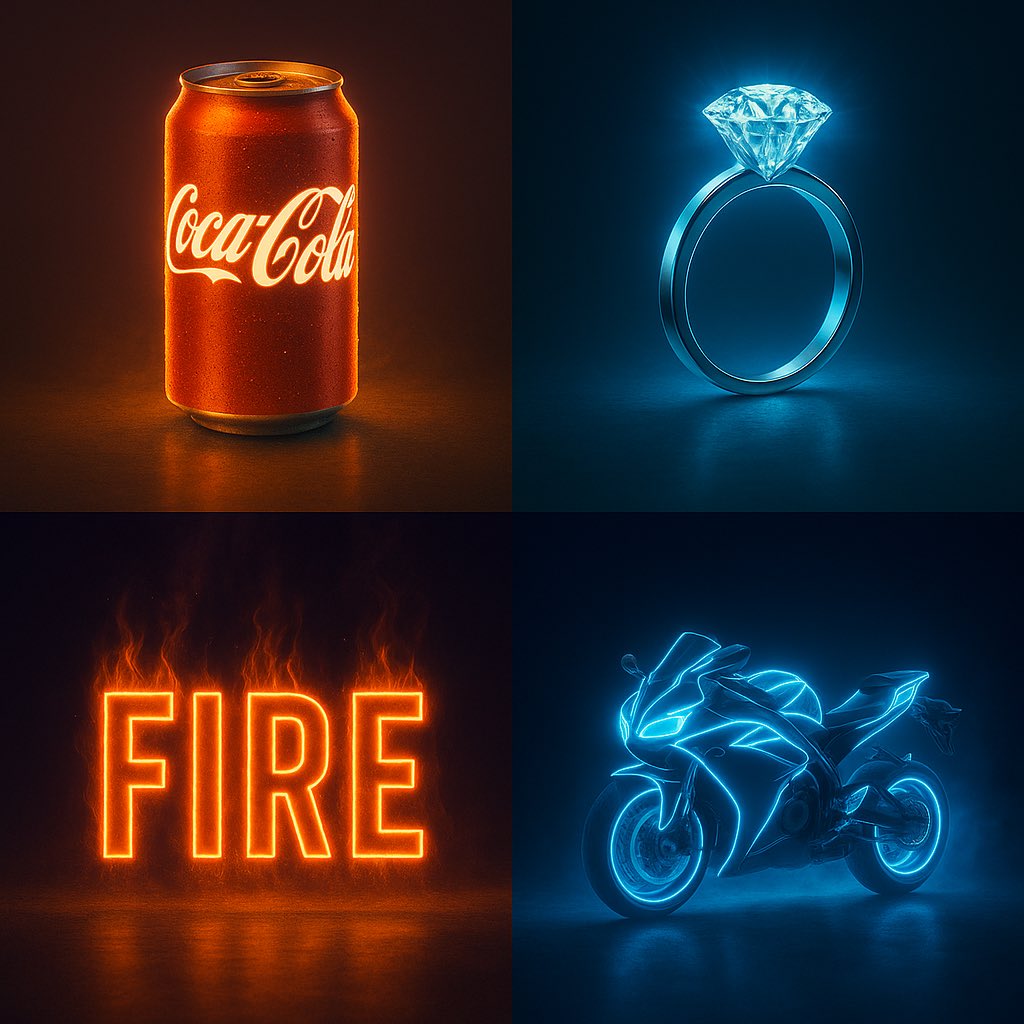
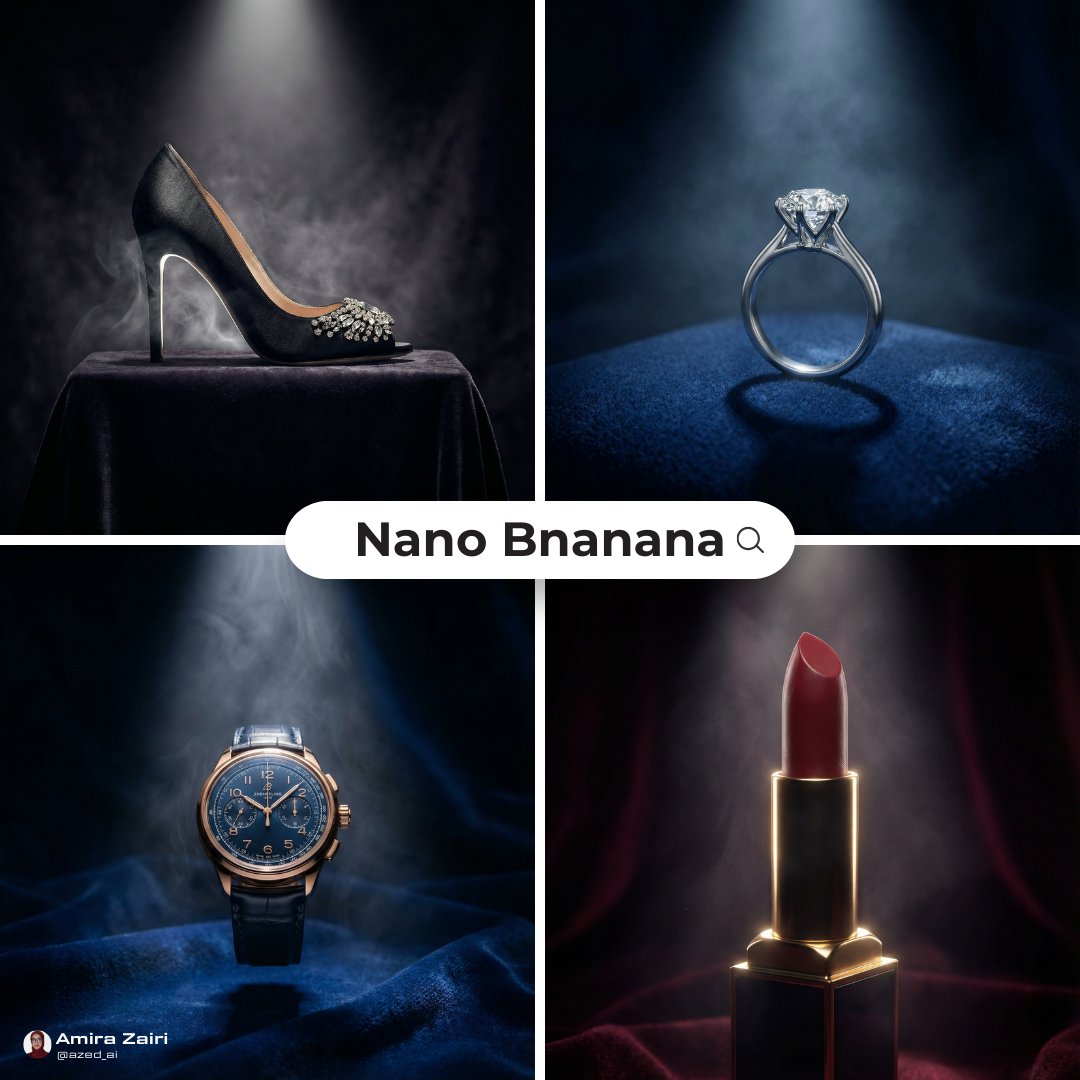
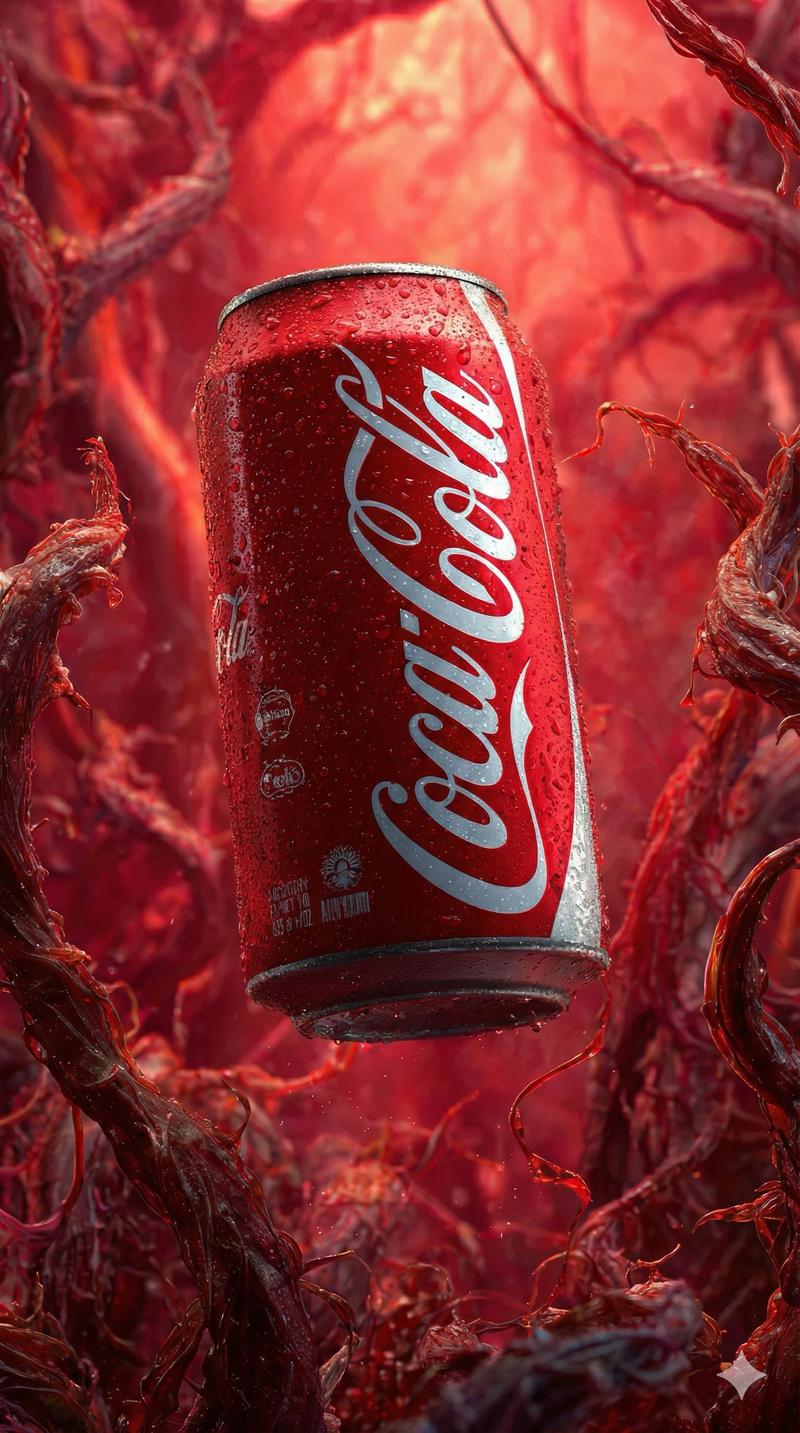
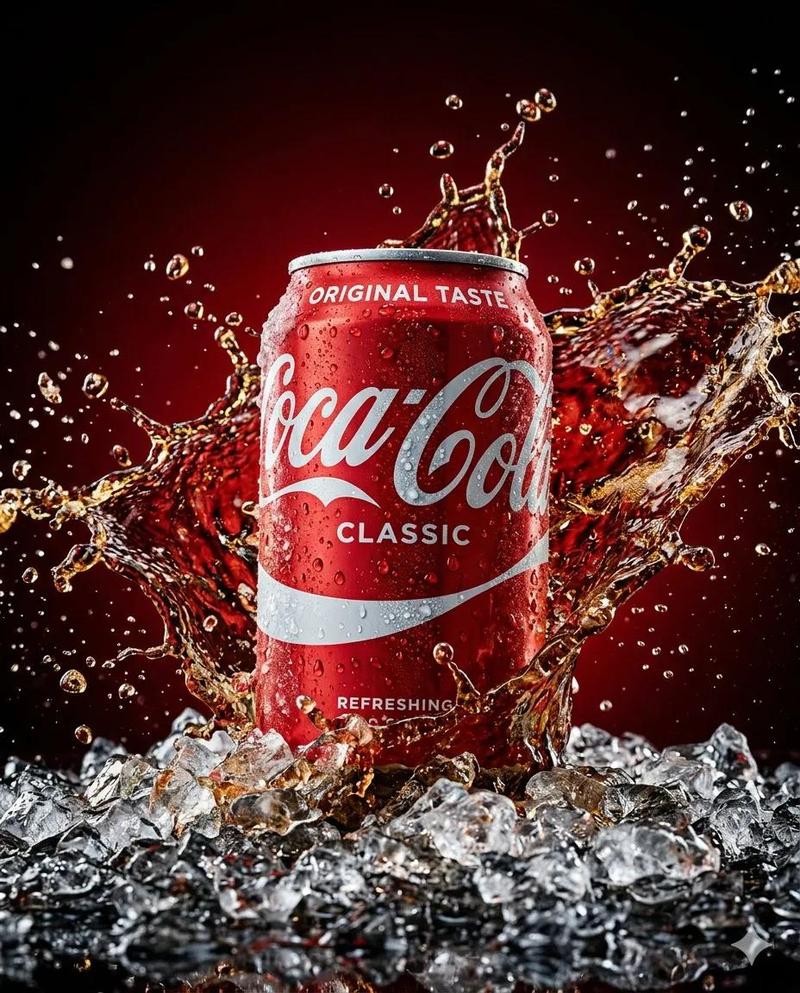
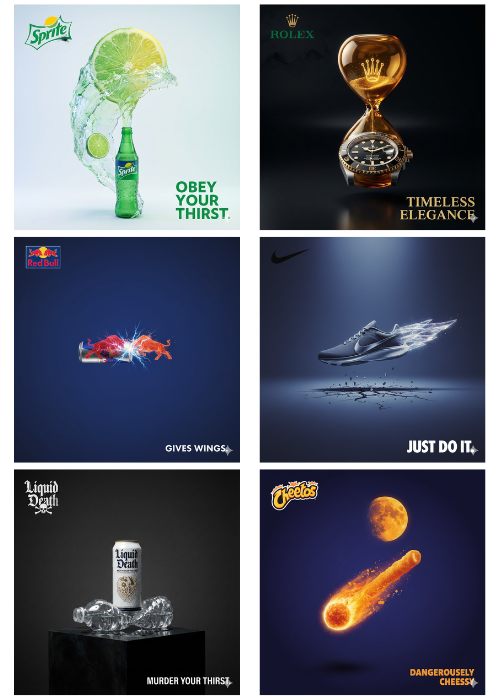
霓虹效果海报
Enlarge

霓虹效果海报

Prompt
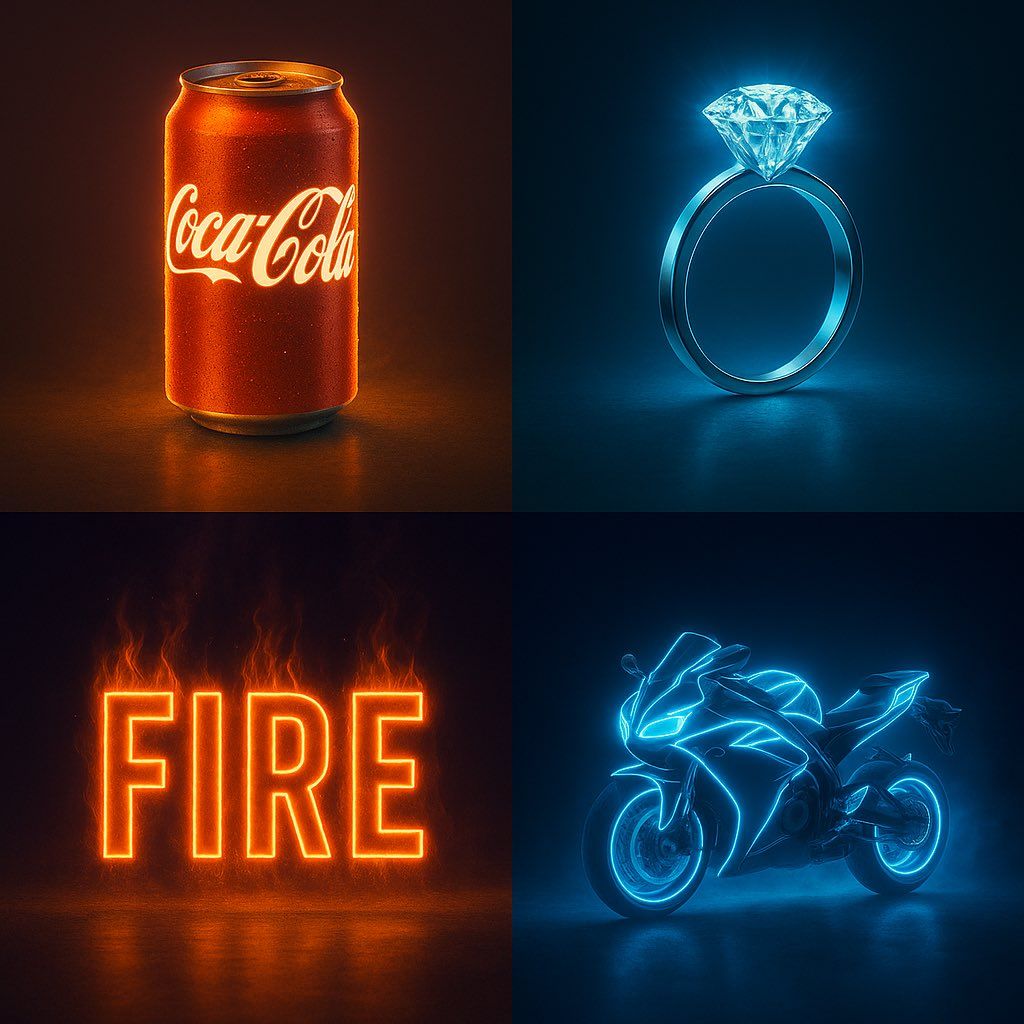
a single [OBJECT] glowing vividly with internal neon light that matches its brand or essence — the glow must follow the object’s shape and details precisely without overexposing — cinematic studio lighting — rich reflective surface or texture — subtle ambient fog or mist around the object — sharp shadows and clean contrast — floating or standing on a soft reflective black surface — ultra-sharp details — 2:3 vertical layout — pure black background — high-Kelvin lighting to avoid yellow tint — ultra-HD photorealism — the glow must feel premium, dramatic, and emotionally pow
单个 [对象] 用与其品牌或本质相匹配的内部霓虹灯发出生动的光芒 — 光芒必须精确地跟随对象的形状和细节,而不会过度曝光 — 电影摄影棚照明 — 丰富的反射表面或纹理 — 对象周围微妙的环境雾或薄雾 — 清晰的阴影和清晰的对比度 — 漂浮或站在柔和的反光黑色表面上 — 超清晰的细节 — 2:3 垂直布局 — 纯黑色背景 — 高开尔文照明以避免黄色调 — 超高清照片级真实感 — 发光必须让人感觉优质、戏剧性且情感上充满情感冲击
Category
Photography & Realism
Model
Unknown
Creator
aziz4ai
Views0
Source ID
neon-effect-poster

Guide

About "霓虹效果海报"

What is this prompt for?

"霓虹效果海报" AI image prompt for Unknown (Photography & Realism). a single [OBJECT] glowing vividly with internal neon light that matches its brand or essence — th…

The full copyable prompt and example visuals above are ready for AI image generation or one-click recreate in Picva.

How to use this prompt

  1. Step 1

    Open the prompt detail

    Review the example visuals, category, and full prompt text for "霓虹效果海报".

  2. Step 2

    Copy the prompt

    Copy the prompt body from this page, or load it directly in Studio.

  3. Step 3

    Pick a model (Unknown)

    Prefer Unknown. If you switch models, keep subject and composition and tweak style terms.

  4. Step 4

    Generate and export

    Recreate the look in Picva, or export into your workflow for editing and publishing.

FAQ

What is the "霓虹效果海报" prompt?
It is an AI image-generation prompt for Unknown in the Photography & Realism category. This page includes the full prompt text, example visuals, and a one-click recreate path in Picva.
How do I use this prompt to generate an image?
Copy the prompt from this page, or use Generate / Studio. Paste it into a compatible image model, or recreate the look in Picva with optional reference images.
Which model is this prompt for?
This page lists Unknown. Most descriptive prompts also transfer to nearby image models such as GPT Image, Flux, or Midjourney with light style tweaks.
Can I use the result commercially?
You can usually copy the prompt for creation, but commercial use of the final image depends on the model terms, reference-image rights, and the generated content. Follow the source author and platform rules.