18

夜景人像
Enlarge

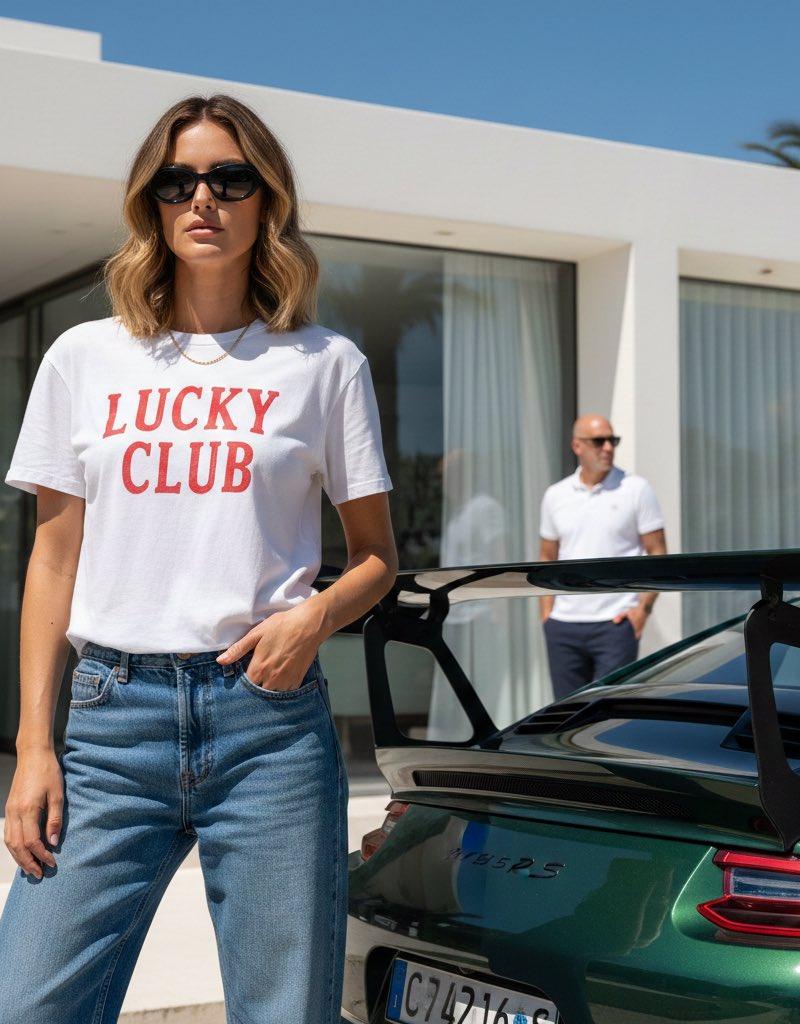
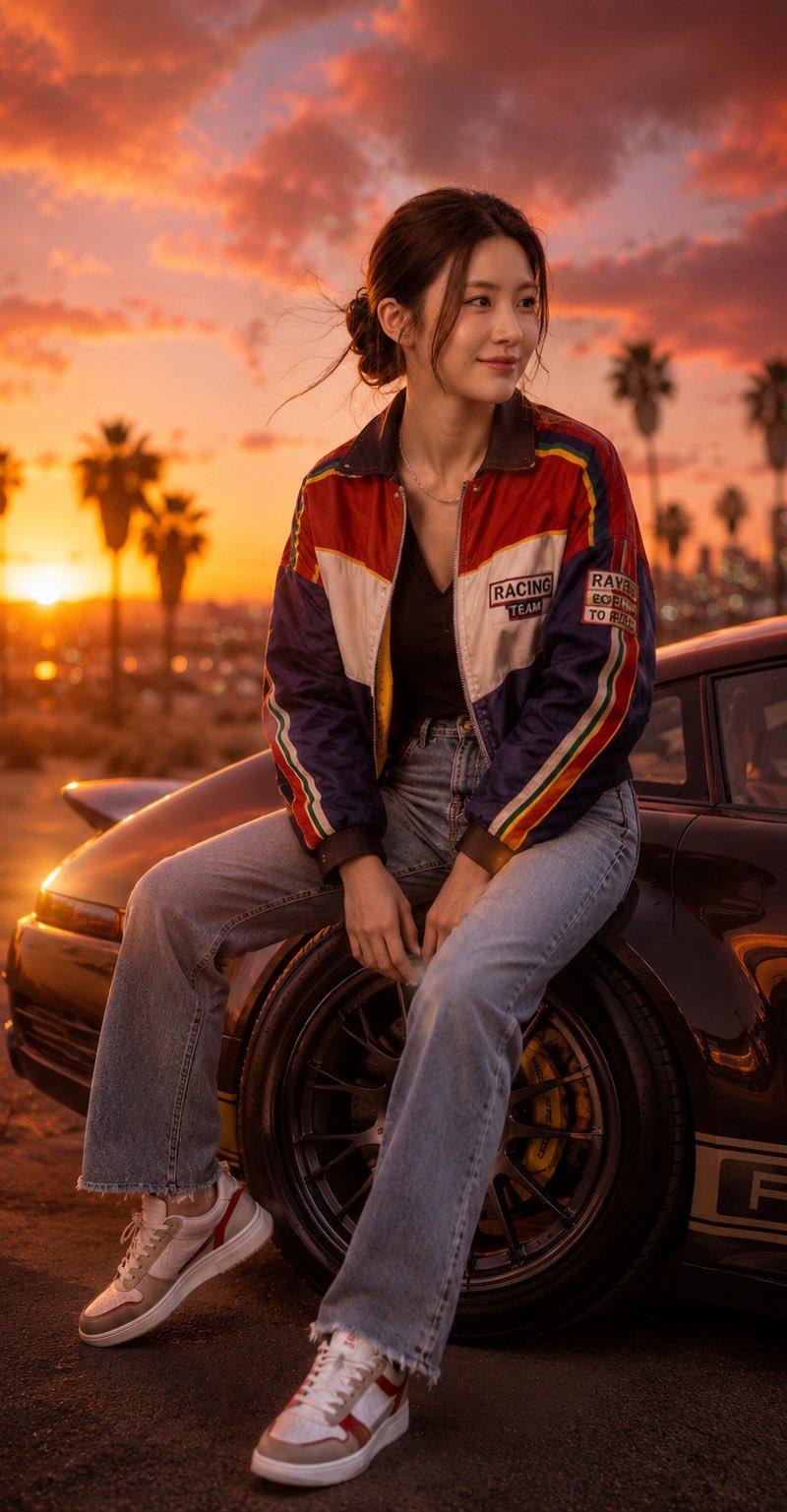
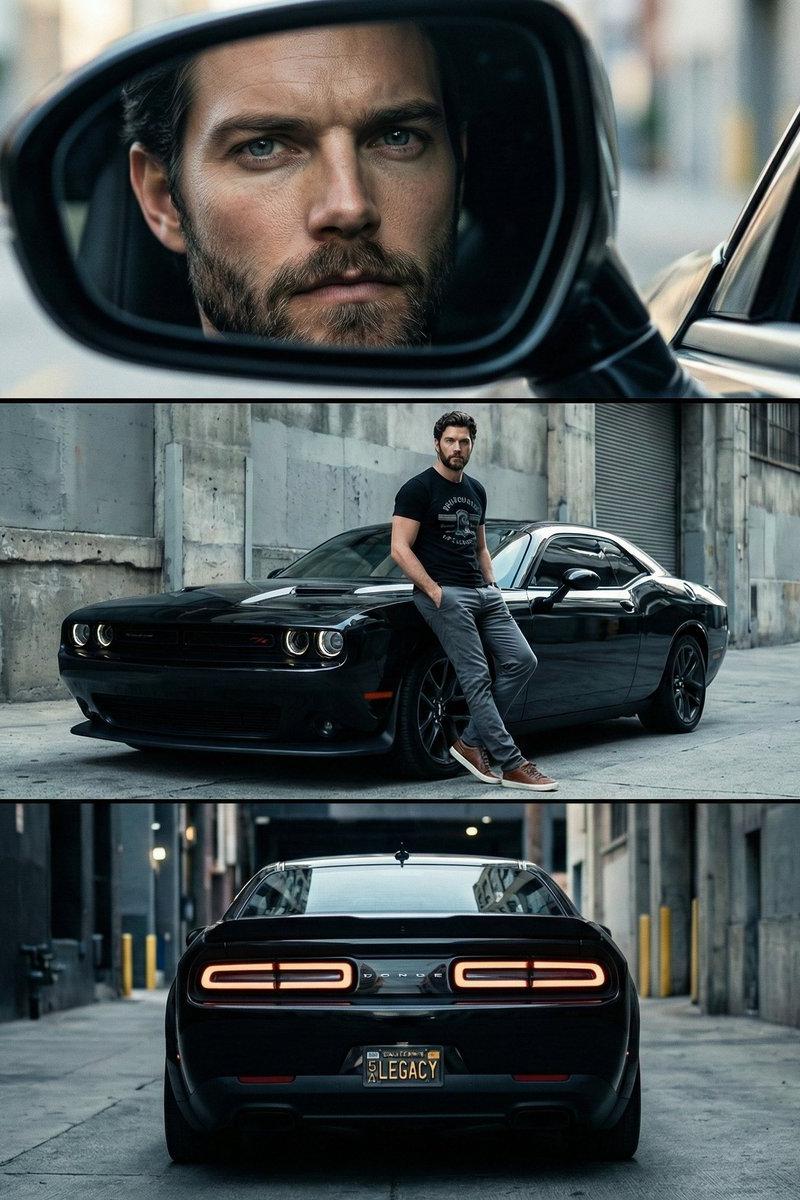
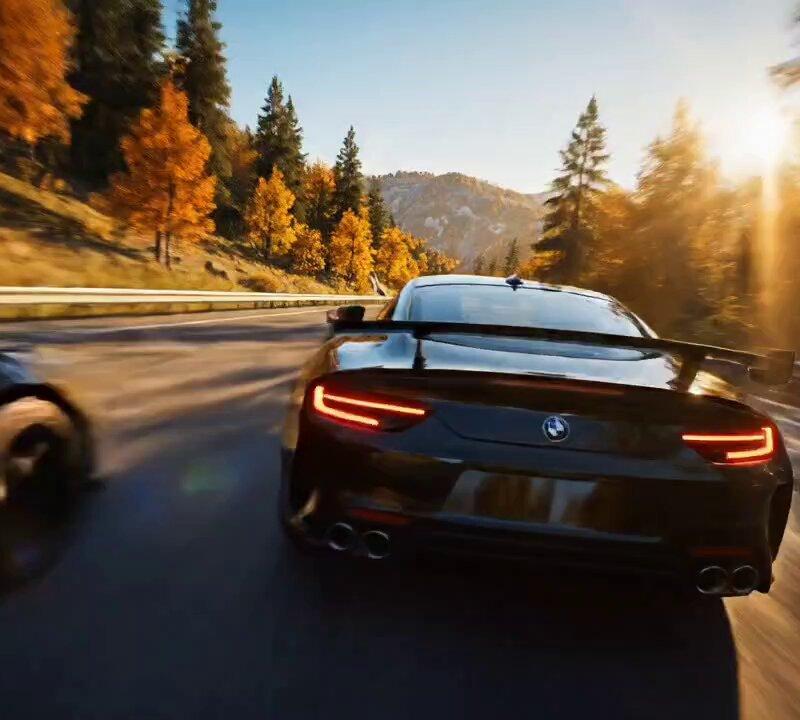
Example images

夜景人像

Prompt
Nano Banana Pro on Gemini App.
Prompt;
{
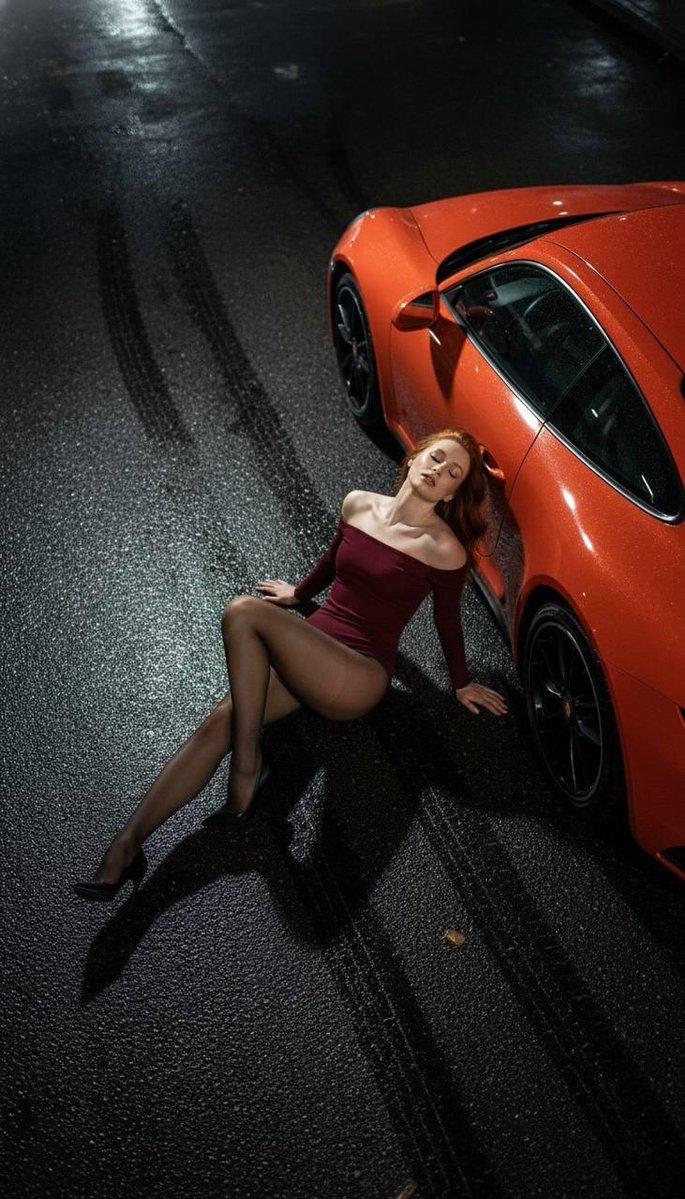
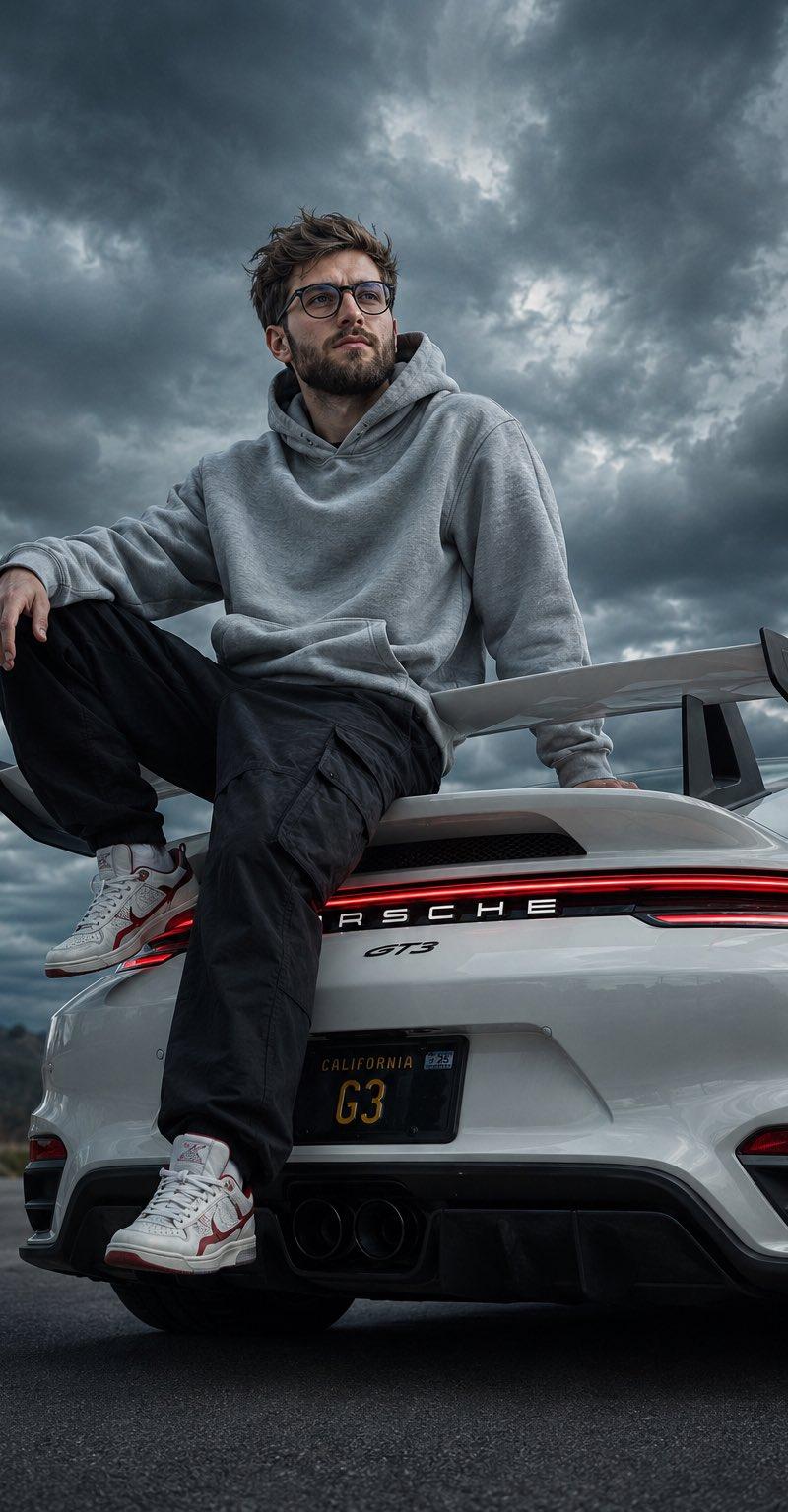
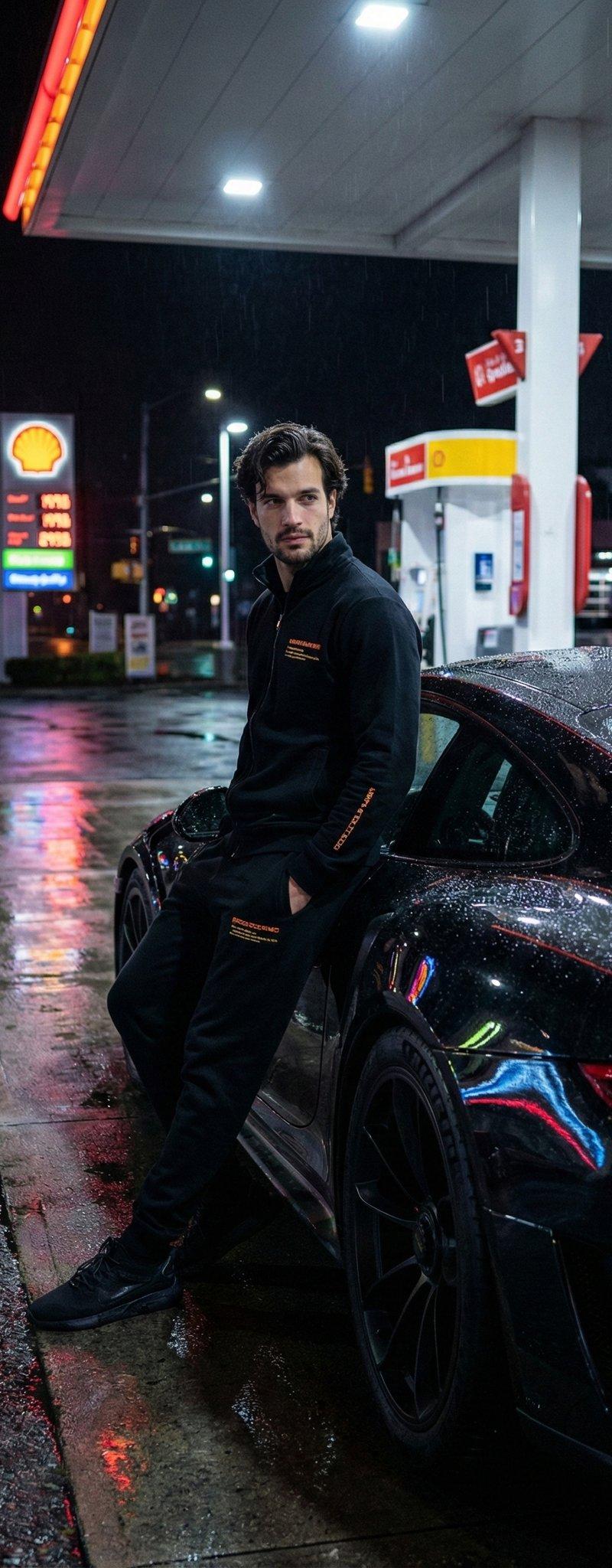
 "render_goal": "Create a hyper-photoreal nighttime portrait using a reference selfie for exact identity replication.",
 "subject": {
 "identity_lock": true,
 "face_match_precision": "absolute",
 "hair": "naturally wavy, slightly textured",
 "wardrobe": {
 "type": "black tracksuit",
 "accent_text_colors": [
 "orange",
 "yellow"
 ],
 "fit": "modern, clean silhouette"
 }
 },
 "setting": {
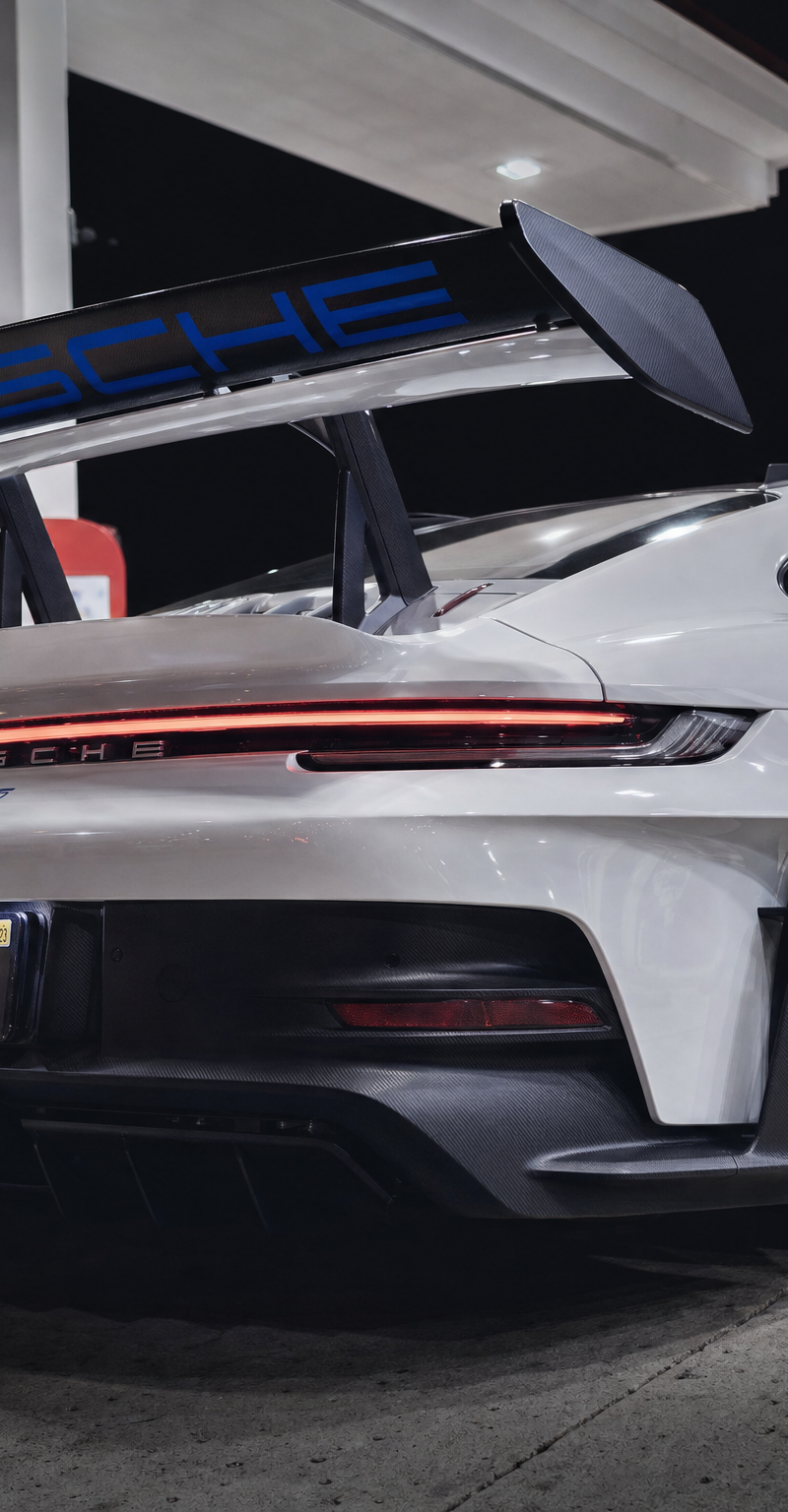
 "scene": "urban gas station after dark",
 "weather_effect": "recent rain",
 "ground_surface": "wet asphalt with high reflectivity",
 "hero_object": {
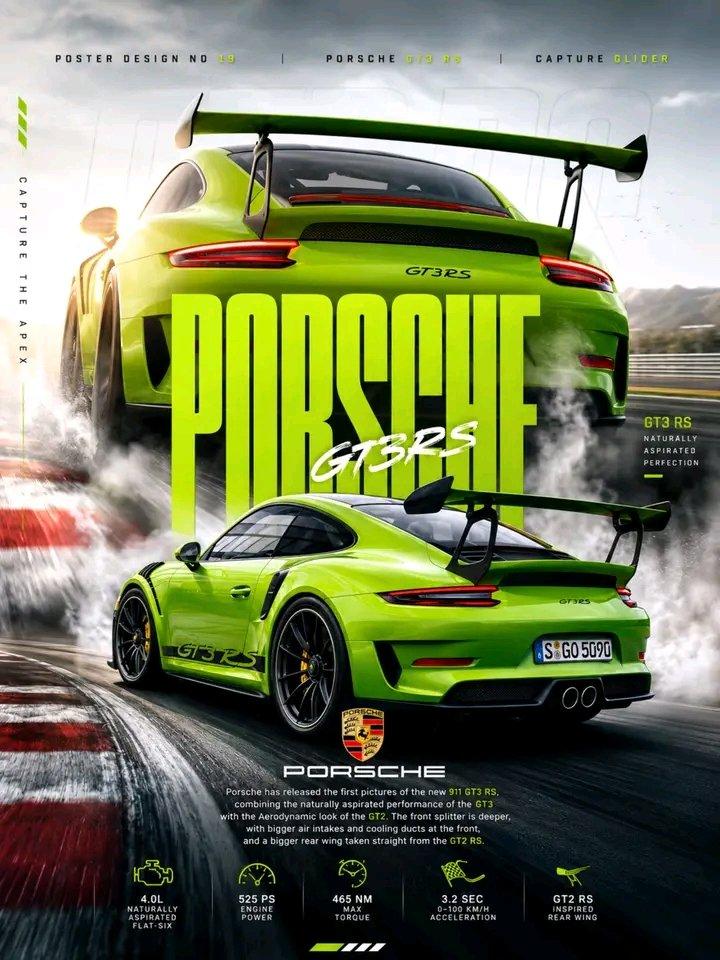
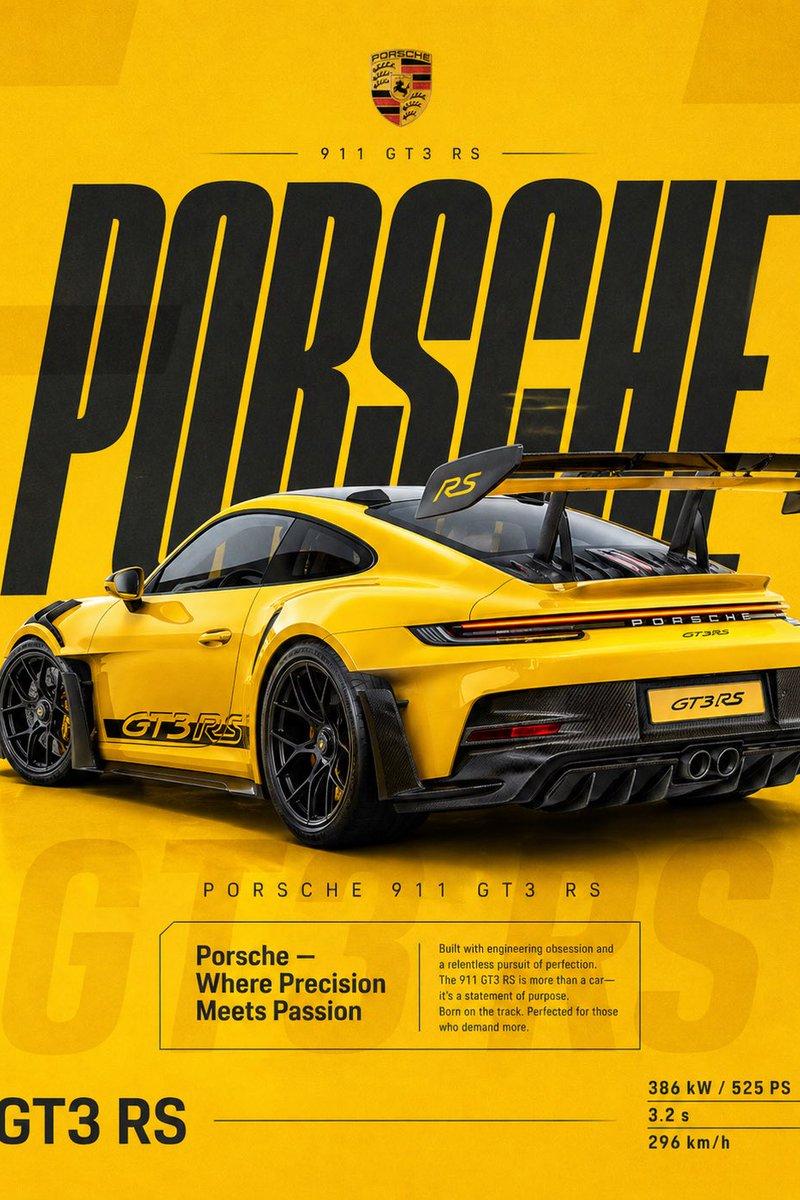
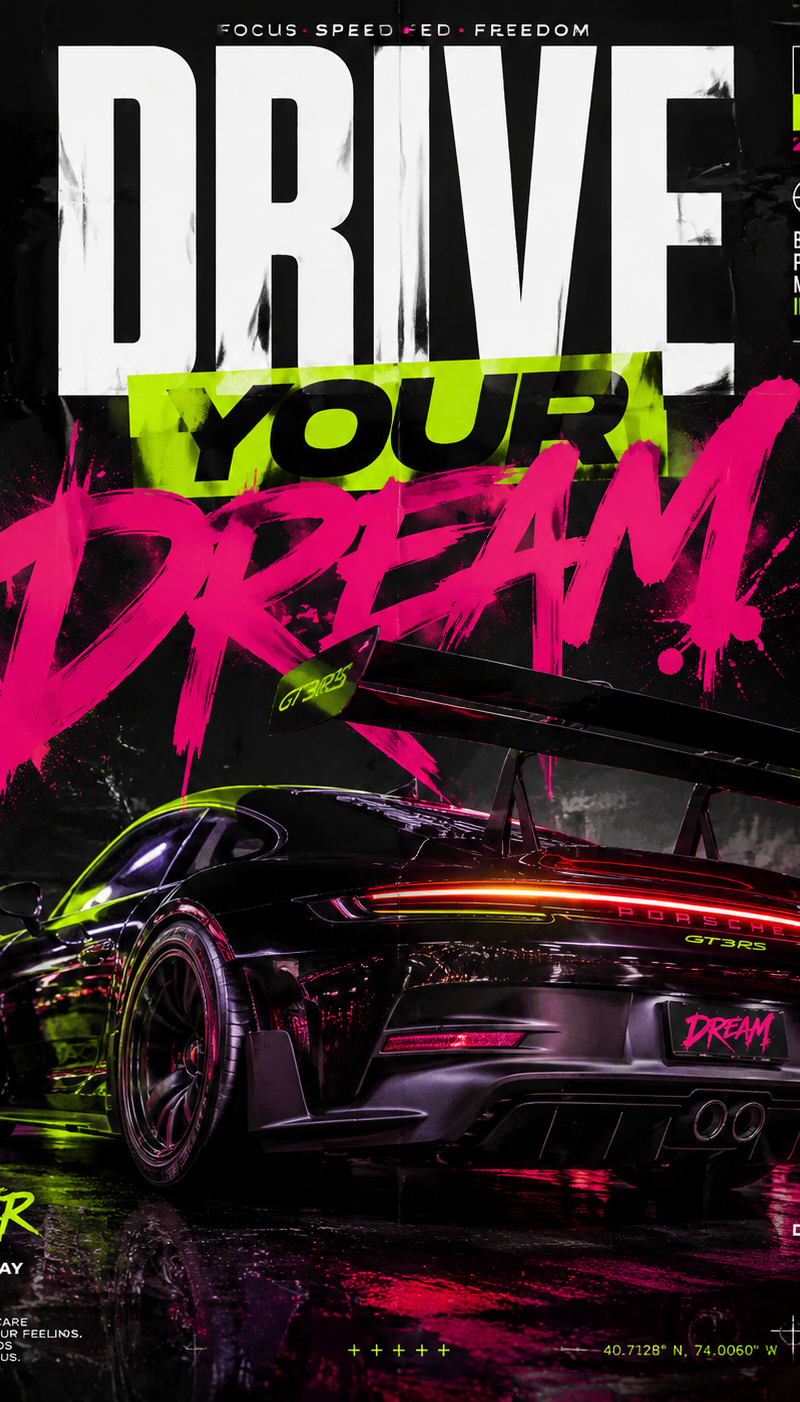
 "vehicle": "Porsche GT3 RS",
 "color": "black",
 "interaction": "subject resting casually against the car"
 }
 },
 "lighting_and_mood": {
 "light_sources": [
 "gas station canopy lights",
 "neon signage",
 "ambient city glow"
 ],
 "reflections": "vivid color spill on pavement and car body",
 "atmosphere": "cinematic, urban, night realism"
 },
 "camera_profile": {
 "style": "professional photography",
 "focus": "tack sharp on subject",
 "depth_of_field": "shallow background falloff",
 "noise": "natural low-light grain",
 "dynamic_range": "high with deep blacks"
 },
 "constraints": {
 "use_reference_selfie": true,
 "pose_alignment": "match provided pose reference",
 "realism_level": "maximum",
 "avoid": [
 "illustration",
 "CG look",
 "stylized art"
 ]
 },
 "output_expectation": {
 "quality": "indistinguishable from a real photograph",
 "detail_priority": [
 "skin texture",
 "fabric weave",
 "light reflections"
 ]
 }
}
Category
Photography & Realism
Model
Nano Banana Pro
Creator
john_my07
Source language
zh-CN
Views0
Source ID
nighttime-portrait
Studio

Guide

About "夜景人像"

What is this prompt for?

"夜景人像" AI image prompt for Nano Banana Pro (Photography & Realism). Nano Banana Pro on Gemini App. Prompt; { "render_goal": "Create a hyper-photoreal nighttime…

The full copyable prompt and example visuals above are ready for AI image generation or one-click recreate in Picva.

How to use this prompt

  1. Step 1

    Open the prompt detail

    Review the example visuals, category, and full prompt text for "夜景人像".

  2. Step 2

    Copy the prompt

    Copy the prompt body from this page, or load it directly in Studio.

  3. Step 3

    Pick a model (Nano Banana Pro)

    Prefer Nano Banana Pro. If you switch models, keep subject and composition and tweak style terms.

  4. Step 4

    Generate and export

    Recreate the look in Picva, or export into your workflow for editing and publishing.

FAQ

What is the "夜景人像" prompt?
It is an AI image-generation prompt for Nano Banana Pro in the Photography & Realism category. This page includes the full prompt text, example visuals, and a one-click recreate path in Picva.
How do I use this prompt to generate an image?
Copy the prompt from this page, or use Generate / Studio. Paste it into a compatible image model, or recreate the look in Picva with optional reference images.
Which model is this prompt for?
This page lists Nano Banana Pro. Most descriptive prompts also transfer to nearby image models such as GPT Image, Flux, or Midjourney with light style tweaks.
Can I use the result commercially?
You can usually copy the prompt for creation, but commercial use of the final image depends on the model terms, reference-image rights, and the generated content. Follow the source author and platform rules.