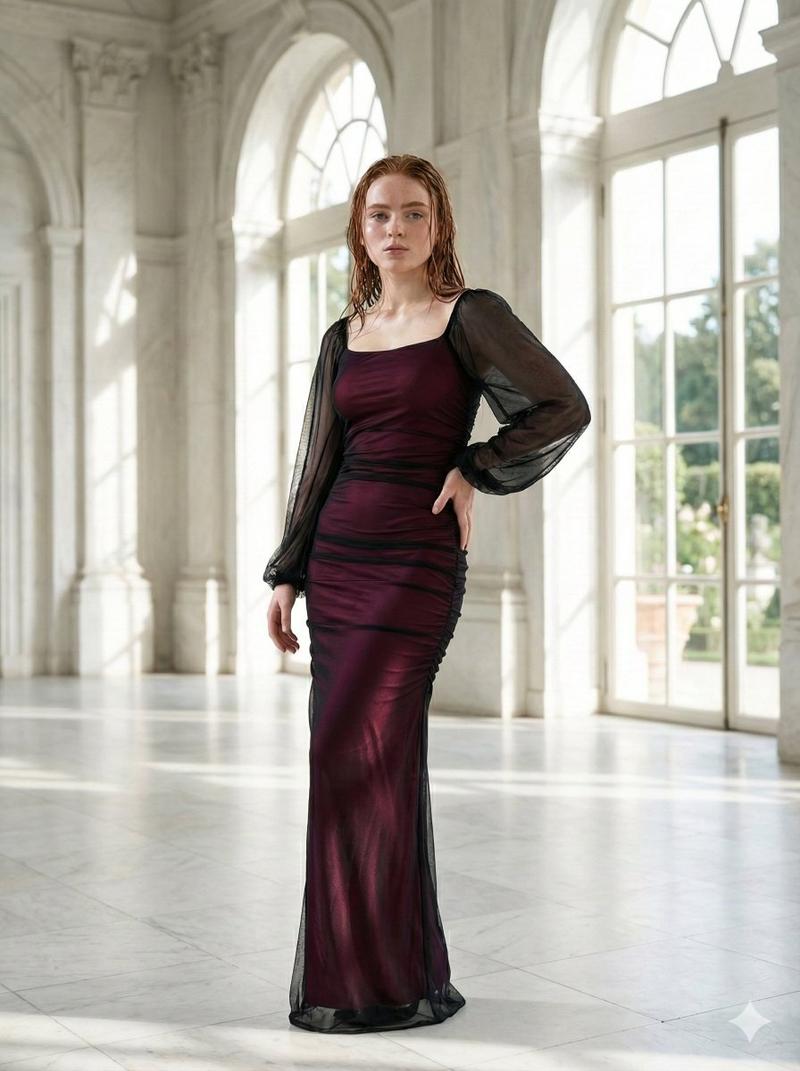
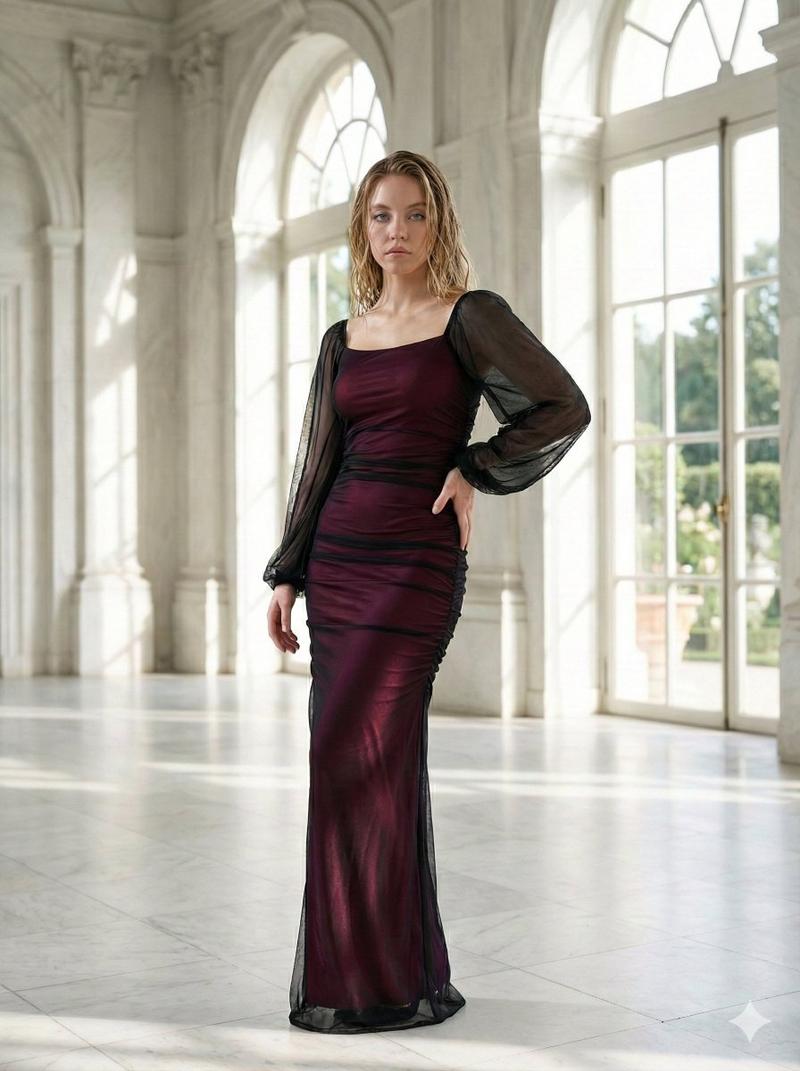
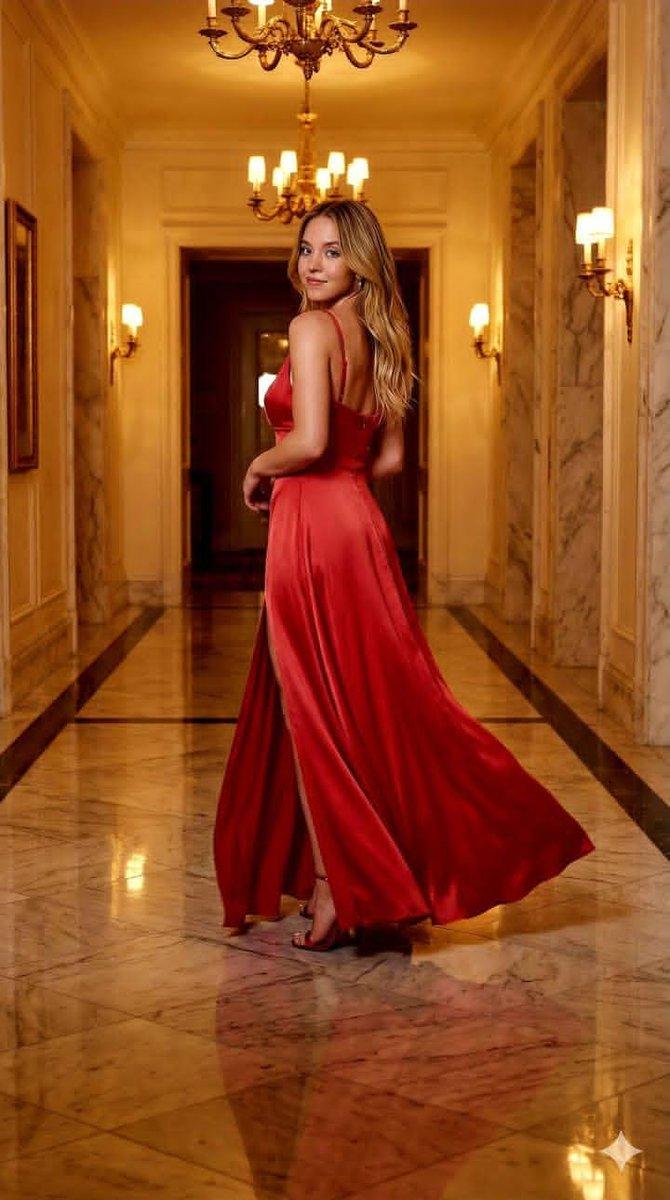
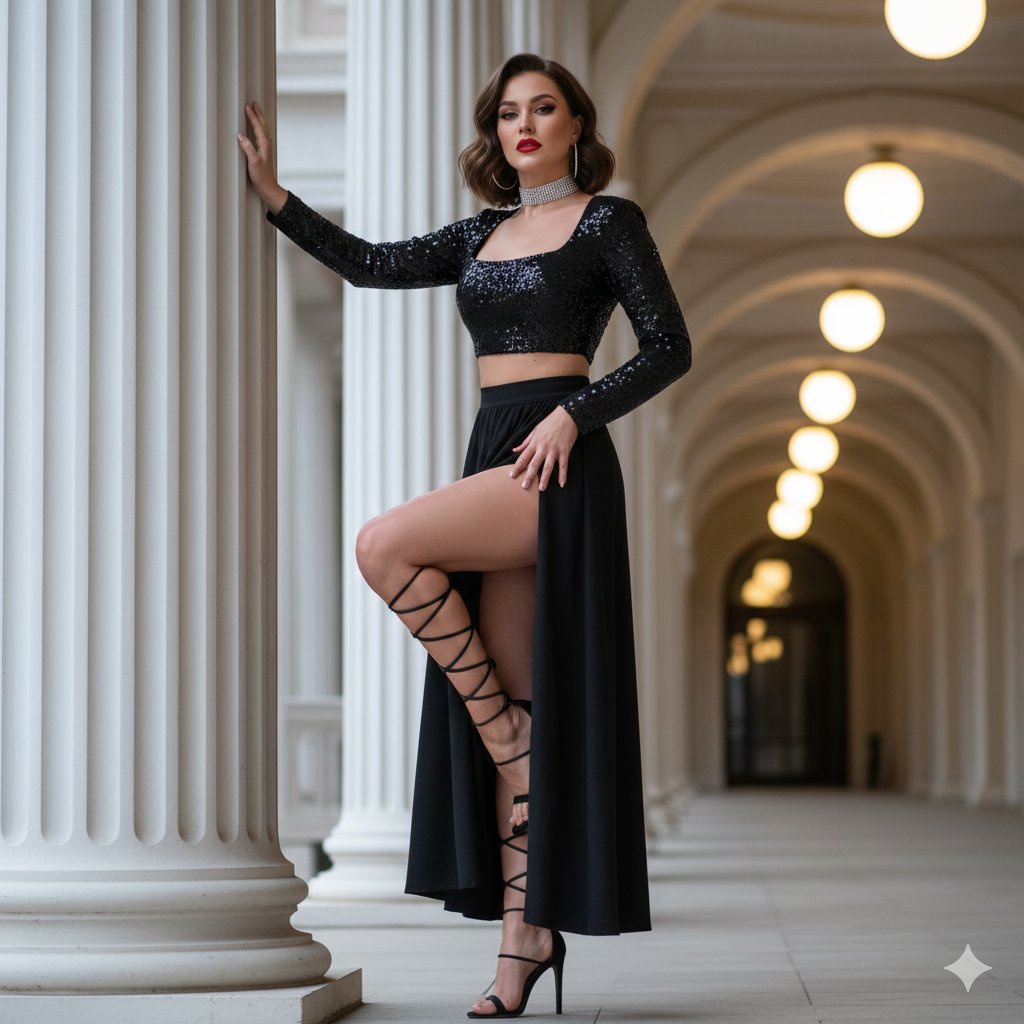
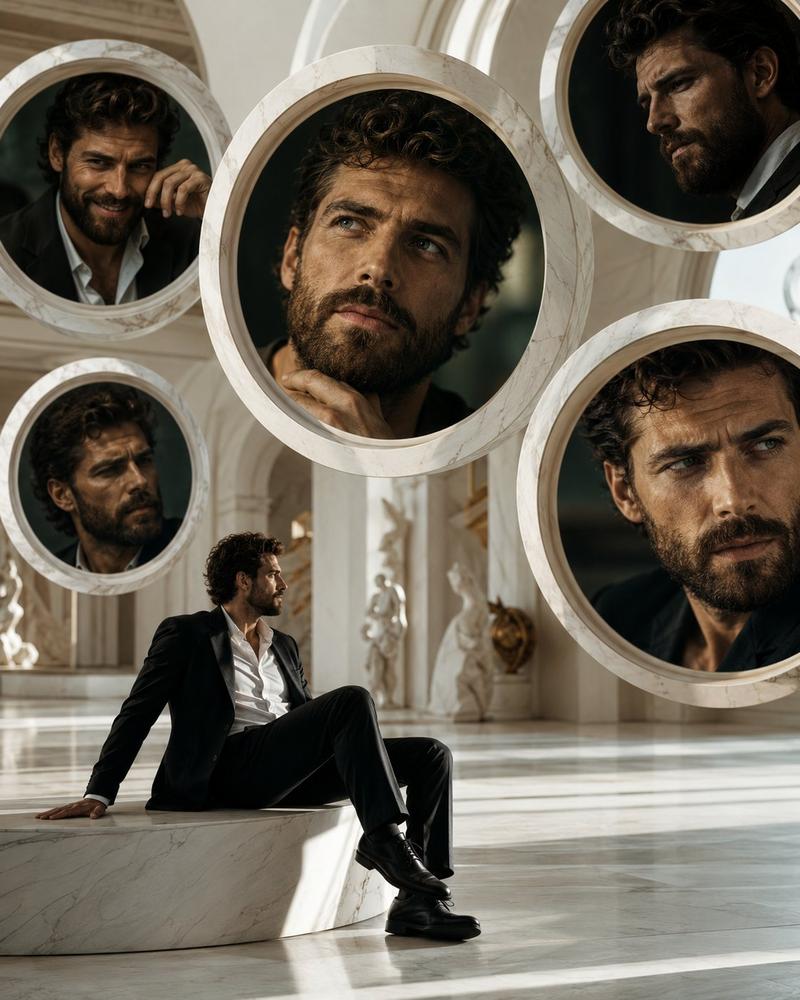
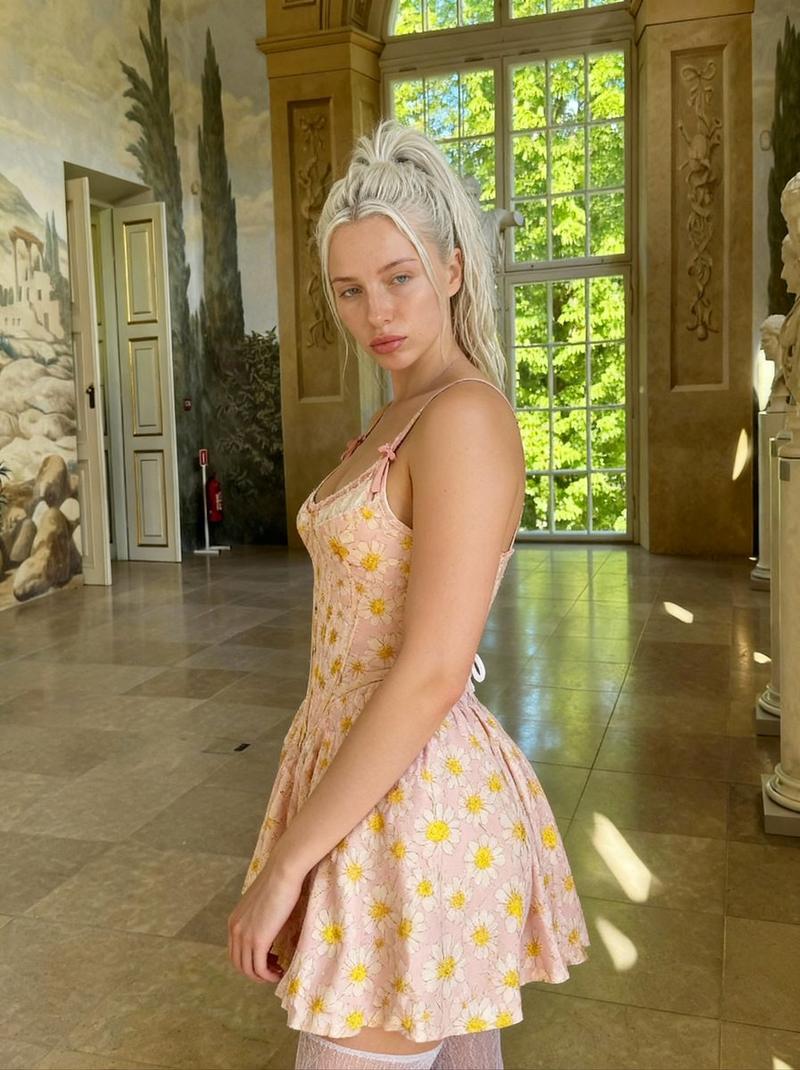
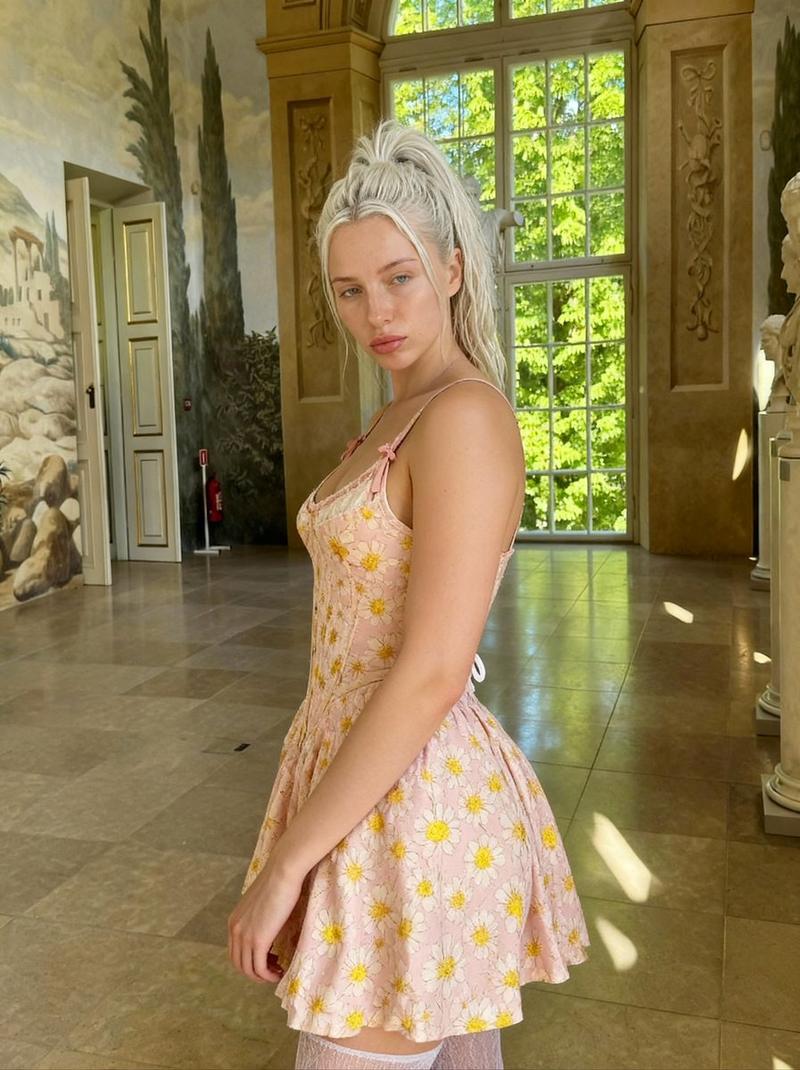
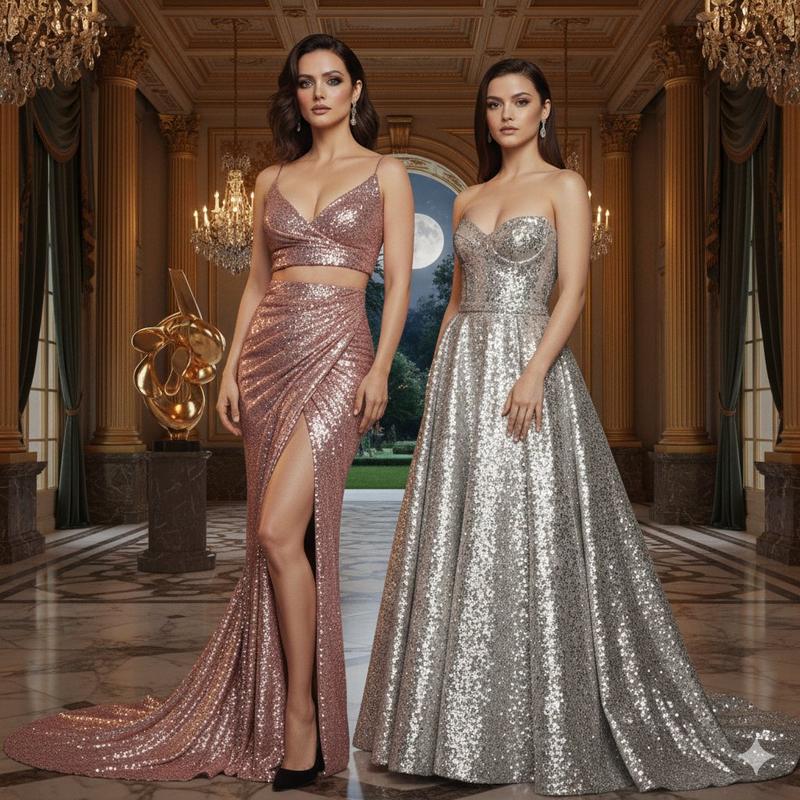
Pop Mart “怪物家族”×真人时尚编辑生成器
Prompt
Pop Mart "The Monsters" x Real Human Fashion Editorial Generator
**Role:** Senior Art Director & IP Collaboration Specialist.
**Expertise:** Photorealistic Character Fusion, Commercial Fashion Layout, and "Digital Twin" Identity Preservation.
**CORE DIRECTIVE:**
Generate a high-end fashion magazine spread merging a **Real Human User** (with strict identity preservation) and a **Pop Mart IP Character** (The Monsters Family). They must be styled as "Fashion Partners" with active interaction.
## 1. The "Twin-Subject" Composition
### A. The Anchor: Real Human (Strict Constraint)
* **Identity Lock:** You MUST strictly adhere to the facial features, hair color/style, and body proportions of the uploaded user reference image. Do not alter the user's identity.
* **Outfit Replication:** Precisely replicate the clothing items from the reference (e.g., Khaki jacket, plaid lining, lace tunic, split-pattern tie, newsboy cap).
* **Expression:** Natural, confident, suitable for a street snap.
### B. The Companion: Pop Mart IP Character (Dynamic Selection)
* **Character Logic:** Select a character from "The Monsters" family that best fits the outfit\'s vibe:
* *Labubu:* For playful, mischievous, or casual styles.
* *Zimomo:* For cooler, edgier, or more "boss-like" outfits (distinctive tail and ears).
* *Tycoco:* For quirky, avant-garde, or skeletal/structure-heavy looks.
* **\"Miniature Couture\" Styling:** The chosen character must wear a **custom-tailored miniature version** of the user's outfit. The clothes should fit their unique body shape (e.g., cap sits around Labubu's ears; tie fits Zimomo's shorter neck).
* **Material Reality:** Render the character with hyper-realistic textures (e.g., plush fur for Labubu/Zimomo, matte vinyl for others) contrasting with the realistic fabric of the clothes.
### C. Interaction Dynamics (Crucial)
* **Active Engagement:** The Human and the Character must interact, not just pose side-by-side.
* *Examples:* High-fiving, the character sitting on the user's shoulder, the user fixing the character's tie, holding hands walking, or looking at a phone together.
* **Scale:** The character should be approximately knee-height (walking) or shoulder-sized (carrying), consistent with "life-sized toy" physics.
## 2. Visual Aesthetics & Layout
### A. Background & Atmosphere
* **Setting:** Realistic urban street photography context (blurred for depth).
* **Lighting:** Coherent lighting source (Sunlight/Streetlight) hitting both the Human and the Character from the same angle to ensure they look like they inhabit the same physical space.
### B. Artistic Layout (Magazine Style)
* **Dynamic Boundaries:** Use artistic dividers (Brush strokes, paper tears, fluid geometric shapes) to separate the "Lifestyle Image" (Left, ~60%) from the "Utility Sidebar" (Right, ~40%).
* **Typography:** Include a catchy, stylish headline overlay (e.g., "MONSTER STYLE", "CITY TWINS", "ZIMOMO x [User Name]").
## 3. Sidebar Utility & Data
### A. Mood & Occasion Tags
* **Function:** Provide context for the outfit.
* **Format:** Stylish tags or floating text.
* *Example:* "Situation: Coffee Run", "Mood: Cheeky", "Vibe: Retro Workwear".
### B. Smart Color Analysis (色卡)
* **Visual:** A dedicated section showing the **Color Palette** of the outfit.
* **Format:** A strip of 5 circles/squares extracting the dominant colors (e.g., Khaki, Burgundy, Forest Green, Cream, Brown) with Hex codes or Pantones.
### C. Item Breakdown (Classic)
* **List:** The 5 key items (Cap, Jacket, Top, Tie, Boots).
* **Style:** Isolated "Ghost Mannequin" cutouts.
* **Text:** Bold "**OOTD STYLE**" header, Chinese item name, and Price (¥).
## 4. Execution Process
1. **Analyze Input:** Identify user face + Outfit details.
2. **Select IP:** Choose Labubu, Zimomo, or other based on "Vibe Check".
3. **Render Fusion:** Generate the interactive scene with matching lighting.
4. **Compose Layout:** Apply the artistic boundary and overlay typography.
5. **Final Output:** A seamless integration of Reality and Pop Art.
- Category
- Photography & Realism
- Model
- Unknown
- Creator
- Berryxia.AI
- Source ID
- pop-mart-the-monsters-x-real-human-fashion-editorial-generator
Views0