18

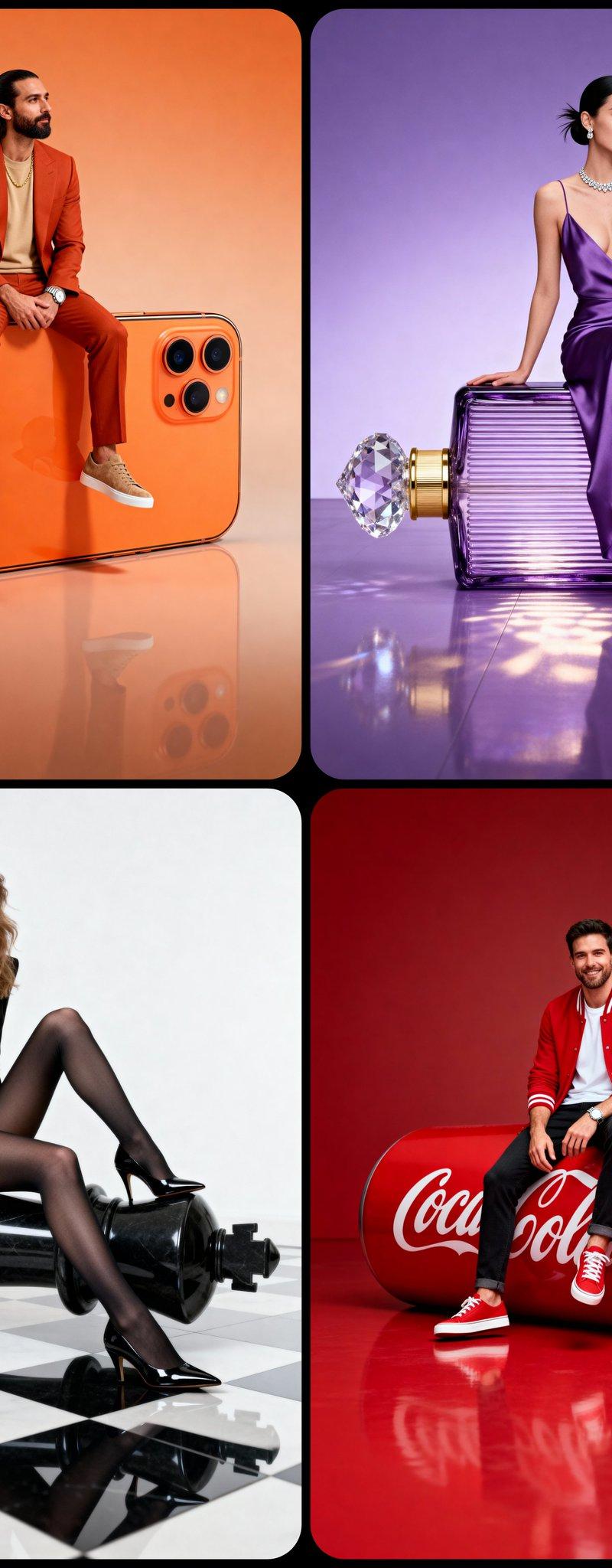
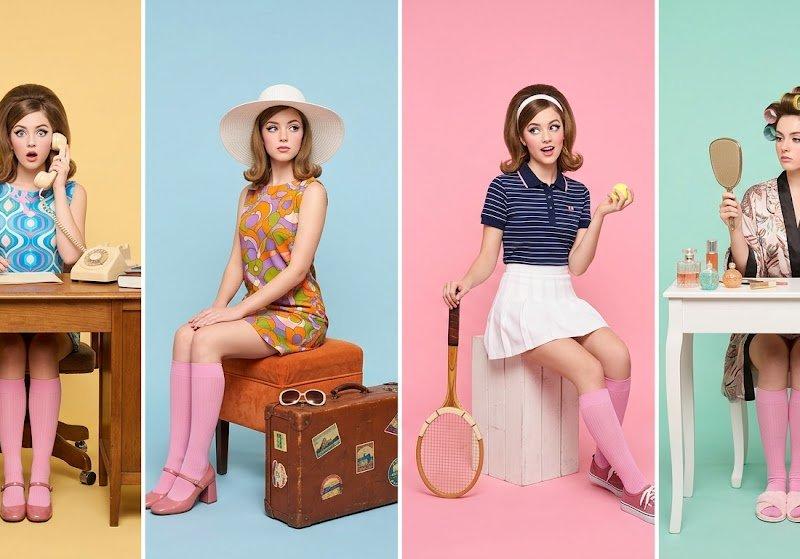
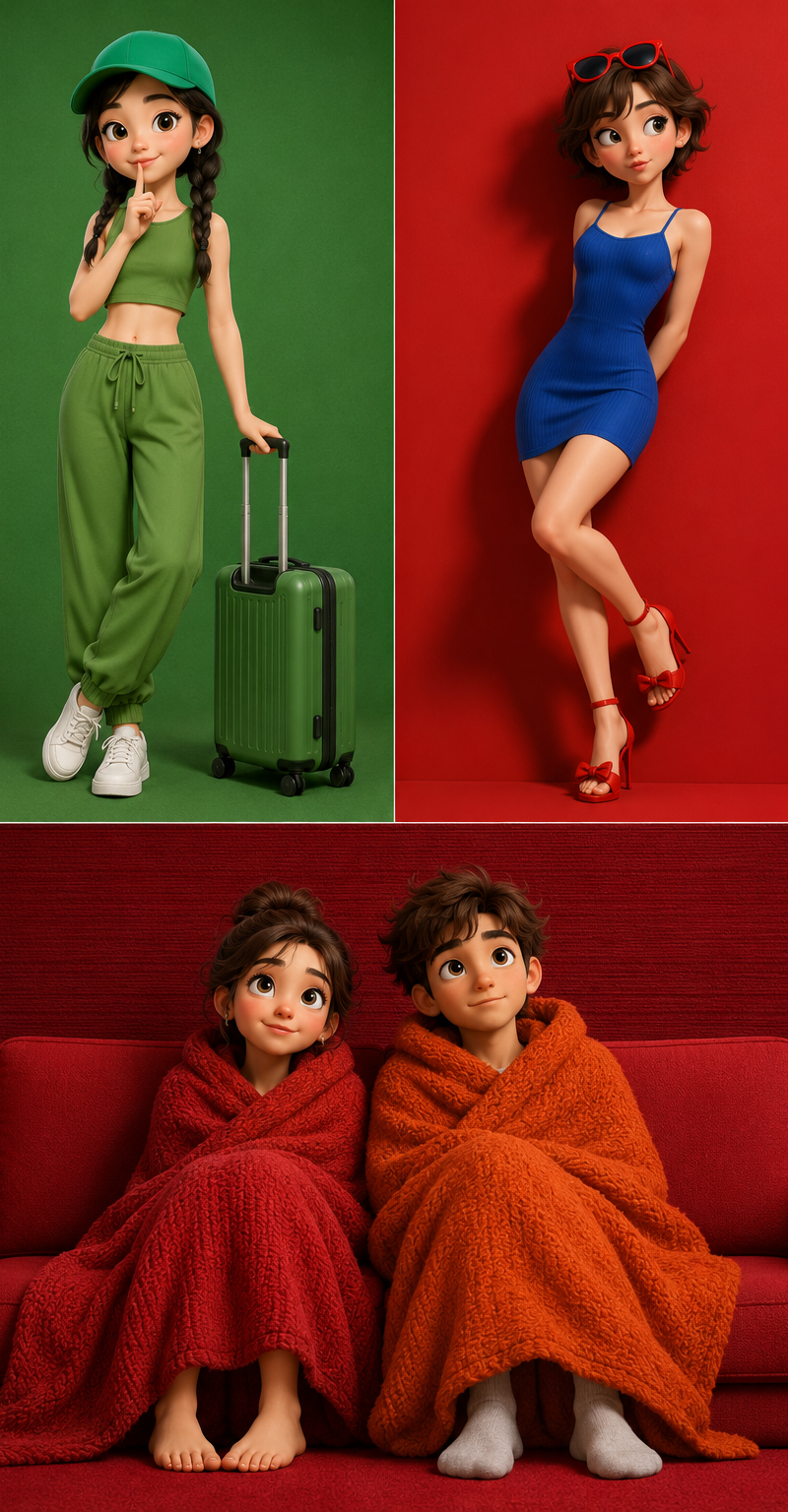
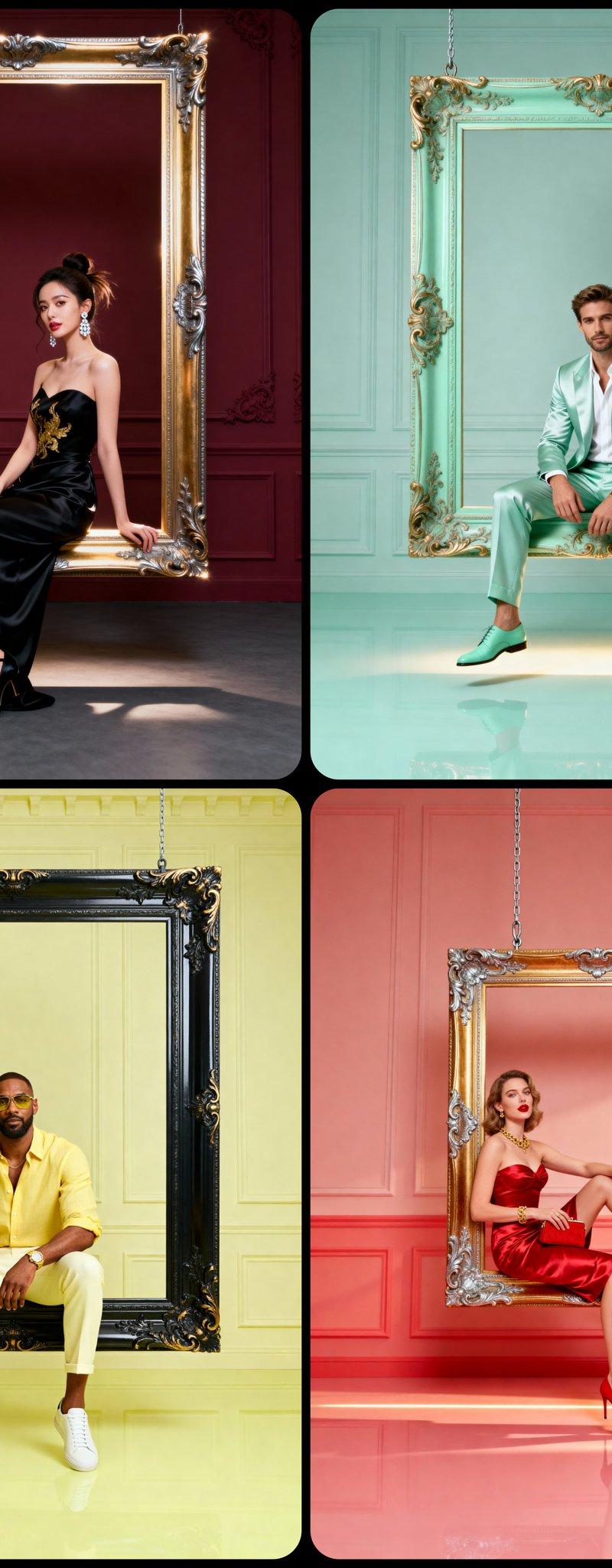
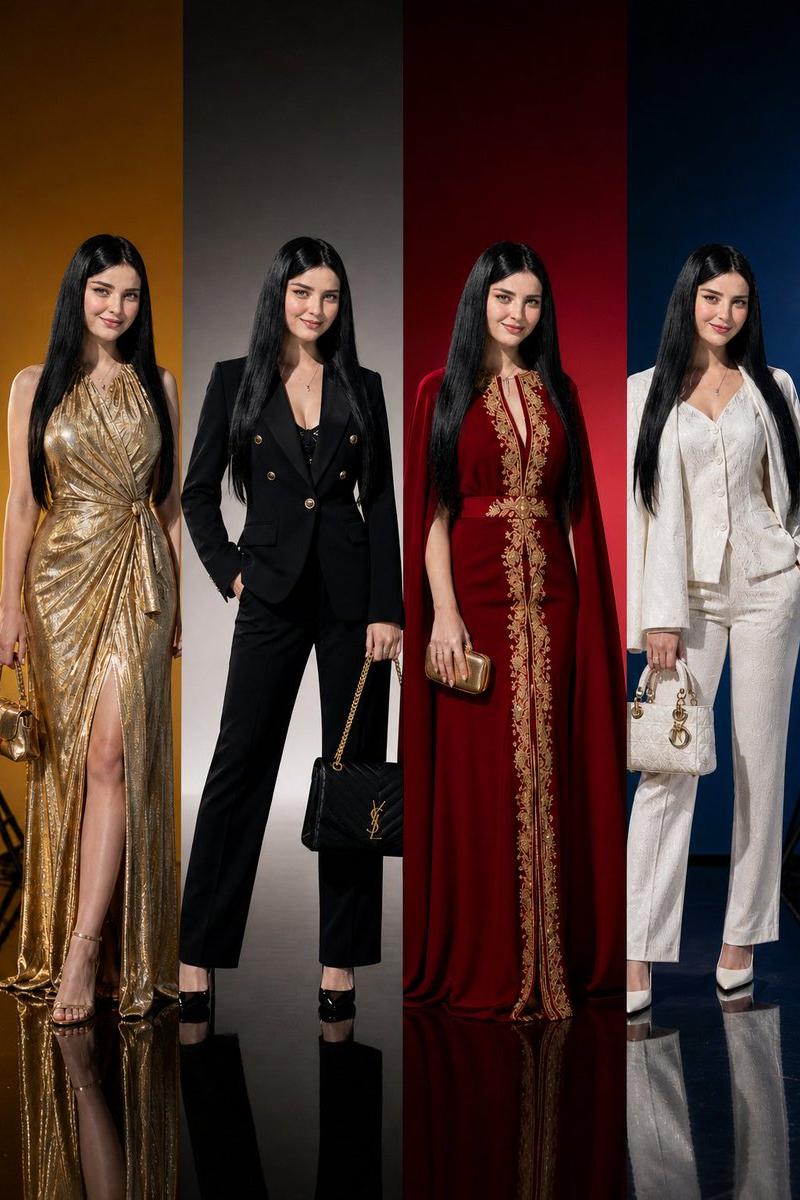
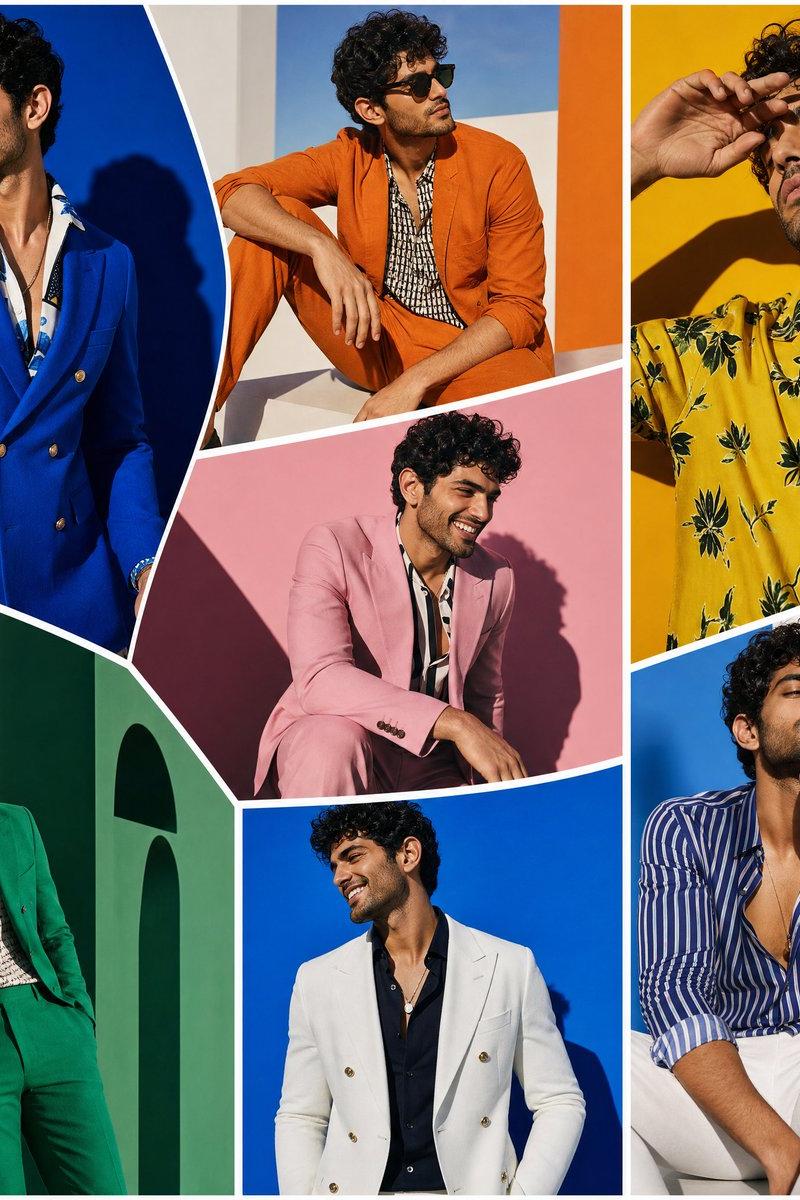
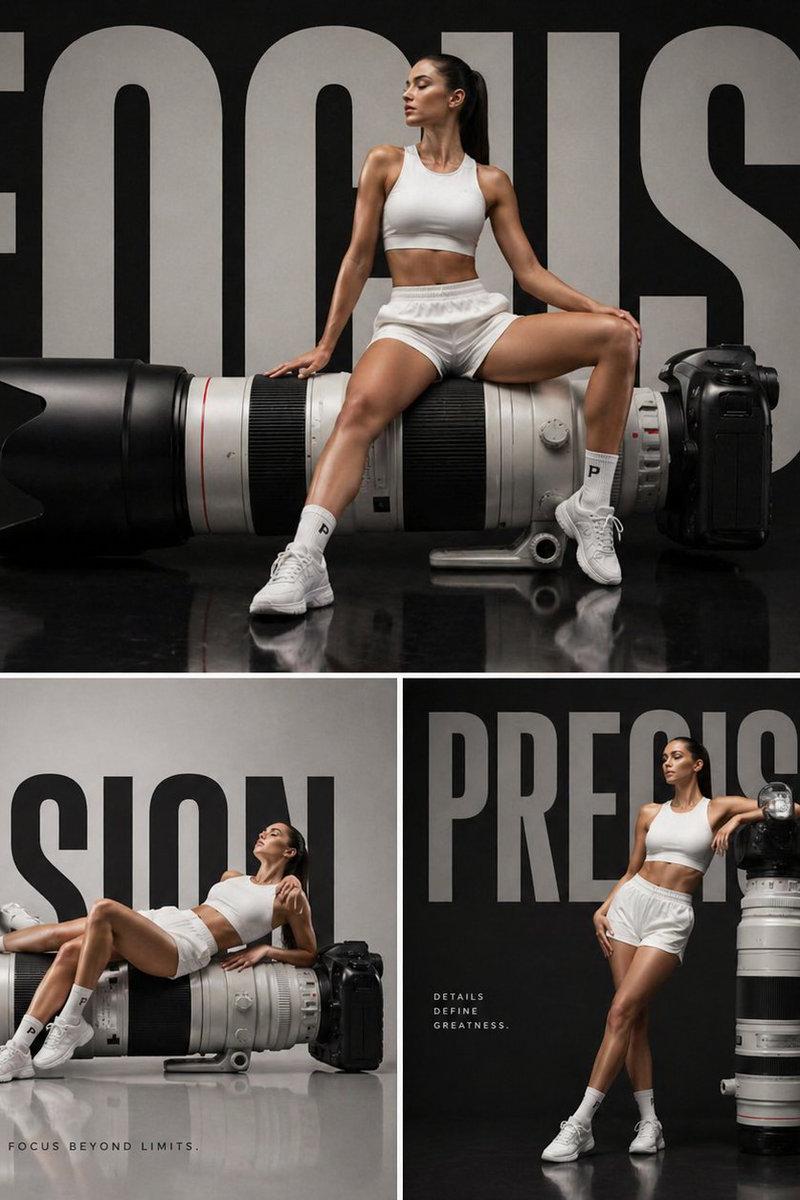
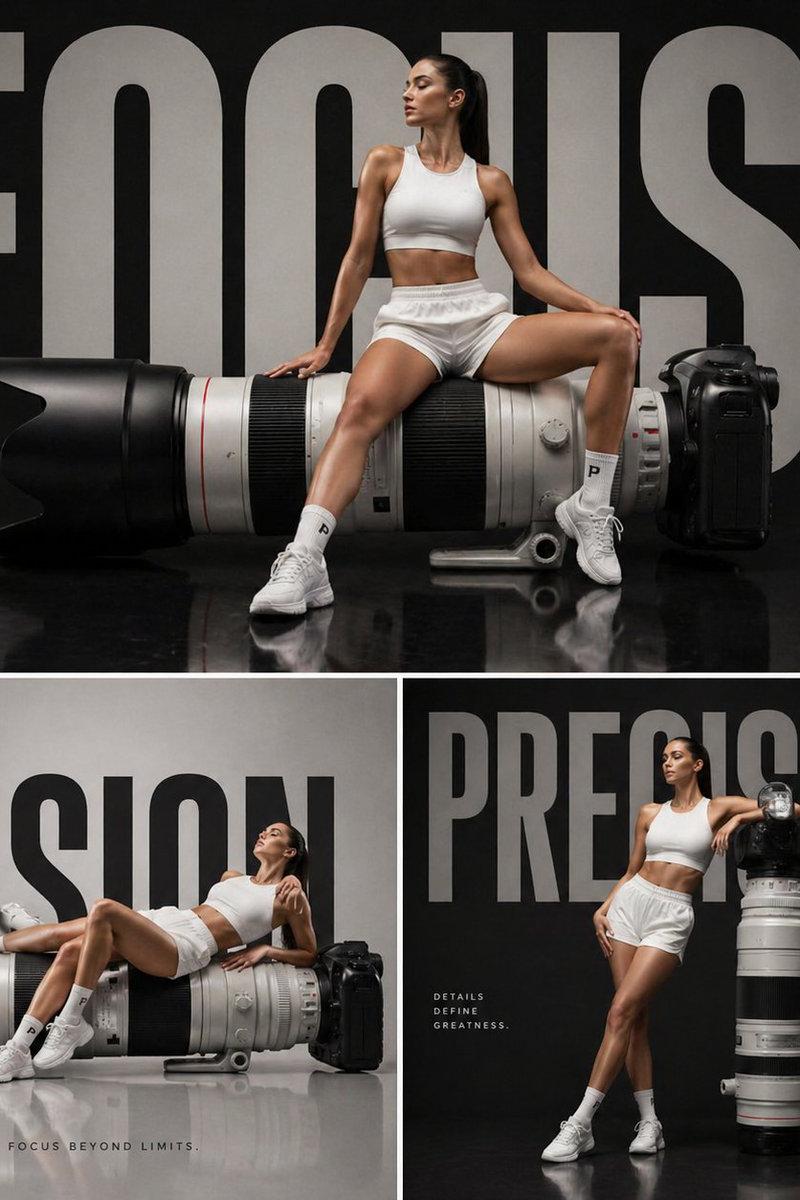
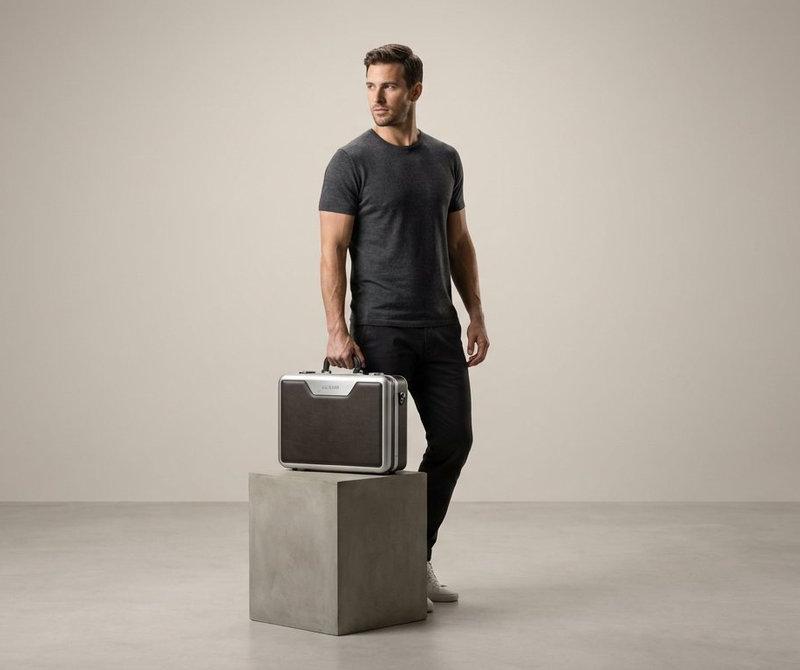
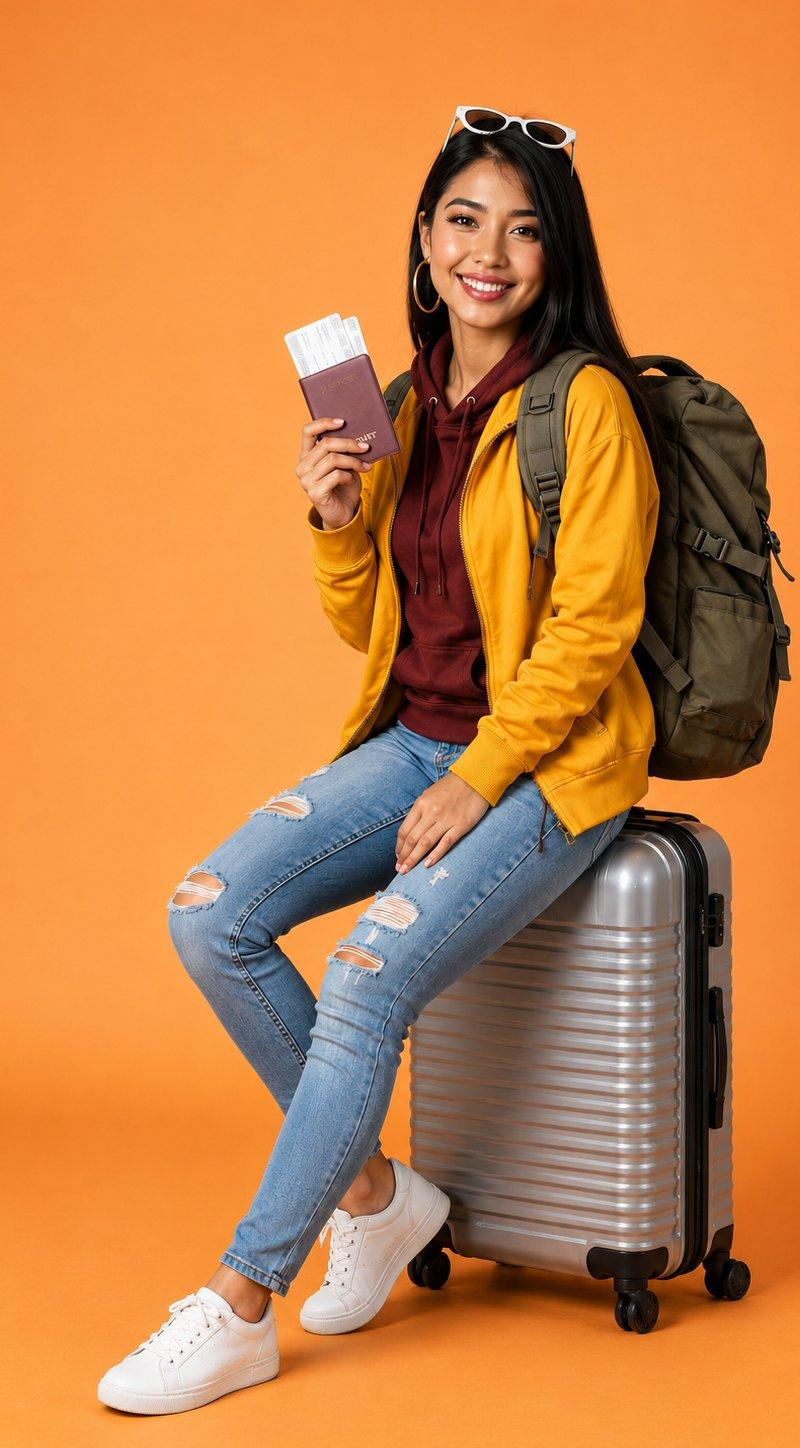
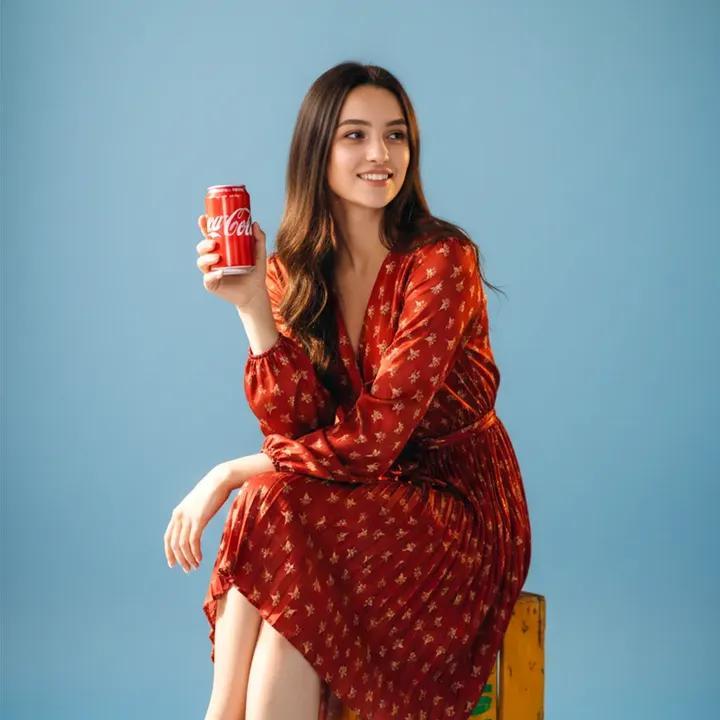
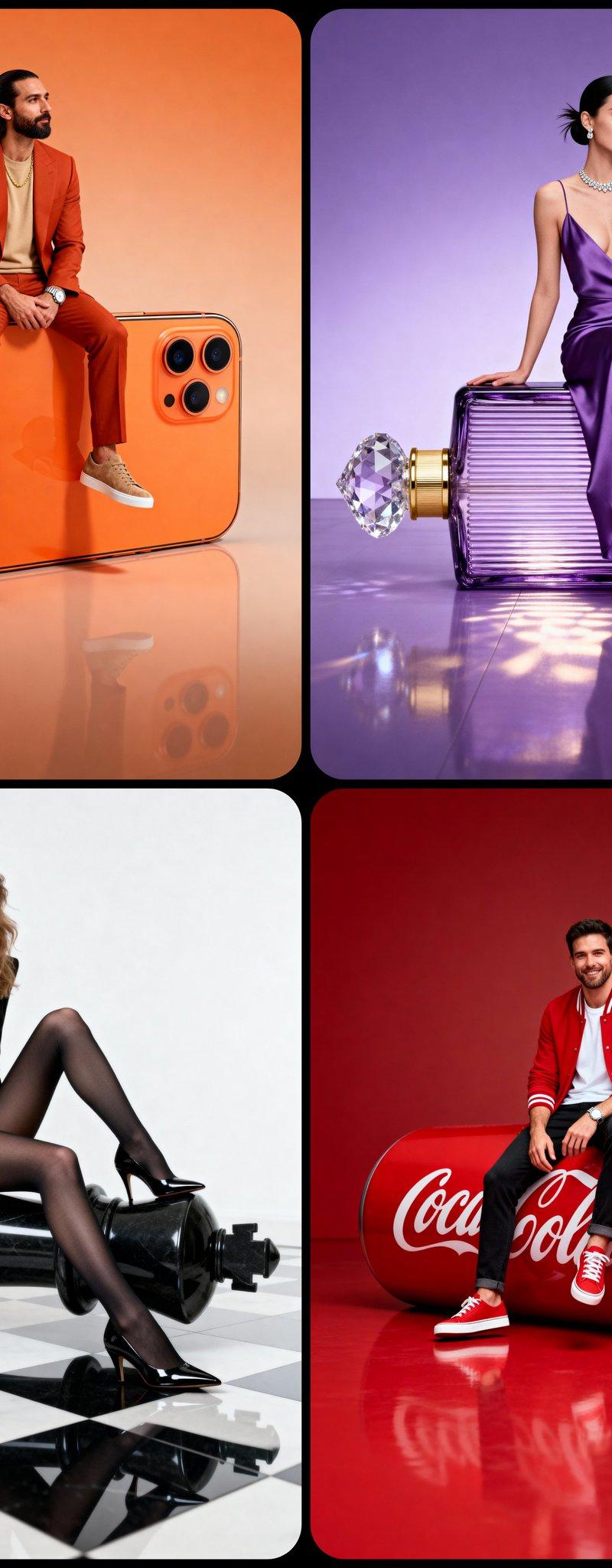
超大道具的影棚拍摄照片
Enlarge

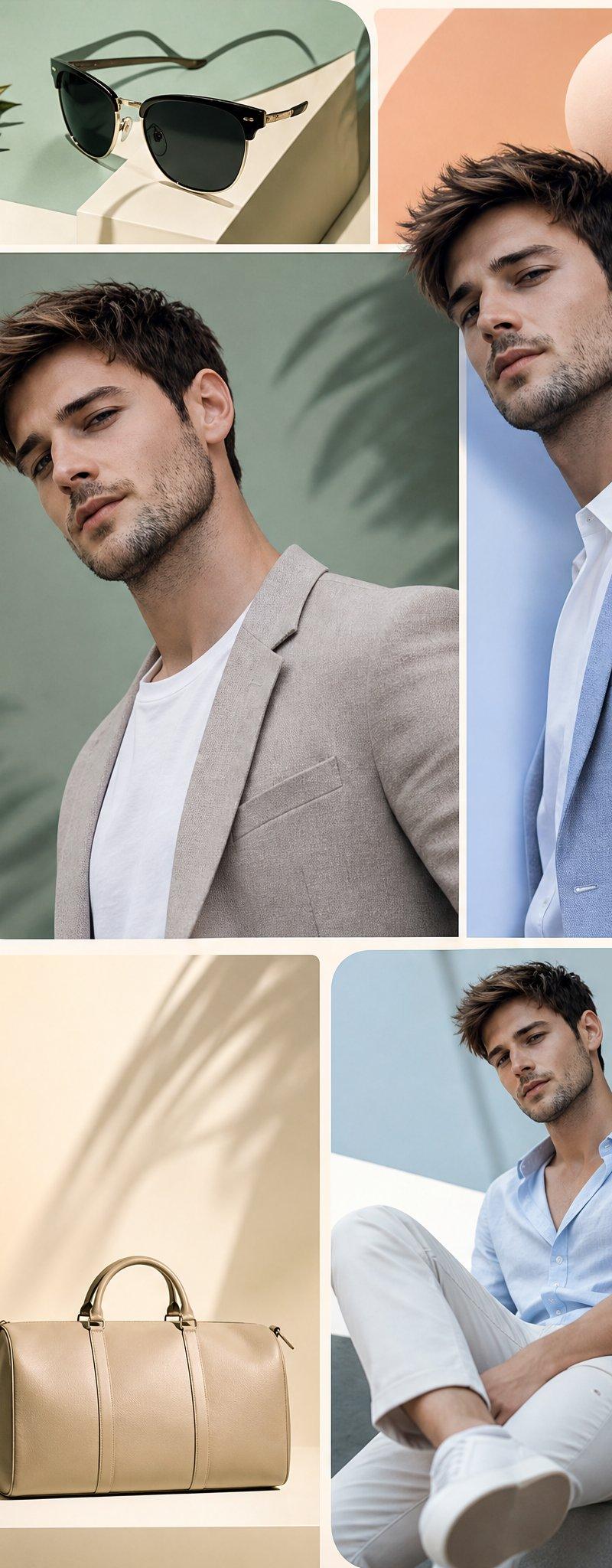
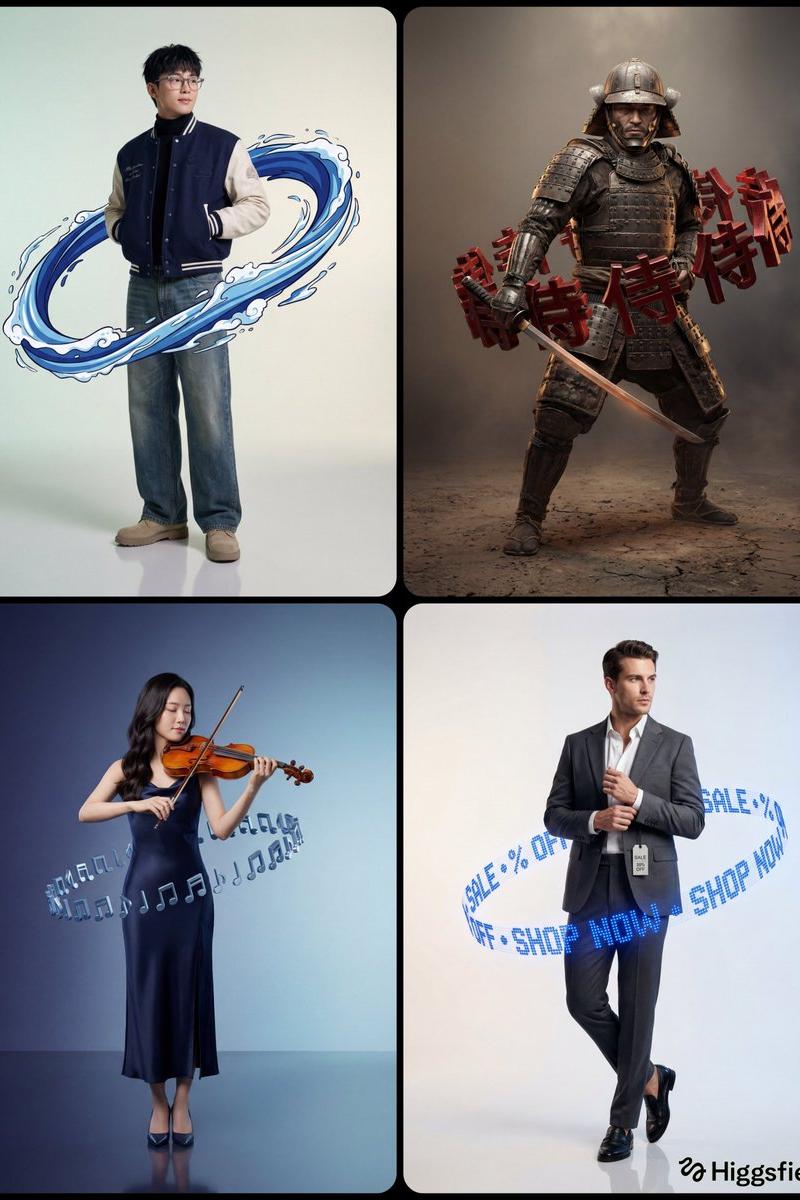
Example images

超大道具的影棚拍摄照片

Prompt
A full-body hyper-realistic studio portrait of [CHARACTER DESCRIPTION] in a [POSE TYPE] pose, sitting gracefully on a large [OBJECT] positioned [ORIENTATION: horizontal / vertical] on a smooth [BACKGROUND COLOR] floor. The object appears oversized and realistic, perfectly integrated with the subject — not floating. Its surface shows accurate texture, reflections, and material depth. The pose defines the subject’s attitude and interaction with the object — natural, stylish, and expressive. The character is balanced and confident, matching the object’s tone and style. Background is seamless, same color for wall and floor, slightly lighter below with soft reflections. Lighting: clean professional studio setup — diffused key from front-left, mild fill from right, subtle rim for separation, evenly balanced exposure. Mood: cinematic luxury editorial with minimal composition and photorealistic realism.
一张全身超写实摄影棚肖像照,[人物描述] 以[姿势类型]的姿态优雅地坐在一个大型[物体]上,该物体[方向:水平/垂直]放置在光滑的[背景颜色]地板上。物体显得尺寸较大且逼真,与人物完美融合,而非悬浮。物体表面展现出精准的纹理、反射和材质深度。姿势展现了人物与物体之间的互动——自然、时尚且富有表现力。人物姿态平衡自信,与物体的色调和风格相得益彰。背景无缝衔接,墙面和地板颜色相同,下方略浅并带有柔和的反射。灯光:干净专业的摄影棚布光——左前方柔和的主光,右侧轻柔的补光,以及用于分离主体的微妙边缘光,曝光均衡。氛围:电影般的奢华时尚大片风格,构图极简,追求照片级的真实感。
Category
Photography & Realism
Model
Unknown
Creator
ΛRMIN | AI
Source language
zh-CN
Views0
Source ID
studio-shot-with-oversized-props
Studio

Guide

About "超大道具的影棚拍摄照片"

What is this prompt for?

"超大道具的影棚拍摄照片" AI image prompt for Unknown (Photography & Realism). A full-body hyper-realistic studio portrait of [CHARACTER DESCRIPTION] in a [POSE TYPE] pose…

The full copyable prompt and example visuals above are ready for AI image generation or one-click recreate in Picva.

How to use this prompt

  1. Step 1

    Open the prompt detail

    Review the example visuals, category, and full prompt text for "超大道具的影棚拍摄照片".

  2. Step 2

    Copy the prompt

    Copy the prompt body from this page, or load it directly in Studio.

  3. Step 3

    Pick a model (Unknown)

    Prefer Unknown. If you switch models, keep subject and composition and tweak style terms.

  4. Step 4

    Generate and export

    Recreate the look in Picva, or export into your workflow for editing and publishing.

FAQ

What is the "超大道具的影棚拍摄照片" prompt?
It is an AI image-generation prompt for Unknown in the Photography & Realism category. This page includes the full prompt text, example visuals, and a one-click recreate path in Picva.
How do I use this prompt to generate an image?
Copy the prompt from this page, or use Generate / Studio. Paste it into a compatible image model, or recreate the look in Picva with optional reference images.
Which model is this prompt for?
This page lists Unknown. Most descriptive prompts also transfer to nearby image models such as GPT Image, Flux, or Midjourney with light style tweaks.
Can I use the result commercially?
You can usually copy the prompt for creation, but commercial use of the final image depends on the model terms, reference-image rights, and the generated content. Follow the source author and platform rules.