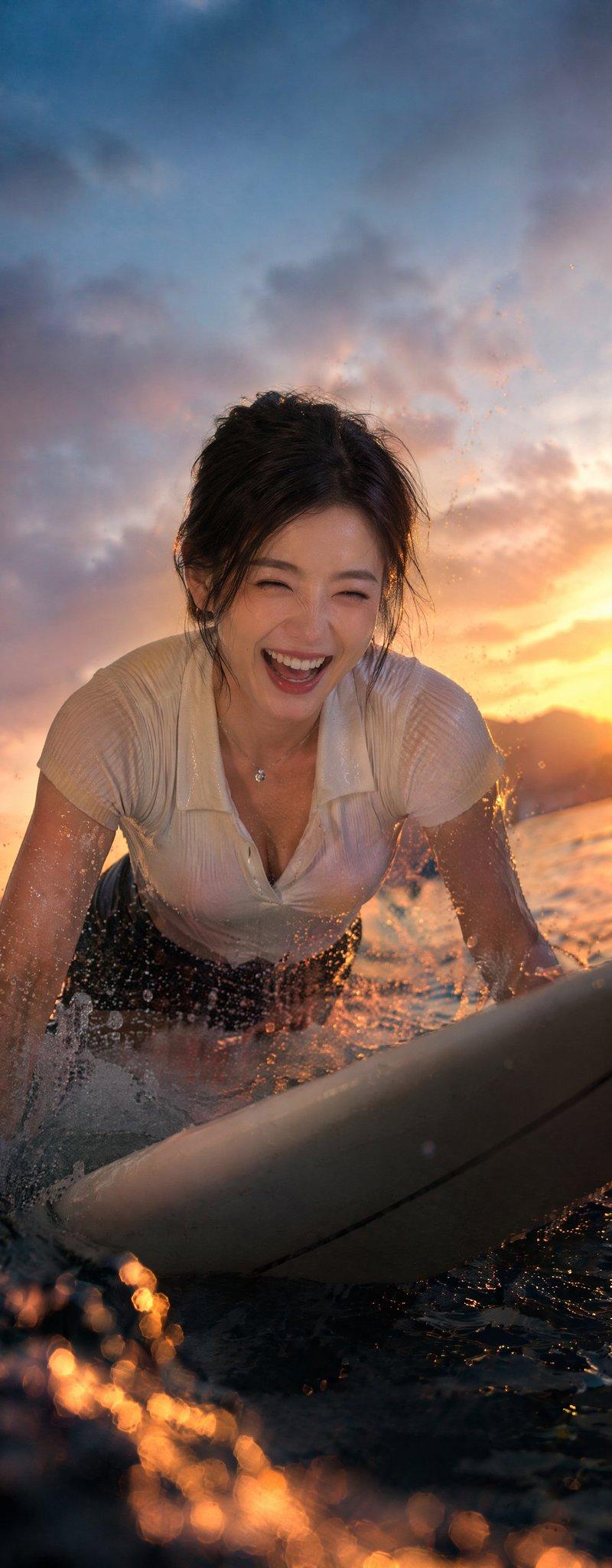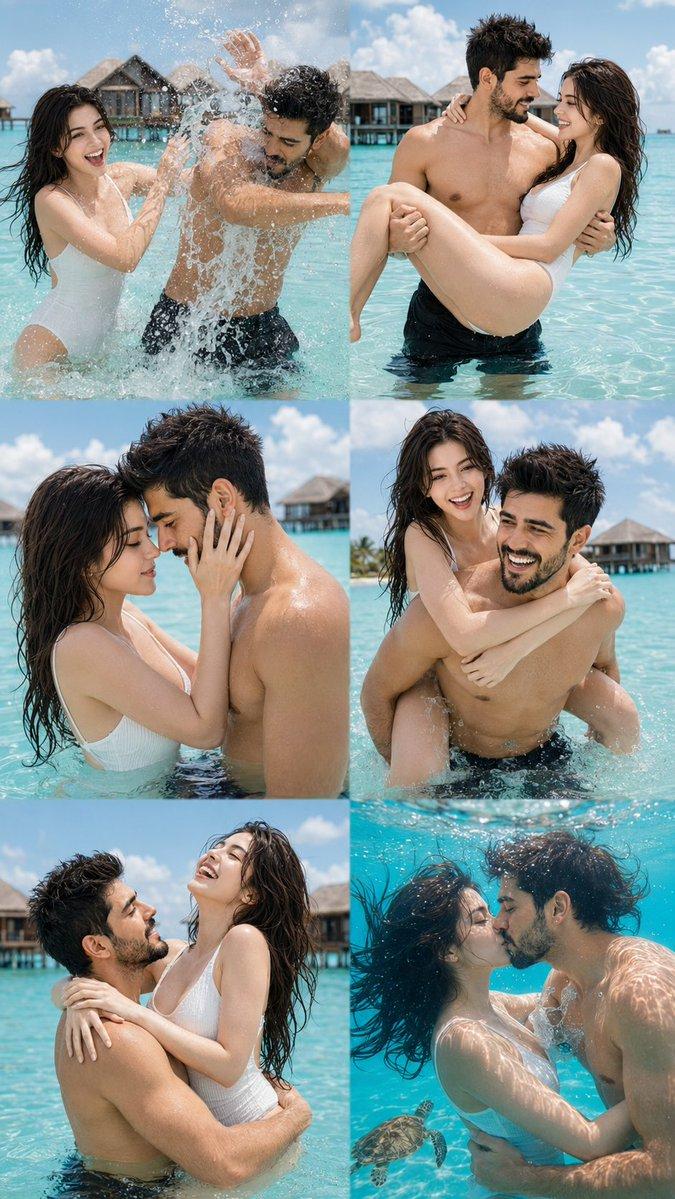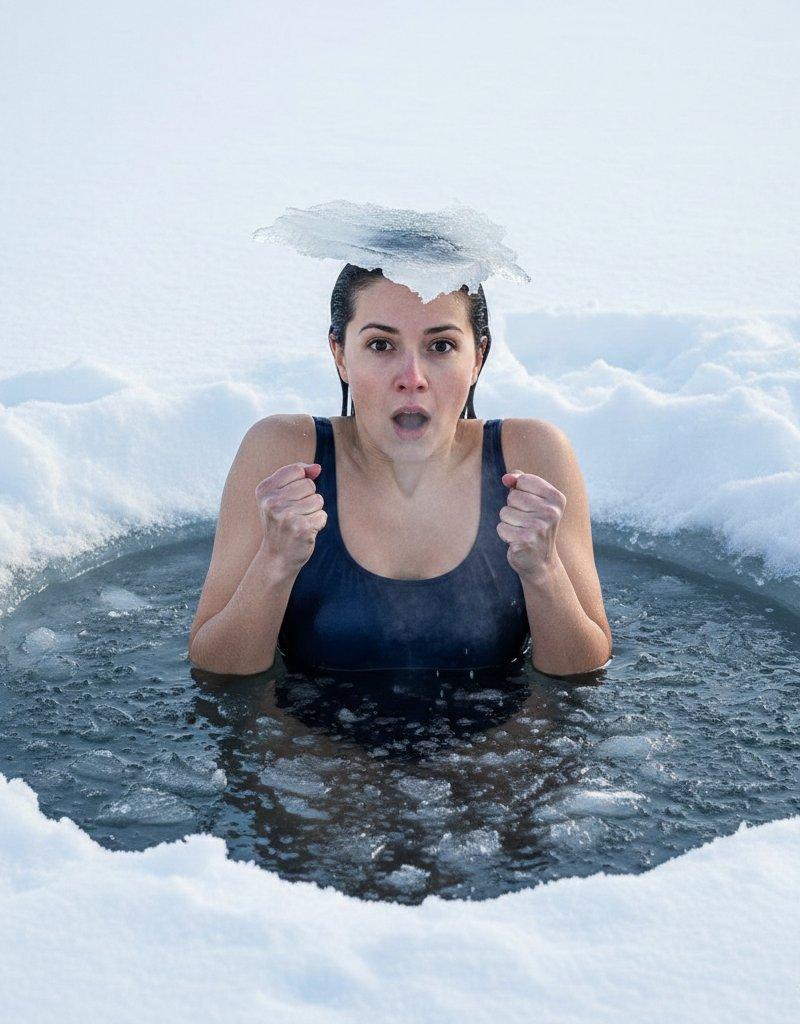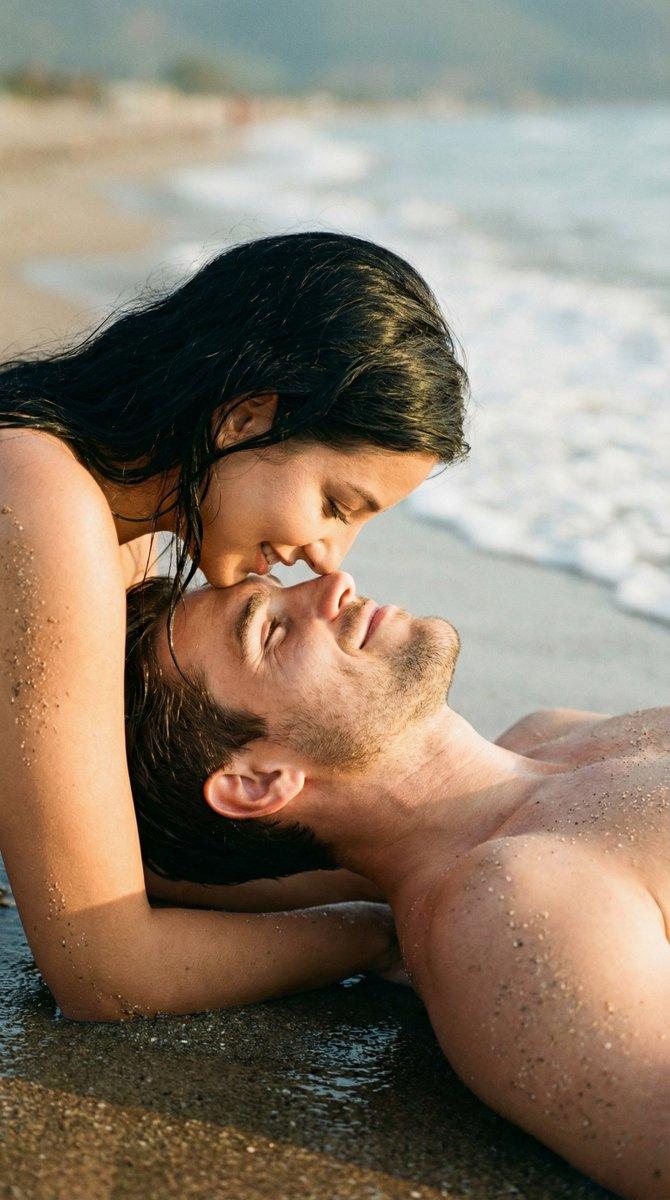
穿越波浪的游泳体验
Prompt
🚨 SEE YOURSELF SWIMMING THROUGH THE WAVES 🌊✨
"copy the prompt below" and CREATE YOUR OWN PHOTO LIKE THIS 🫵 with Nano Banana Pro
How to:
Bookmark 🔖 this now and recreate this with your selfie later.
1) Download the Gemini app from the Play Store or App Store.
2) Open the app and tap on the "🍌 Create image" button.
3) Tap the + icon, click Gallery, and select a photo of yourself.
> Note: For best results, use a photo where your face fills about 70% of the screen.
4) Go to the @NanoBanana_Labs page, pick a photo you like, and copy the text prompt from that photo's description.
5) Return to the Gemini app and paste that text into the "Describe your image" box.
Tap the rocket symbol 🚀 in the bottom right corner to generate your image.
Follow @NanoBanana_labs for daily AI glow-ups & viral prompts 🚀 . Power of artificial intelligence, discover with nano banana pro
Prompt 👇
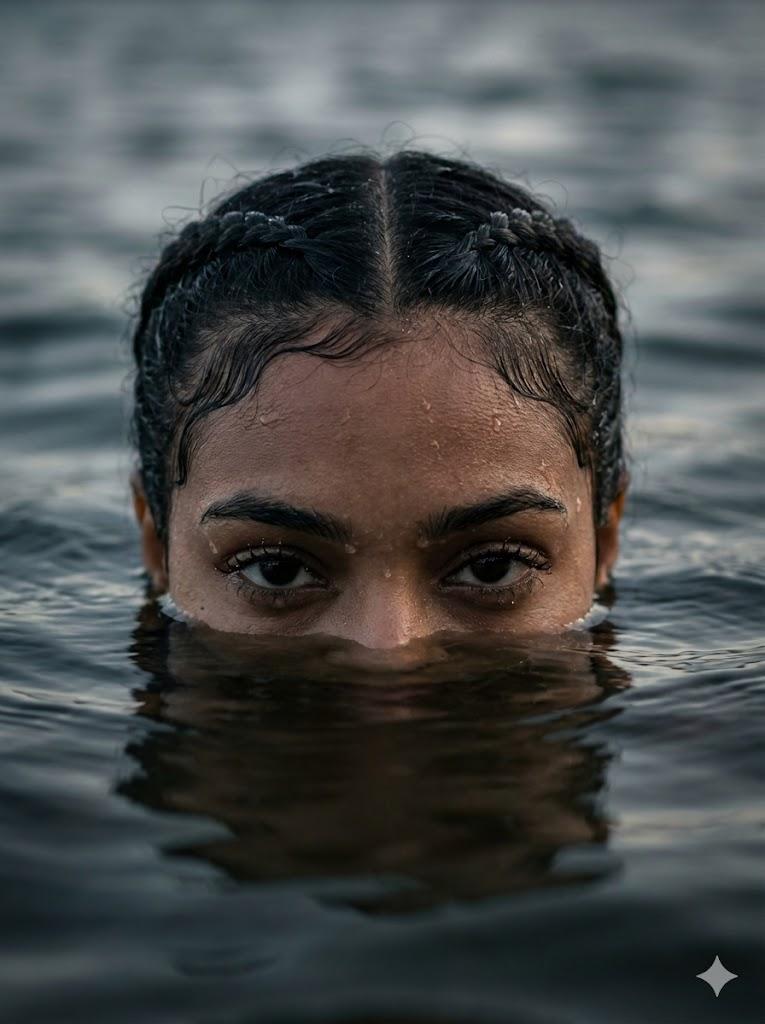
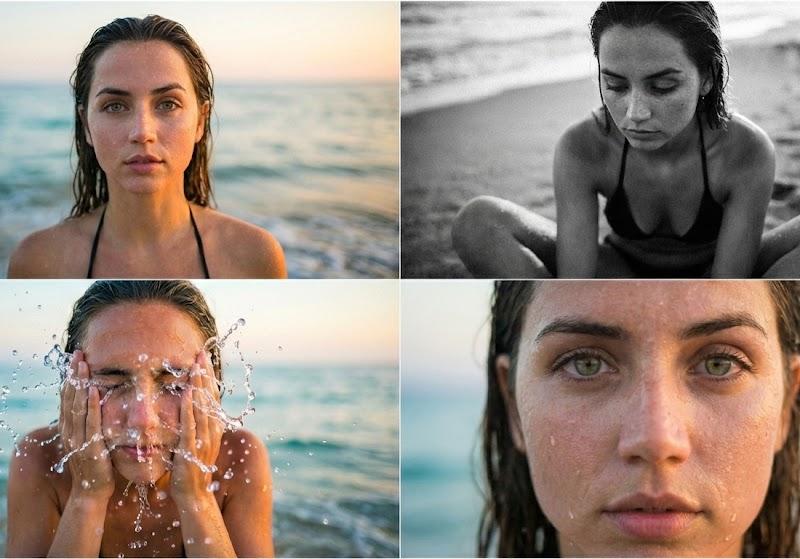
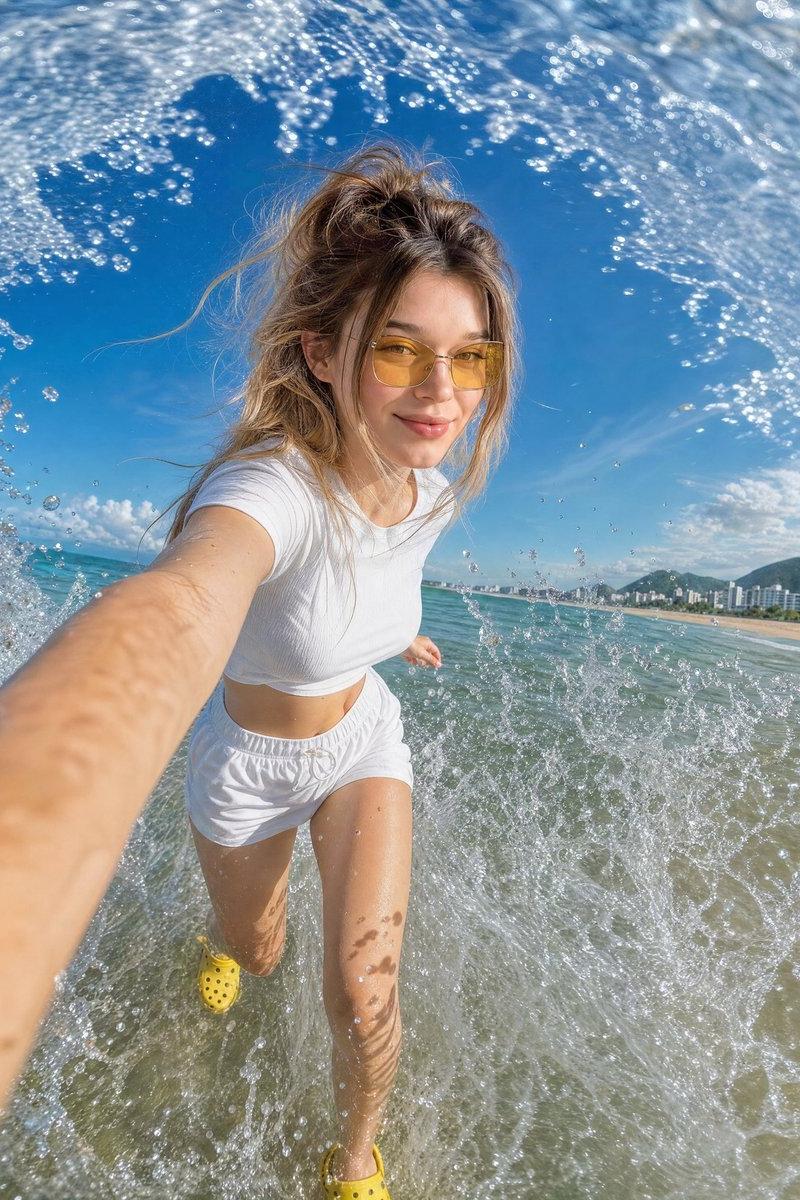
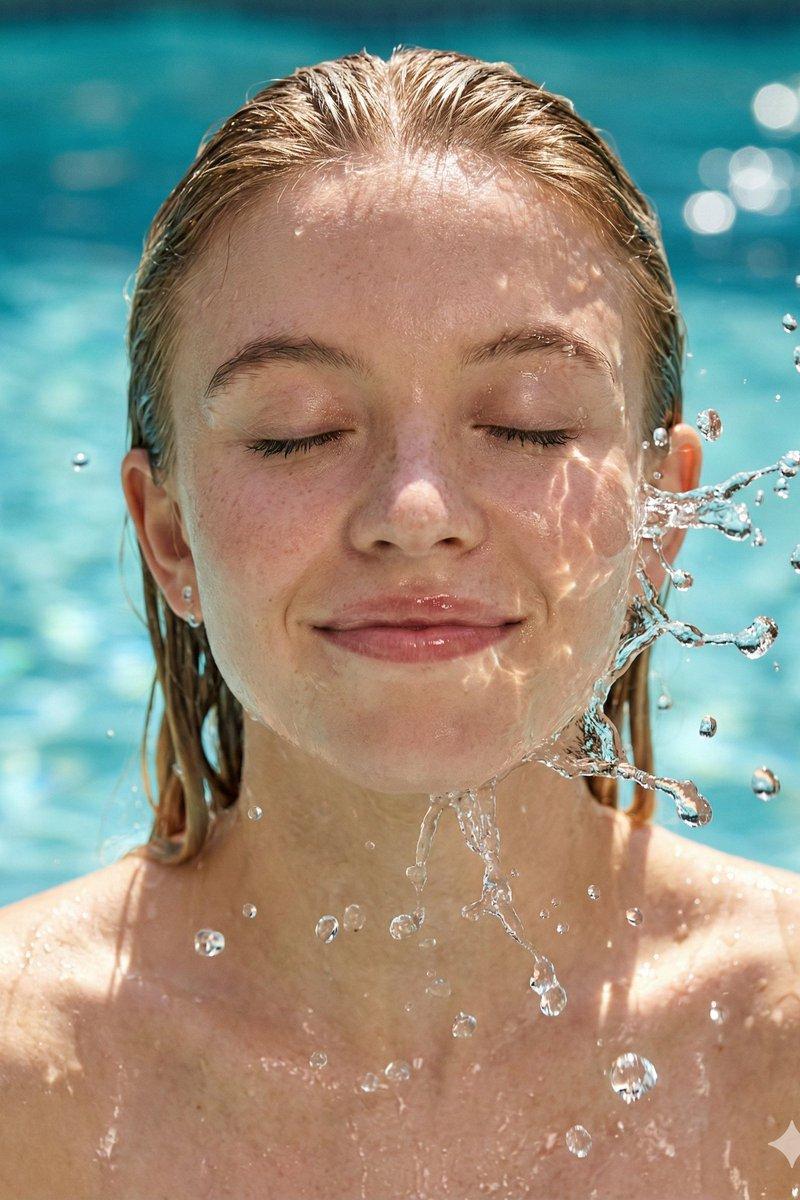
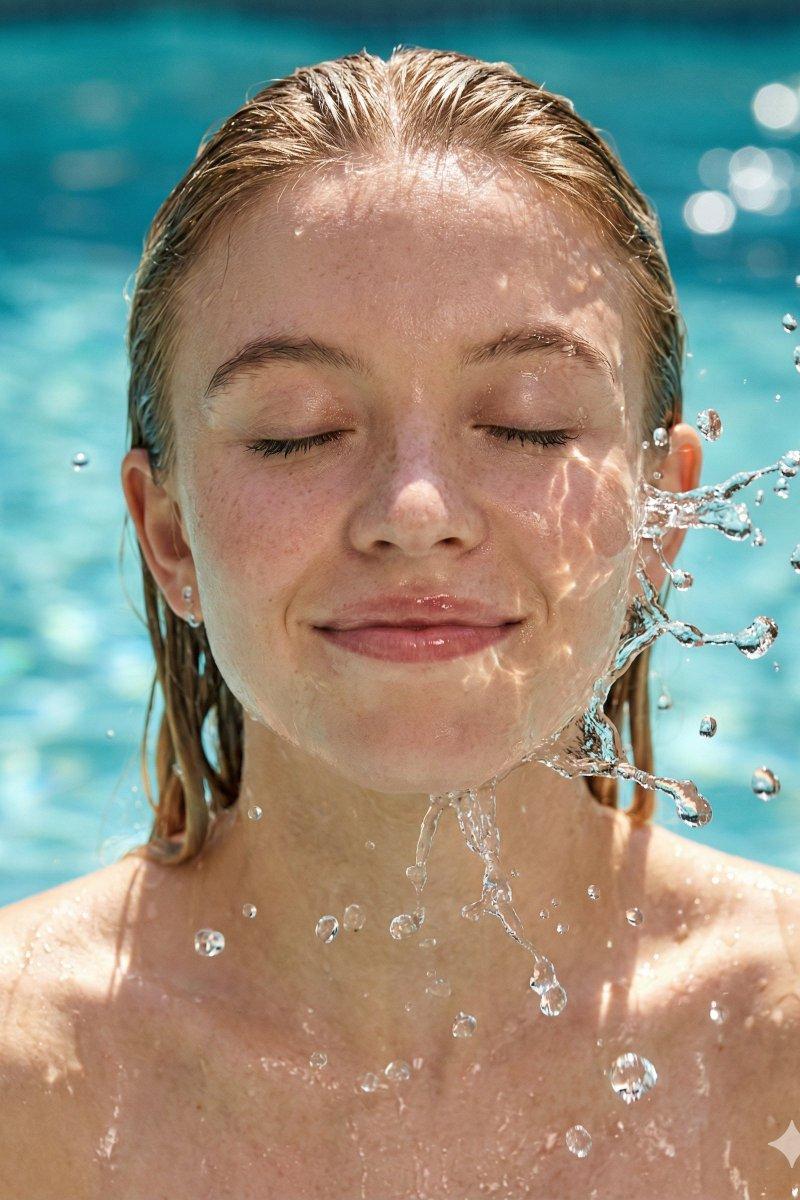
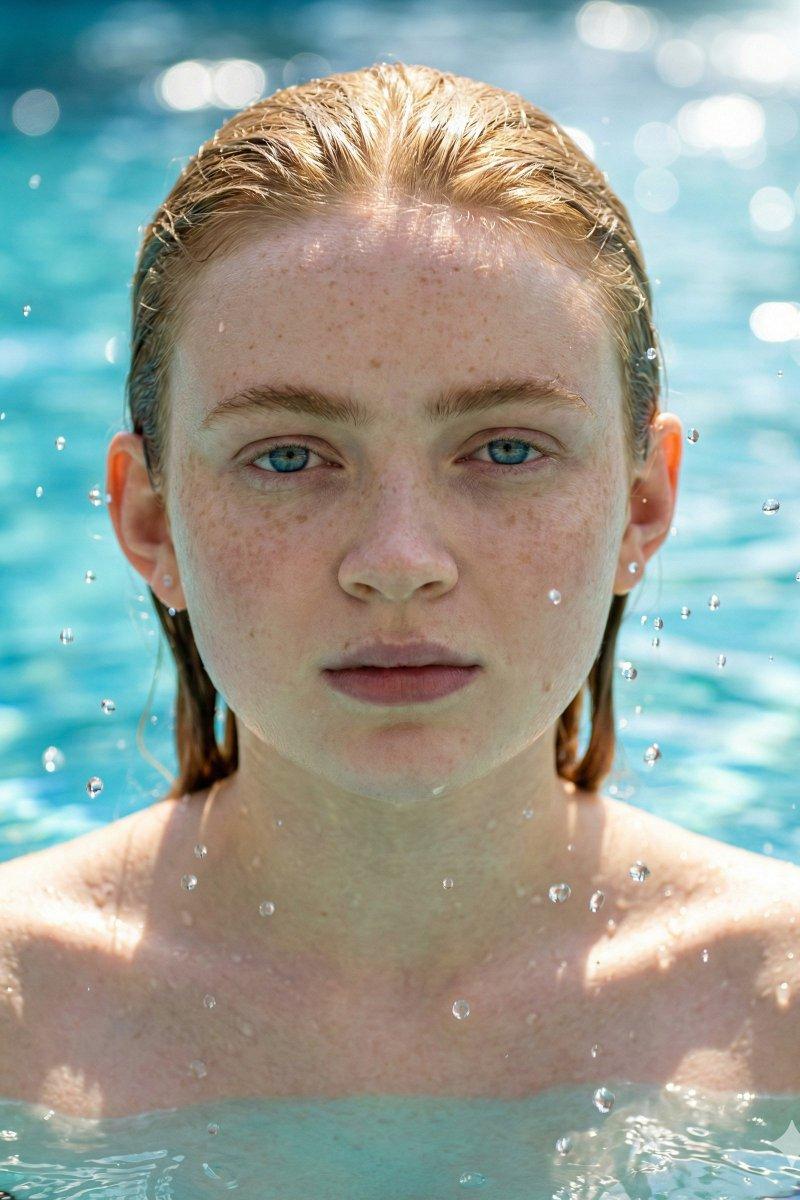
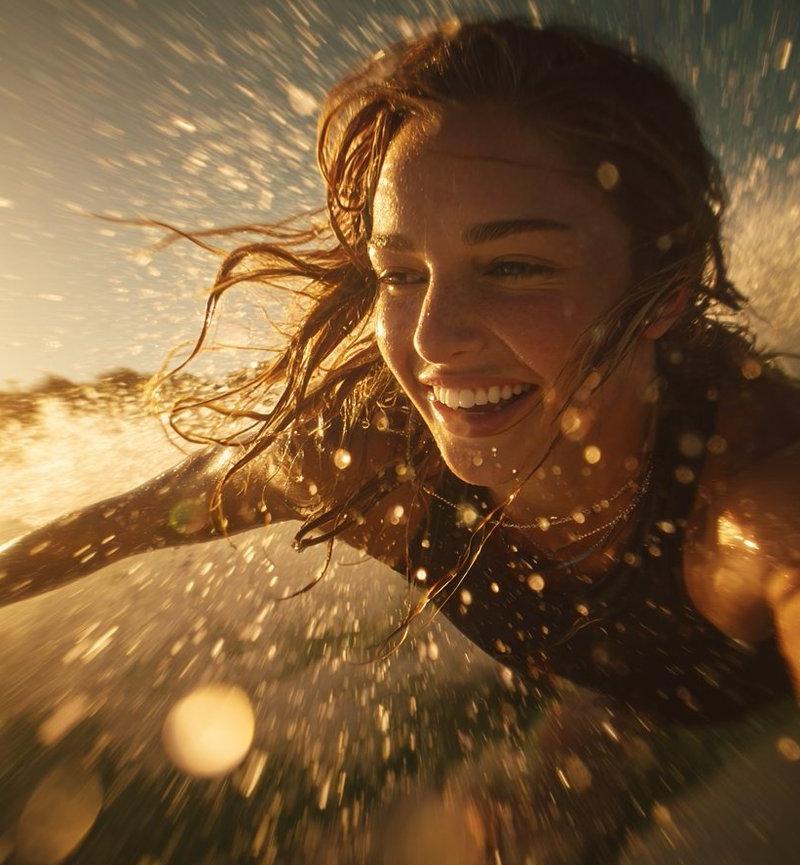
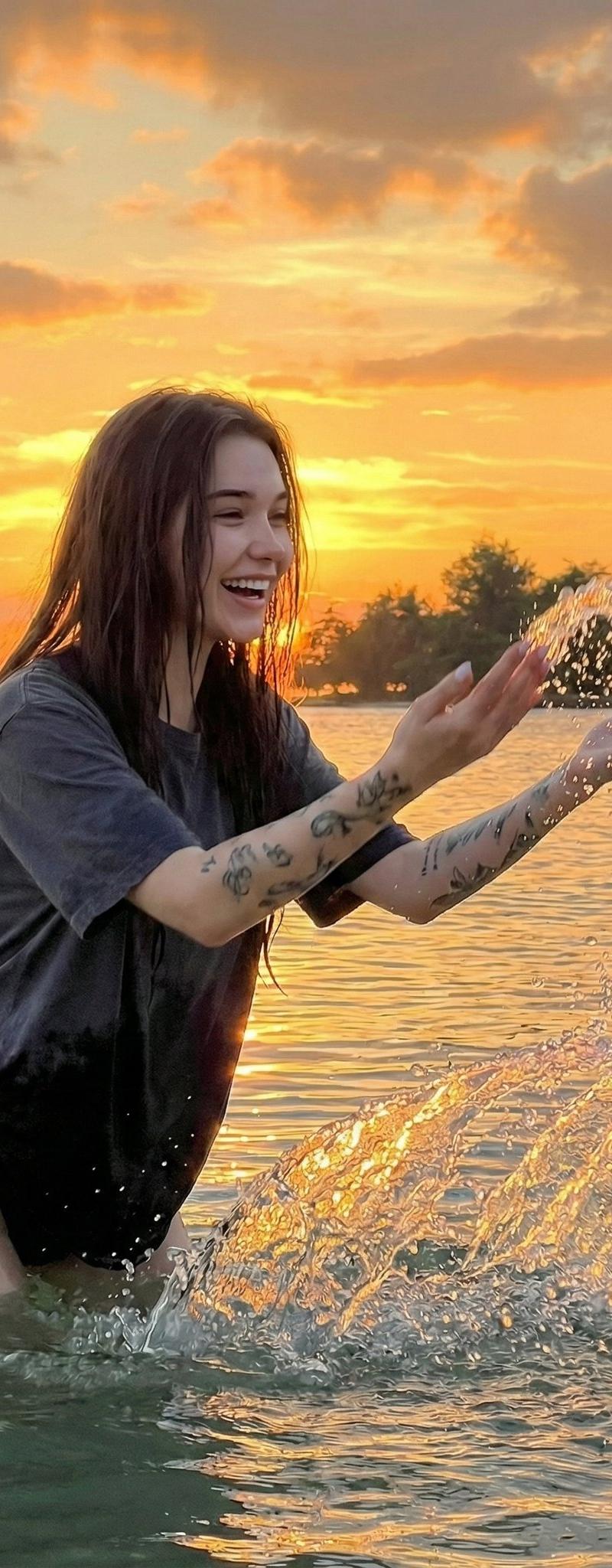
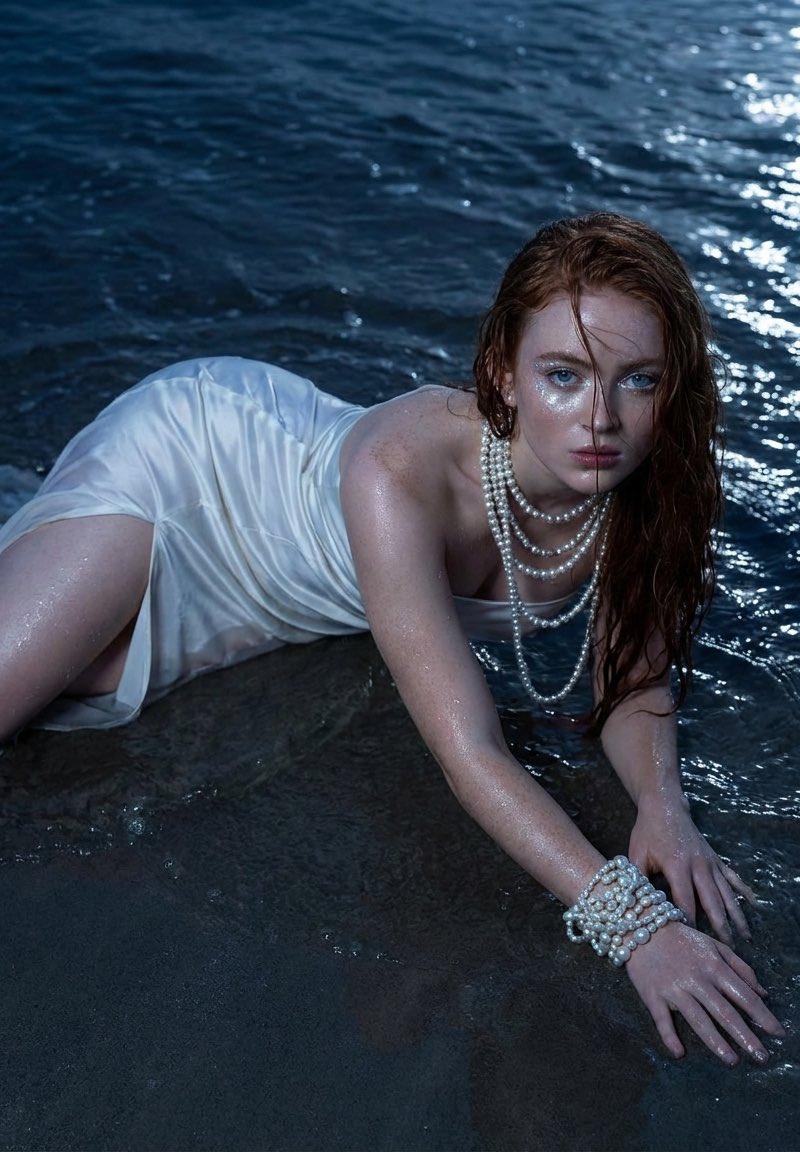
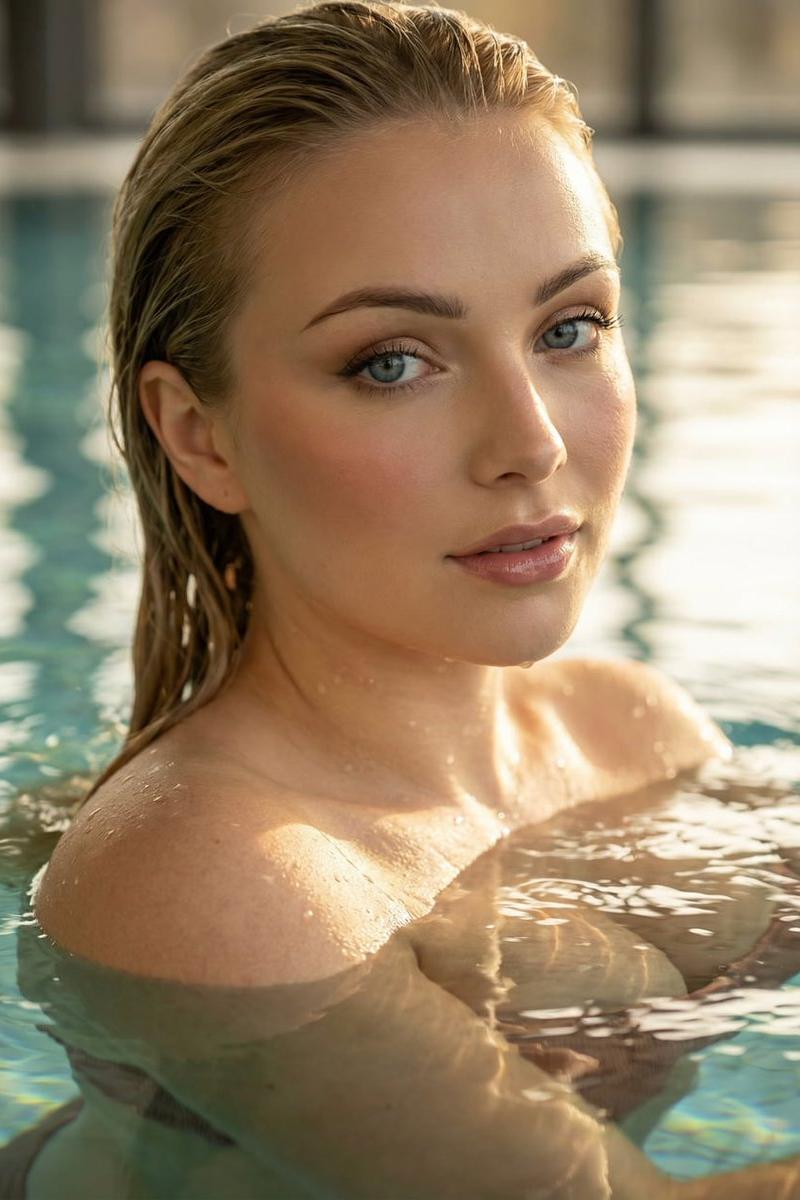
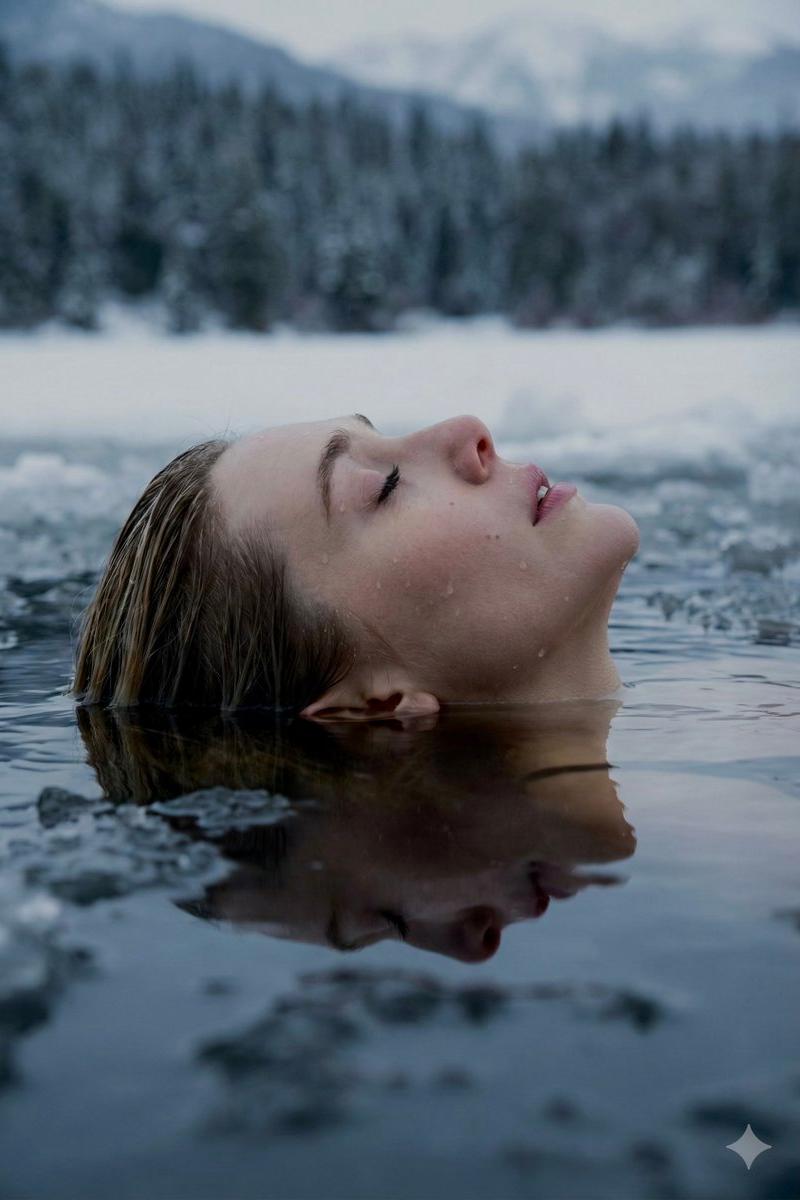
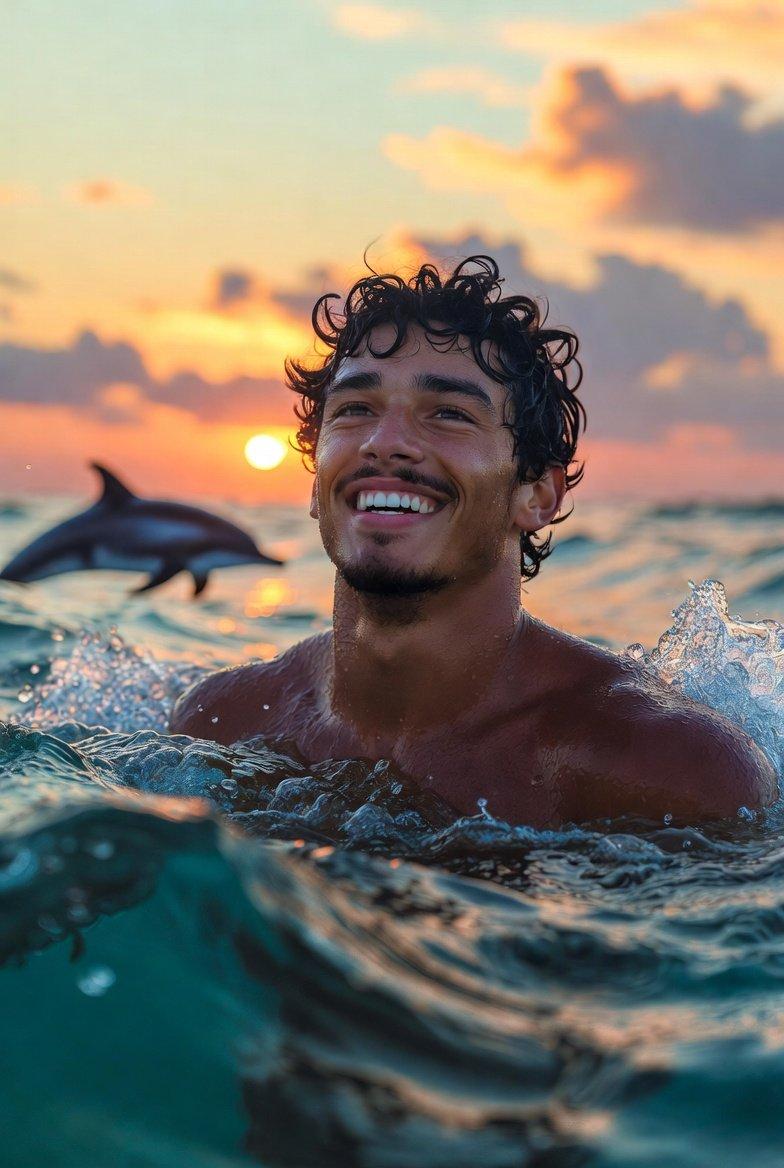
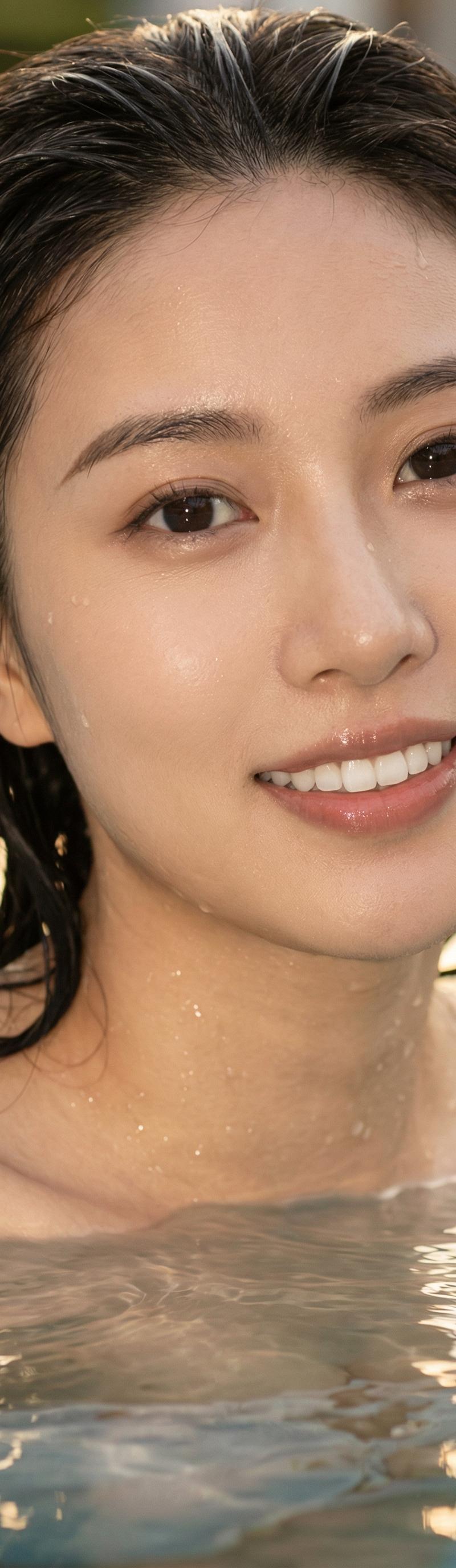
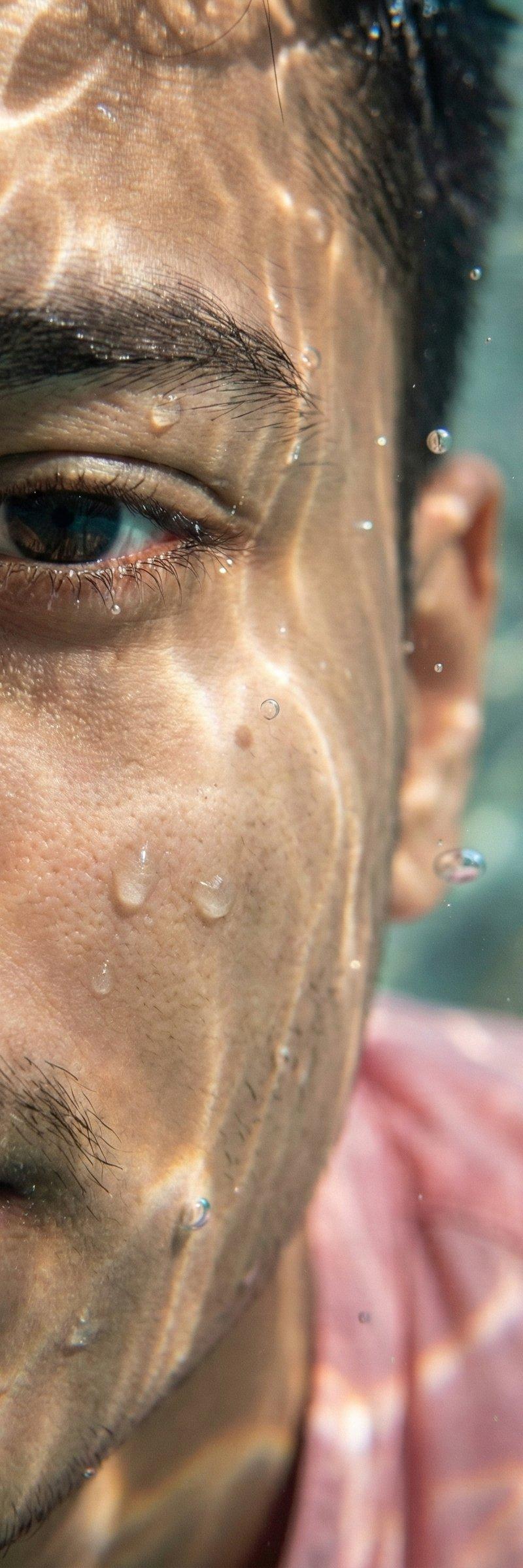
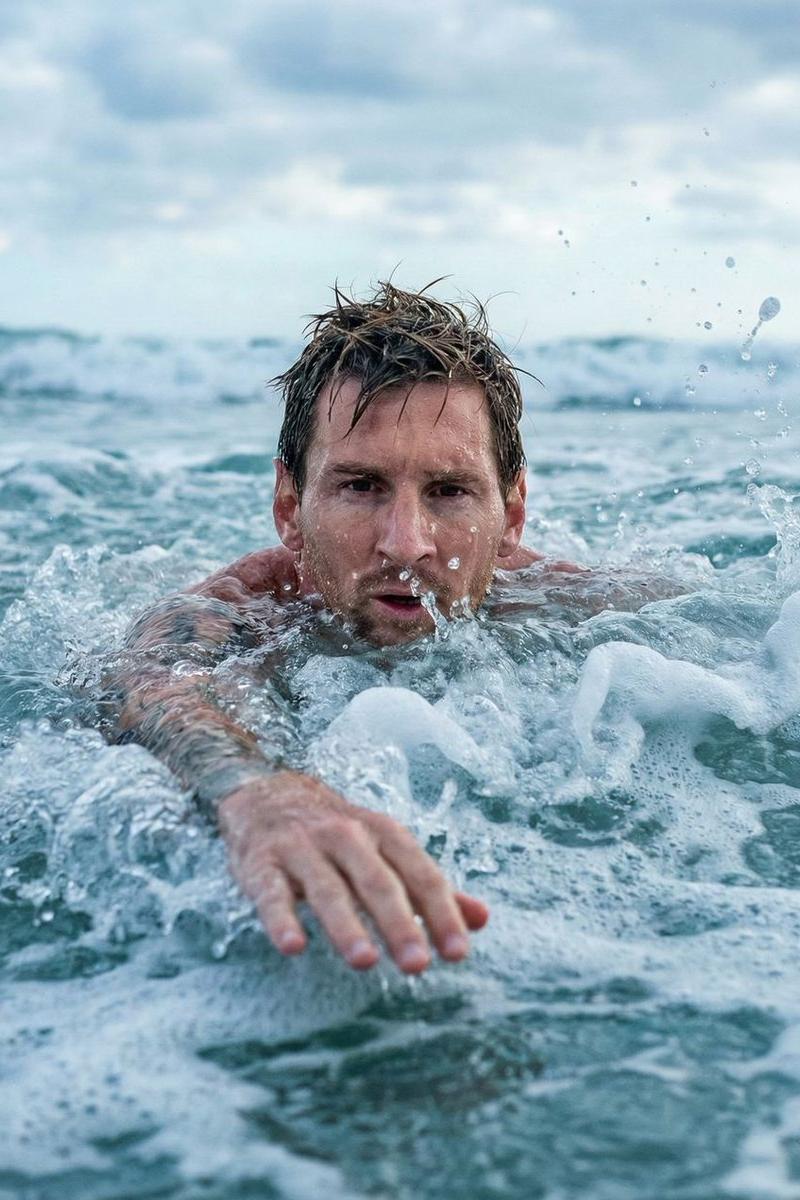
Close-up shot of a man attached in the uploaded reference image ( Keep the face of the person 100% accurate from the reference image ) with wet hair swimming through the waves. The camera is very close, about 30–50 cm in front of the subject's face, with an eye-level angle so that the intense expression is clearly visible. The subject's front arm is extended toward the camera, partially submerged in the water, creating a dramatic effect of depth and movement.
The background features a swirling wave tunnel, with a texture of white foam and realistic water splashes. The natural lighting from the cloudy sky is soft, diffused, without harsh shadows, making the blue-green water appear subtle yet dynamic. The splashes around the subject are captured in high detail, giving a sense of action and energy.
The overall atmosphere conveys a dramatic, intense, and adrenaline-filled feel, as if the subject is facing the impact of a large wave. The color tones tend to be cool, creating a realistic mood typical of the open sea. The shot was taken with a 35mm or 50mm lens for close-up and minimal distortion, and a high shutter speed to freeze the water's movement.
Aspect ratio 4:5
- Category
- Photography & Realism
- Model
- Nano Banana Pro
- Creator
- Nano Banana Labs
- Source language
- zh-CN
- Source ID
- swimming-through-the-waves-experience
Views0