19

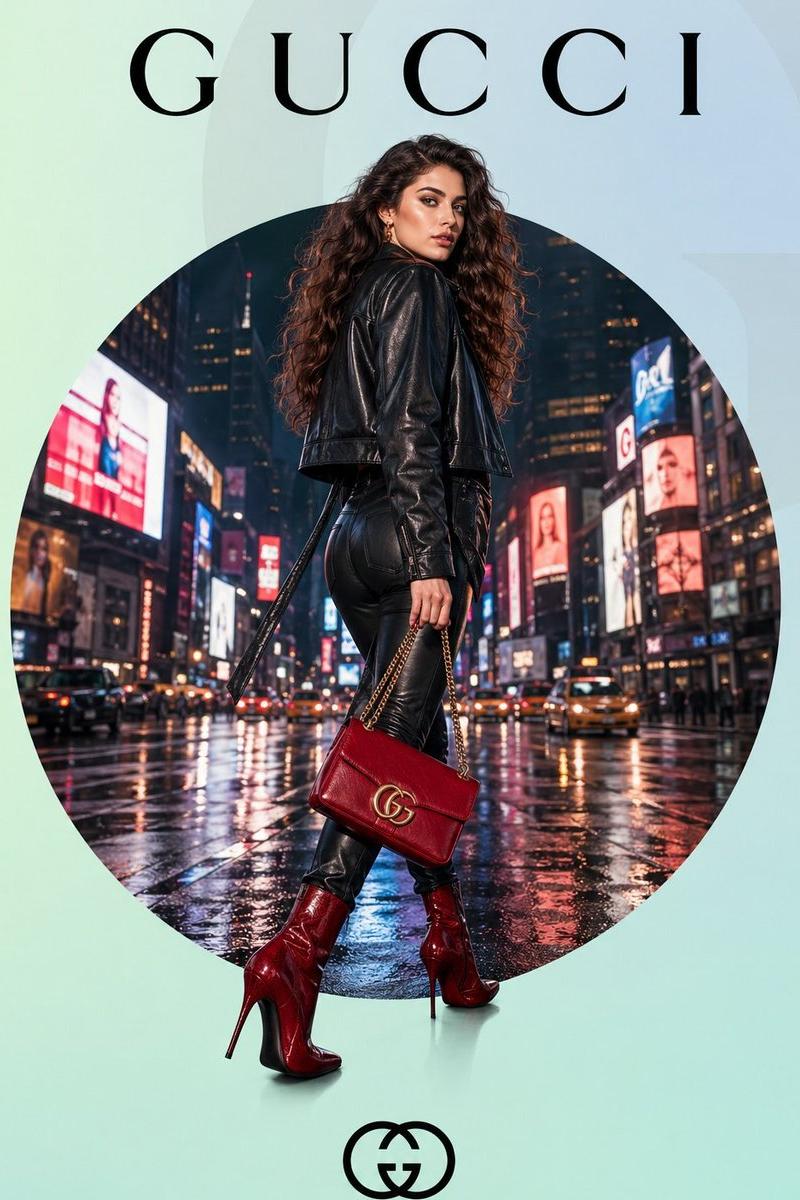
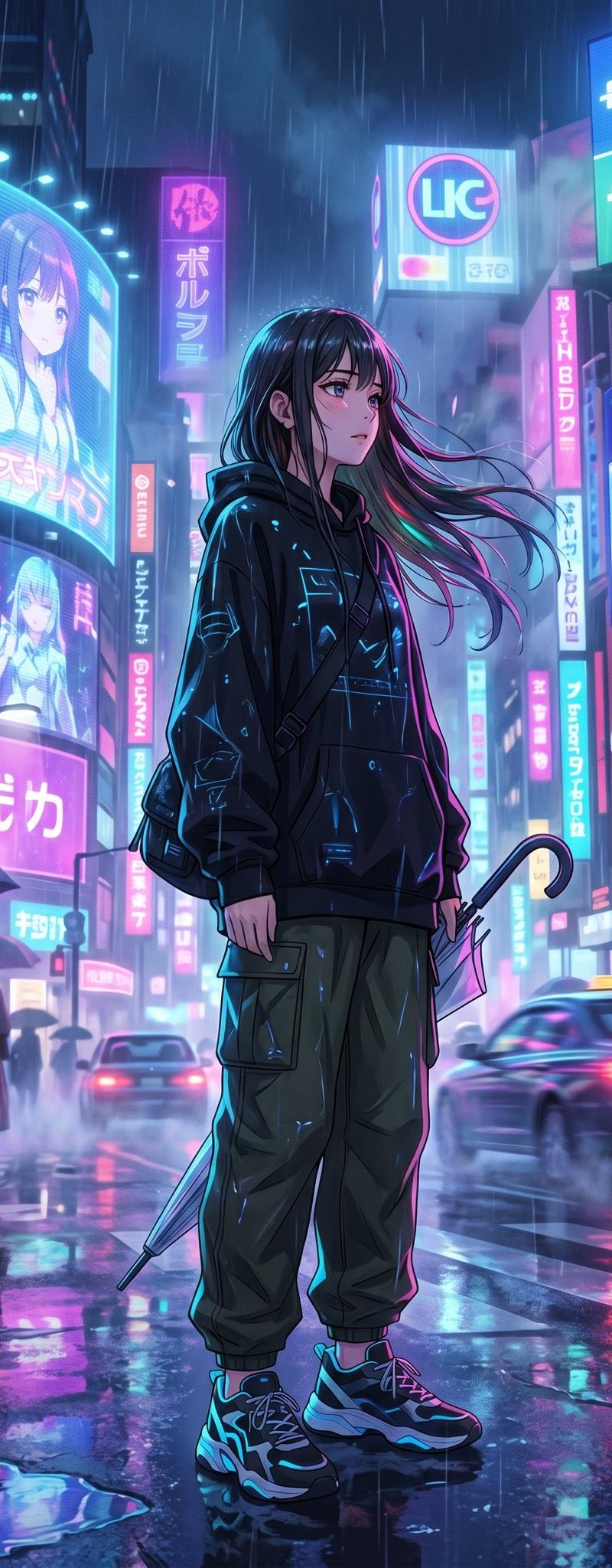
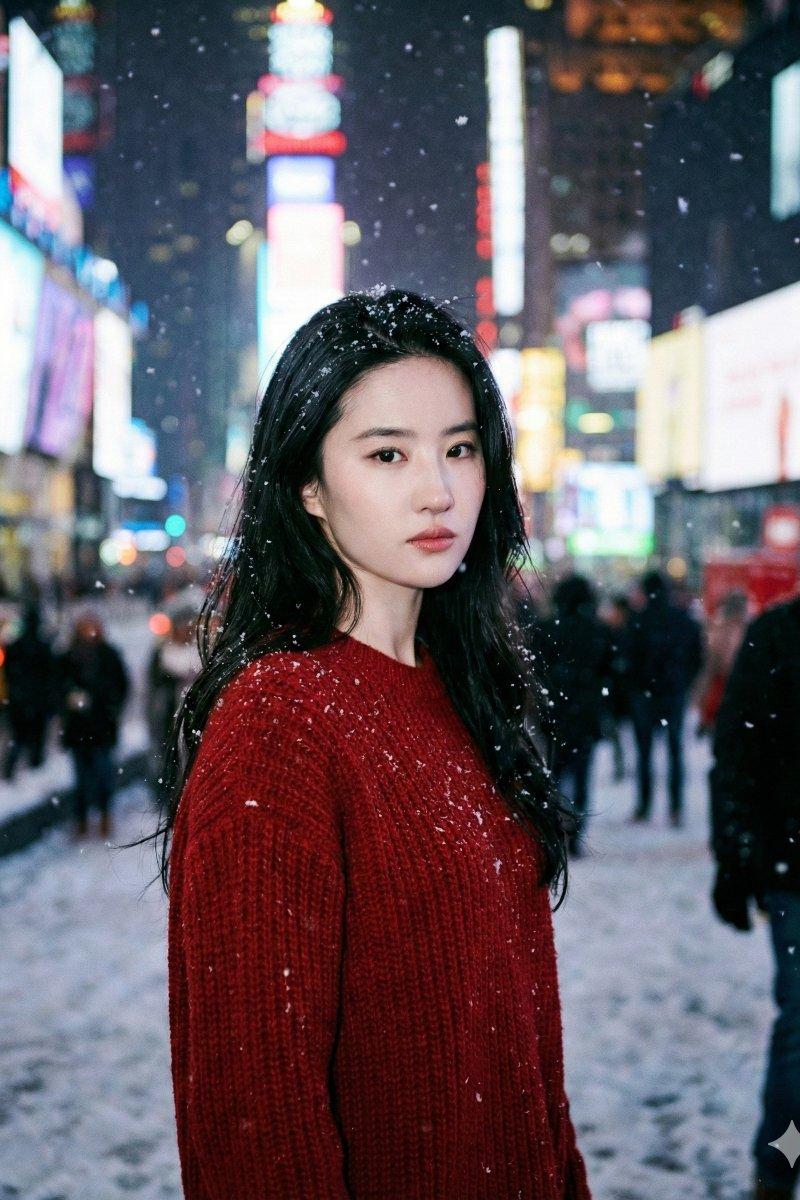
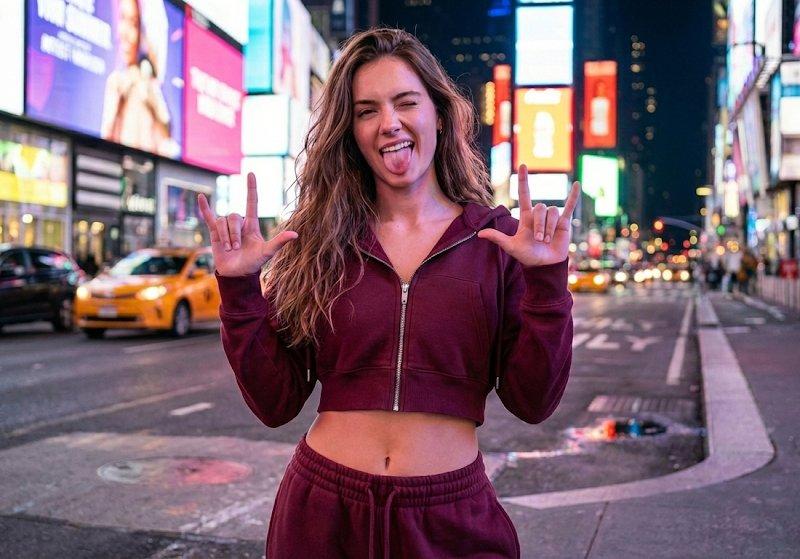
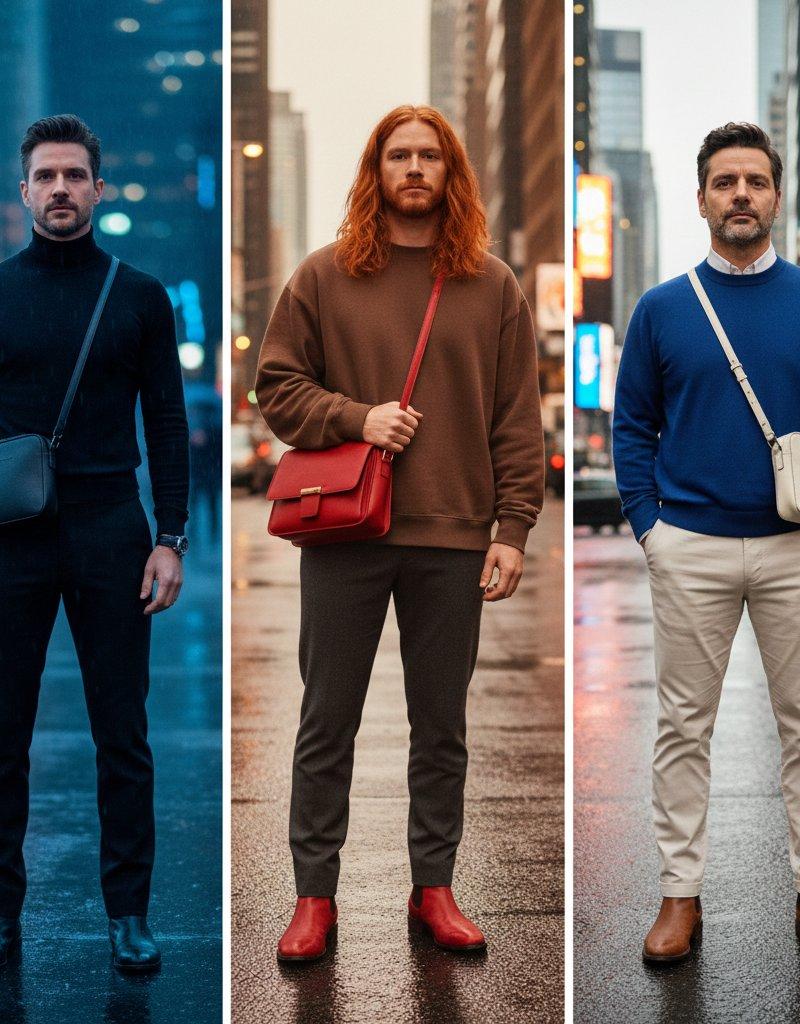
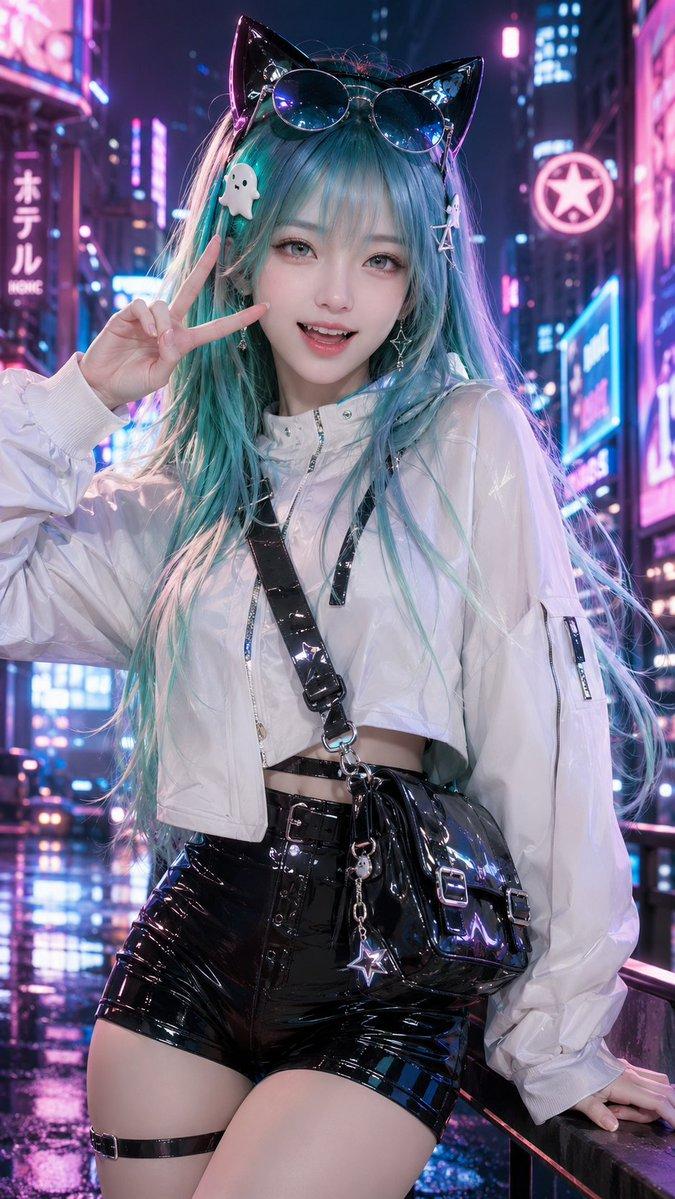
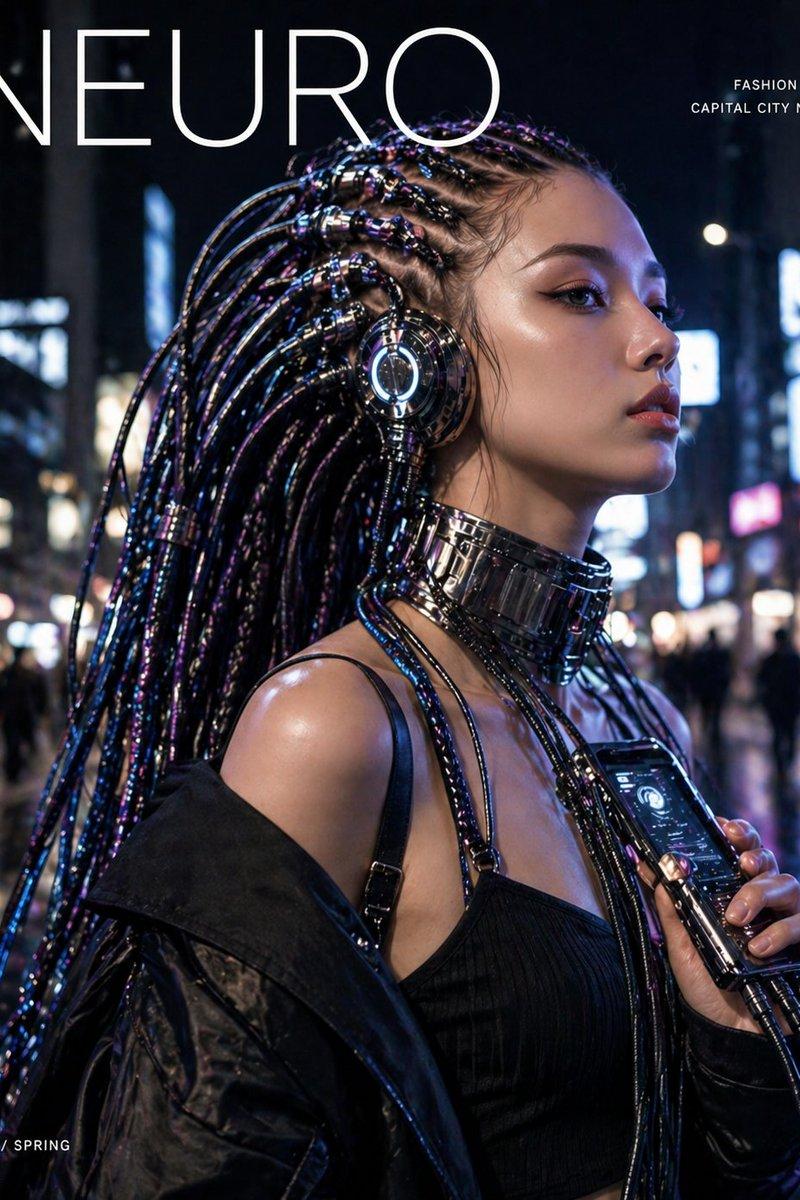
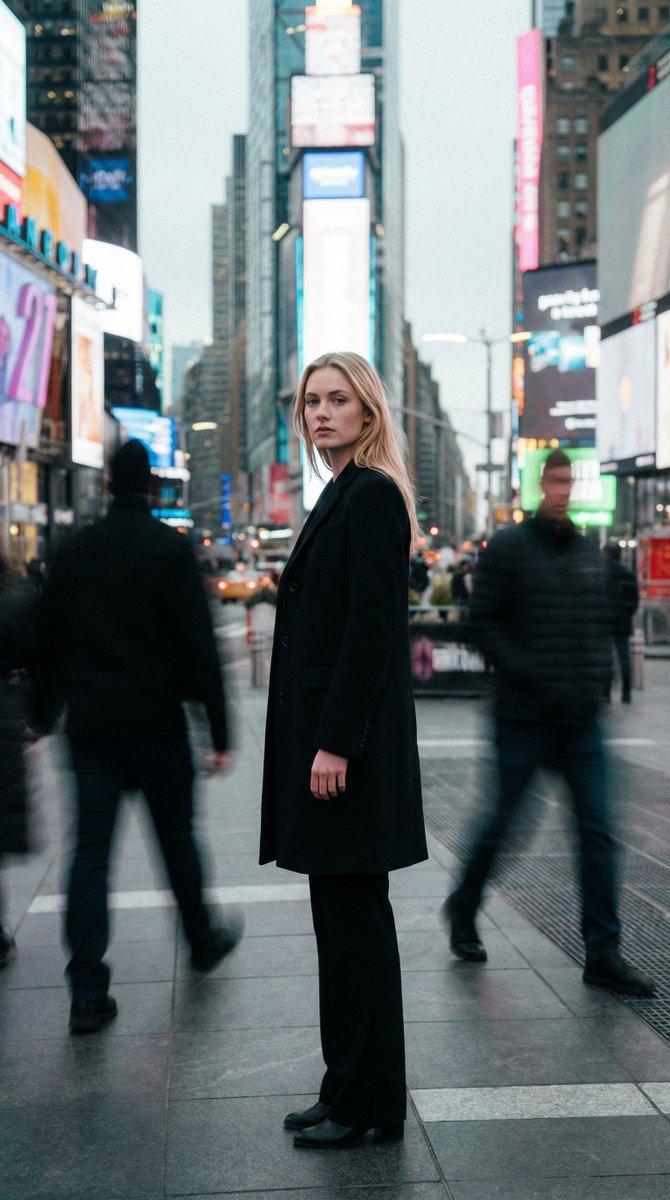
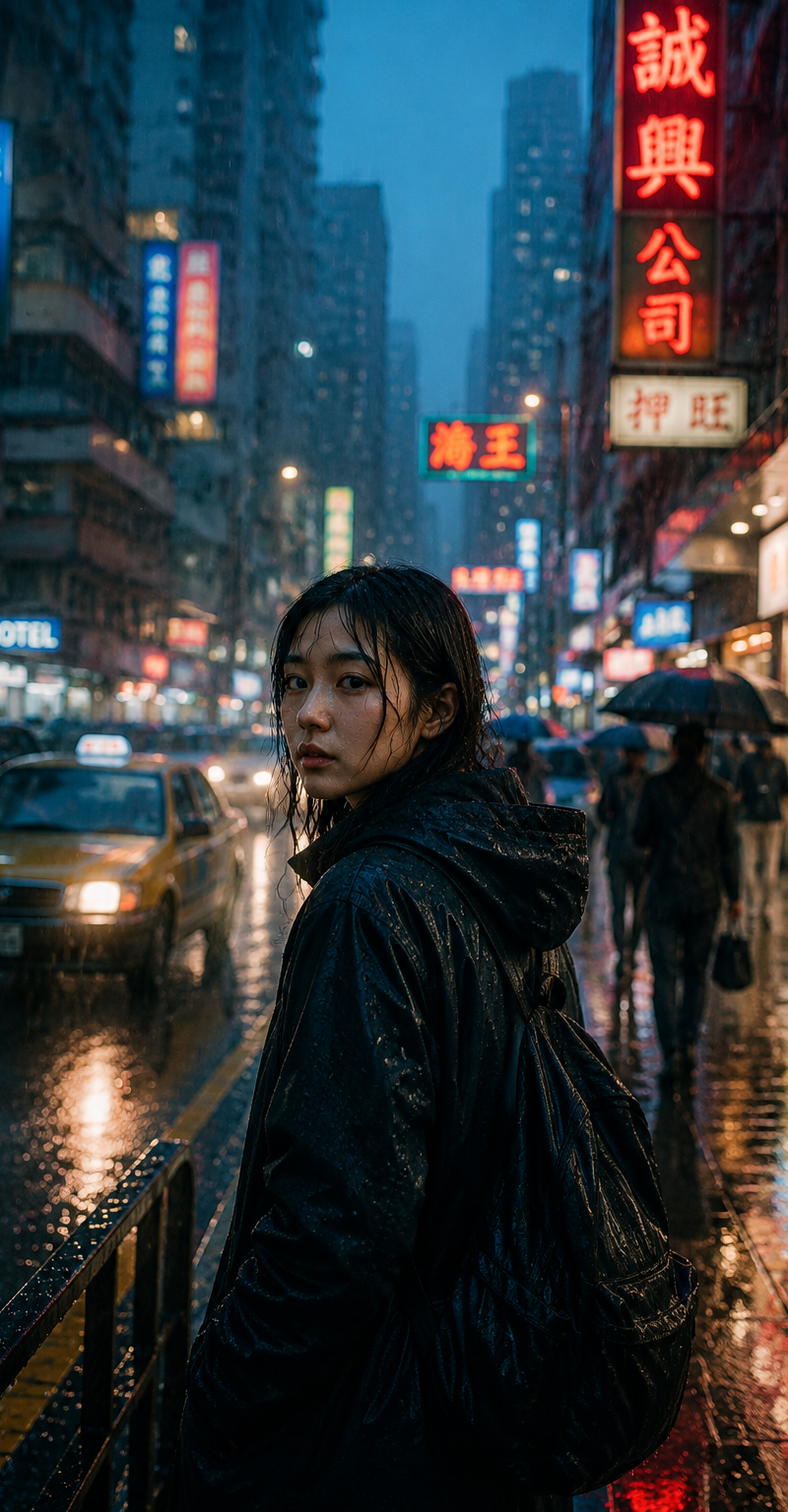
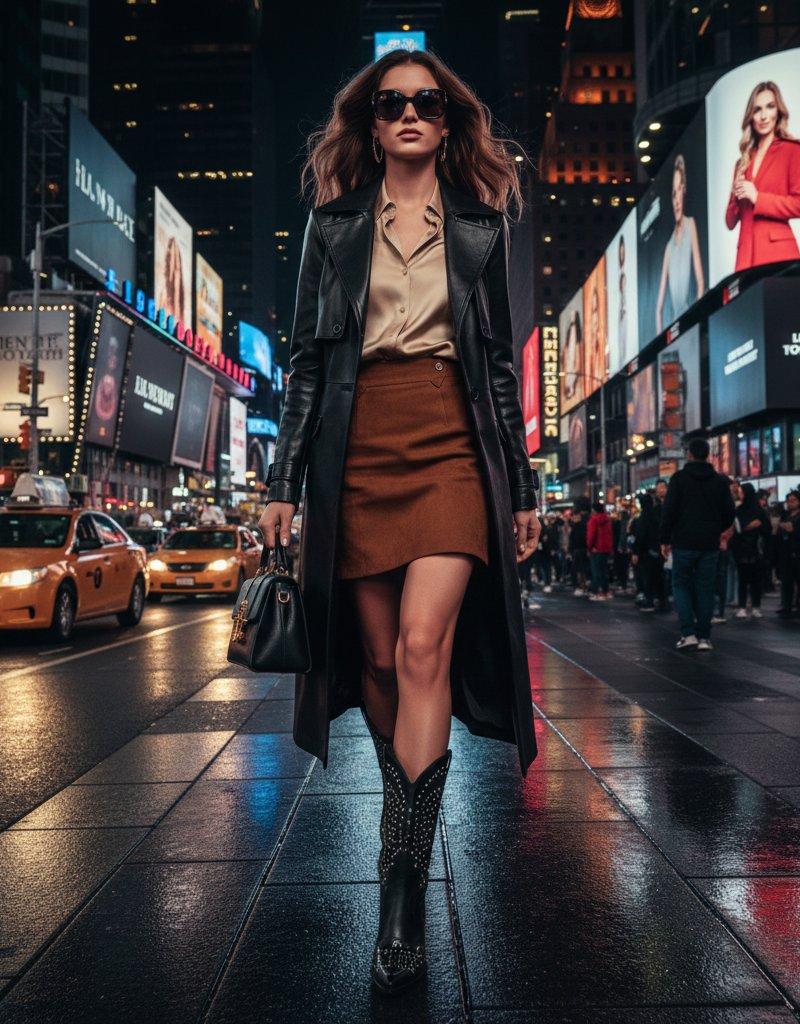
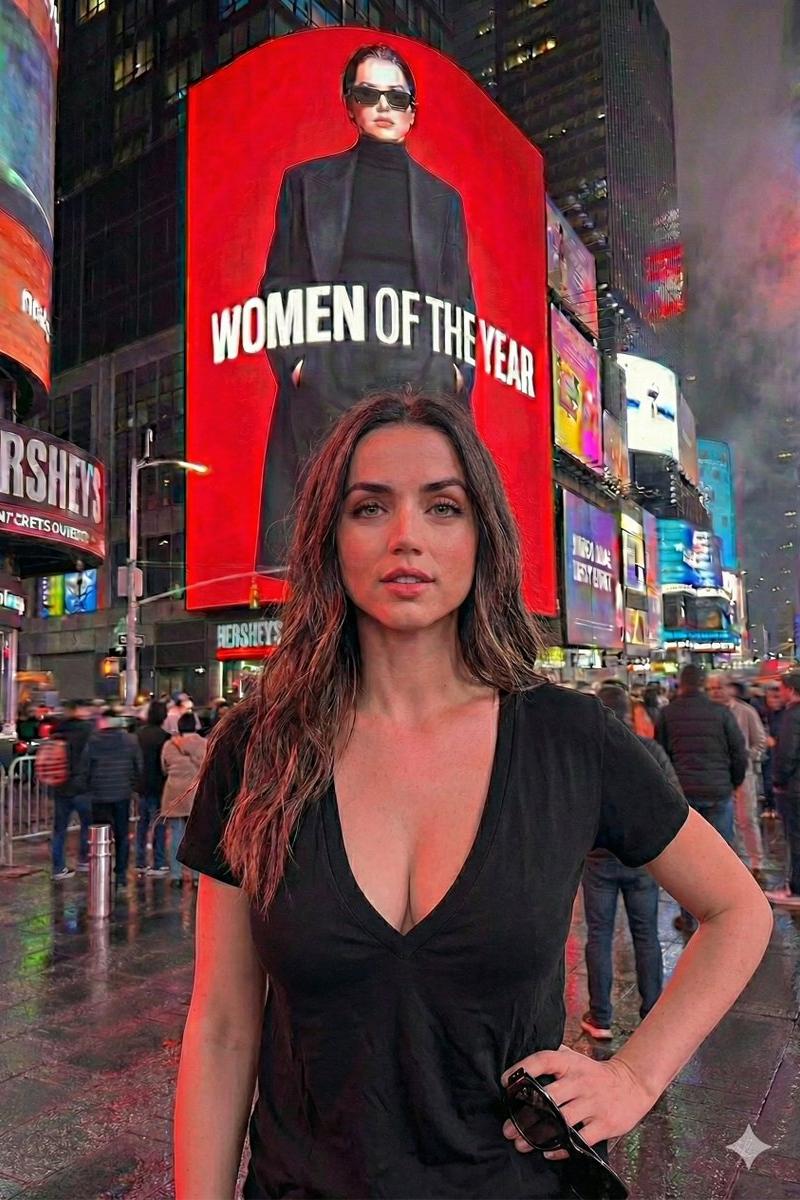
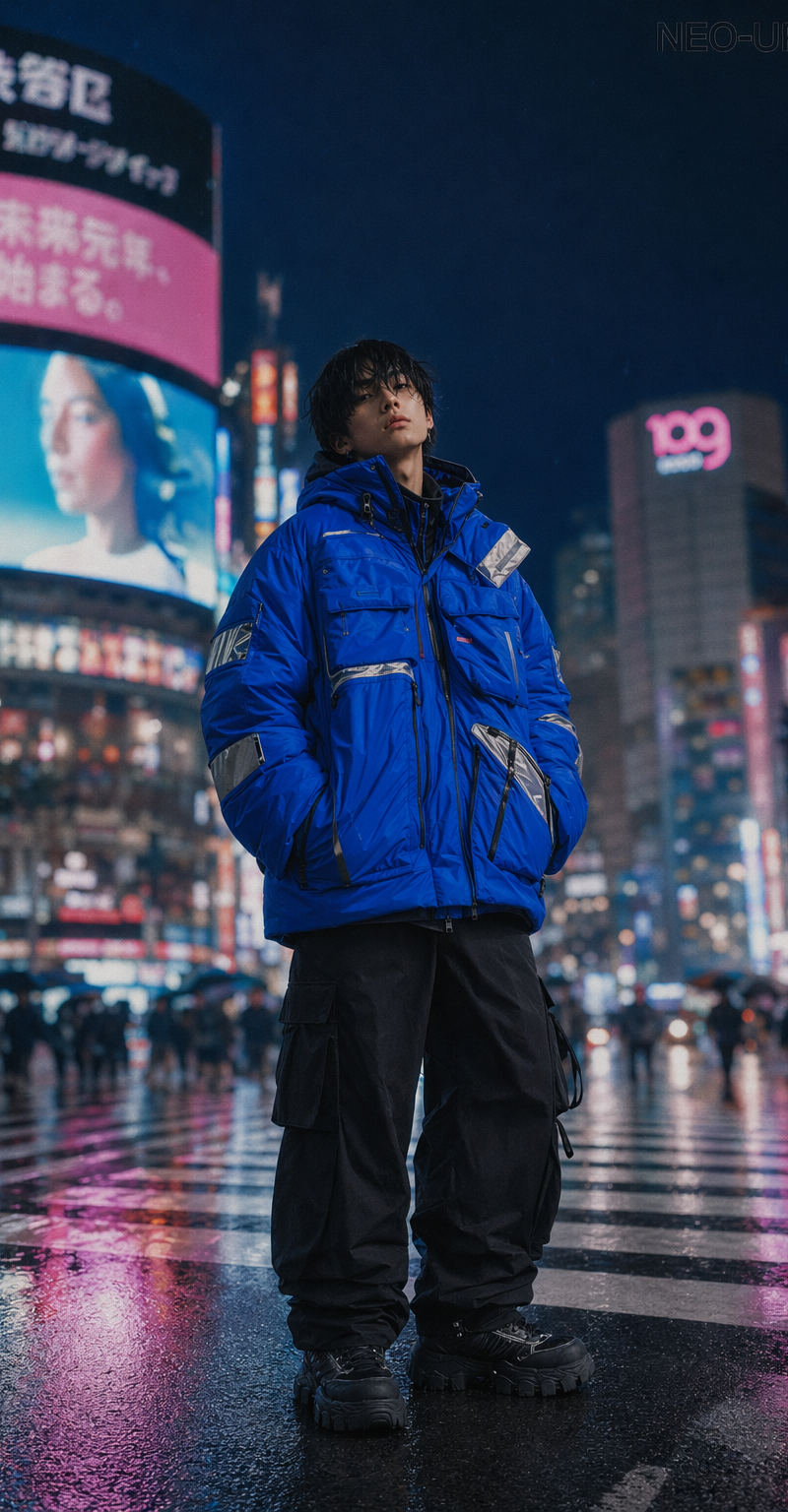
纽约时代广场雨夜对比
Enlarge

Example images

纽约时代广场雨夜对比

Prompt
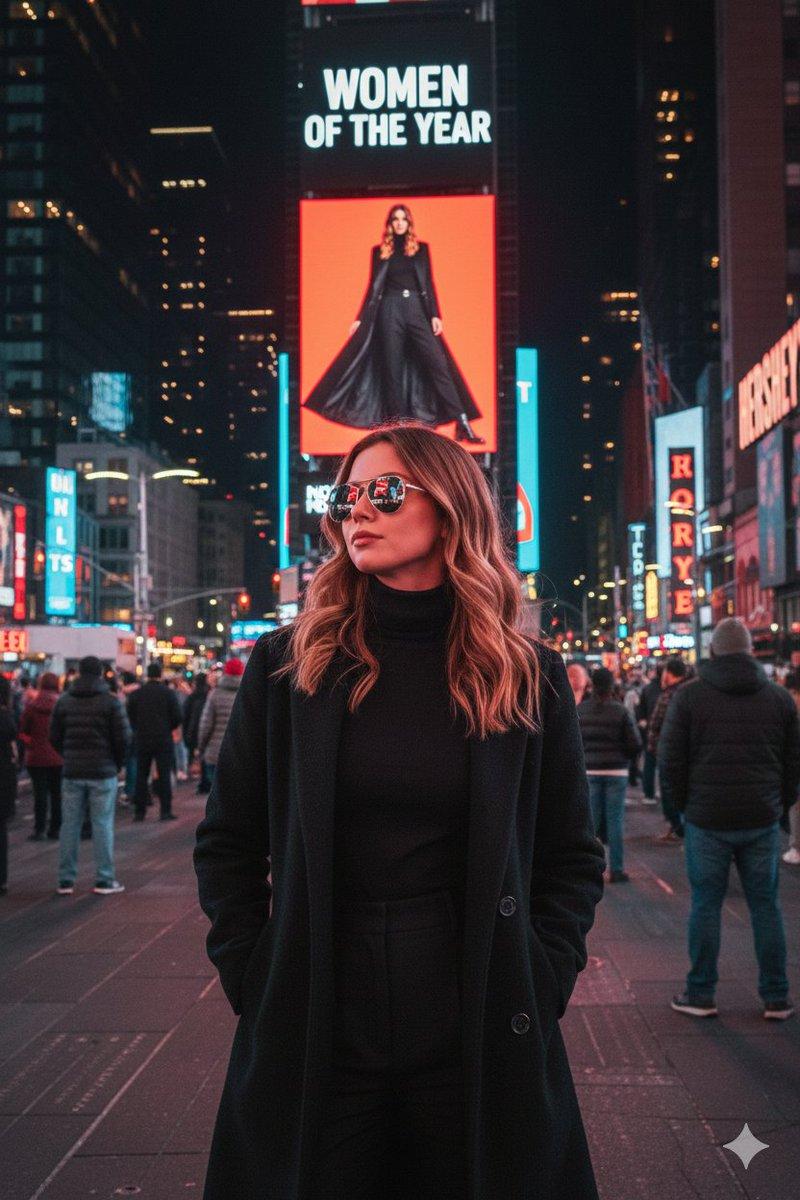
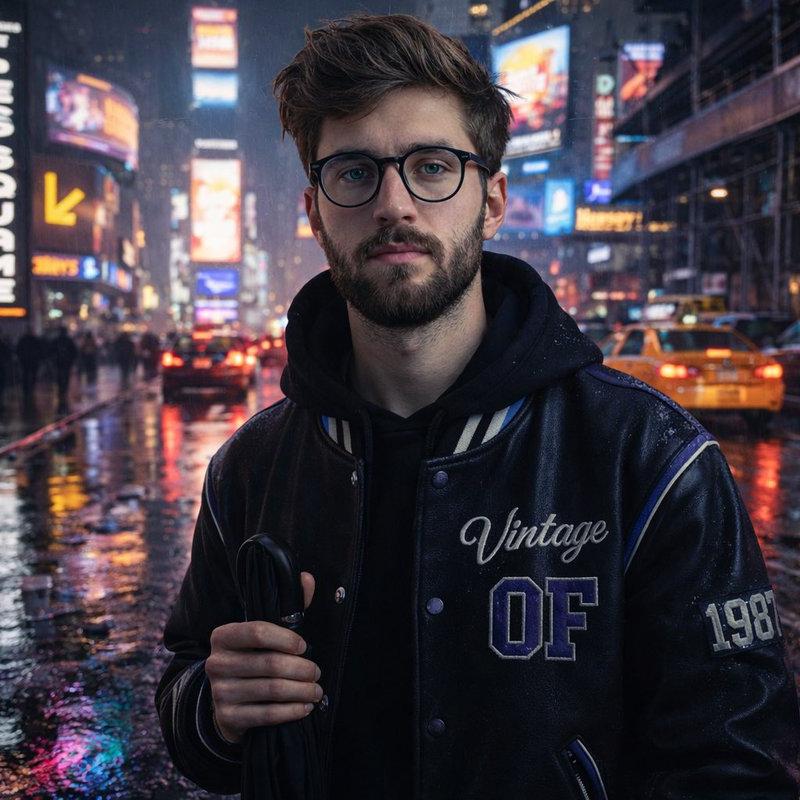
GPT Image 1.5 (left) vs Gemini Nano Banana Pro (right).
Prompt:
{
"scene": {
"location": "Times Square, New York",
"time": "Rainy night",
"composition": {
"left_side": [
{
"type": "LED billboard",
"style": "vertical",
"text_color": "white-on-black"
},
{
"type": "curved LED screen",
"detail": "above yellow arrow for Hershey\'s store"
}
],
"right_side": {
"subject_position": "near curb",
"traffic": {
"vehicles": "city taxis and cars",
"details": "brake lights forming a slow line"
}
}
},
"environment": {
"ground": "wet asphalt",
"reflection_colors": ["neon magenta", "icy blue"],
"puddles": {
"reflecting_lights": true,
"object_details": ["scattered takeaway cups"]
},
"atmosphere": ["electric", "intimate"]
}
},
"subject": {
"identity": "Uploaded subject",
"face_requirement": "Do not change facial features. Must look 1000% identical.",
"pose": "Relaxed, facing camera",
"holding": "Folded black umbrella by handle",
"outfit": {
"jacket": {
"material": "black faux-leather varsity",
"design": {
"cobalt_panel": true,
"cream_stripe": true,
"embroidery": "Vintage script",
"lettering": "Block OF",
"patch": "1987 stitched on sleeve",
"reflective_piping": true,
"highlight_color": "purple reflection"
}
}
}
},
"background": {
"elements": ["cars", "scaffolding", "stacked storefront signs"]
},
"style": {
"resolution": "HD",
"aesthetic": ["realistic", "natural", "authentic"],
"camera": "iPhone"
}
}
Category
Photography & Realism
Model
Nano Banana Pro
Creator
Dr.duet
Source language
zh-CN
Views0
Source ID
times-square-rainy-night-comparison
Studio

Guide

About "纽约时代广场雨夜对比"

What is this prompt for?

"纽约时代广场雨夜对比" AI image prompt for Nano Banana Pro (Photography & Realism). GPT Image 1.5 (left) vs Gemini Nano Banana Pro (right). Prompt: { "scene": { "locatio…

The full copyable prompt and example visuals above are ready for AI image generation or one-click recreate in Picva.

How to use this prompt

  1. Step 1

    Open the prompt detail

    Review the example visuals, category, and full prompt text for "纽约时代广场雨夜对比".

  2. Step 2

    Copy the prompt

    Copy the prompt body from this page, or load it directly in Studio.

  3. Step 3

    Pick a model (Nano Banana Pro)

    Prefer Nano Banana Pro. If you switch models, keep subject and composition and tweak style terms.

  4. Step 4

    Generate and export

    Recreate the look in Picva, or export into your workflow for editing and publishing.

FAQ

What is the "纽约时代广场雨夜对比" prompt?
It is an AI image-generation prompt for Nano Banana Pro in the Photography & Realism category. This page includes the full prompt text, example visuals, and a one-click recreate path in Picva.
How do I use this prompt to generate an image?
Copy the prompt from this page, or use Generate / Studio. Paste it into a compatible image model, or recreate the look in Picva with optional reference images.
Which model is this prompt for?
This page lists Nano Banana Pro. Most descriptive prompts also transfer to nearby image models such as GPT Image, Flux, or Midjourney with light style tweaks.
Can I use the result commercially?
You can usually copy the prompt for creation, but commercial use of the final image depends on the model terms, reference-image rights, and the generated content. Follow the source author and platform rules.