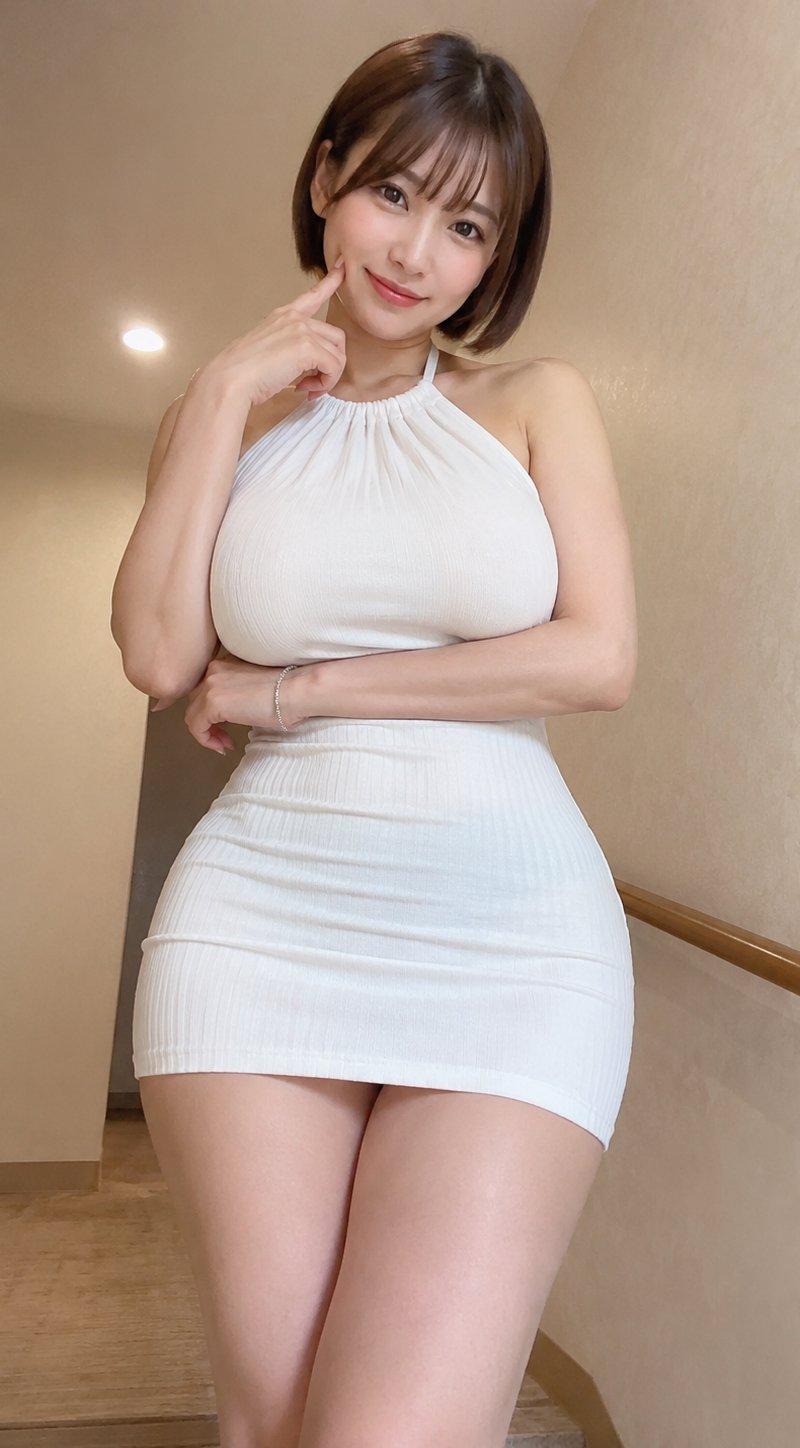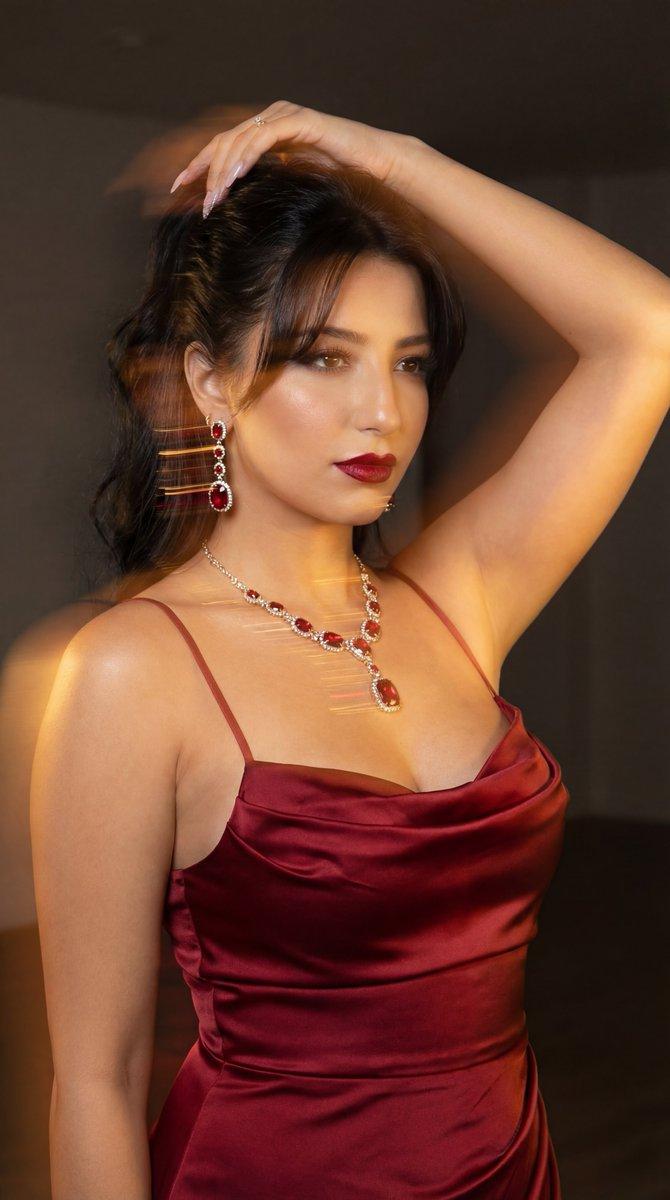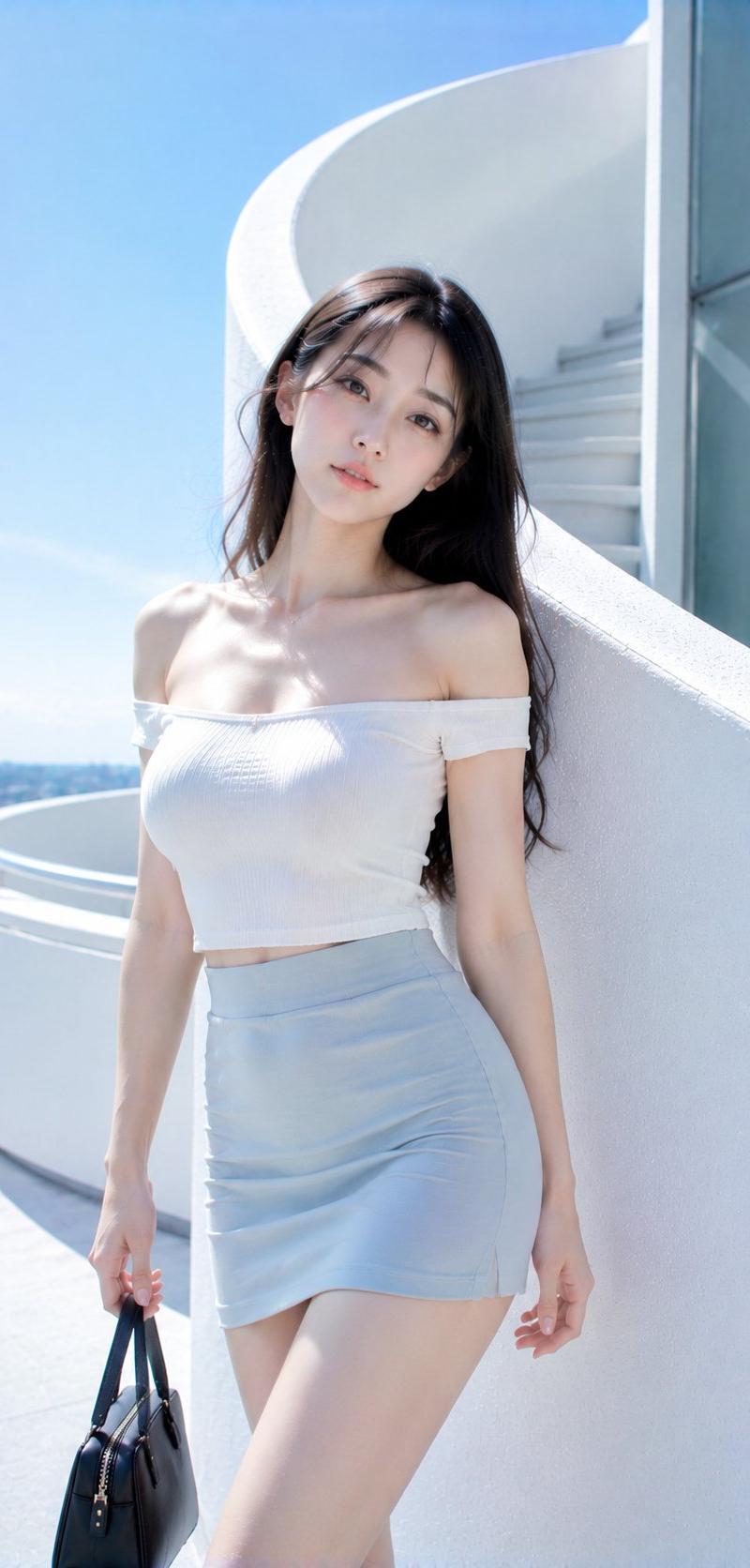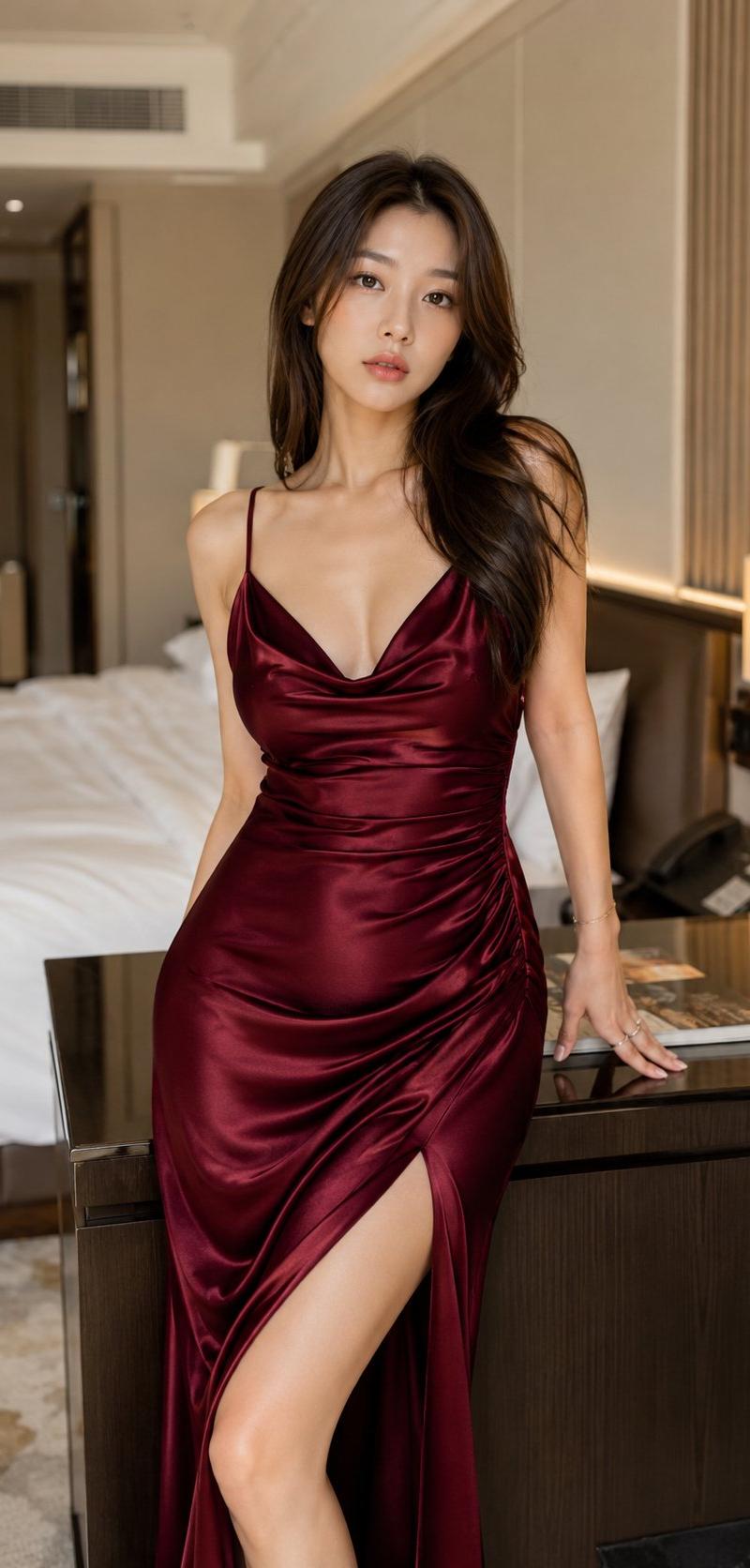
16

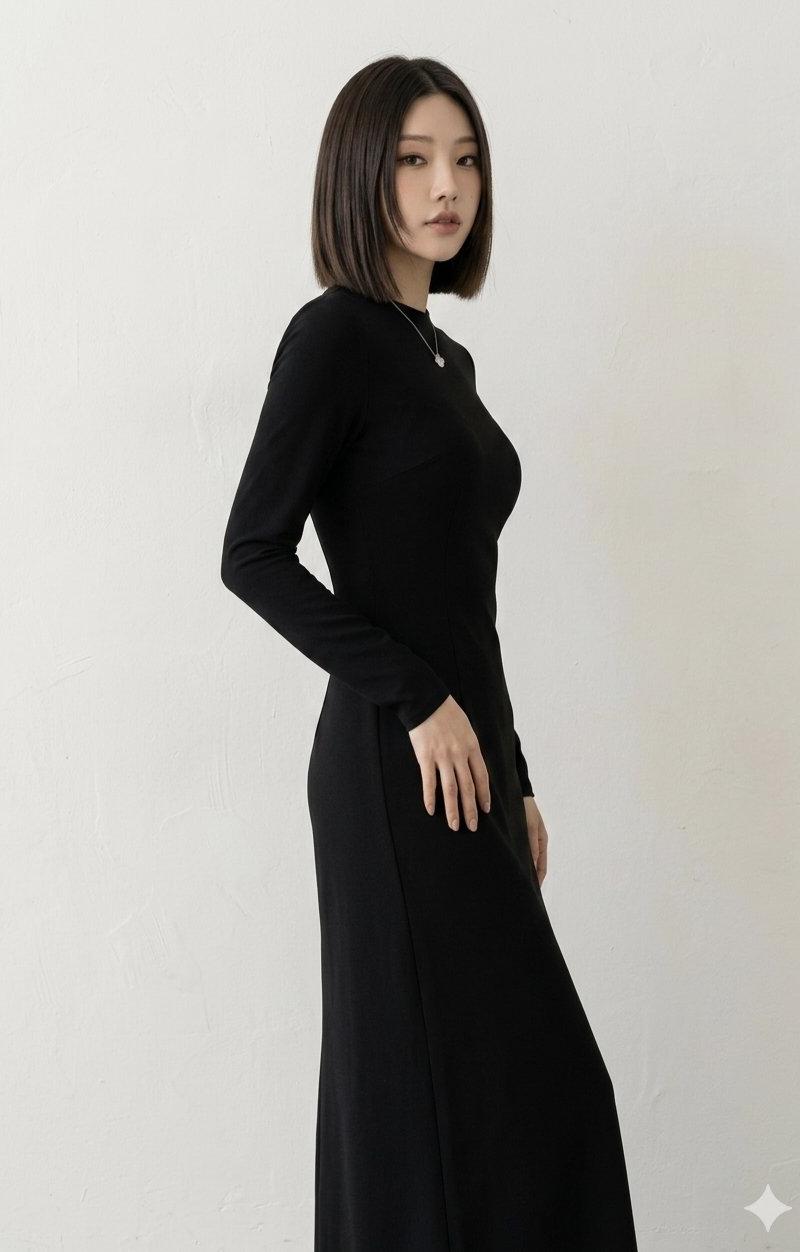
今日の衣装
Enlarge

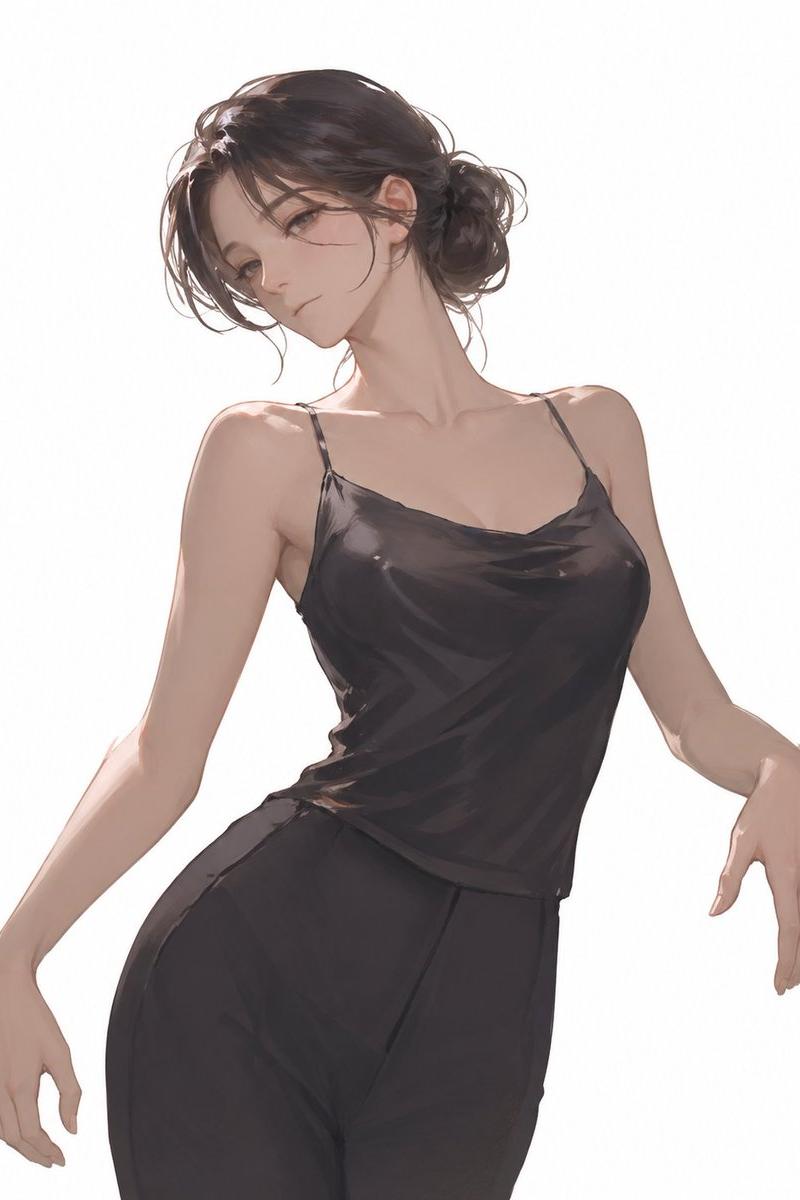
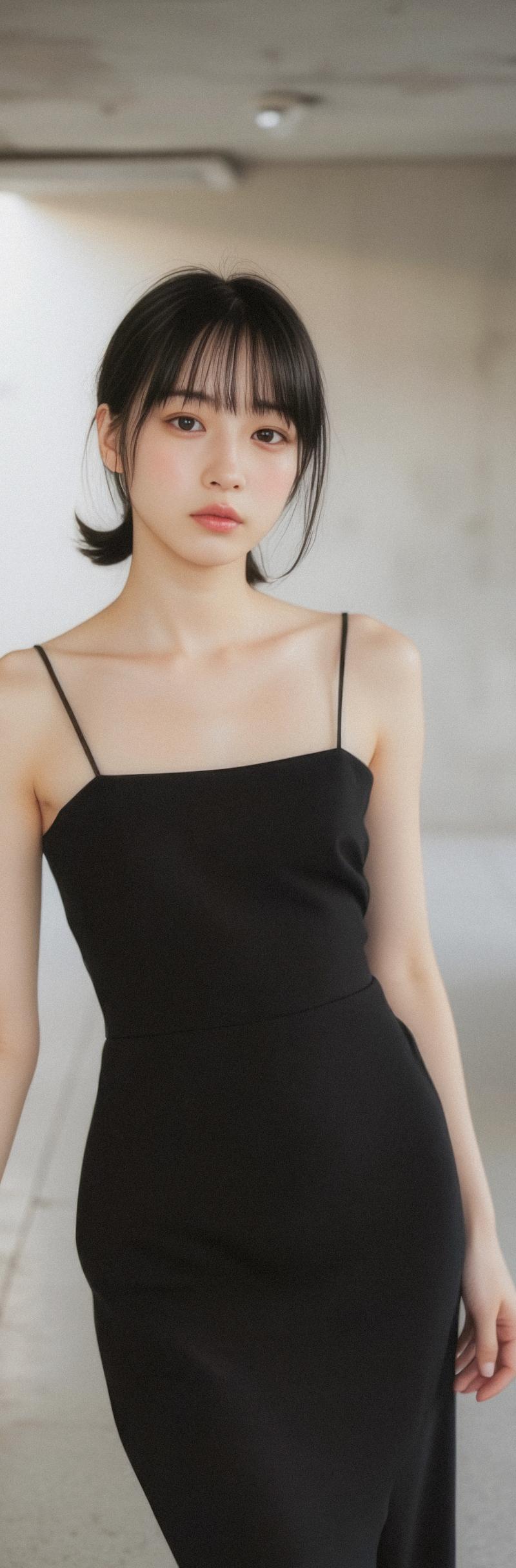
Example images

今日の衣装

Prompt
本日の衣装ご用意しました♪
皆様の素敵なコーデ楽しみにしています😊
・衣装プロンプトはリプ欄に記載してます🫶
・過去の衣装はハイライトにまとめてます👗
(推奨:引用RP + #空想AIファッション) https://t.co/sraaDk05o3
【特徴】
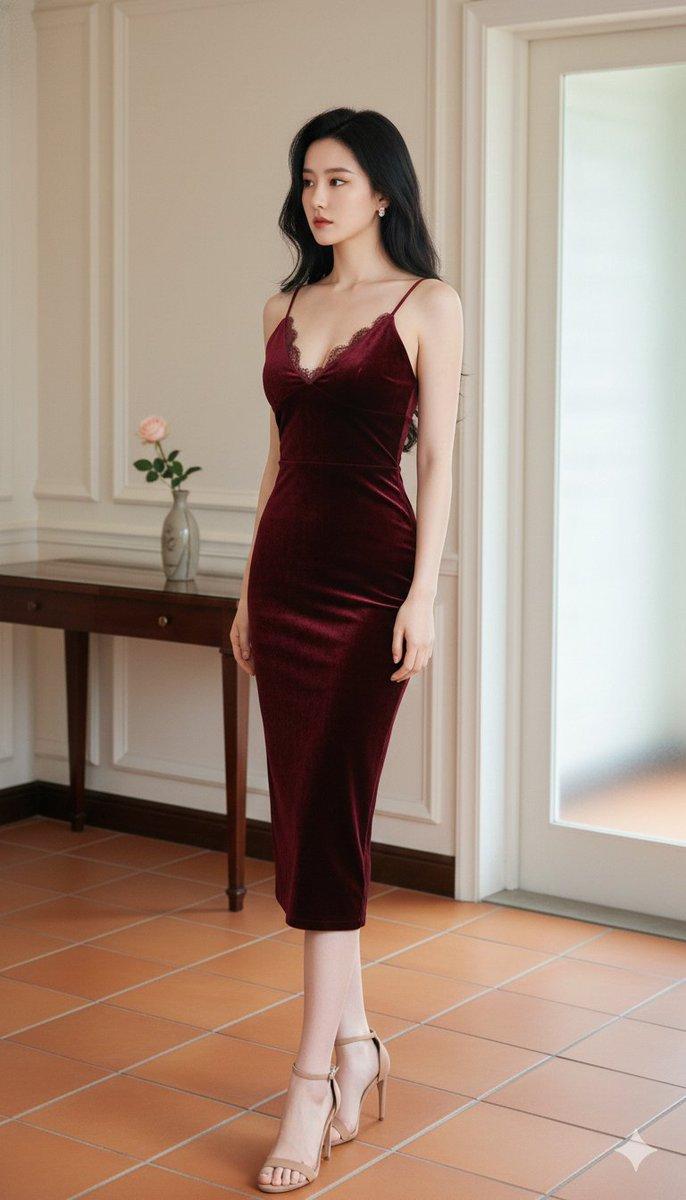
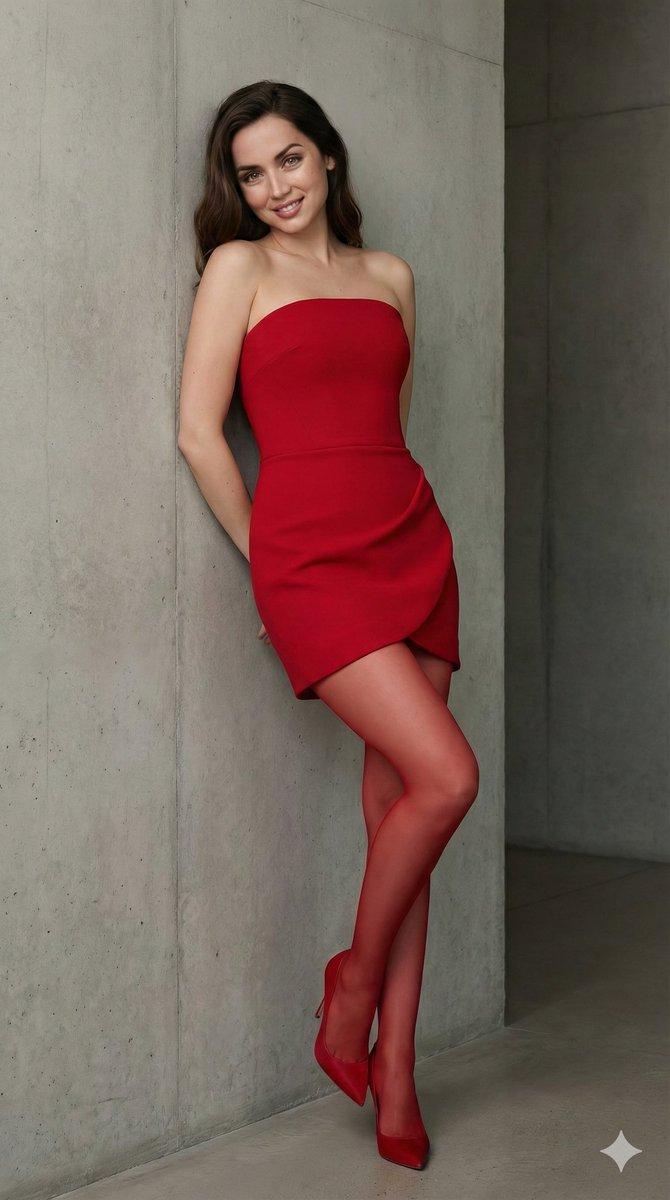
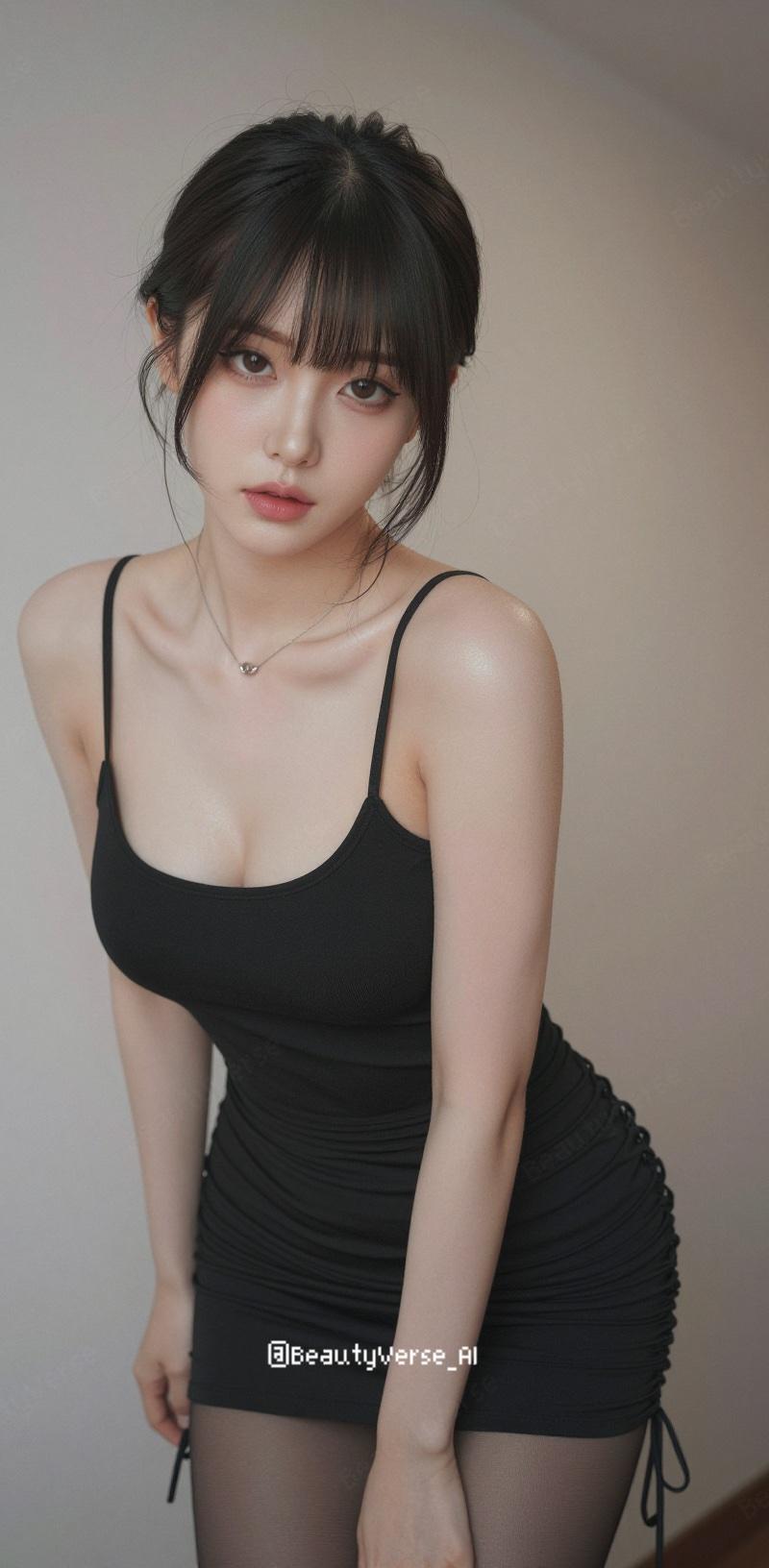
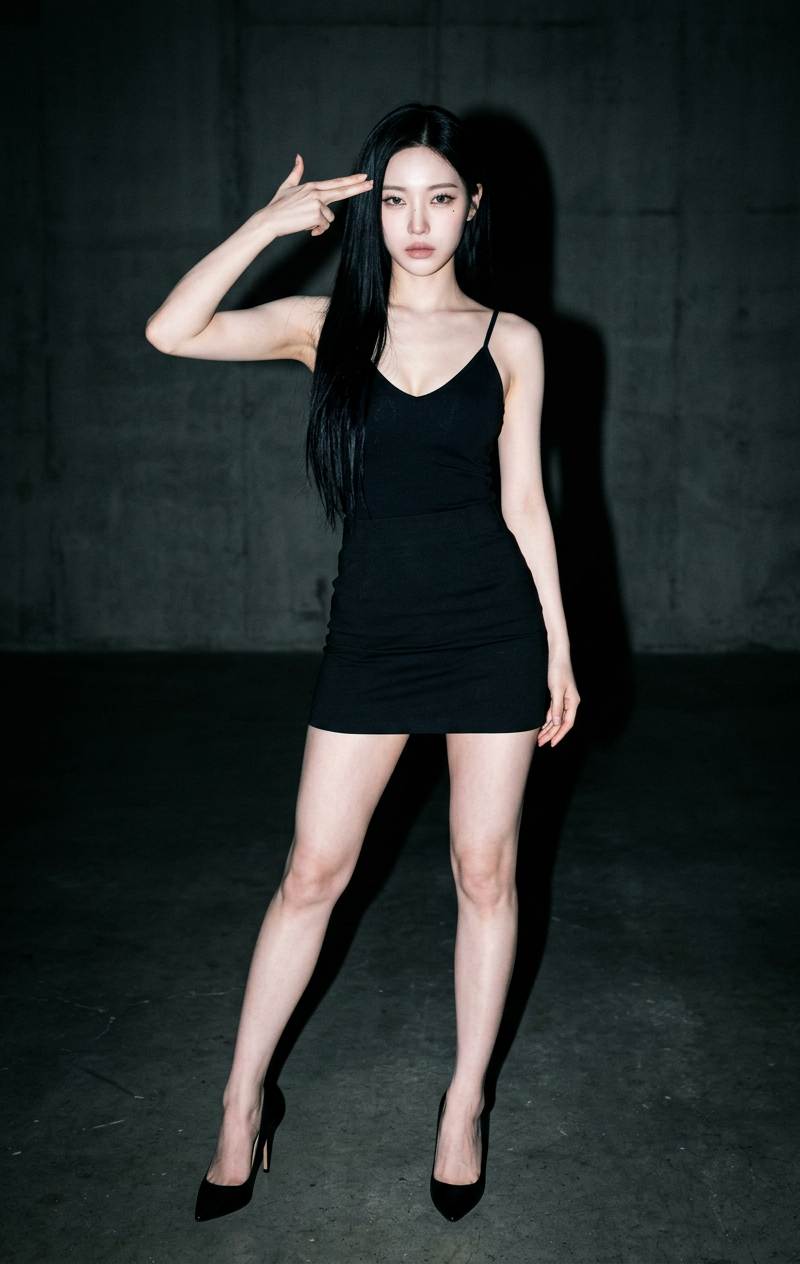
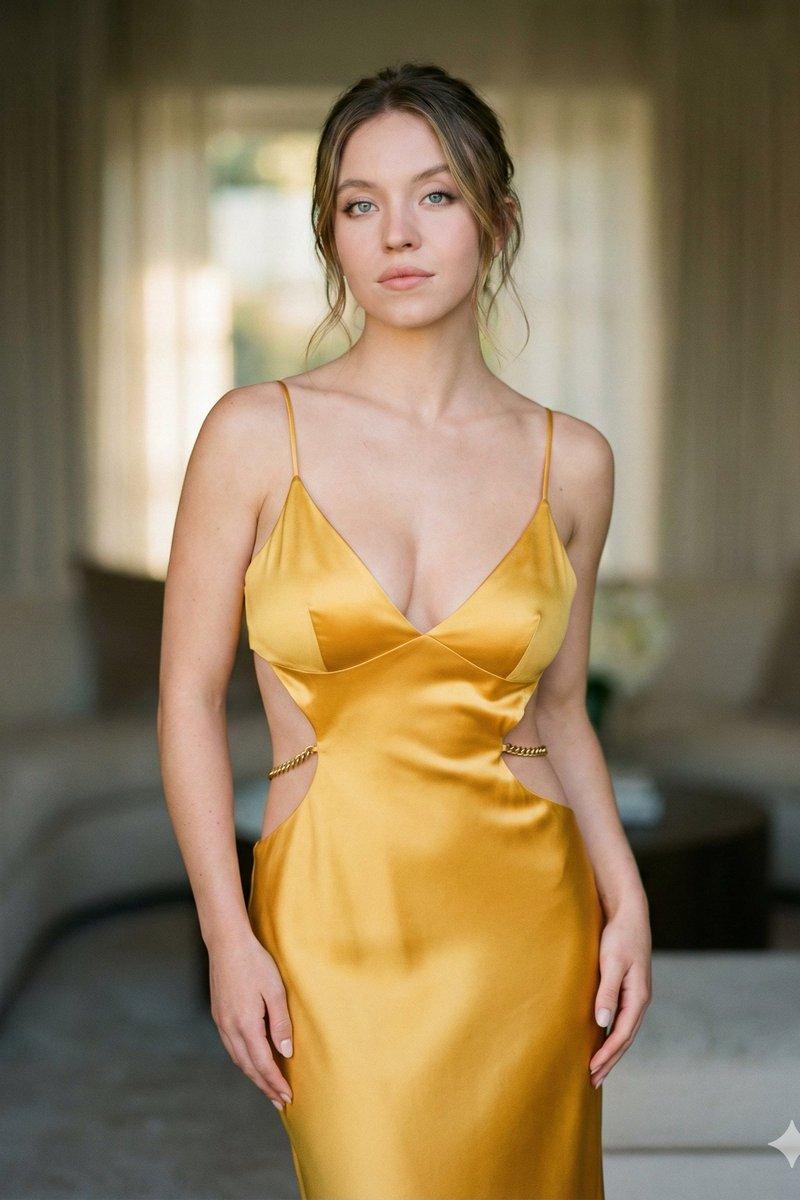
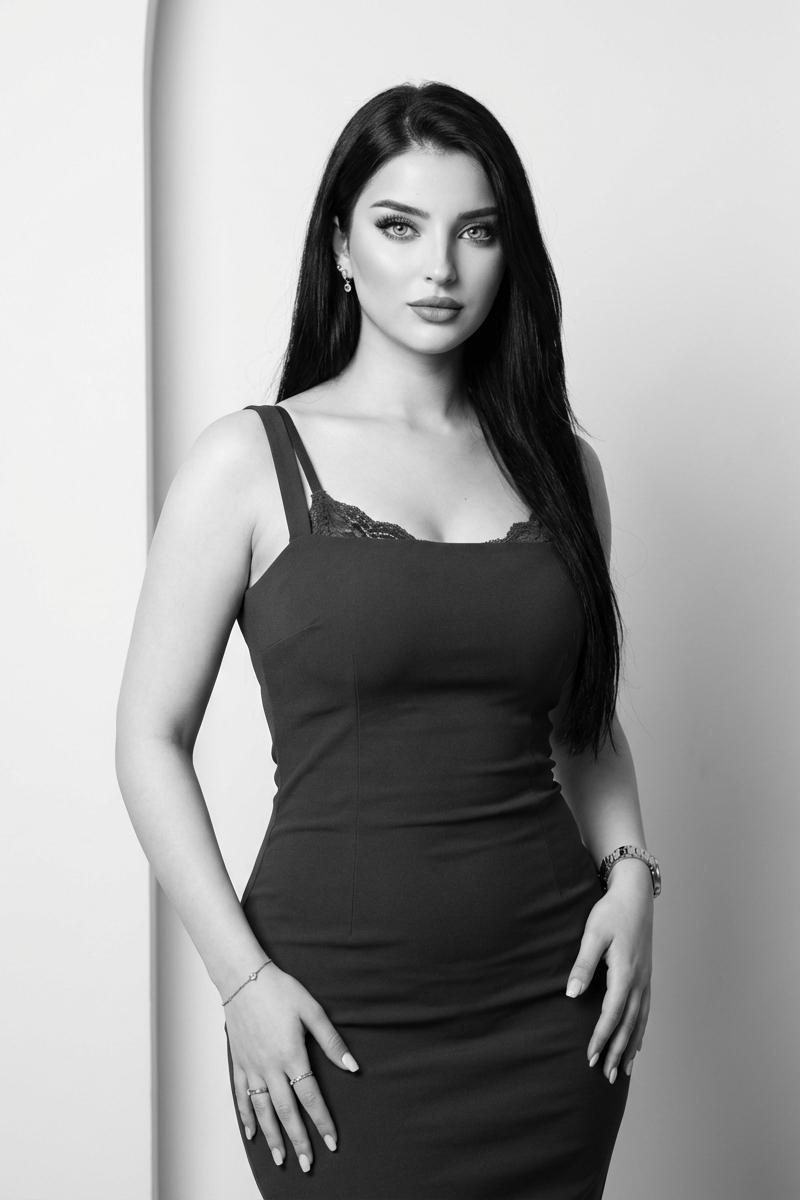
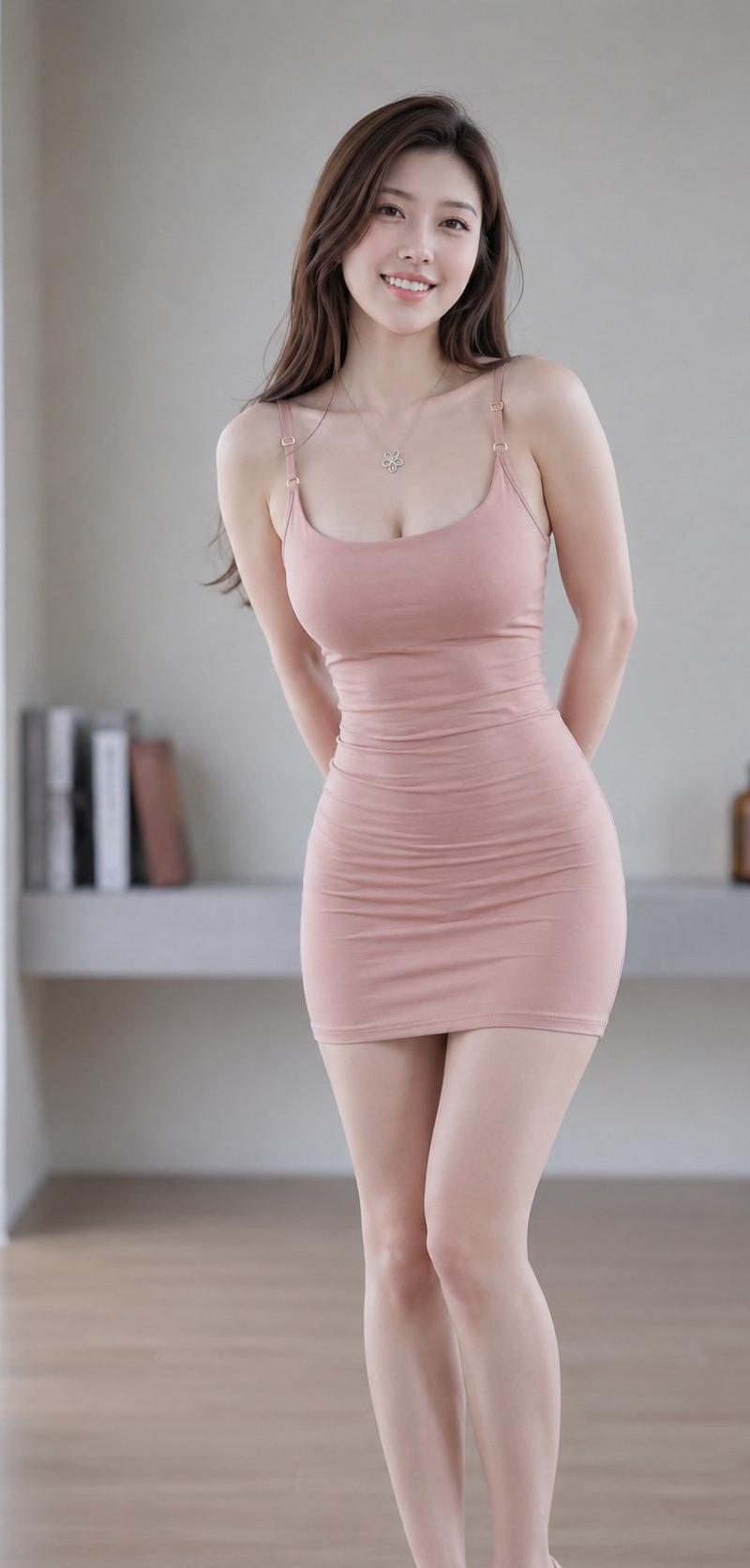
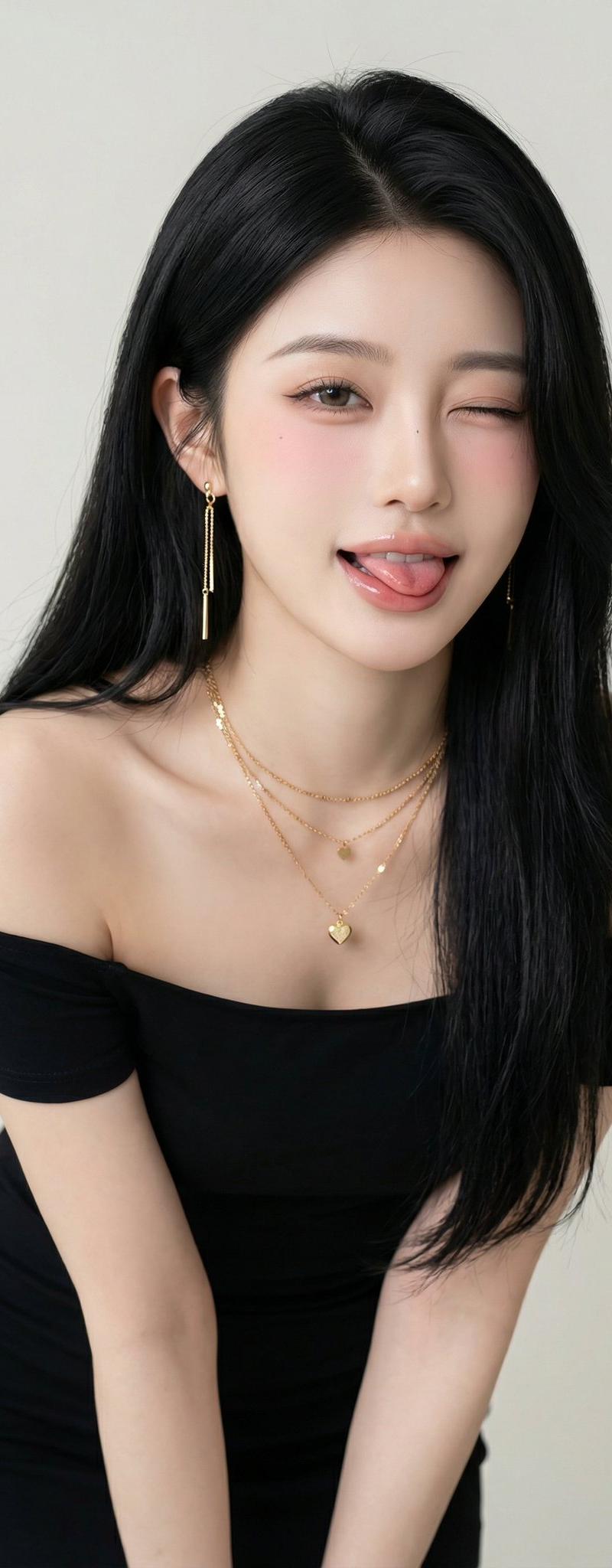
ブラックのキャミソールドレスによるシンプルで洗練されたスタイル。無駄のないミニマルデザインが上品さを演出。
シルバーアクセサリーが効いたモダンな大人のエレガンス。
【服装プロンプト】
Black sleeveless midi slip dress with straight silhouette and spaghetti straps. Silver flat sandals with minimal strappy design. Black structured tote bag with clean lines. Minimalist elegant style with monochrome palette. Modern sophisticated aesthetic with clean silhouettes. NOT casual wear, NOT bright colors, NOT heavy textures.
【髪型プロンプト】
Medium-length dark brown hair pulled back in low sleek bun with center part. Polished styling with smooth finish and minimal flyaways. Rich brunette color with natural depth. Professional elegant hairstyle with sophisticated simplicity. NOT loose styles, NOT voluminous looks, NOT light colors.
Category
Creative Use Cases
Model
Unknown
Creator
空想写真家
Source language
zh-CN
Views0
Source ID
today-s-outfit
Studio

Guide

About "今日の衣装"

What is this prompt for?

"今日の衣装" AI image prompt for Unknown (Creative Use Cases). 本日の衣装ご用意しました♪ 皆様の素敵なコーデ楽しみにしています😊 ・衣装プロンプトはリプ欄に記載してます🫶 ・過去の衣装はハイライトにまとめてます👗 (推奨:引用RP + #空想AIファッション…

The full copyable prompt and example visuals above are ready for AI image generation or one-click recreate in Picva.

How to use this prompt

  1. Step 1

    Open the prompt detail

    Review the example visuals, category, and full prompt text for "今日の衣装".

  2. Step 2

    Copy the prompt

    Copy the prompt body from this page, or load it directly in Studio.

  3. Step 3

    Pick a model (Unknown)

    Prefer Unknown. If you switch models, keep subject and composition and tweak style terms.

  4. Step 4

    Generate and export

    Recreate the look in Picva, or export into your workflow for editing and publishing.

FAQ

What is the "今日の衣装" prompt?
It is an AI image-generation prompt for Unknown in the Creative Use Cases category. This page includes the full prompt text, example visuals, and a one-click recreate path in Picva.
How do I use this prompt to generate an image?
Copy the prompt from this page, or use Generate / Studio. Paste it into a compatible image model, or recreate the look in Picva with optional reference images.
Which model is this prompt for?
This page lists Unknown. Most descriptive prompts also transfer to nearby image models such as GPT Image, Flux, or Midjourney with light style tweaks.
Can I use the result commercially?
You can usually copy the prompt for creation, but commercial use of the final image depends on the model terms, reference-image rights, and the generated content. Follow the source author and platform rules.