14

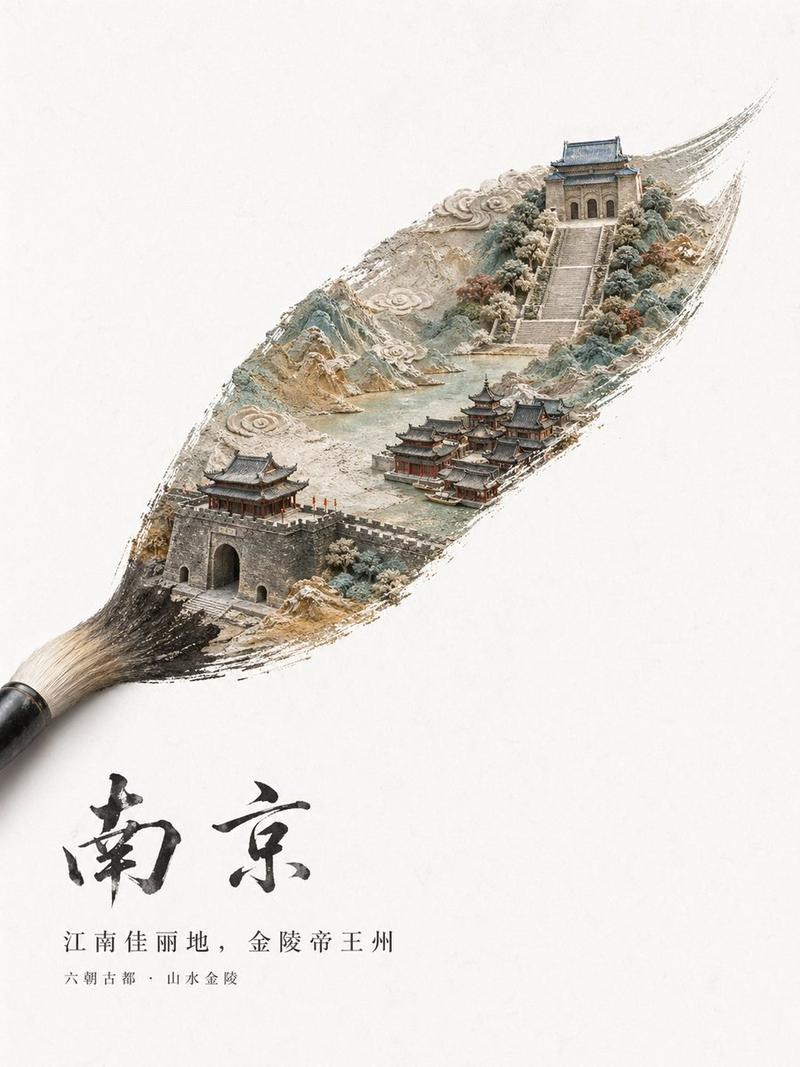
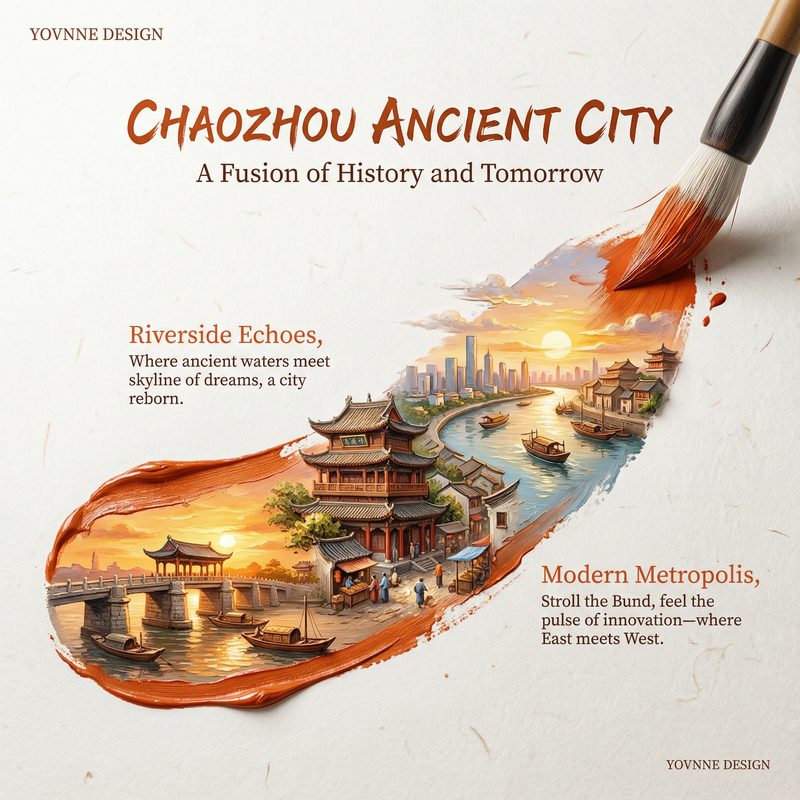
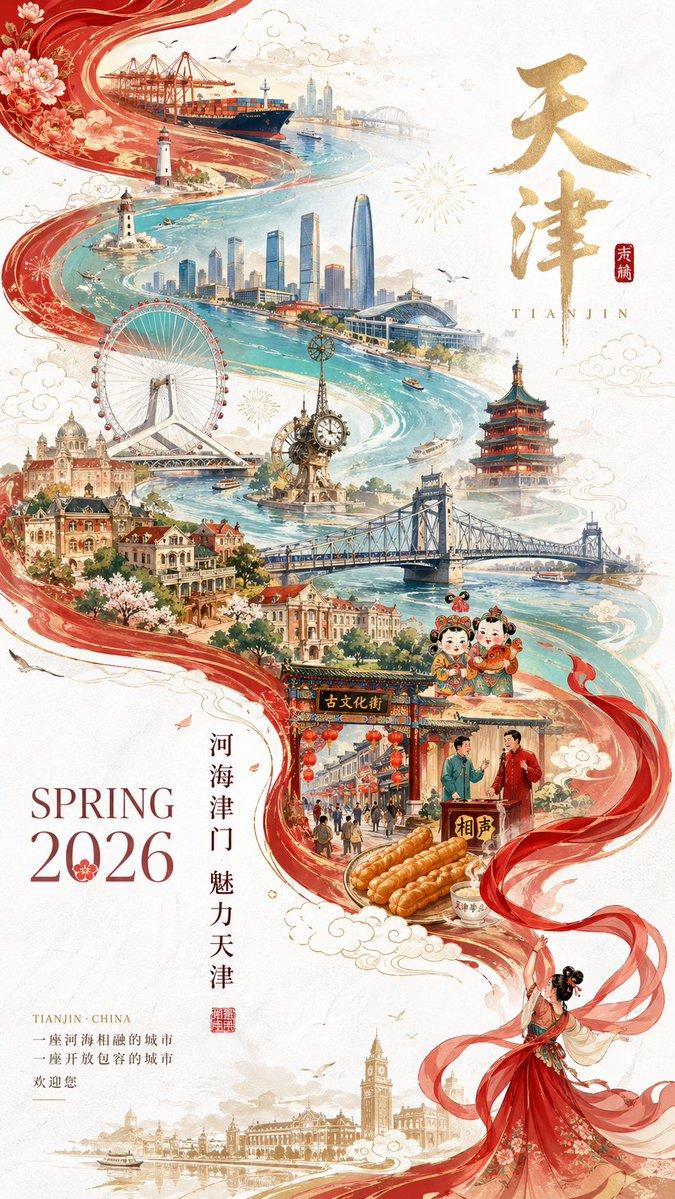
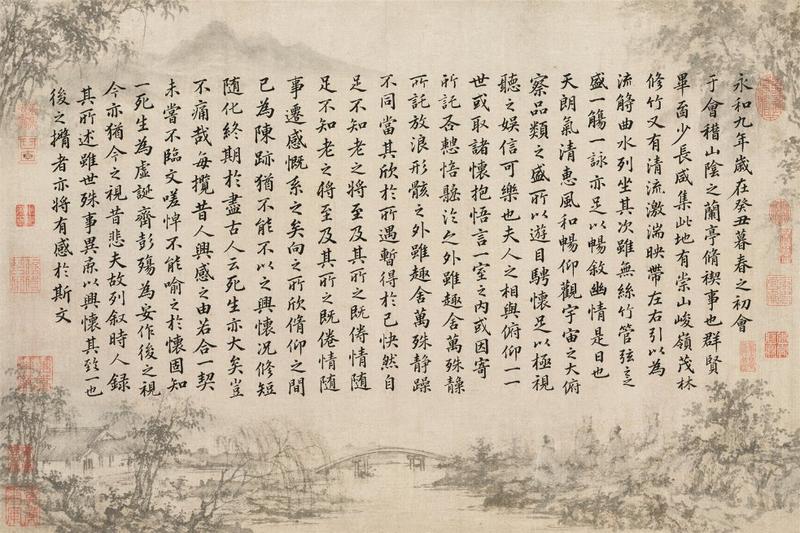
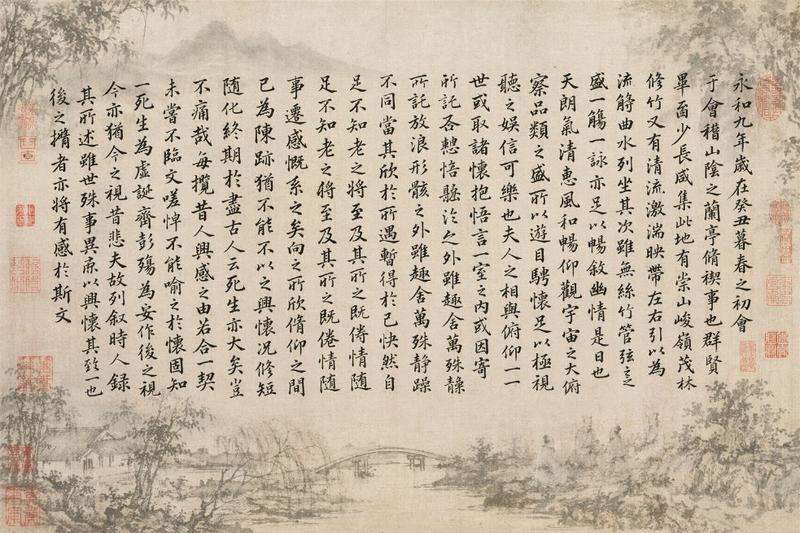
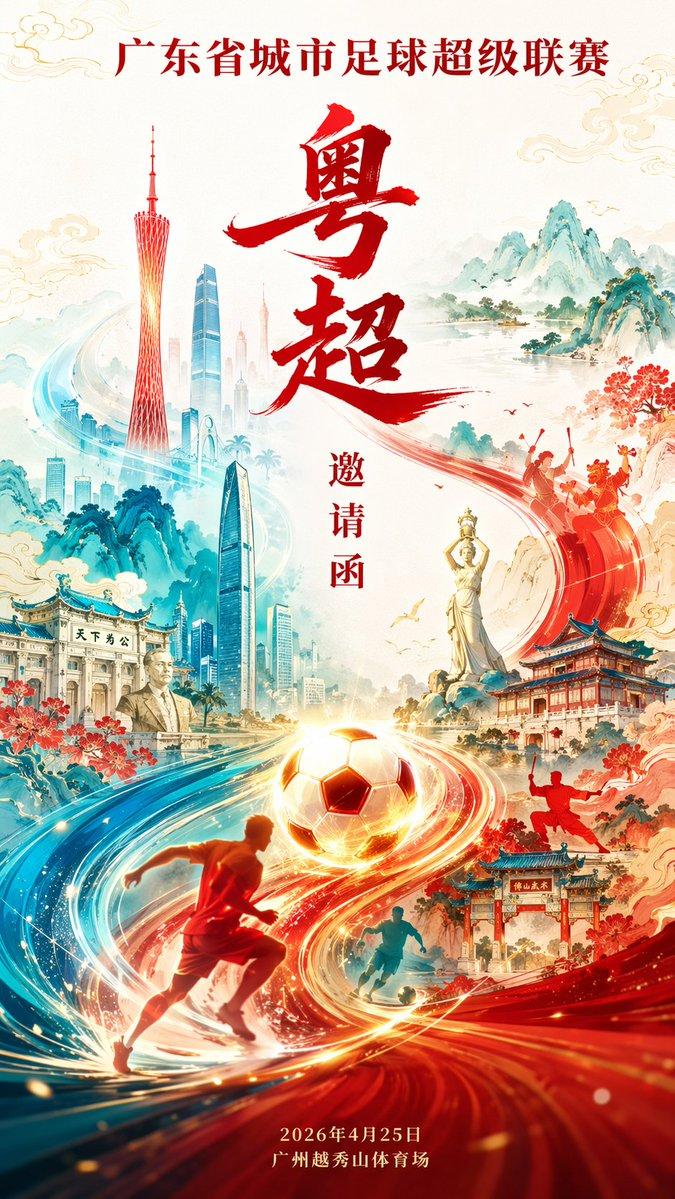
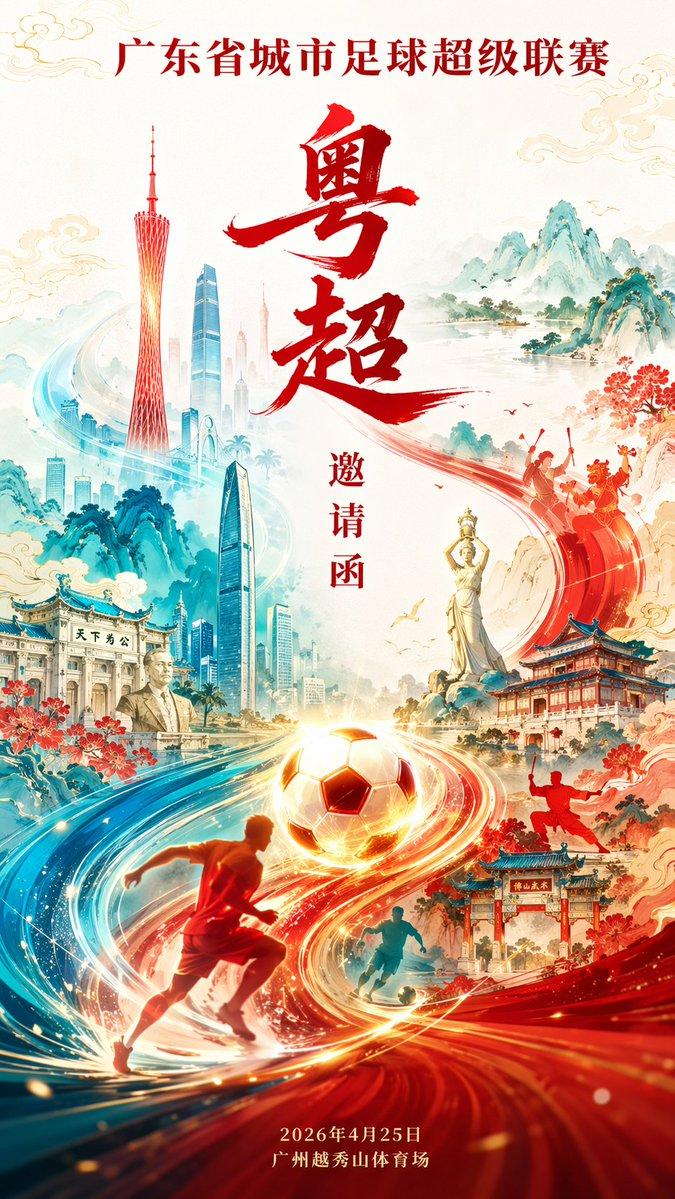
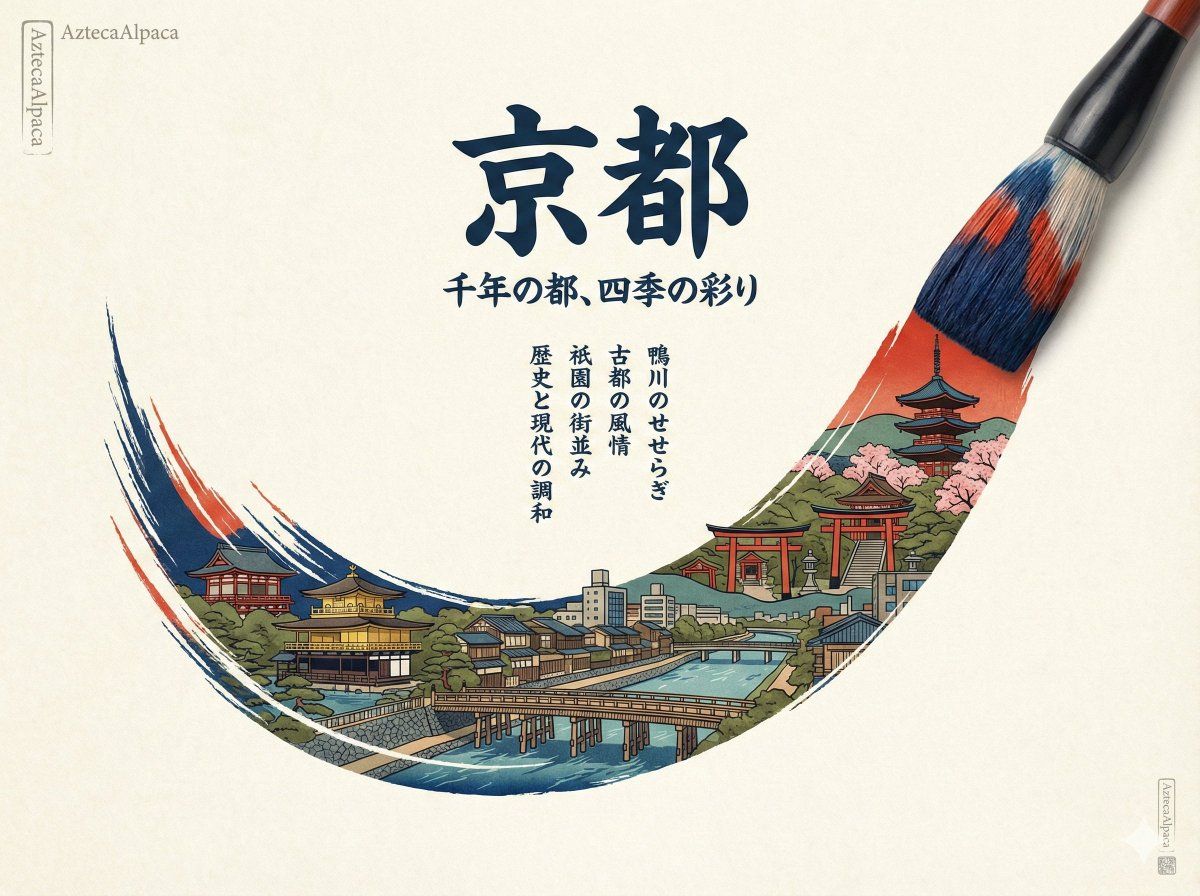
都市一瞥:画家、画笔、城市、山水
Enlarge

都市一瞥:画家、画笔、城市、山水

Prompt
都市一瞥:画家、画笔、城市、山水
示例:
- 巴塞罗那,毕加索
- 京都,浮世绘
- 墨西哥城,弗里达
- 圣彼得堡,列宾
提示词(英文版见评论区)
---
城市:京都
画风:浮世绘
签名:AztecaAlpaca
**画面比例:**4:3
**提示词:**
一种合适的艺术工具(例如:画笔、调色刀、触控笔,或适合 [Painting Style] 的传统绘画工具),仿佛正处于创作之中,从左下角向右上角勾勒出一条精致、优雅的曲线。笔触之中包含著名的 [City/Country] 地标的微缩景观:精选的一组标志性地点,融合当地特有的历史与现代建筑、自然元素以及城市生活气息。整体风格结合了 [Painting Style] 与学院派海报设计:多样化的笔触与痕迹营造出三维空间感,呈现出立体的微缩景观与浅浮雕质感。[Dominant Color Tones] 为主色调,其间点缀传统的 [City/Country] 美学元素,并与现代城市天际线相互交织。画面为极简的俯视视角,主体笔触之外保留大面积留白。背景为具有纹理的纸张(高质量纤维质感),色调明亮、干净、清新(例如:纯白、明亮的天空蓝、阳光般的浅黄色,或清爽的薄荷绿),与画面主体形成清晰对比,营造纯净感。整体设计融合传统 [City/Country] 美学与现代三维艺术,具备高细节度、超写实效果、HDR,以及 8K 分辨率。
**海报文字排版要求达到大师级水准**(精致的网格系统、精确的间距控制、极其准确的字距与层级),所有字体的呈现风格需在视觉上与所选的 [Painting Style] 及绘画工具相互呼应并融为一体:
* **主标题:**“[CITY/COUNTRY]”(与绘画风格美学相匹配的艺术字体,极具吸引力,高对比度,作为核心视觉层级)
* **副标题:**“[Subtitle about the location's character]”(在风格上与主标题及绘画肌理相互呼应的高级排版)
* **装饰性文案**(全部采用与 [Painting Style] 融合的字体风格,通过分段形成节奏与层级,与主标题呼应):
* “[Decorative Copy 1: e.g., Name of a river or natural feature]”
* “[Decorative Copy 2: A phrase describing the city's atmosphere]”
* “[Decorative Copy 3: Name of a district or landmark]”
* “[Decorative Copy 4: A concluding thought about the city]”
* **左上角小字:**[signature/brand name](低调、匹配整体风格的字体)
* **右下角极小字:**[Signature/brand name](低调、匹配整体风格的字体)
**构图要求:**
绘画工具的笔尖应在笔触末端(右上角)停住,笔触之外保留干净的留白;微缩景观仅存在于笔触内部,细节密集但不显杂乱;
Category
Posters & Typography
Model
Unknown
Views0
Source ID
urban-glimpse-painter-brush-city-mountain-river

Guide

About "都市一瞥:画家、画笔、城市、山水"

What is this prompt for?

"都市一瞥:画家、画笔、城市、山水" AI image prompt for Unknown (Posters & Typography). 都市一瞥:画家、画笔、城市、山水 示例: - 巴塞罗那,毕加索 - 京都,浮世绘 - 墨西哥城,弗里达 - 圣彼得堡,列宾 提示词(英文版见评论区) --- 城市:京都 画风:…

The full copyable prompt and example visuals above are ready for AI image generation or one-click recreate in Picva.

How to use this prompt

  1. Step 1

    Open the prompt detail

    Review the example visuals, category, and full prompt text for "都市一瞥:画家、画笔、城市、山水".

  2. Step 2

    Copy the prompt

    Copy the prompt body from this page, or load it directly in Studio.

  3. Step 3

    Pick a model (Unknown)

    Prefer Unknown. If you switch models, keep subject and composition and tweak style terms.

  4. Step 4

    Generate and export

    Recreate the look in Picva, or export into your workflow for editing and publishing.

FAQ

What is the "都市一瞥:画家、画笔、城市、山水" prompt?
It is an AI image-generation prompt for Unknown in the Posters & Typography category. This page includes the full prompt text, example visuals, and a one-click recreate path in Picva.
How do I use this prompt to generate an image?
Copy the prompt from this page, or use Generate / Studio. Paste it into a compatible image model, or recreate the look in Picva with optional reference images.
Which model is this prompt for?
This page lists Unknown. Most descriptive prompts also transfer to nearby image models such as GPT Image, Flux, or Midjourney with light style tweaks.
Can I use the result commercially?
You can usually copy the prompt for creation, but commercial use of the final image depends on the model terms, reference-image rights, and the generated content. Follow the source author and platform rules.