16

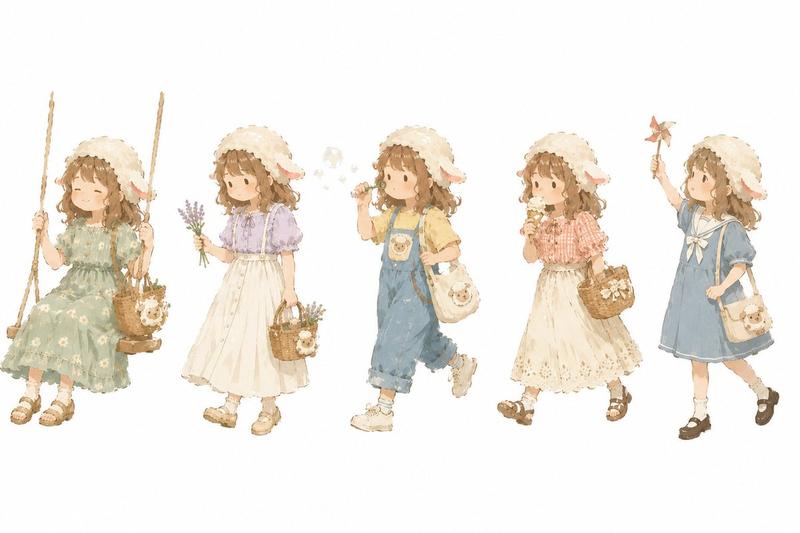
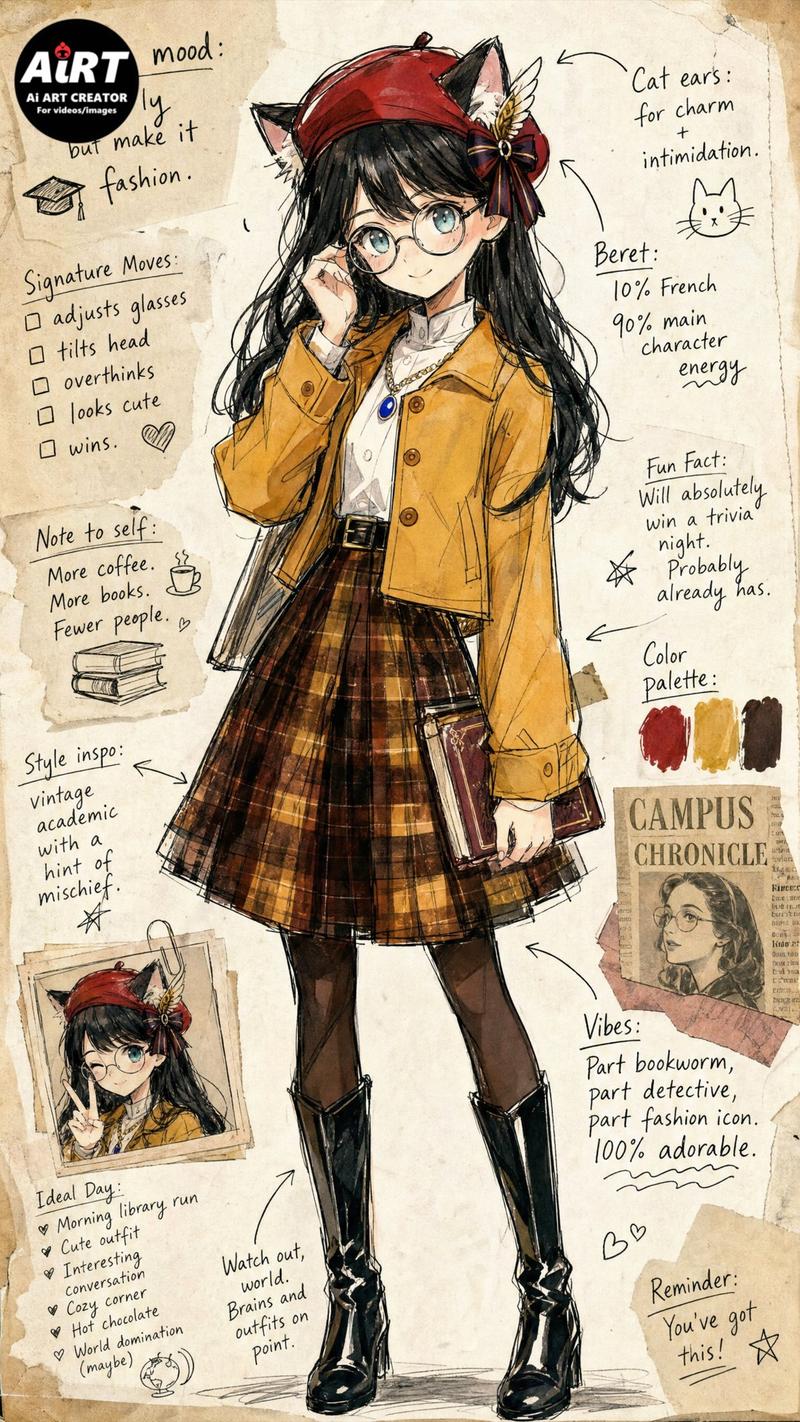
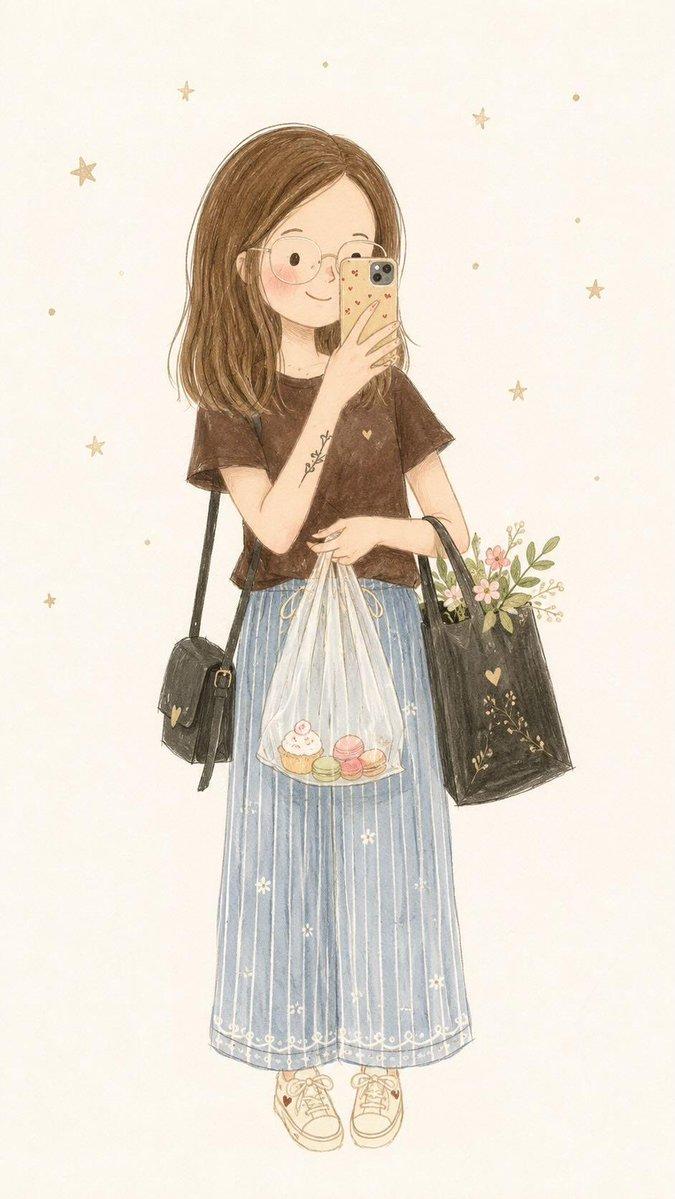
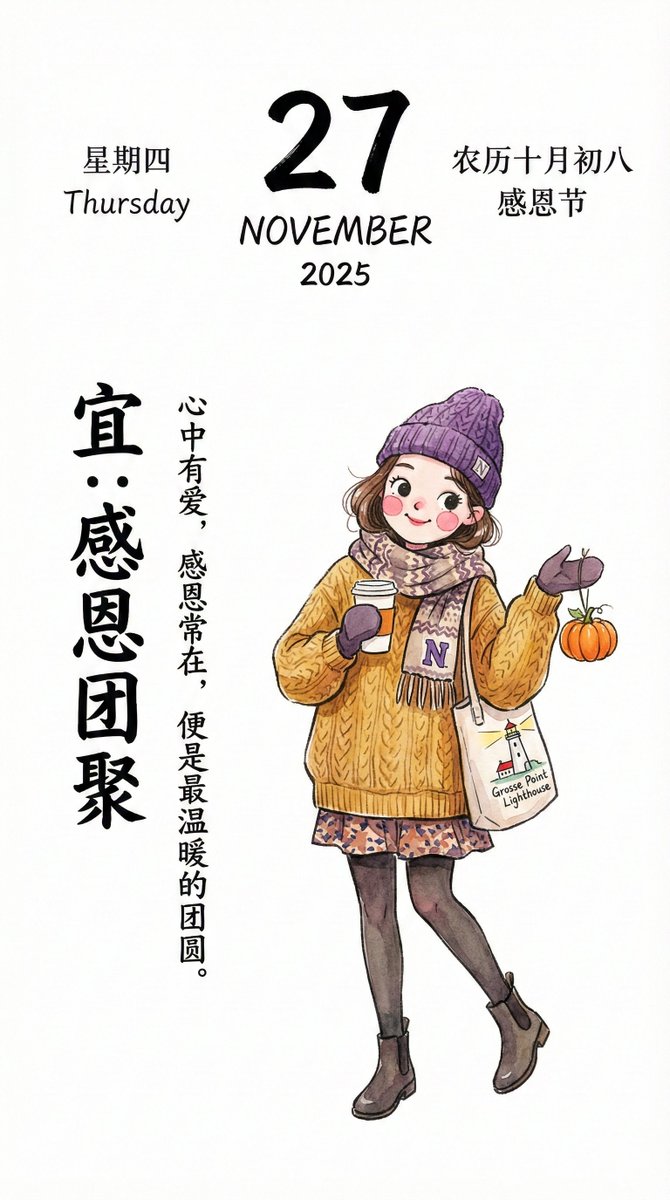
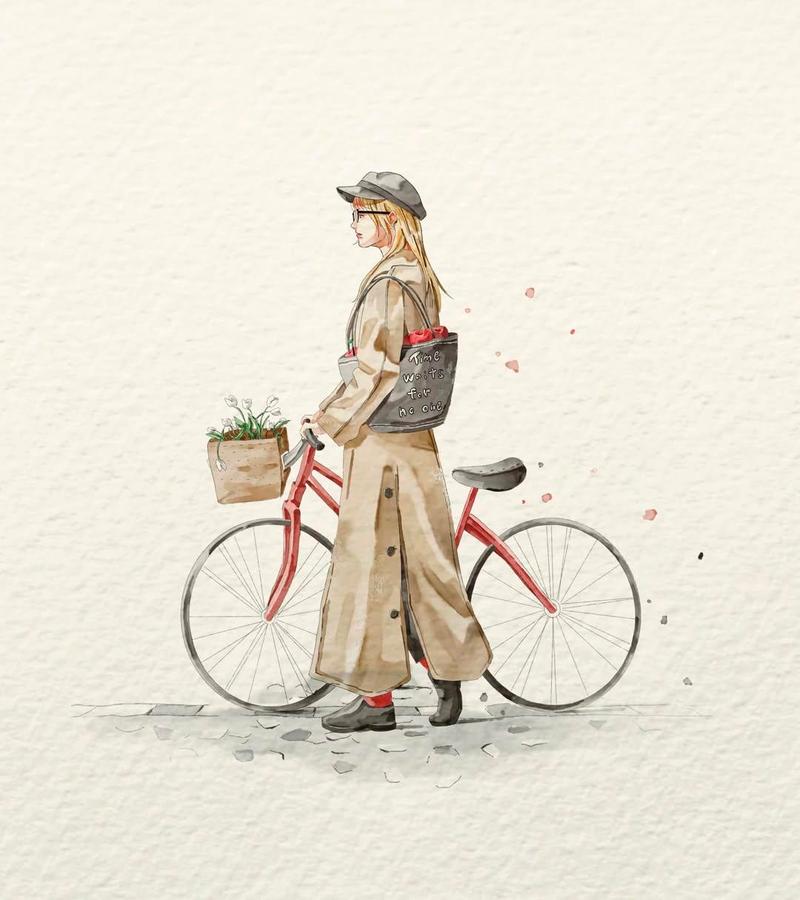
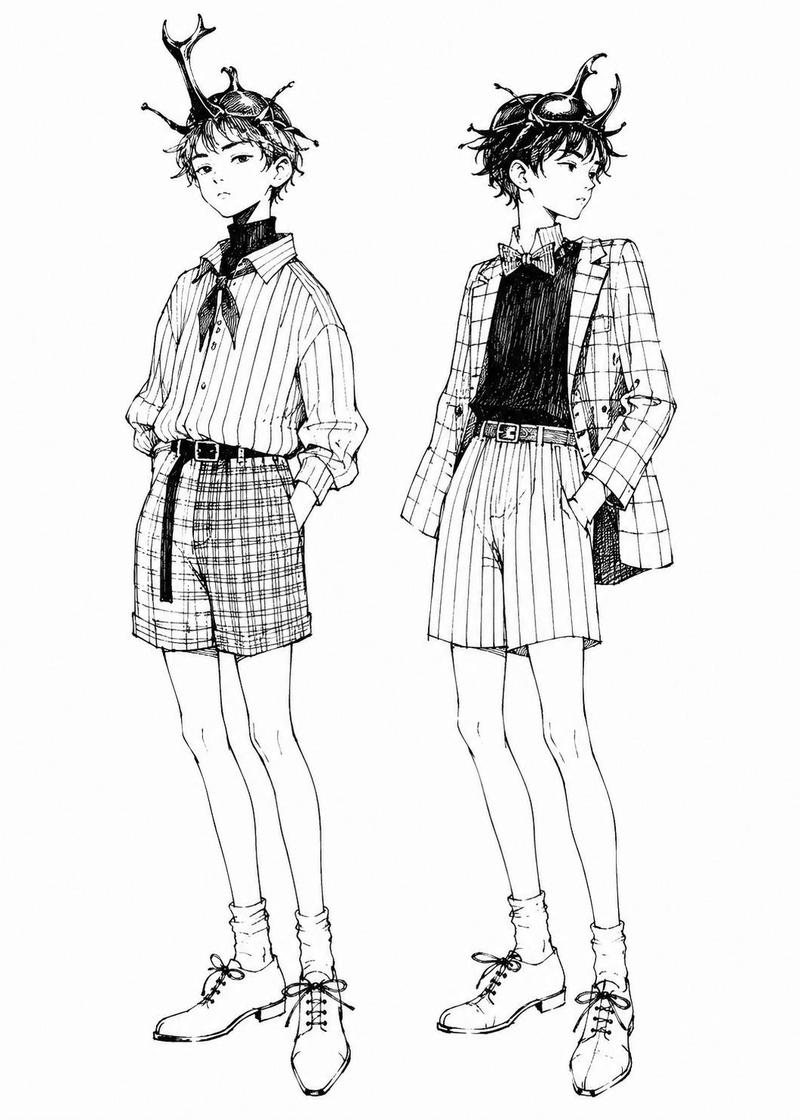
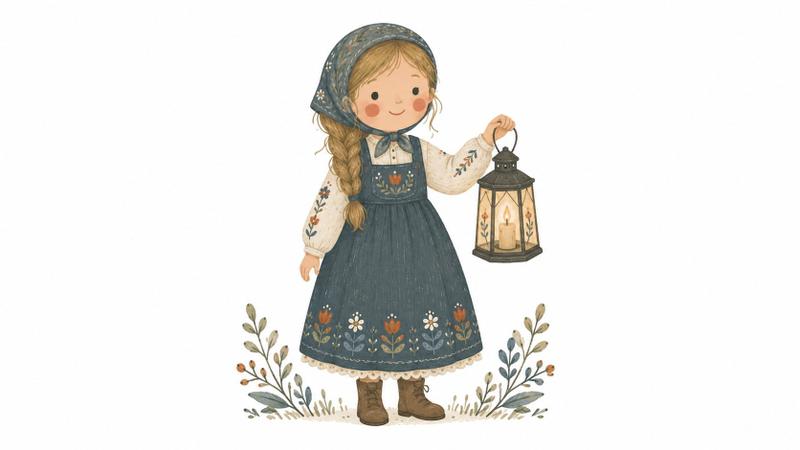
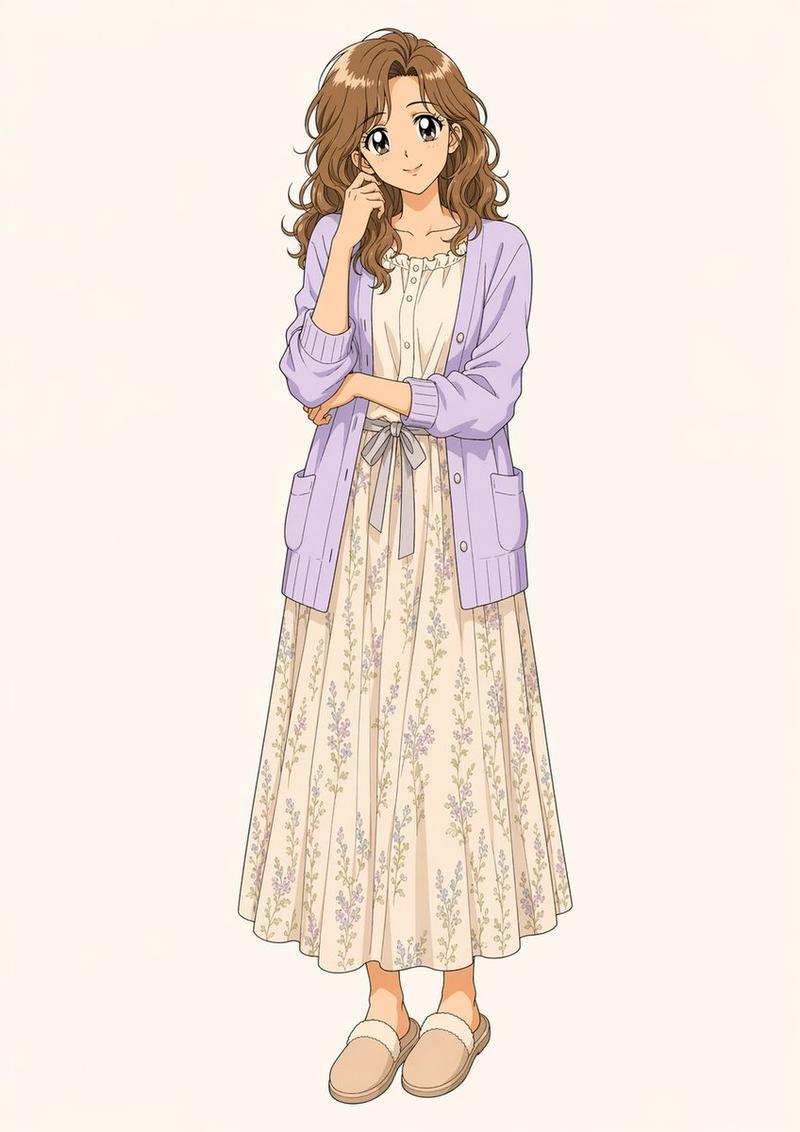
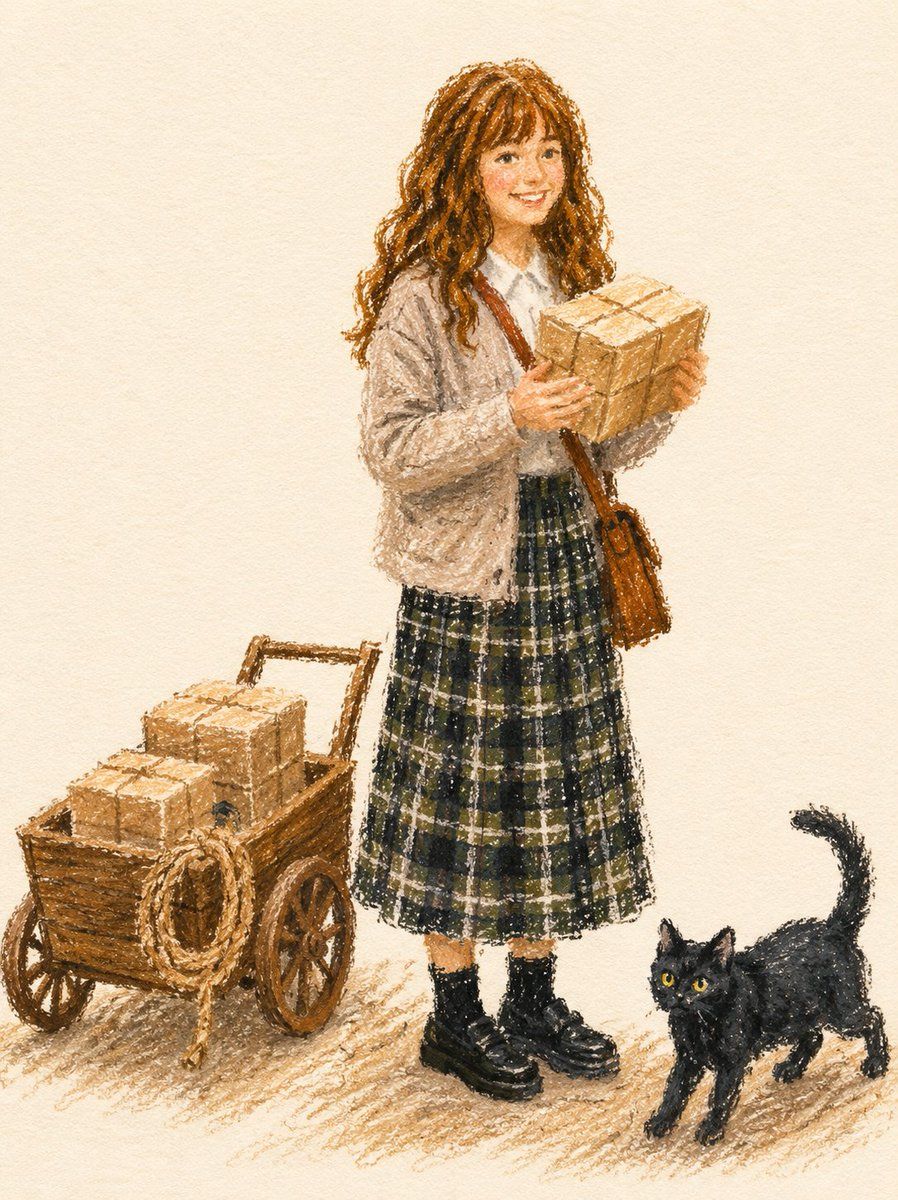
油画棒时尚插画风格
Enlarge

Example images

油画棒时尚插画风格

Prompt
Transform the subject from the uploaded photo into a fashion illustration created with {argument name="medium" default="thick oil pastels or wax crayons"} on {argument name="surface" default="textured paper"}.
Fashion Illustration Style: Editorial and stylish, focusing on the subject’s outfit and overall look rather than background elements. Reminiscent of fashion magazine sketches.
Medium & Tools: Rendered with bold, chunky pastel strokes. Marks are grainy, textured, and uneven, leaving visible gaps and overlaps. No digital smoothness.
Linework: No black outlines or contour lines. Shapes are defined by overlapping pastel blocks of color.
Coloring: Flat matte fills in vibrant but muted tones. Slightly imperfect coverage, with paper texture peeking through. Minimal shading using broad pastel hatching, not gradients.
Details: Preserve the subject’s hairstyle, clothing, accessories, pose, and expression exactly, but simplify them into bold pastel forms. Logos or numbers should appear as painterly pastel marks, not sharp text.
Background: Solid, off-white sketchbook paper. Only a light scribbled ground shadow to anchor the figure.
Overall Tone: Chic, modern fashion sketch aesthetic — stylish, minimal, and editorial.
Negative Prompt: No outlines, no contour ink. No gradients, no digital airbrush, no vector-smooth shapes.
Category
Posters & Typography
Model
GPT Image 2
Views6
Source ID
20806
Published
May 16, 2026

Guide

About "油画棒时尚插画风格"

What is this prompt for?

"油画棒时尚插画风格" AI image prompt for GPT Image 2 (Posters & Typography). 一种风格化提示词,可将参考照片转换为使用油画棒或蜡笔绘制的粗犷、富有质感的时尚插画。 Copy it on Picva and recreate the look in one cl…

The full copyable prompt and example visuals above are ready for AI image generation or one-click recreate in Picva.

How to use this prompt

  1. Step 1

    Open the prompt detail

    Review the example visuals, category, and full prompt text for "油画棒时尚插画风格".

  2. Step 2

    Copy the prompt

    Copy the prompt body from this page, or load it directly in Studio.

  3. Step 3

    Pick a model (GPT Image 2)

    Prefer GPT Image 2. If you switch models, keep subject and composition and tweak style terms.

  4. Step 4

    Generate and export

    Recreate the look in Picva, or export into your workflow for editing and publishing.

FAQ

What is the "油画棒时尚插画风格" prompt?
It is an AI image-generation prompt for GPT Image 2 in the Posters & Typography category. This page includes the full prompt text, example visuals, and a one-click recreate path in Picva.
How do I use this prompt to generate an image?
Copy the prompt from this page, or use Generate / Studio. Paste it into a compatible image model, or recreate the look in Picva with optional reference images.
Which model is this prompt for?
This page lists GPT Image 2. Most descriptive prompts also transfer to nearby image models such as GPT Image, Flux, or Midjourney with light style tweaks.
Can I use the result commercially?
You can usually copy the prompt for creation, but commercial use of the final image depends on the model terms, reference-image rights, and the generated content. Follow the source author and platform rules.