20

复古夏日鸡蛋花度假肖像
Enlarge

复古夏日鸡蛋花度假肖像

Prompt
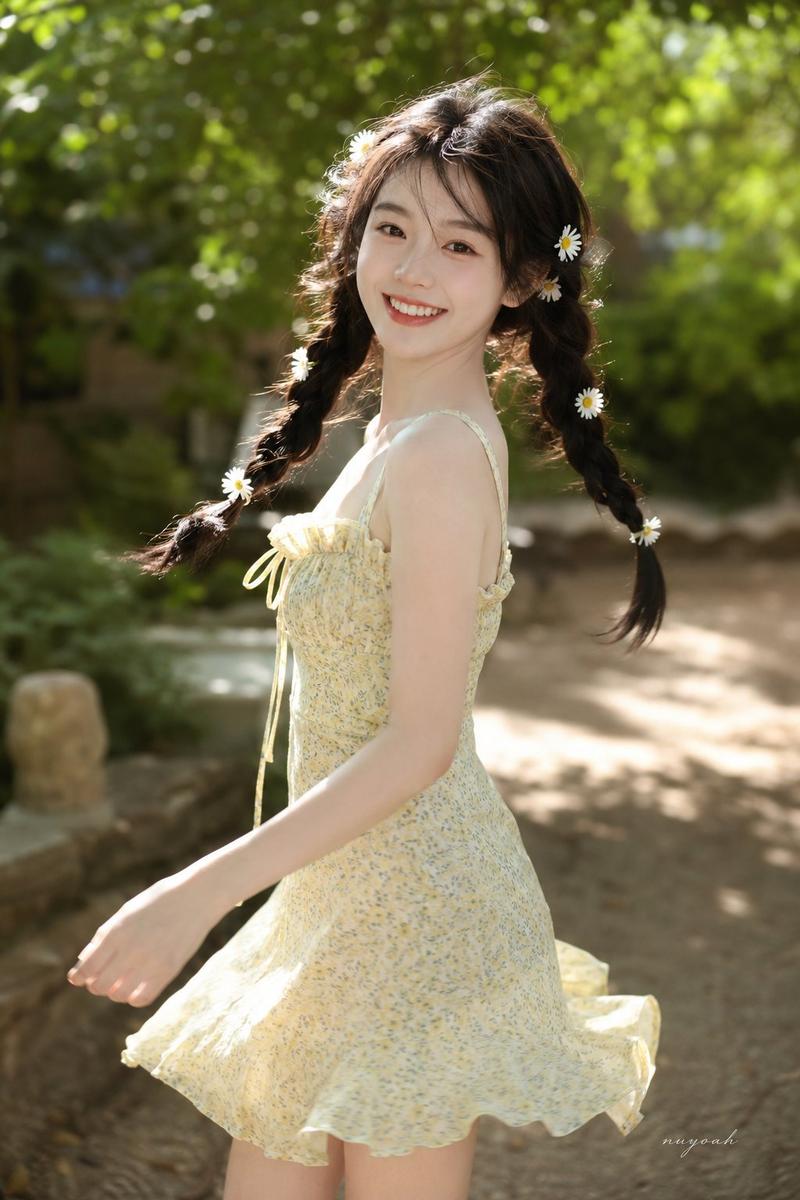
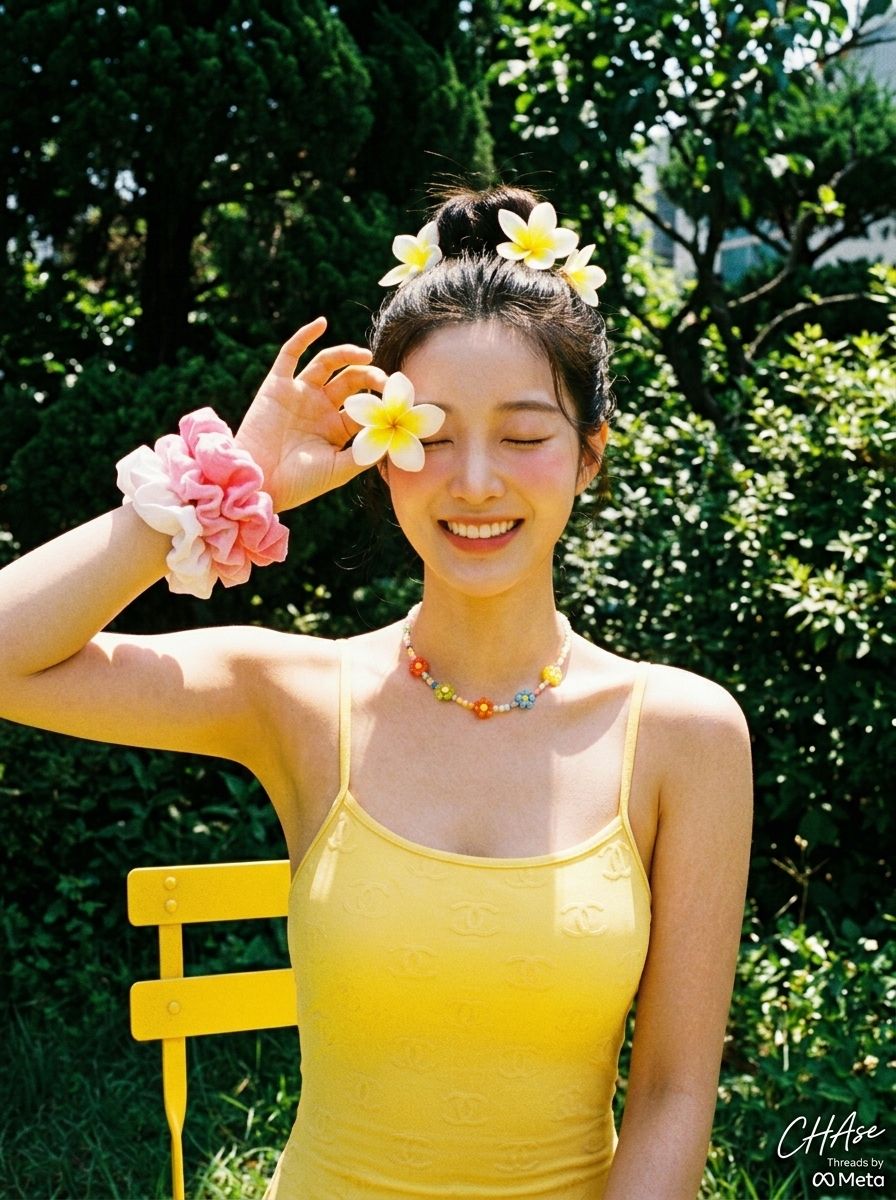
[人物] 参考图片 {argument name="image number" default="1"}\n\n[姿势与表情]\n一个人在户外花园中闭眼灿烂大笑。右臂抬起,在右眼附近拿着一朵白色与 {argument name="flower color" default="黄色"} 相间的鸡蛋花。整体姿势展现出可爱、活泼且自由奔放的张力。\n\n[服装]\n身穿一件 {argument name="swimsuit color" default="黄色"} 细肩带连体泳衣,表面带有微妙的浮雕 Chanel 标志图案。佩戴着色彩缤纷的串珠花朵项链,右腕叠戴着几个粉色和白色的蓬松发圈作为可爱点缀。\n\n[发型与妆容细节]\n头顶扎着自然的丸子头,并用鸡蛋花装饰。妆容清新,展现出透亮细腻的肤质,甚至可见细微的桃色绒毛,双颊扫上粉色腮红,更显活力。\n\n[光影与方向]\n晴朗天气下强烈的直射自然光照亮了主体前方。强烈的阳光使人物皮肤和黄色泳衣显得格外明亮,而鼻下、下巴及手臂内侧深邃锐利的阴影则赋予了画面强烈的立体感和盛夏的热度。\n\n[质感与色彩氛围]\n仿佛用复古胶片相机拍摄的复古模拟感。鲜艳的黄色泳衣与花朵色彩,与背景中深绿色的植物形成强烈对比,营造出清爽愉悦的盛夏度假氛围。\n\n[胶片与相机景深/角度]\n从正面平视角度拍摄。具有如同使用闪光灯般的直射光感,主体整体对焦清晰。粗糙的颗粒质感(模拟胶片摄影的特征)覆盖整个画面,增添了复古的怀旧气息。\n\n[背景元素(可选)]\n人物身后是明亮的户外花园景观,有着茂密的深绿色灌木和树木。左下角可见一把明黄色户外金属椅的靠背局部,叶片上洒落的强烈光影,完整呈现了夏日独特的生机。\n\n[签名] 右下角有一个小型的 Meta Threads 标志,上方用白色草书写着“CHAse”作为小签名。
Category
Photography & Realism
Model
GPT Image 2
Creator
CHAse
Views4
Source ID
22729
Published
May 26, 2026

Guide

About "复古夏日鸡蛋花度假肖像"

What is this prompt for?

"复古夏日鸡蛋花度假肖像" AI image prompt for GPT Image 2 (Photography & Realism). 一个高度详细的韩式提示词,用于创作一张复古胶片风格的度假肖像,画面中的女孩身着黄色泳衣,佩戴鸡蛋花,重点突出强烈的阳光和胶片颗粒质感。 Copy it on Picva and…

The full copyable prompt and example visuals above are ready for AI image generation or one-click recreate in Picva.

How to use this prompt

  1. Step 1

    Open the prompt detail

    Review the example visuals, category, and full prompt text for "复古夏日鸡蛋花度假肖像".

  2. Step 2

    Copy the prompt

    Copy the prompt body from this page, or load it directly in Studio.

  3. Step 3

    Pick a model (GPT Image 2)

    Prefer GPT Image 2. If you switch models, keep subject and composition and tweak style terms.

  4. Step 4

    Generate and export

    Recreate the look in Picva, or export into your workflow for editing and publishing.

FAQ

What is the "复古夏日鸡蛋花度假肖像" prompt?
It is an AI image-generation prompt for GPT Image 2 in the Photography & Realism category. This page includes the full prompt text, example visuals, and a one-click recreate path in Picva.
How do I use this prompt to generate an image?
Copy the prompt from this page, or use Generate / Studio. Paste it into a compatible image model, or recreate the look in Picva with optional reference images.
Which model is this prompt for?
This page lists GPT Image 2. Most descriptive prompts also transfer to nearby image models such as GPT Image, Flux, or Midjourney with light style tweaks.
Can I use the result commercially?
You can usually copy the prompt for creation, but commercial use of the final image depends on the model terms, reference-image rights, and the generated content. Follow the source author and platform rules.