17

Historical Era Visualization Cube
Enlarge

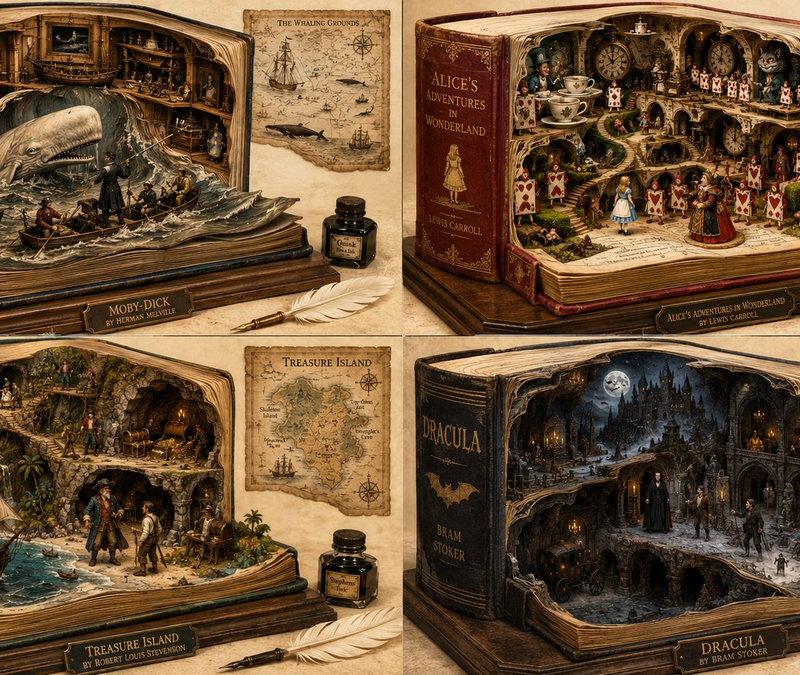
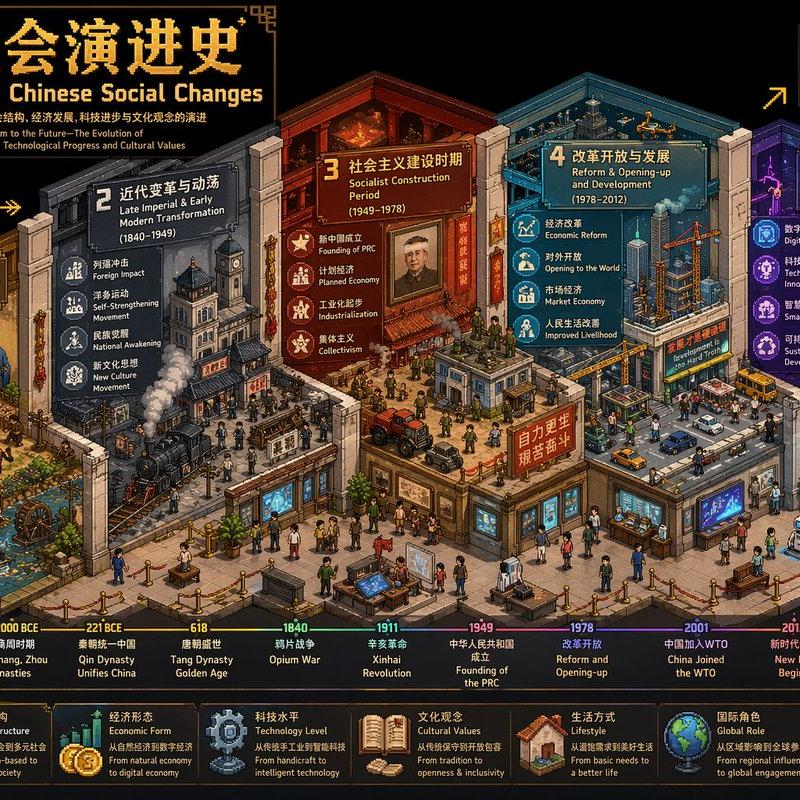
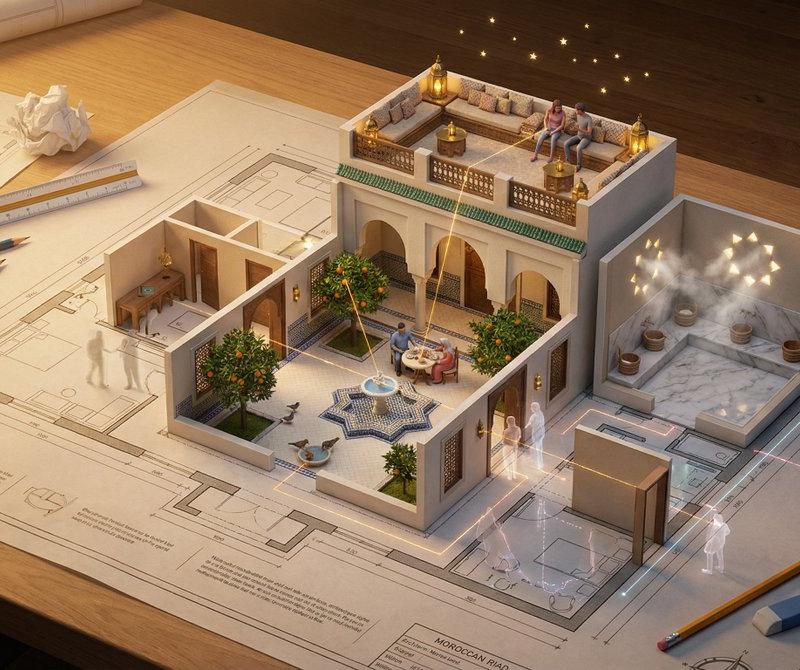
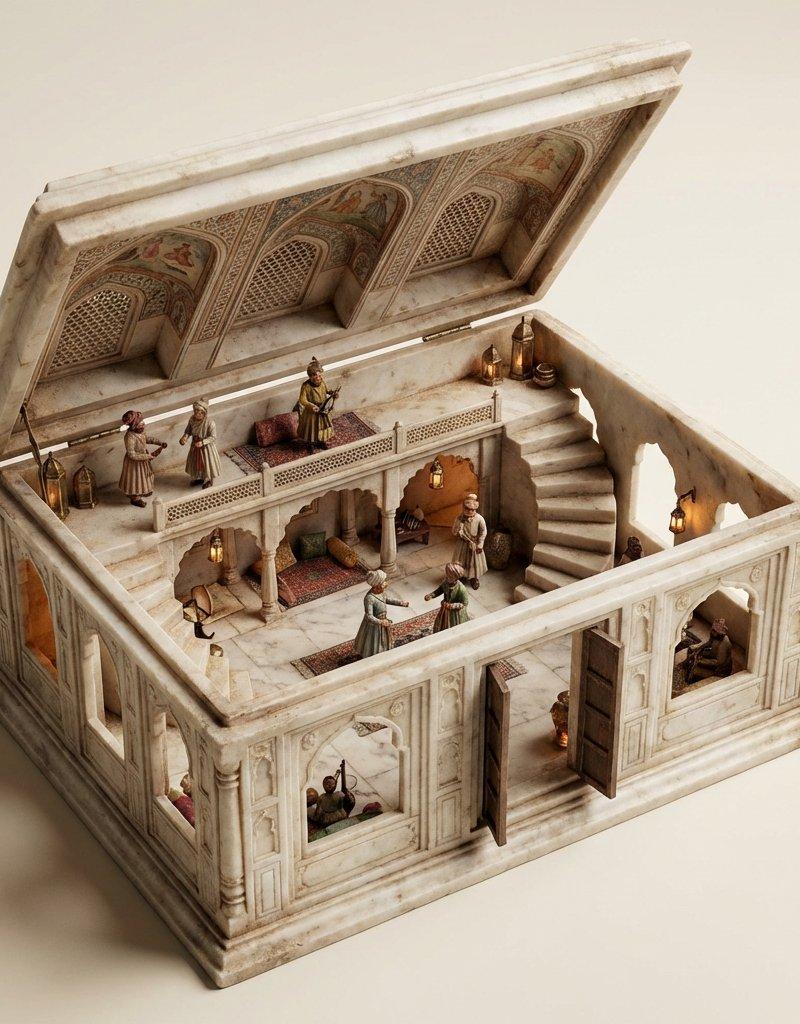
Example images

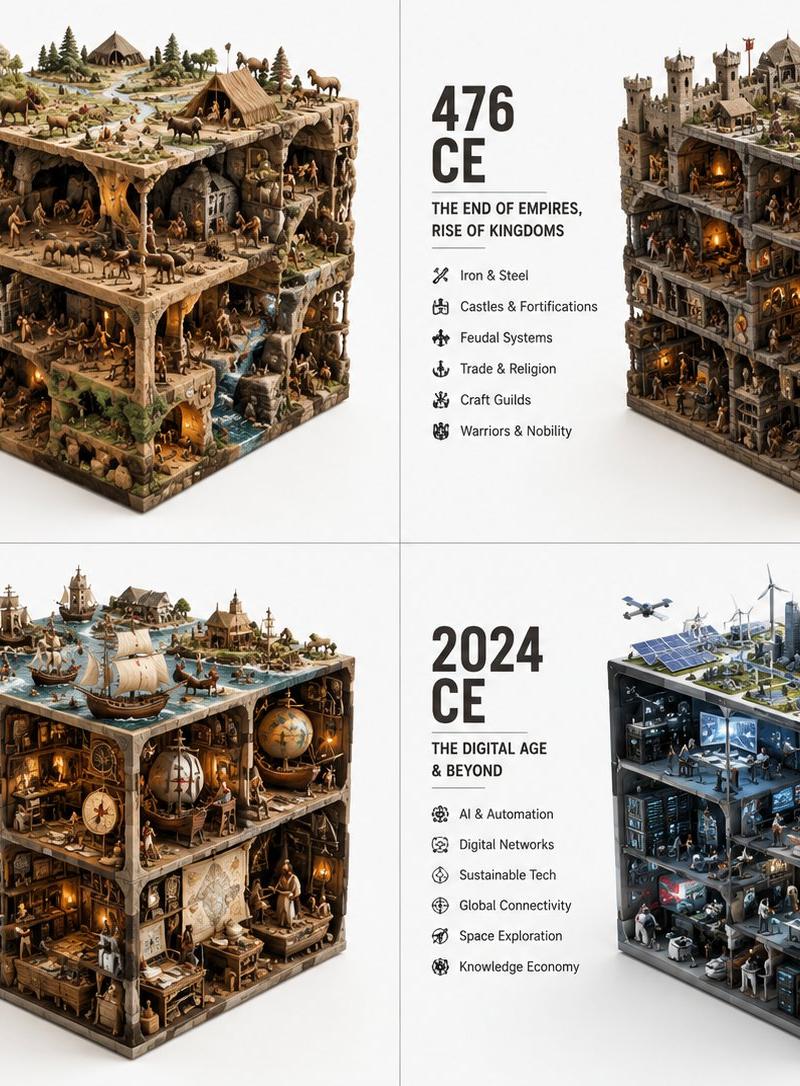
Historical Era Visualization Cube

Prompt
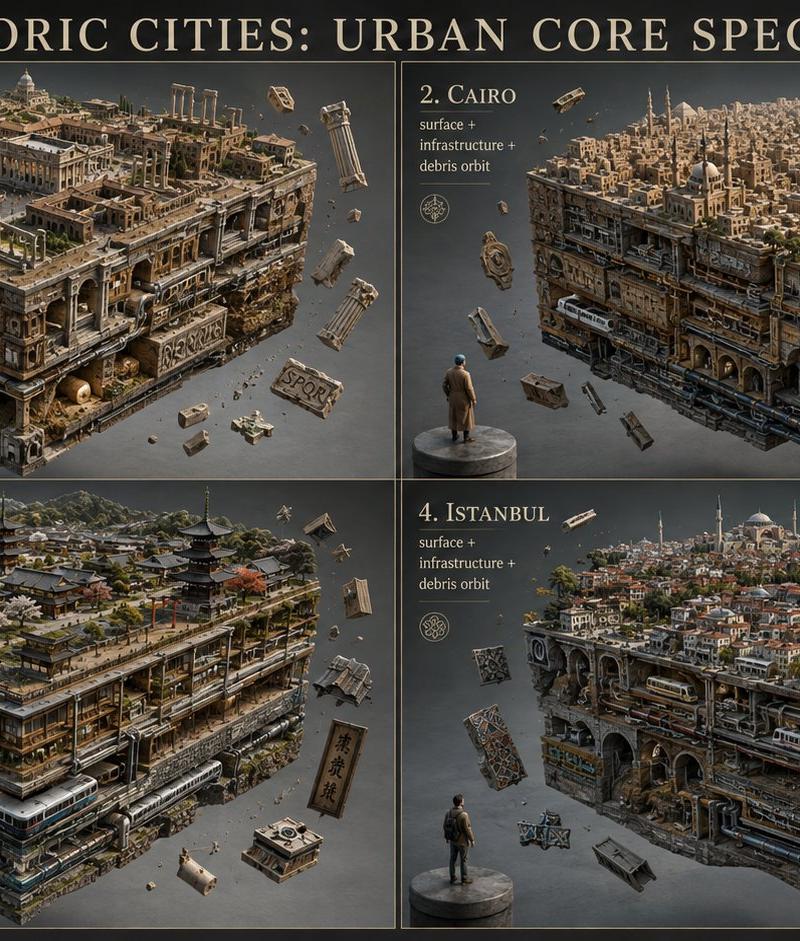
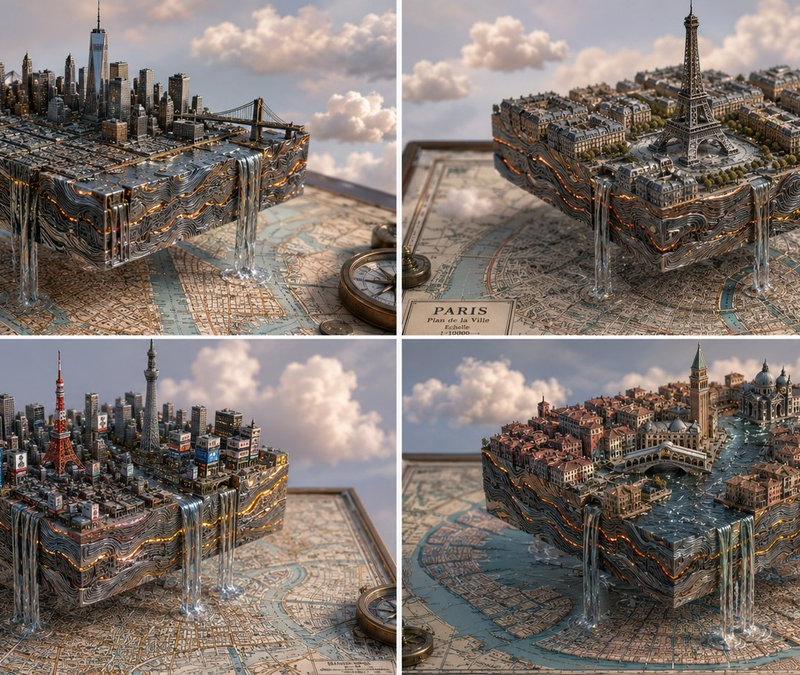
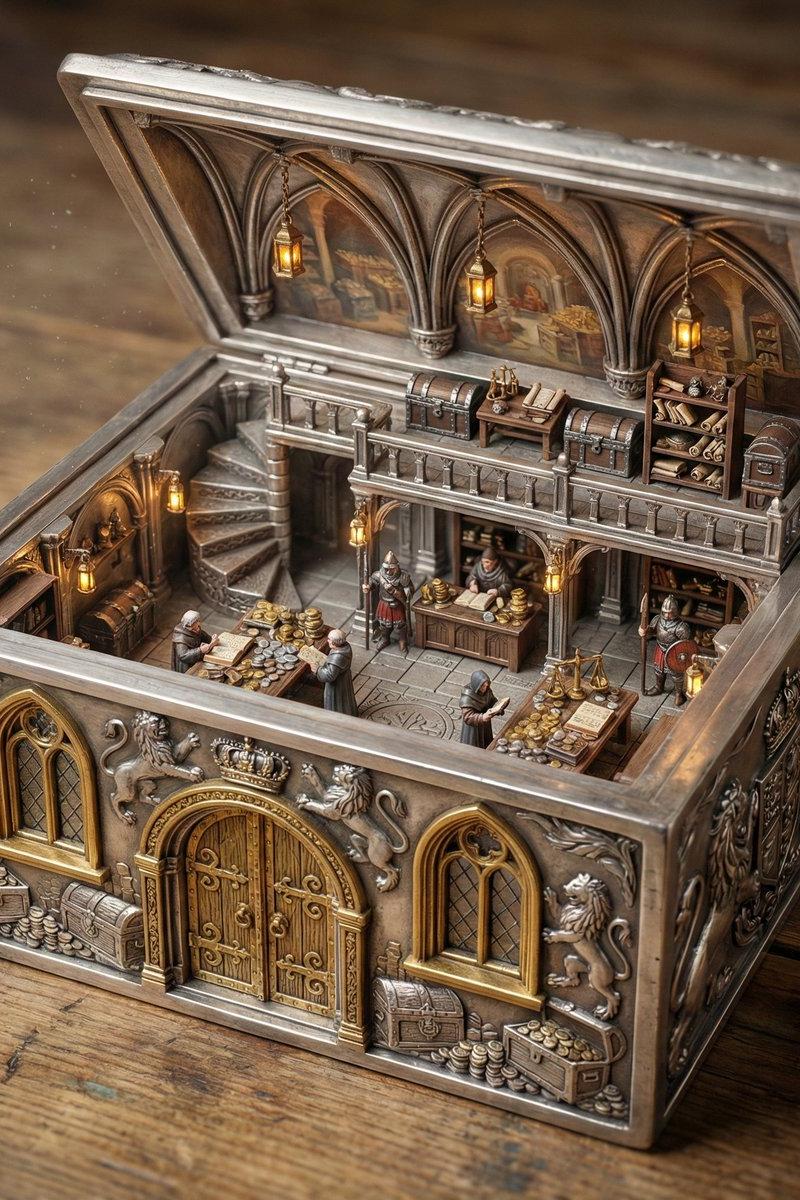
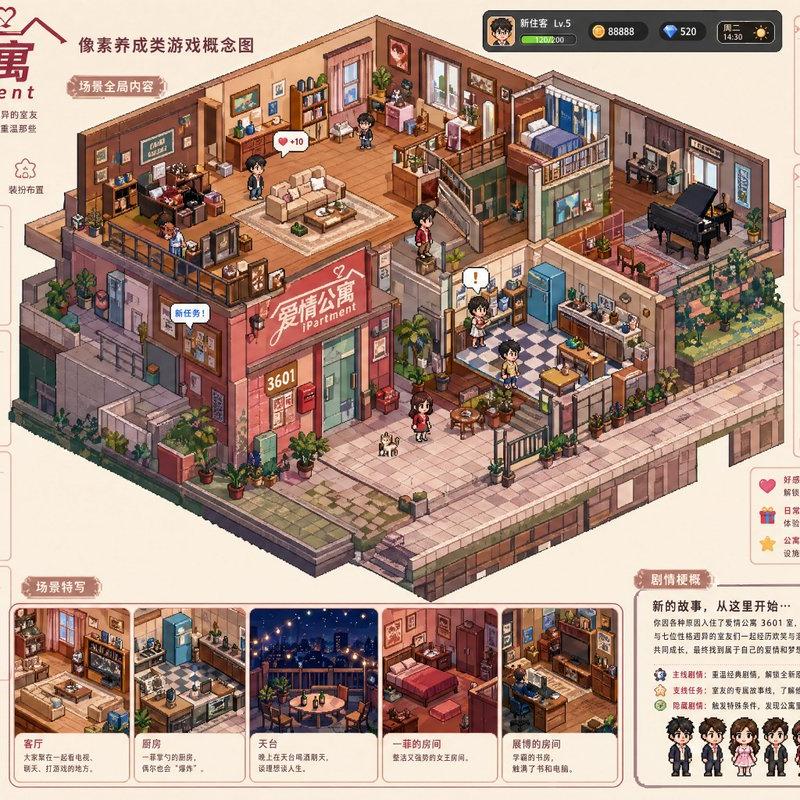
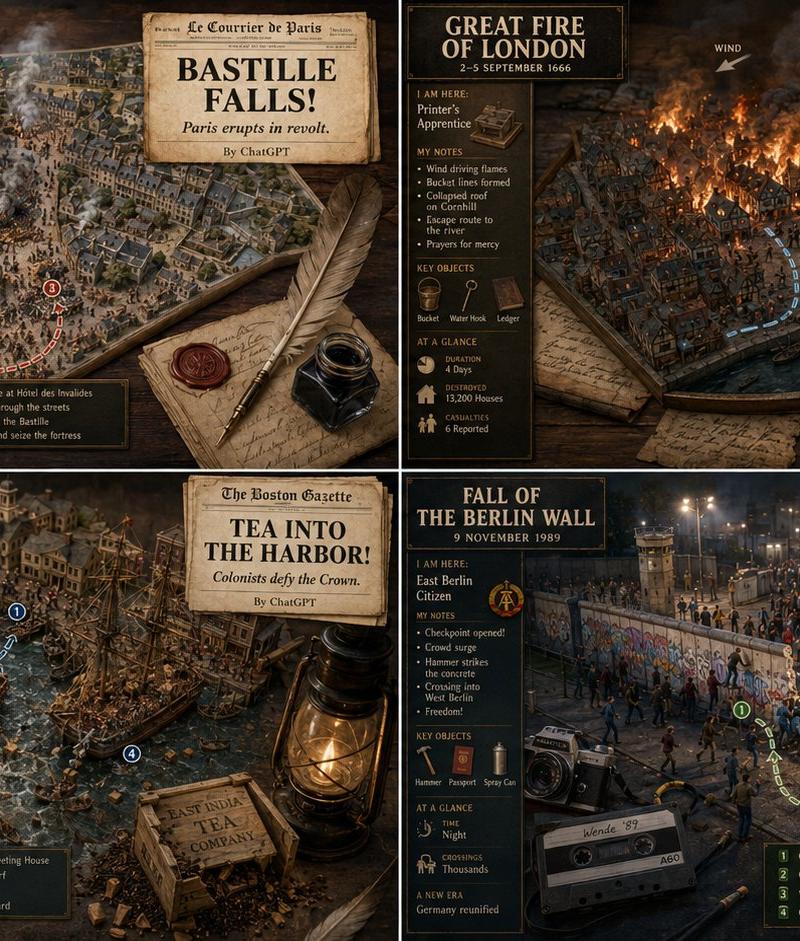
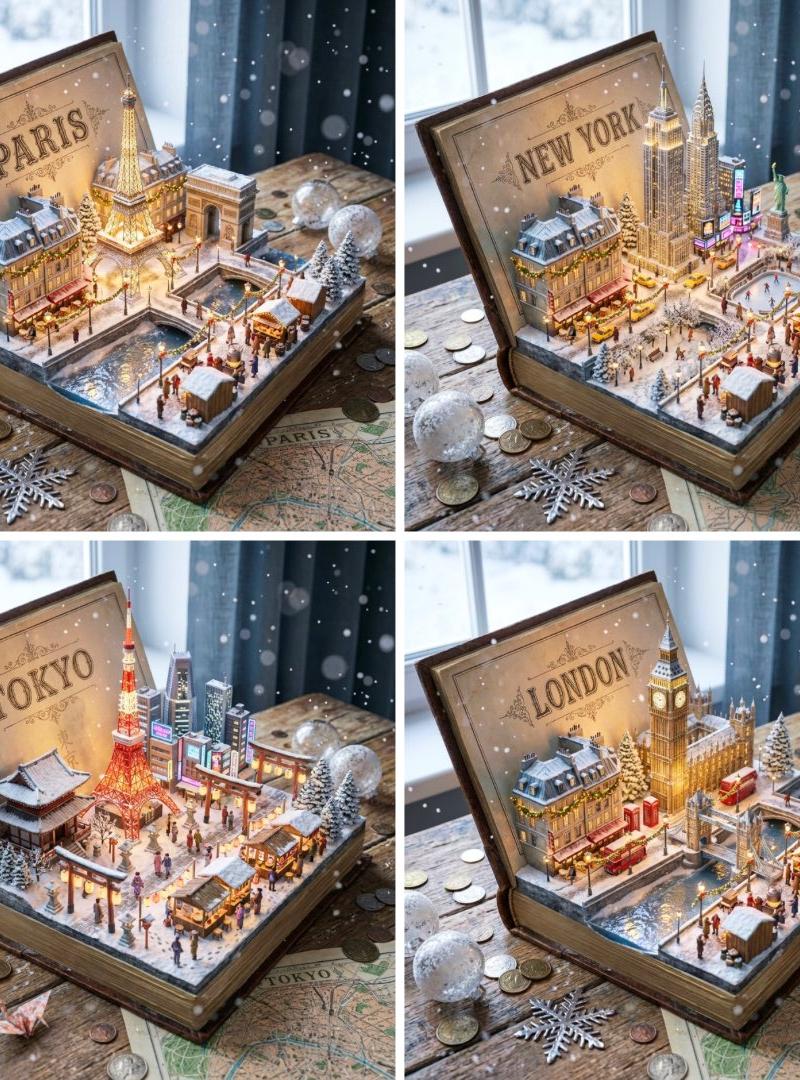
2x2 grid, do this for different years of vastly different eras: {argument name="topic" default="ERA_TO_CUBE_SOLVER"} INPUT ::= [TOPIC], [ERA] STEP_1 :: infer era identity - time period or stage - dominant materials - key tools or artifacts - social/technical/cultural context - built environment or natural environment - representative agents or figures if relevant STEP_2 :: compress into cube - large objects define cuboid edges - medium objects build internal scenes - small objects fill gaps - top, side, and front faces remain visible - everything stays inside a strict rectangular volume STEP_3 :: create module text - large era label - short subtitle - compact bullet list - no fixed facts unless supplied STEP_4 :: repeat across eras - preserve identical visual grammar - increase or transform complexity chronologically
Category
Charts & Infographics
Model
GPT Image 2
Creator
Gadgetify
Source language
en
Views345
Source ID
24267
Published
Jun 5, 2026
Studio

Guide

About "Historical Era Visualization Cube"

What is this prompt for?

"Historical Era Visualization Cube" AI image prompt for GPT Image 2 (Charts & Infographics). A structured workflow prompt to visualize different historical era…

The full copyable prompt and example visuals above are ready for AI image generation or one-click recreate in Picva.

How to use this prompt

  1. Step 1

    Open the prompt detail

    Review the example visuals, category, and full prompt text for "Historical Era Visualization Cube".

  2. Step 2

    Copy the prompt

    Copy the prompt body from this page, or load it directly in Studio.

  3. Step 3

    Pick a model (GPT Image 2)

    Prefer GPT Image 2. If you switch models, keep subject and composition and tweak style terms.

  4. Step 4

    Generate and export

    Recreate the look in Picva, or export into your workflow for editing and publishing.

FAQ

What is the "Historical Era Visualization Cube" prompt?
It is an AI image-generation prompt for GPT Image 2 in the Charts & Infographics category. This page includes the full prompt text, example visuals, and a one-click recreate path in Picva.
How do I use this prompt to generate an image?
Copy the prompt from this page, or use Generate / Studio. Paste it into a compatible image model, or recreate the look in Picva with optional reference images.
Which model is this prompt for?
This page lists GPT Image 2. Most descriptive prompts also transfer to nearby image models such as GPT Image, Flux, or Midjourney with light style tweaks.
Can I use the result commercially?
You can usually copy the prompt for creation, but commercial use of the final image depends on the model terms, reference-image rights, and the generated content. Follow the source author and platform rules.