20

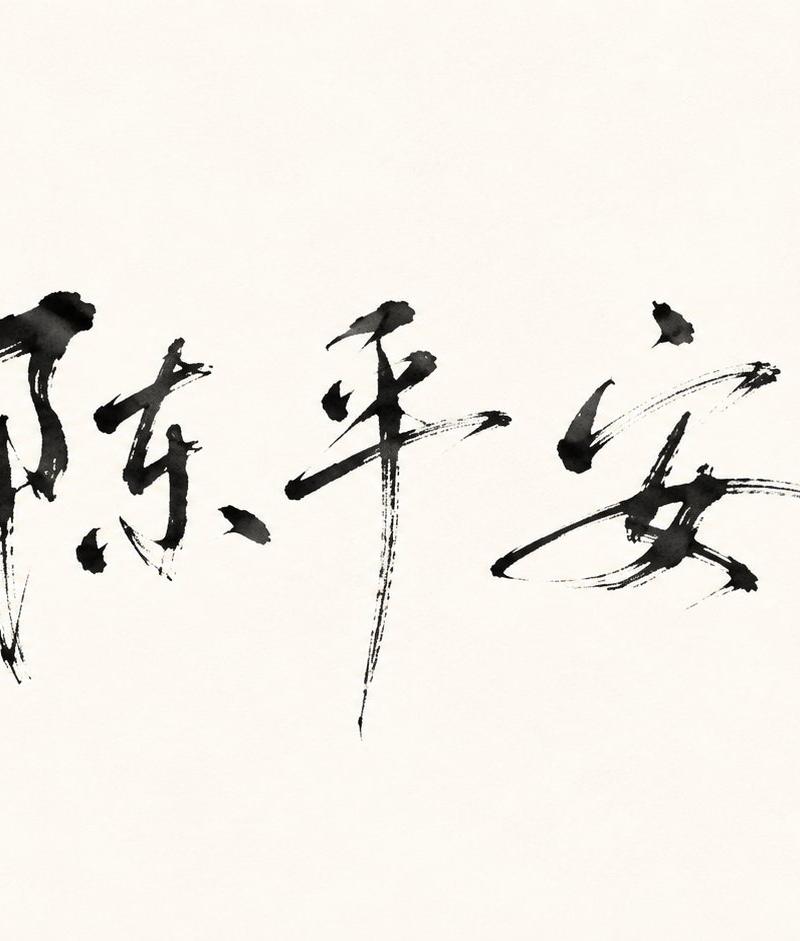
Minimalist Oriental Ink Signature Design
Click to enlarge

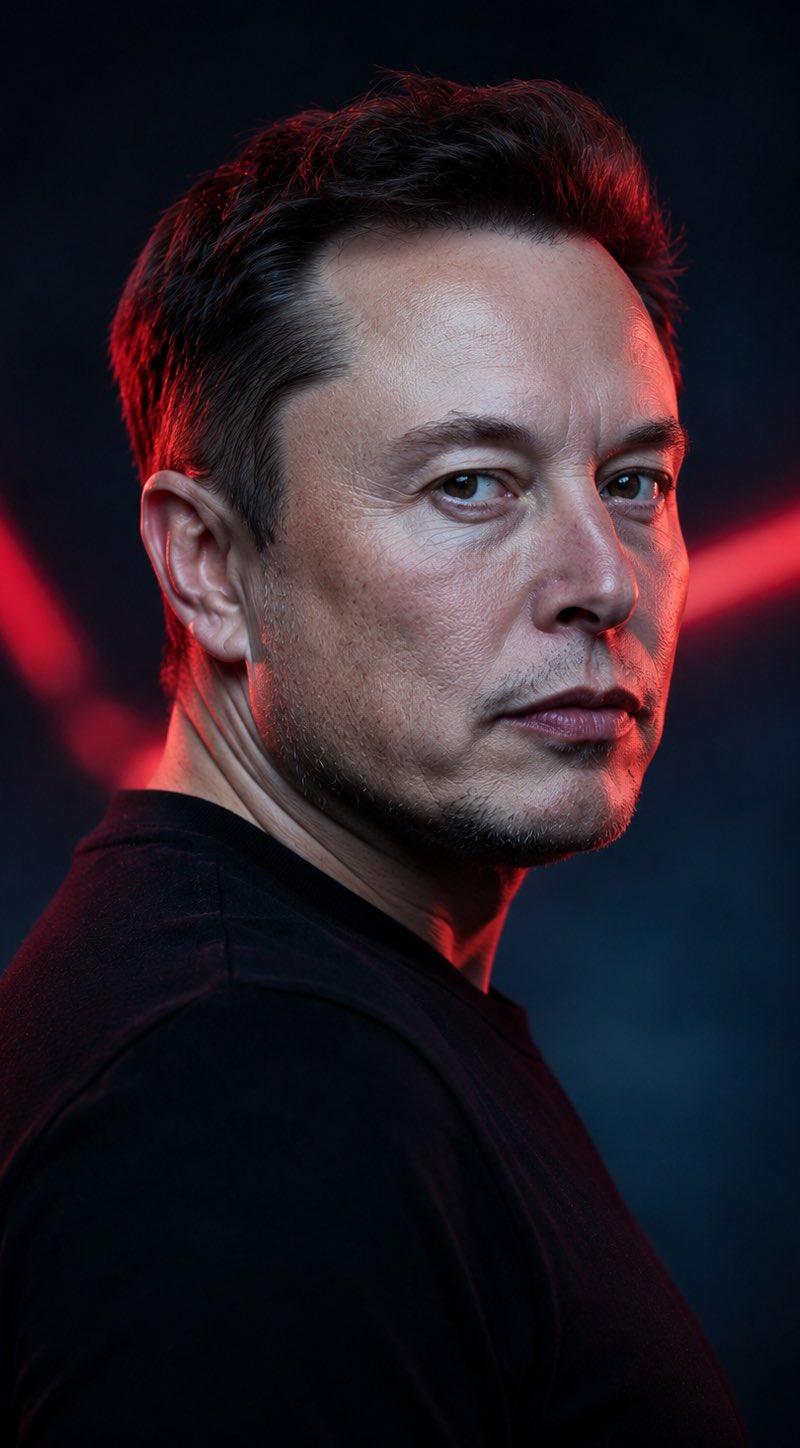
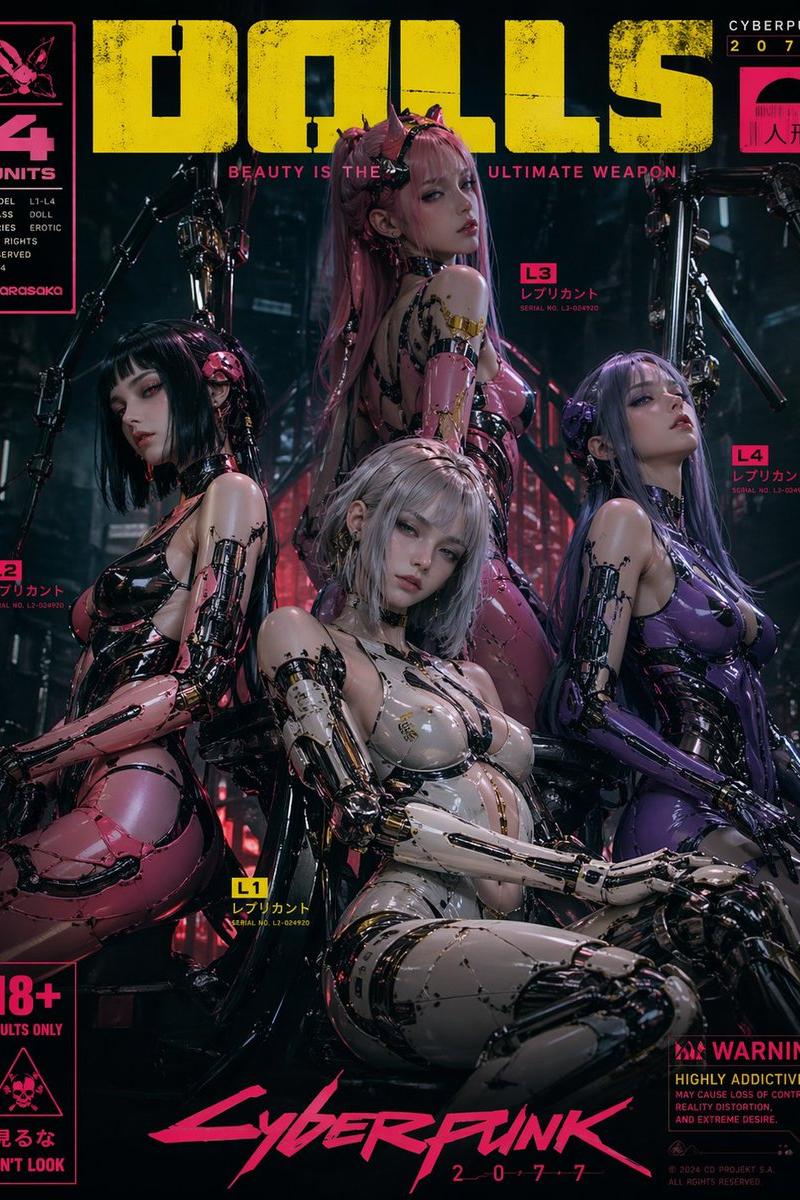
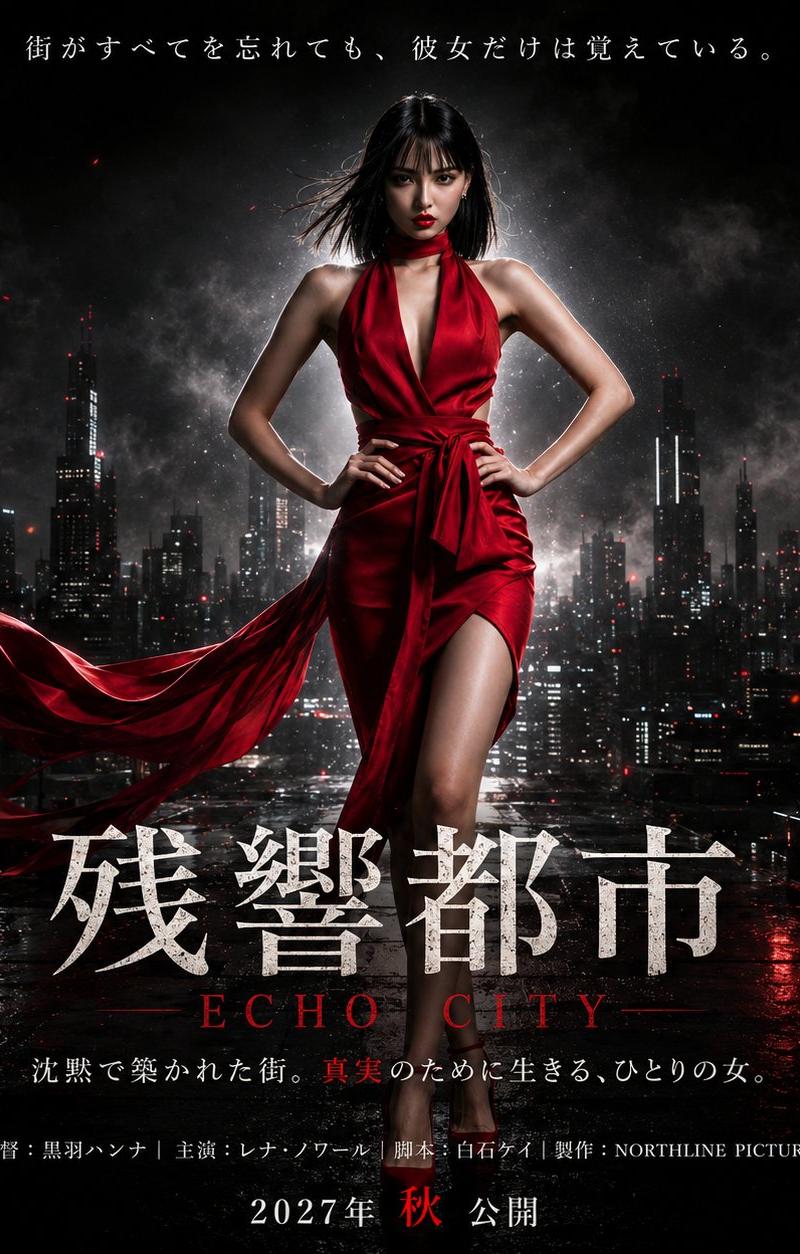
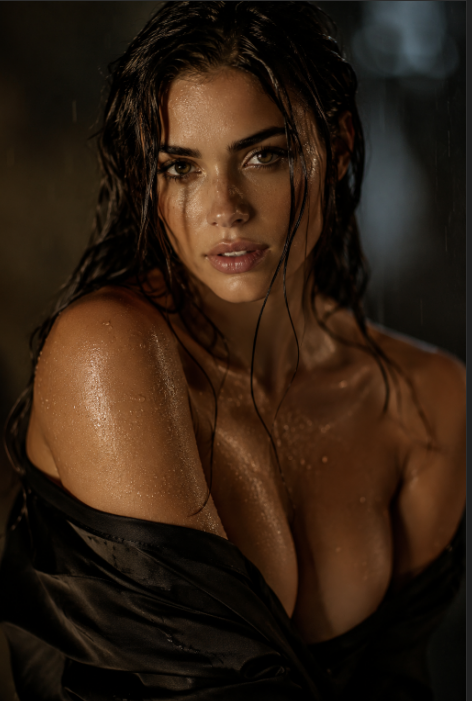
Example images

Posters & TypographyYouMindgpt-image-2posters-typography海报与排版

Minimalist Oriental Ink Signature Design

Prompt
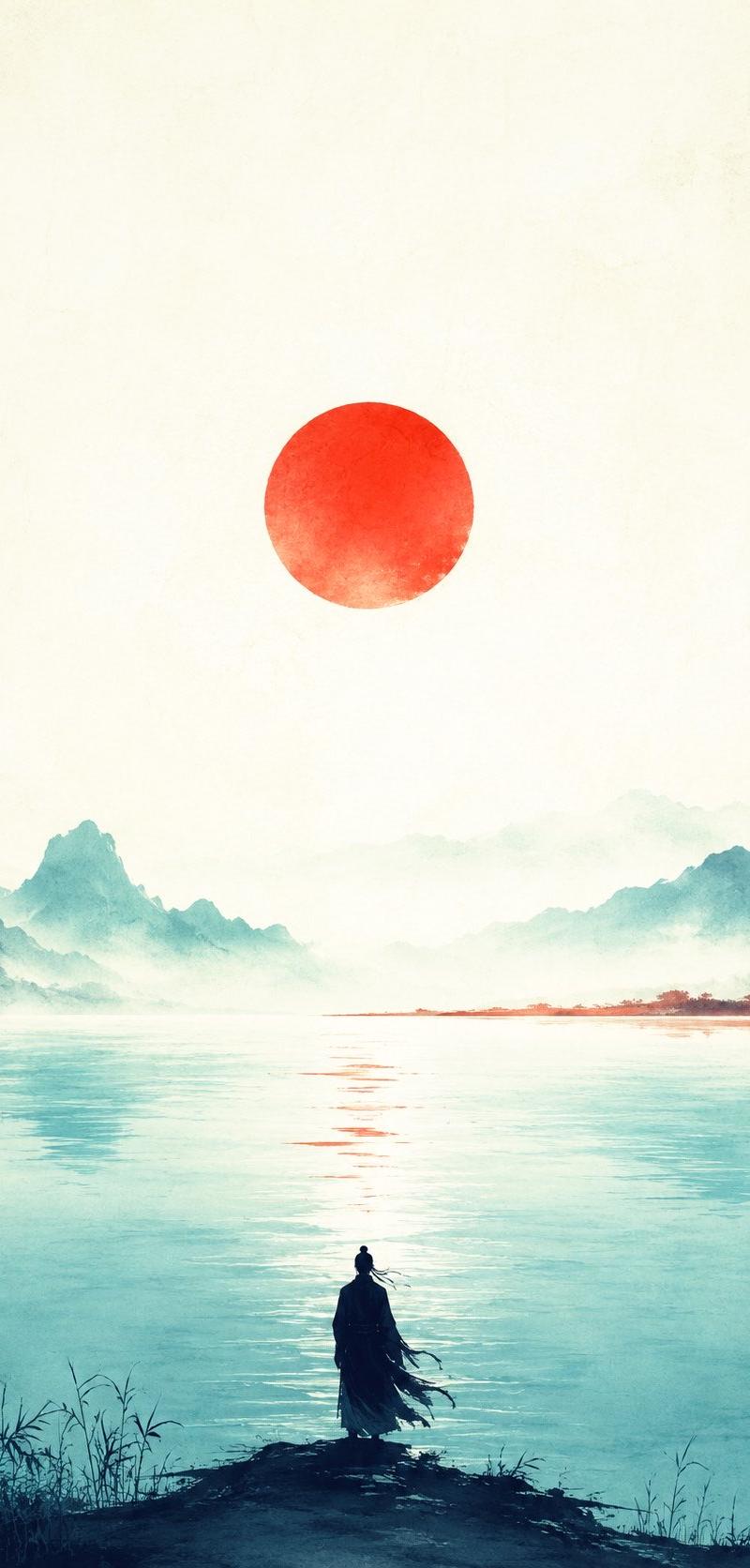
围绕具体主题内容生成一幅极简水墨字形视觉,把主题关键词、短句或名称转化为近似签名的抽象书写结构:画面主体只由少量深色笔触构成,笔画不追求工整印刷感,而要有手腕快速落笔的力度、停顿、飞白、干湿不均和边缘毛糙,形成可辨认但带有个人印记的东方书写气质。视觉重心集中在画面中部偏松的位置,周围保留大量明亮、干净、通风的留白,让空白成为情绪的一部分;笔触之间保持疏密差异,几处短点、竖画、长弧线和斜向扫笔承担节奏变化,使阅读路径像一口气写完后自然散开。色彩从主题自身的材质与情绪中提取,但保持高明度清透底场、少量深色结构笔触和极低装饰密度的关系;整体应明亮安静、干净克制,深色只用于承载书写力量,背景不做复杂纹理,只保留轻微纸面或扫描般的柔和质感。最终效果应像一枚具有独立气质的手写题签,既有文字的精神指向,又接近抽象符号,避免变成标准字体、书法字帖、密集海报或装饰插画。

本次文字:{argument name="文字" default="杨老头"}

比例:{argument name="比例" default="16:9"} 横版
Category
Posters & Typography
Model
GPT Image 2
Creator
小小东
Source language
zh-CN
Views13.4K
Source ID
24274
Published
Jun 5, 2026
Studio

Guide

About "Minimalist Oriental Ink Signature Design"

What is this prompt for?

"Minimalist Oriental Ink Signature Design" AI image prompt for GPT Image 2 (Posters & Typography). Generates a minimalist oriental ink-style visual where text…

The full copyable prompt and example visuals above are ready for AI image generation or one-click recreate in Picva.

How to use this prompt

  1. Step 1

    Open the prompt detail

    Review the example visuals, category, and full prompt text for "Minimalist Oriental Ink Signature Design".

  2. Step 2

    Copy the prompt

    Copy the prompt body from this page, or load it directly in Studio.

  3. Step 3

    Pick a model (GPT Image 2)

    Prefer GPT Image 2. If you switch models, keep subject and composition and tweak style terms.

  4. Step 4

    Generate and export

    Recreate the look in Picva, or export into your workflow for editing and publishing.

FAQ

What is the "Minimalist Oriental Ink Signature Design" prompt?
It is an AI image-generation prompt for GPT Image 2 in the Posters & Typography category. This page includes the full prompt text, example visuals, and a one-click recreate path in Picva.
How do I use this prompt to generate an image?
Copy the prompt from this page, or use Generate / Studio. Paste it into a compatible image model, or recreate the look in Picva with optional reference images.
Which model is this prompt for?
This page lists GPT Image 2. Most descriptive prompts also transfer to nearby image models such as GPT Image, Flux, or Midjourney with light style tweaks.
Can I use the result commercially?
You can usually copy the prompt for creation, but commercial use of the final image depends on the model terms, reference-image rights, and the generated content. Follow the source author and platform rules.