18

Character Memory Photo Album
Enlarge

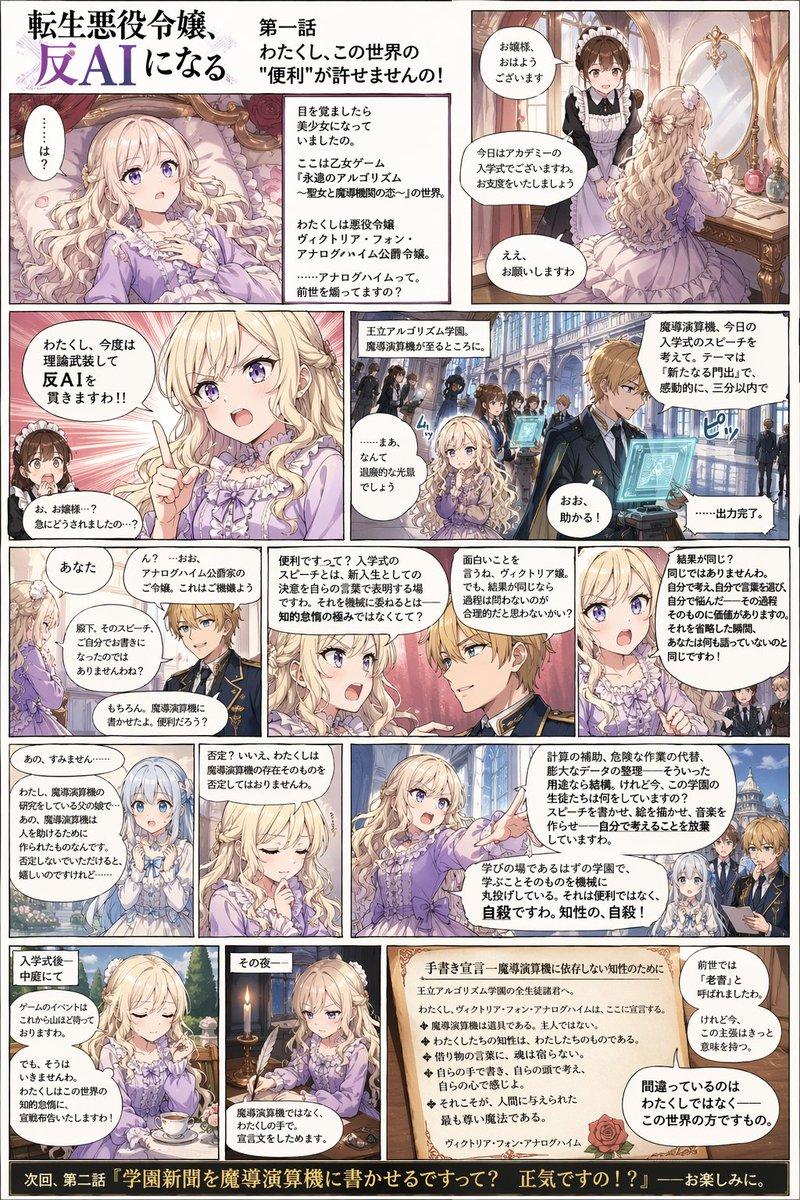
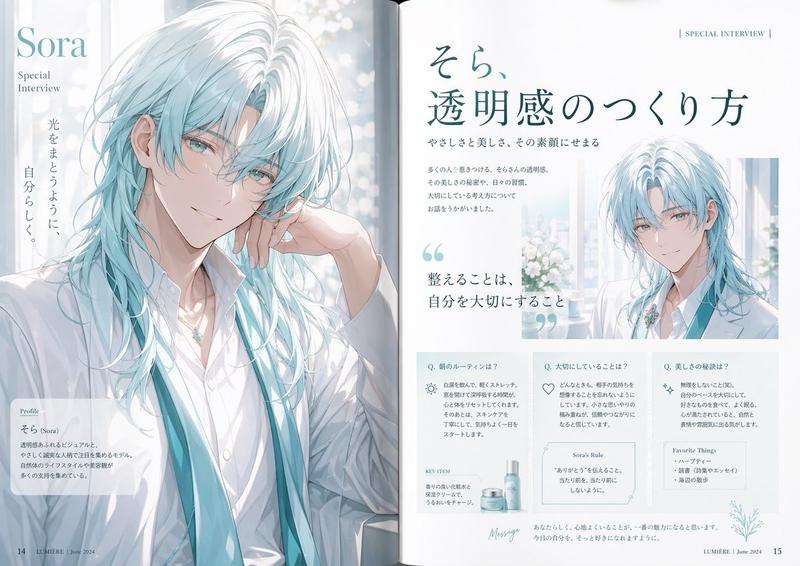
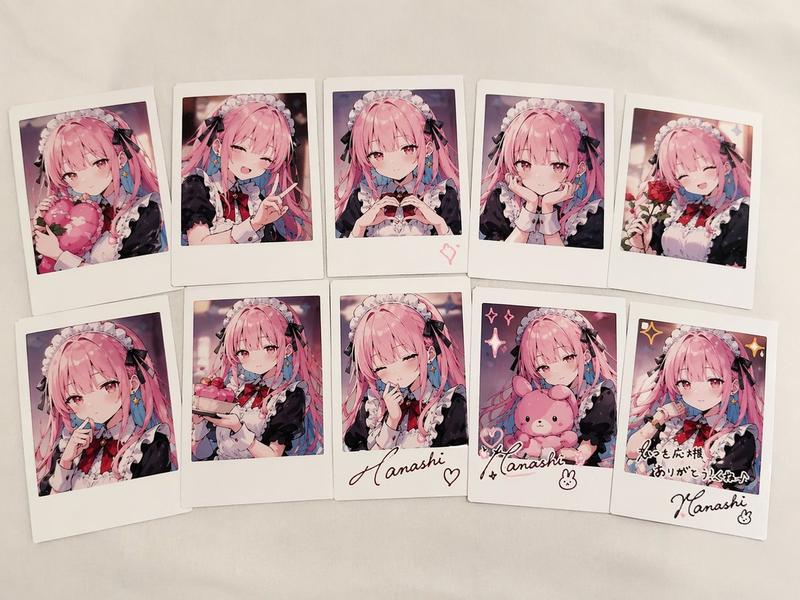
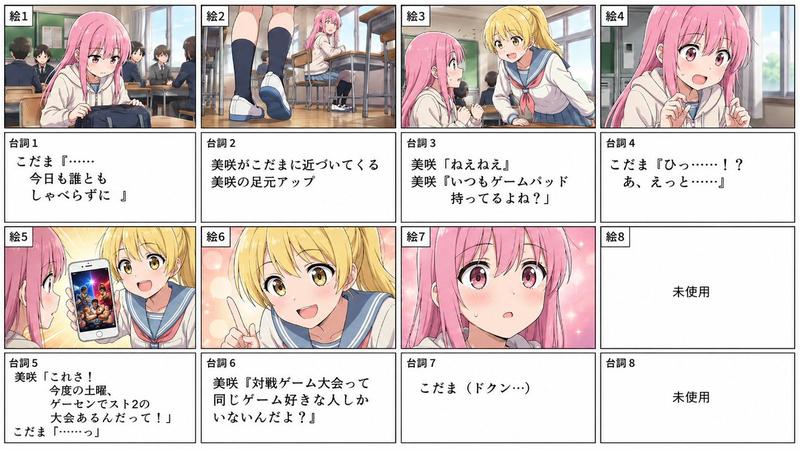
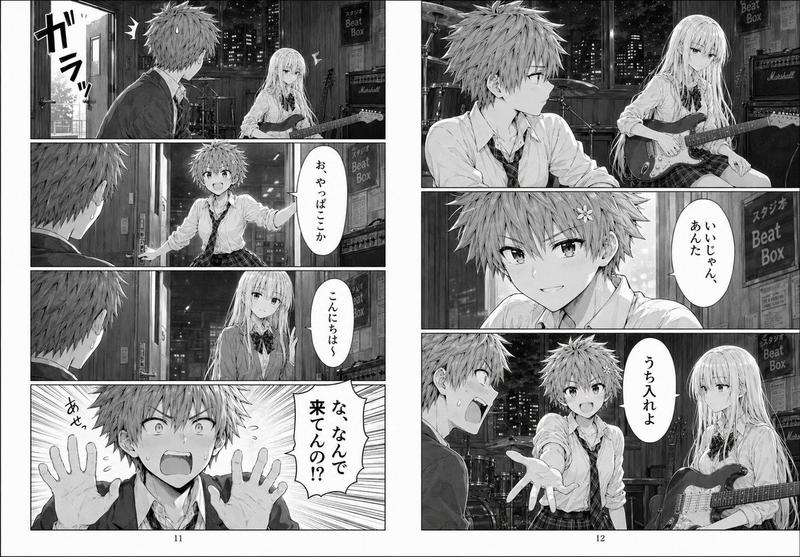
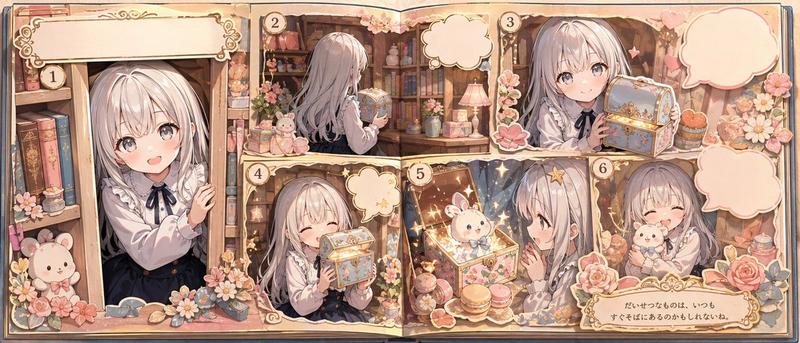
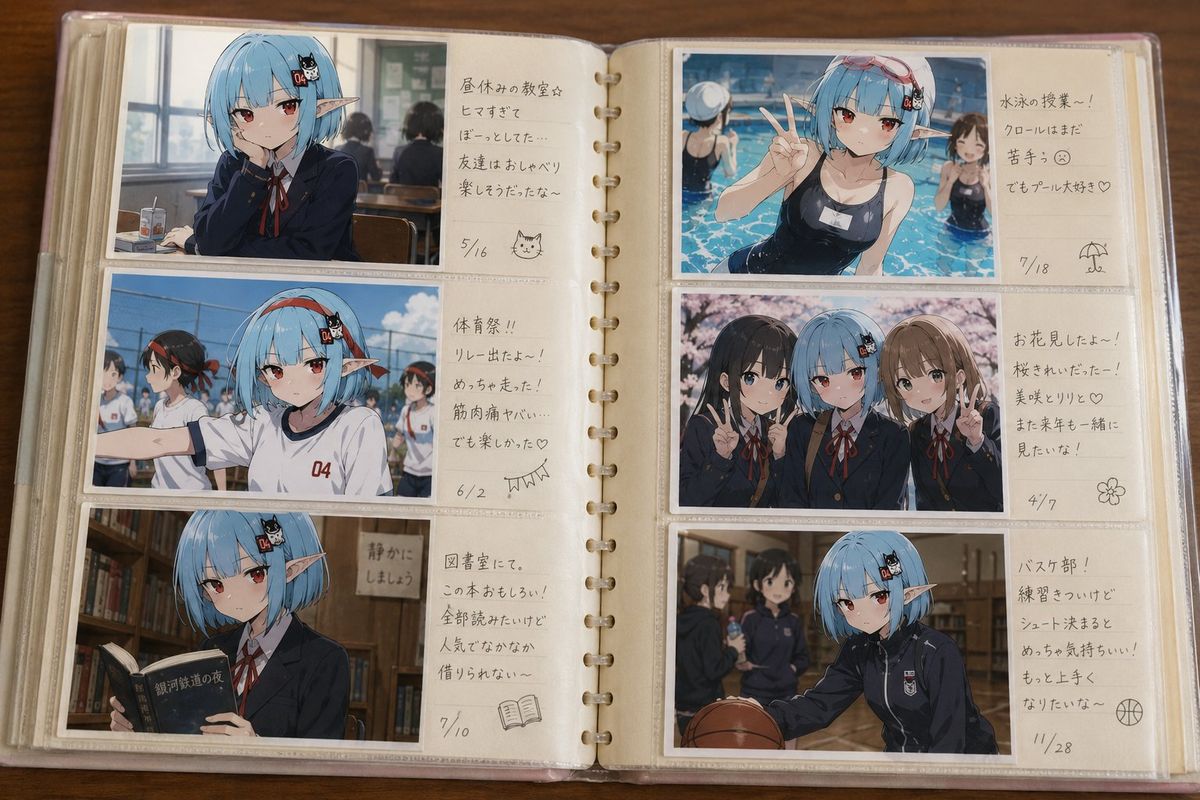
Example images

Character Memory Photo Album

Prompt
提供された画像をオリジナルキャラクターの基準リファレンスとして使用すること。参照画像のキャラクターの「中学生時代の思い出アルバム」を作成する。これは設定資料集ではない。これは公式プロフィールではない。これは本人が中学生時代に残した個人的な写真アルバムである。【コンセプト】見る人が「この子にもこんな中学生時代があったんだな」と自然に感じられること。キャラクターの過去を振り返るアルバムであり、友情、青春、何気ない日常、少し恥ずかしい思い出、を大切にすること。【アルバム形式】実在する家庭用ポケット式写真アルバム。アルバムを見開きで開いた状態。左ページ3枚。右ページ3枚。合計6枚の横向き写真で構成すること。写真は実際にアルバムポケットへ収納されたL判写真として表現すること。アルバム中央のノド側にはコメント記入欄を設けること。各写真にはキャラクター本人が当時書いたと思われる短い手書きコメントを添えること。コメントは中学生らしい自然な内容にすること。【写真内容】写真はすべて異なる思い出にすること。内容は毎回変化してよい。例:{argument name="思い出のシーン" default="友達とプール、体育祭、修学旅行、文化祭、卒業式、部活動"}など。記念撮影だけでなく、何気ない日常のスナップ写真も積極的に含めること。写真ごとに異なる季節や学校行事が存在してよい。【キャラクター描写】参照画像のキャラクターを同一人物の中学生時代として描写すること。顔立ち、髪型、髪色、目の形、表情の癖、雰囲気、キャラクター性を維持すること。現在の姿より少し幼く、少し未成熟な印象にすること。中学生らしい自然な成長段階として描写すること。制服、体操服、ジャージ、私服などは写真内容に応じて自然に選択すること。【友人キャラクター】学友キャラクターを自然に登場させること。友人達は青春の思い出を彩る存在として描写すること。【雰囲気】懐かしい。温かい。少し照れくさい。楽しかった。なんでもない日常。青春の記録。実家の本棚から出てきた一冊の写真アルバムを眺めているような空気感。写真アルバムそのものが主役であり、キャラクターの過去の思い出が自然に伝わること。
Category
Photography & Realism
Model
GPT Image 2
Views9.8K
Source ID
24280
Published
Jun 5, 2026

Guide

About "Character Memory Photo Album"

What is this prompt for?

"Character Memory Photo Album" AI image prompt for GPT Image 2 (Photography & Realism). Creates a nostalgic physical photo album layout showing a character's m…

The full copyable prompt and example visuals above are ready for AI image generation or one-click recreate in Picva.

How to use this prompt

  1. Step 1

    Open the prompt detail

    Review the example visuals, category, and full prompt text for "Character Memory Photo Album".

  2. Step 2

    Copy the prompt

    Copy the prompt body from this page, or load it directly in Studio.

  3. Step 3

    Pick a model (GPT Image 2)

    Prefer GPT Image 2. If you switch models, keep subject and composition and tweak style terms.

  4. Step 4

    Generate and export

    Recreate the look in Picva, or export into your workflow for editing and publishing.

FAQ

What is the "Character Memory Photo Album" prompt?
It is an AI image-generation prompt for GPT Image 2 in the Photography & Realism category. This page includes the full prompt text, example visuals, and a one-click recreate path in Picva.
How do I use this prompt to generate an image?
Copy the prompt from this page, or use Generate / Studio. Paste it into a compatible image model, or recreate the look in Picva with optional reference images.
Which model is this prompt for?
This page lists GPT Image 2. Most descriptive prompts also transfer to nearby image models such as GPT Image, Flux, or Midjourney with light style tweaks.
Can I use the result commercially?
You can usually copy the prompt for creation, but commercial use of the final image depends on the model terms, reference-image rights, and the generated content. Follow the source author and platform rules.