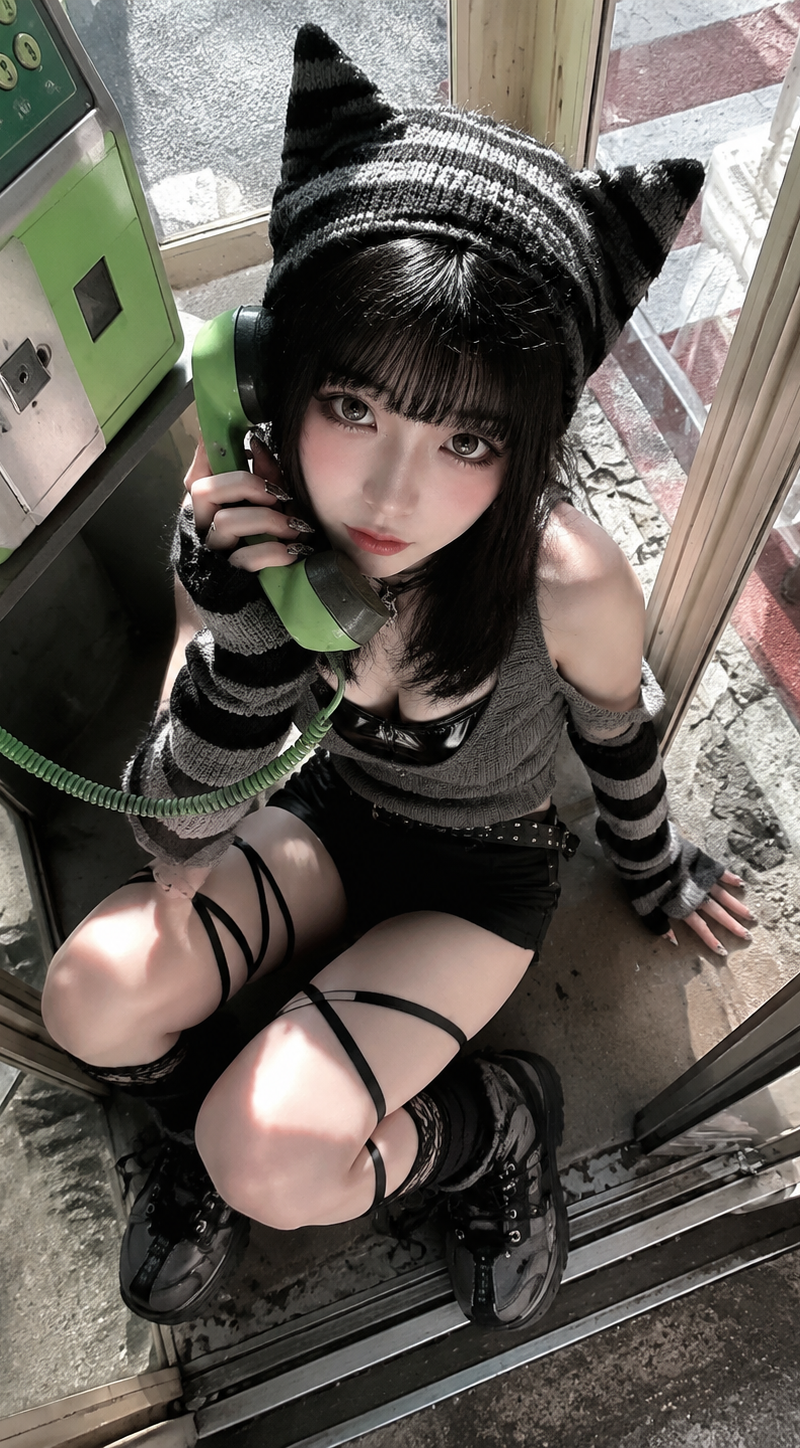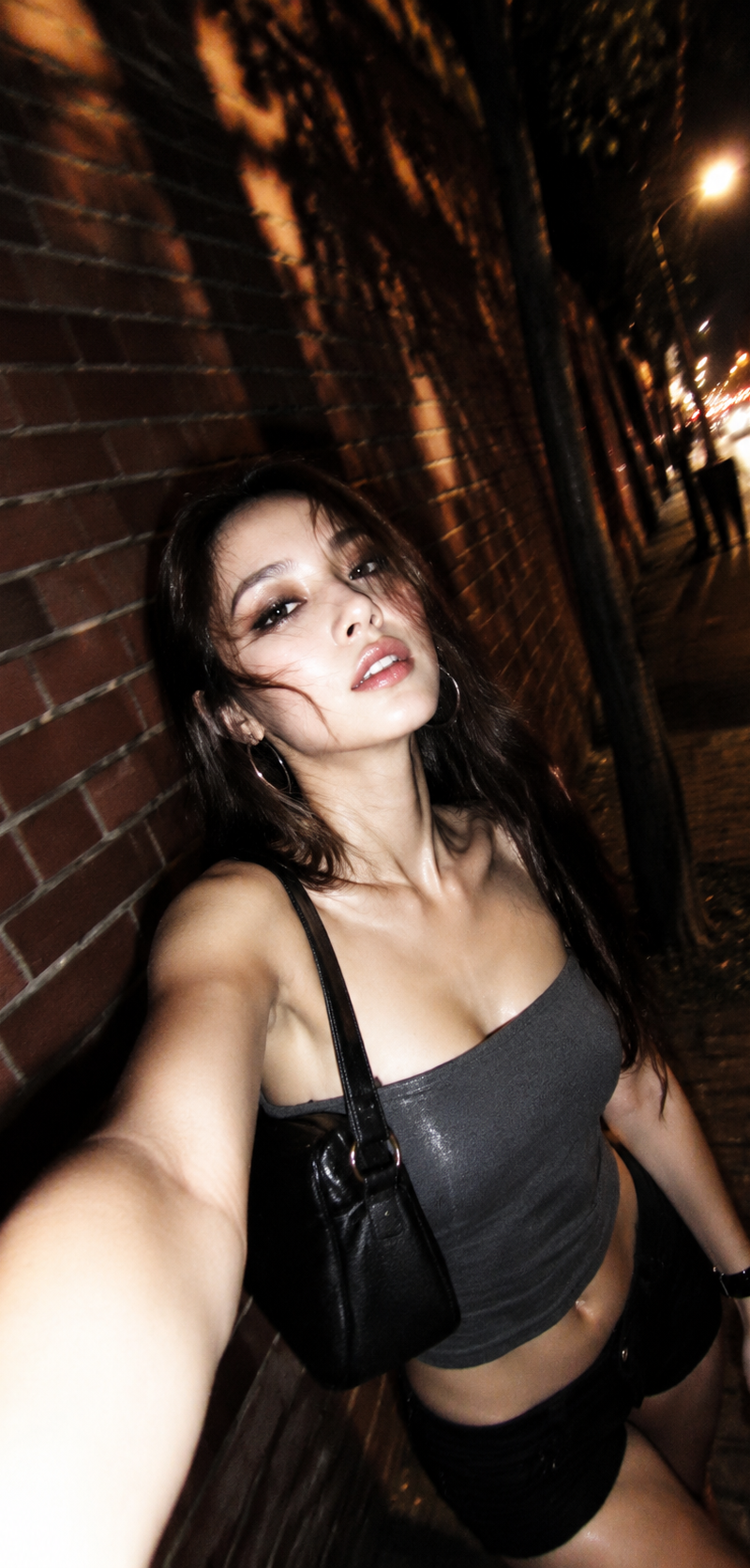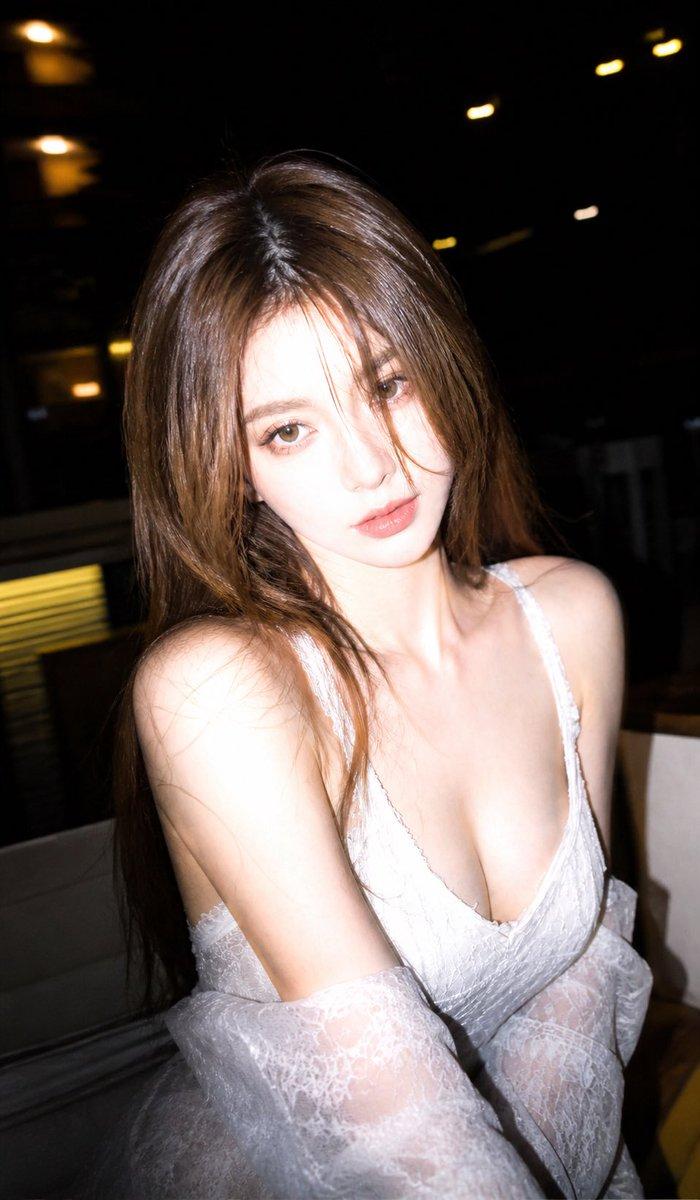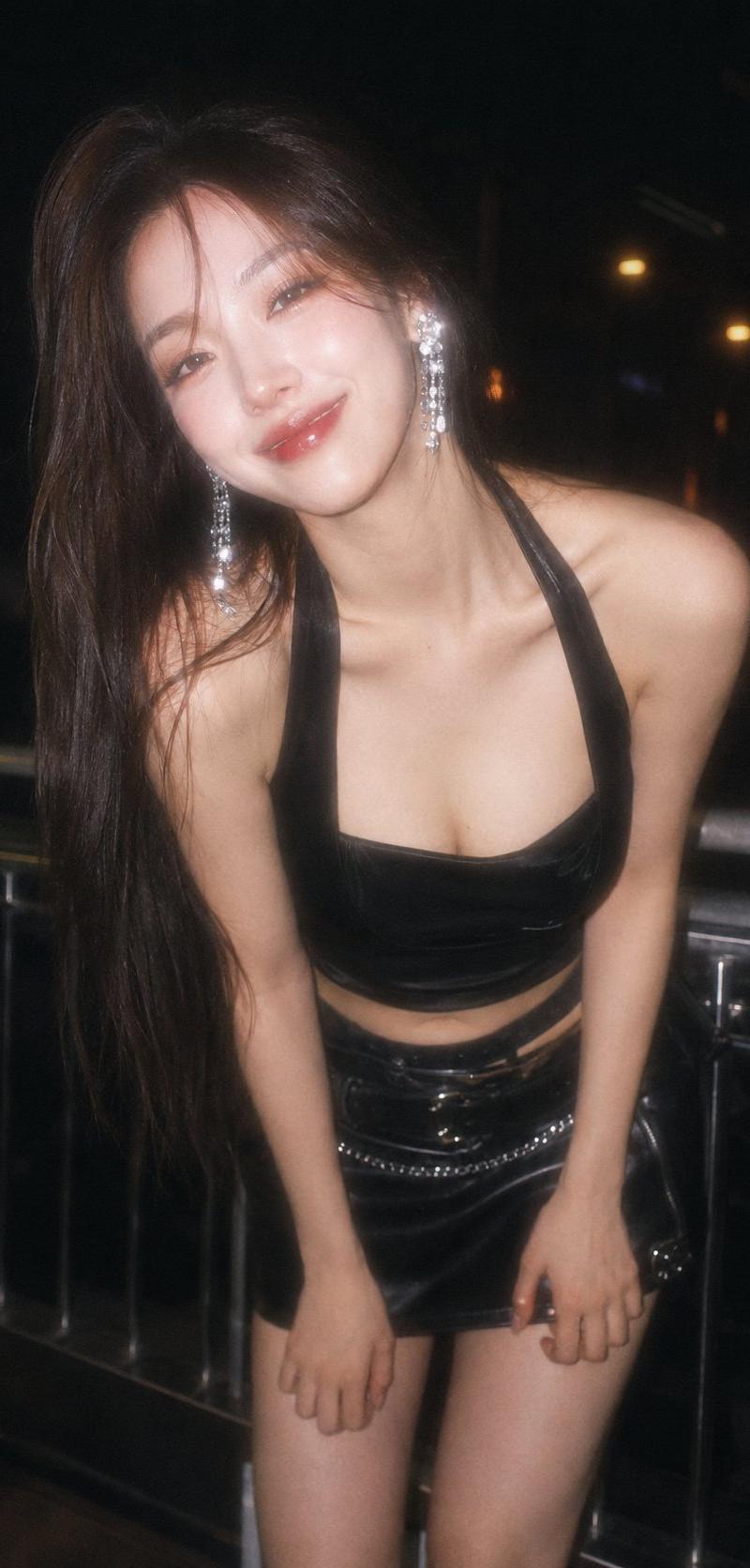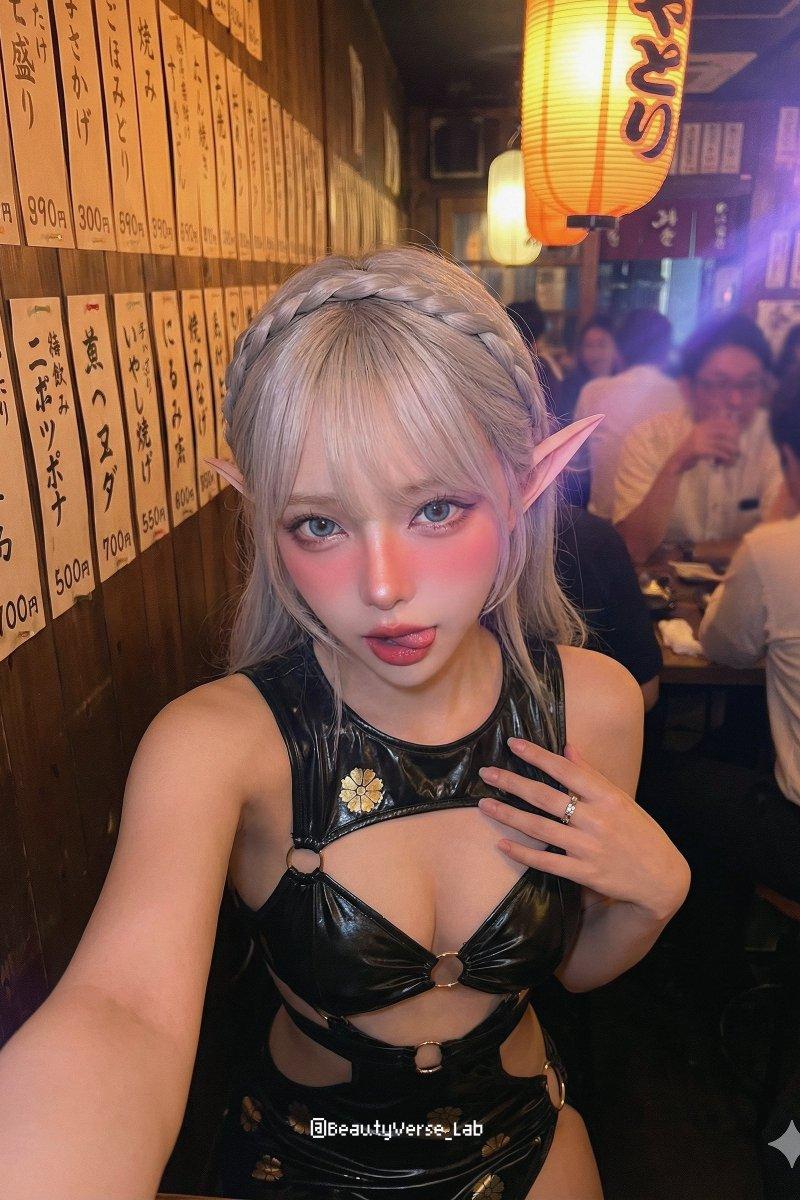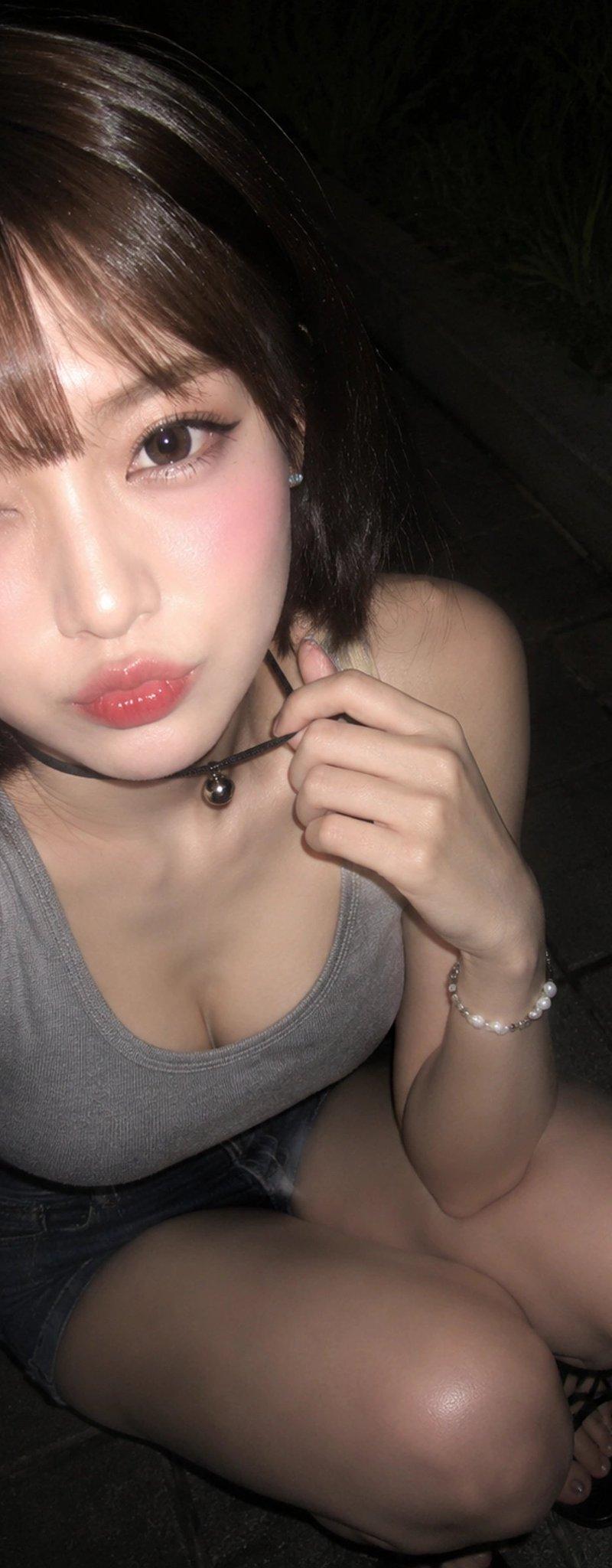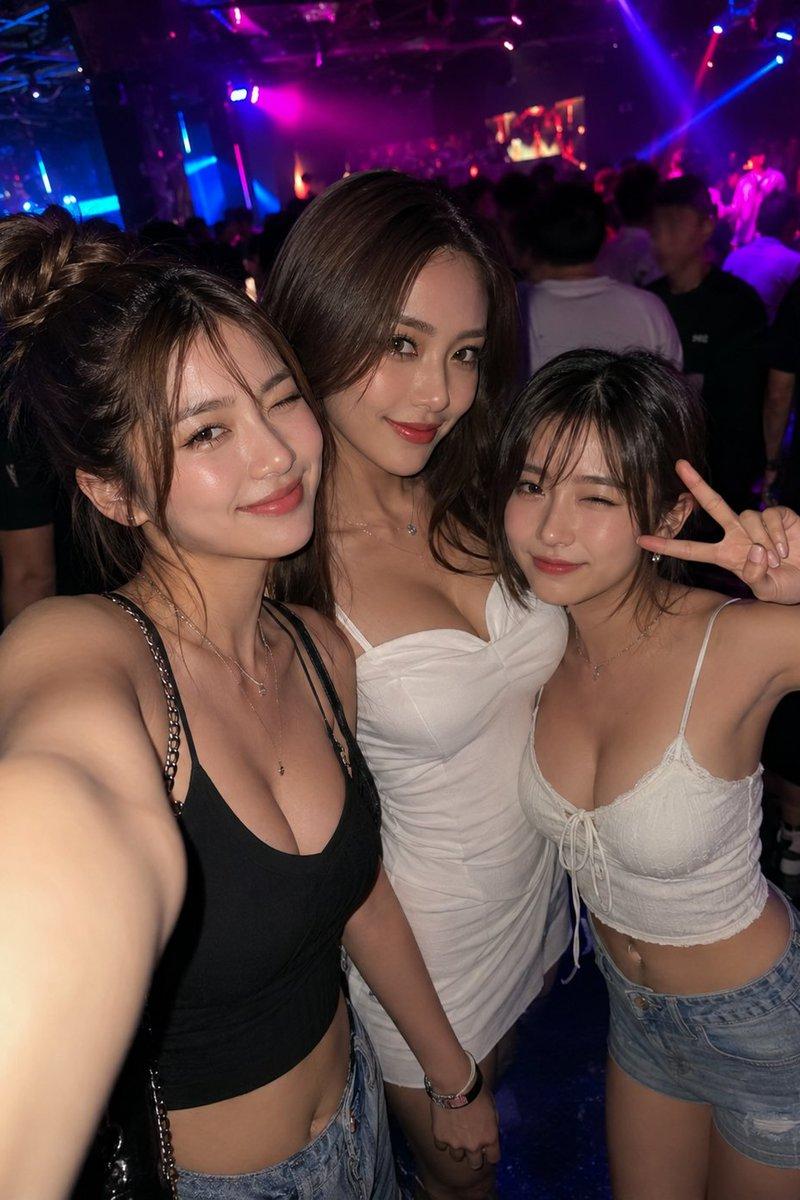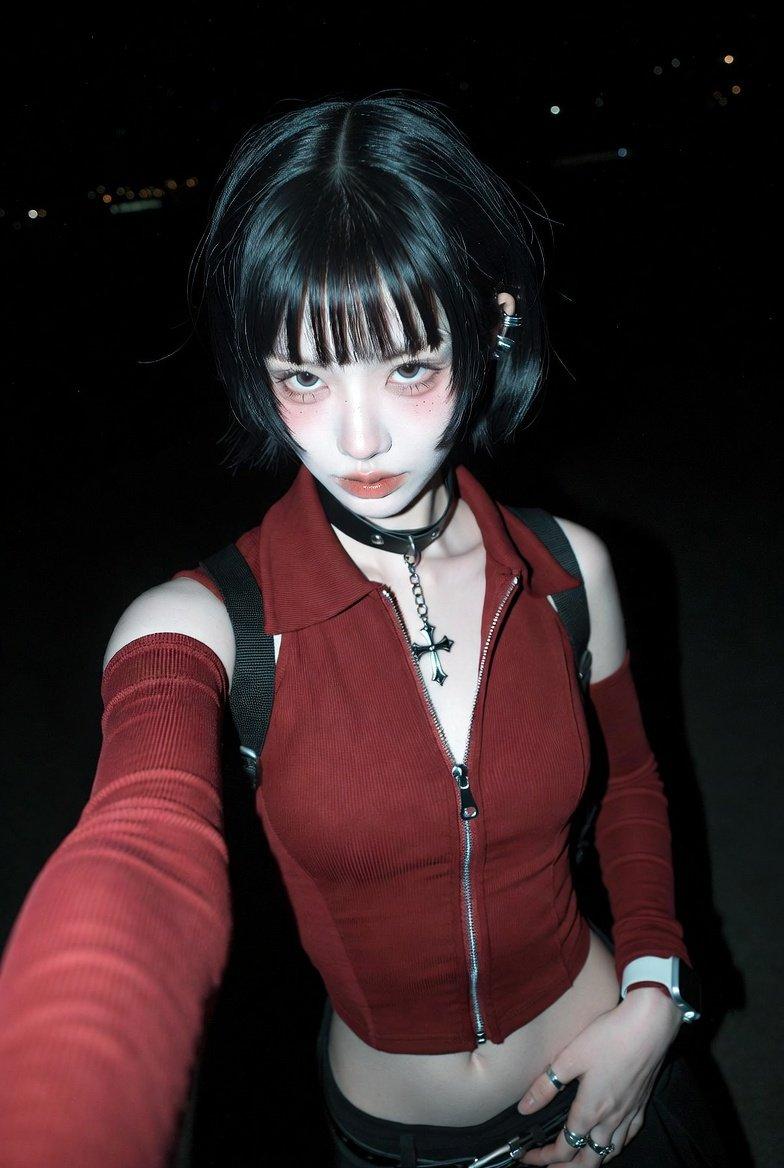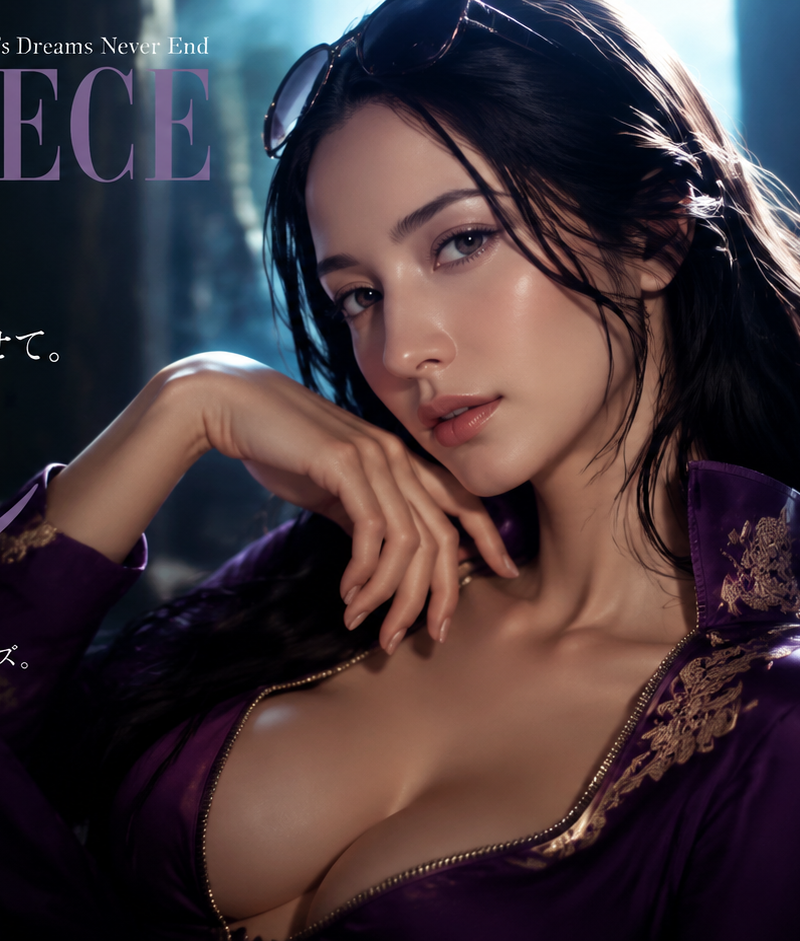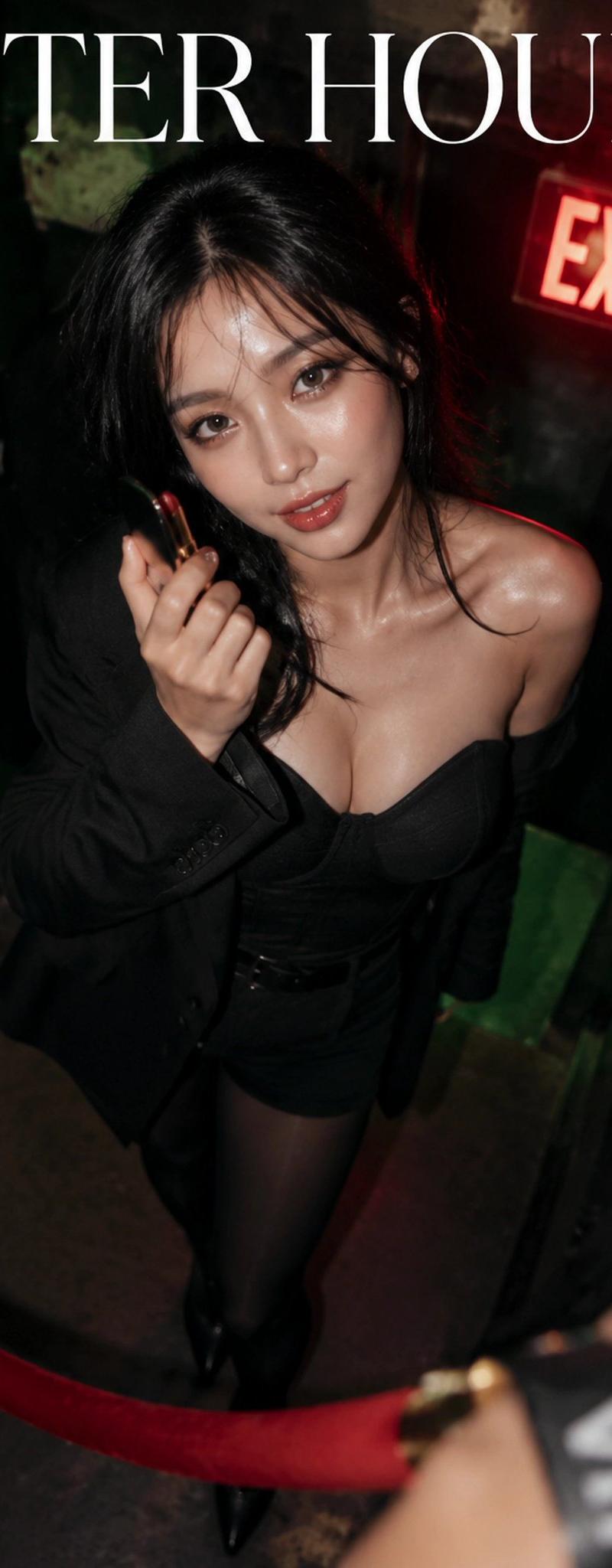
After Hours Nightclub Magazine Cover
Prompt
Goal: Create a stylish nightlife fashion magazine cover for {argument name="magazine title" default="AFTER HOURS"}, shot like a high-flash editorial photo outside a dark club.

Canvas: Vertical magazine cover, 2:3 aspect ratio, full-bleed photography, moody black-green-red nightclub palette, glossy high-contrast flash lighting, slight wide-angle overhead perspective.

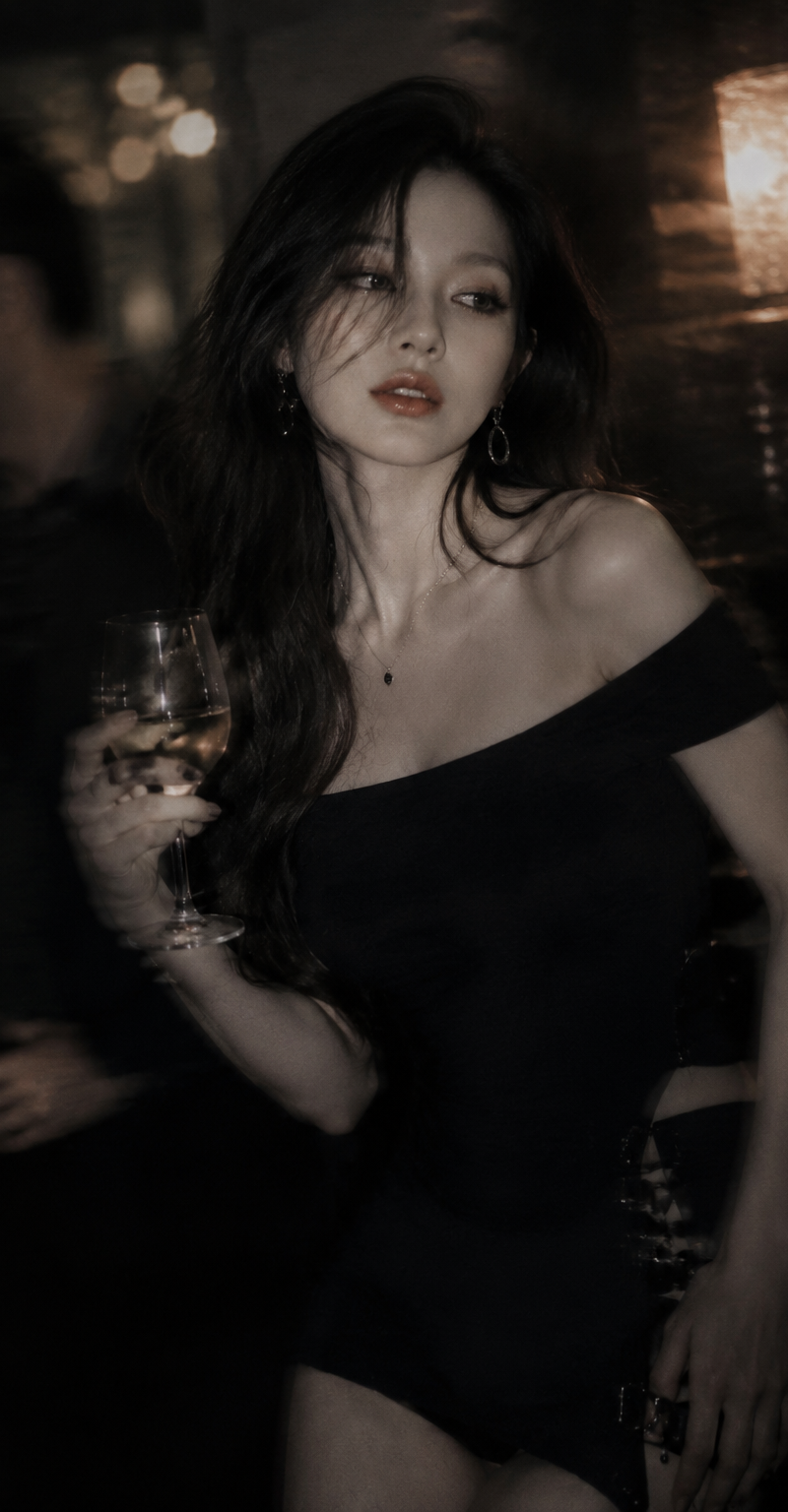
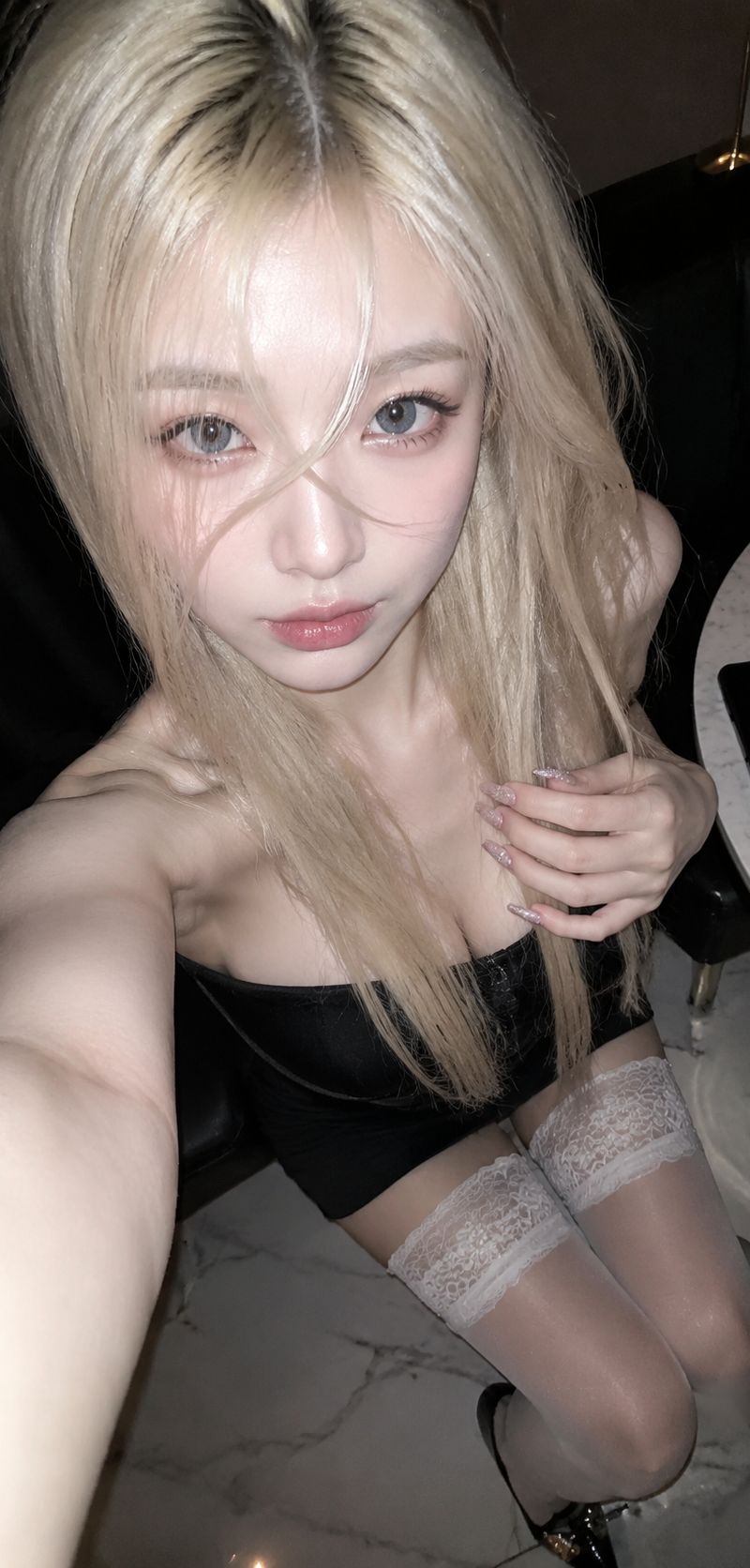
Main image: A glamorous woman stands behind a red velvet VIP rope at a club entrance, photographed from above as if by a bouncer or paparazzi. She has long messy black hair, tanned glossy skin, an off-shoulder black blazer, a black structured corset-style mini dress, sheer black tights, and pointed black boots. One hand is raised near her mouth as if holding a cigarette or making a coy gesture. Her face is intentionally covered by one centered opaque square censor block in a muted brown skin-tone color, hiding the facial features while leaving hair, shoulders, and outfit visible. In the lower right foreground, include a blurred wrist wearing a black wristband with large white letters reading “VIP,” cropped close to camera. Add a glowing red EXIT sign in the upper right background, dark club doors, grimy walls, and a red velvet rope across the lower foreground.

Typography and layout: Use elegant high-fashion magazine typography. Place the huge white serif masthead “AFTER HOURS” across the very top, spanning nearly the full width. Use small uppercase white sans-serif cover lines around the edges, keeping the center subject dominant. Make the design feel like an expensive underground nightlife magazine cover, not a poster.

Visible text content: Include exactly 9 smaller text groups in addition to the masthead: 1) upper left: “NIGHTS THAT\nSHAPE YOU”; 2) upper right near the exit sign: “ISSUE 27\nSUMMER 2024”; 3) left mid: “THE LOOK\nTHAT LEADS\nTHE ROOM.\n—\nCONFIDENCE\nAFTER DARK”; 4) left lower: “NO CURFEW.\nNO APOLOGIES.\nJUST STORIES\n—\nSOUVENIRS\nYOU DON’T POST”; 5) right mid: “BEAUTY IS\nA POWER\nMOVE.\n—\nOWN THE\nNIGHT”; 6) right lower: “VIP ACCESS\nTO MOMENTS\nTHAT MATTER.\n—\nBEYOND\nTHE DANCE FLOOR”; 7) background left door small blurred text: “STAFF\nONLY”; 8) glowing sign text: “EXIT”; 9) wristband text: “VIP”.

Style constraints: Photorealistic editorial cover, cinematic club ambience, sharp flash highlights on skin and fabric, shallow depth of field, blurred foreground wrist, dark vignette corners, no extra people, no barcode, no watermark, no additional text beyond the specified 10 total text elements including the masthead. Use {argument name="main outfit color" default="black"} for the outfit, {argument name="exit sign color" default="red"} for the glowing sign, and {argument name="issue line" default="ISSUE 27 SUMMER 2024"} for the issue text if customized.- Category
- Charts & Infographics
- Model
- GPT Image 2
- Creator
- Dgv Fhc
- Source language
- en
- Source ID
- 24338
- Published
- Jun 5, 2026
Views150