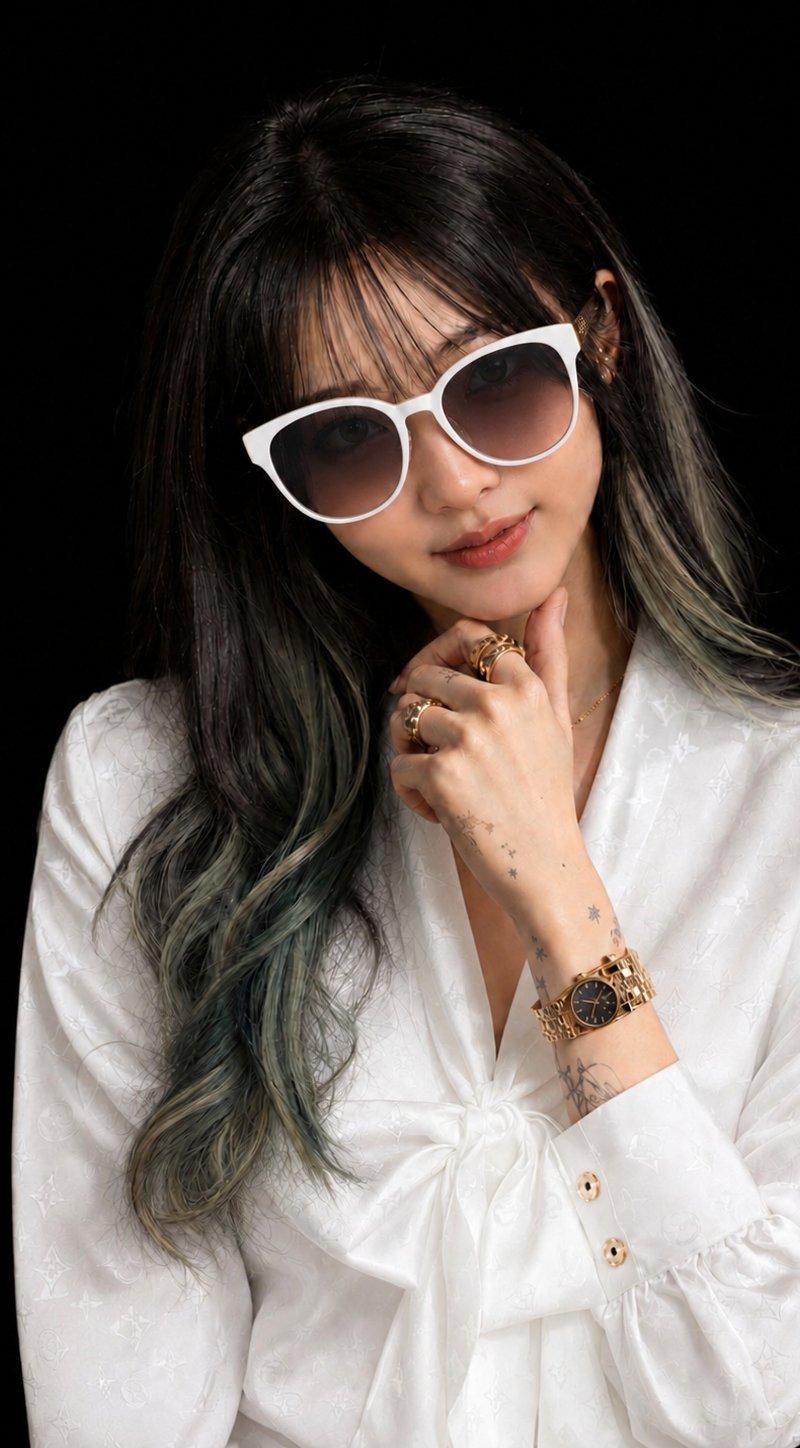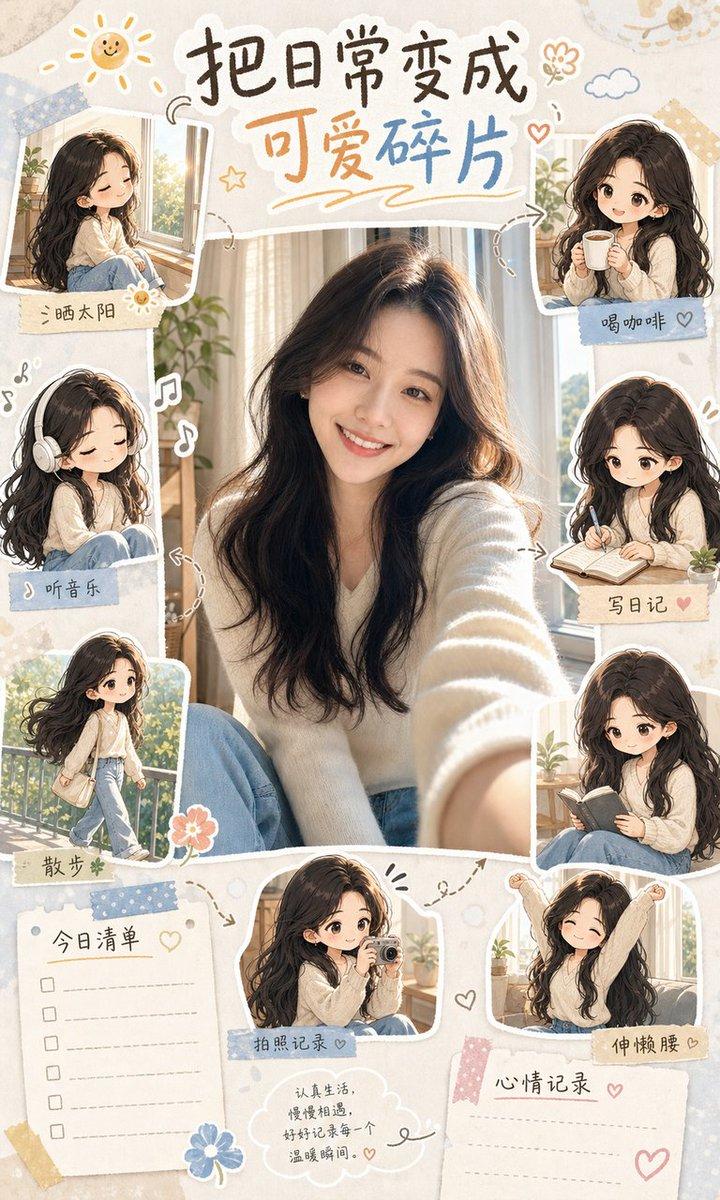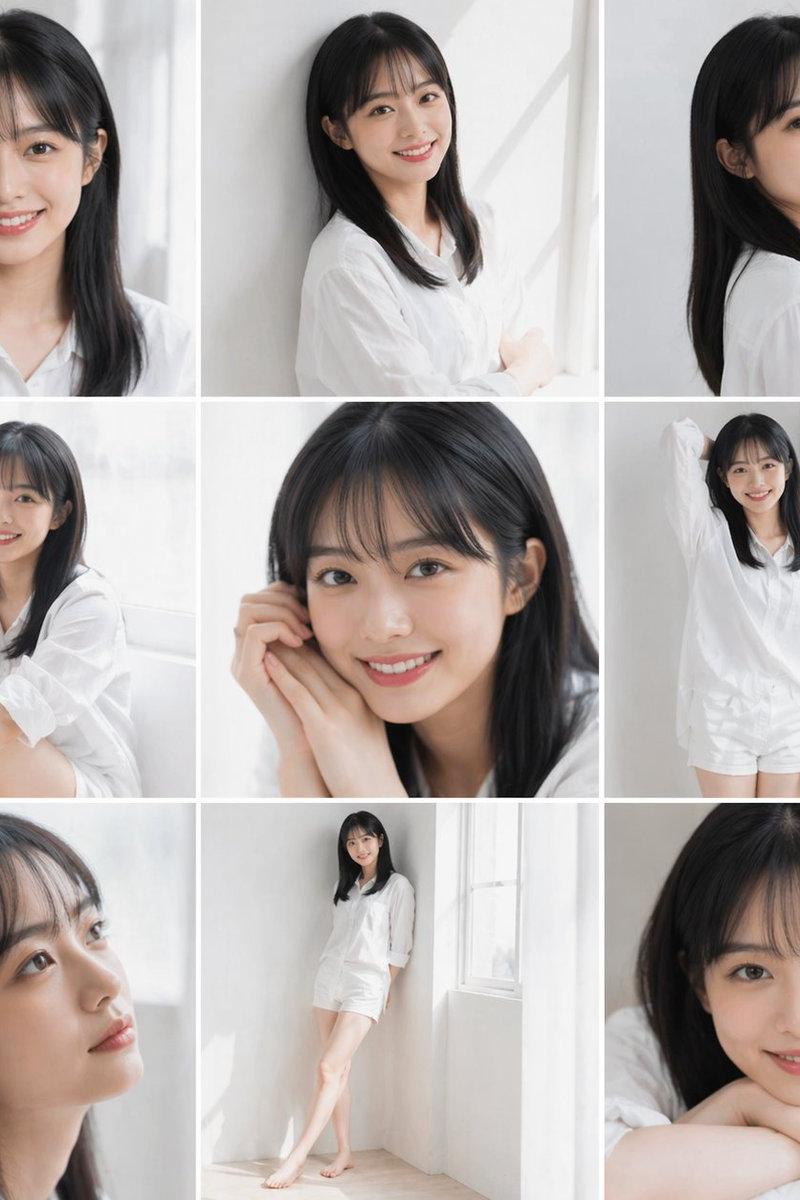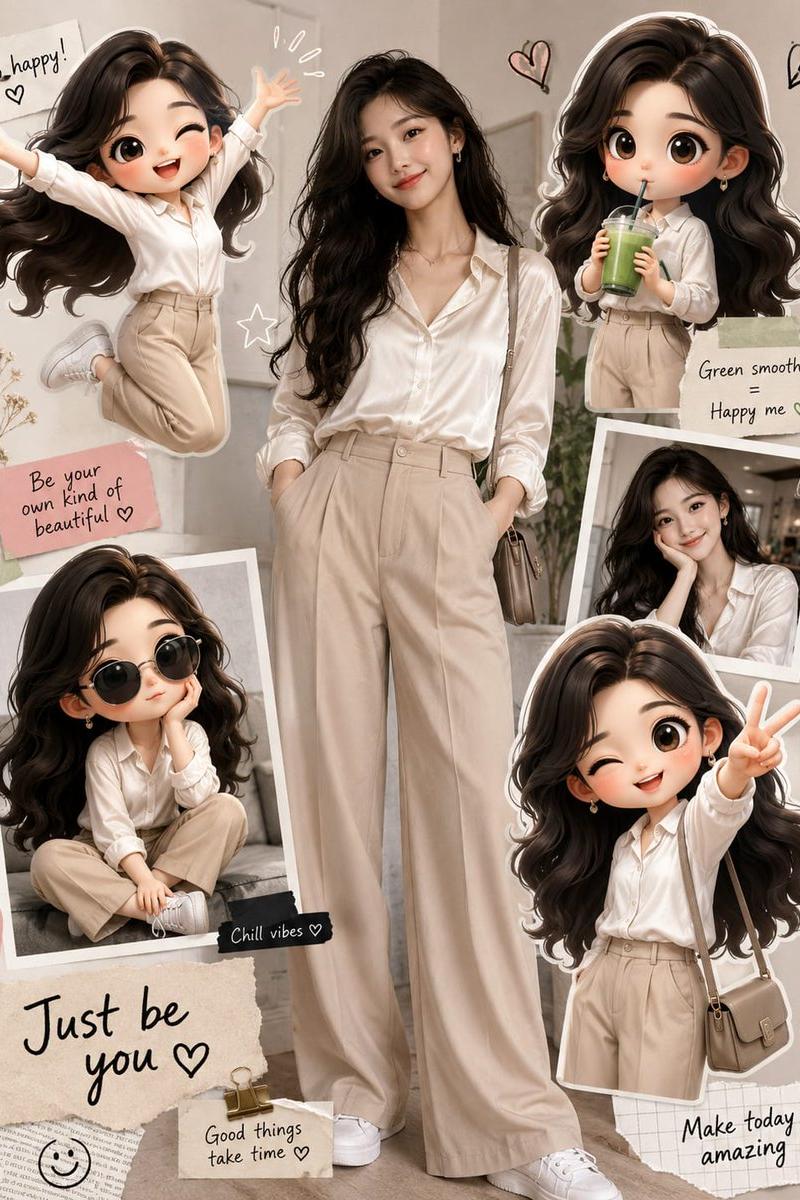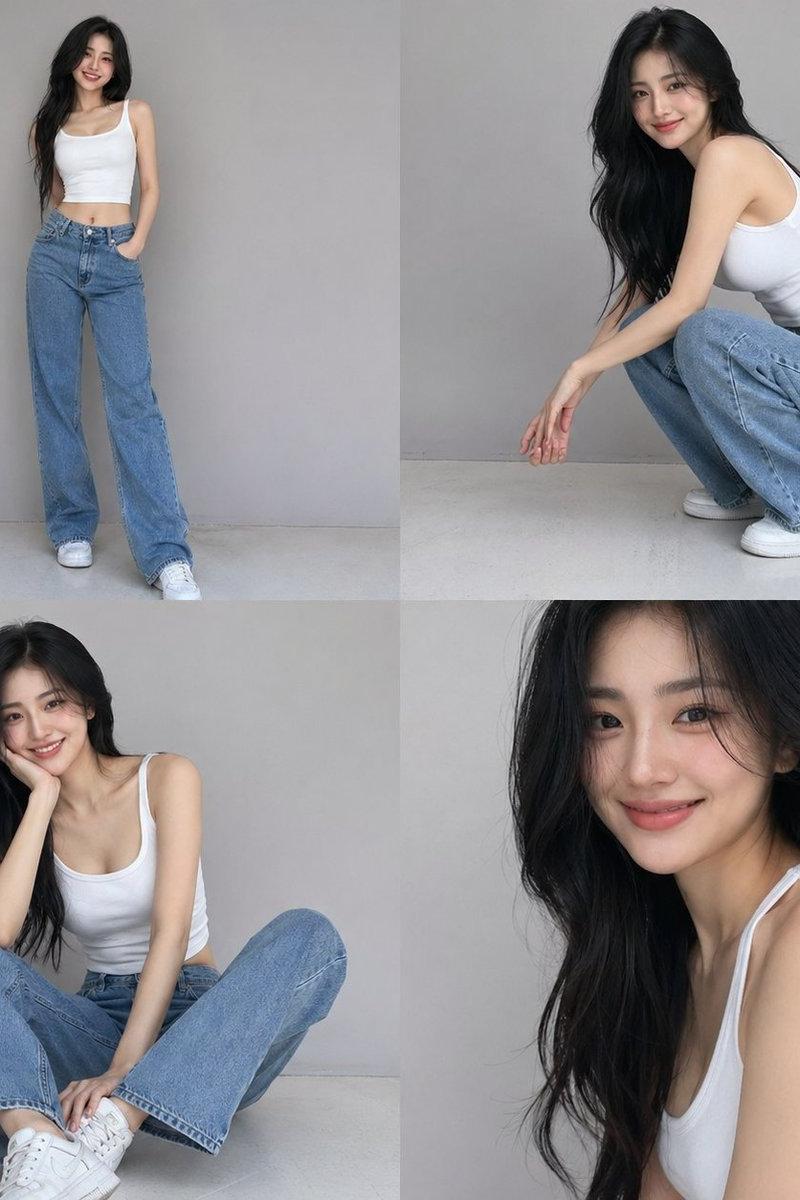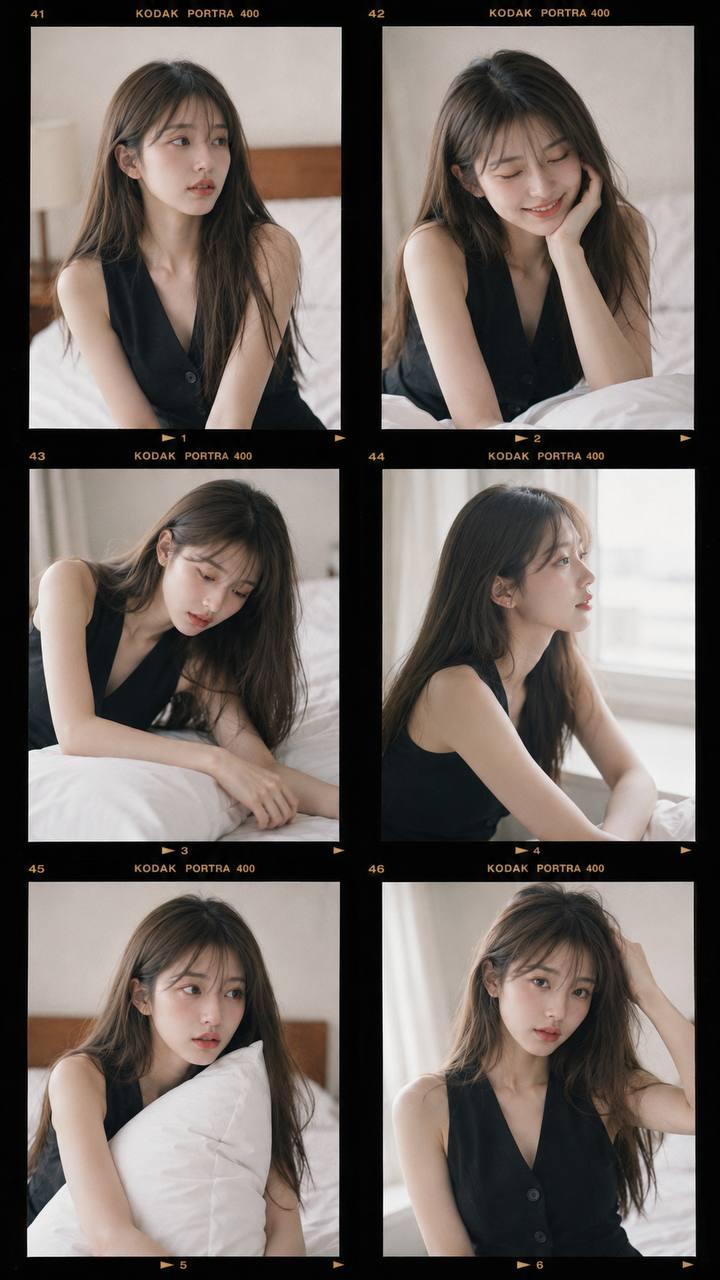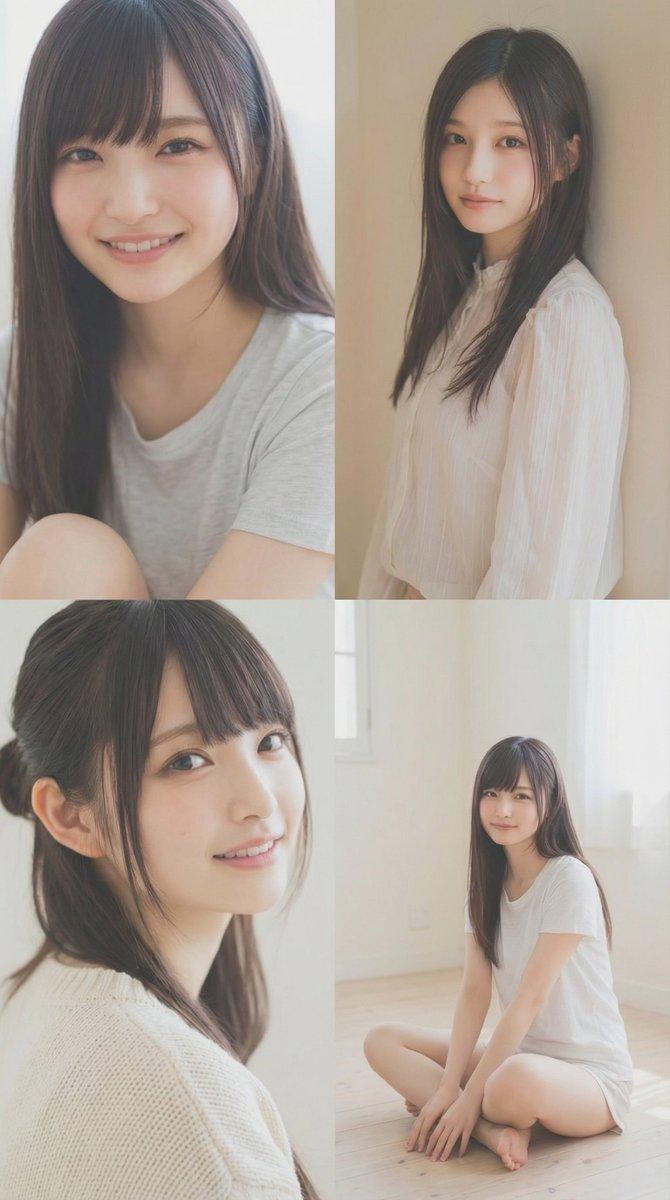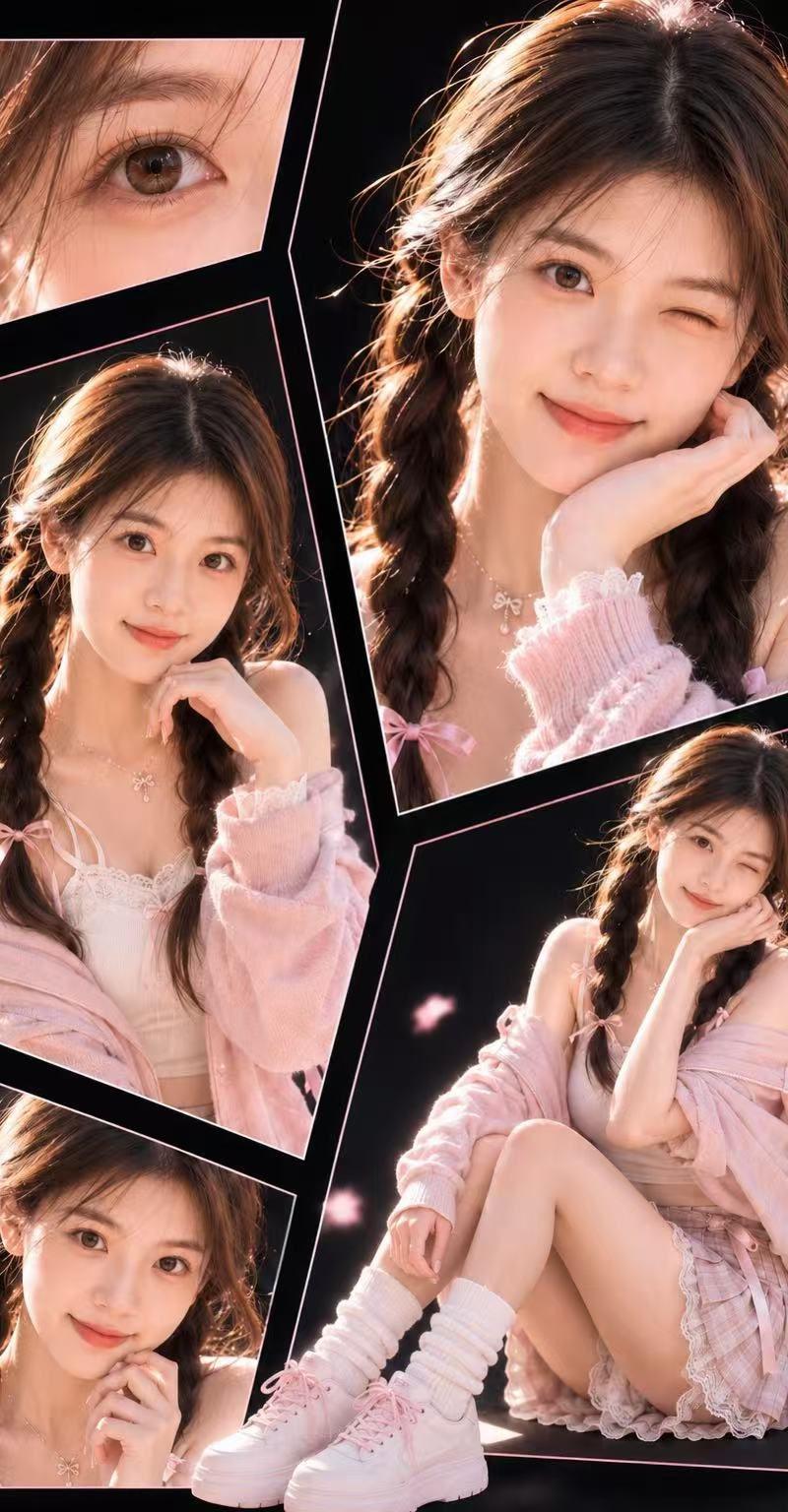
Elegant Anonymous Lifestyle Collage
Prompt
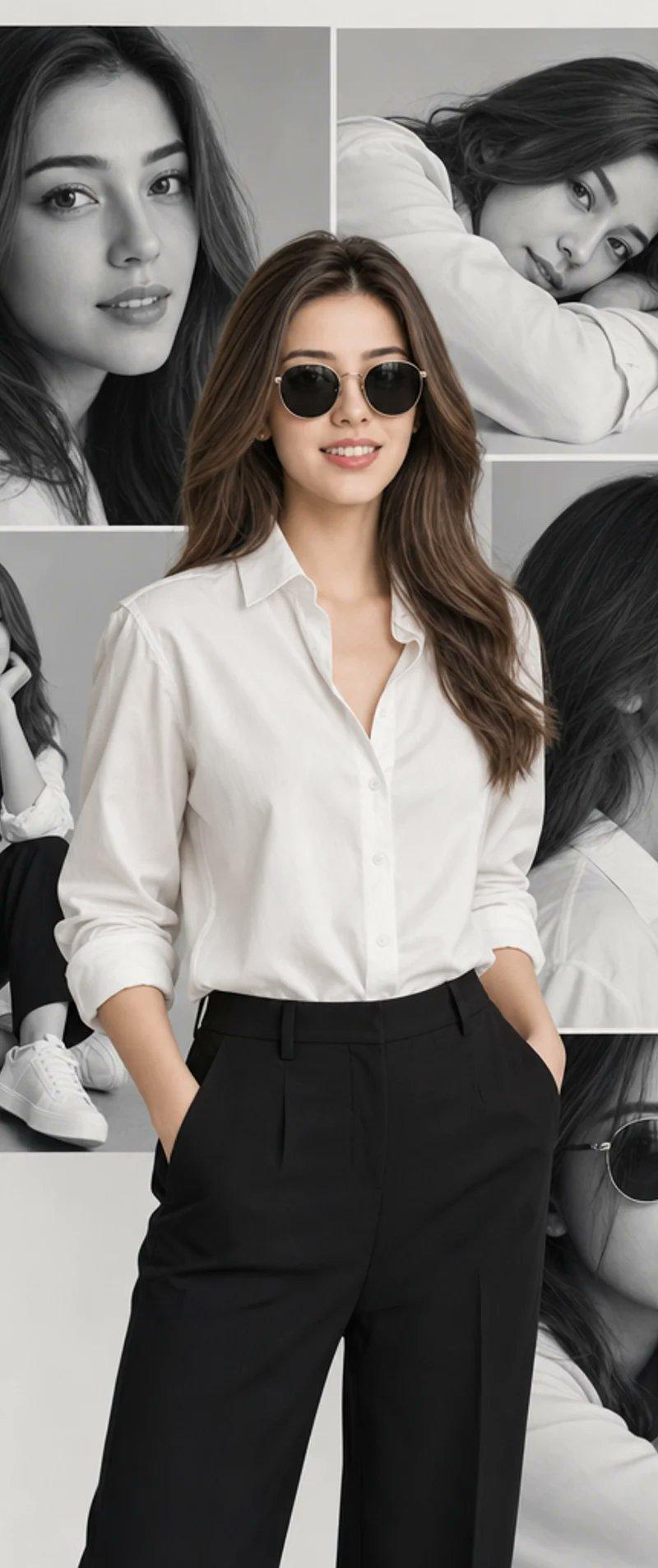
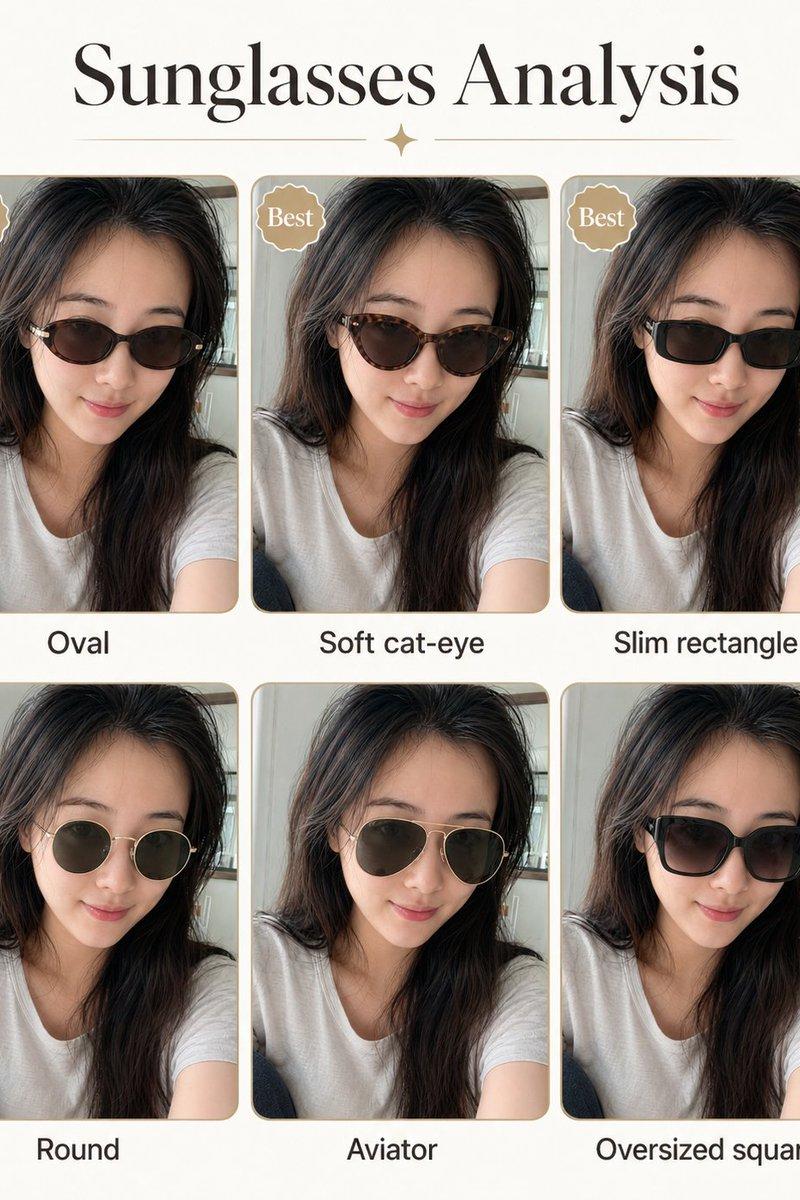
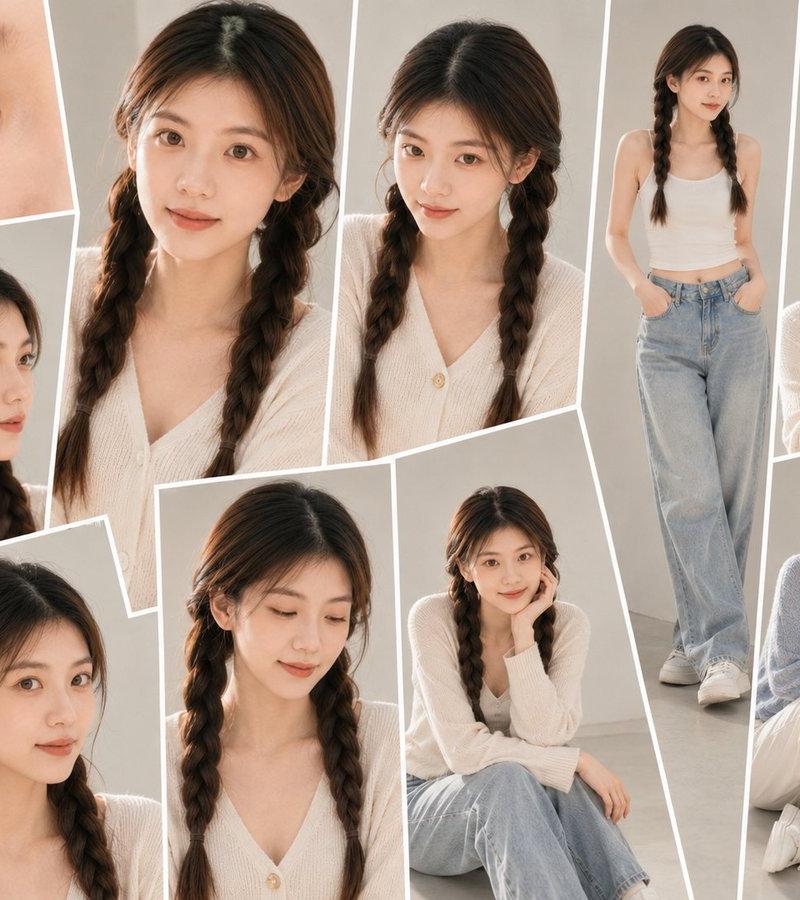
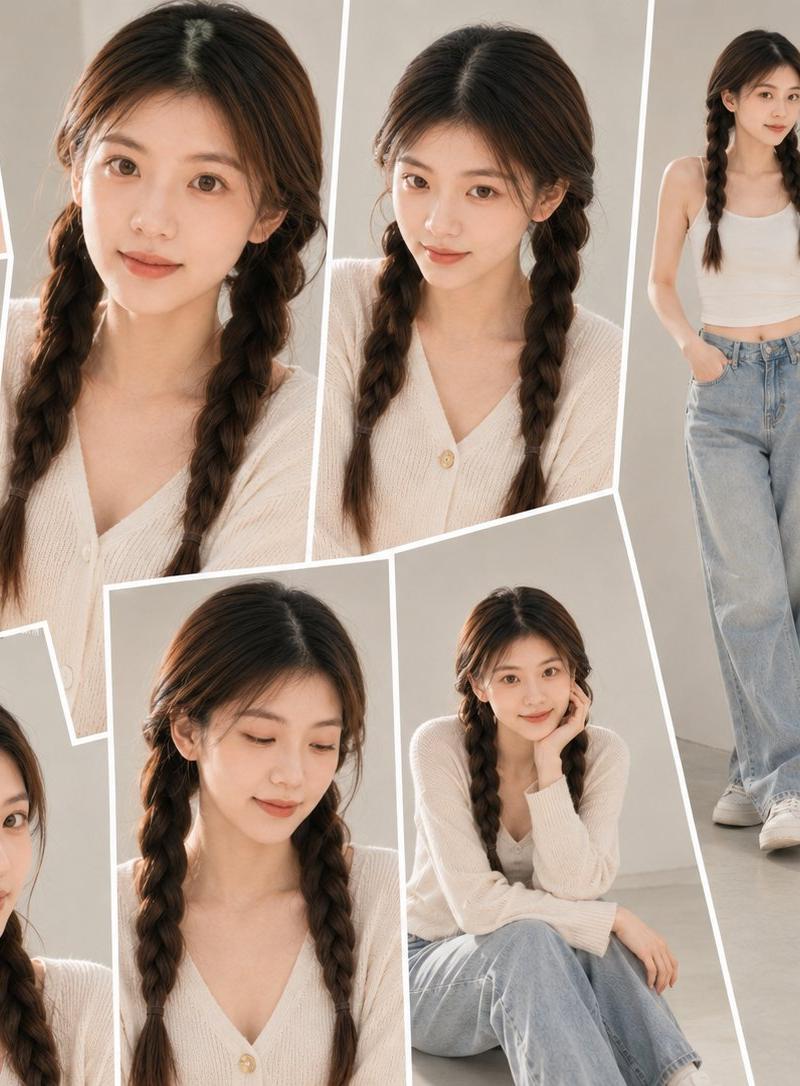
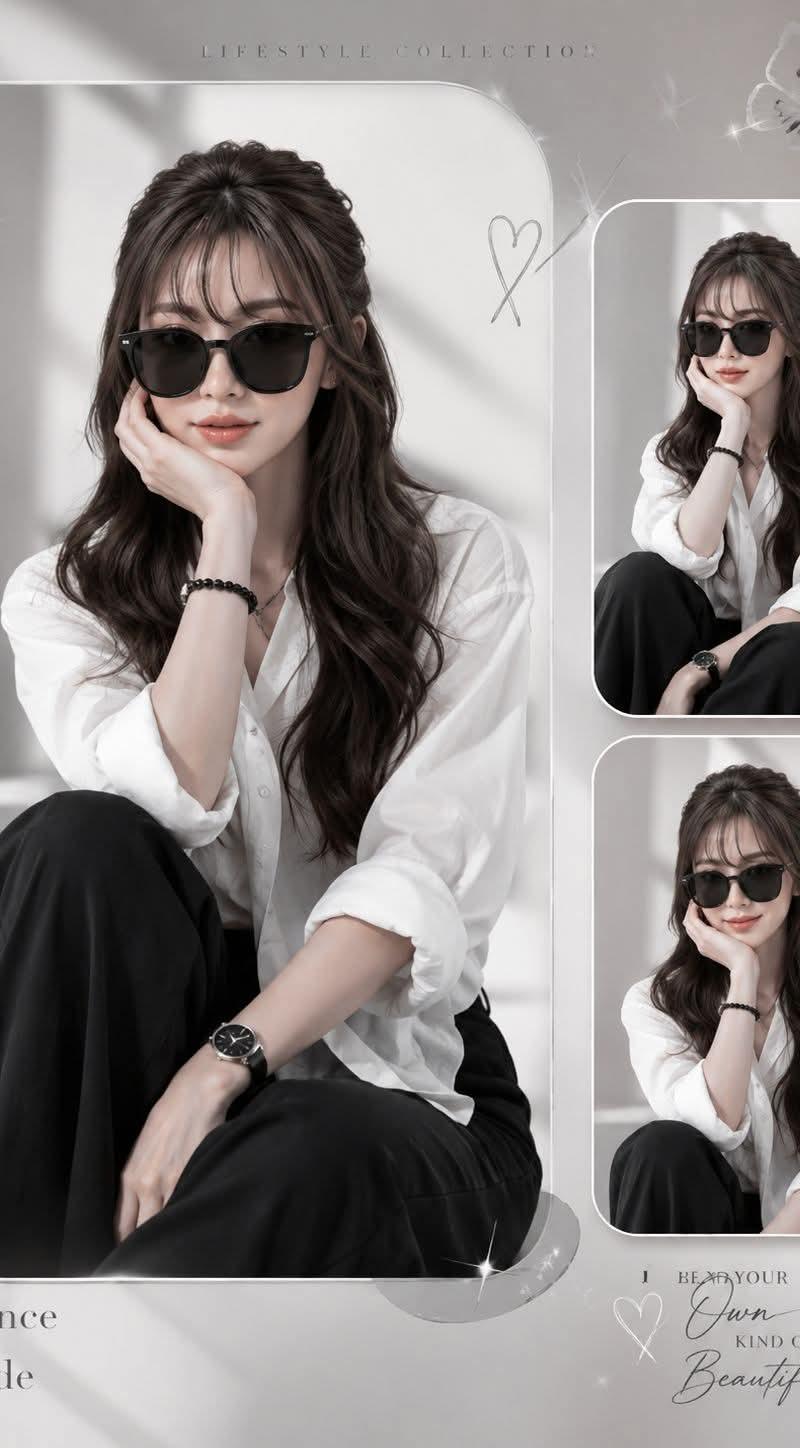
Goal: Create a soft monochrome fashion lifestyle collage poster featuring {argument name="character description" default="an elegant young Asian woman with long wavy dark brown hair, curtain bangs, and a half-up half-down hairstyle"} in a relaxed seated pose, with her face intentionally covered by a soft rectangular blur for an anonymous editorial look.

Canvas: Vertical 3:4 poster, 768 x 1024 style composition, light warm-gray background with pale sunlight and diagonal window-shadow patterns. Use a muted grayscale palette with white, charcoal black, soft gray, and subtle beige skin tones.

Layout: Arrange exactly 3 rounded-rectangle photo frames. The main frame is a large vertical rounded rectangle on the left occupying about two-thirds of the canvas height and width, with a thin white border. On the right side, place exactly 2 smaller rounded-rectangle frames stacked vertically, each with a thin white border and showing cropped variations of the same seated portrait. Add delicate sparkles and translucent bokeh highlights around the collage, especially near frame corners.

Subject details: The woman wears {argument name="outfit" default="a loose white button-up shirt with rolled sleeves, black wide-leg trousers, black cat-eye sunglasses partially visible, a black bead bracelet, and a black wristwatch"}. In the main image, she sits on the floor with one knee raised, one arm resting down across her lap, and her other hand supporting her chin. Her long dark wavy hair falls over her shoulders. Keep the face obscured by a centered rectangular pixelated/blur block in all 3 portraits, matching the muted skin-tone colors.

Decorative elements: Include exactly 2 butterflies: one semi-transparent white butterfly near the left side of the main frame and one small pale butterfly near the upper-right corner. Include exactly 3 heart-like doodles: one thin double-loop heart near the upper center-right beside the main frame, one small white heart near the lower-right text area, and one very subtle heart/sparkle accent integrated near the lifestyle typography. Add a few small star glints but keep them minimal and elegant.

Text content: At the top center, add small widely spaced uppercase text: {argument name="top title" default="LIFESTYLE COLLECTION"}. At the bottom left, add serif text on three lines: {argument name="bottom left quote" default="Elegance\nis\nattitude"}, with three small dots underneath. At the bottom right, add a mixed serif and handwritten script quote reading: {argument name="bottom right quote" default="BE YOUR\nOwn\nKIND OF\nBeautiful"}, with “Own” and “Beautiful” in flowing cursive script.

Visual style: Elegant minimal Korean/Instagram editorial mood board, soft natural lighting, high-key gray background, shallow contrast, subtle film grain, glossy white rounded borders, clean negative space, feminine lifestyle aesthetic. No extra people, no extra frames, no watermark, no logos, no additional readable text.- Category
- Charts & Infographics
- Model
- GPT Image 2
- Creator
- Anaya Ai
- Source language
- en
- Source ID
- 24360
- Published
- Jun 5, 2026
Views3.2K