20

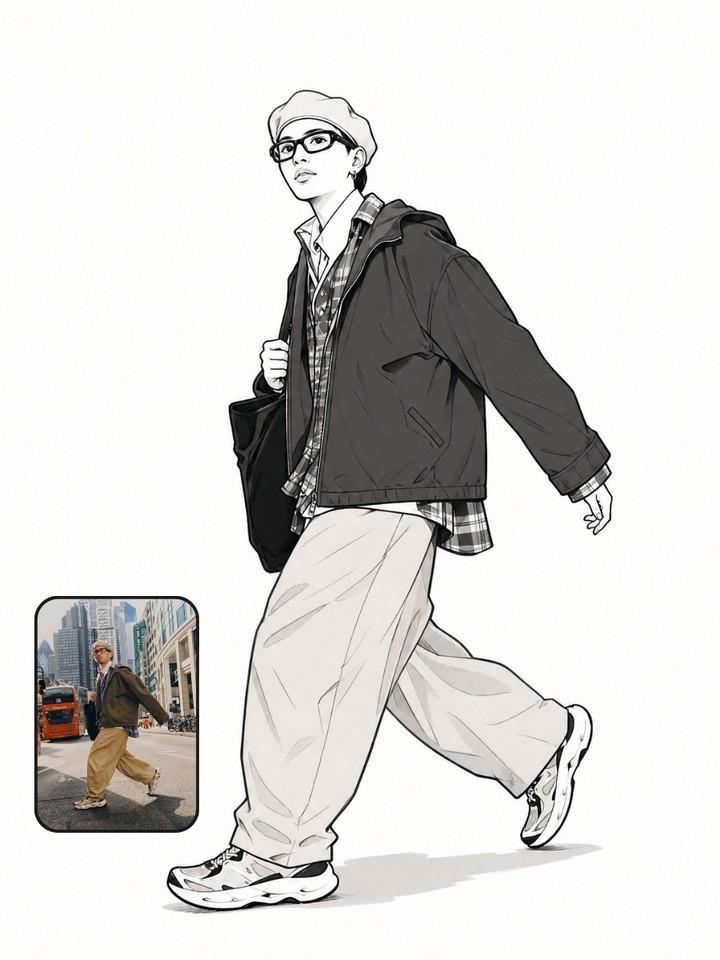
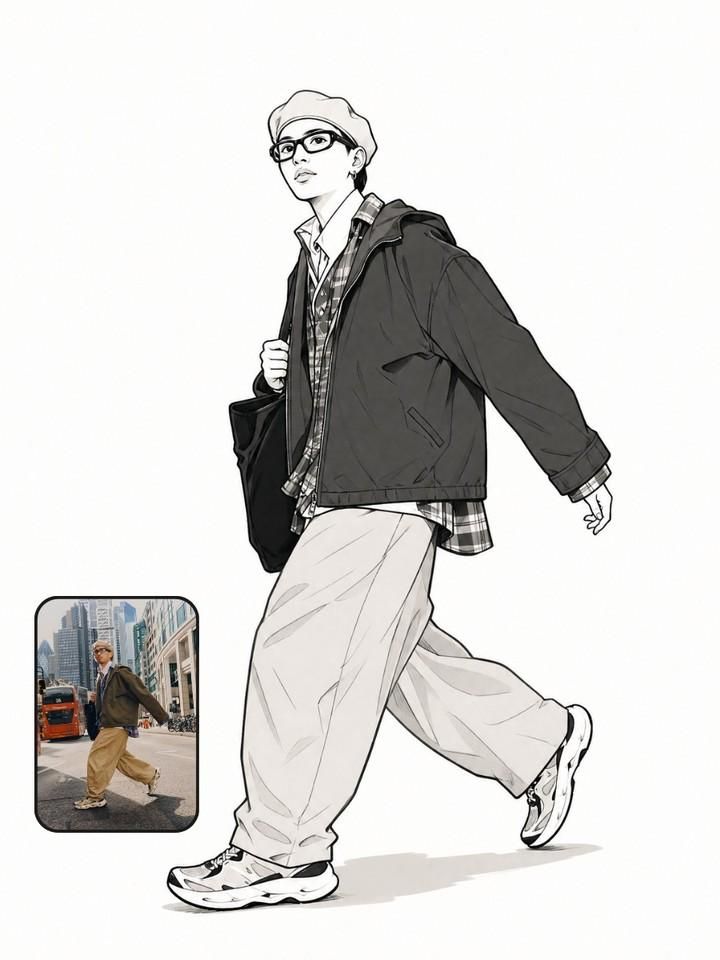
Photo to Manga Art Transformation
Enlarge

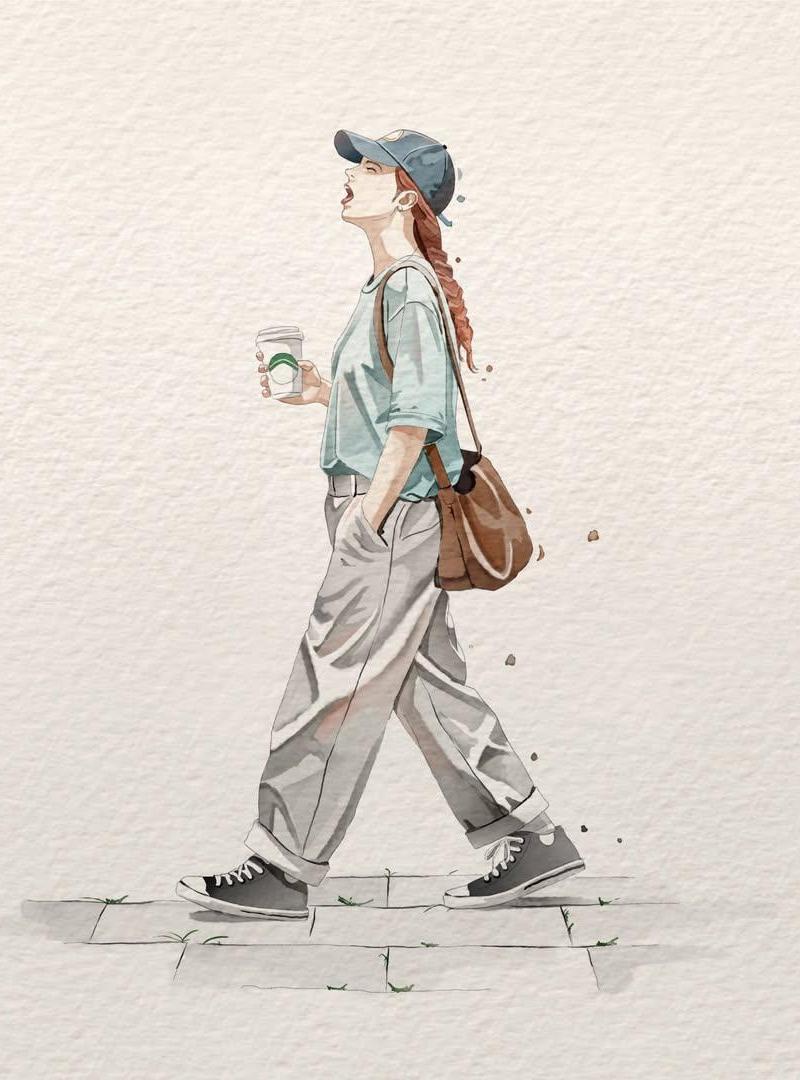
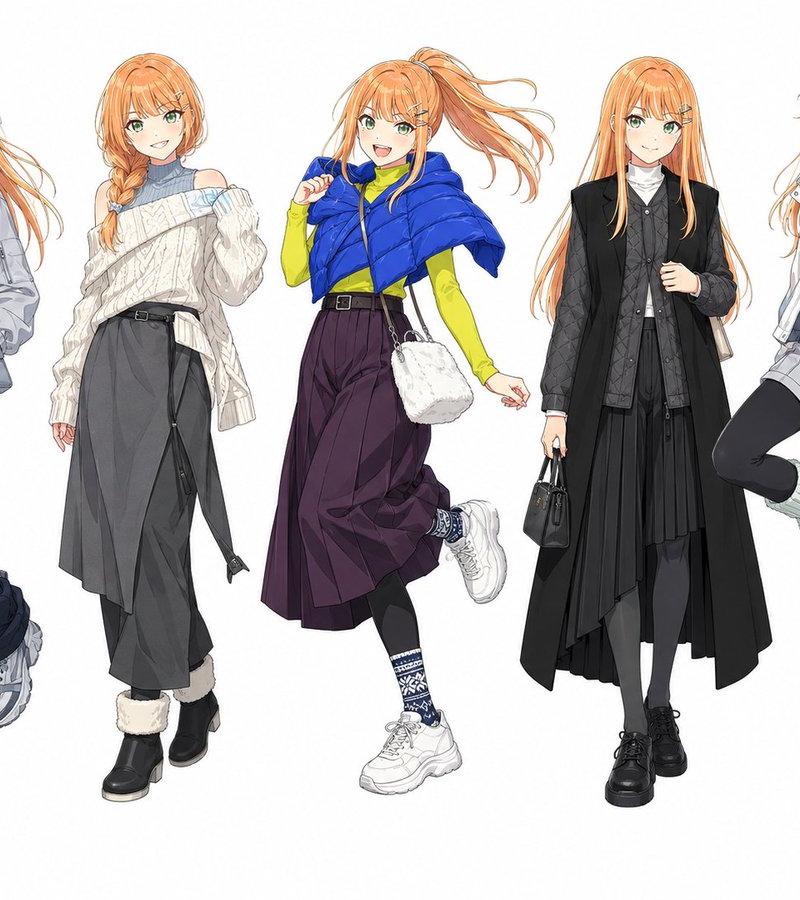
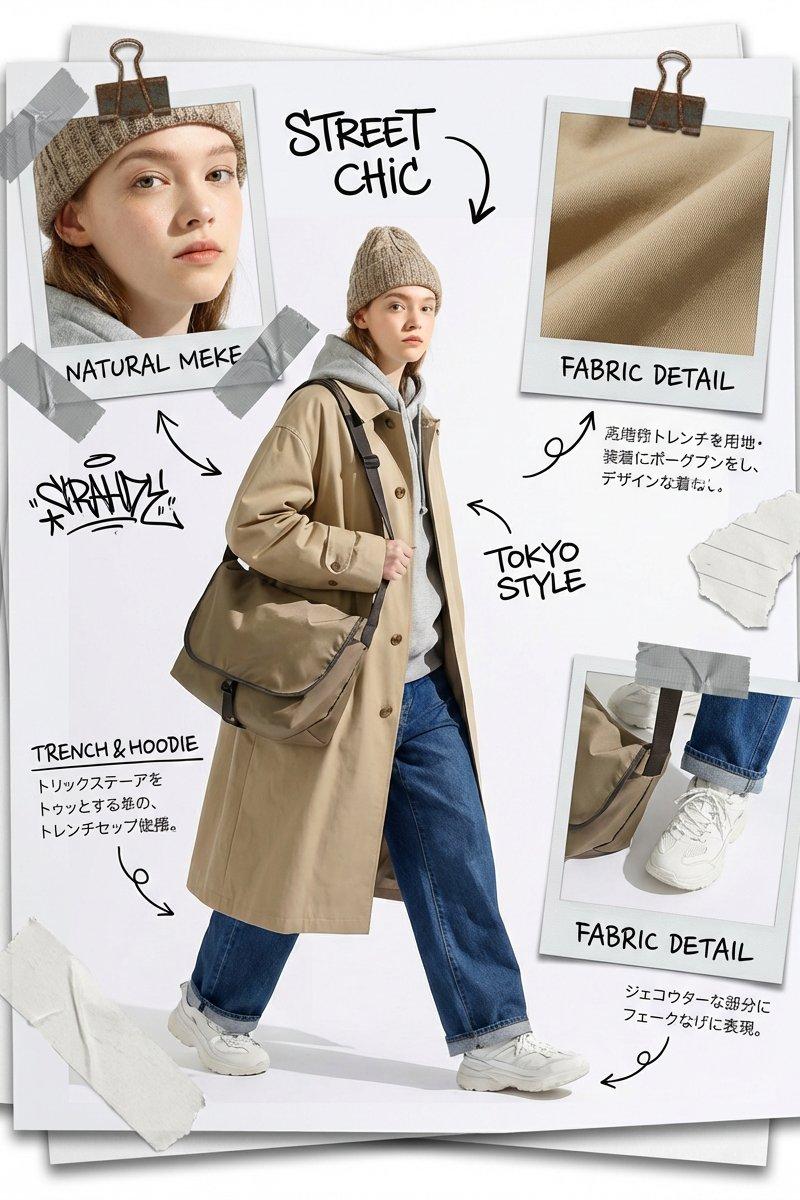
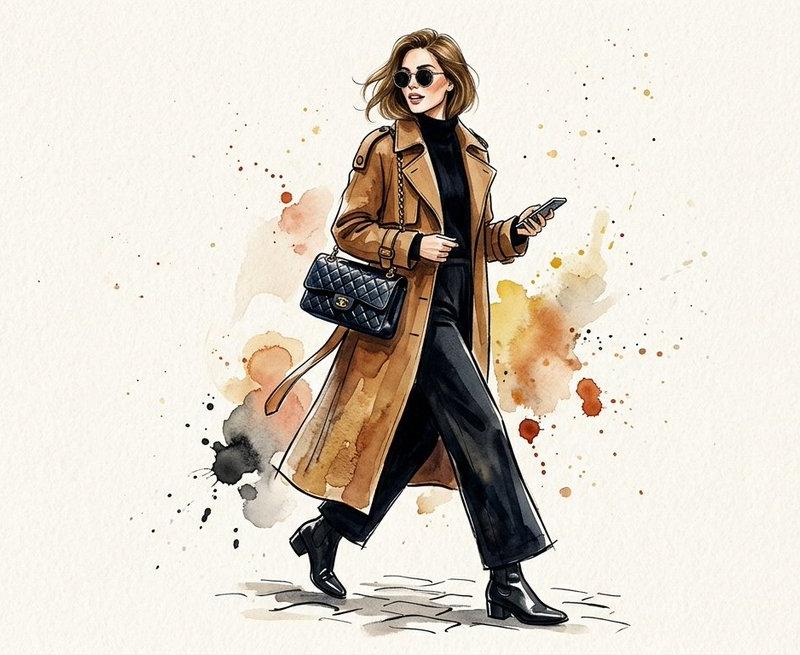
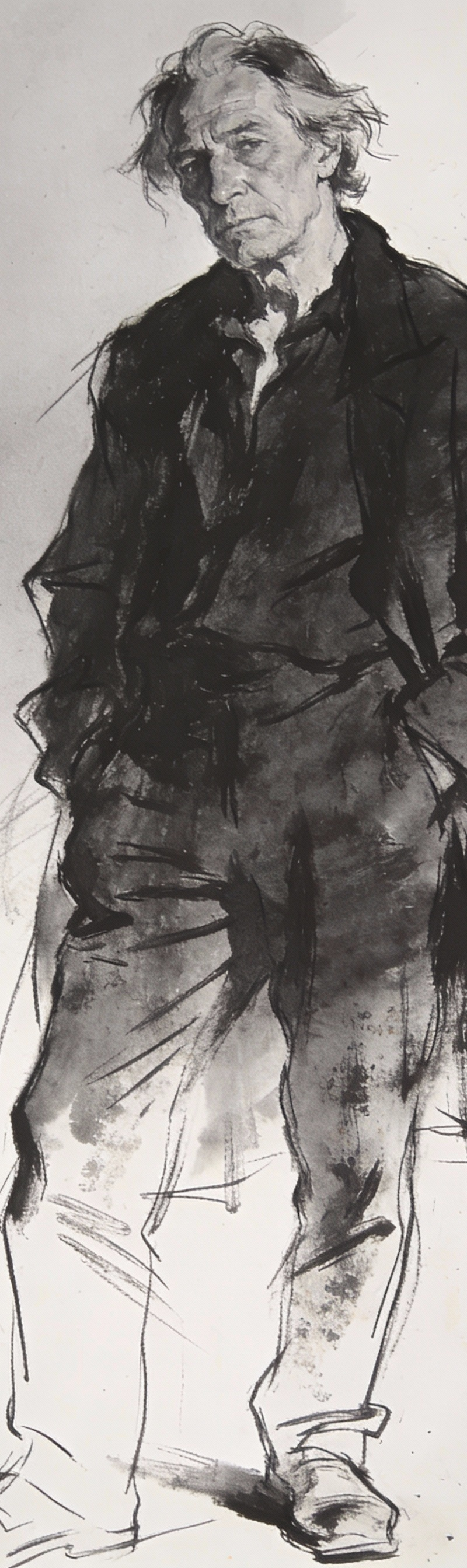
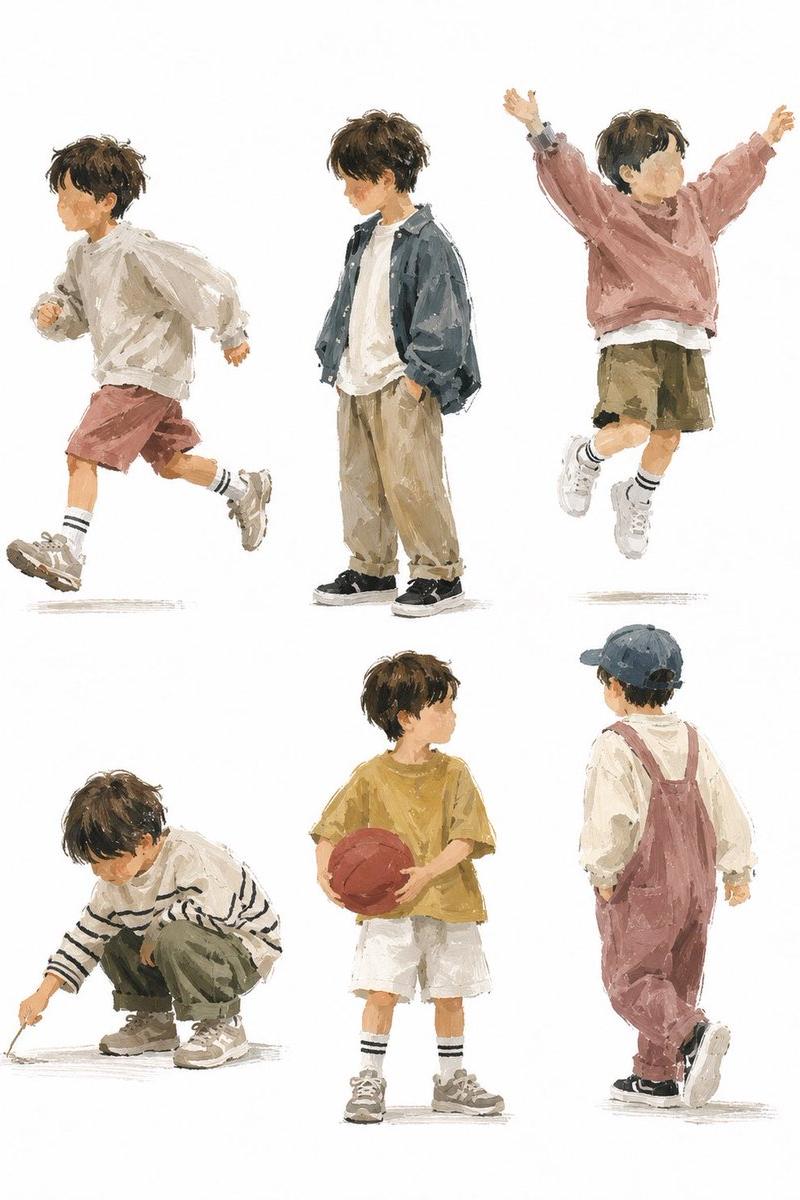
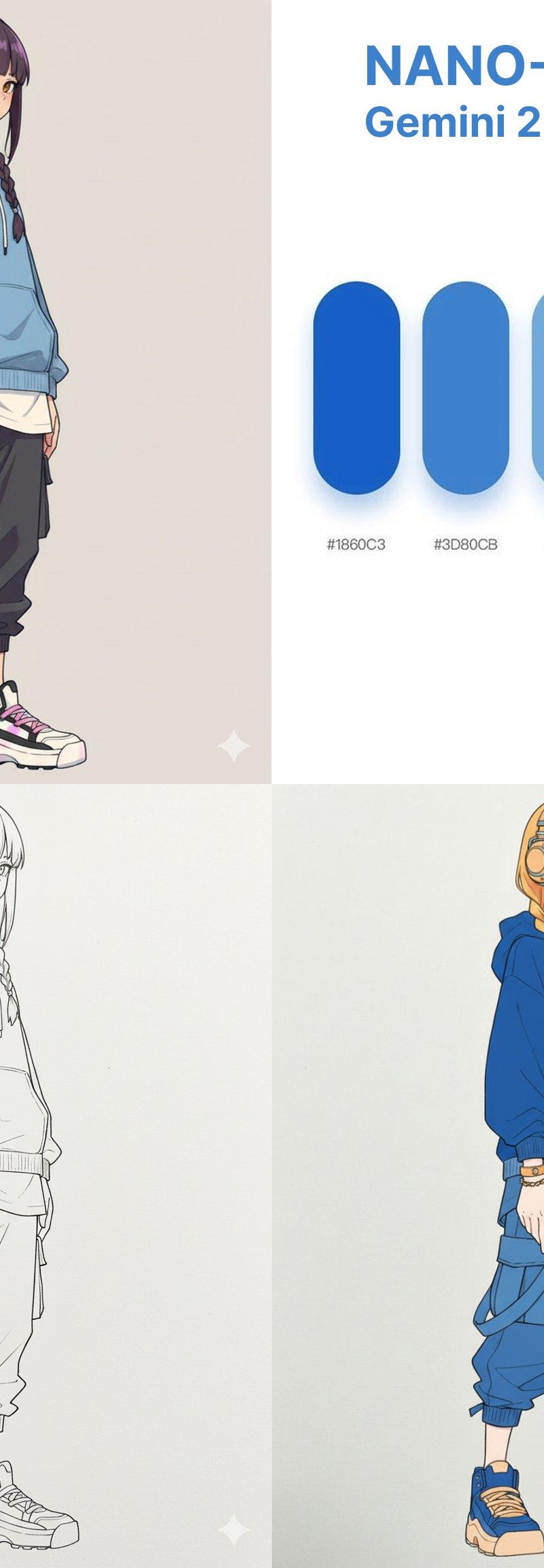
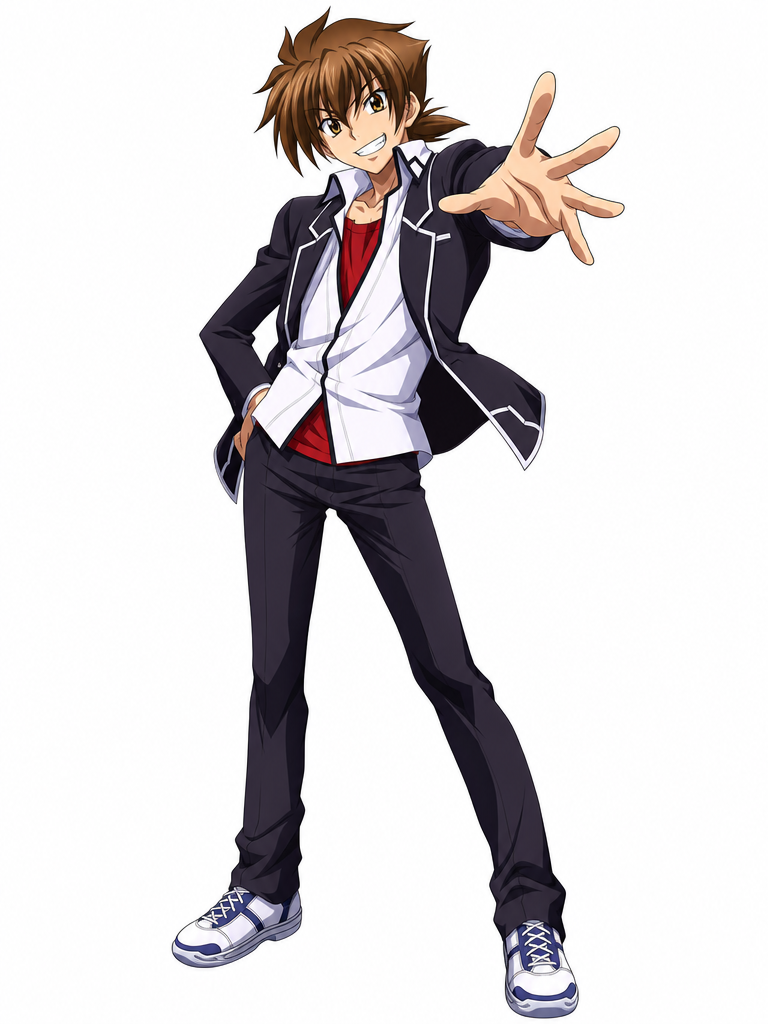
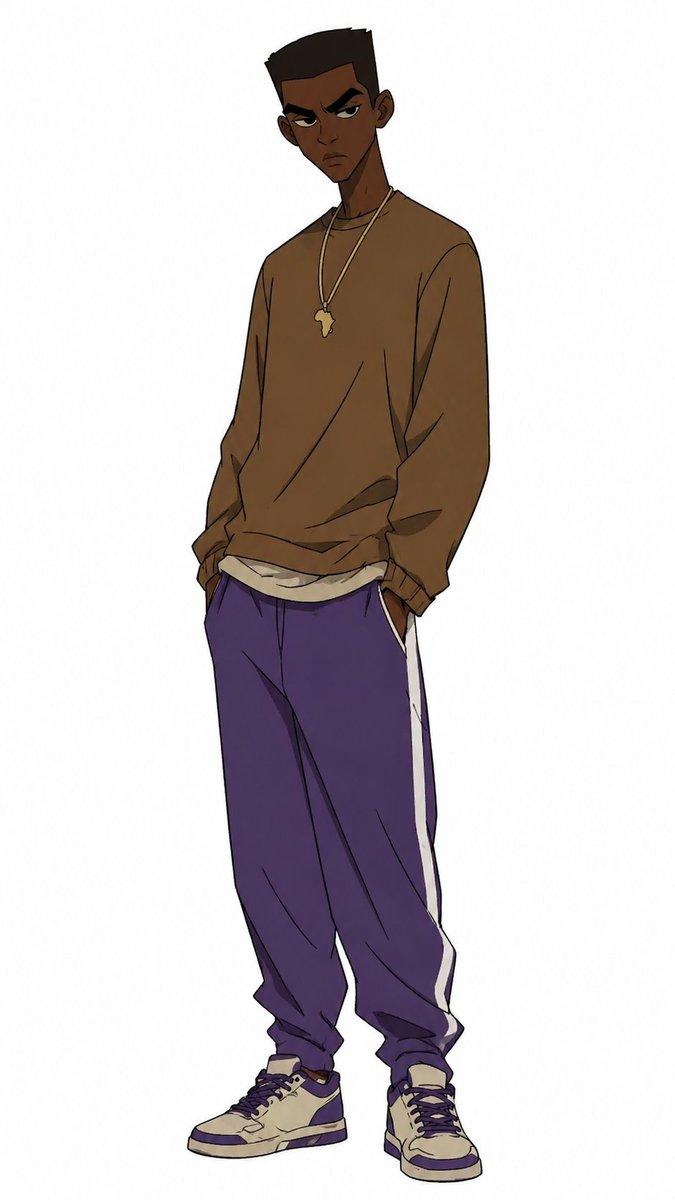
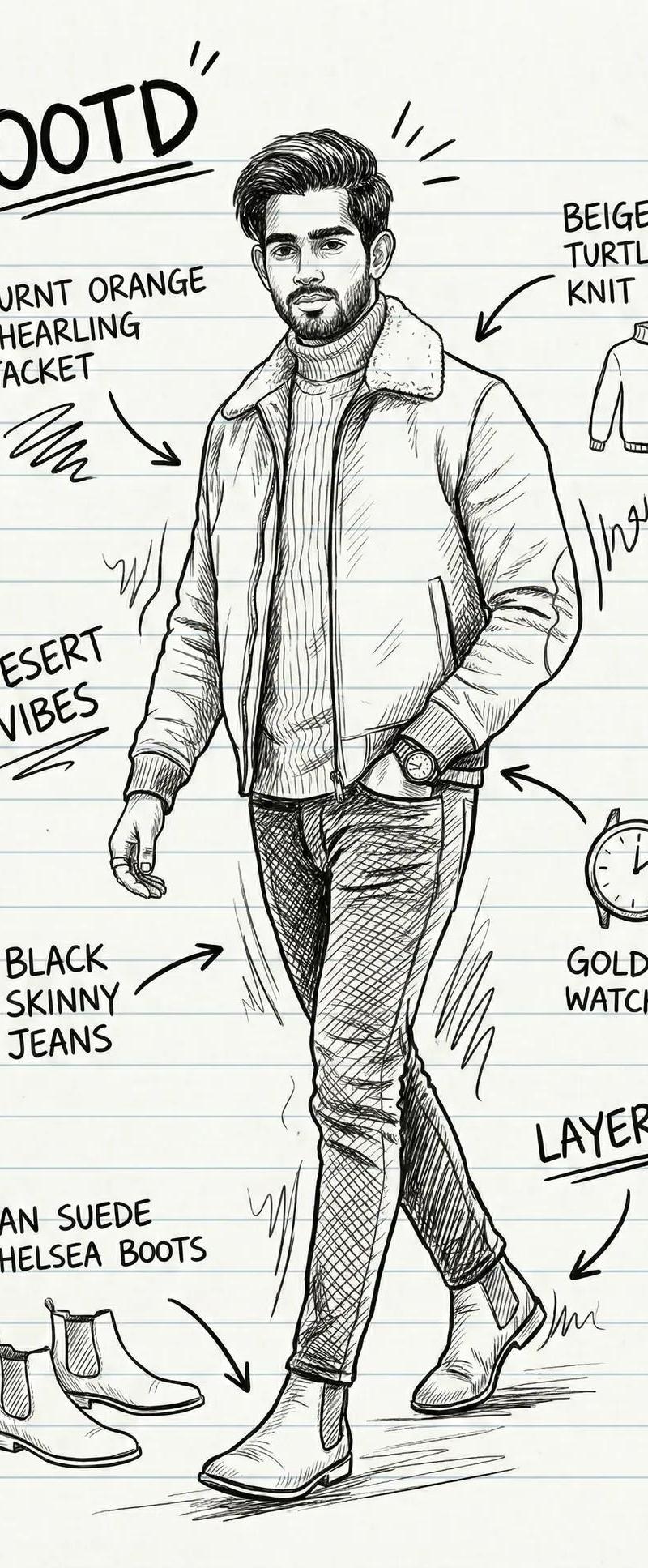
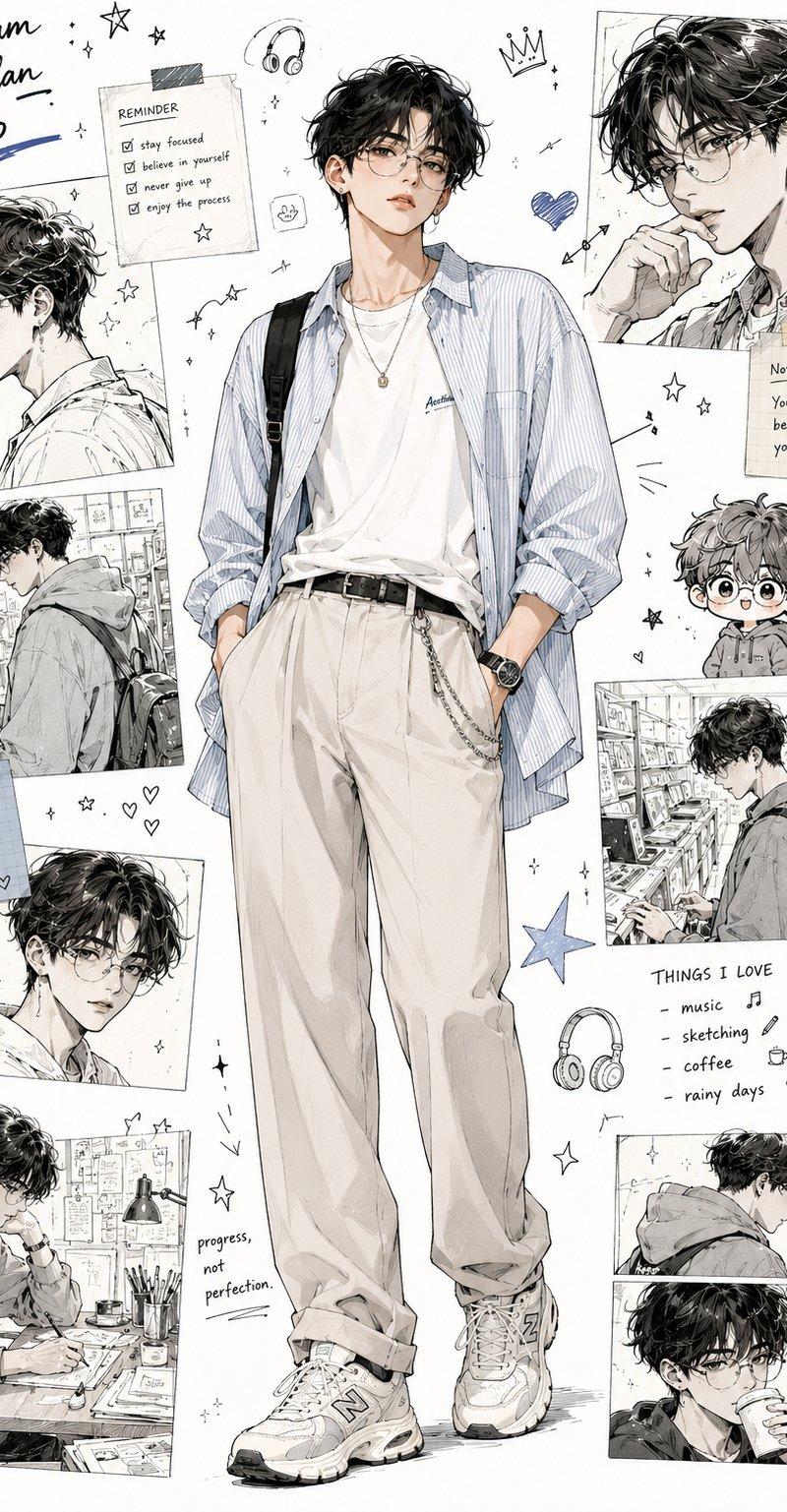
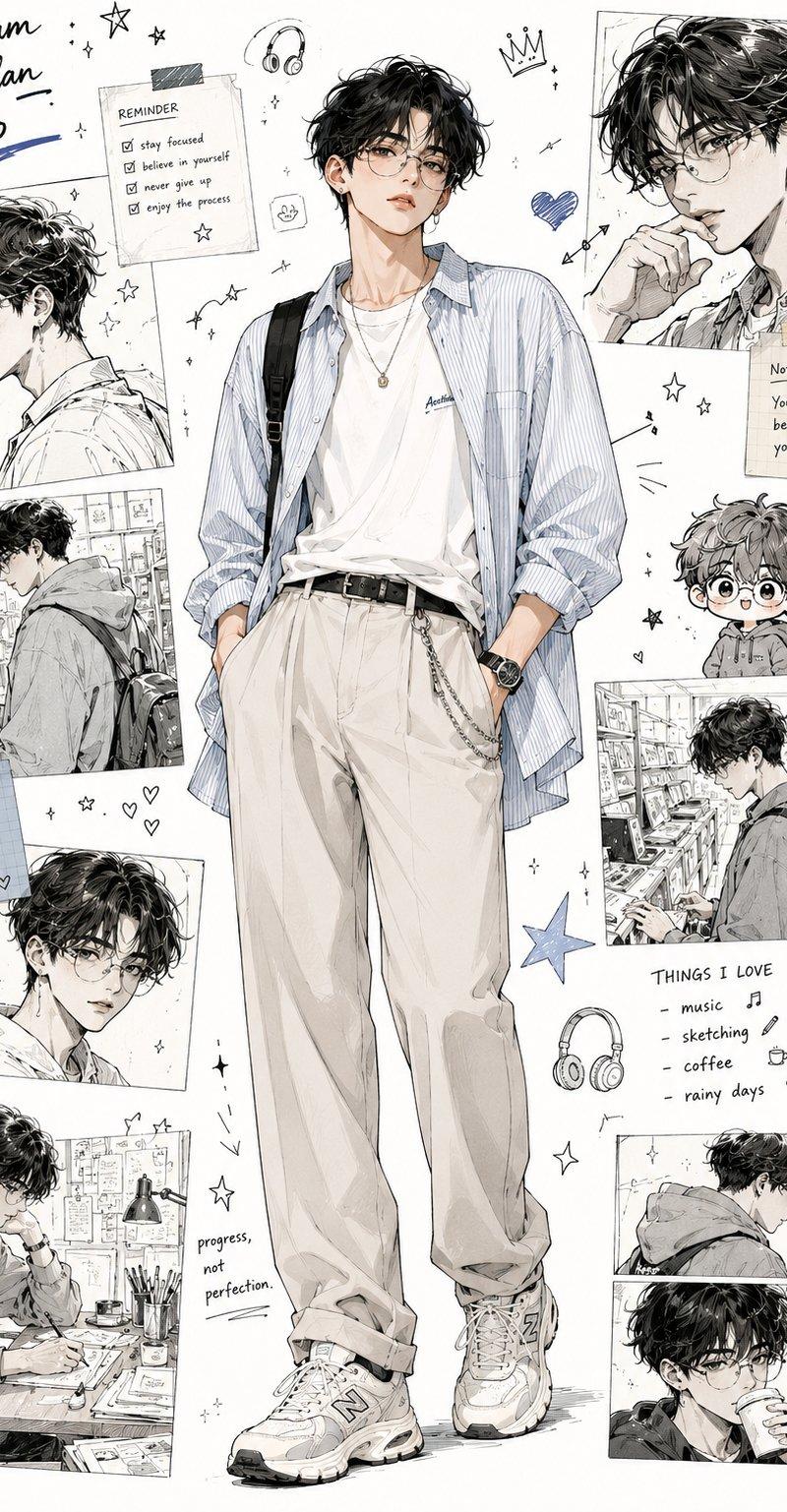
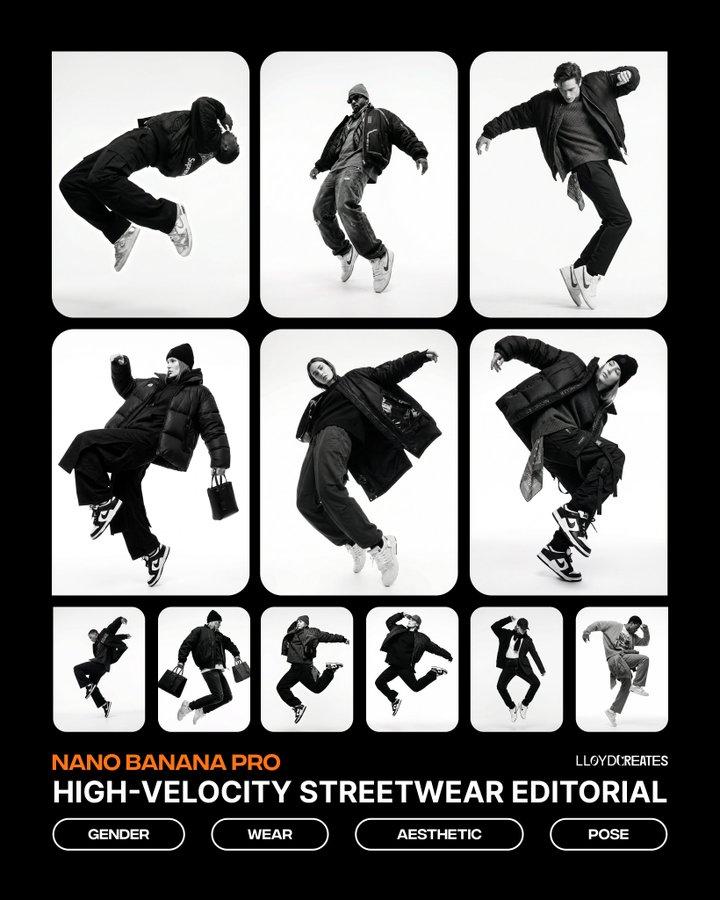
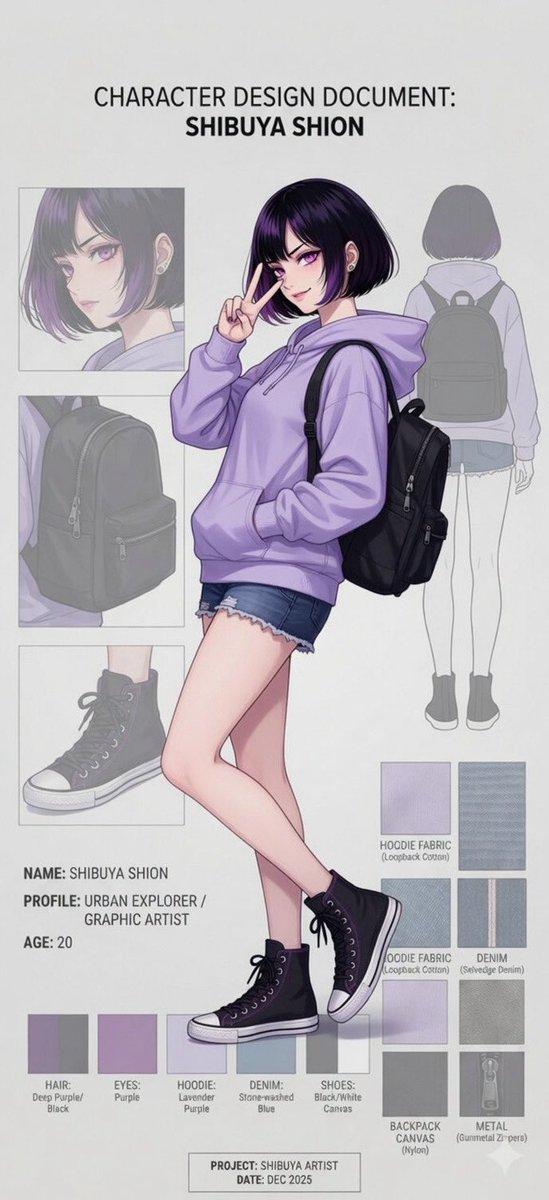
Example images

Photo to Manga Art Transformation

Prompt
Transform the uploaded reference photo into a clean {argument name="style" default="black-and-white manga-style"} line art illustration while preserving the exact pose, composition, clothing, accessories, facial expression, and perspective from the original image. Create a full-body character drawing with elegant ink outlines, smooth contour lines, subtle grayscale shadows, minimalistic monochrome aesthetic, fashion sketch style, accurate anatomy, highly detailed clothing folds, realistic proportions, professional character design sheet, clean white background, soft ground shadow, modern editorial illustration, Japanese manga-inspired artwork, crisp vector-like linework, high detail, high contrast, ultra-clean presentation. Include a small rounded-corner color reference image inset in one corner, showing the original photo used for transformation. Premium concept art style, 8K resolution, masterpiece quality.
Category
Photography & Realism
Model
GPT Image 2
Creator
Taaruk
Source language
en
Views2.8K
Source ID
24416
Published
Jun 6, 2026
Studio

Guide

About "Photo to Manga Art Transformation"

What is this prompt for?

"Photo to Manga Art Transformation" AI image prompt for GPT Image 2 (Photography & Realism). Transforms a reference photo into black-and-white manga line art w…

The full copyable prompt and example visuals above are ready for AI image generation or one-click recreate in Picva.

How to use this prompt

  1. Step 1

    Open the prompt detail

    Review the example visuals, category, and full prompt text for "Photo to Manga Art Transformation".

  2. Step 2

    Copy the prompt

    Copy the prompt body from this page, or load it directly in Studio.

  3. Step 3

    Pick a model (GPT Image 2)

    Prefer GPT Image 2. If you switch models, keep subject and composition and tweak style terms.

  4. Step 4

    Generate and export

    Recreate the look in Picva, or export into your workflow for editing and publishing.

FAQ

What is the "Photo to Manga Art Transformation" prompt?
It is an AI image-generation prompt for GPT Image 2 in the Photography & Realism category. This page includes the full prompt text, example visuals, and a one-click recreate path in Picva.
How do I use this prompt to generate an image?
Copy the prompt from this page, or use Generate / Studio. Paste it into a compatible image model, or recreate the look in Picva with optional reference images.
Which model is this prompt for?
This page lists GPT Image 2. Most descriptive prompts also transfer to nearby image models such as GPT Image, Flux, or Midjourney with light style tweaks.
Can I use the result commercially?
You can usually copy the prompt for creation, but commercial use of the final image depends on the model terms, reference-image rights, and the generated content. Follow the source author and platform rules.