20

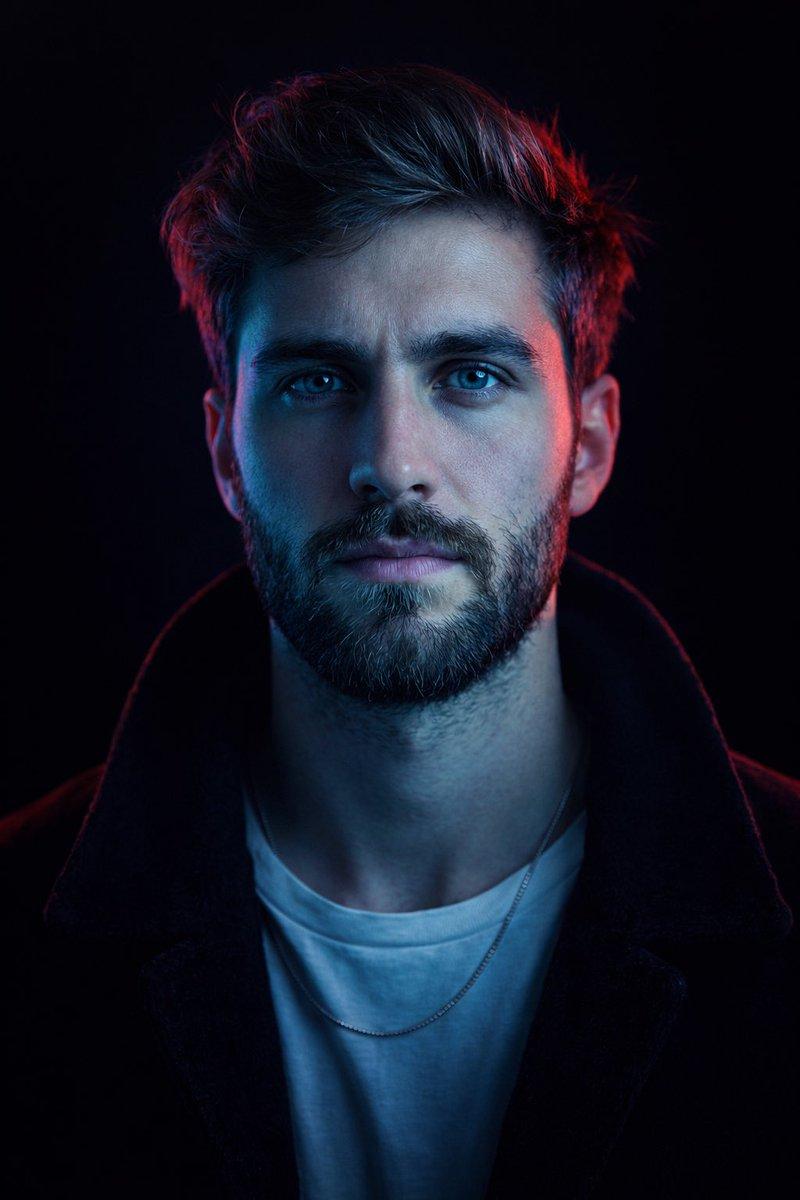
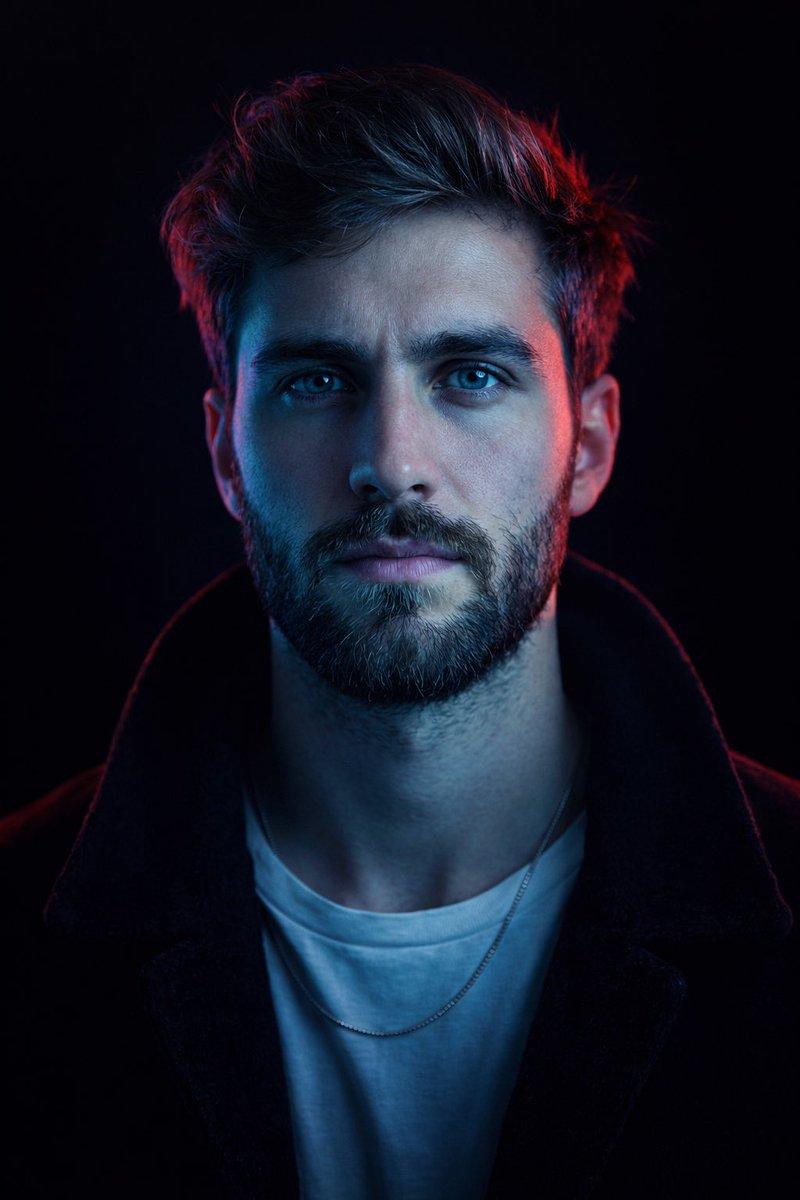
Cyberpunk Neon Split Lighting Portrait
Enlarge

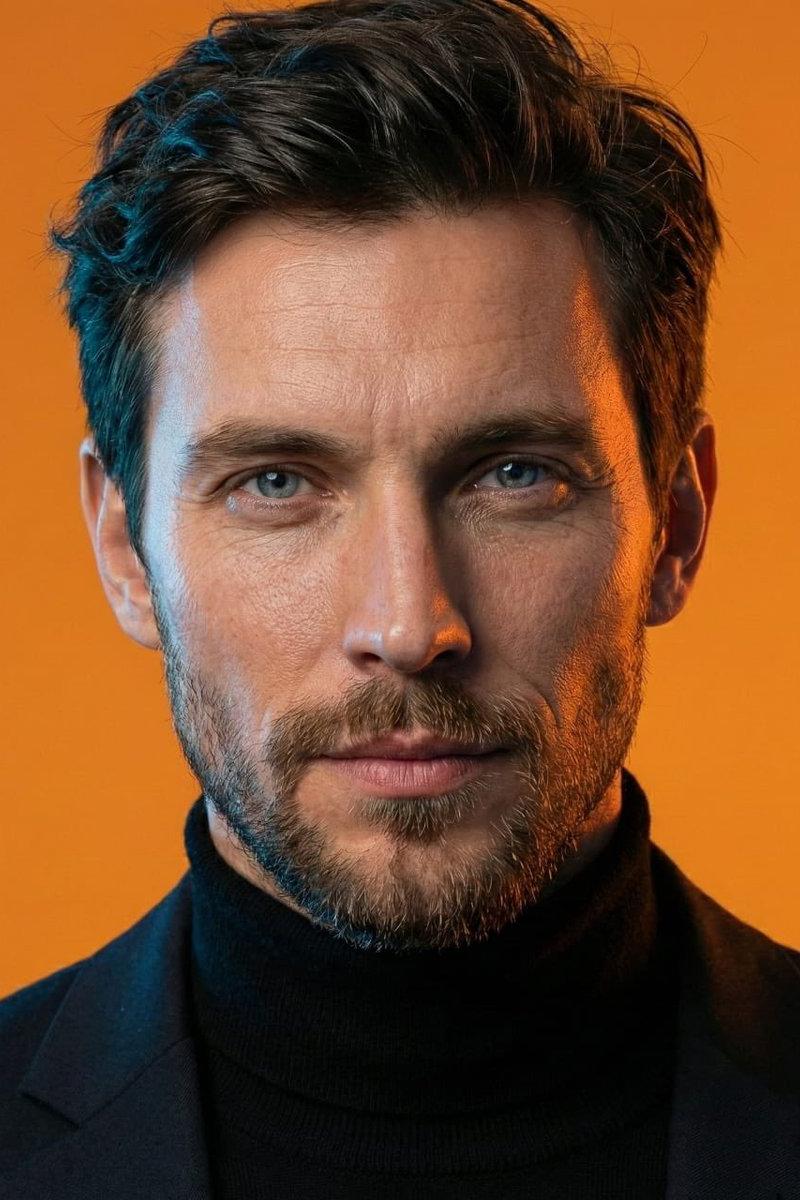
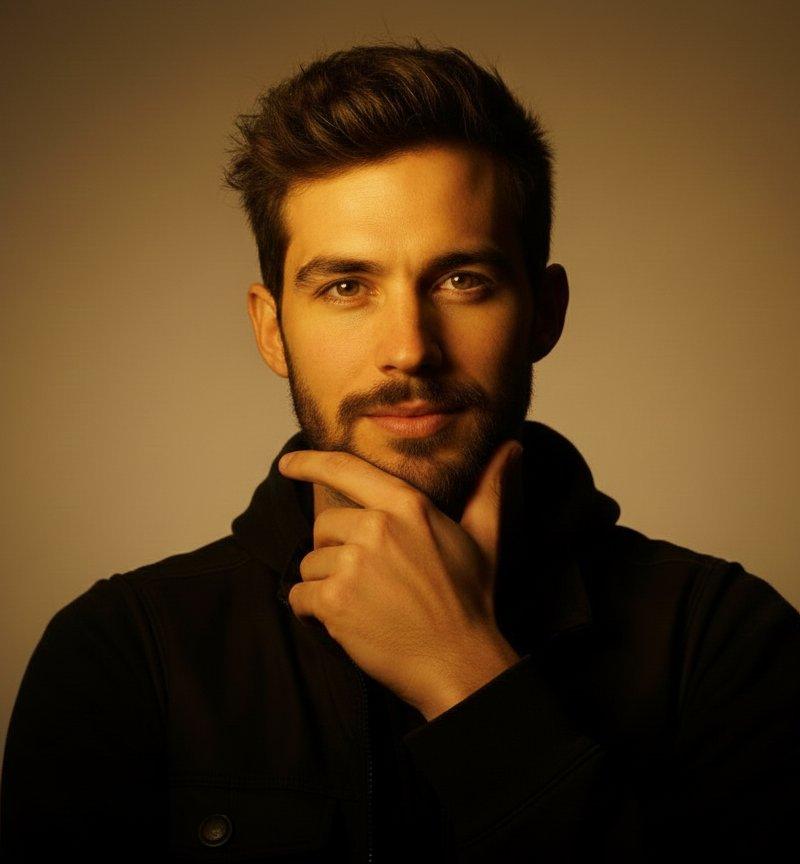
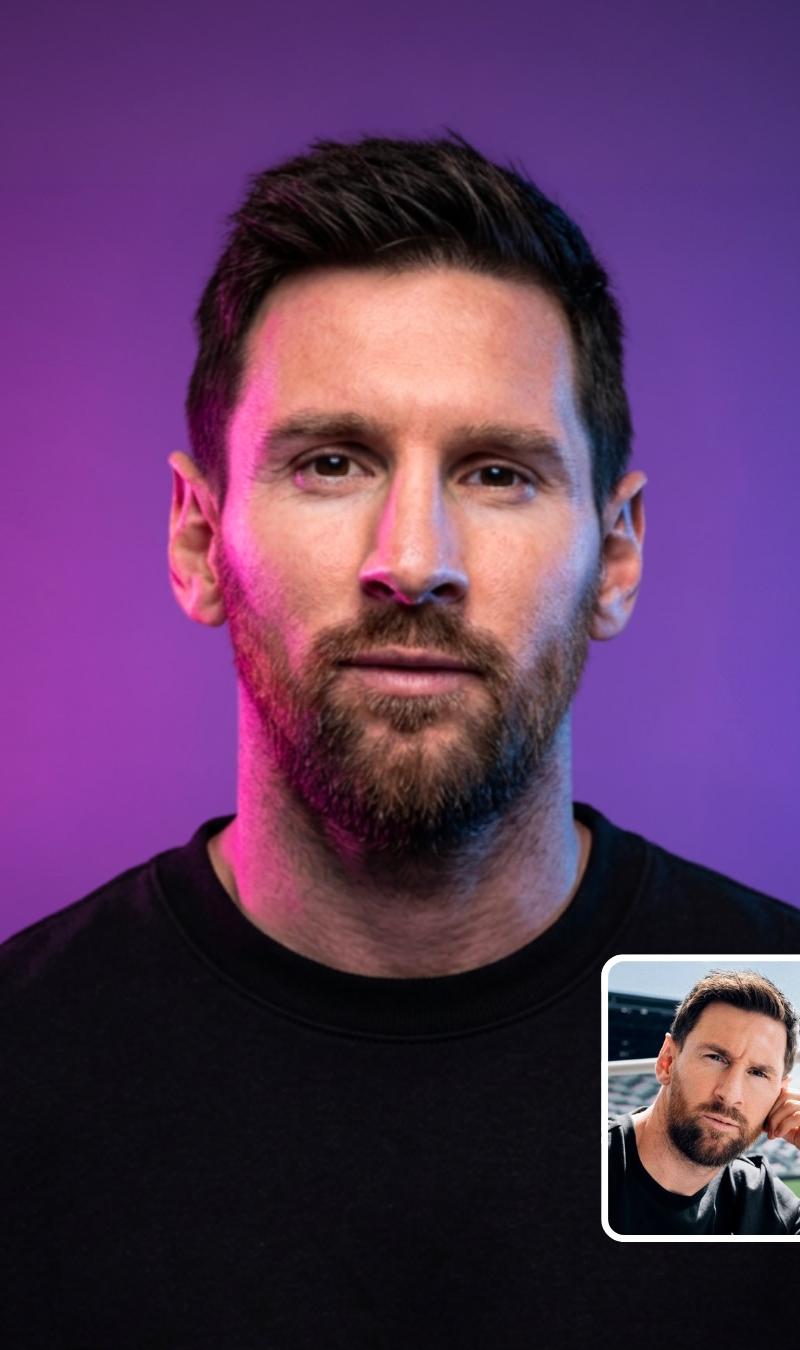
Example images

Cyberpunk Neon Split Lighting Portrait

Prompt
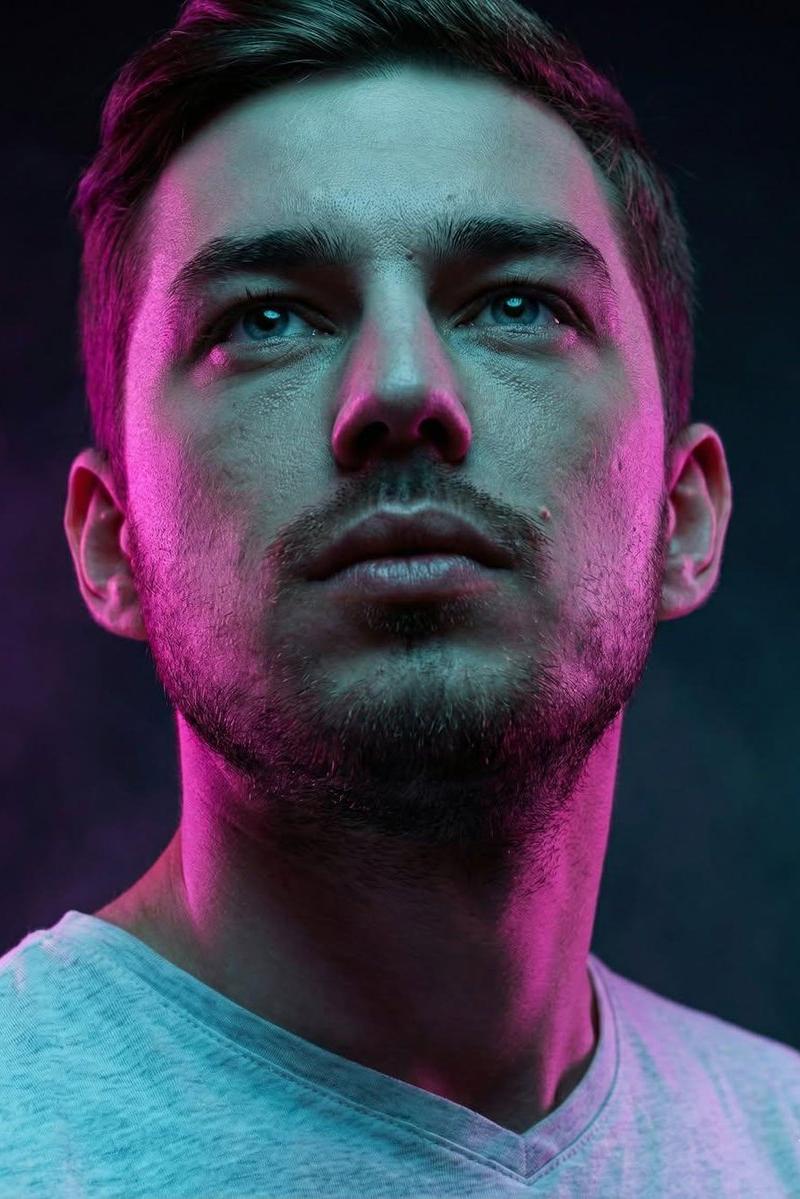
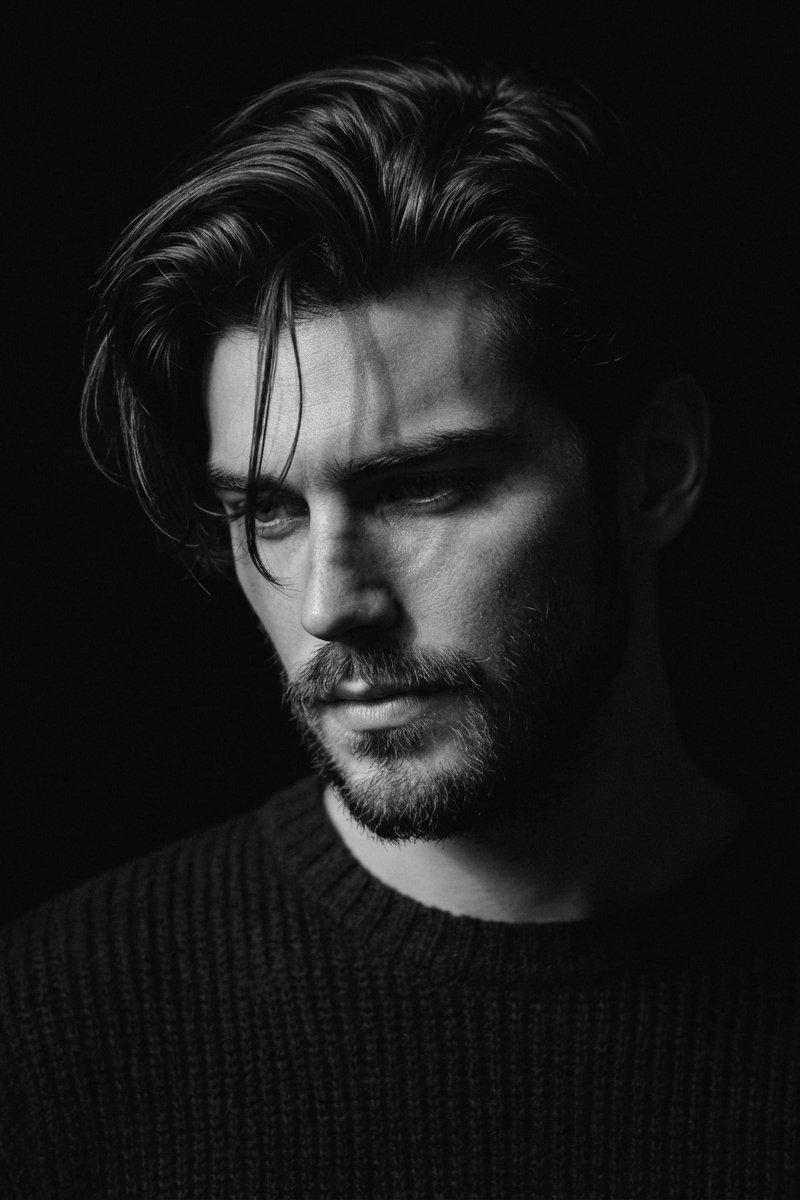
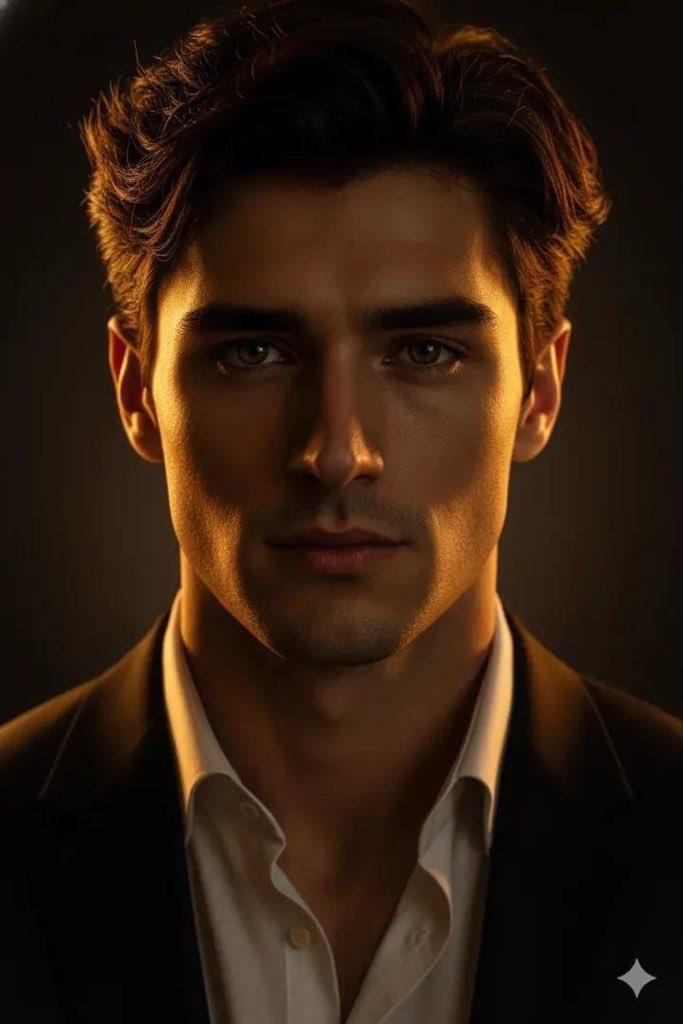
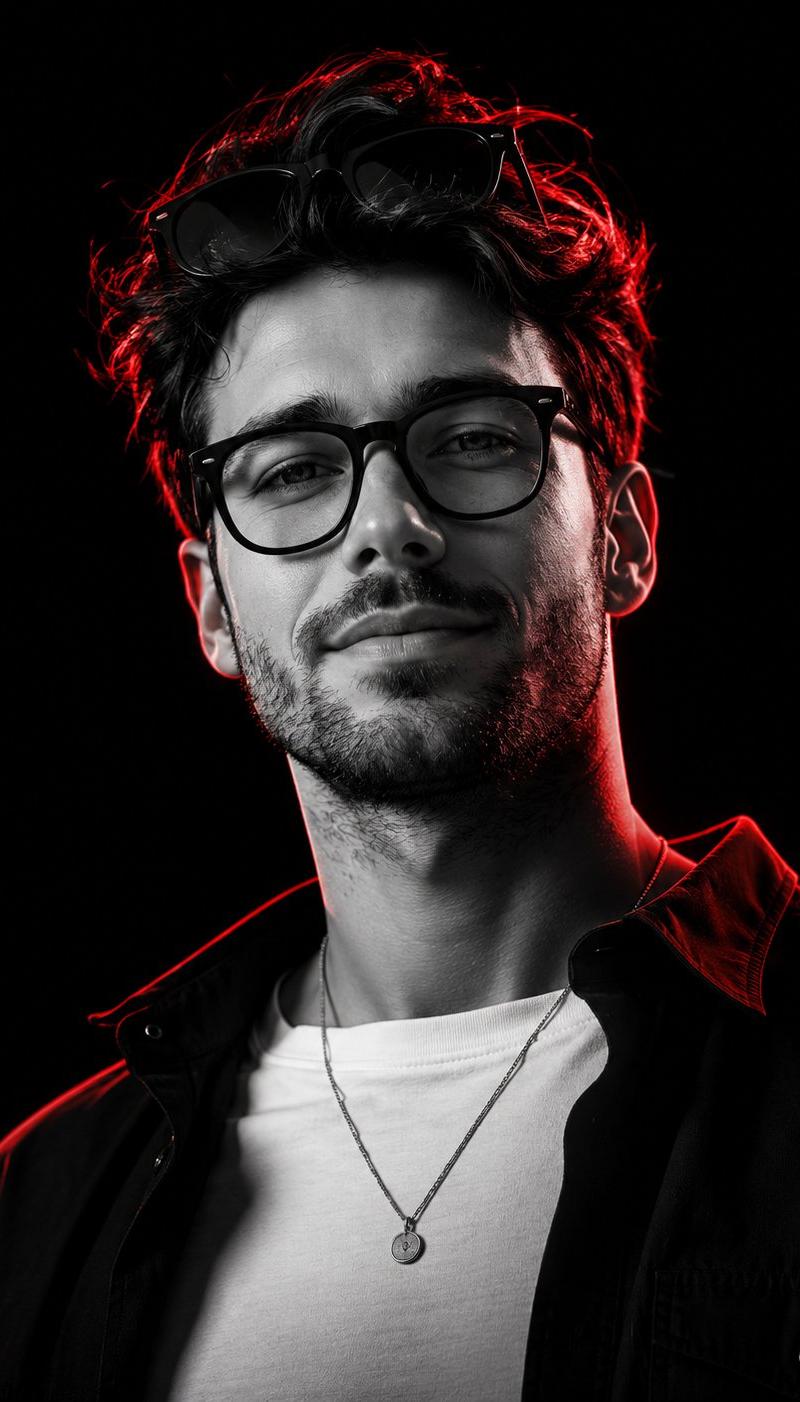
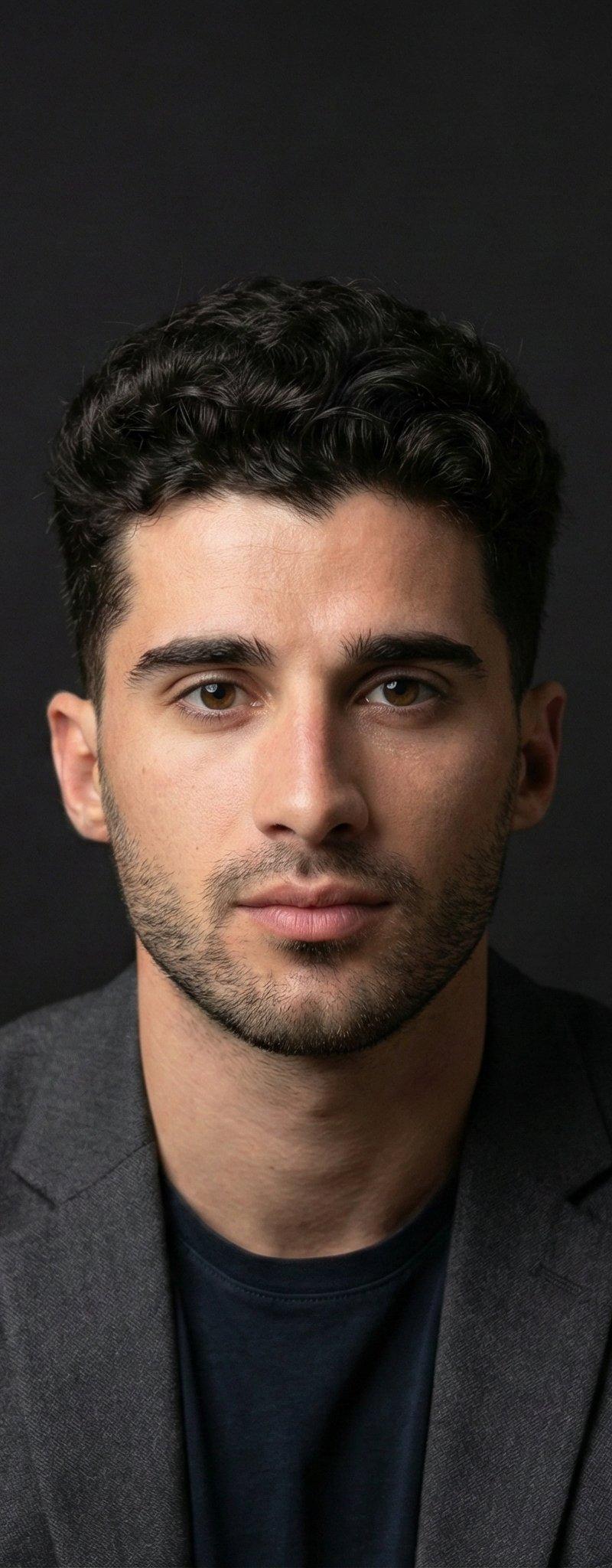
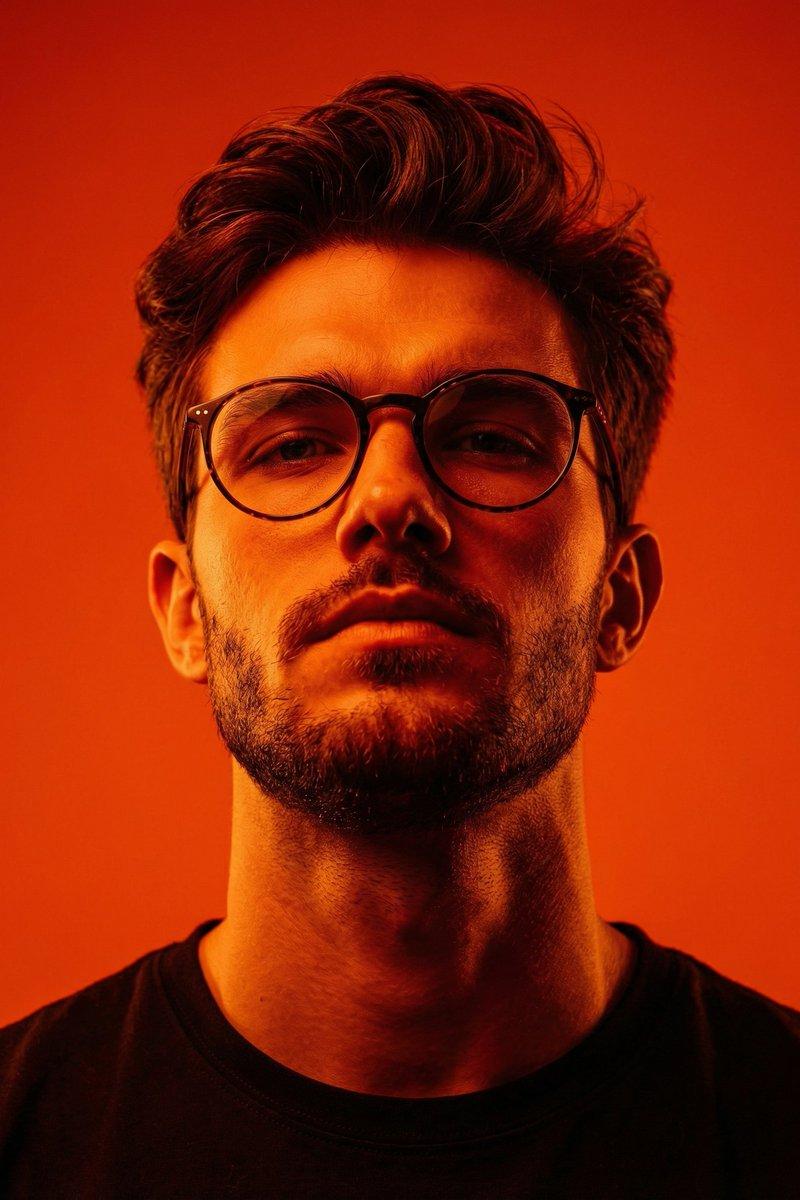
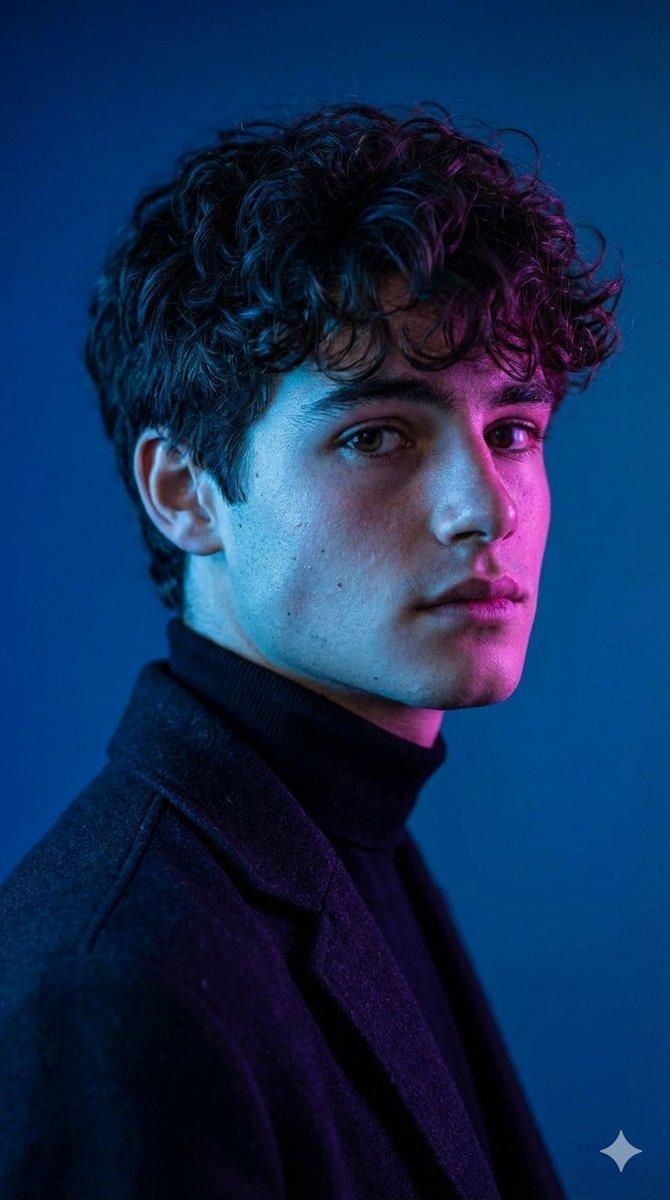
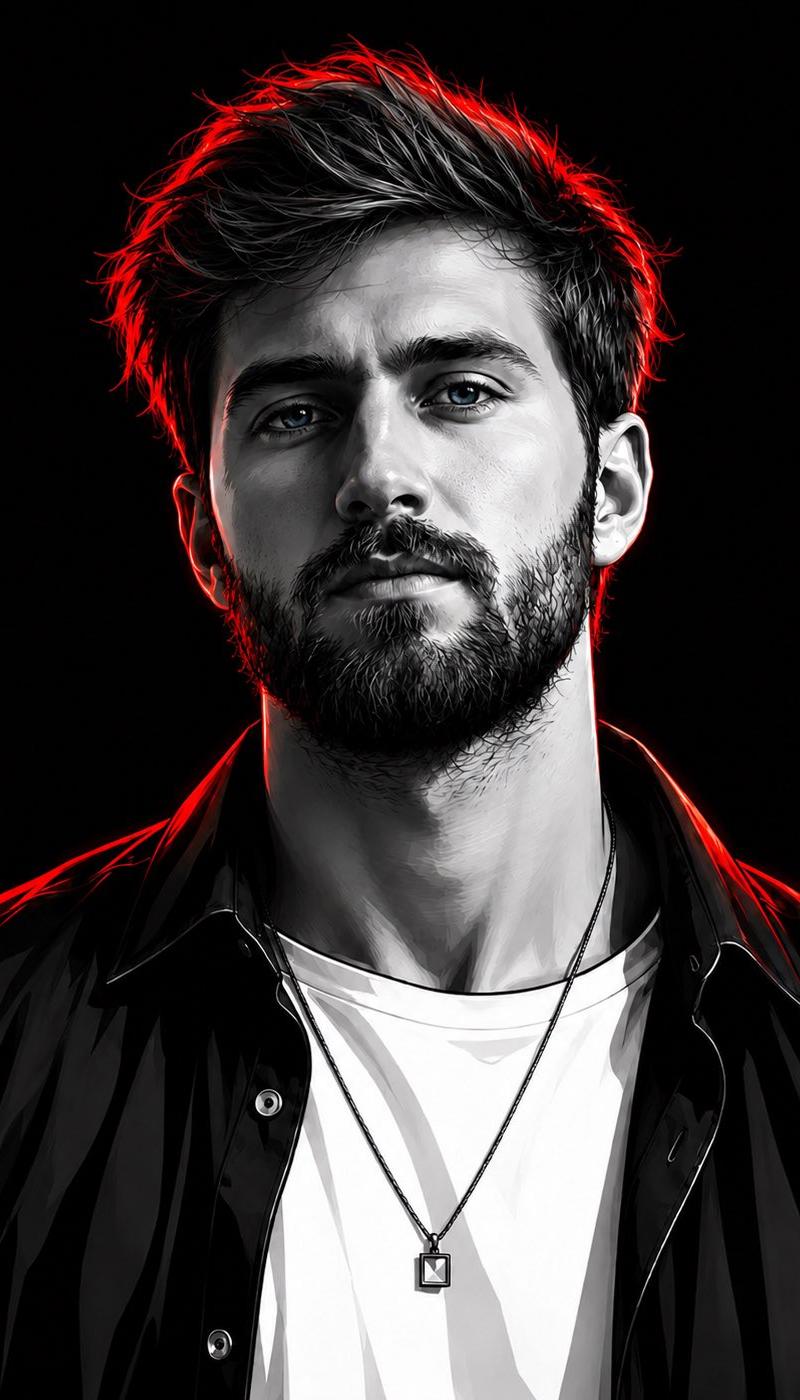
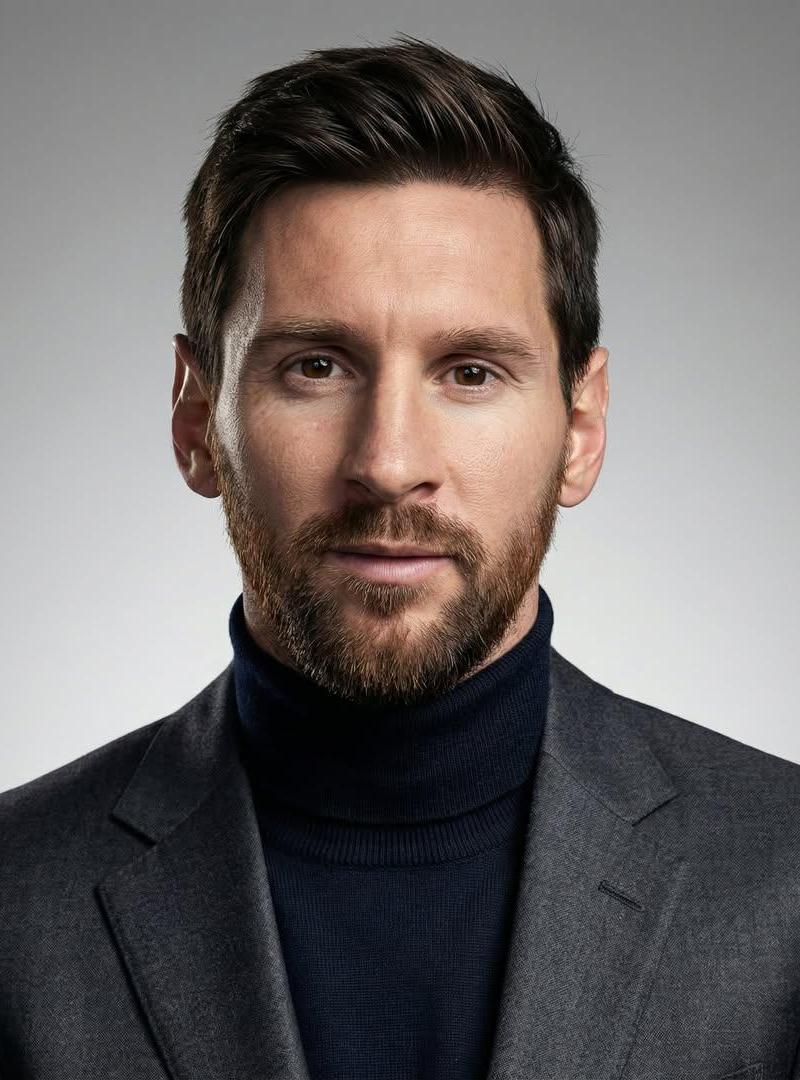
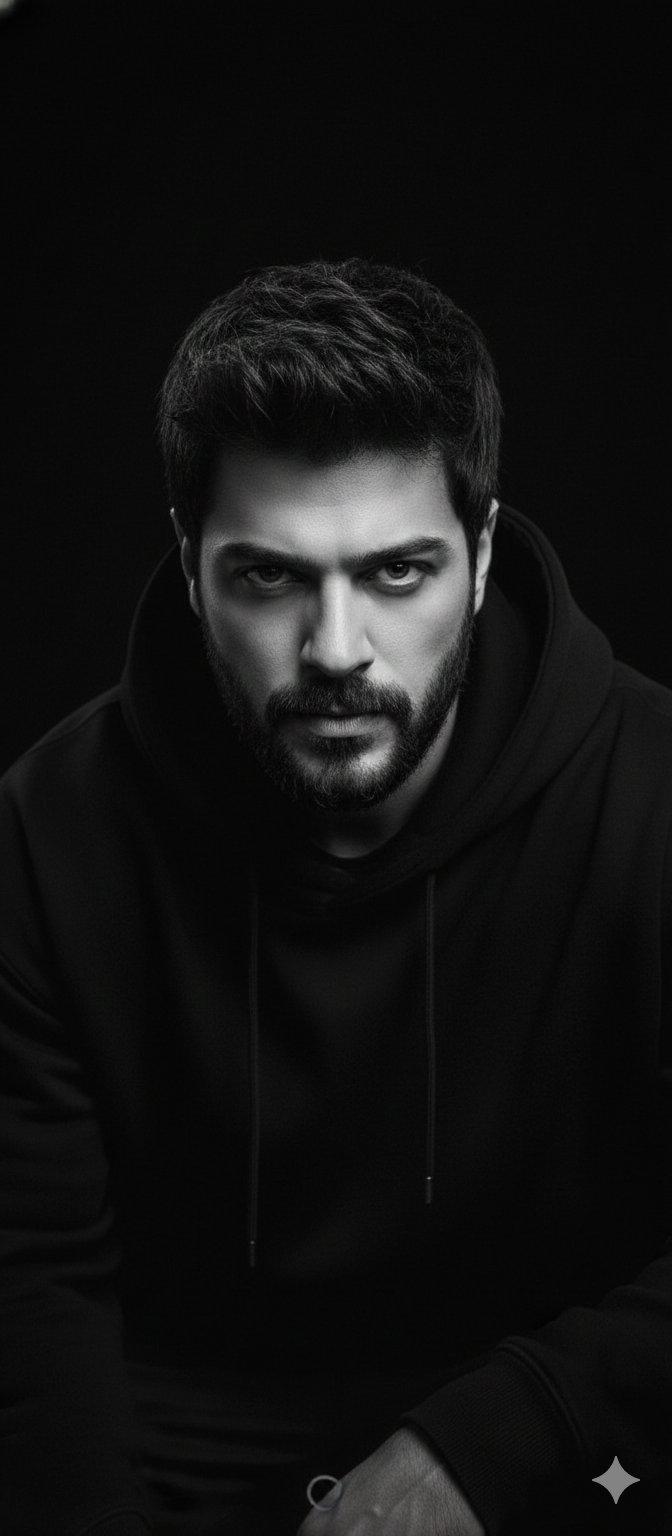
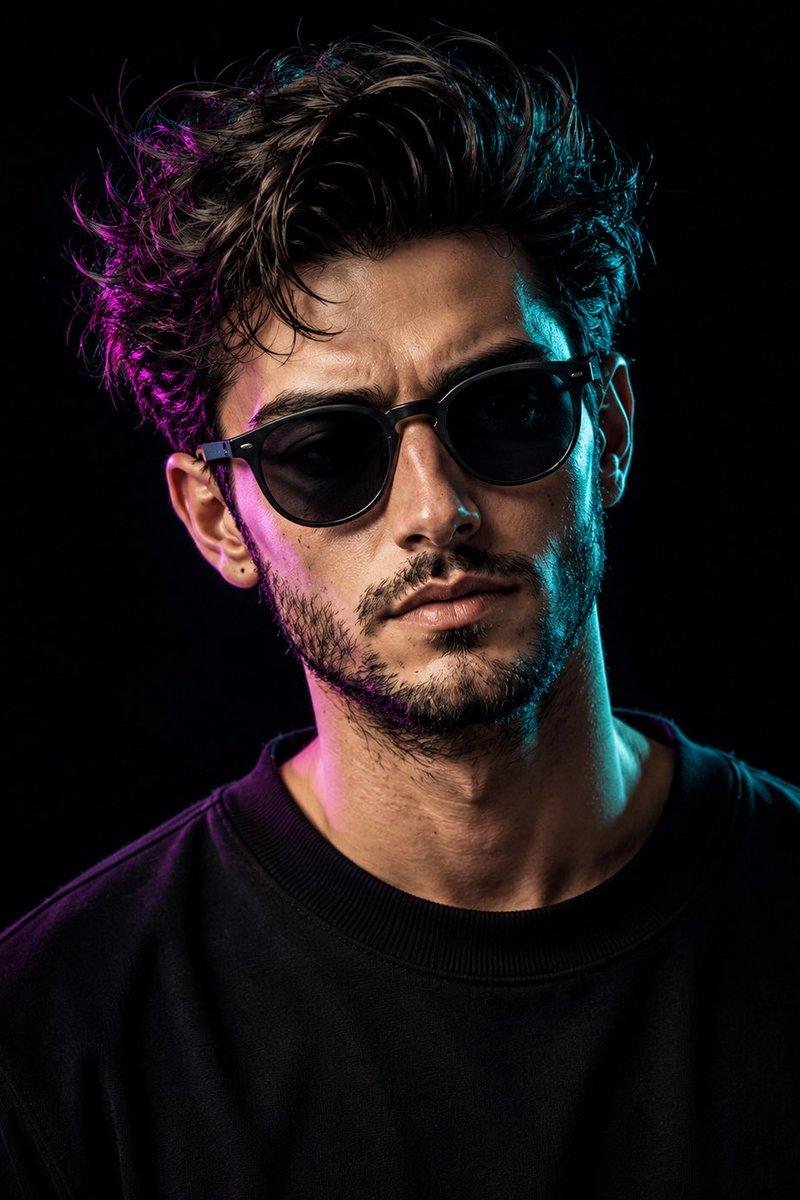
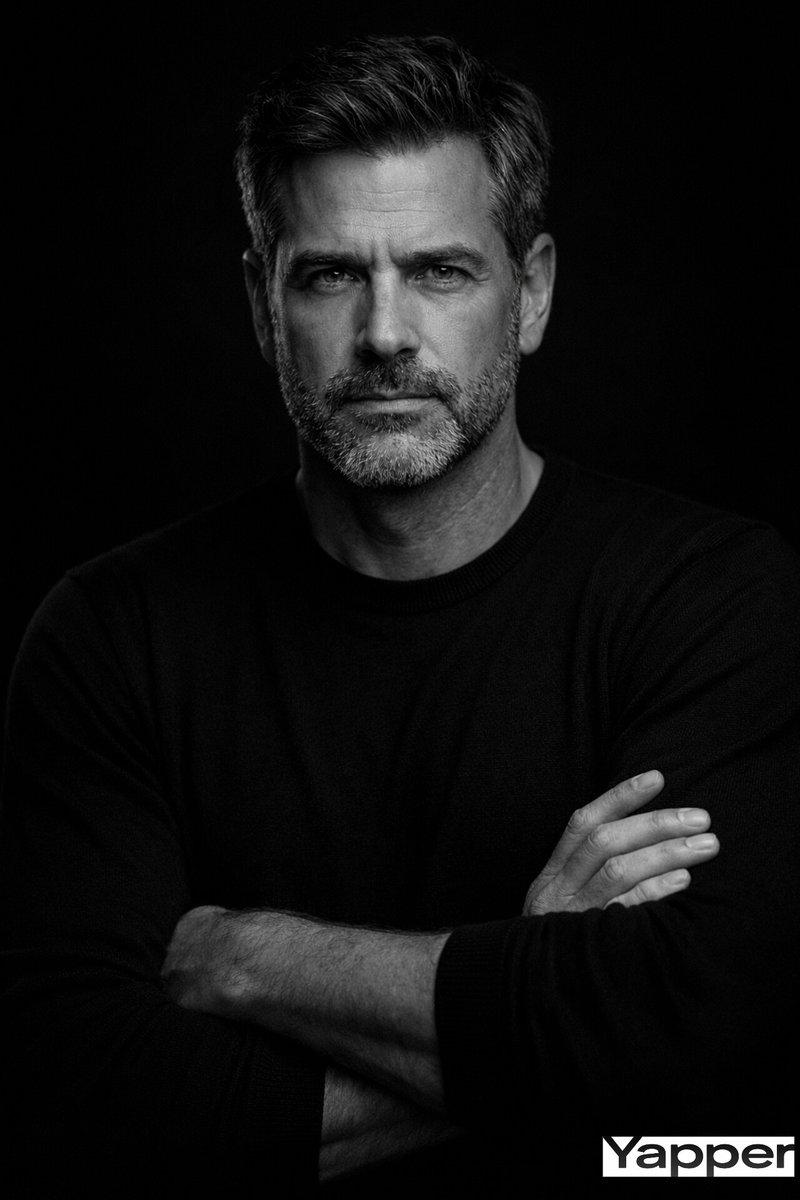
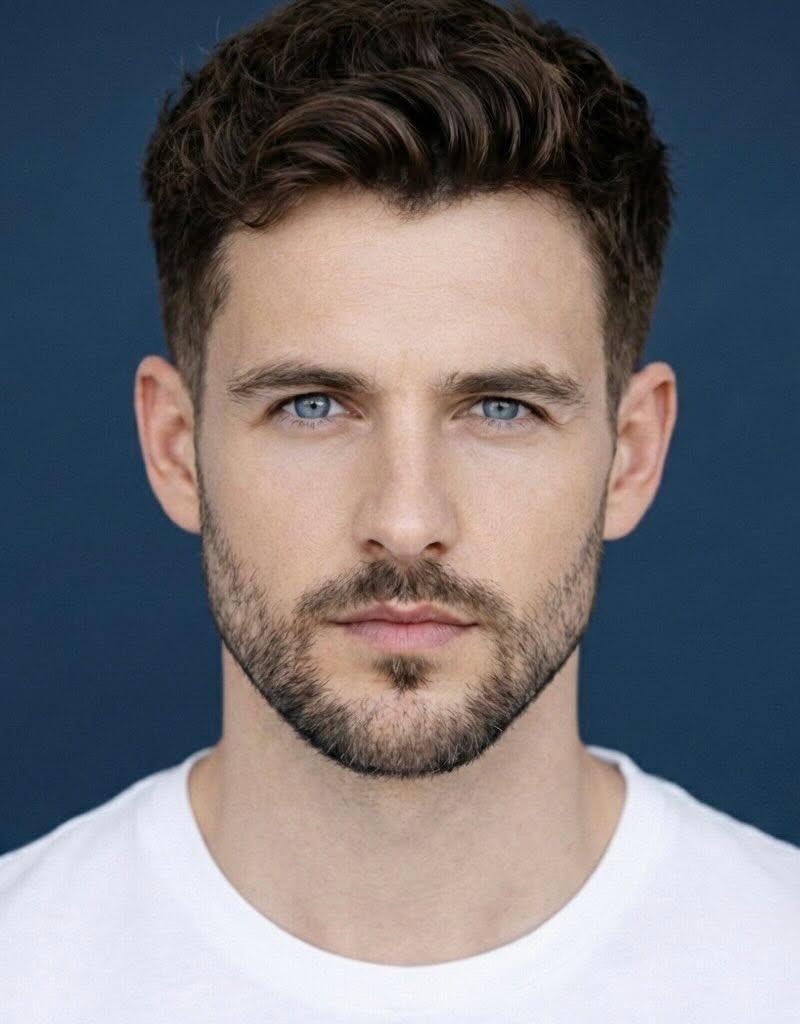
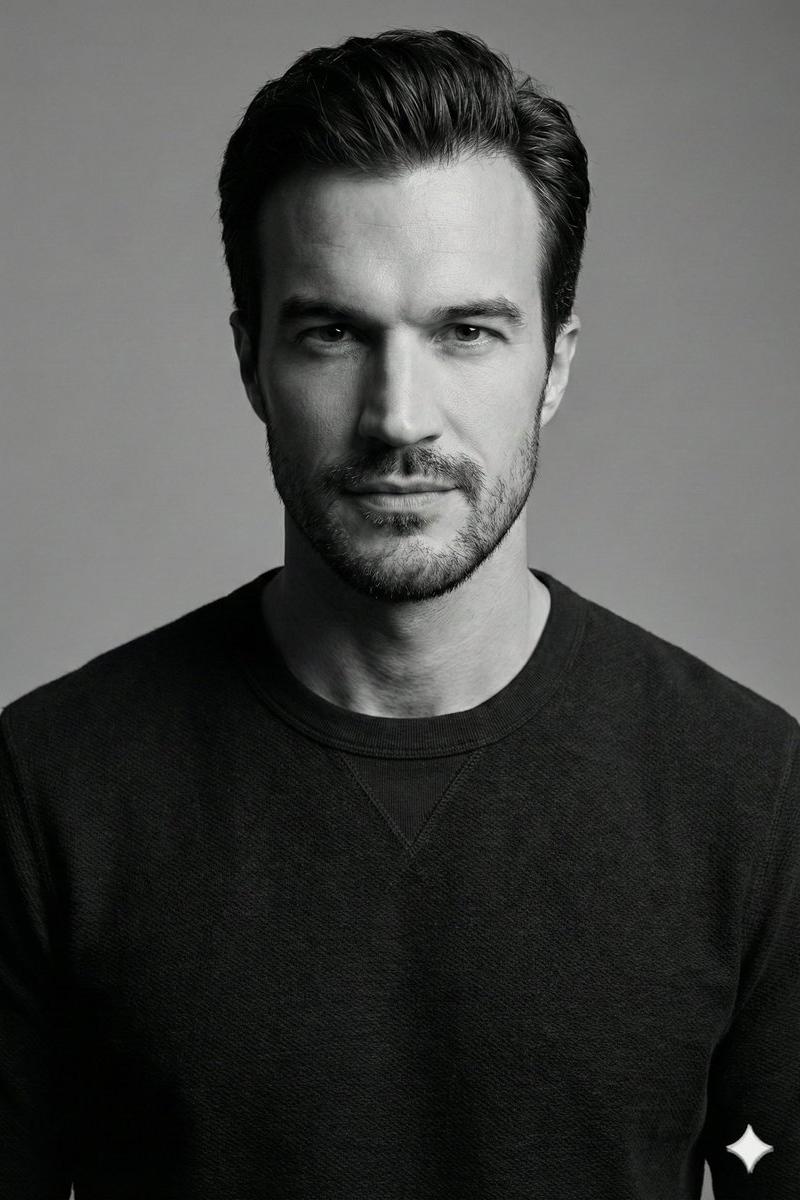
Studio portrait, tight head-and-shoulders close-up, eye-level, near-perfect central symmetry. Sharp focus on face with shallow depth of field, pure black background. Subject: middle-aged male, frontal pose, calm and confident expression with intense direct gaze. Short salt-and-pepper stubble and trimmed goatee, visible pores and fine lines for realistic skin detail, light-colored eyes with catchlights. Medium-length dark brown hair with subtle gray highlights, brushed back and slightly tousled. Wearing a white crew-neck t-shirt and dark jacket or coat, thin chain necklace partially visible. Lighting: cinematic high-contrast neon split lighting. Cool cyan/blue key light from front-left as dominant illumination. Saturated red/magenta rim light from rear-right creating strong edge highlight on hair and face contour. Minimal fill light. Pure black background with strong subject-background separation. Color palette: cyan blue, deep red, black. High saturation neon tones on lighting, neutral clothing. Cyberpunk-inspired split-toning color grading. Technical: professional studio photography, 85mm portrait lens compression, high sharpness, minimal noise, controlled highlights with deep shadows, enhanced micro-contrast. Style: cinematic neo-noir cyberpunk editorial portrait. Bold, modern, high-impact. Keywords: cinematic neon portrait, blue and red split lighting, black background, intense direct gaze, cyberpunk color grading, high-contrast studio lighting.
Category
Charts & Infographics
Model
GPT Image 2
Creator
PromptLab
Source language
en
Views2.1K
Source ID
24421
Published
Jun 6, 2026
Studio

Guide

About "Cyberpunk Neon Split Lighting Portrait"

What is this prompt for?

"Cyberpunk Neon Split Lighting Portrait" AI image prompt for GPT Image 2 (Charts & Infographics). A high-impact studio portrait with cyan and red neon split li…

The full copyable prompt and example visuals above are ready for AI image generation or one-click recreate in Picva.

How to use this prompt

  1. Step 1

    Open the prompt detail

    Review the example visuals, category, and full prompt text for "Cyberpunk Neon Split Lighting Portrait".

  2. Step 2

    Copy the prompt

    Copy the prompt body from this page, or load it directly in Studio.

  3. Step 3

    Pick a model (GPT Image 2)

    Prefer GPT Image 2. If you switch models, keep subject and composition and tweak style terms.

  4. Step 4

    Generate and export

    Recreate the look in Picva, or export into your workflow for editing and publishing.

FAQ

What is the "Cyberpunk Neon Split Lighting Portrait" prompt?
It is an AI image-generation prompt for GPT Image 2 in the Charts & Infographics category. This page includes the full prompt text, example visuals, and a one-click recreate path in Picva.
How do I use this prompt to generate an image?
Copy the prompt from this page, or use Generate / Studio. Paste it into a compatible image model, or recreate the look in Picva with optional reference images.
Which model is this prompt for?
This page lists GPT Image 2. Most descriptive prompts also transfer to nearby image models such as GPT Image, Flux, or Midjourney with light style tweaks.
Can I use the result commercially?
You can usually copy the prompt for creation, but commercial use of the final image depends on the model terms, reference-image rights, and the generated content. Follow the source author and platform rules.