18

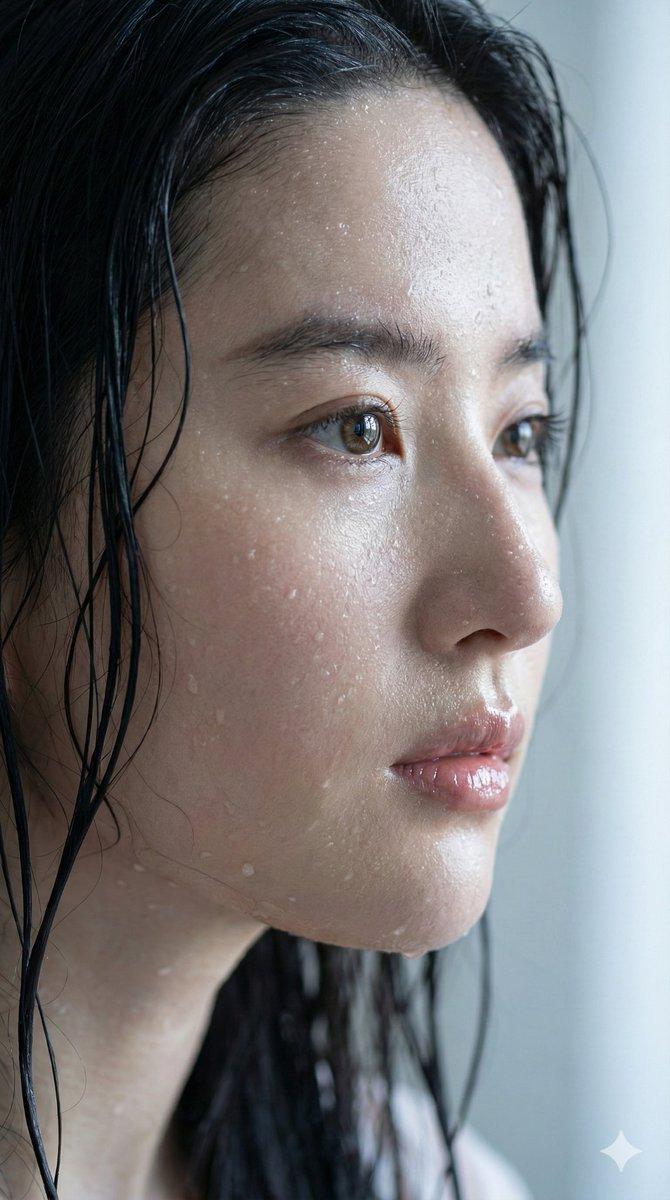
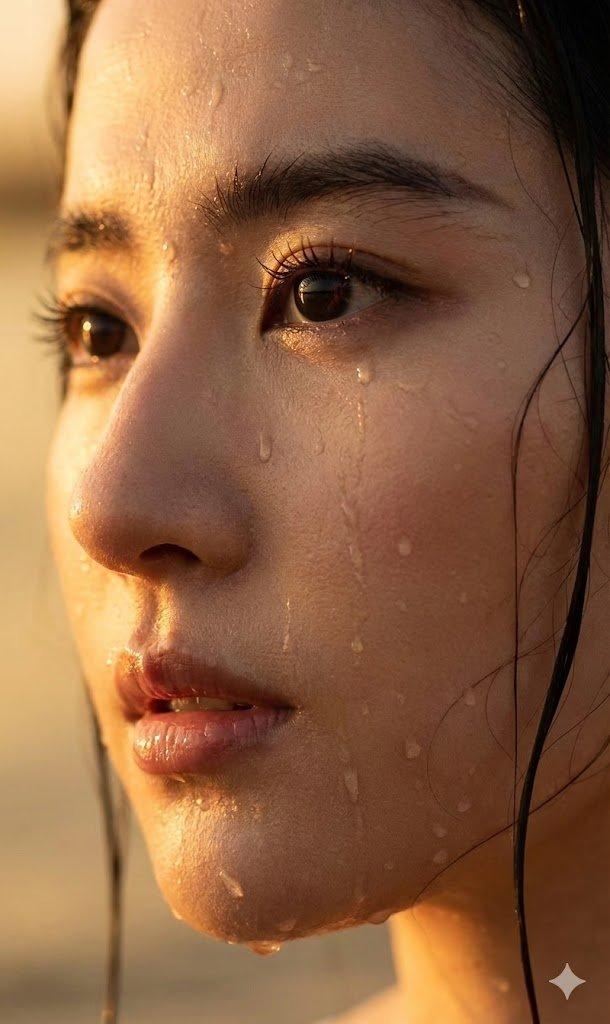
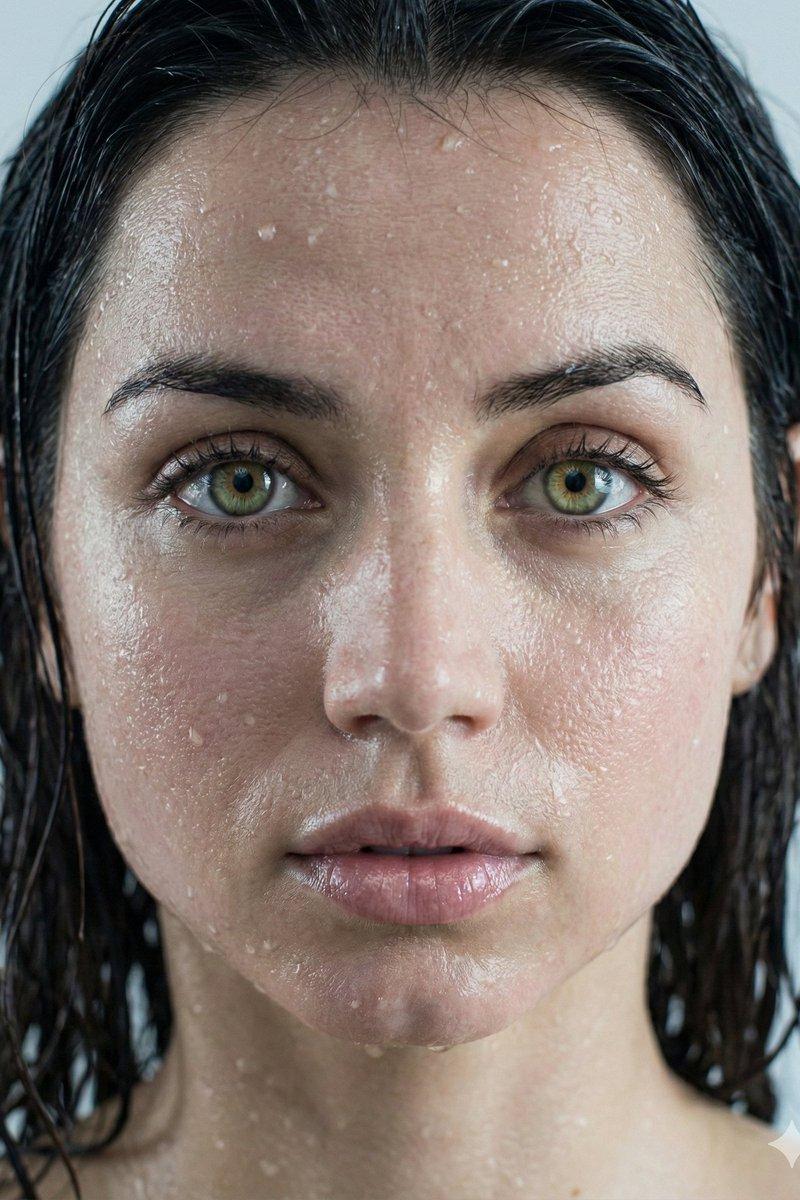
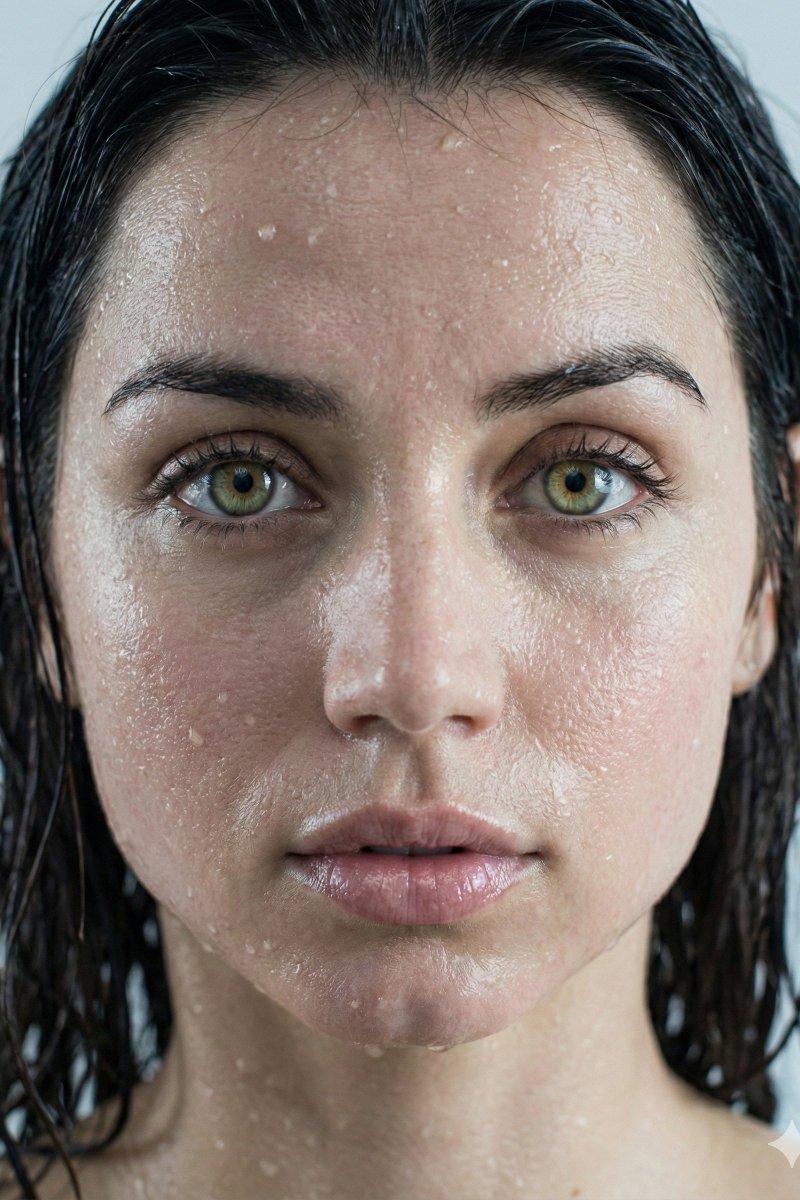
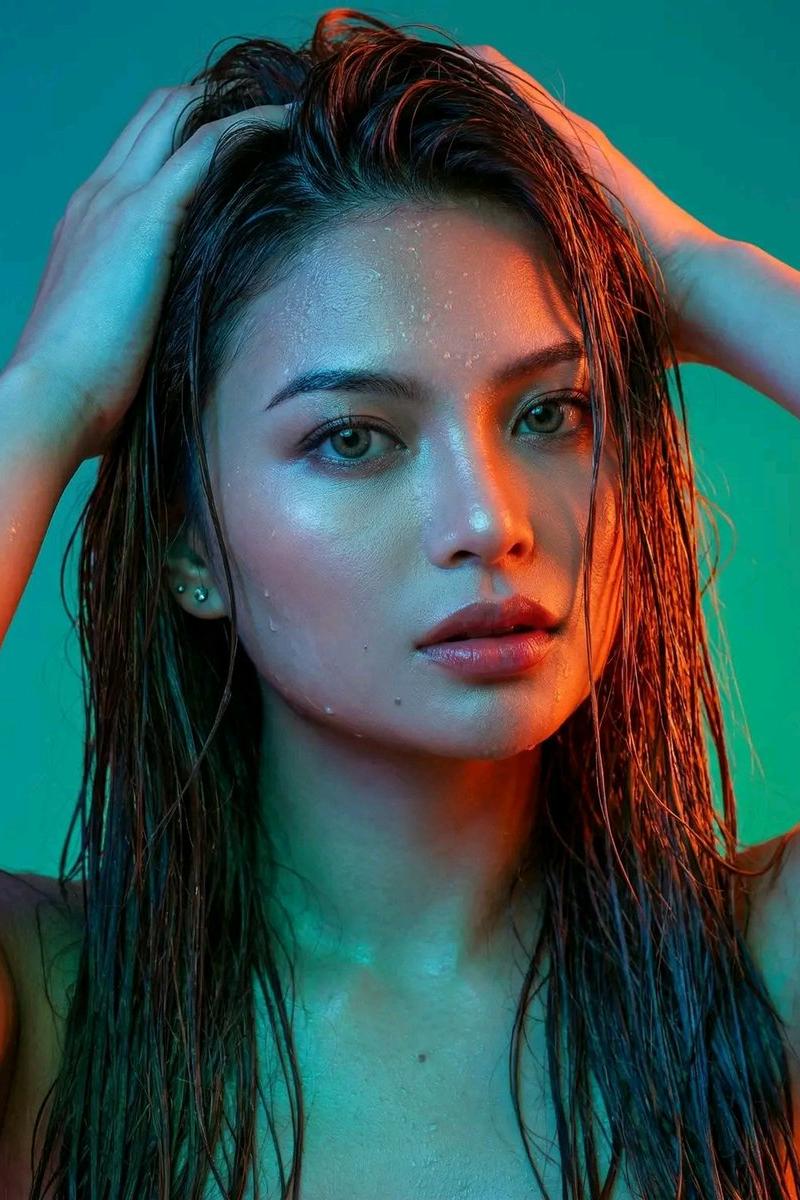
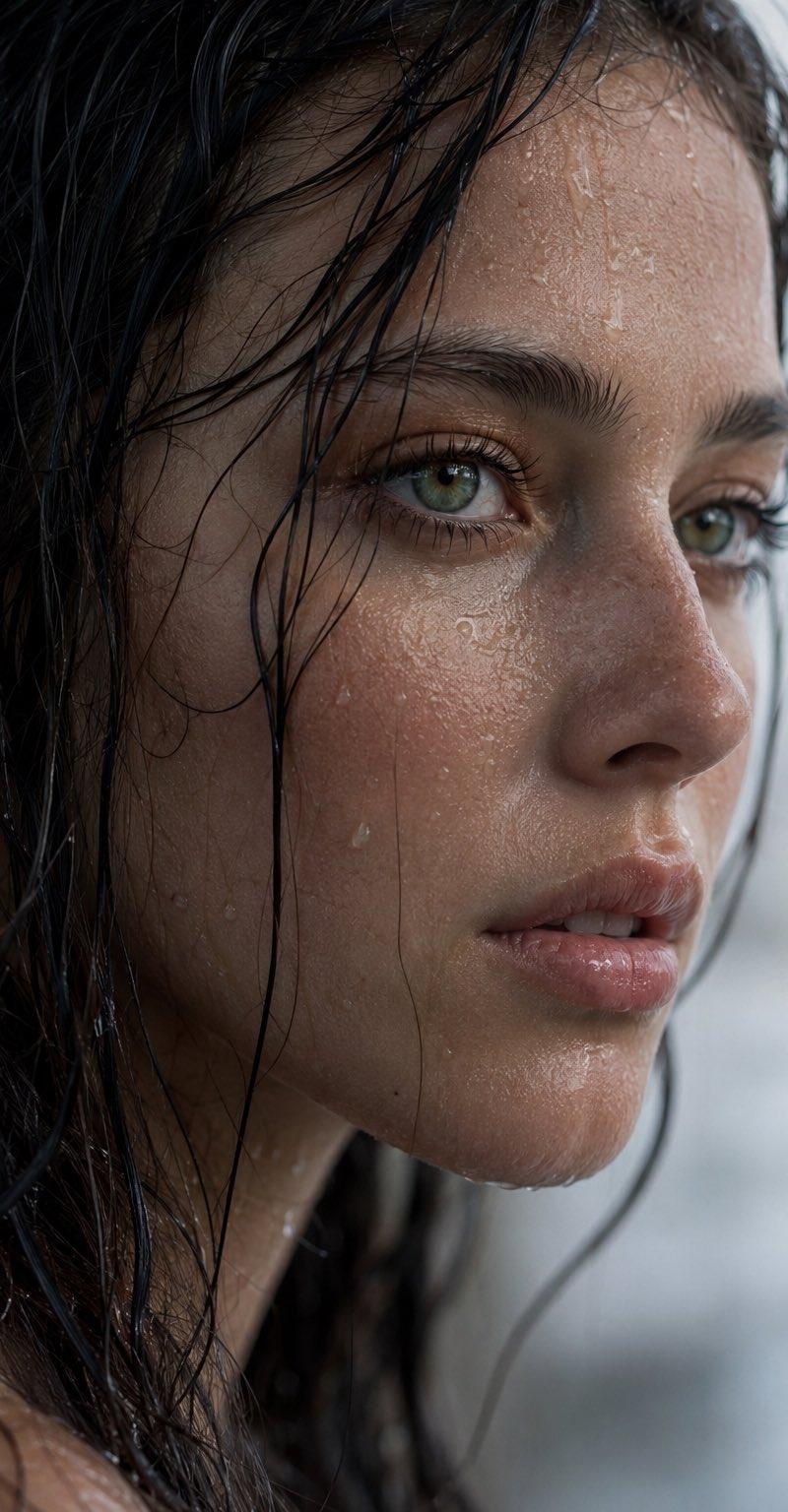
Realistic Wet Close-Up Portrait
Enlarge

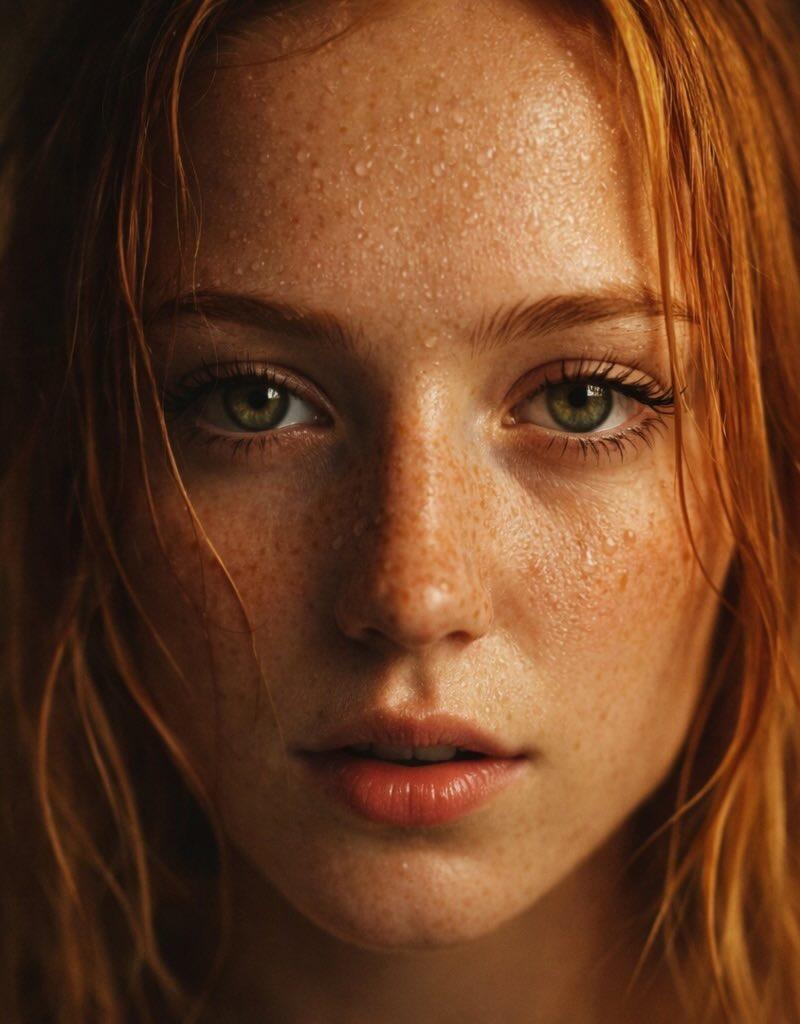
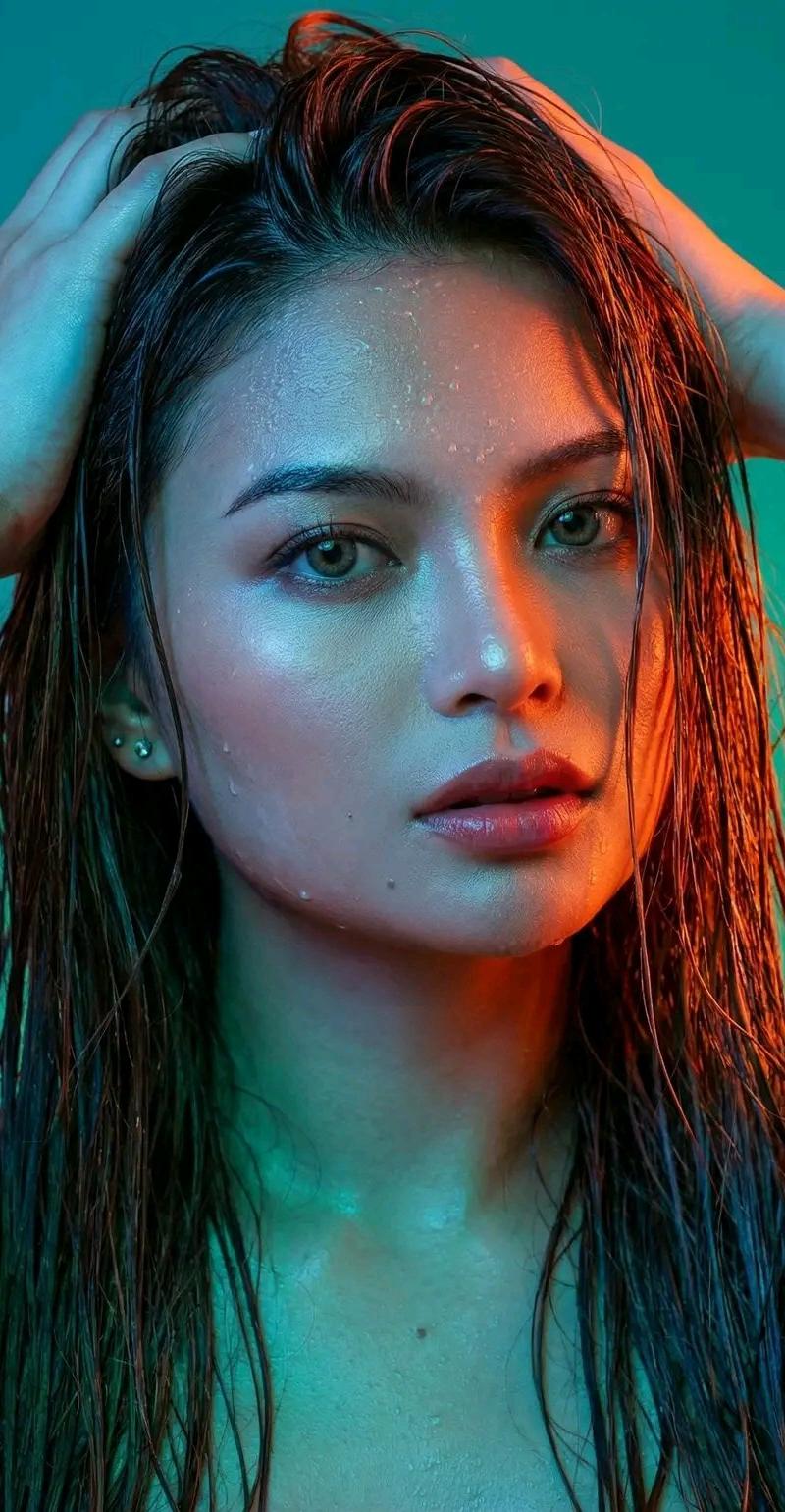
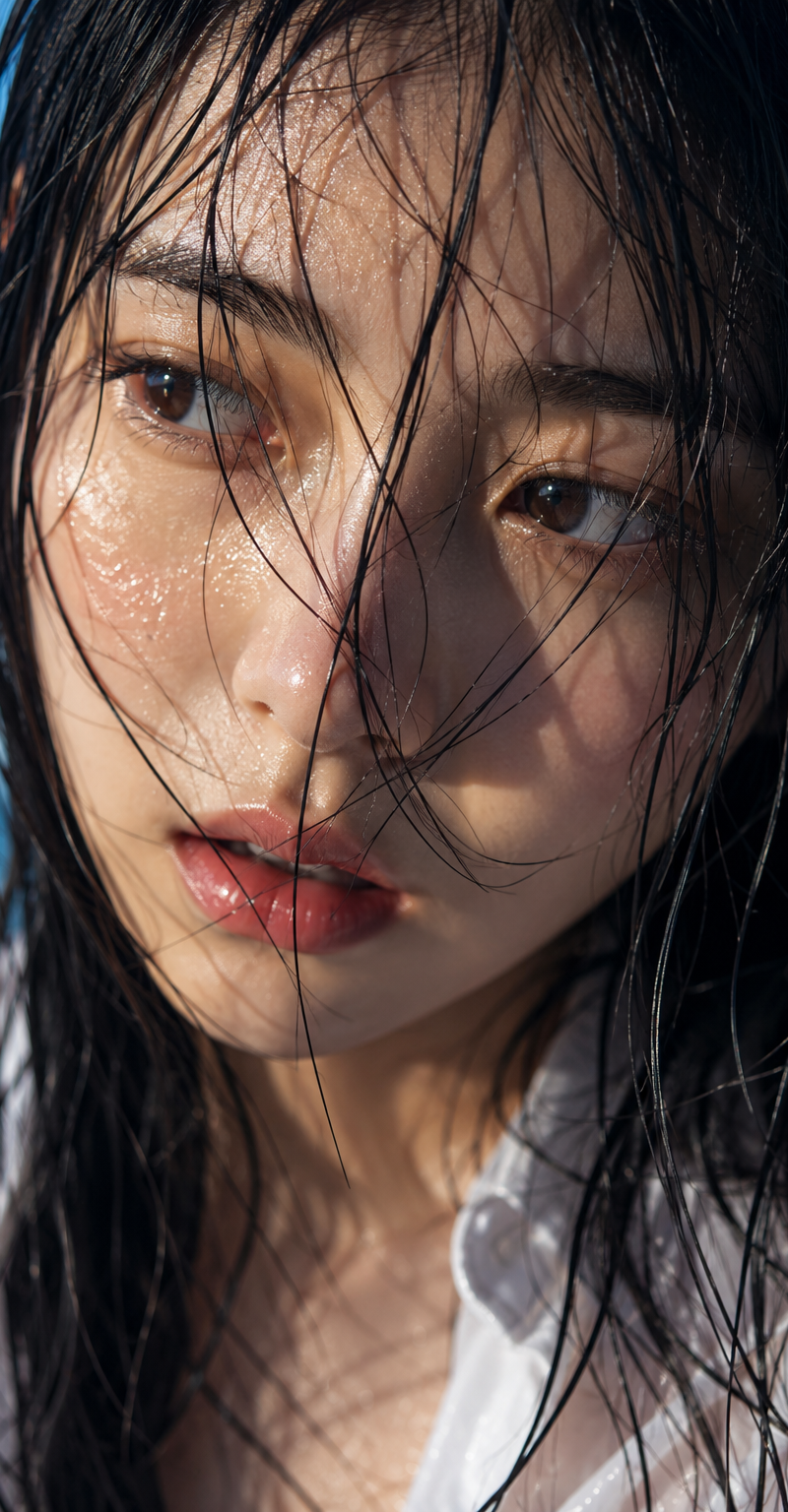
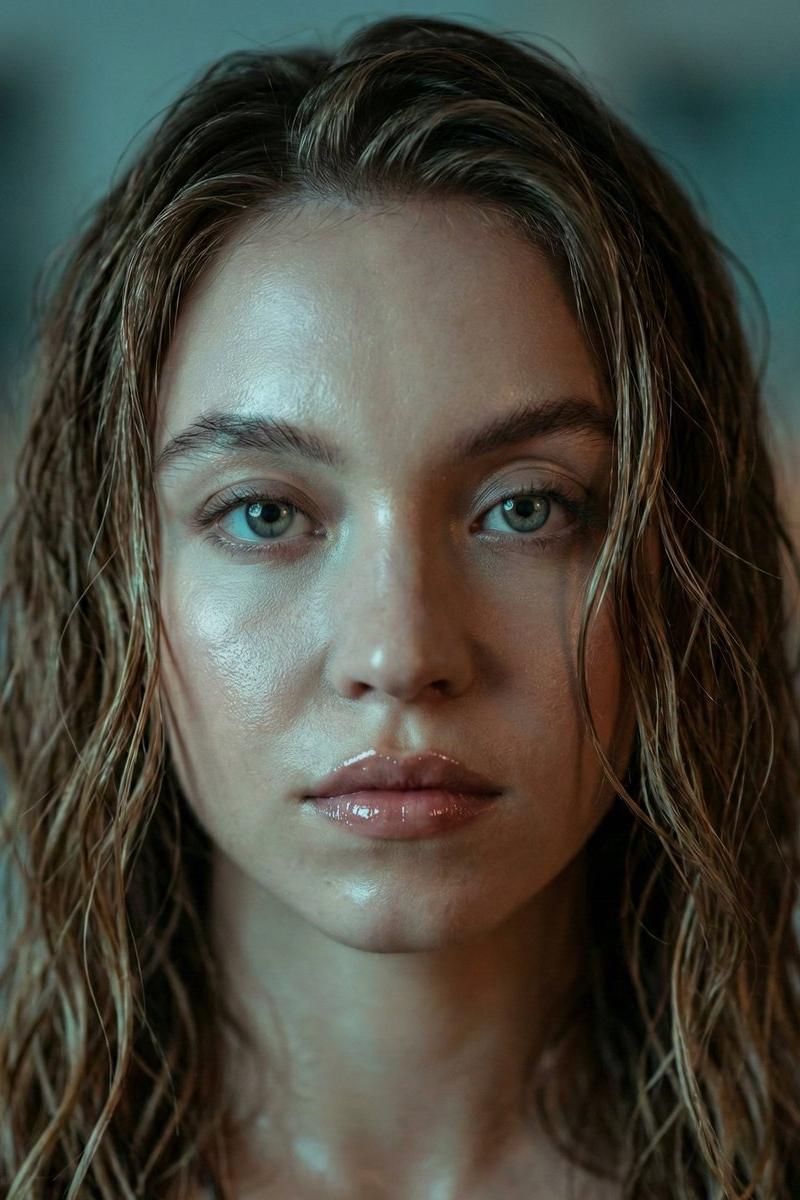
Example images

Realistic Wet Close-Up Portrait

Prompt
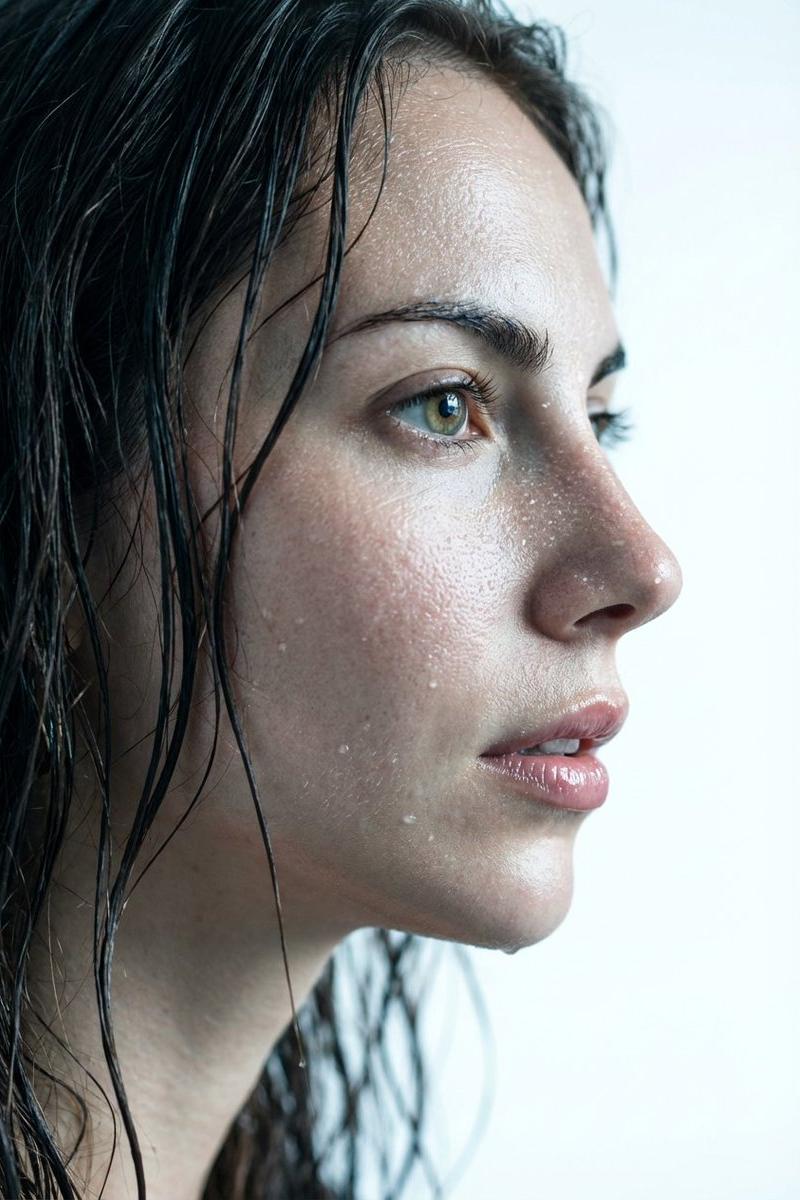
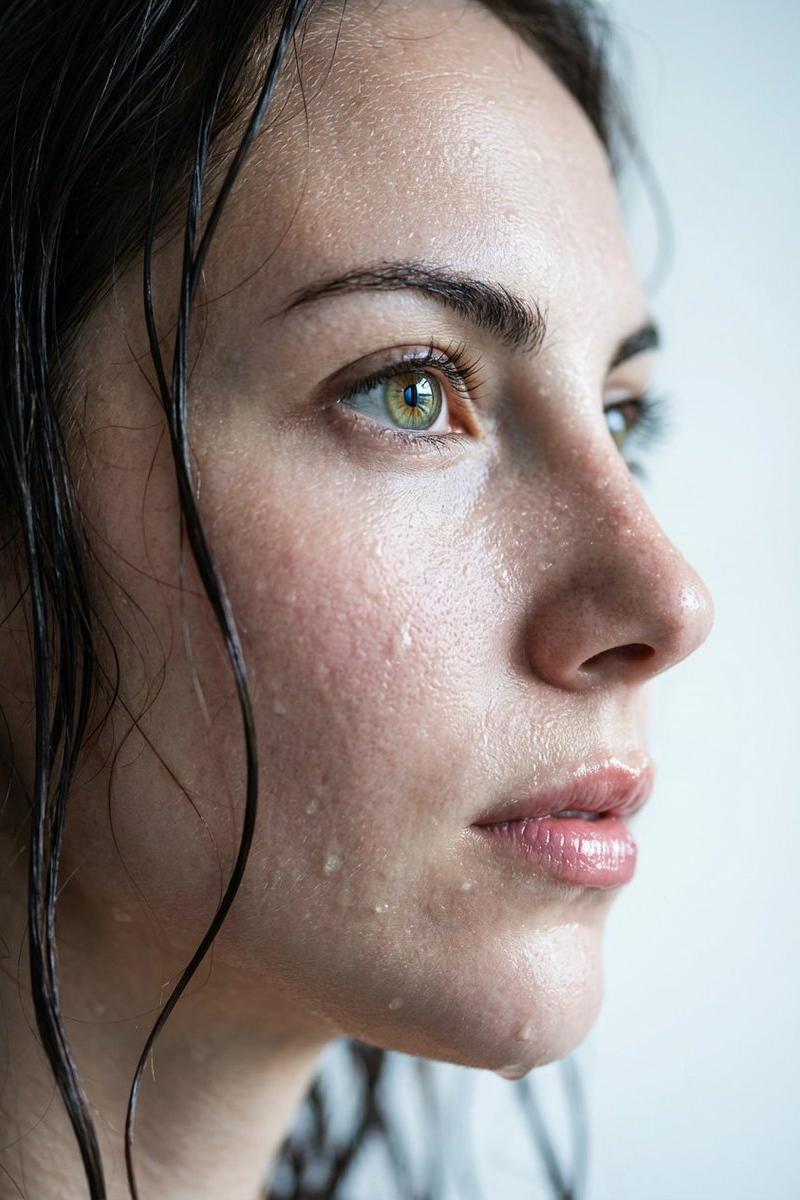
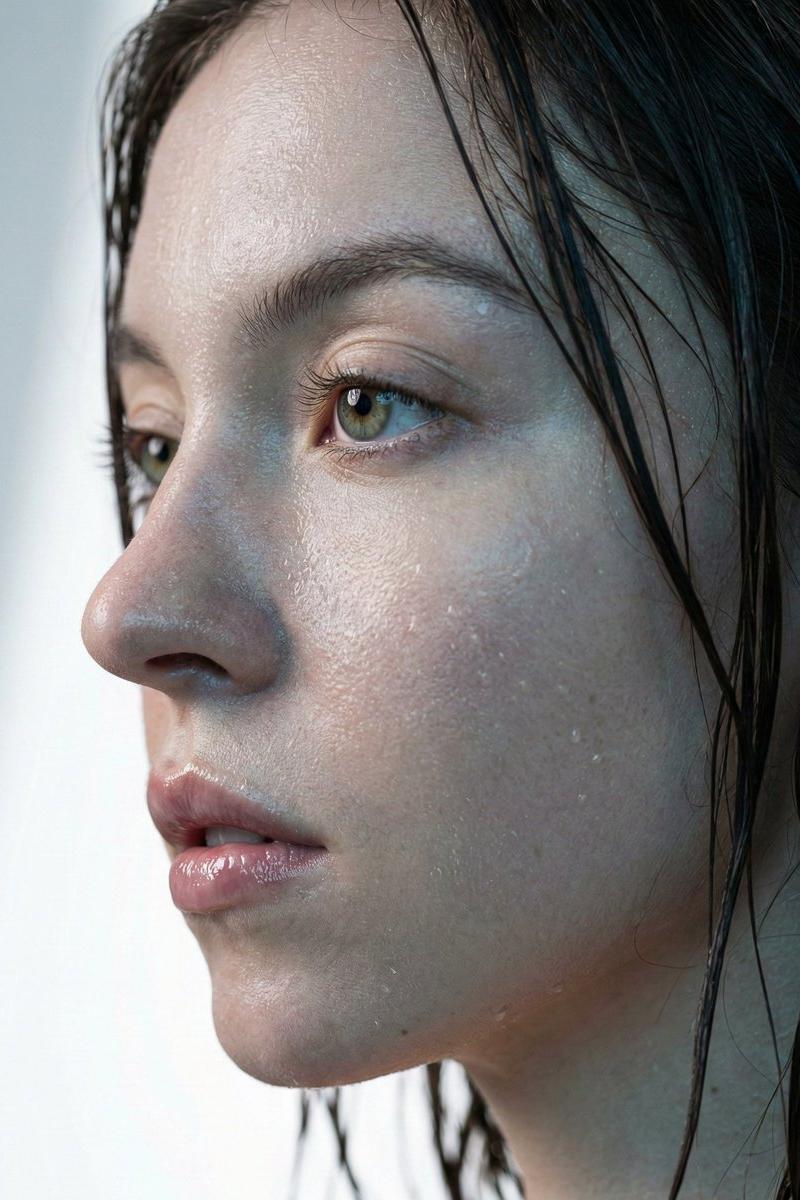
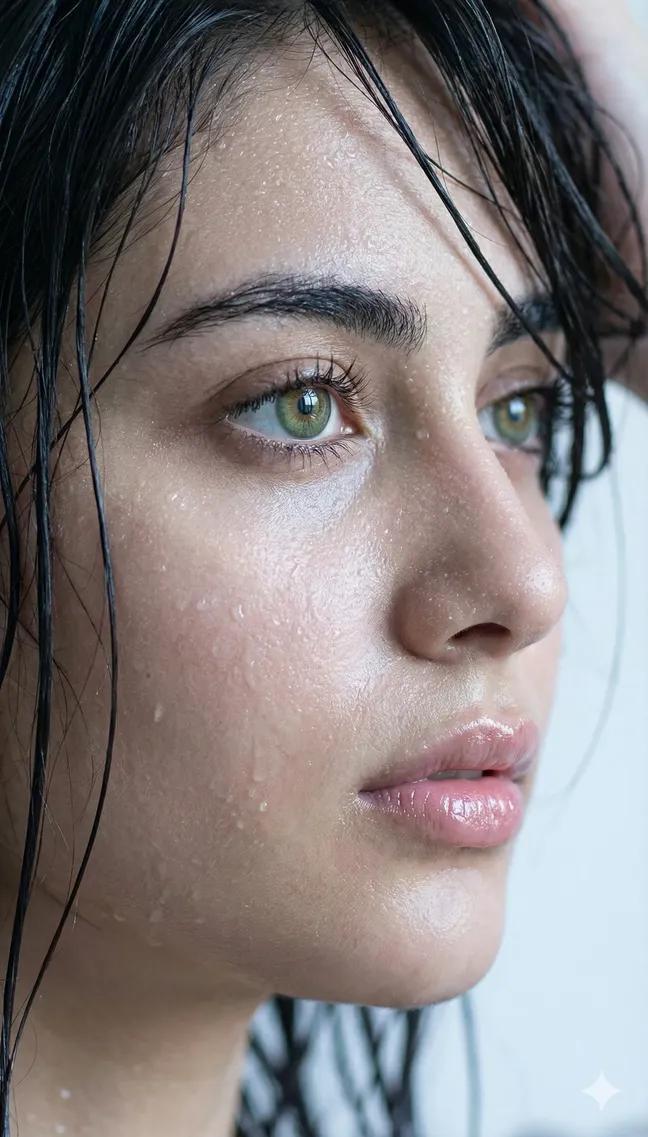
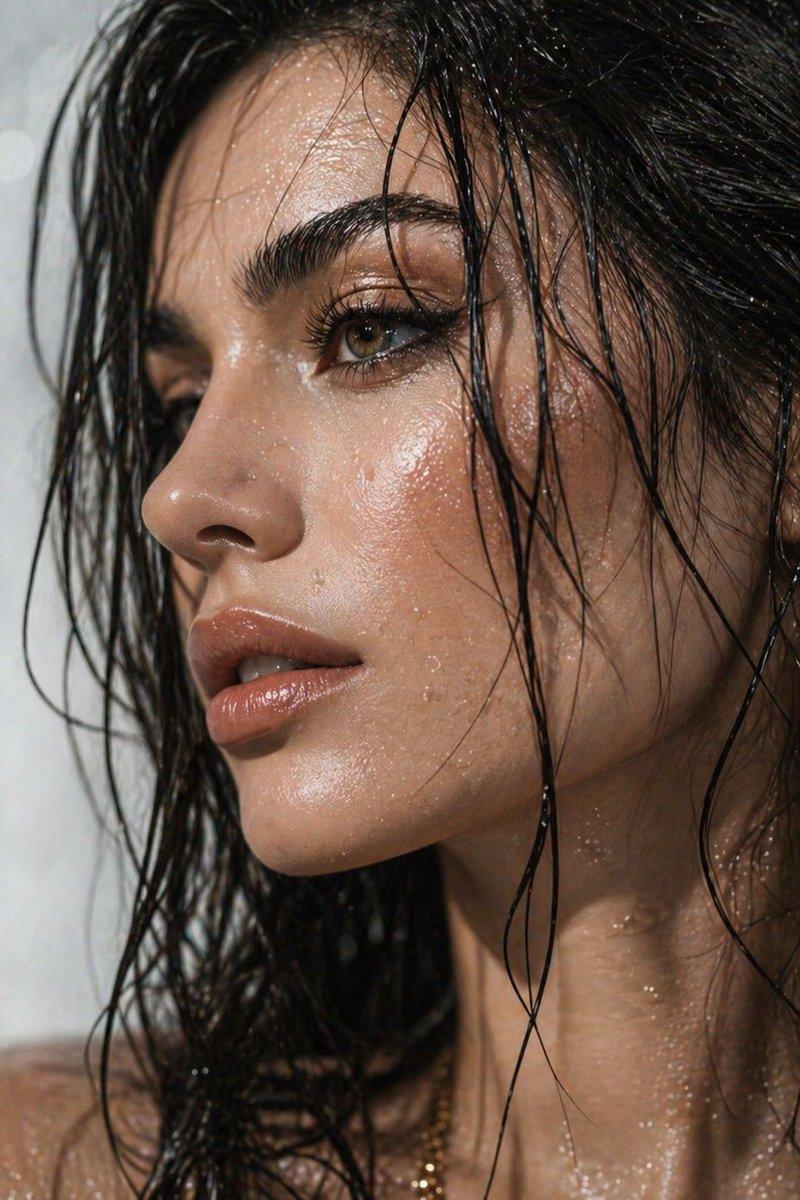
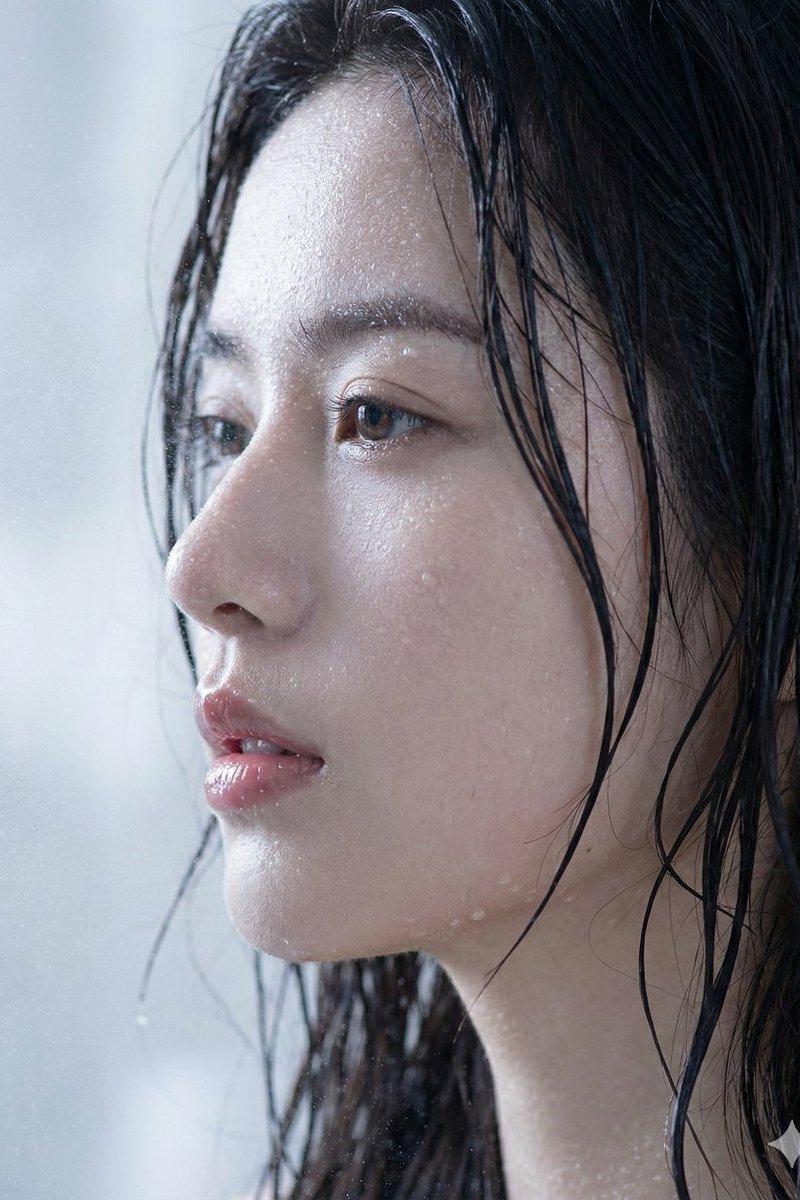
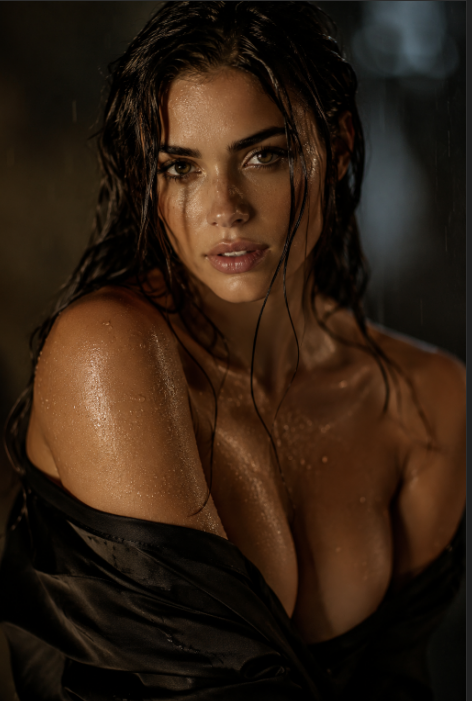
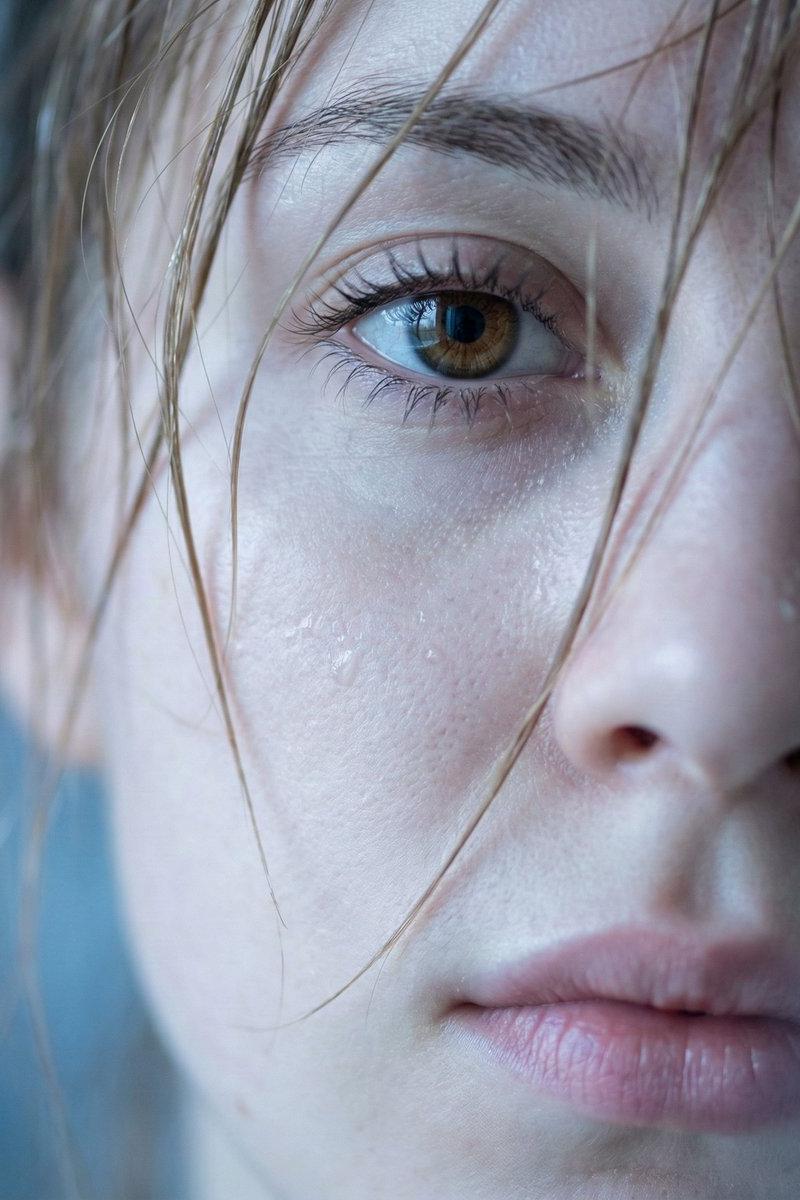
Extreme wet close-up portrait of a {argument name="subject" default="young woman"} in side profile. Dark, rain-soaked hair naturally clinging to her skin and framing her face. Fine water droplets and a delicate layer of moisture glistening realistically across her cheeks, forehead, and jawline. Striking {argument name="eye color" default="natural green-hazel eyes"} as the focal point, featuring subtle authentic reflections and lifelike depth without excessive shine. Soft, hydrated lips with realistic texture and a gentle natural gloss. Smooth skin with visible pores and nuanced facial details for maximum realism. Cinematic soft lighting with cool tones, creating a fresh atmospheric mood. {argument name="background" default="Clean light gray and white bokeh background"} with shallow depth of field. Ultra-detailed photography, high-end editorial beauty portrait, natural facial proportions, realistic skin rendering, sharp eye focus, professional DSLR quality, photorealistic, 85mm lens, f/1.8, ultra-high resolution.
Category
Charts & Infographics
Model
GPT Image 2
Creator
Jack
Source language
en
Views4.3K
Source ID
24434
Published
Jun 6, 2026
Studio

Guide

About "Realistic Wet Close-Up Portrait"

What is this prompt for?

"Realistic Wet Close-Up Portrait" AI image prompt for GPT Image 2 (Charts & Infographics). An ultra-detailed photorealistic prompt for a close-up portrait of a…

The full copyable prompt and example visuals above are ready for AI image generation or one-click recreate in Picva.

How to use this prompt

  1. Step 1

    Open the prompt detail

    Review the example visuals, category, and full prompt text for "Realistic Wet Close-Up Portrait".

  2. Step 2

    Copy the prompt

    Copy the prompt body from this page, or load it directly in Studio.

  3. Step 3

    Pick a model (GPT Image 2)

    Prefer GPT Image 2. If you switch models, keep subject and composition and tweak style terms.

  4. Step 4

    Generate and export

    Recreate the look in Picva, or export into your workflow for editing and publishing.

FAQ

What is the "Realistic Wet Close-Up Portrait" prompt?
It is an AI image-generation prompt for GPT Image 2 in the Charts & Infographics category. This page includes the full prompt text, example visuals, and a one-click recreate path in Picva.
How do I use this prompt to generate an image?
Copy the prompt from this page, or use Generate / Studio. Paste it into a compatible image model, or recreate the look in Picva with optional reference images.
Which model is this prompt for?
This page lists GPT Image 2. Most descriptive prompts also transfer to nearby image models such as GPT Image, Flux, or Midjourney with light style tweaks.
Can I use the result commercially?
You can usually copy the prompt for creation, but commercial use of the final image depends on the model terms, reference-image rights, and the generated content. Follow the source author and platform rules.