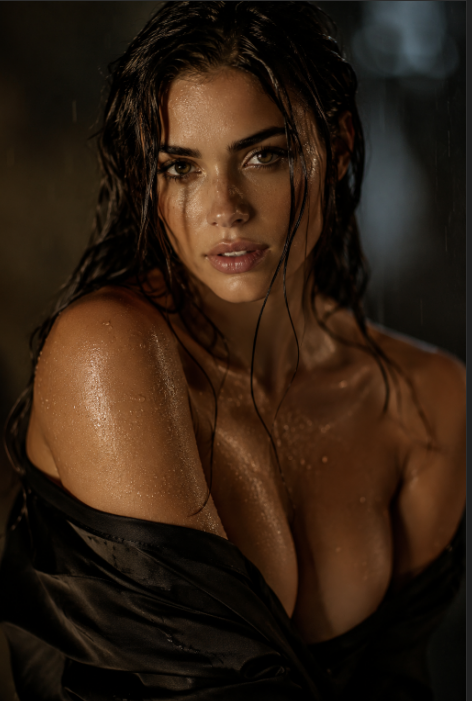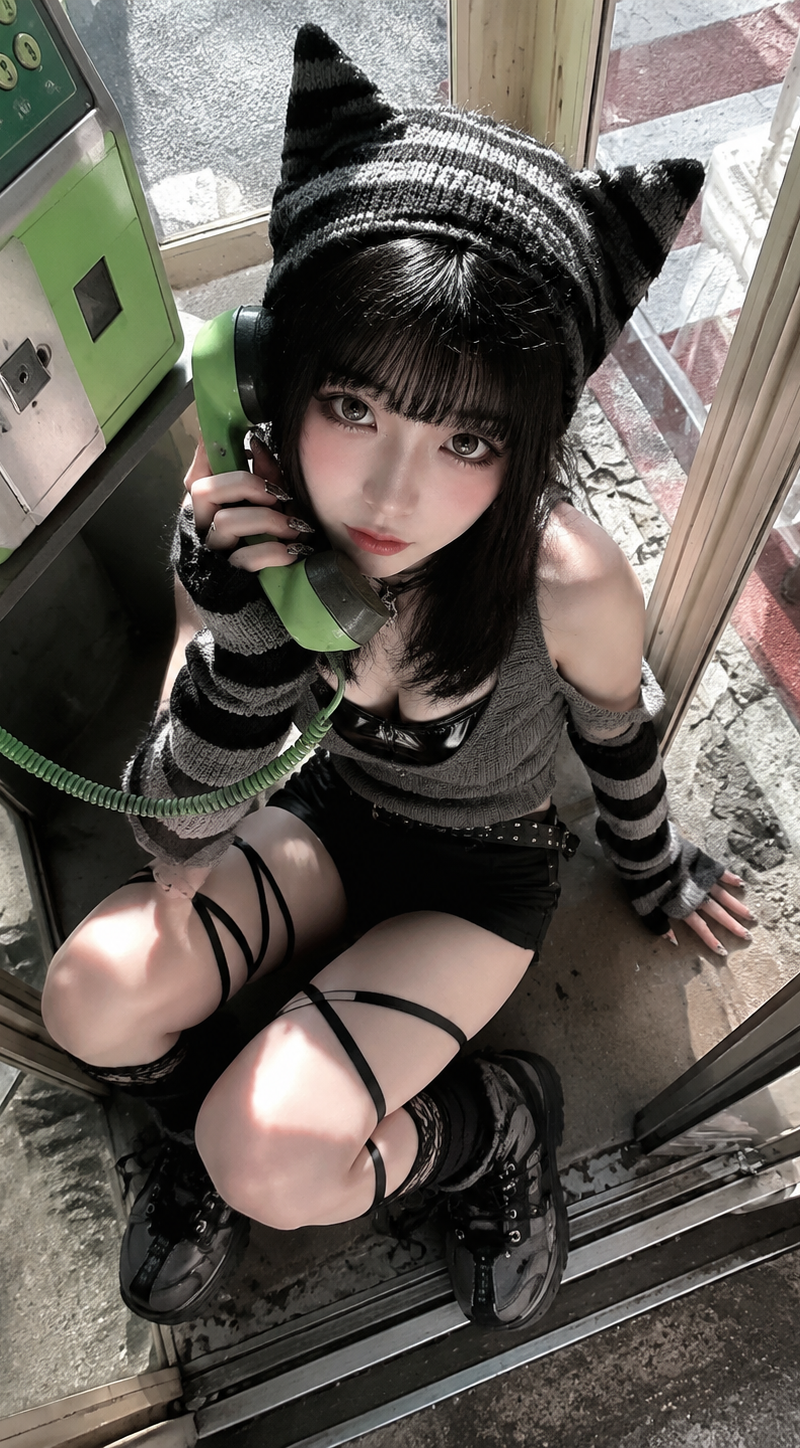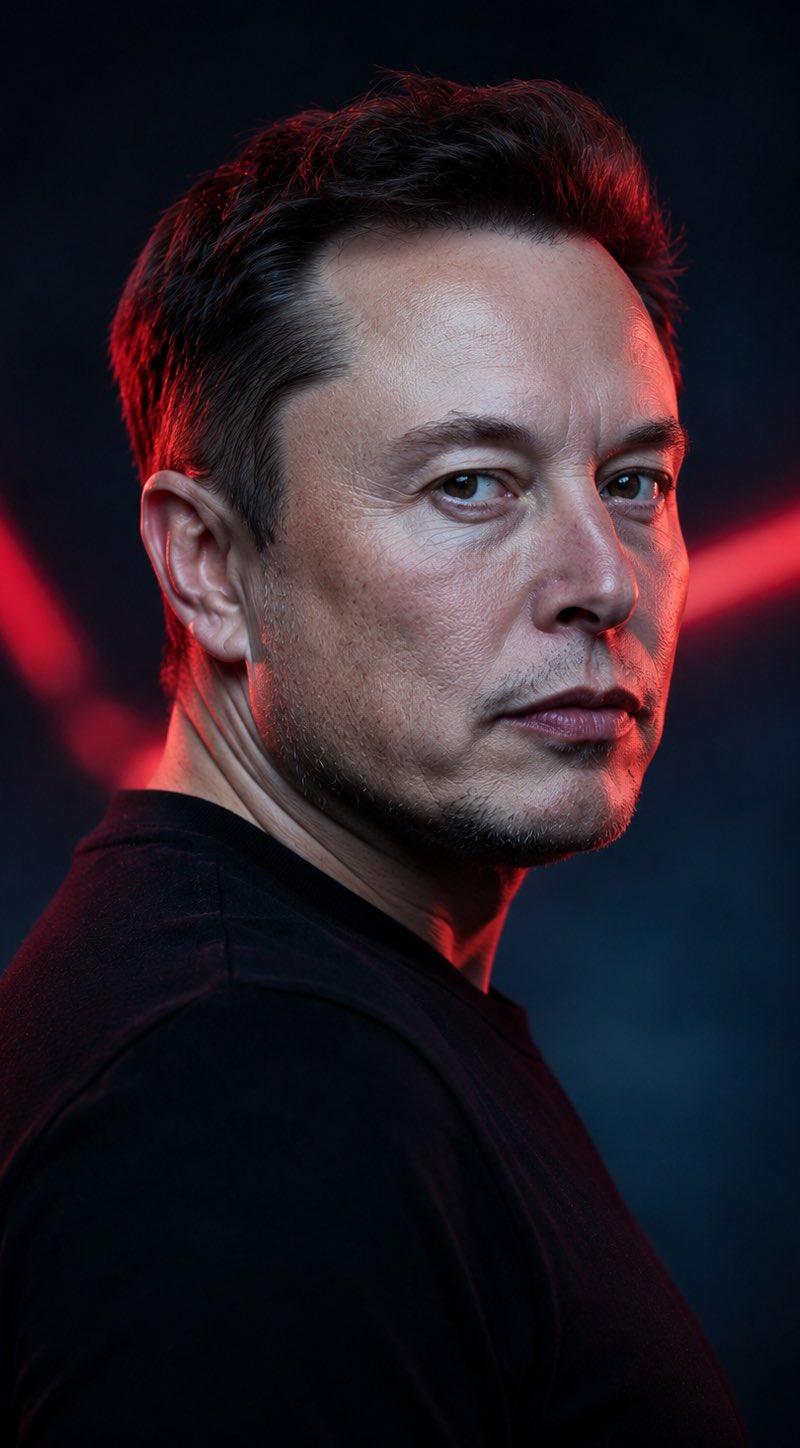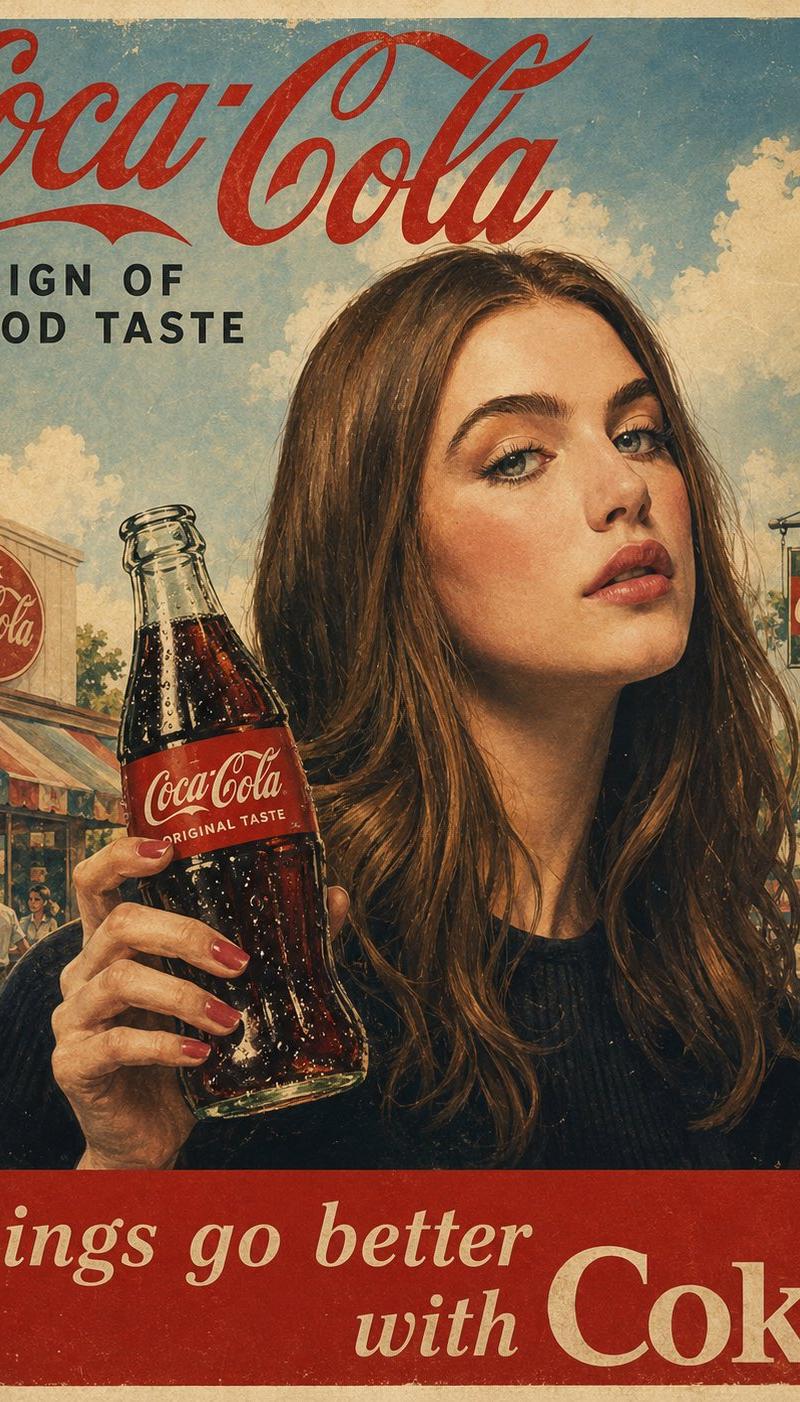
20

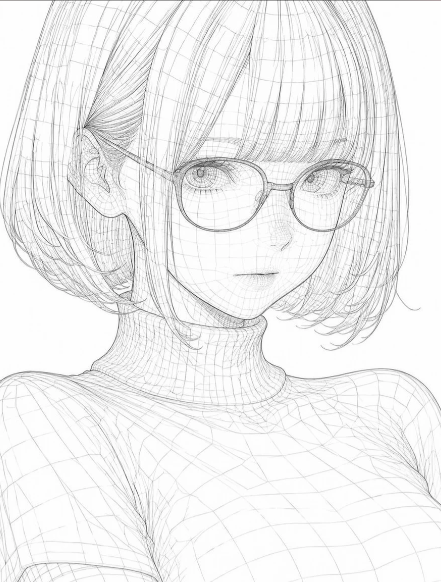
Wireframe Censored Portrait
Click to enlarge

Example images

Posters & TypographyYouMindgpt-image-2posters-typography海报与排版

Wireframe Censored Portrait

Prompt
Create a clean futuristic 3D wireframe conversion of a close-up bust portrait of {argument name="subject" default="a young woman"}, preserving the original pose and composition exactly: the subject faces forward with a slightly downward camera angle, short bob-length hair framing the head, one visible ear on the left side, a slender neck, shoulders, and upper chest visible. Render the entire figure as a translucent white mesh made from thin, precise gray polygon and contour lines, showing both outer silhouettes and internal 3D surface structure like a modeling viewport or technical anatomy sketch. Use a pure white background with no scenery. Include exactly 2 main visible elements: 1 wireframe bust portrait and 1 centered opaque square face-cover block. The face-cover block should be a large pale light-gray square with a soft subtle gradient, placed over the entire face from forehead to chin, hiding all facial features while leaving hair, ear, neck, shoulders, and torso mesh visible around it. Emphasize fine crosshatched curved wire lines in the hair, neck, shoulders, and clothing/body surfaces, with delicate semi-transparent linework and high-resolution sharpness. Style: minimalist sci-fi technical drawing, monochrome white and light gray, airy, precise, hollow transparent 3D model aesthetic, no text, no watermark, no color accents.
Category
Posters & Typography
Model
GPT Image 2
Creator
自学Ai的鱼头叔叔
Source language
en
Views65
Source ID
24488
Published
Jun 6, 2026
Studio

Guide

About "Wireframe Censored Portrait"

What is this prompt for?

"Wireframe Censored Portrait" AI image prompt for GPT Image 2 (Posters & Typography). Generates a minimalist monochrome 3D wireframe bust portrait with a cente…

The full copyable prompt and example visuals above are ready for AI image generation or one-click recreate in Picva.

How to use this prompt

  1. Step 1

    Open the prompt detail

    Review the example visuals, category, and full prompt text for "Wireframe Censored Portrait".

  2. Step 2

    Copy the prompt

    Copy the prompt body from this page, or load it directly in Studio.

  3. Step 3

    Pick a model (GPT Image 2)

    Prefer GPT Image 2. If you switch models, keep subject and composition and tweak style terms.

  4. Step 4

    Generate and export

    Recreate the look in Picva, or export into your workflow for editing and publishing.

FAQ

What is the "Wireframe Censored Portrait" prompt?
It is an AI image-generation prompt for GPT Image 2 in the Posters & Typography category. This page includes the full prompt text, example visuals, and a one-click recreate path in Picva.
How do I use this prompt to generate an image?
Copy the prompt from this page, or use Generate / Studio. Paste it into a compatible image model, or recreate the look in Picva with optional reference images.
Which model is this prompt for?
This page lists GPT Image 2. Most descriptive prompts also transfer to nearby image models such as GPT Image, Flux, or Midjourney with light style tweaks.
Can I use the result commercially?
You can usually copy the prompt for creation, but commercial use of the final image depends on the model terms, reference-image rights, and the generated content. Follow the source author and platform rules.