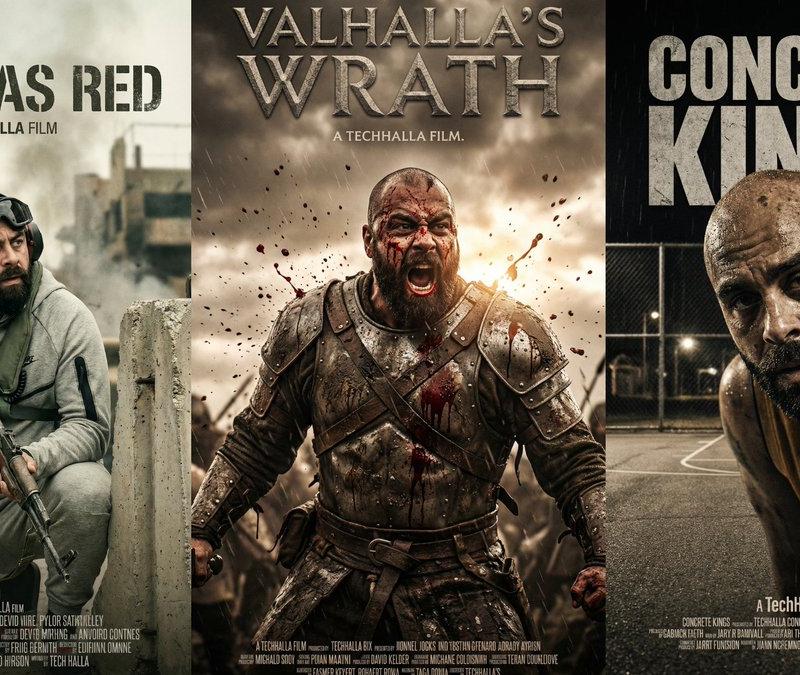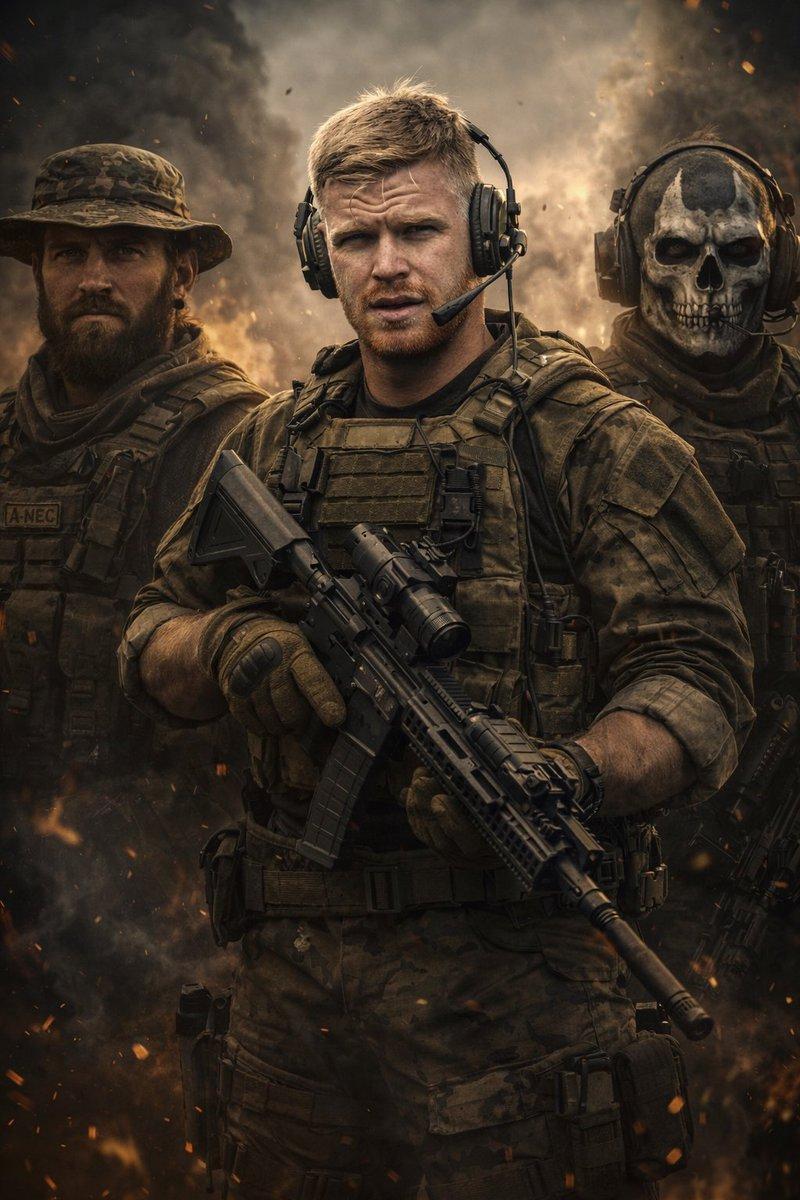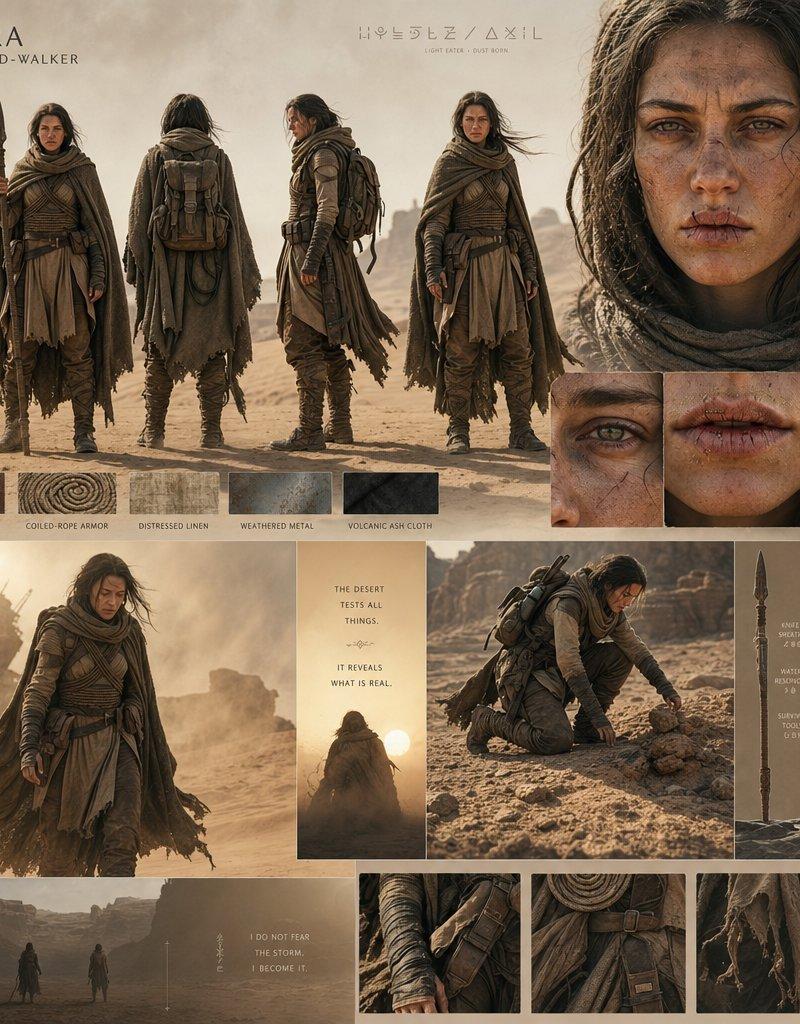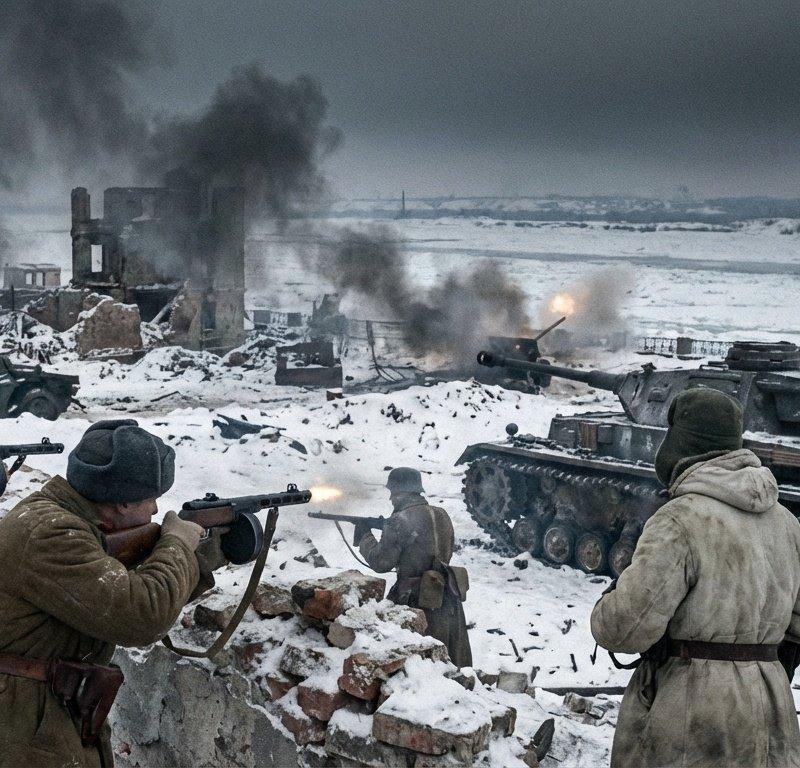
Vintage D-Day Normandy Poster
Prompt
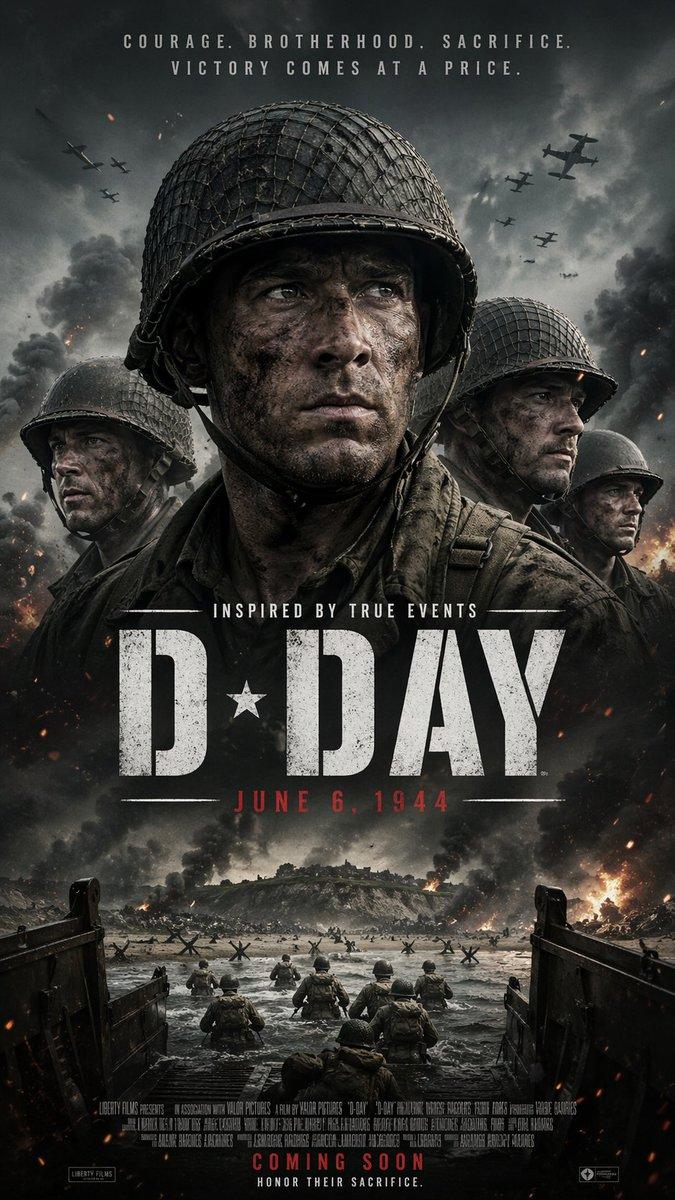
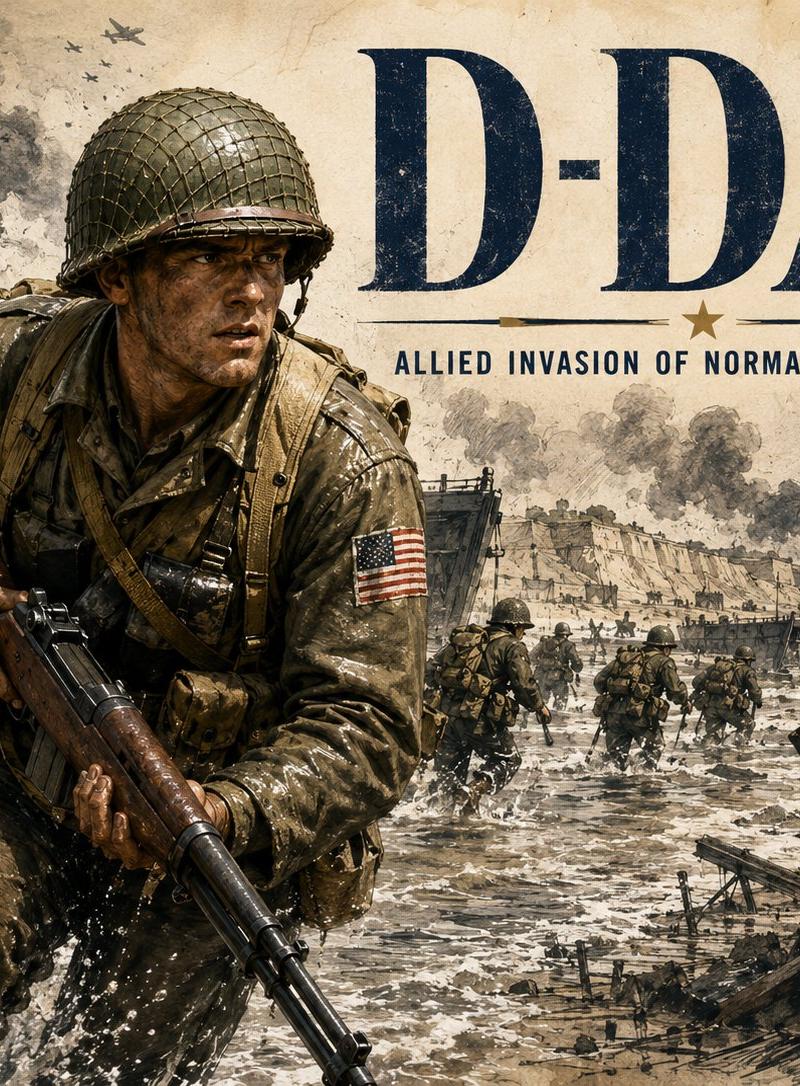
Goal: Create a dramatic vintage World War II commemorative poster for {argument name="headline text" default="D-DAY"}, showing the Allied invasion of Normandy on {argument name="date line" default="June 6, 1944"}.

Canvas: Landscape 4:3 poster, aged parchment background with sepia, charcoal, olive drab, navy ink, and weathered paper texture. Use a gritty illustrated realism style, like a historical war magazine cover mixed with a hand-painted military poster.

Layout: Place one dominant U.S. infantry soldier in the left foreground, waist-up to knees, charging through shallow surf toward the viewer. His face is deliberately hidden by one flat opaque dark-brown square censor block centered over the face. Put the large headline “D-DAY” across the upper right in huge dark navy serif capital letters. Beneath it, add a thin horizontal rule with a small centered star, then the subtitle “ALLIED INVASION OF NORMANDY, JUNE 6, 1944” in condensed uppercase lettering.

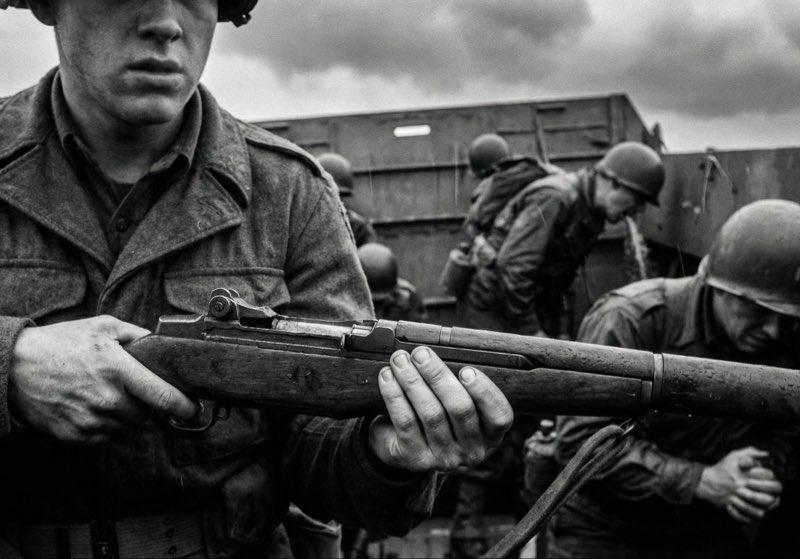
Subject details: The foreground soldier wears a wet olive drab uniform, netted M1 helmet, webbing straps, ammunition pouches, backpack straps, and a U.S. flag patch on his upper right sleeve. He grips a long rifle diagonally downward across his body. Make his clothing soaked, muddy, and reflective with splashes of seawater around his legs. The background shows a Normandy beach landing: exactly 2 landing craft with open ramps on the left and middle distance, exactly 14 visible infantry figures moving through the water and across the beach, exactly 7 aircraft silhouettes in the smoky sky, exactly 3 large explosion plumes near the shoreline, and exactly 2 Czech hedgehog anti-tank obstacles in the right foreground.

Environment: Rough gray surf, beach obstacles, distant cliffs and fortifications, smoke columns, artillery bursts, and chaotic battlefield haze. The scene should feel heroic, somber, and historically documentary rather than glamorous.

Text content: Use {argument name="headline text" default="D-DAY"} as the main title and “ALLIED INVASION OF NORMANDY, {argument name="date line" default="JUNE 6, 1944"}” as the subtitle. Keep the typography distressed, ink-worn, and integrated into the aged poster texture.

Constraints: No modern objects, no clean digital gloss, no extra text, no watermark, no logos, no gore, and keep the soldier’s face fully obscured by the brown square.- Category
- Charts & Infographics
- Model
- GPT Image 2
- Creator
- TWnese
- Source language
- en
- Source ID
- 24534
- Published
- Jun 6, 2026
Views446