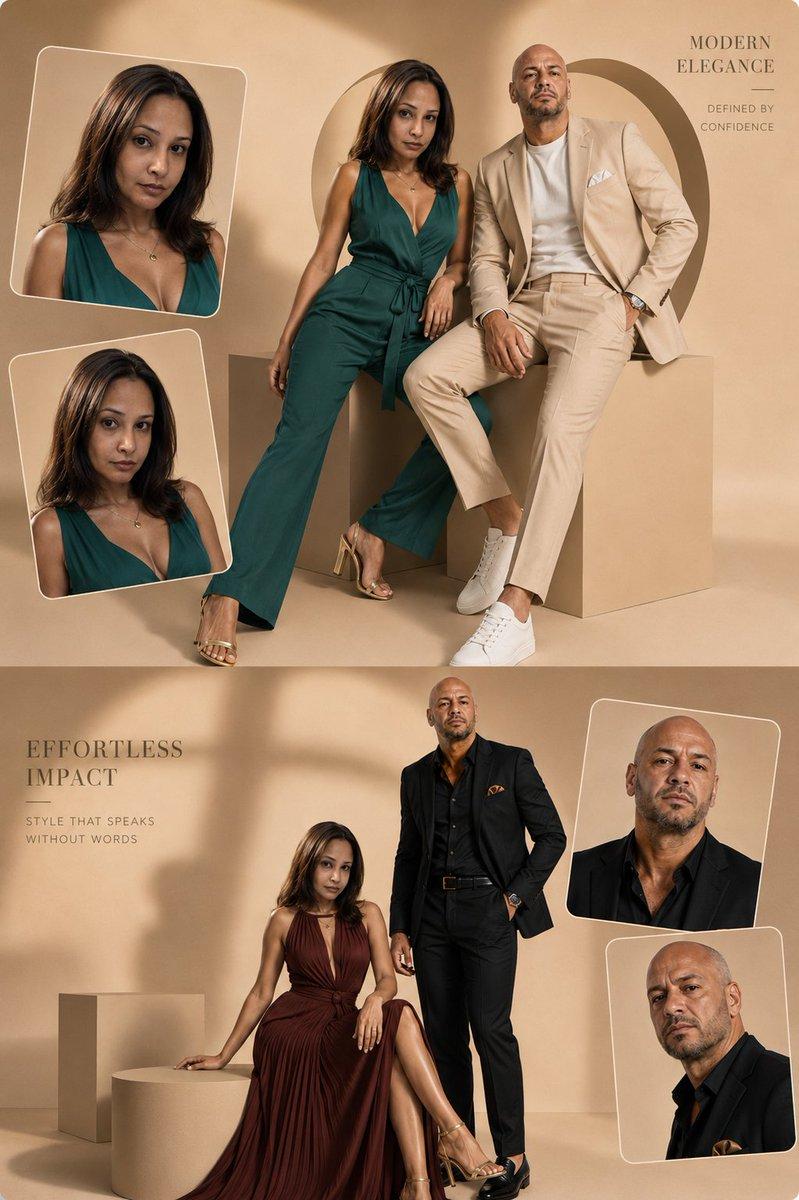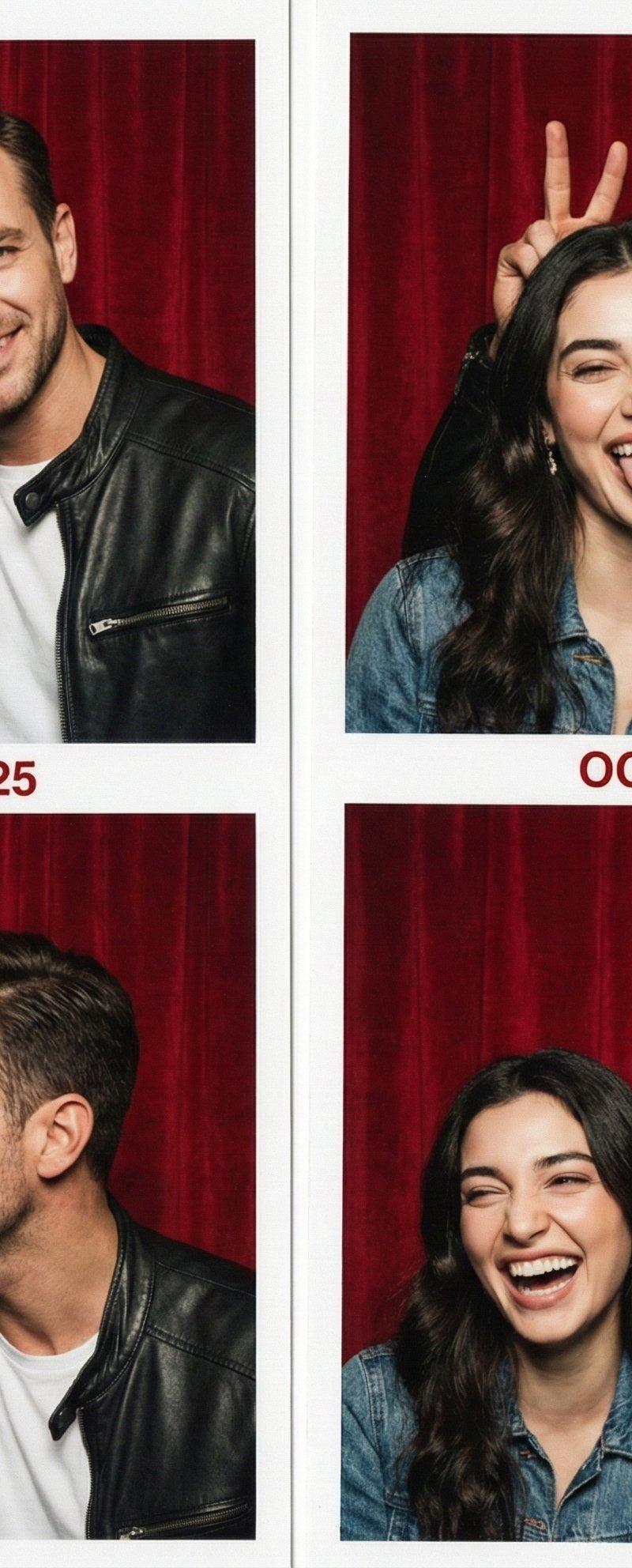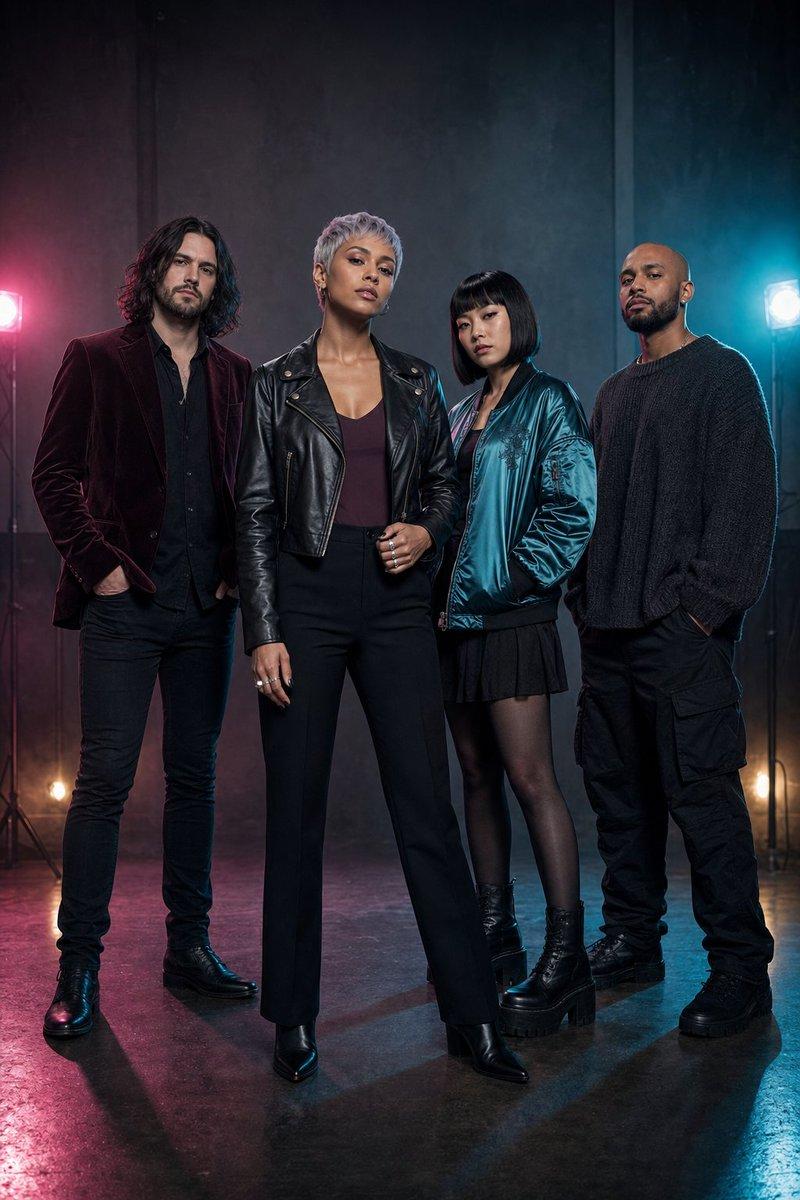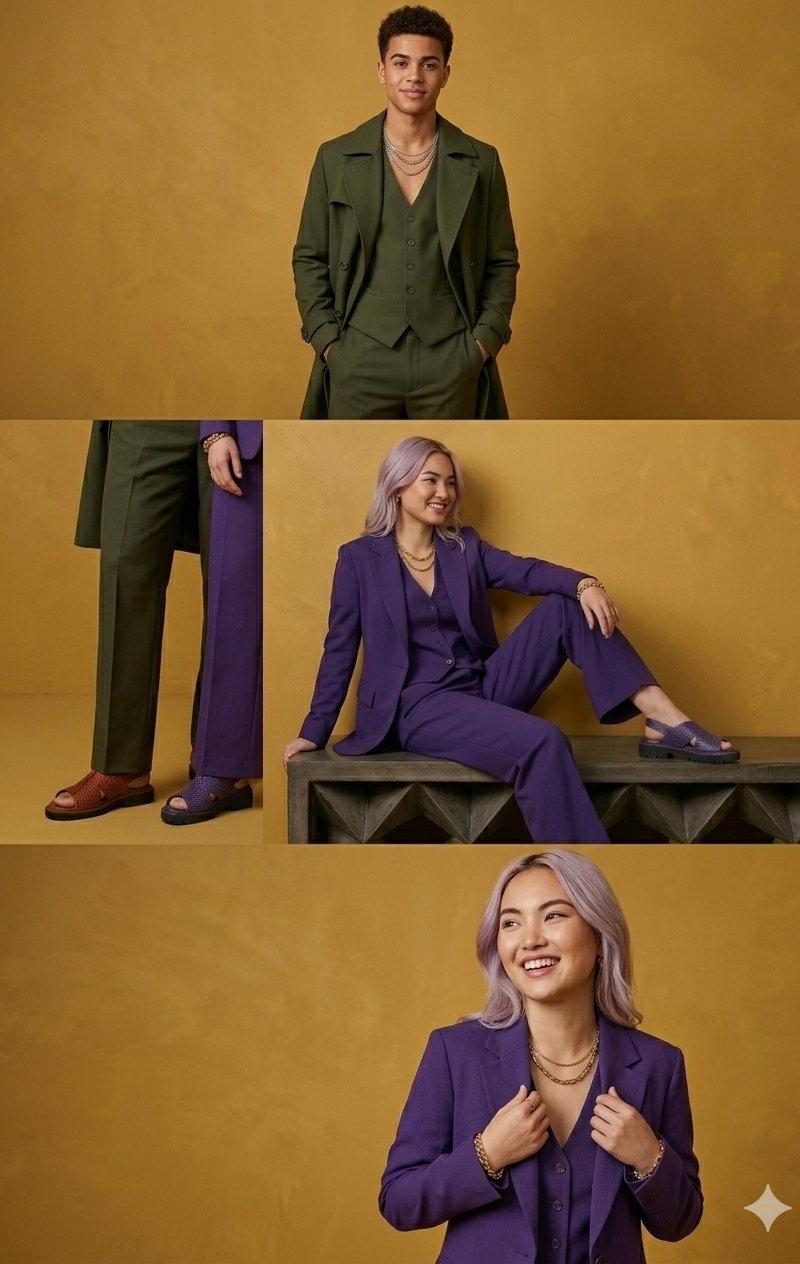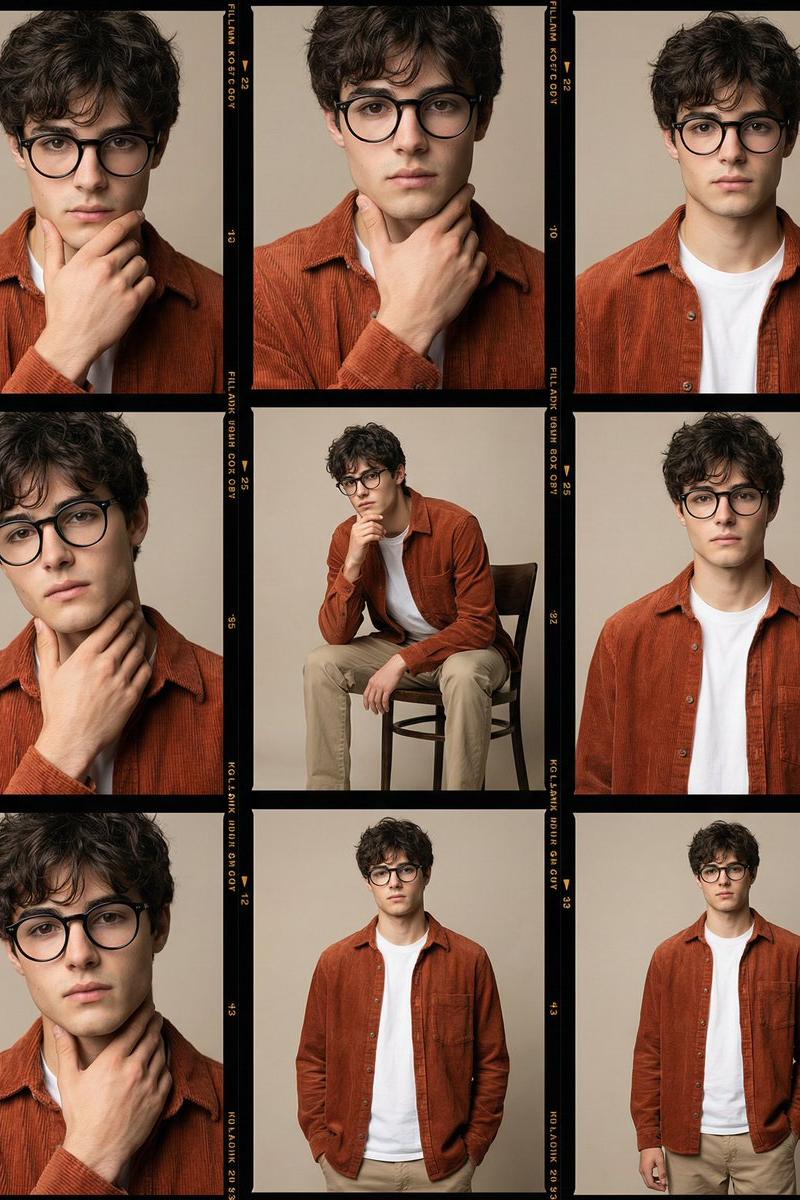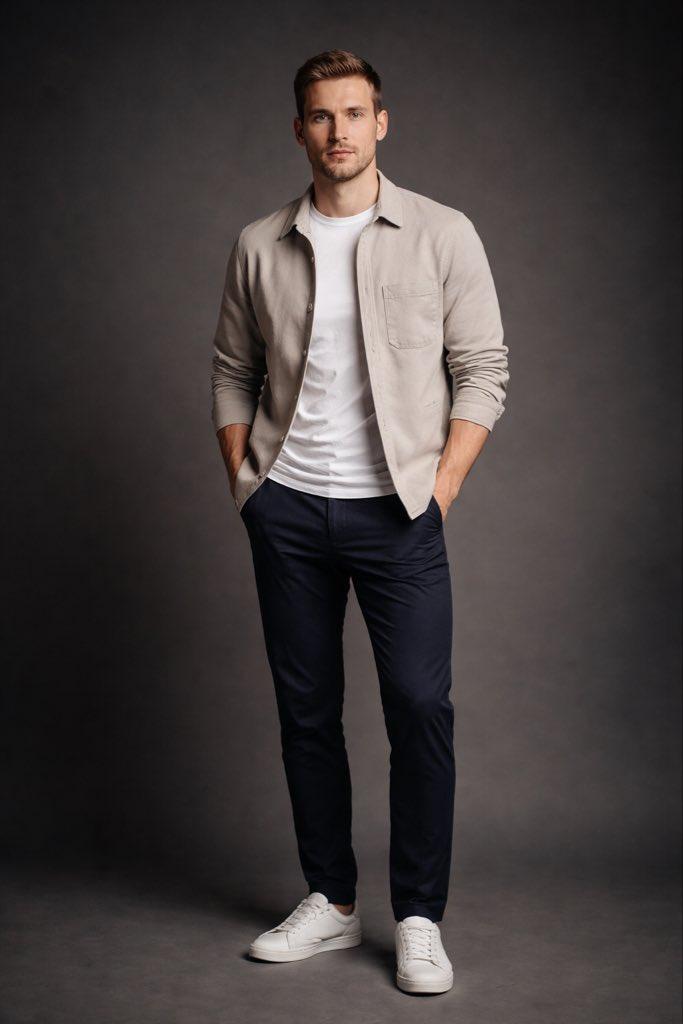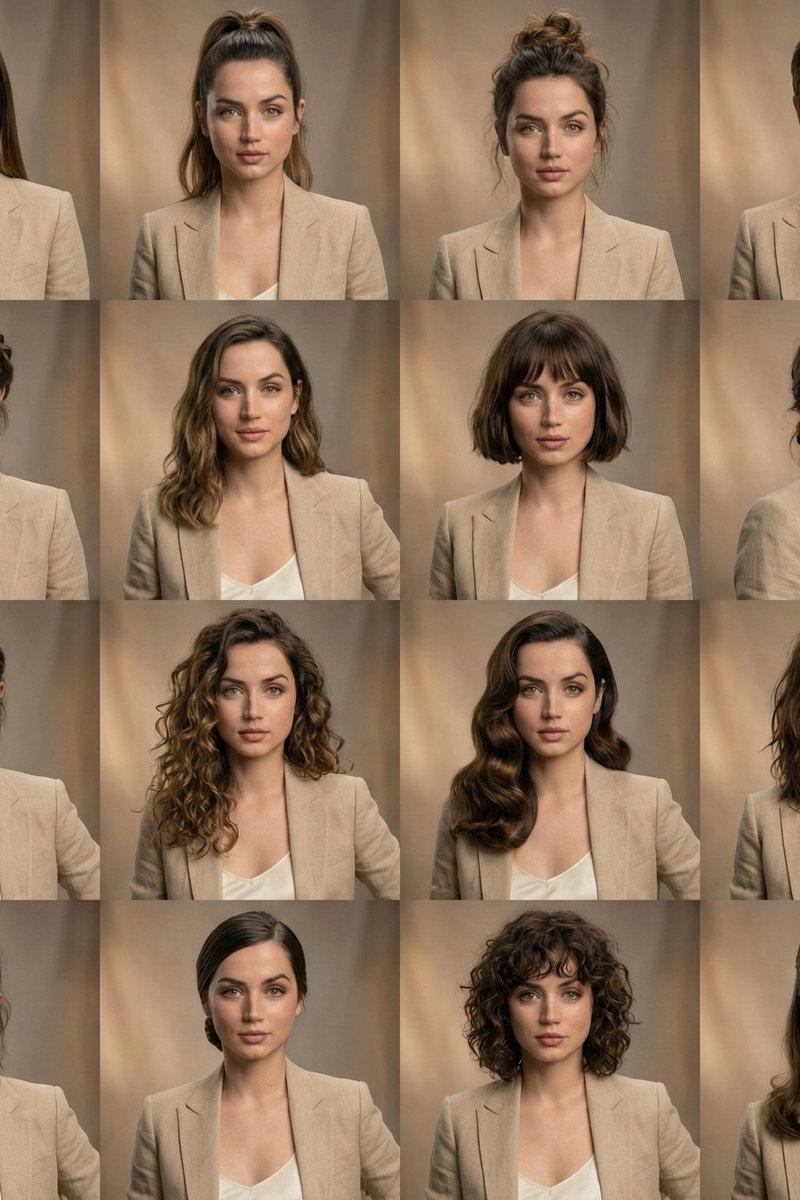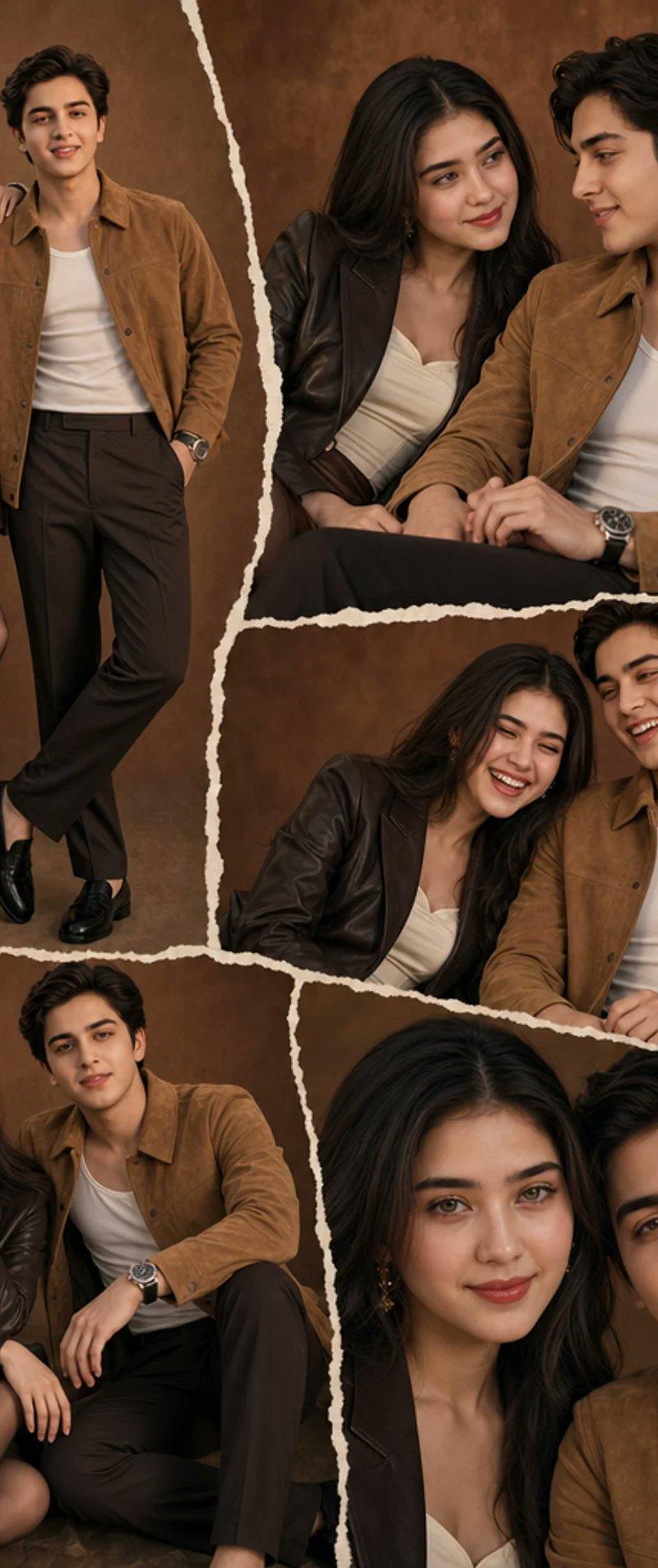
Brown Editorial Couple Collage
Prompt
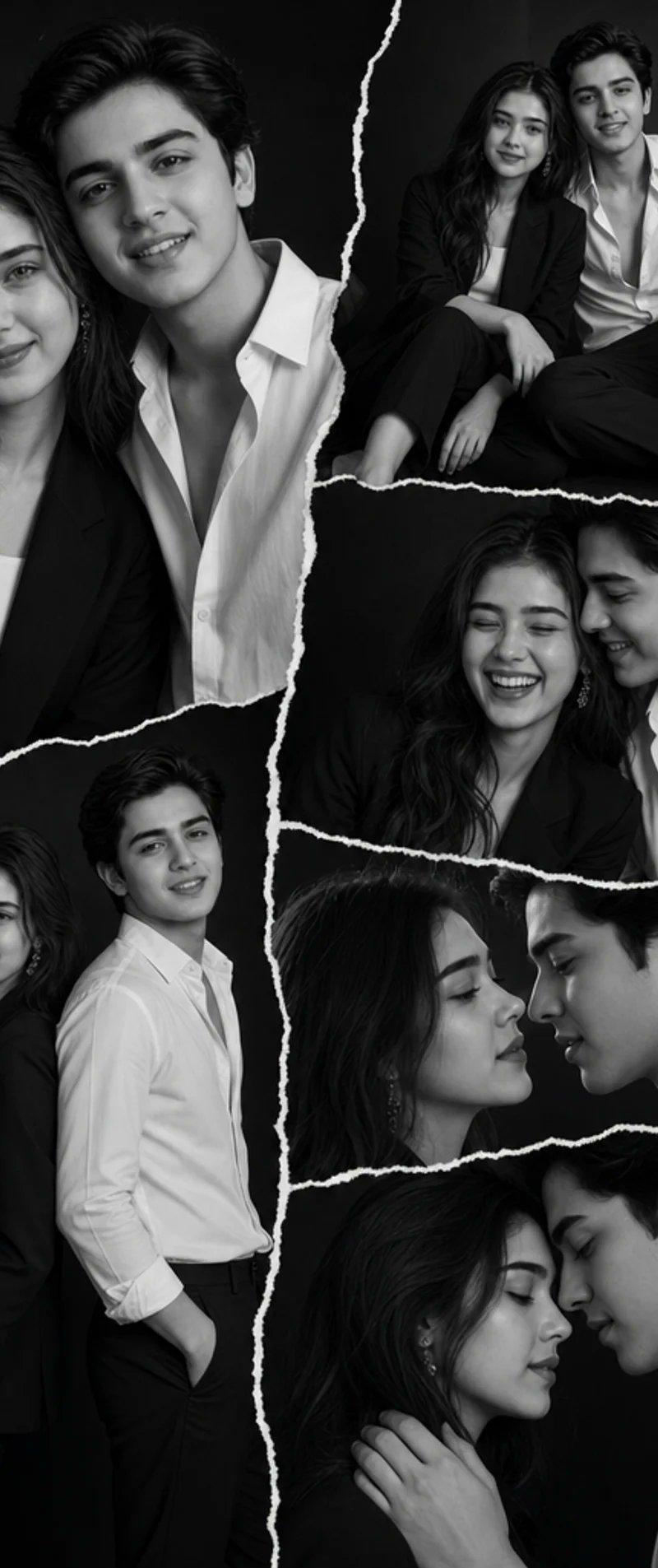
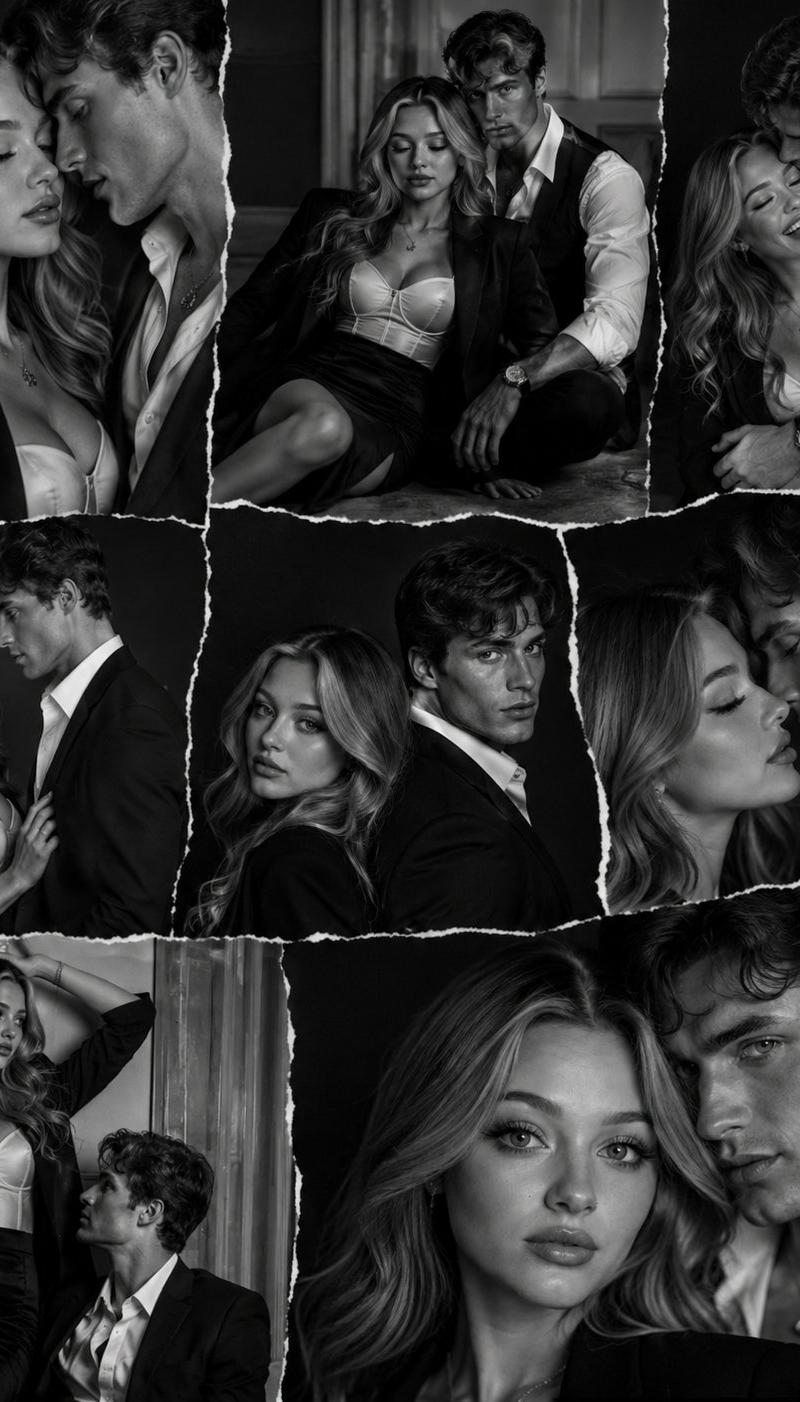
Goal: Create an ultra-realistic editorial fashion collage of a stylish young couple in a warm monochromatic brown studio setting, with a cinematic scrapbook layout made from torn-paper photo fragments.

Canvas: Vertical portrait image, 2:3 aspect ratio, high-resolution fashion editorial look. Use a textured mottled brown studio backdrop across all fragments, with warm softbox lighting, gentle shadows, and a cohesive sepia-brown color grade.

Layout: Arrange exactly 5 torn-paper photo fragments separated by thick irregular cream-white ripped edges. Fragment 1 is a large full-body vertical photo on the left showing the couple standing together. Fragment 2 is a wide upper-right seated close medium shot of both people. Fragment 3 is a middle-right horizontal crop showing the couple leaning close while seated. Fragment 4 is a bottom-left seated full/three-quarter shot of both people. Fragment 5 is a bottom-right tight close-up portrait crop of both faces and shoulders. Make the torn seams uneven, handmade, and layered like a scrapbook collage, with no text or logos.

Subjects: The couple appears in every fragment. The woman is {argument name="woman description" default="a stylish young woman with long dark wavy hair"}; the man is {argument name="man description" default="a stylish young man with short dark wavy hair"}. They should pose naturally as an intimate fashion couple, looking relaxed and confident, sometimes leaning on each other or sitting closely together. Preserve realistic body proportions and editorial posing.

Wardrobe: Warm brown monochromatic styling. The woman wears {argument name="woman outfit" default="a dark brown leather blazer over a cream sweetheart-neck top, a satin brown mini skirt, sheer dark tights, and pointed brown heels"}. The man wears {argument name="man outfit" default="a tan suede overshirt jacket over a white tank top, dark brown trousers, black loafers, and a silver wristwatch"}. Keep the clothing consistent across all 5 fragments.

Visual style: Ultra-realistic DSLR studio photography, soft warm highlights, premium fashion magazine styling, shallow depth of field in the close-ups, rich brown textures, polished but natural skin, cinematic editorial mood. Use clean composition and realistic fabric details: suede texture, leather sheen, satin skirt shine, sheer tights, and metallic watch reflections.

Constraints: Exactly 2 people and exactly 5 photo fragments. No captions, no watermark, no extra props, no extra people. Faces may be softly anonymized or left non-specific, but the overall image must read as a high-end couple photoshoot collage.- Category
- Charts & Infographics
- Model
- GPT Image 2
- Creator
- Hania Ai
- Source language
- en
- Source ID
- 24539
- Published
- Jun 6, 2026
Views7.6K