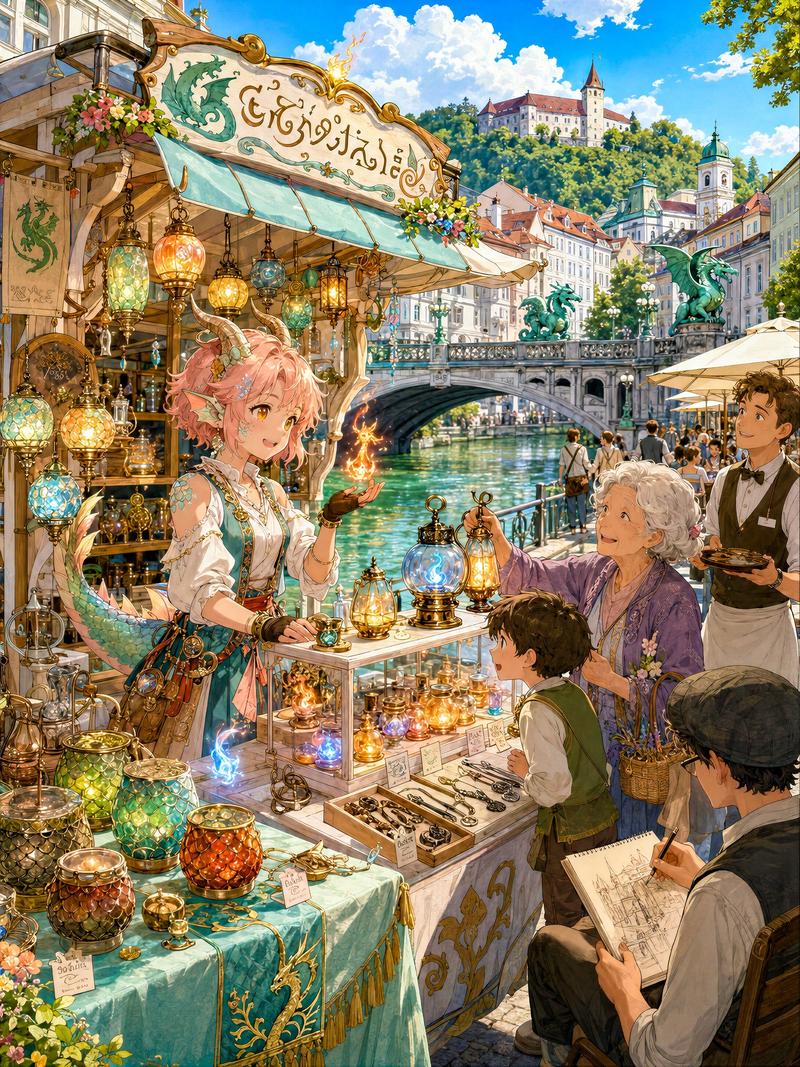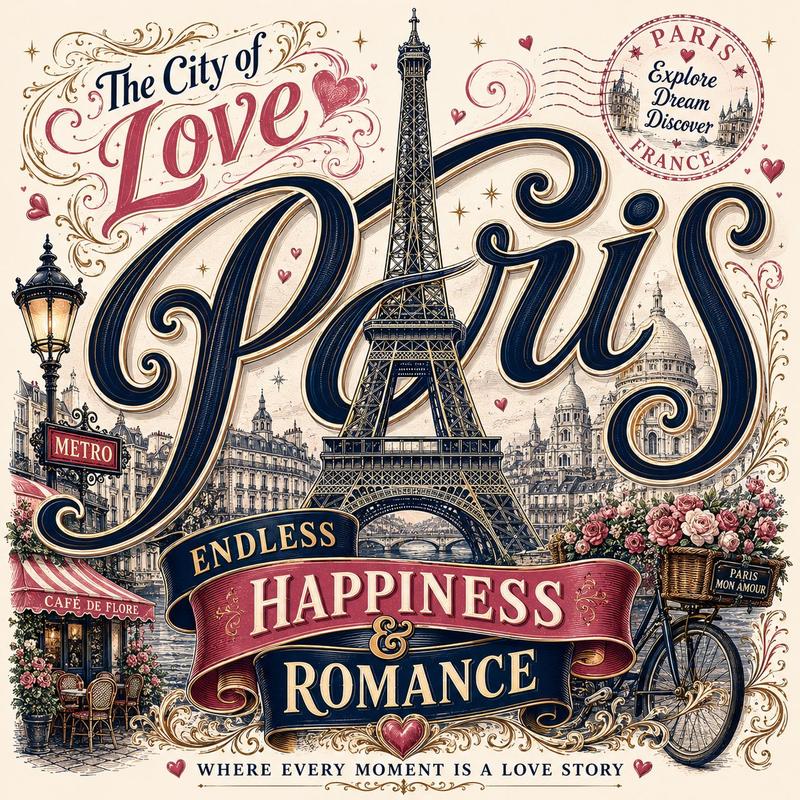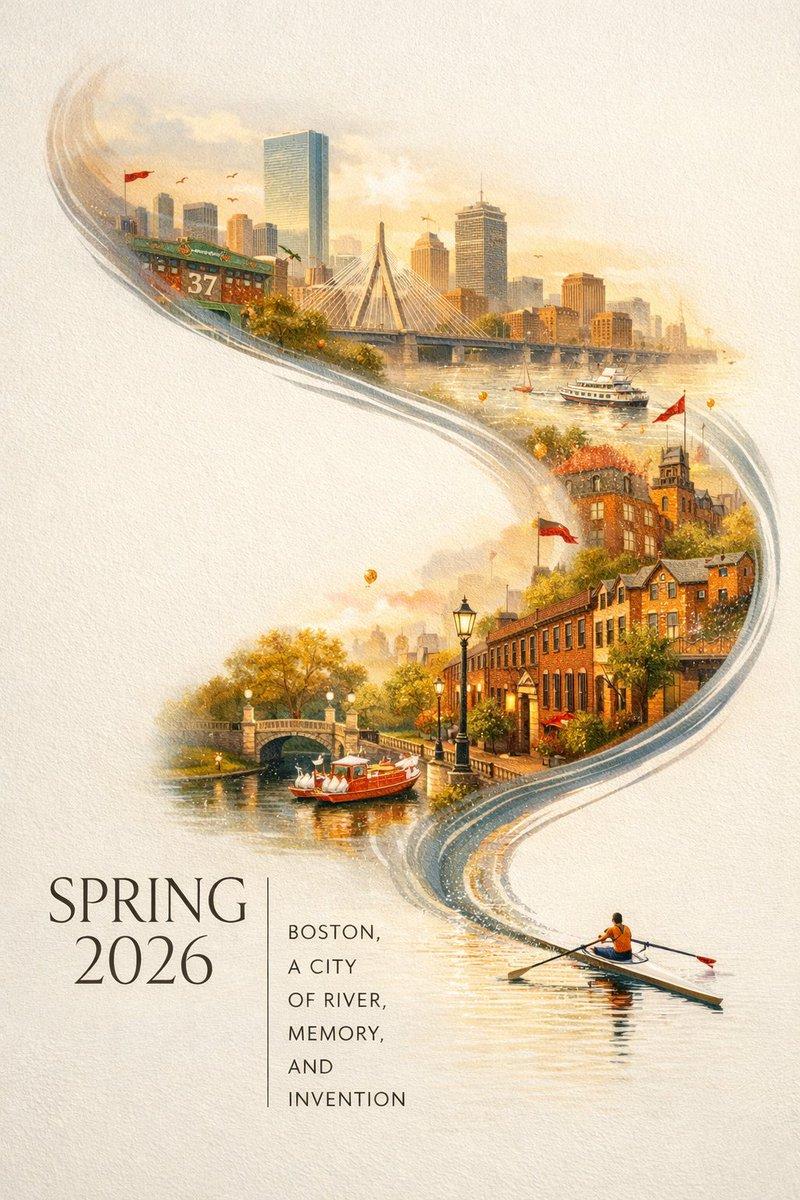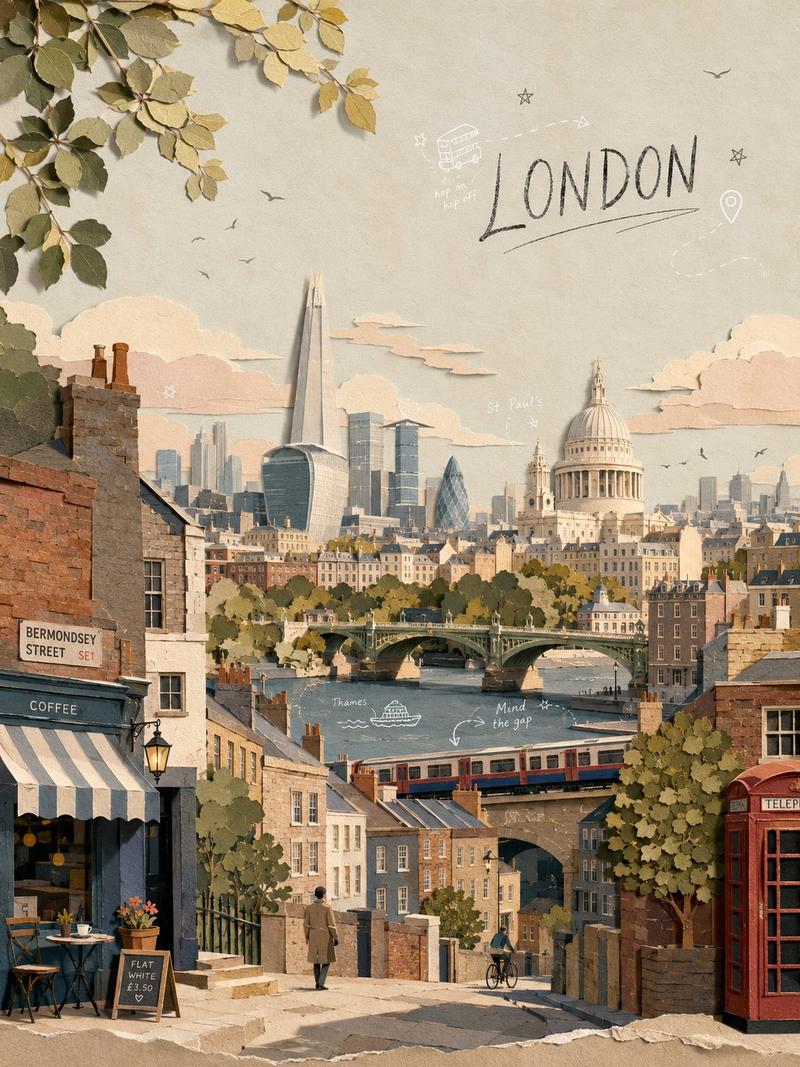
Fantasy Country Travel Poster
Prompt
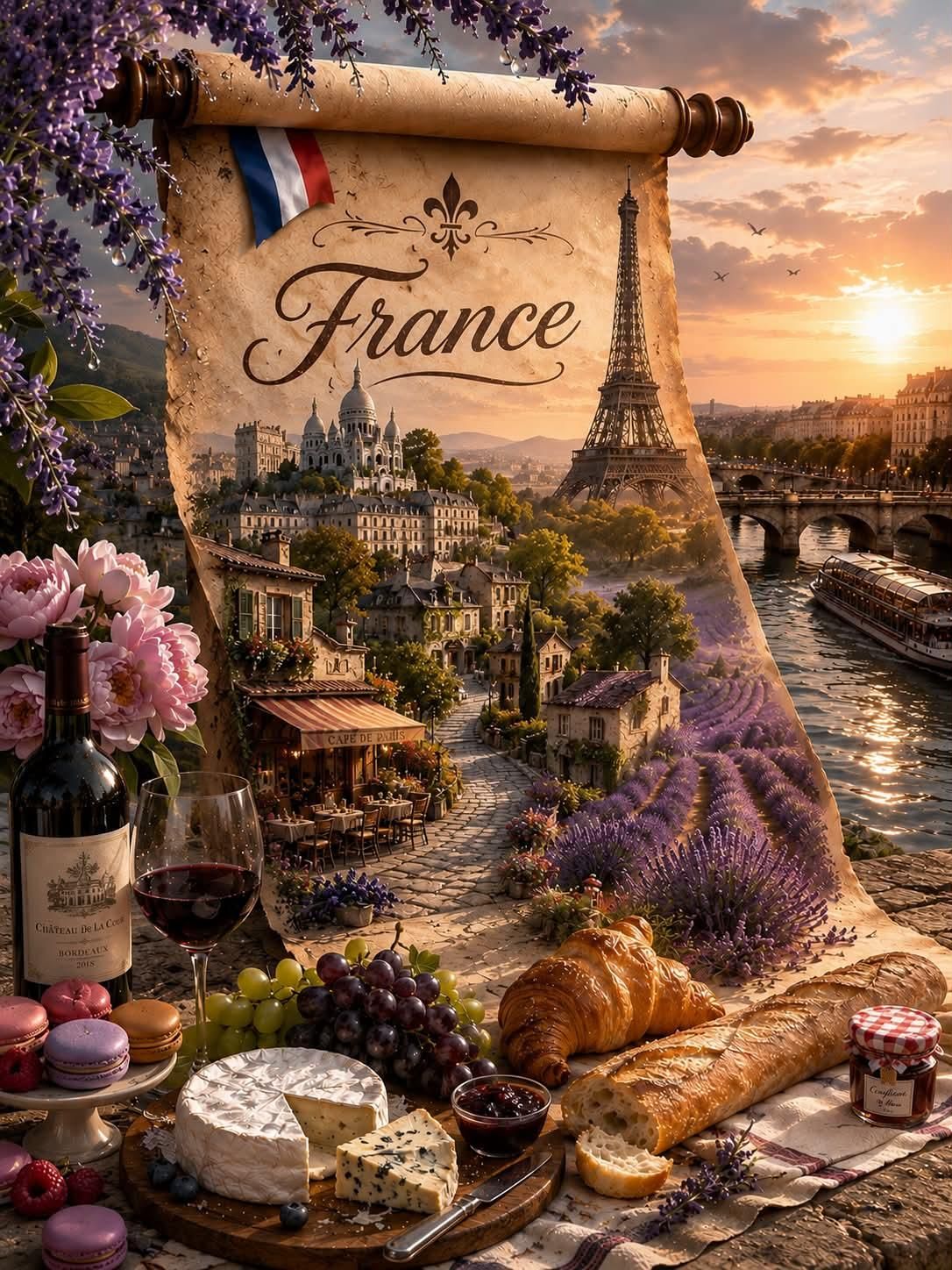
Ultra photorealistic fantasy travel poster, ancient parchment scroll unrolling vertically in the center with wooden scroll holders, revealing a breathtaking landscape of {argument name="country" default="[COUNTRY]"}. Elegant cursive calligraphy text "{argument name="country" default="[COUNTRY]"}" on the parchment with decorative flourishes and fleur-de-lis ornament above it. Small {argument name="flag" default="[FLAG]"} ribbon pinned to top left of scroll. [RED SEAL/STAMP] near the text.

The scroll blends seamlessly into a hyper-detailed 3D scene: [LANDMARKS] at sunset with golden hour lighting, river/lake, dramatic sky with soft clouds. Magical transition where the 2D scroll becomes 3D landscape.

Foreground: Traditional {argument name="country" default="[COUNTRY]"} food feast arranged on stone surface with checkered cloth. [FOODS] - all items hyper detailed, fresh, with steam and realistic textures. Include [DRINK/TEA] set.

Top left corner: [FLOWERS] branches hanging down with water droplets and falling petals.

Style: 8k, cinematic lighting, depth of field, fantasy digital art, photorealistic, ultra detailed textures, magical realism, travel photography, dreamy atmosphere, volumetric lighting- Category
- Charts & Infographics
- Model
- GPT Image 2
- Creator
- simply
- Source ID
- 24579
- Published
- Jun 7, 2026
Views2.2K


![Design a premium 4:5 collectible postal-stamp poster for [CITY], where the entir](https://whqgdndlpxjbwosvipip.supabase.co/storage/v1/render/image/public/prompt-source-media/promptsref/work-5882/image-1-4a71217abc02d54a.png?width=800&quality=75&resize=contain)