15

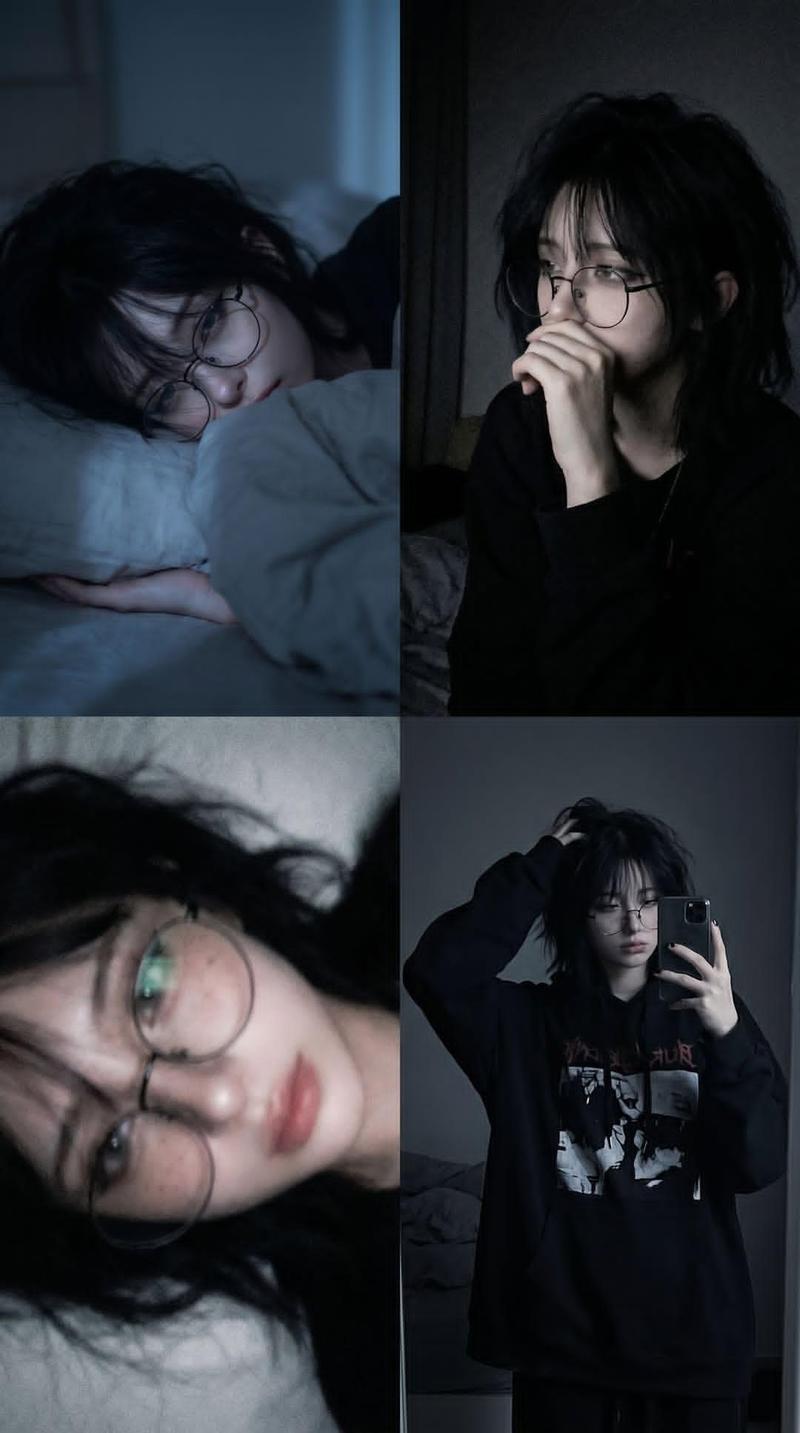
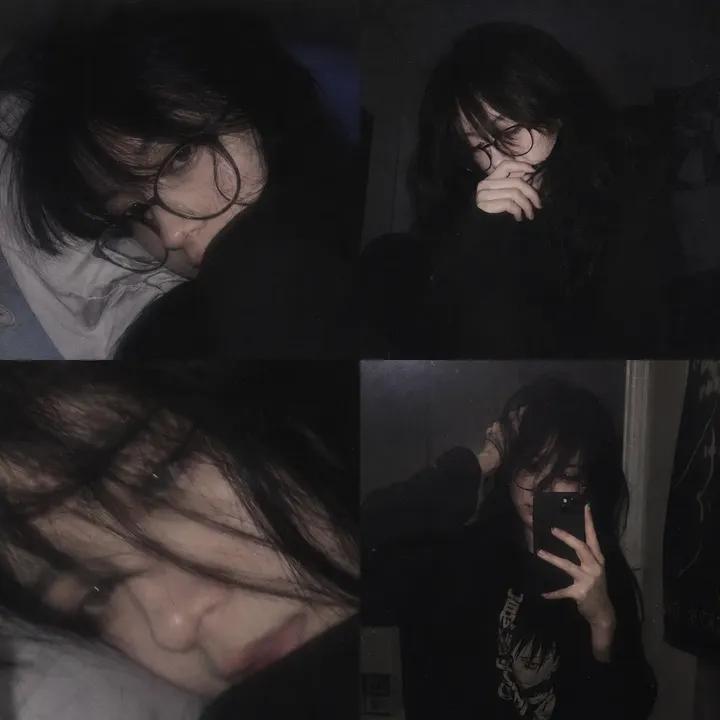
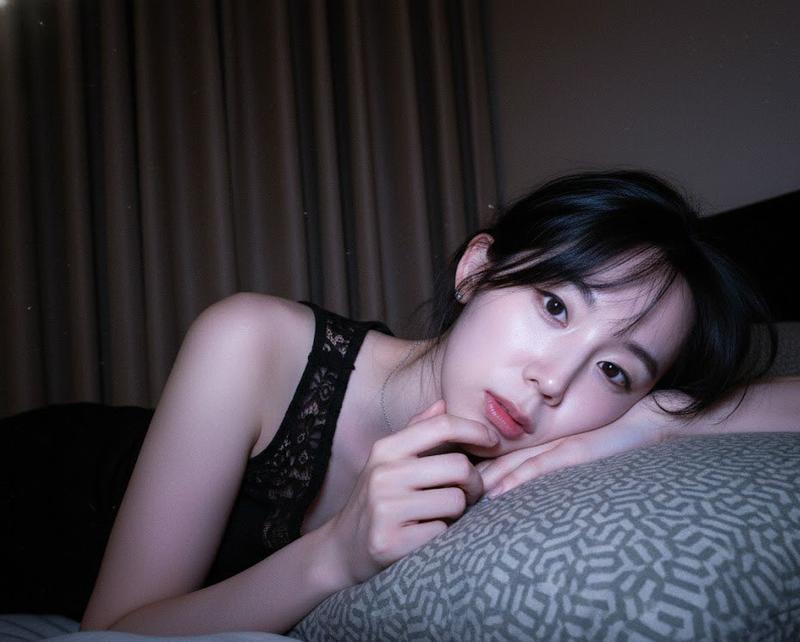
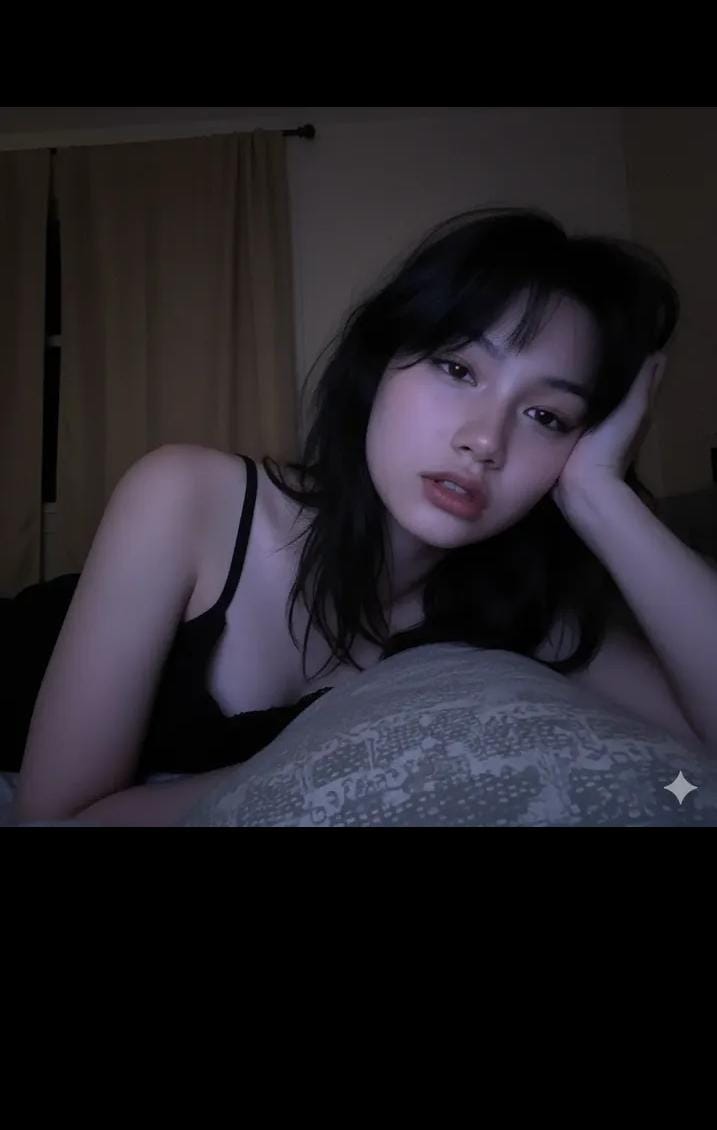
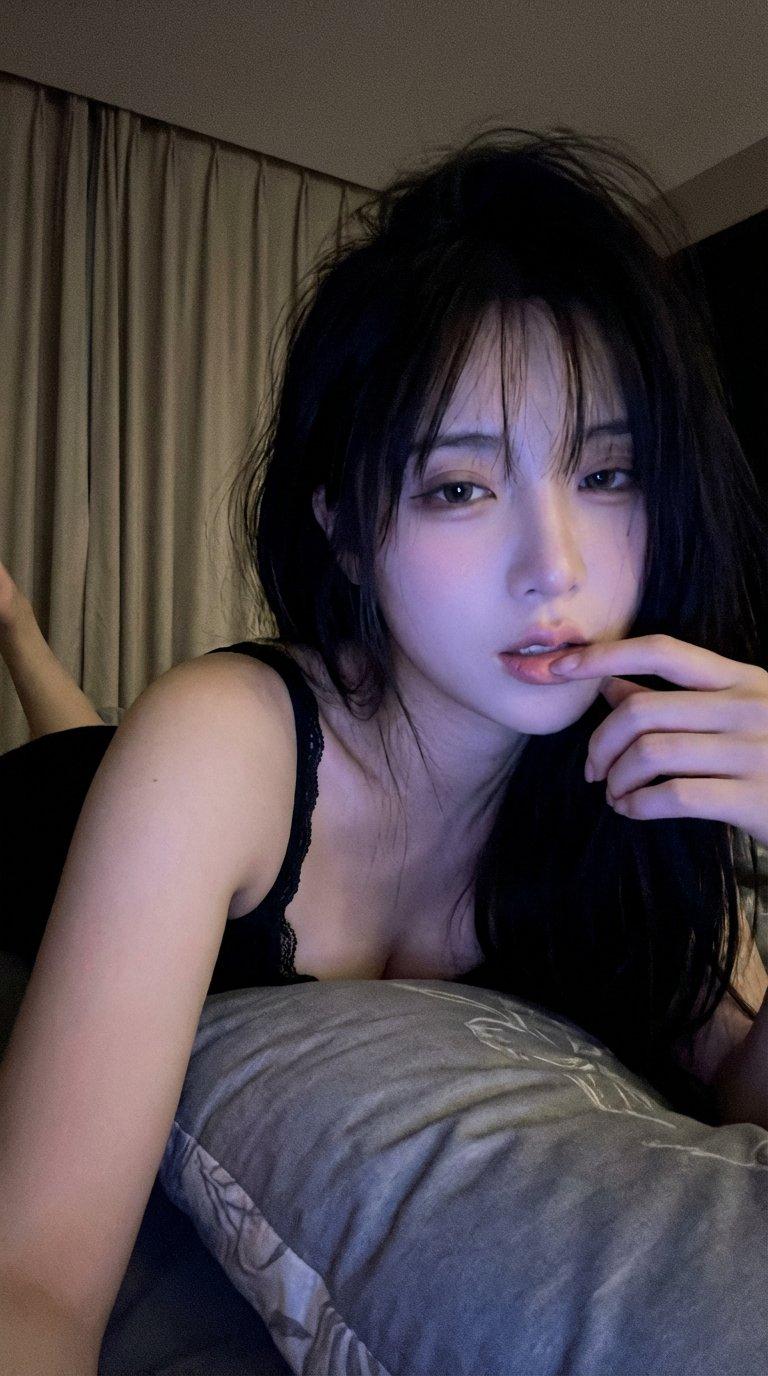
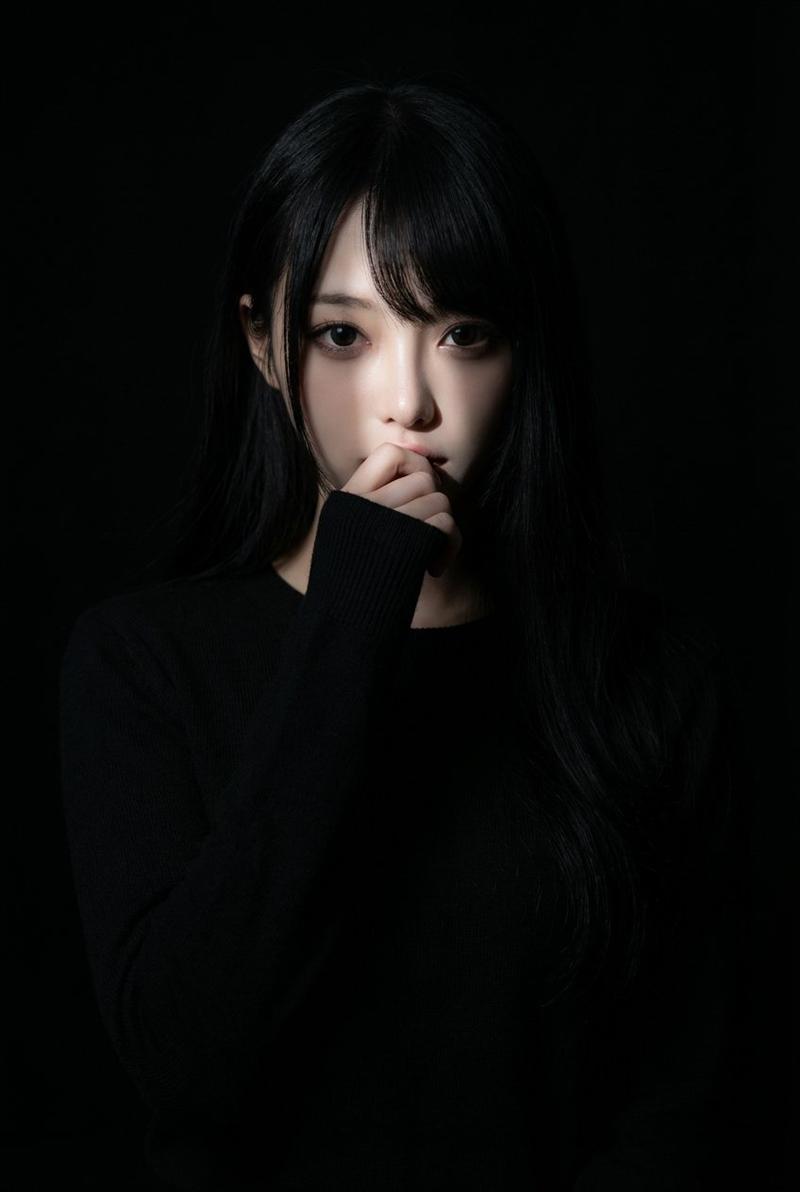
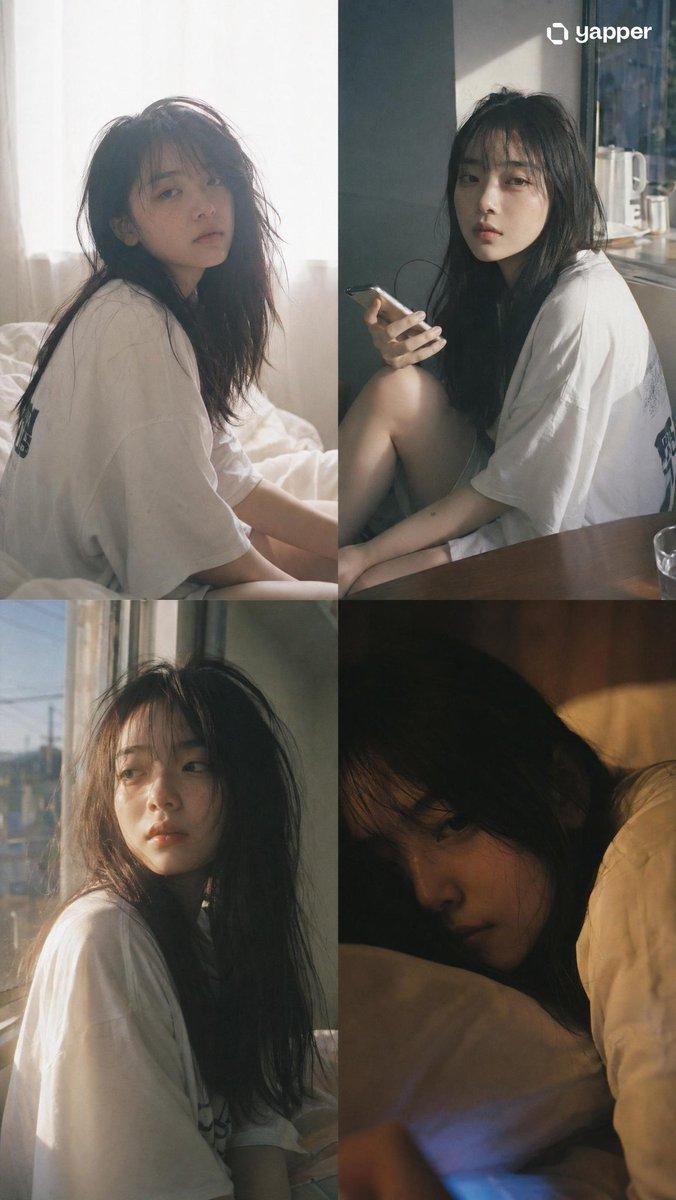
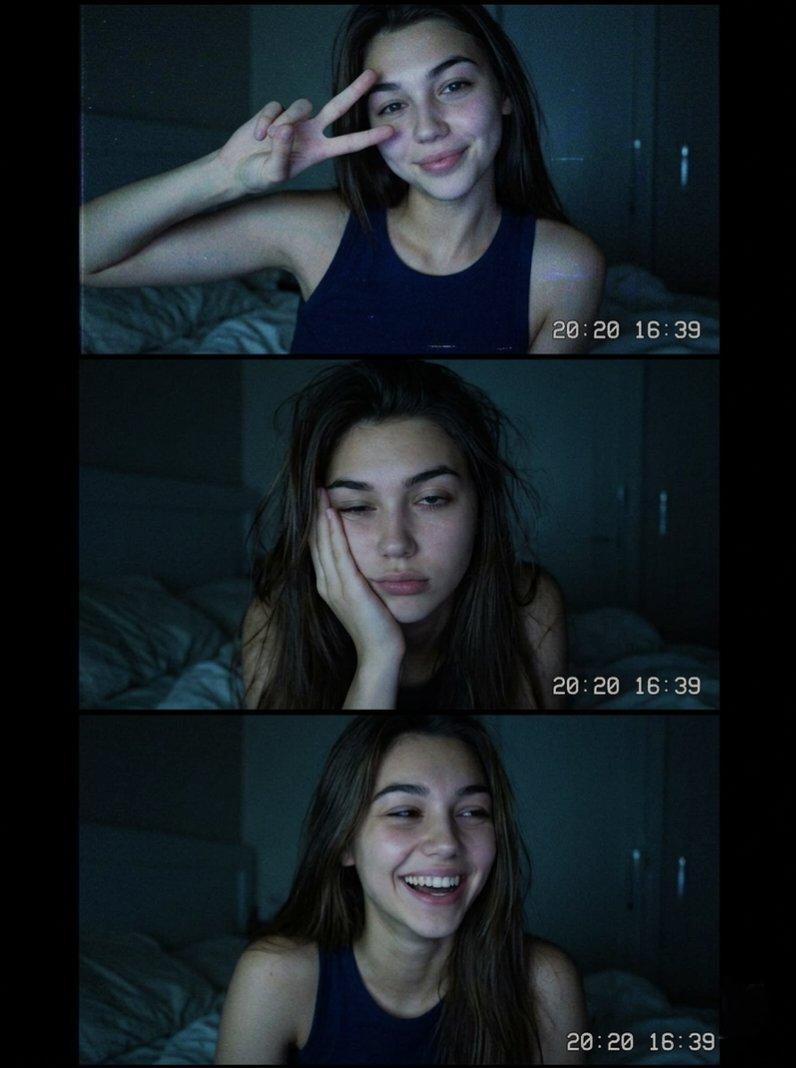
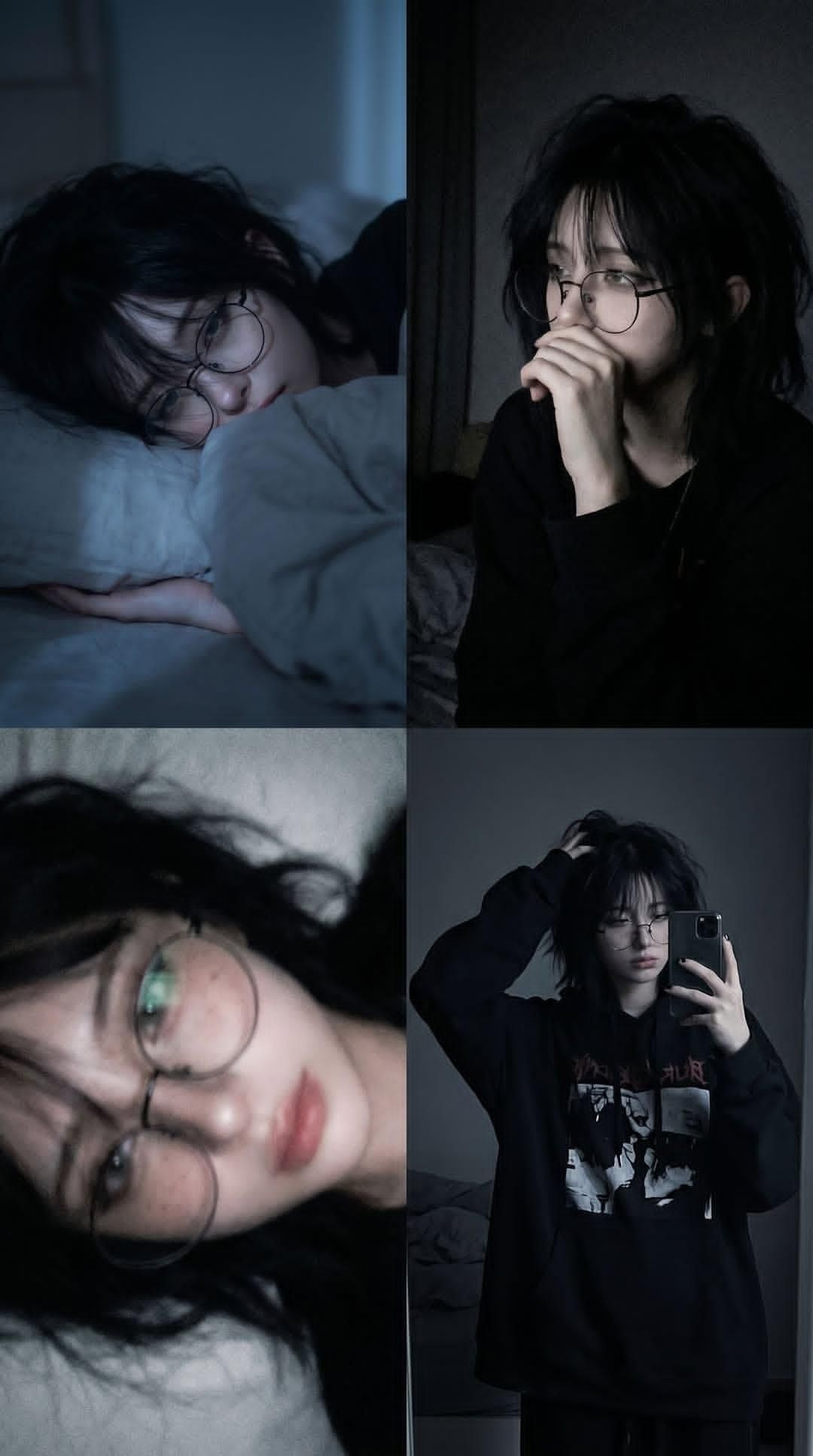
Melancholic 2x2 Photo Collage
Enlarge

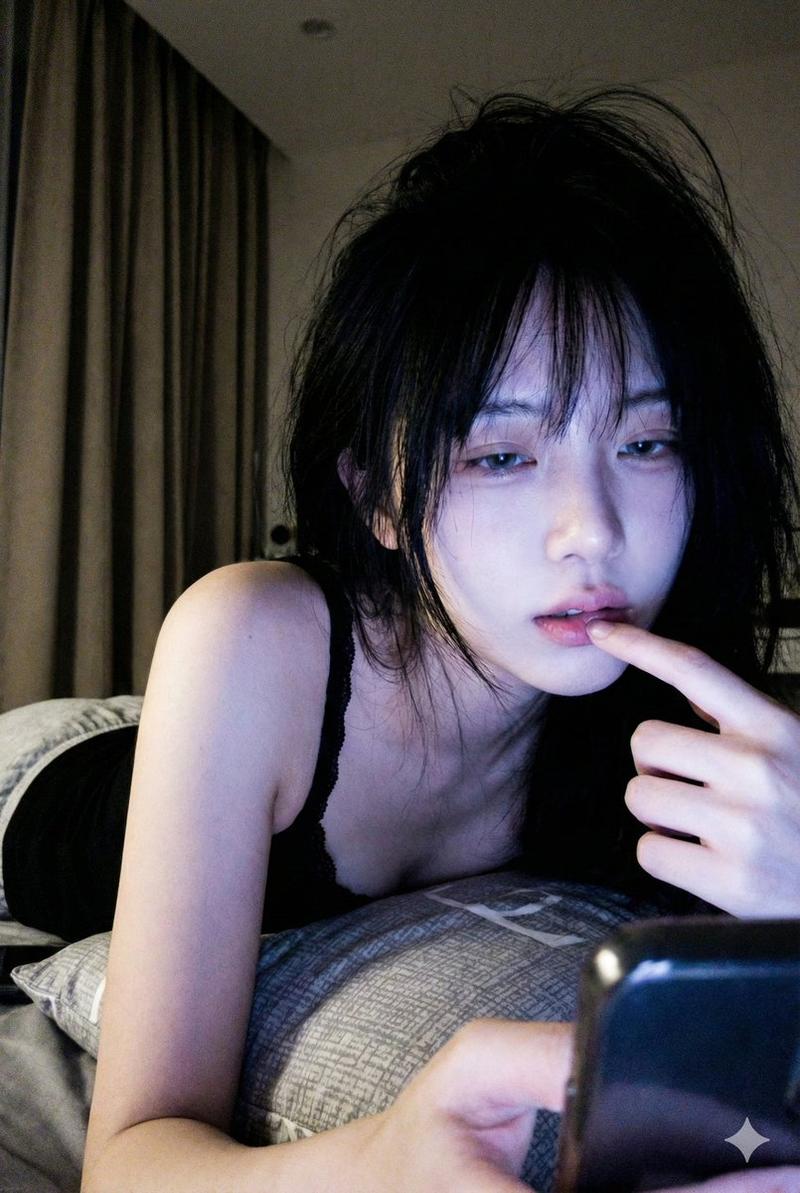
Example images

Melancholic 2x2 Photo Collage

Prompt
A 2x2 photo collage of the same {argument name="subject" default="young person"} in a {argument name="setting" default="dimly lit bedroom at night"}, {argument name="hair" default="dark messy shaggy black hair"}, oversized round wire-frame glasses, pale skin with subtle natural blemishes and freckles, wearing an oversized black hoodie. Moody blue-gray color grading, soft cinematic low-light photography, introspective and melancholic atmosphere.
Top-left: lying on a white pillow under blankets, side profile, sleepy expression, soft blue moonlight illuminating the face.
Top-right: sitting in darkness near a mirror, hand partially covering mouth, looking away thoughtfully, subtle shadows, emotional and contemplative mood.
Bottom-left: close-up portrait while lying down, shallow depth of field, slightly blurred dreamy focus, glasses reflecting faint light, soft skin texture, intimate photography.
Bottom-right: mirror selfie in a dark bedroom, oversized black graphic hoodie, one hand in messy hair, relaxed posture, minimal room details visible in the background.
Realistic photography, soft grain, muted colors, dark academia meets grunge aesthetic, natural lighting, high detail, cinematic shadows, cozy nighttime atmosphere, authentic candid moments, Fujifilm-style tones, 50mm lens, shallow depth of field, photorealistic.
Category
Charts & Infographics
Model
GPT Image 2
Creator
Oogie
Views3.3K
Source ID
24594
Published
Jun 7, 2026

Guide

About "Melancholic 2x2 Photo Collage"

What is this prompt for?

"Melancholic 2x2 Photo Collage" AI image prompt for GPT Image 2 (Charts & Infographics). A melancholic and introspective prompt for a 2x2 collage of a young pe…

The full copyable prompt and example visuals above are ready for AI image generation or one-click recreate in Picva.

How to use this prompt

  1. Step 1

    Open the prompt detail

    Review the example visuals, category, and full prompt text for "Melancholic 2x2 Photo Collage".

  2. Step 2

    Copy the prompt

    Copy the prompt body from this page, or load it directly in Studio.

  3. Step 3

    Pick a model (GPT Image 2)

    Prefer GPT Image 2. If you switch models, keep subject and composition and tweak style terms.

  4. Step 4

    Generate and export

    Recreate the look in Picva, or export into your workflow for editing and publishing.

FAQ

What is the "Melancholic 2x2 Photo Collage" prompt?
It is an AI image-generation prompt for GPT Image 2 in the Charts & Infographics category. This page includes the full prompt text, example visuals, and a one-click recreate path in Picva.
How do I use this prompt to generate an image?
Copy the prompt from this page, or use Generate / Studio. Paste it into a compatible image model, or recreate the look in Picva with optional reference images.
Which model is this prompt for?
This page lists GPT Image 2. Most descriptive prompts also transfer to nearby image models such as GPT Image, Flux, or Midjourney with light style tweaks.
Can I use the result commercially?
You can usually copy the prompt for creation, but commercial use of the final image depends on the model terms, reference-image rights, and the generated content. Follow the source author and platform rules.