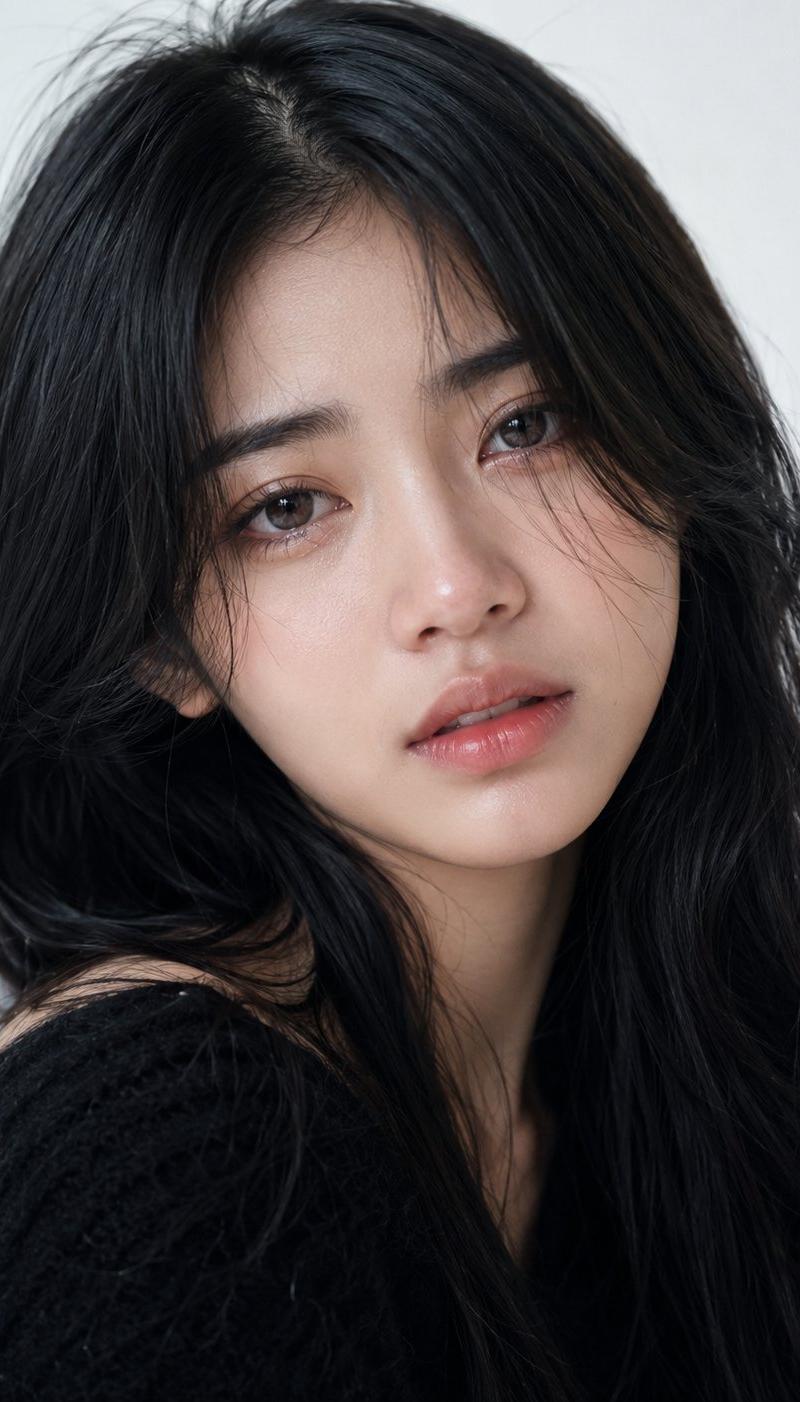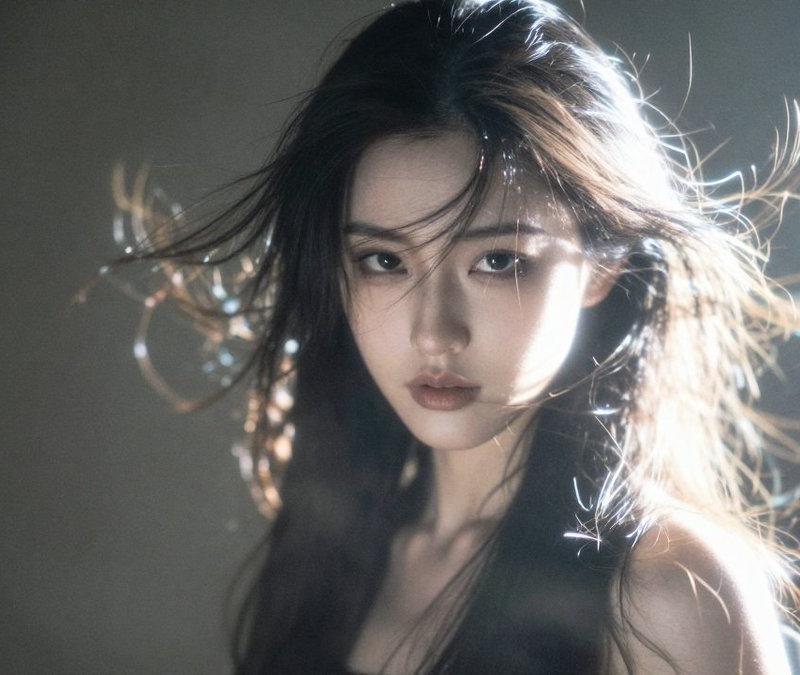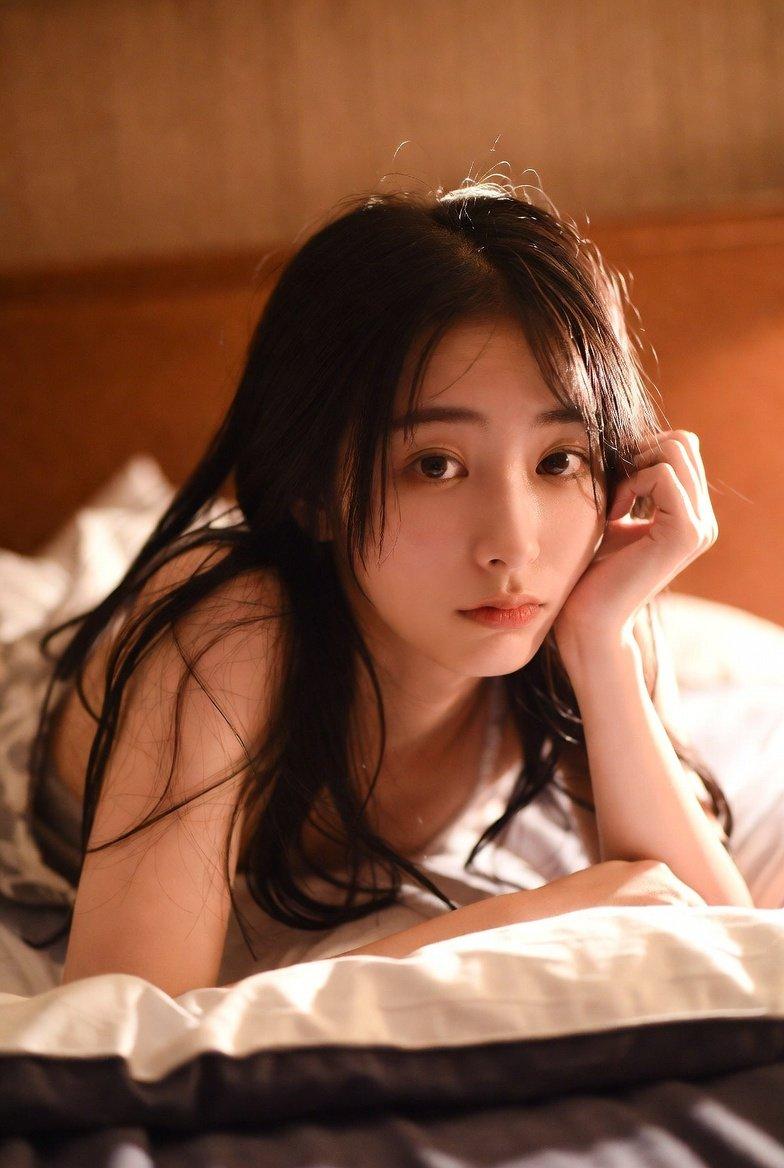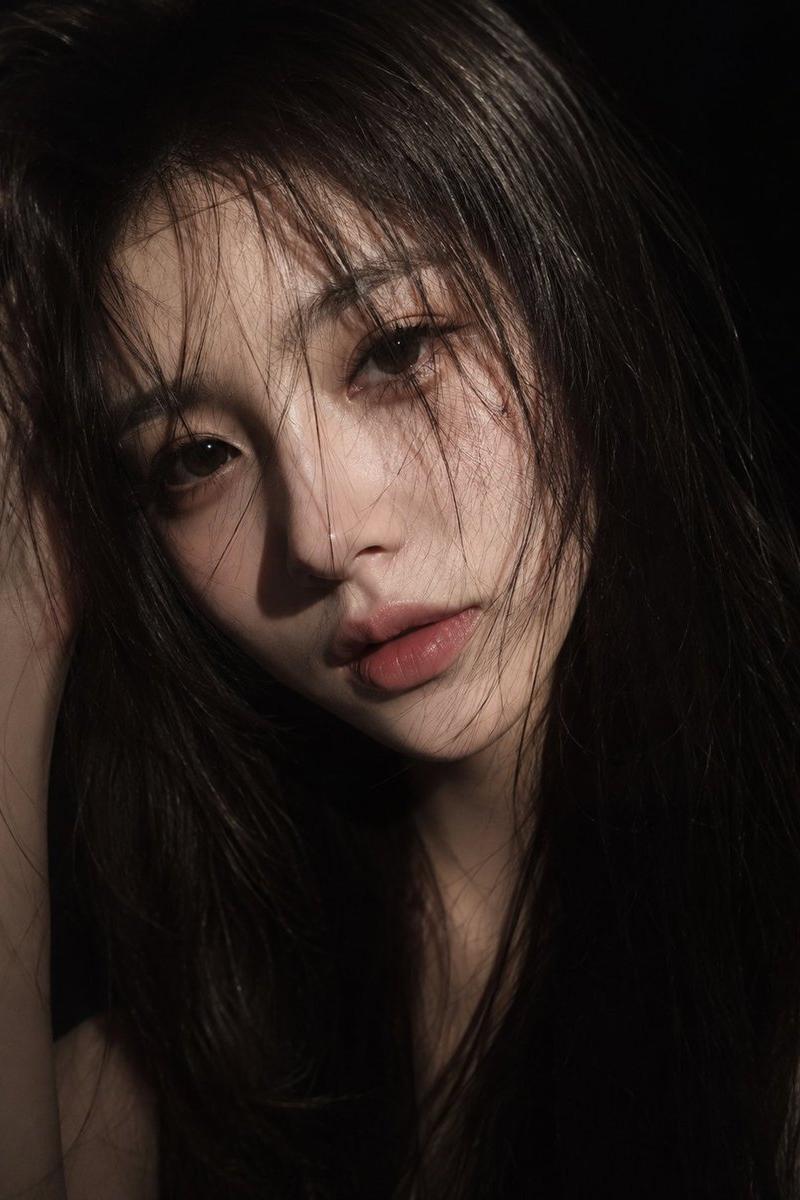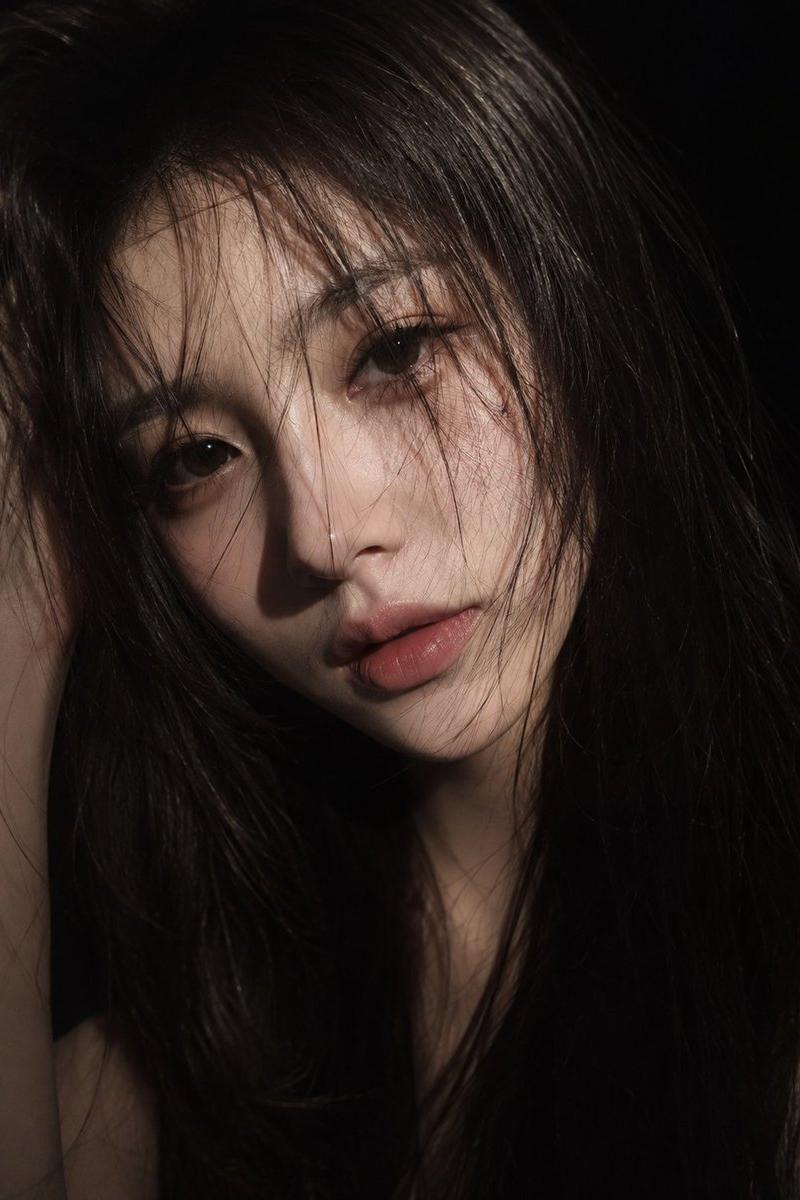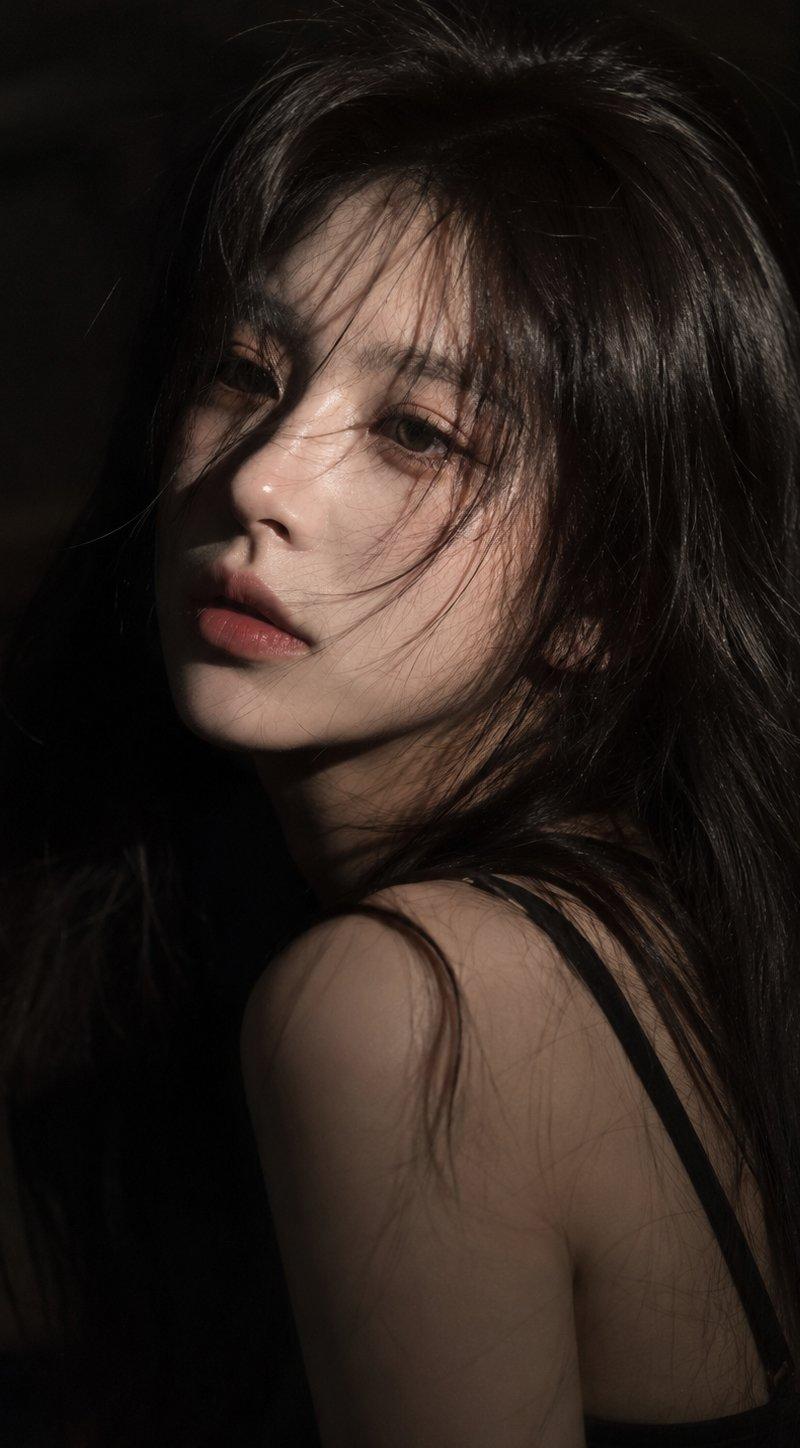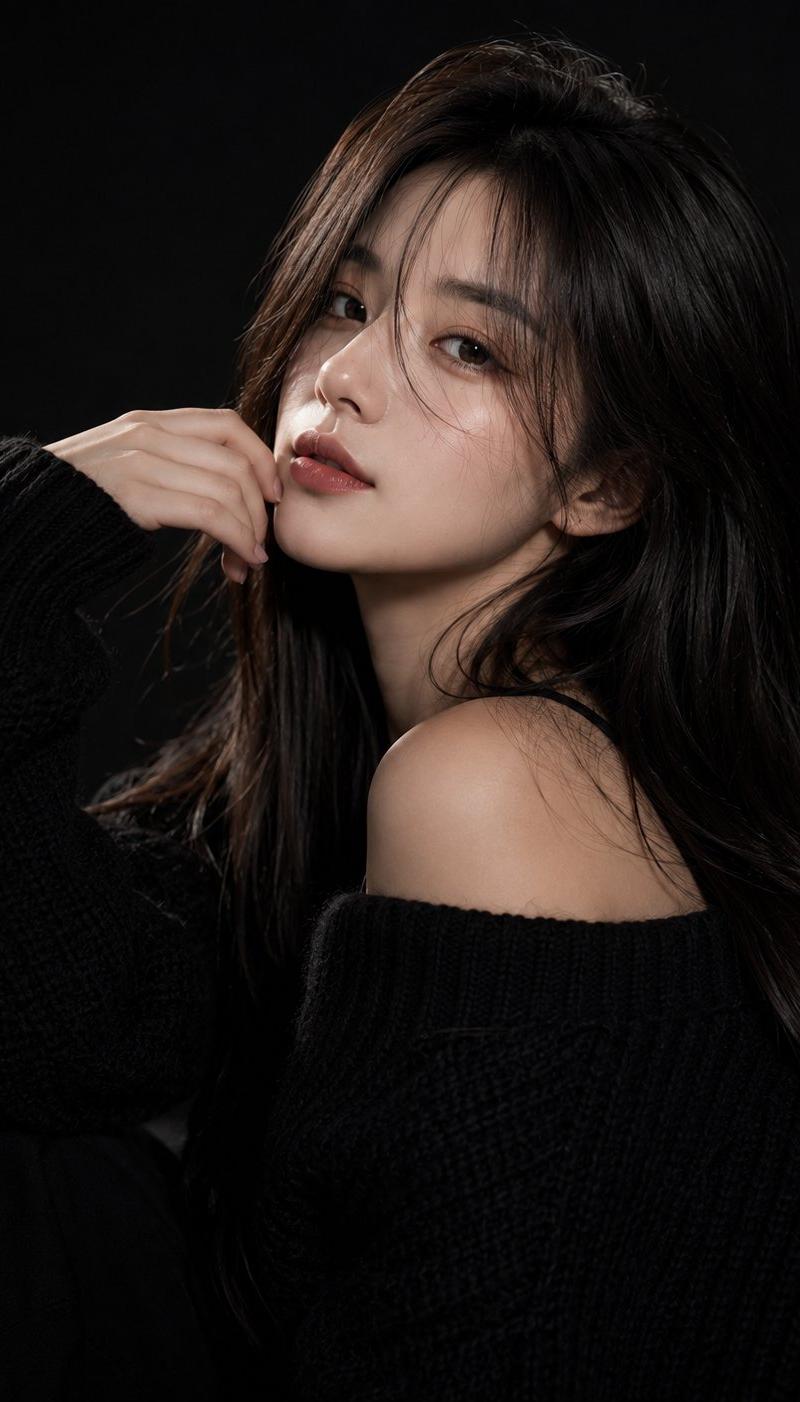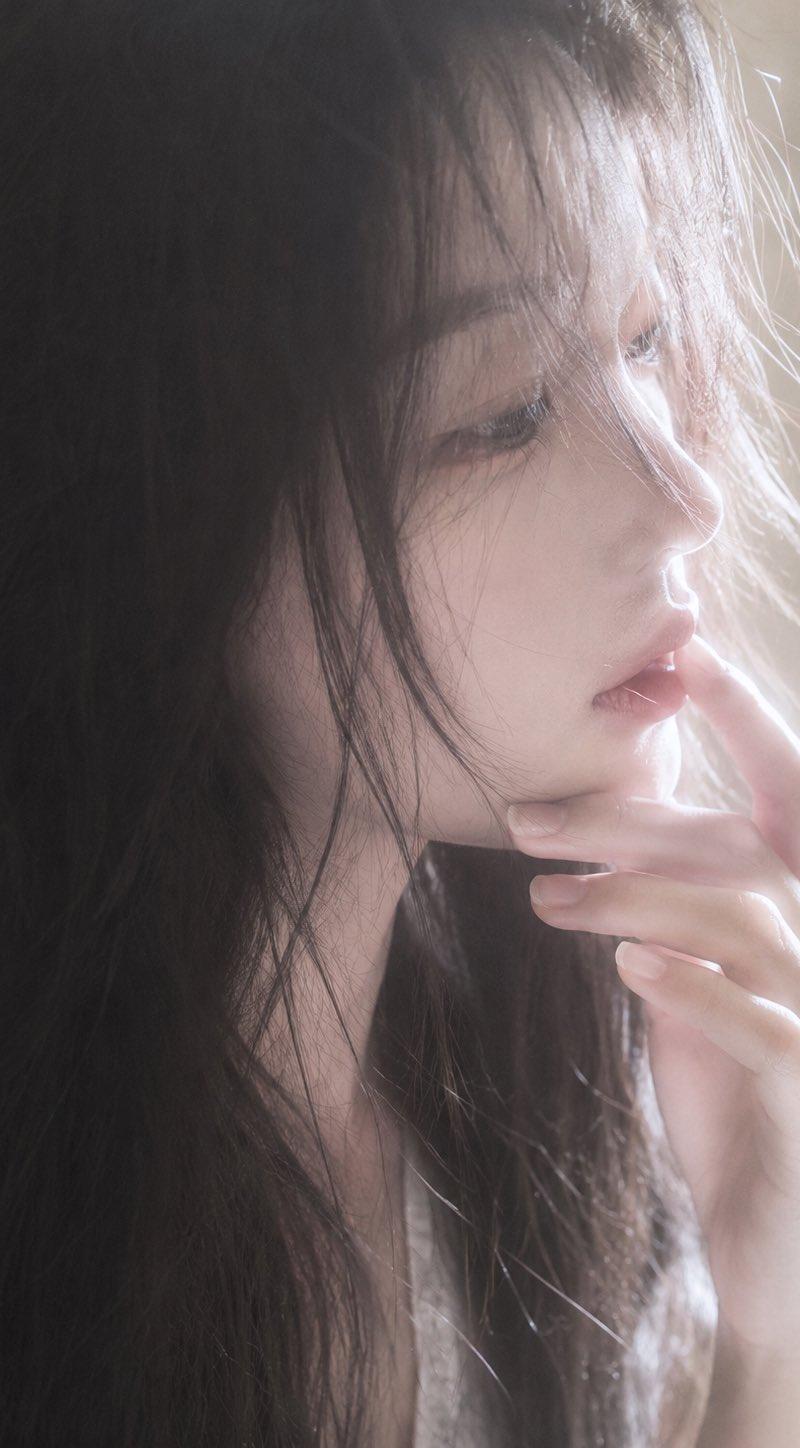
背光遮挡肖像
提示词
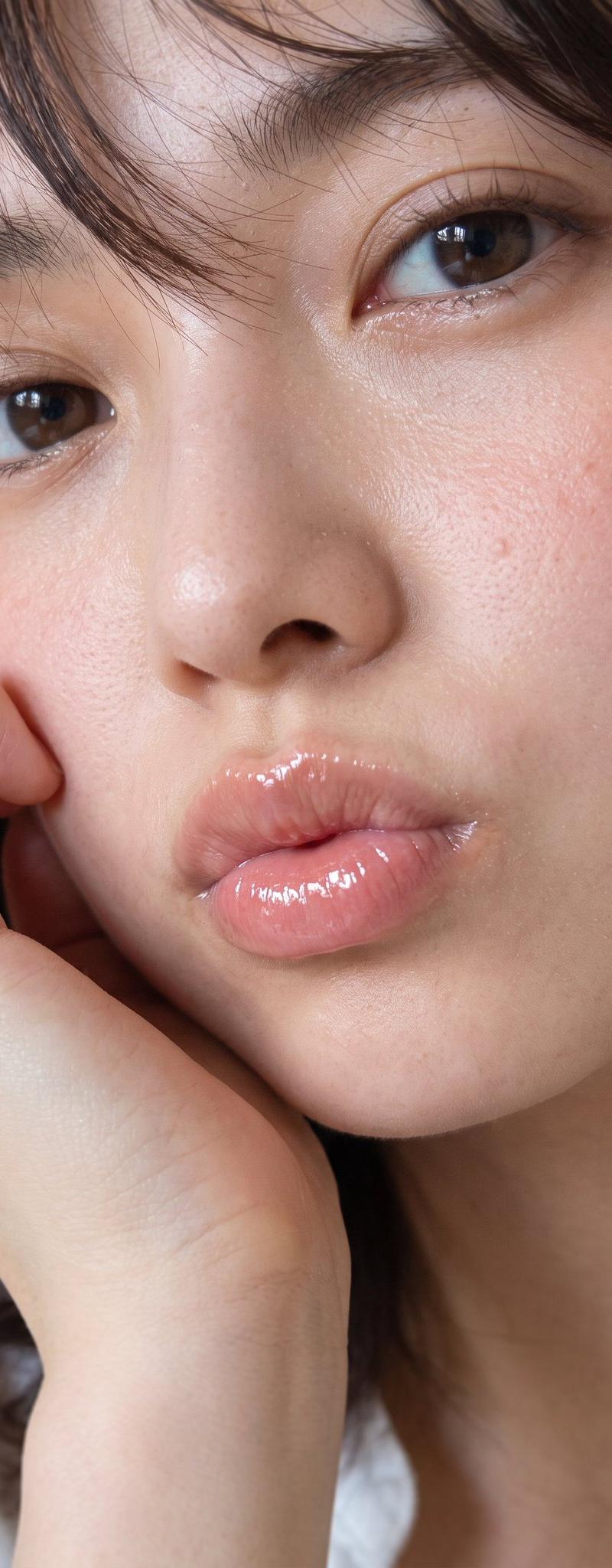
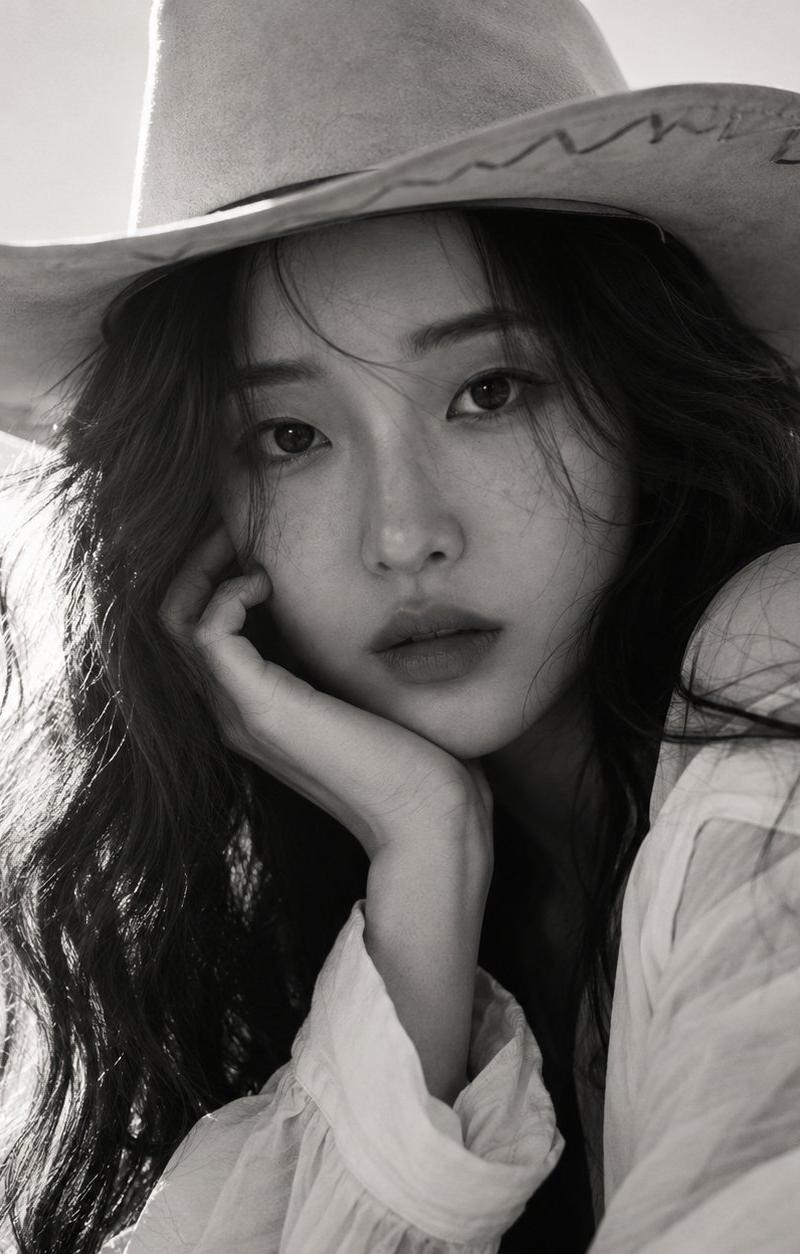
Create a soft, intimate vertical close-up portrait photo of a young woman with {argument name="hair color" default="long black hair"} in warm backlight. She is framed from the shoulders up, facing slightly right, with loose messy strands falling around her neck and over one side of her face. Her facial features are intentionally hidden by a large centered square privacy censor block covering the entire face area from forehead to mouth, colored with a muted gray-to-pale-rose gradient and no text. One delicate hand is raised near her lips and cheek, fingers gently curled, nails natural and pale. She wears a simple light-colored top barely visible at the bottom. Lighting is dreamy and overexposed from the right side, creating glowing rim light on hair strands, a hazy beige background, soft bloom, low contrast, shallow depth of field, and a candid film-photography mood. Use a 3:4 vertical canvas, realistic photographic texture, natural skin tones, no jewelry, no visible eyes, no typography, no watermark.- 分类
- 图表信息图
- 模型
- GPT Image 2
- 来源作者
- 𝟡𝟜 ᴾᴸᴬʸᶠᴼᴿᴳᴱ
- 原始语言
- en
- 来源 ID
- 24662
- 发布时间
- 2026年6月7日
浏览量6498