16

Cinematic Autumn Fashion Portrait
Enlarge

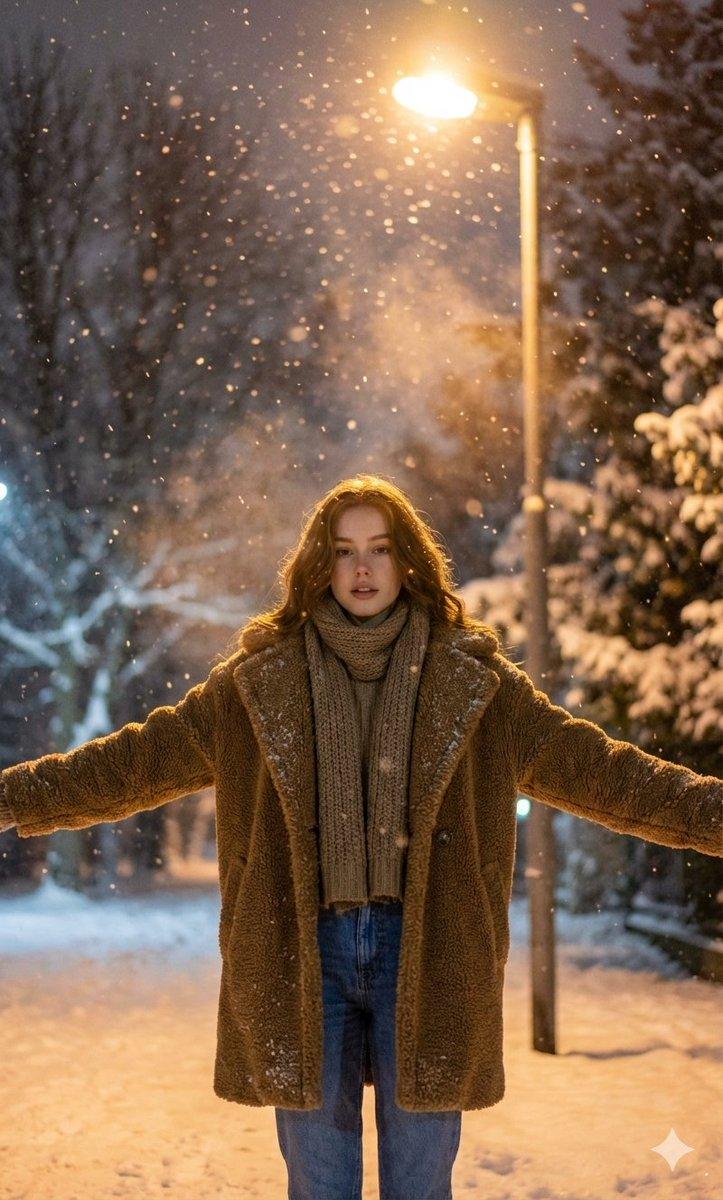
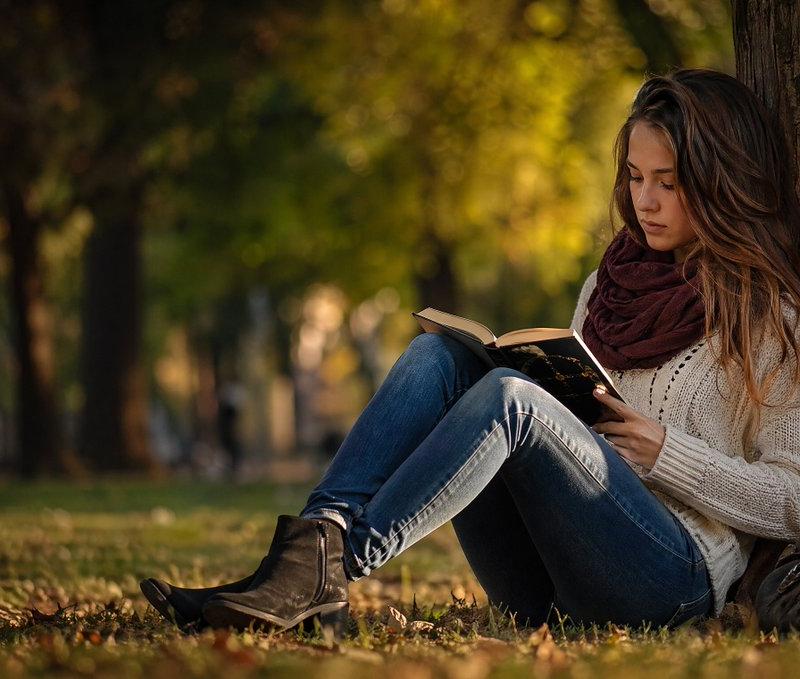
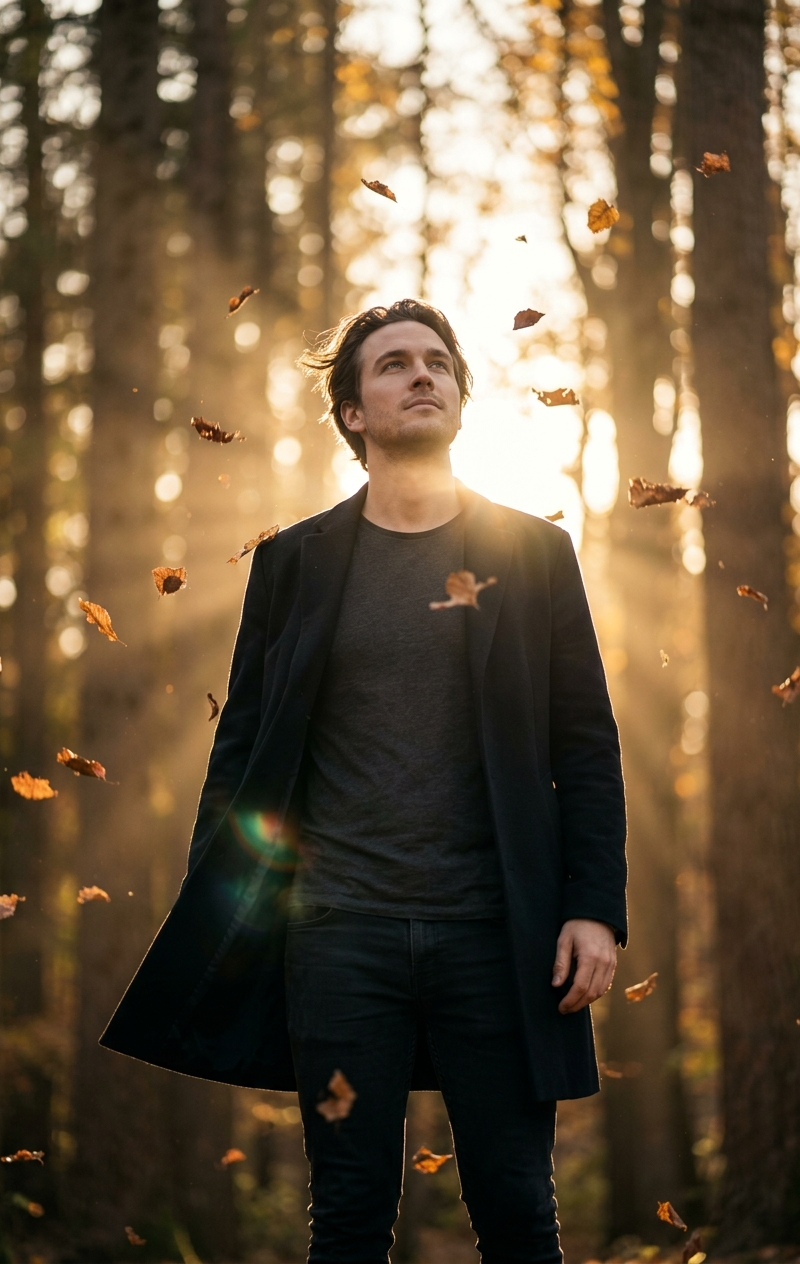
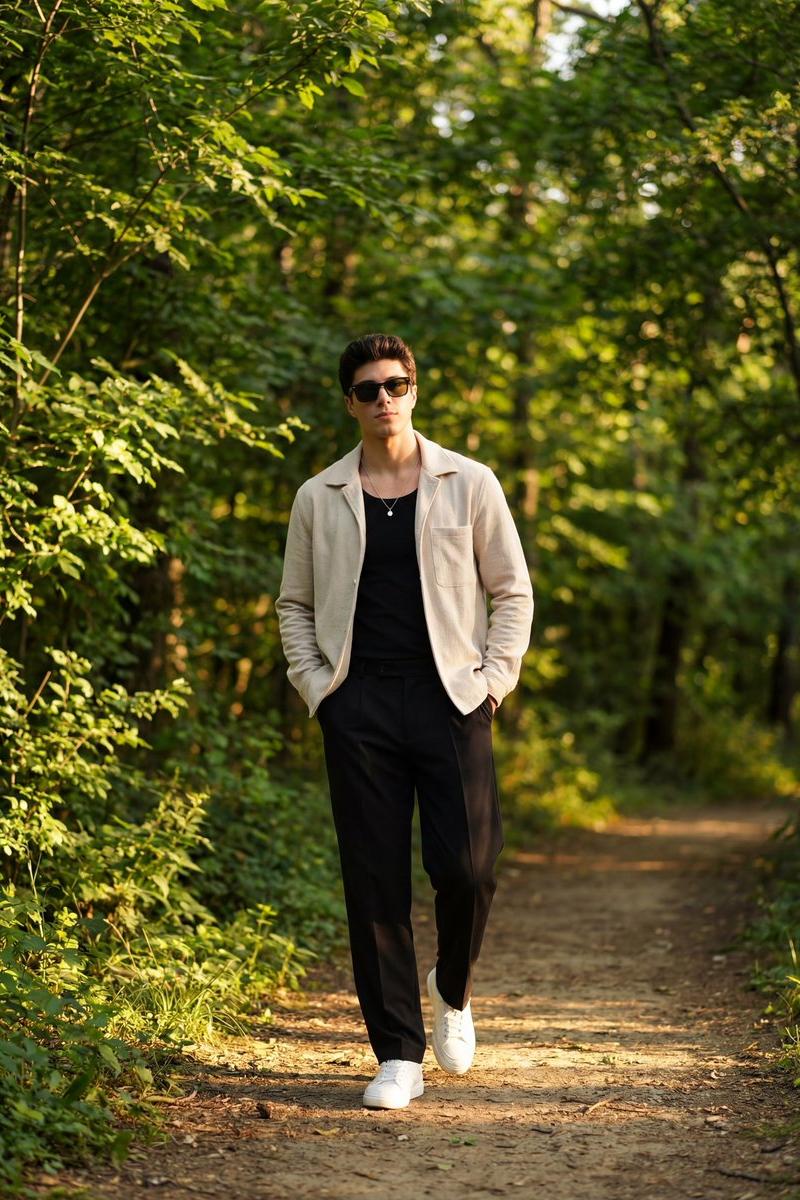
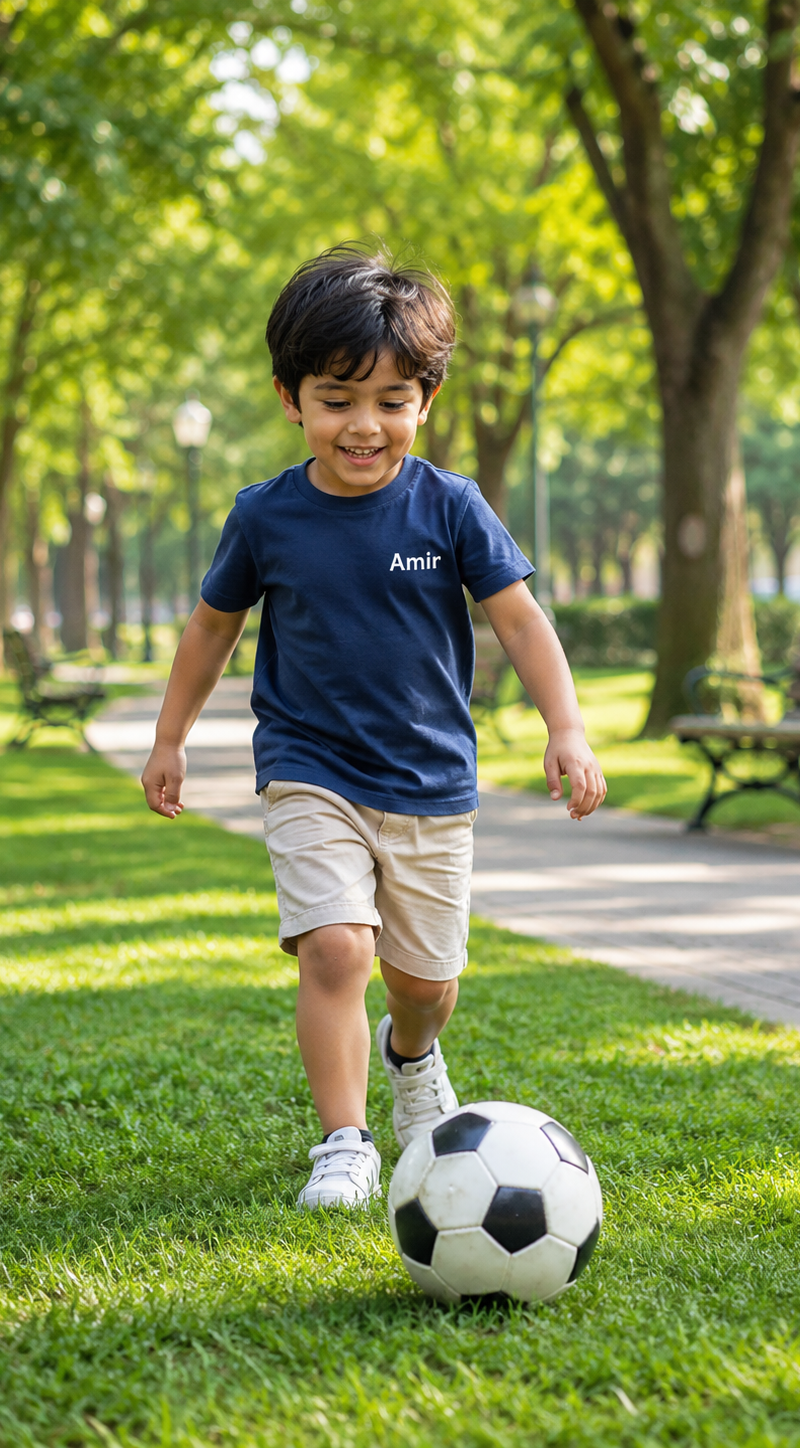
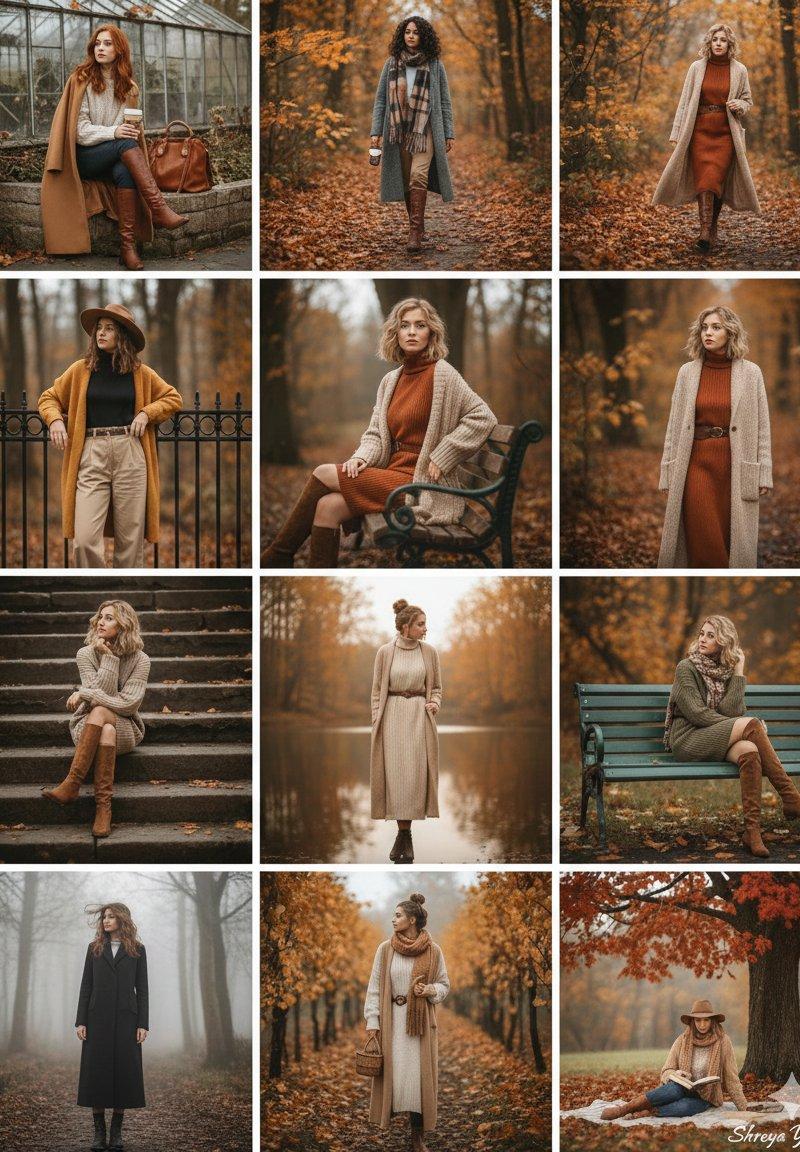
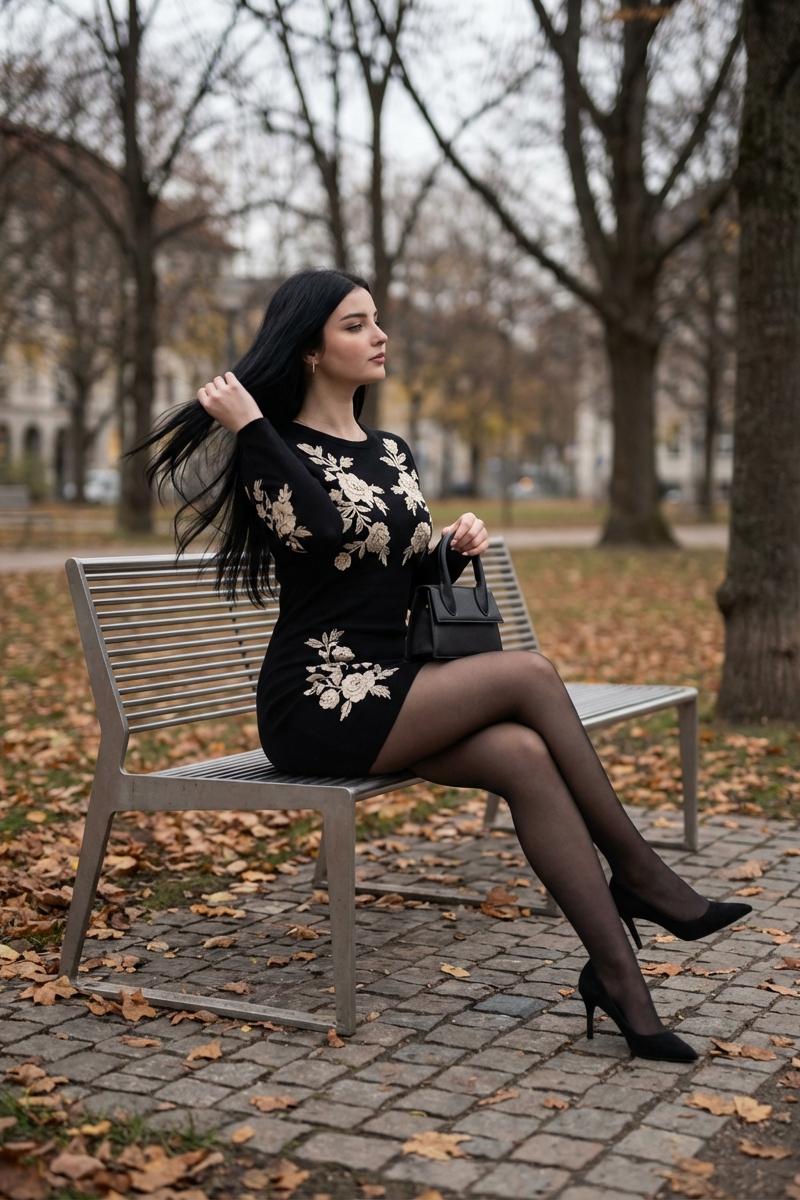
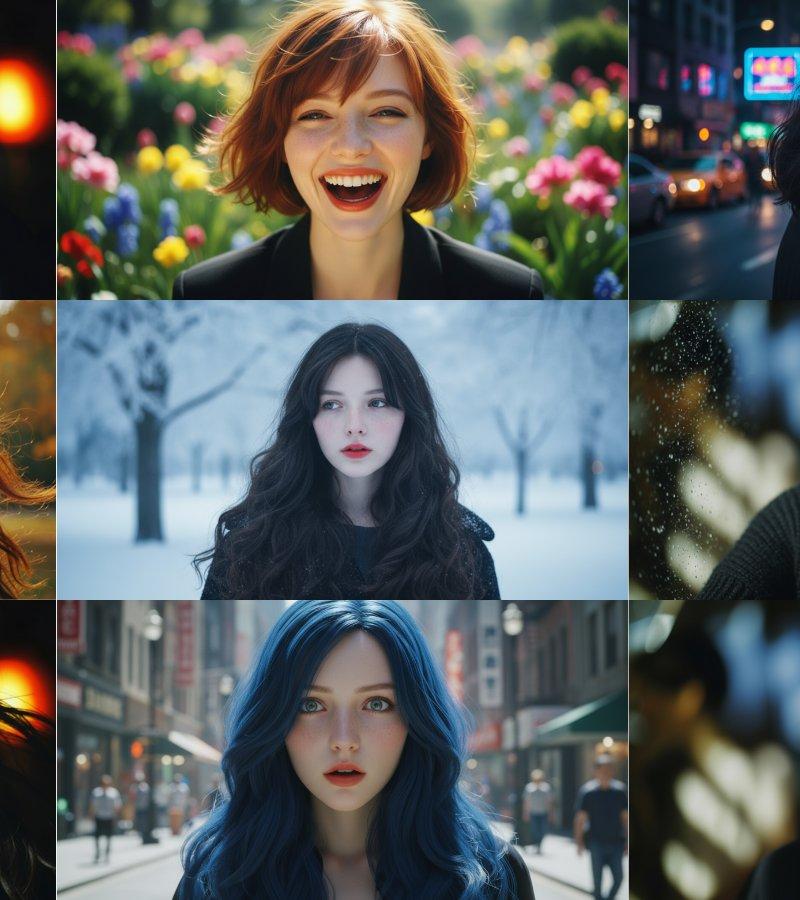
Example images

Cinematic Autumn Fashion Portrait

Prompt
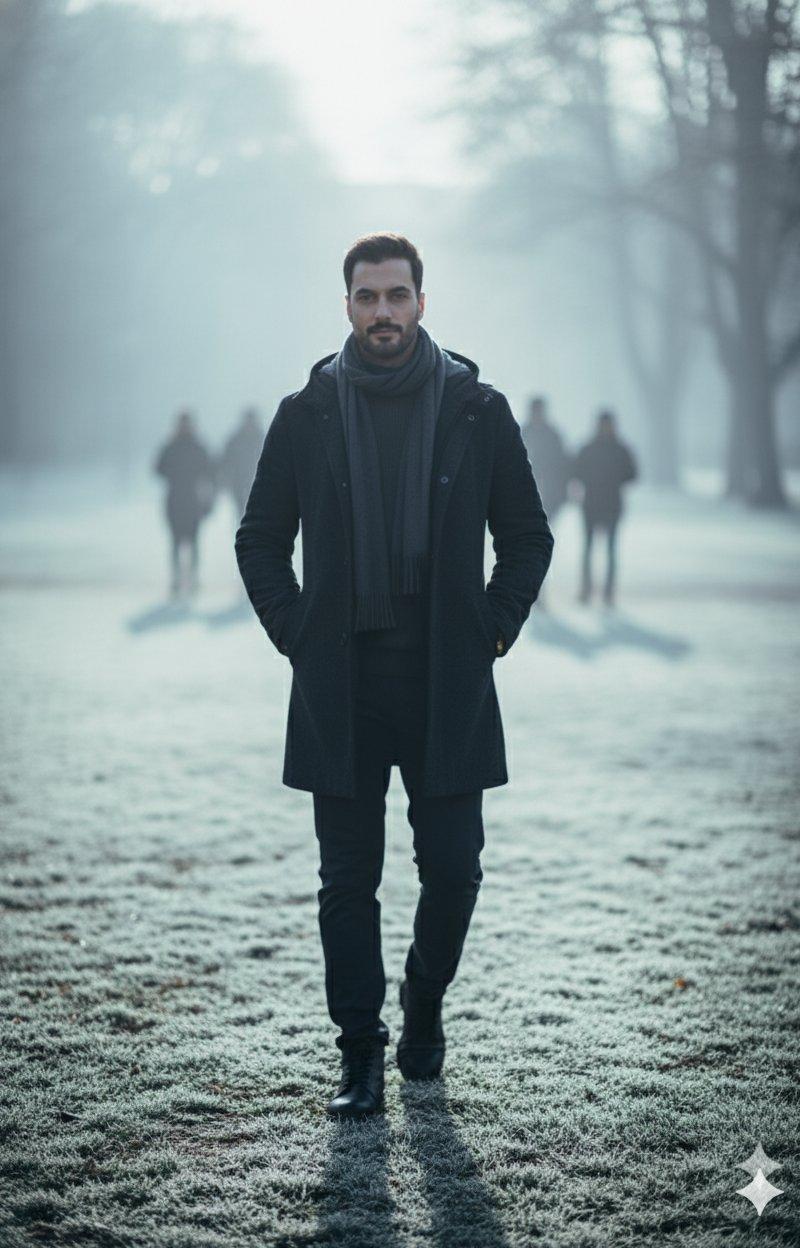
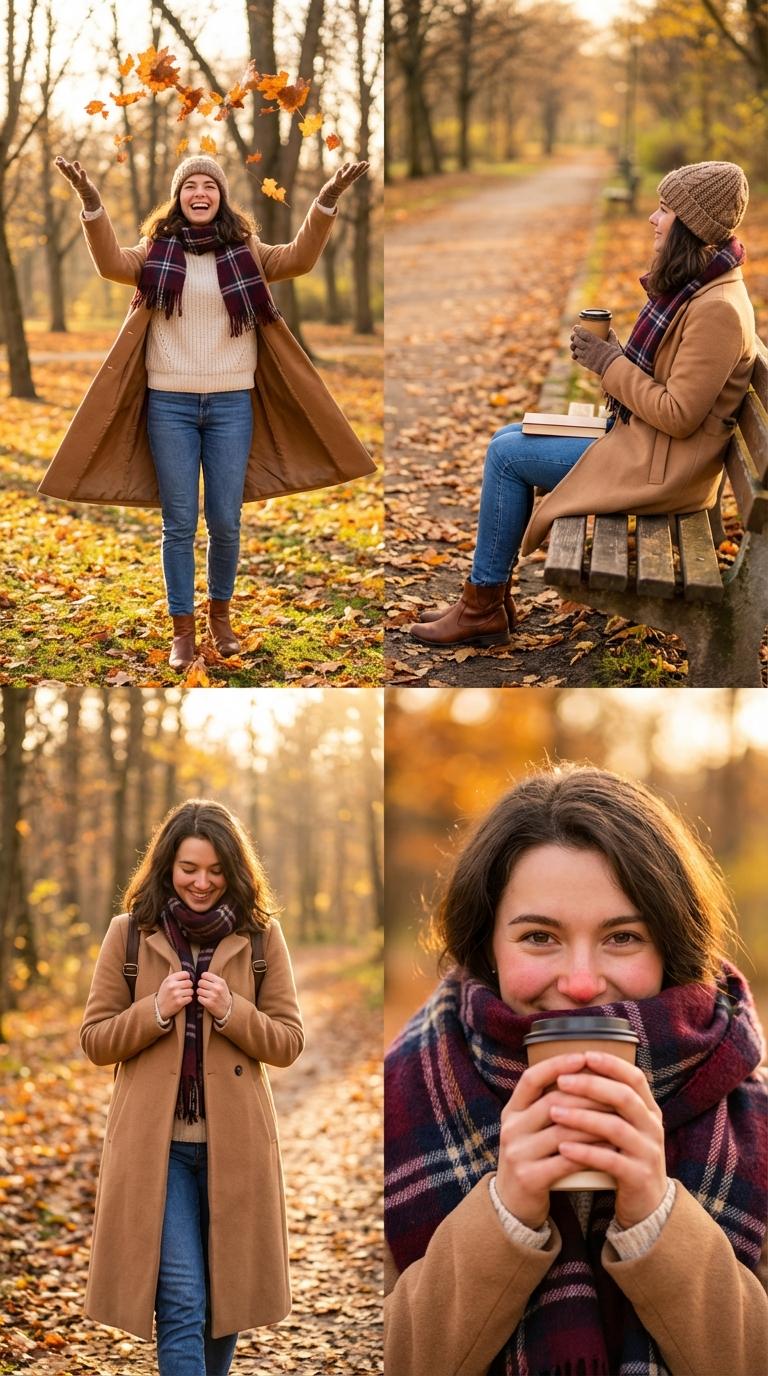
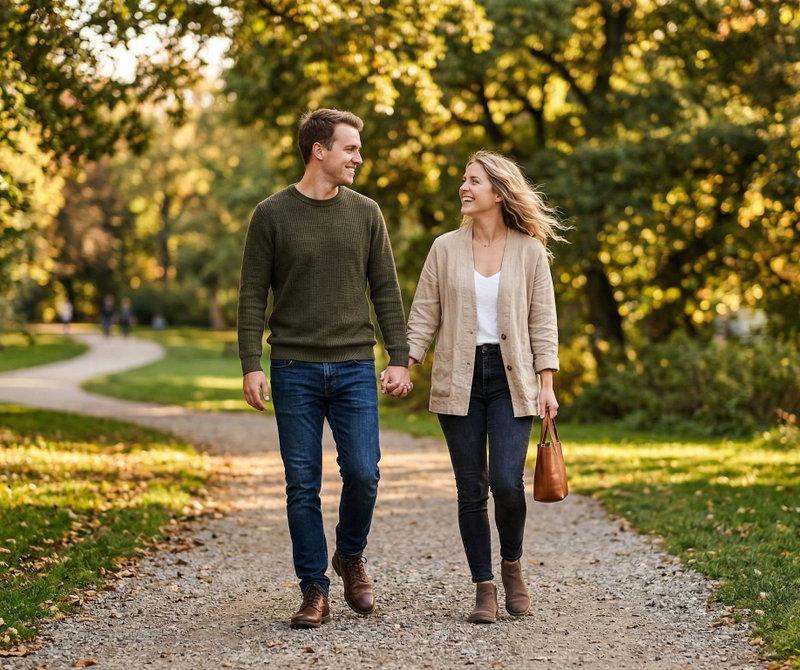
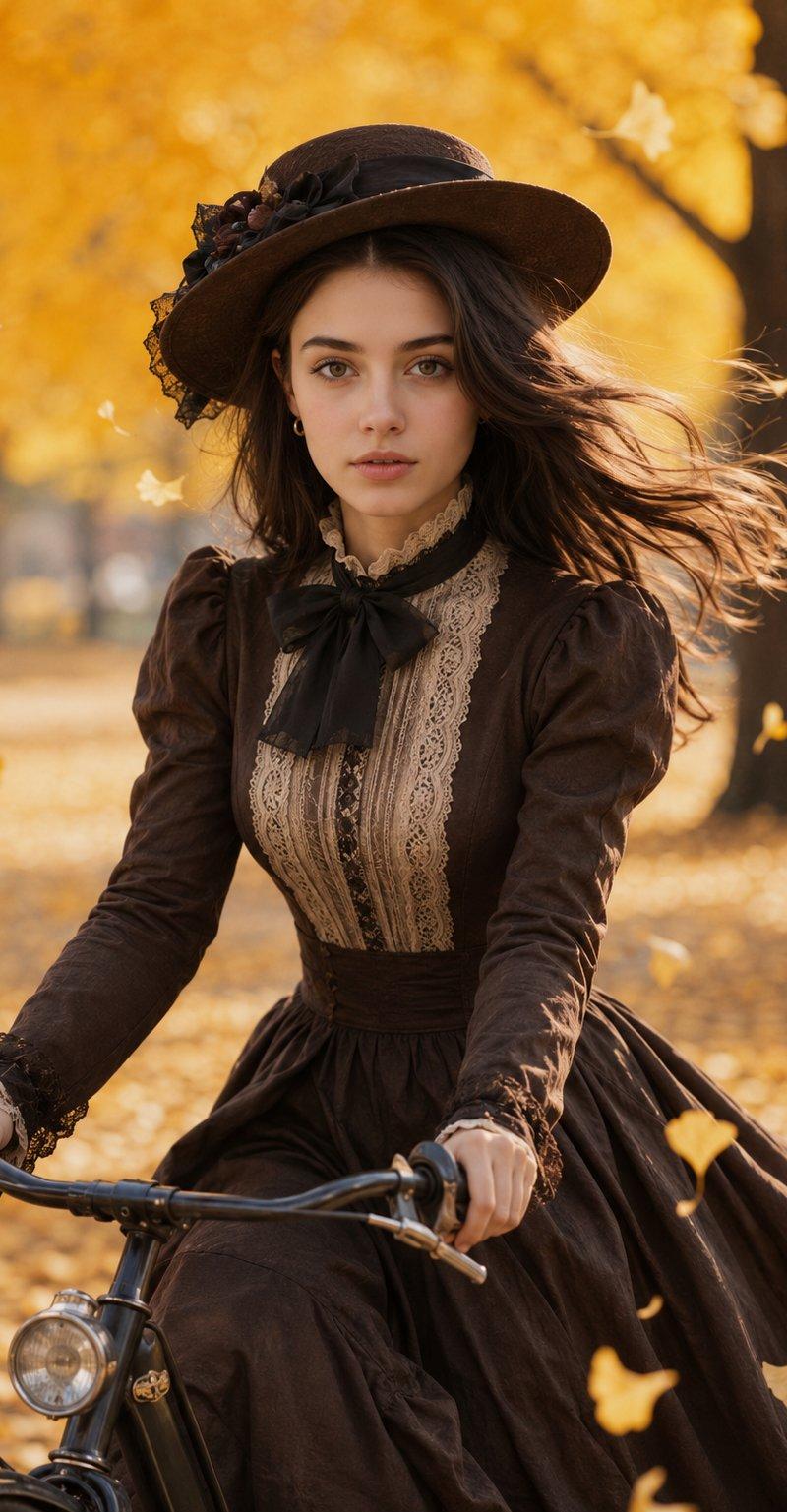
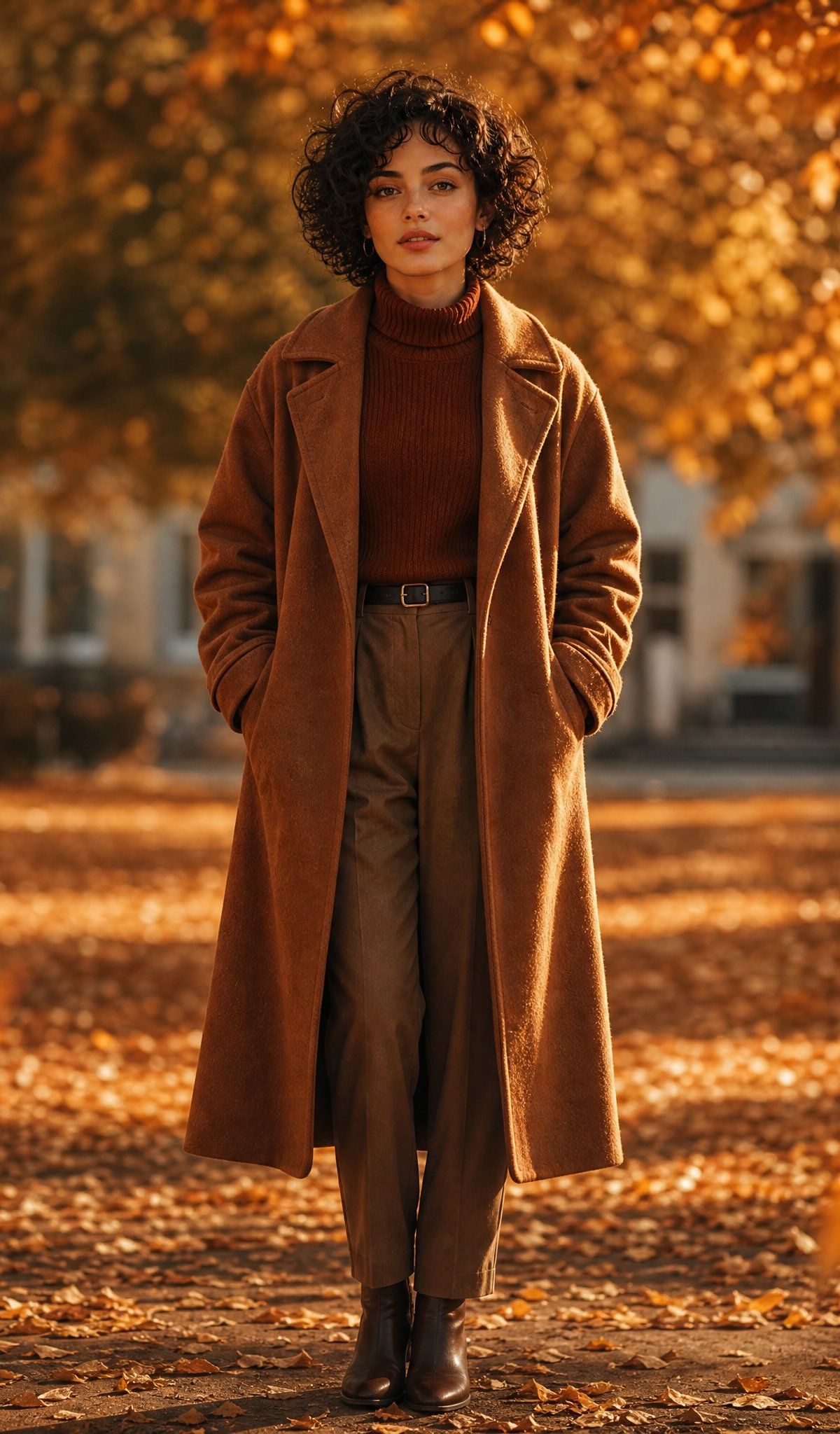
Create a cinematic full-body autumn portrait of an androgynous adult with {argument name="hair style" default="short dark curly hair"} standing centered on a leaf-covered park path, hands tucked into the pockets of a long camel-brown wool overcoat. The person wears a {argument name="outfit color palette" default="warm brown monochrome"} outfit: rust turtleneck sweater, high-waisted pleated trousers with a black belt, and dark brown leather ankle boots. Keep the face deliberately anonymous with a soft rectangular blur over the facial features while preserving the hair and silhouette. Surround the subject with glowing orange and golden fall foliage, large tree trunks on both sides, scattered leaves across the ground, and a softly blurred building in the distant background. Use warm golden-hour sunlight streaming through the trees, strong amber bokeh, shallow depth of field, natural lens compression, and a few large out-of-focus orange leaves in the foreground at the left and lower right edges. Compose as a vertical-feeling square image, subject centered and standing upright, elegant editorial fashion photography mood, rich autumn colors, realistic texture, no text, no watermark.
Category
Charts & Infographics
Model
GPT Image 2
Creator
Cherry 2.O
Source language
en
Views272
Source ID
24689
Published
Jun 8, 2026
Studio

Guide

About "Cinematic Autumn Fashion Portrait"

What is this prompt for?

"Cinematic Autumn Fashion Portrait" AI image prompt for GPT Image 2 (Charts & Infographics). A warm golden-hour park portrait of an anonymous stylish figure in…

The full copyable prompt and example visuals above are ready for AI image generation or one-click recreate in Picva.

How to use this prompt

  1. Step 1

    Open the prompt detail

    Review the example visuals, category, and full prompt text for "Cinematic Autumn Fashion Portrait".

  2. Step 2

    Copy the prompt

    Copy the prompt body from this page, or load it directly in Studio.

  3. Step 3

    Pick a model (GPT Image 2)

    Prefer GPT Image 2. If you switch models, keep subject and composition and tweak style terms.

  4. Step 4

    Generate and export

    Recreate the look in Picva, or export into your workflow for editing and publishing.

FAQ

What is the "Cinematic Autumn Fashion Portrait" prompt?
It is an AI image-generation prompt for GPT Image 2 in the Charts & Infographics category. This page includes the full prompt text, example visuals, and a one-click recreate path in Picva.
How do I use this prompt to generate an image?
Copy the prompt from this page, or use Generate / Studio. Paste it into a compatible image model, or recreate the look in Picva with optional reference images.
Which model is this prompt for?
This page lists GPT Image 2. Most descriptive prompts also transfer to nearby image models such as GPT Image, Flux, or Midjourney with light style tweaks.
Can I use the result commercially?
You can usually copy the prompt for creation, but commercial use of the final image depends on the model terms, reference-image rights, and the generated content. Follow the source author and platform rules.