18

幼儿蜡笔画风格转换
Enlarge

幼儿蜡笔画风格转换

Prompt
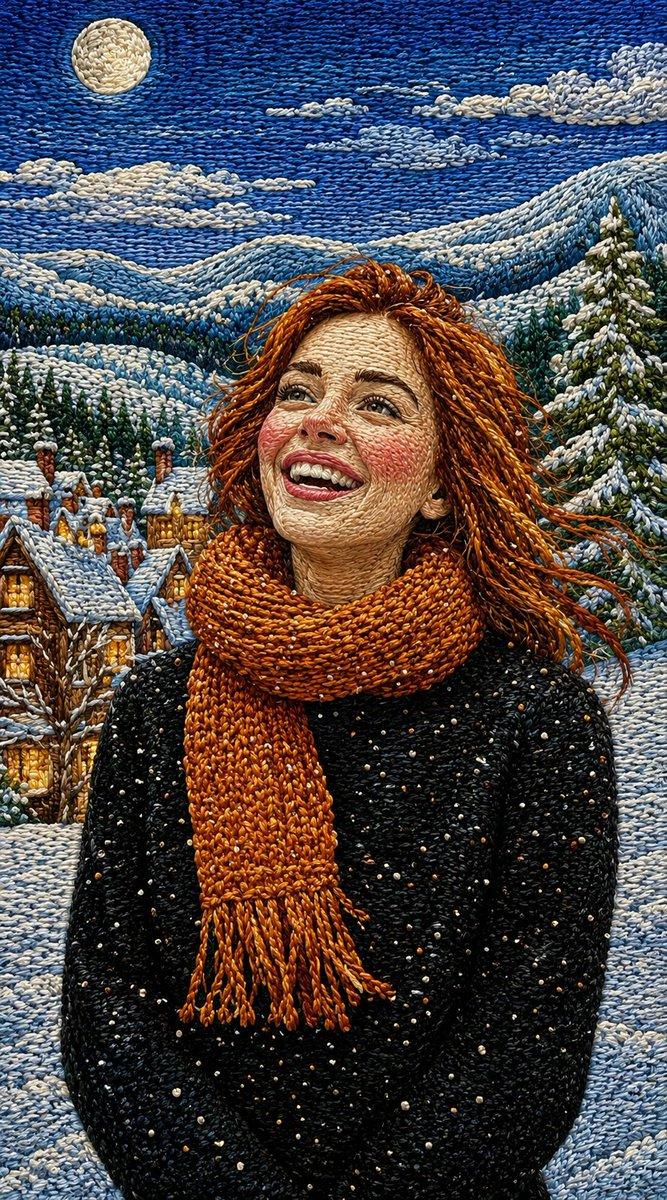
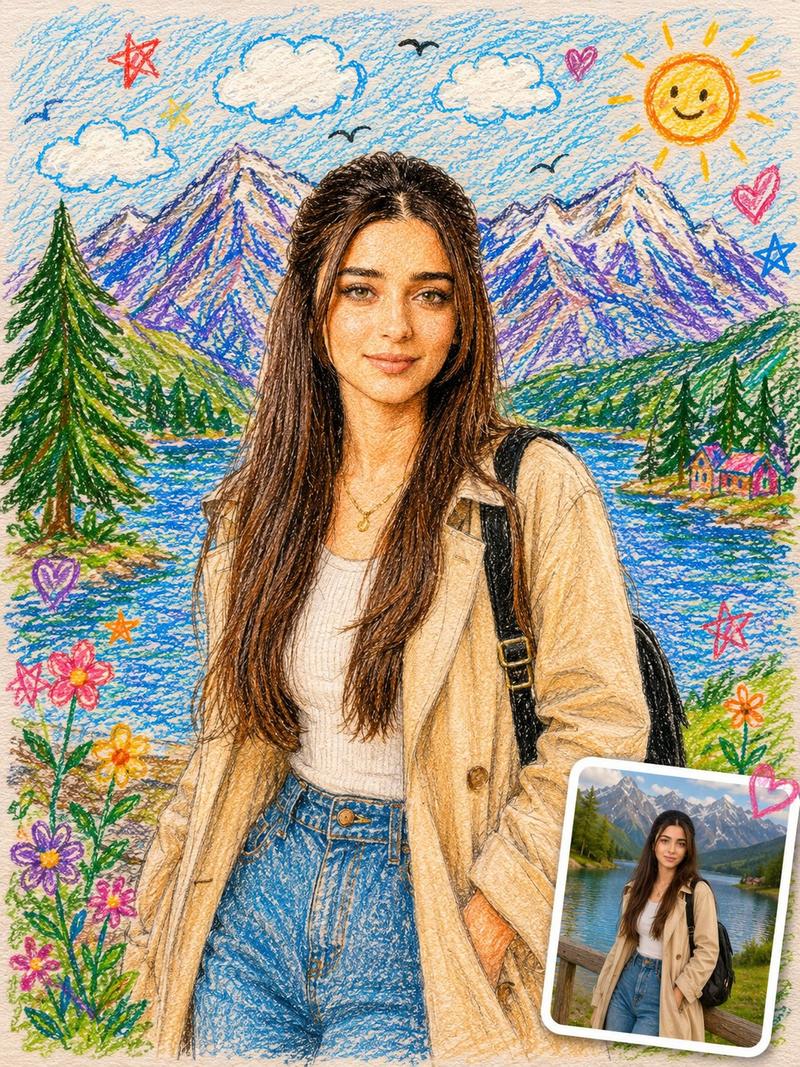
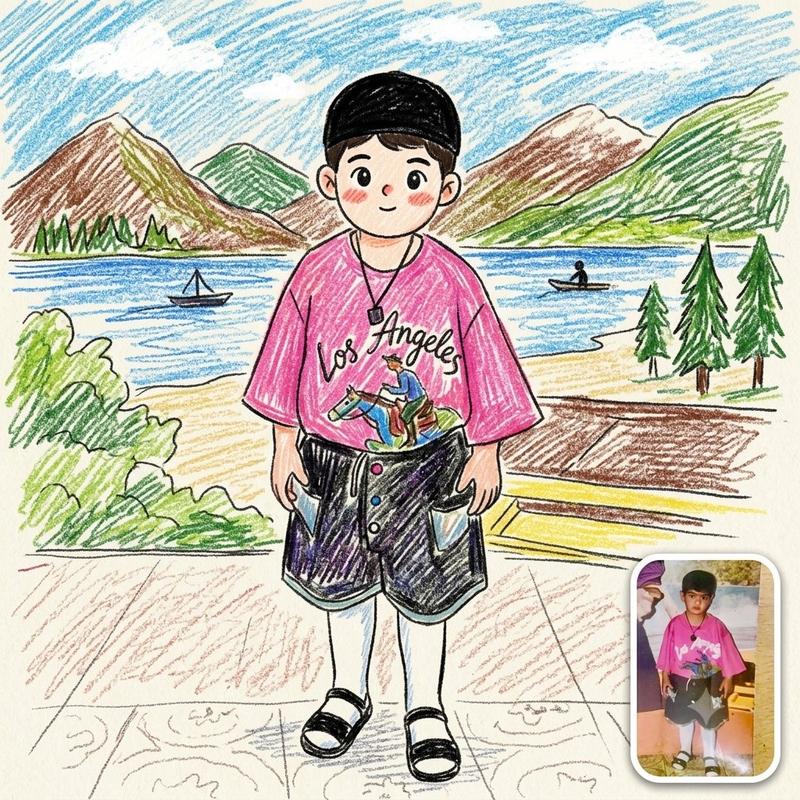
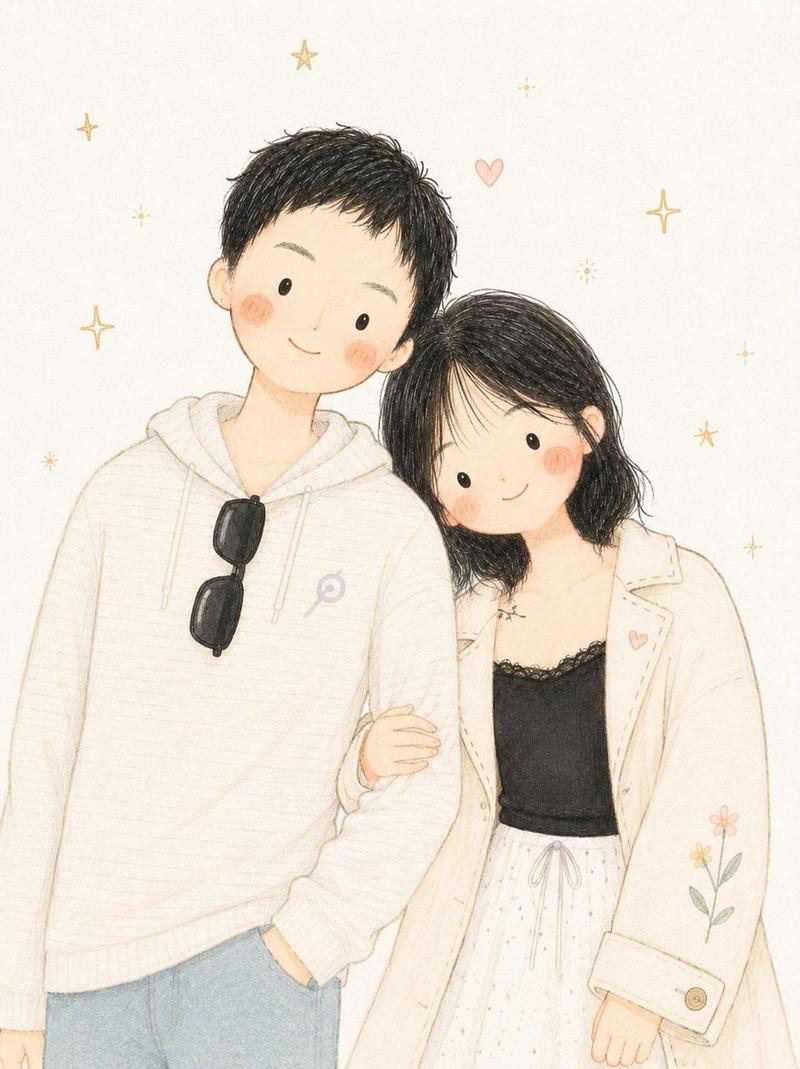
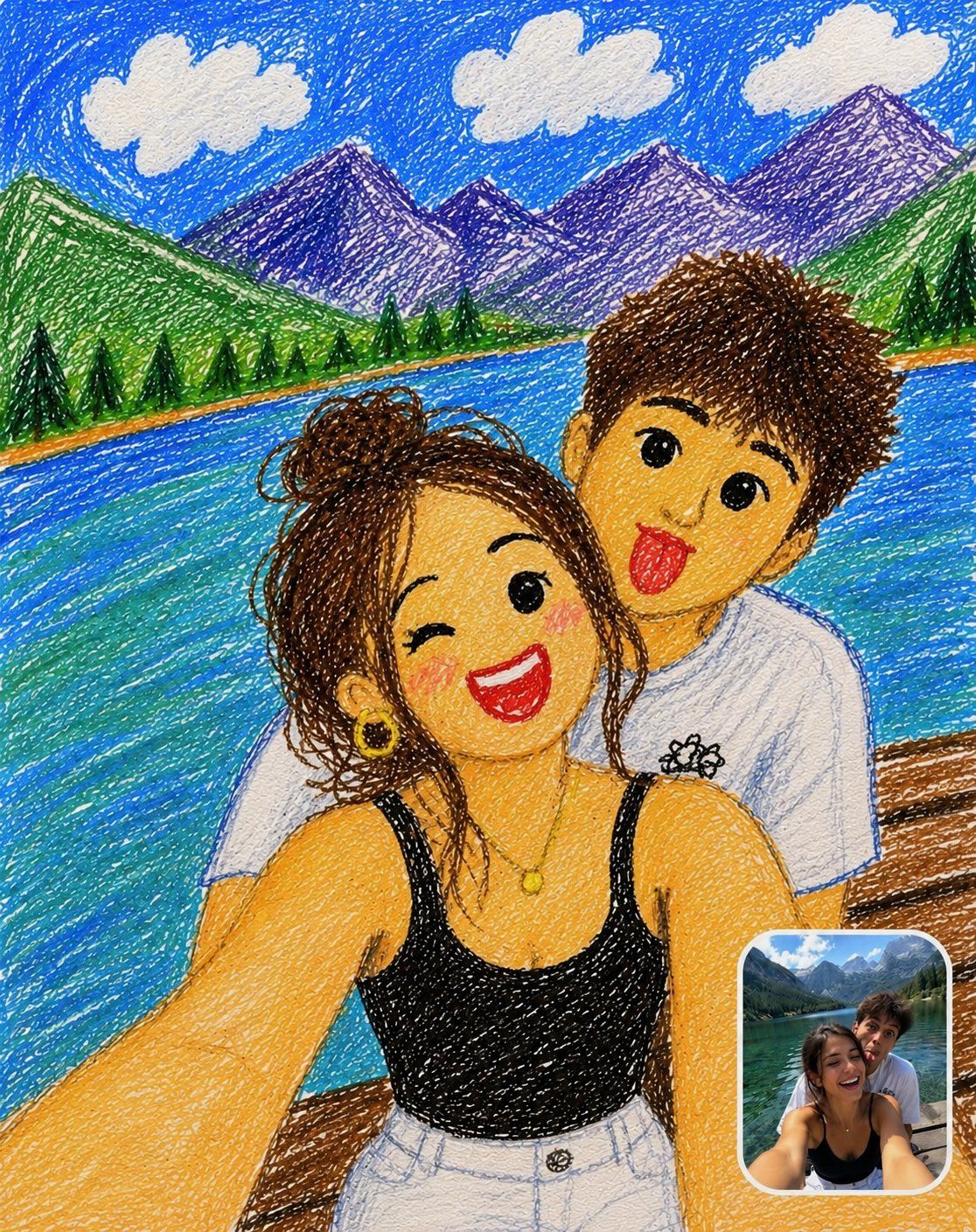
Transform the uploaded photo into a cute childlike crayon drawing while keeping the original pose, composition, clothing, expressions, and background. Use colorful wax-crayon and colored-pencil textures, messy scribbles, shaky outlines, and uneven coloring on textured paper. Simplify the faces into adorable cartoon-style characters with big eyes and rosy cheeks. Keep the mountains, lake, trees, clouds, and sky in a playful hand-drawn style. Add a small rounded-corner reference photo inset in the bottom-right corner showing the original image, with a white border and subtle shadow. Vibrant colors, charming, funny, handmade, high-detail crayon artwork.
Category
Photography & Realism
Model
GPT Image 2
Creator
Synthia
Views0
Source ID
24783
Published
Jun 8, 2026

Guide

About "幼儿蜡笔画风格转换"

What is this prompt for?

"幼儿蜡笔画风格转换" AI image prompt for GPT Image 2 (Photography & Realism). 将照片转换为可爱的儿童蜡笔画风格,同时保留原始姿势和构图。 Copy it on Picva and recreate the look in one click.

The full copyable prompt and example visuals above are ready for AI image generation or one-click recreate in Picva.

How to use this prompt

  1. Step 1

    Open the prompt detail

    Review the example visuals, category, and full prompt text for "幼儿蜡笔画风格转换".

  2. Step 2

    Copy the prompt

    Copy the prompt body from this page, or load it directly in Studio.

  3. Step 3

    Pick a model (GPT Image 2)

    Prefer GPT Image 2. If you switch models, keep subject and composition and tweak style terms.

  4. Step 4

    Generate and export

    Recreate the look in Picva, or export into your workflow for editing and publishing.

FAQ

What is the "幼儿蜡笔画风格转换" prompt?
It is an AI image-generation prompt for GPT Image 2 in the Photography & Realism category. This page includes the full prompt text, example visuals, and a one-click recreate path in Picva.
How do I use this prompt to generate an image?
Copy the prompt from this page, or use Generate / Studio. Paste it into a compatible image model, or recreate the look in Picva with optional reference images.
Which model is this prompt for?
This page lists GPT Image 2. Most descriptive prompts also transfer to nearby image models such as GPT Image, Flux, or Midjourney with light style tweaks.
Can I use the result commercially?
You can usually copy the prompt for creation, but commercial use of the final image depends on the model terms, reference-image rights, and the generated content. Follow the source author and platform rules.