18

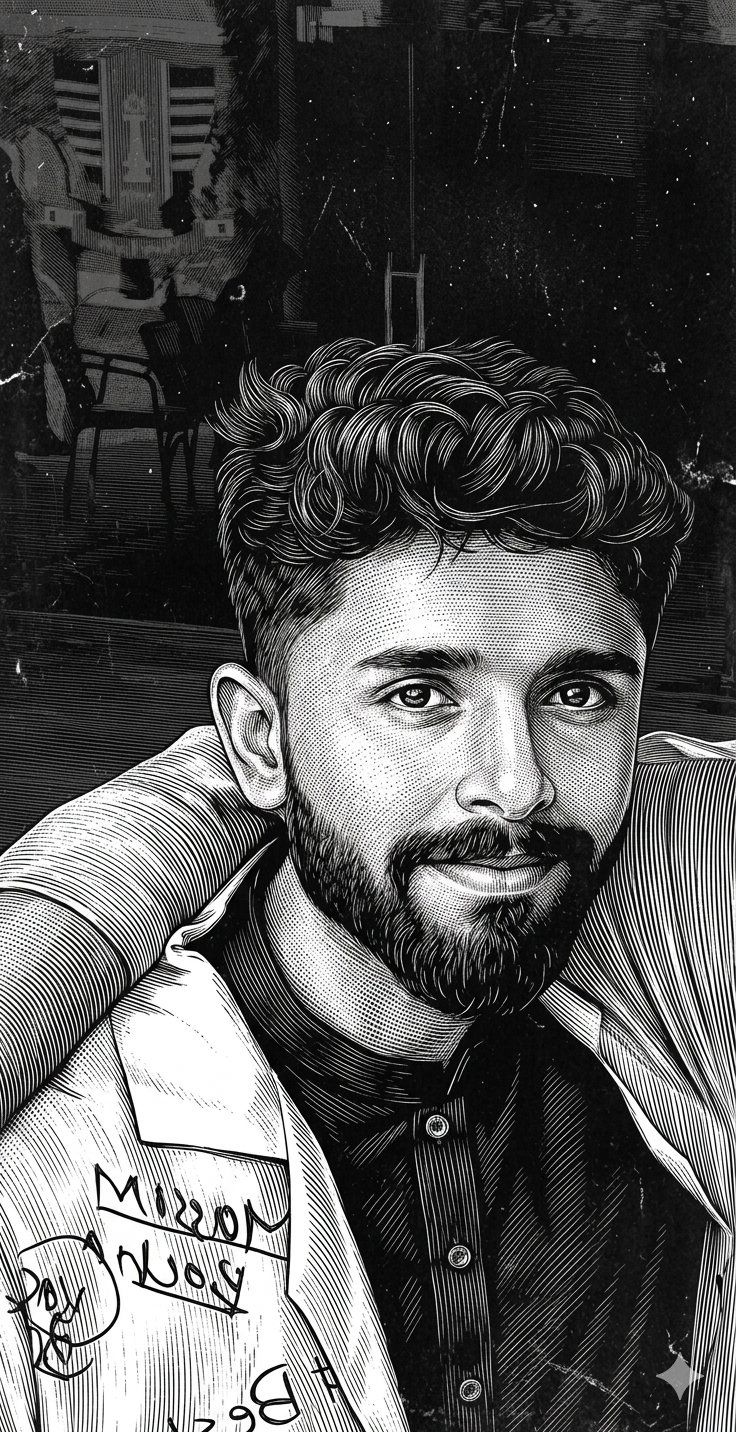
刮板画风格人像转换
Enlarge

刮板画风格人像转换

Prompt
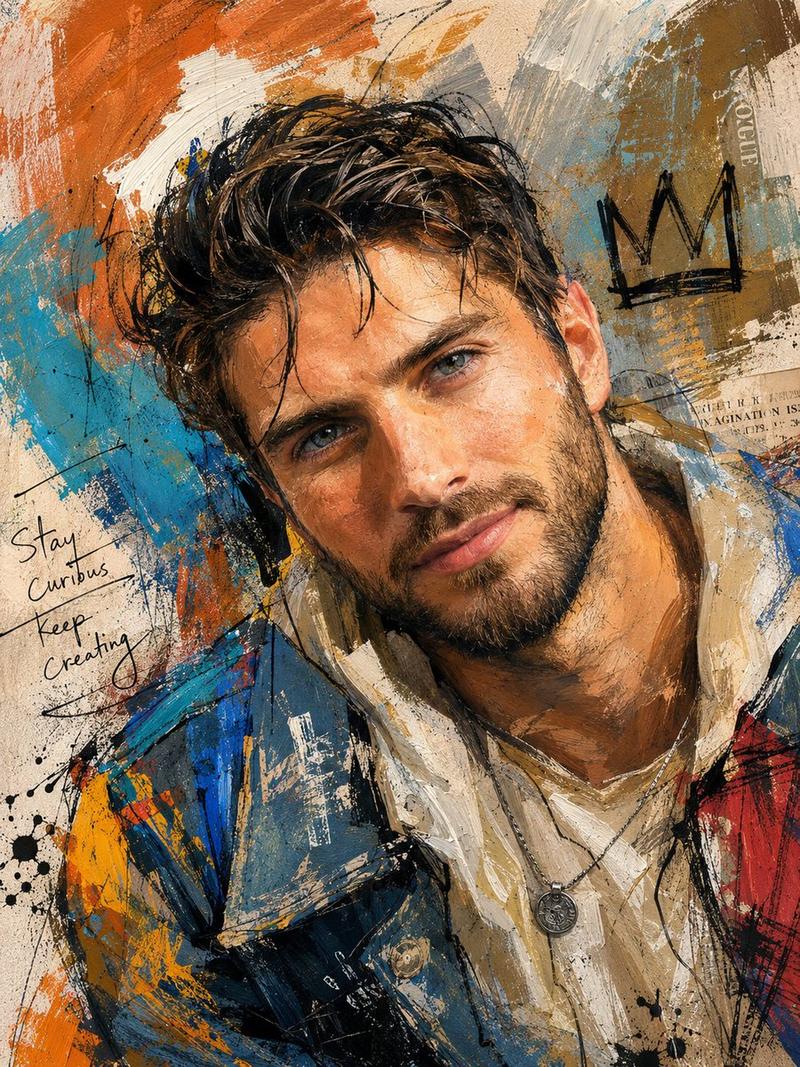
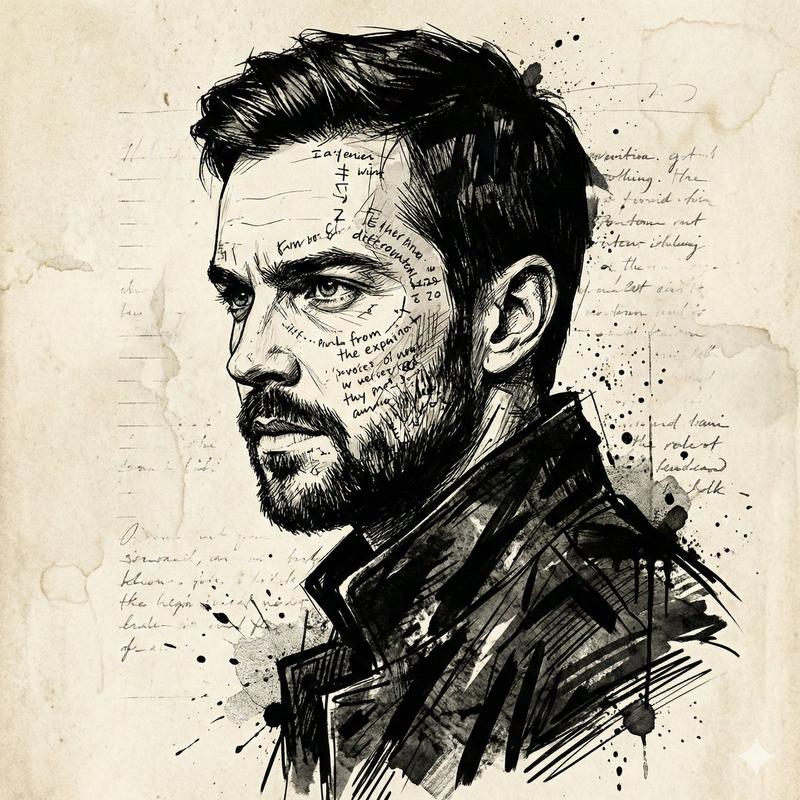
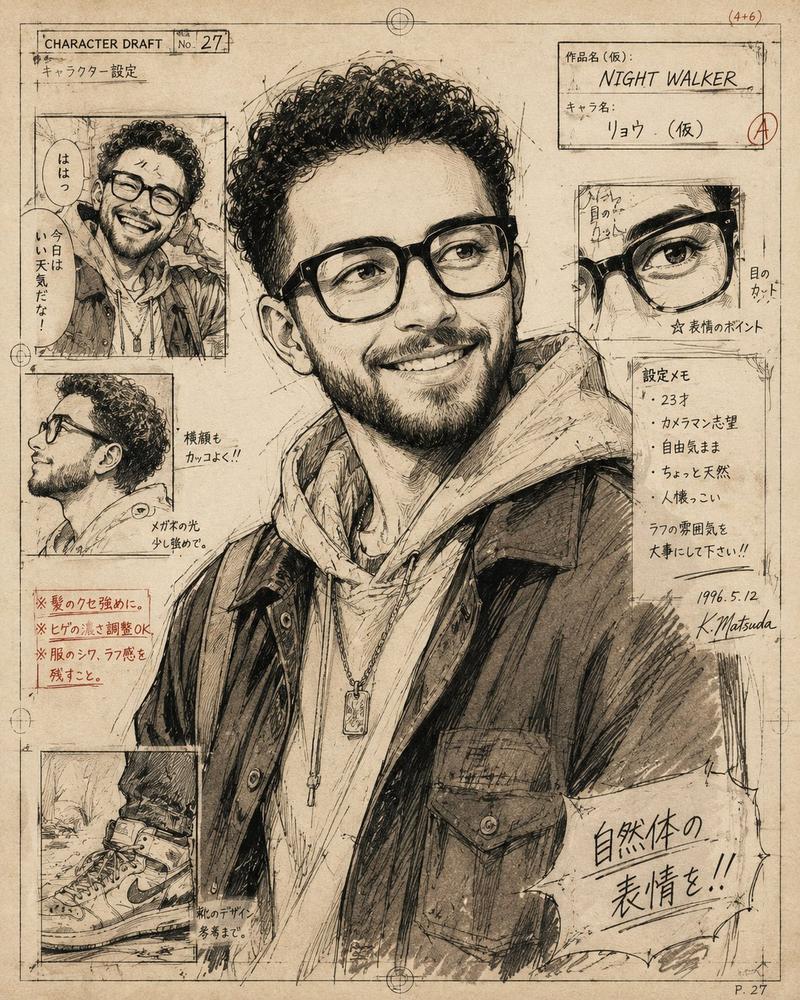
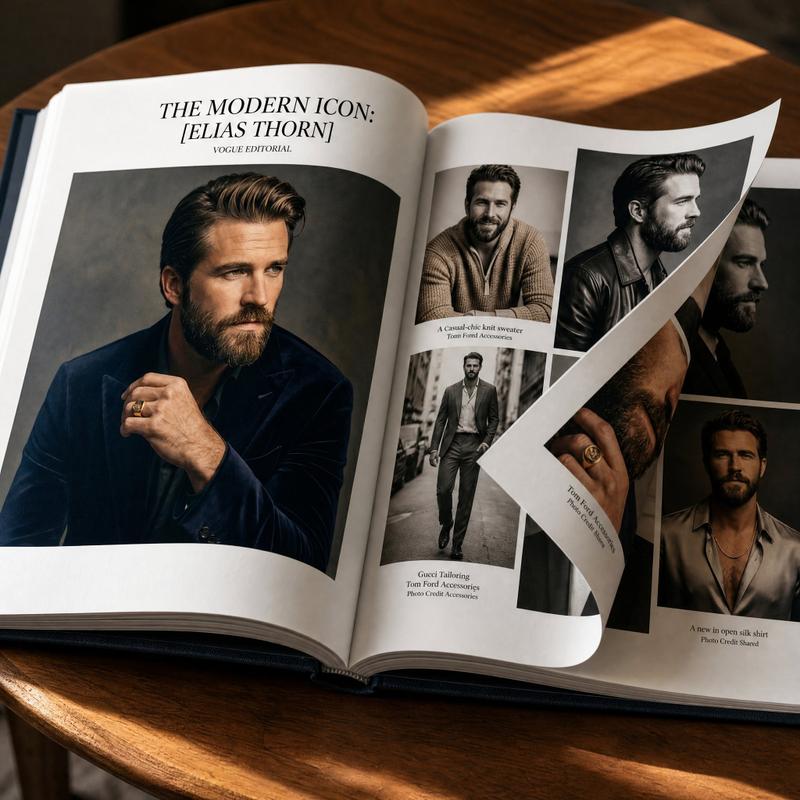
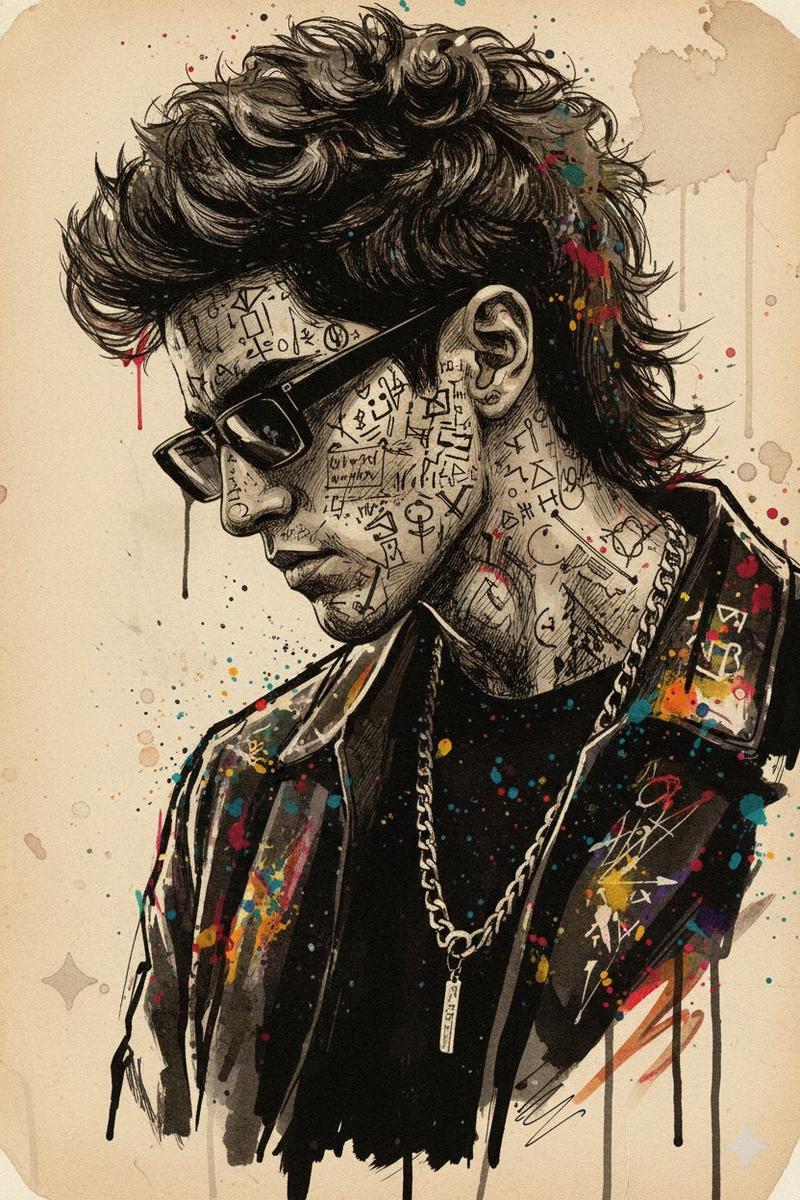
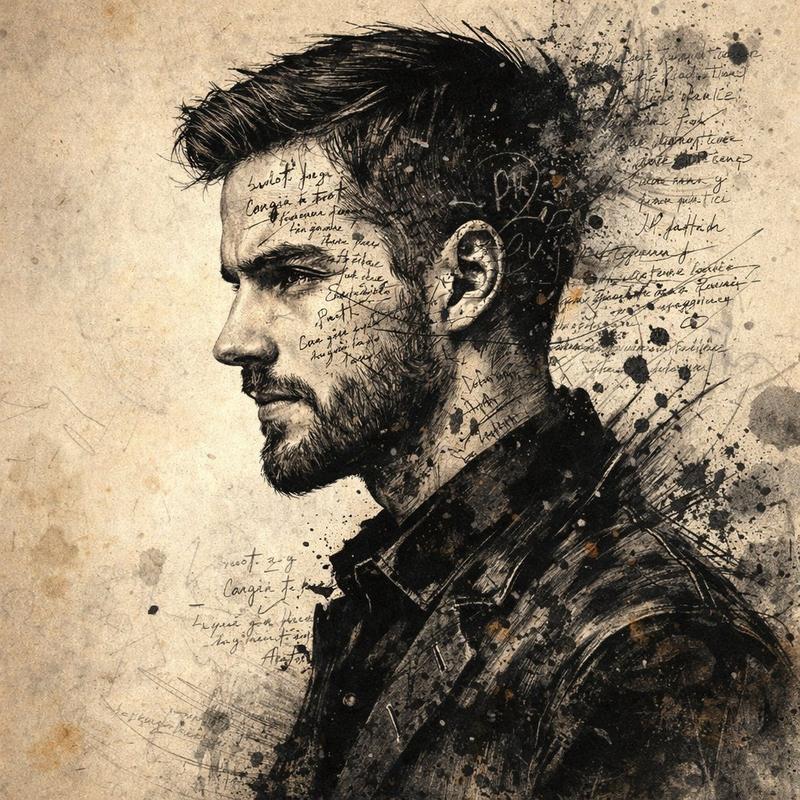
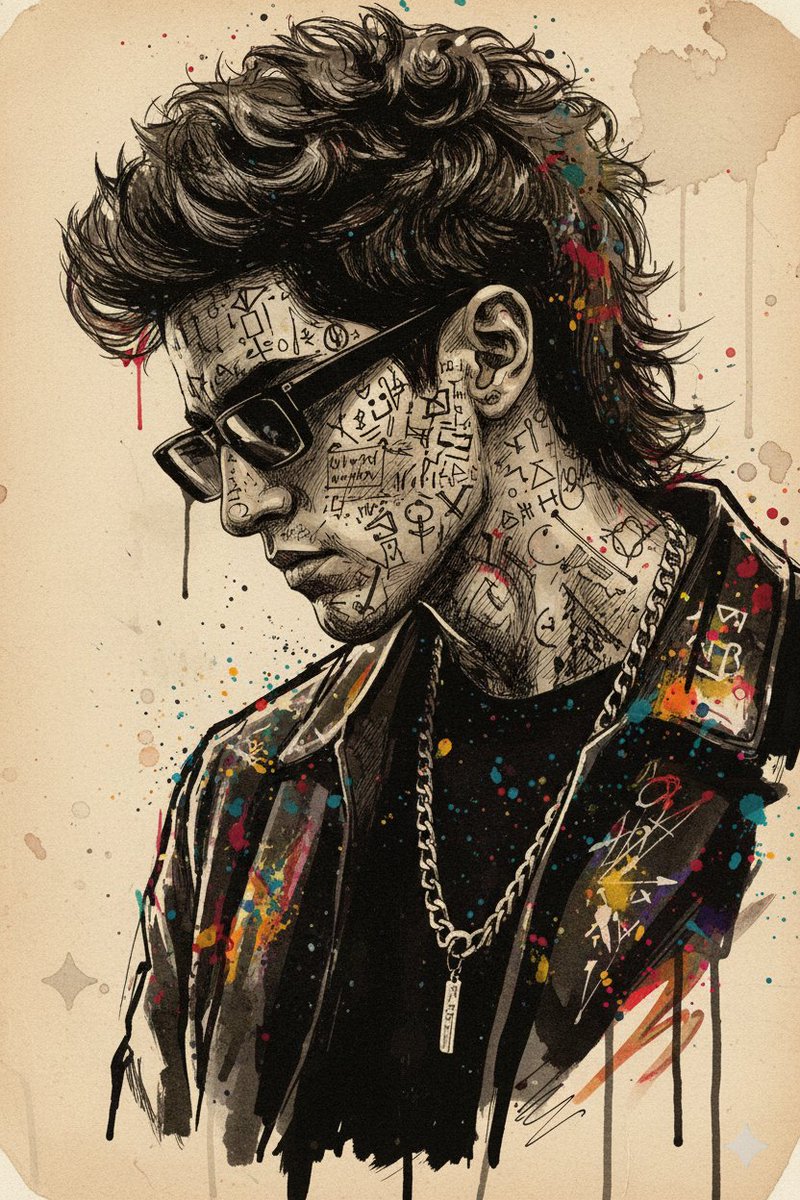
Transform the uploaded portrait into an ultra-detailed {argument name="art style" default="scratchboard masterpiece"}. Maintain the exact likeness, facial structure, hairstyle, expression, and identity of the person. Create a high-contrast black-and-white engraving using intricate scratchboard techniques, fine cross-hatching, etching, and razor-sharp white lines on a deep black background. Focus on realistic facial details: expressive eyes, detailed eyebrows, natural skin texture, individual hair strands, beard and mustache texture (if present), and precise facial contours. Use {argument name="lighting" default="dramatic cinematic lighting"} with strong highlights and deep shadows to enhance depth and dimension. Add a {argument name="background" default="dark grunge background"} with subtle scratches, dust particles, distressed textures, and artistic imperfections. The artwork should resemble a premium hand-crafted scratchboard illustration, combining vintage engraving aesthetics with modern graphic novel styling. Professional museum-quality artwork, ultra-sharp focus, highly detailed linework, bold contrast, clean composition, masterpiece quality, 8K resolution, award-winning illustration, visually striking monochrome portrait.
Category
Photography & Realism
Model
GPT Image 2
Views0
Source ID
24789
Published
Jun 8, 2026

Guide

About "刮板画风格人像转换"

What is this prompt for?

"刮板画风格人像转换" AI image prompt for GPT Image 2 (Photography & Realism). 一个精妙的提示词,可将任何肖像转换为高对比度的黑白刮板画杰作,在保持人物相似度的同时,增添细腻的艺术纹理与电影级光影效果。 Copy it on Picva and recreat…

The full copyable prompt and example visuals above are ready for AI image generation or one-click recreate in Picva.

How to use this prompt

  1. Step 1

    Open the prompt detail

    Review the example visuals, category, and full prompt text for "刮板画风格人像转换".

  2. Step 2

    Copy the prompt

    Copy the prompt body from this page, or load it directly in Studio.

  3. Step 3

    Pick a model (GPT Image 2)

    Prefer GPT Image 2. If you switch models, keep subject and composition and tweak style terms.

  4. Step 4

    Generate and export

    Recreate the look in Picva, or export into your workflow for editing and publishing.

FAQ

What is the "刮板画风格人像转换" prompt?
It is an AI image-generation prompt for GPT Image 2 in the Photography & Realism category. This page includes the full prompt text, example visuals, and a one-click recreate path in Picva.
How do I use this prompt to generate an image?
Copy the prompt from this page, or use Generate / Studio. Paste it into a compatible image model, or recreate the look in Picva with optional reference images.
Which model is this prompt for?
This page lists GPT Image 2. Most descriptive prompts also transfer to nearby image models such as GPT Image, Flux, or Midjourney with light style tweaks.
Can I use the result commercially?
You can usually copy the prompt for creation, but commercial use of the final image depends on the model terms, reference-image rights, and the generated content. Follow the source author and platform rules.