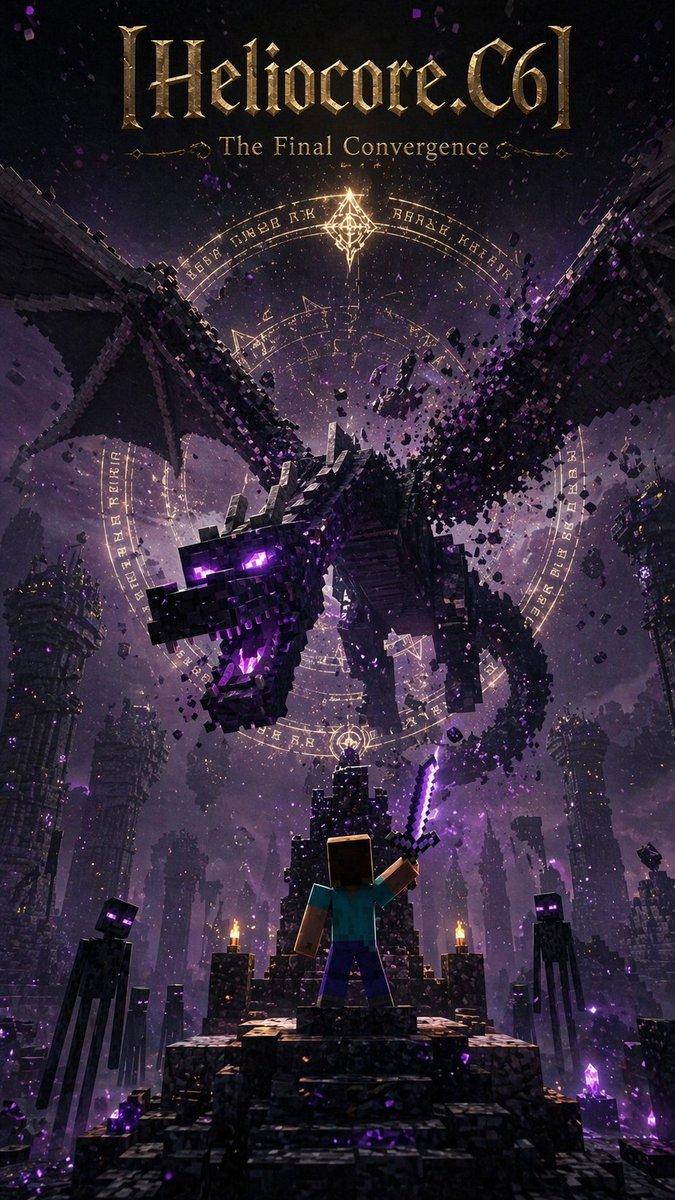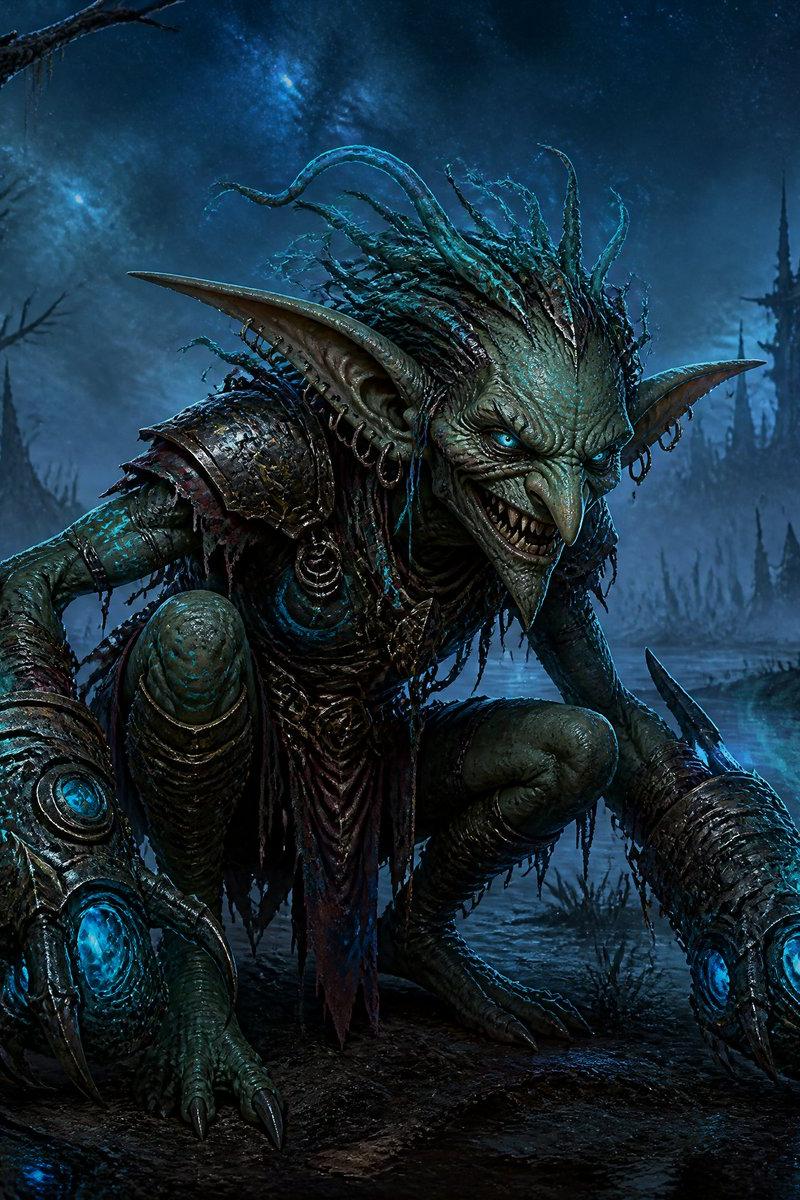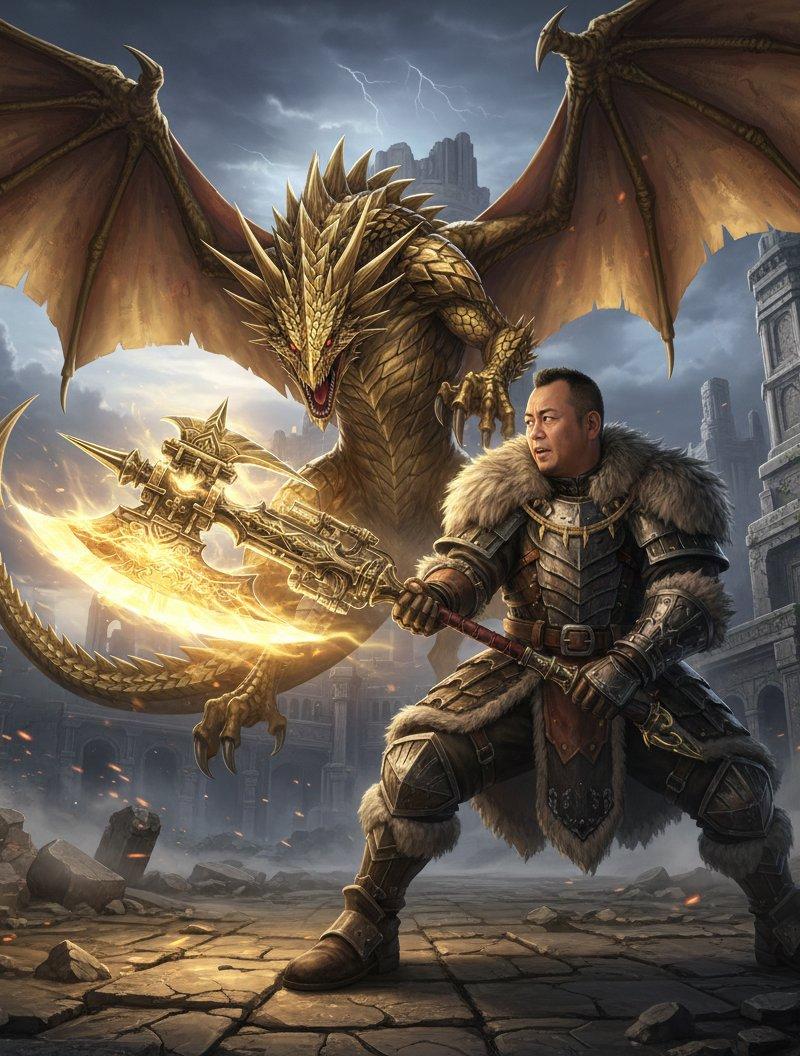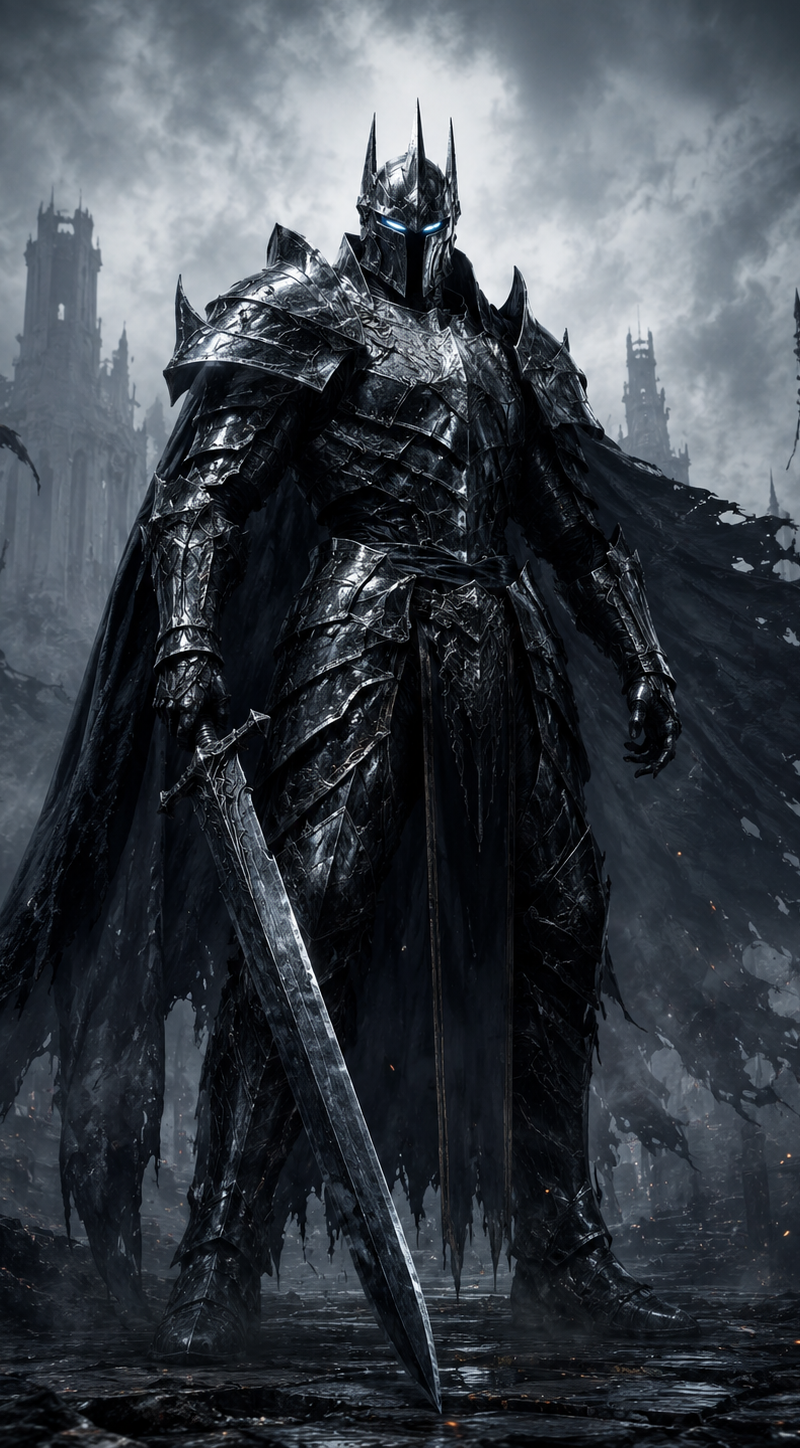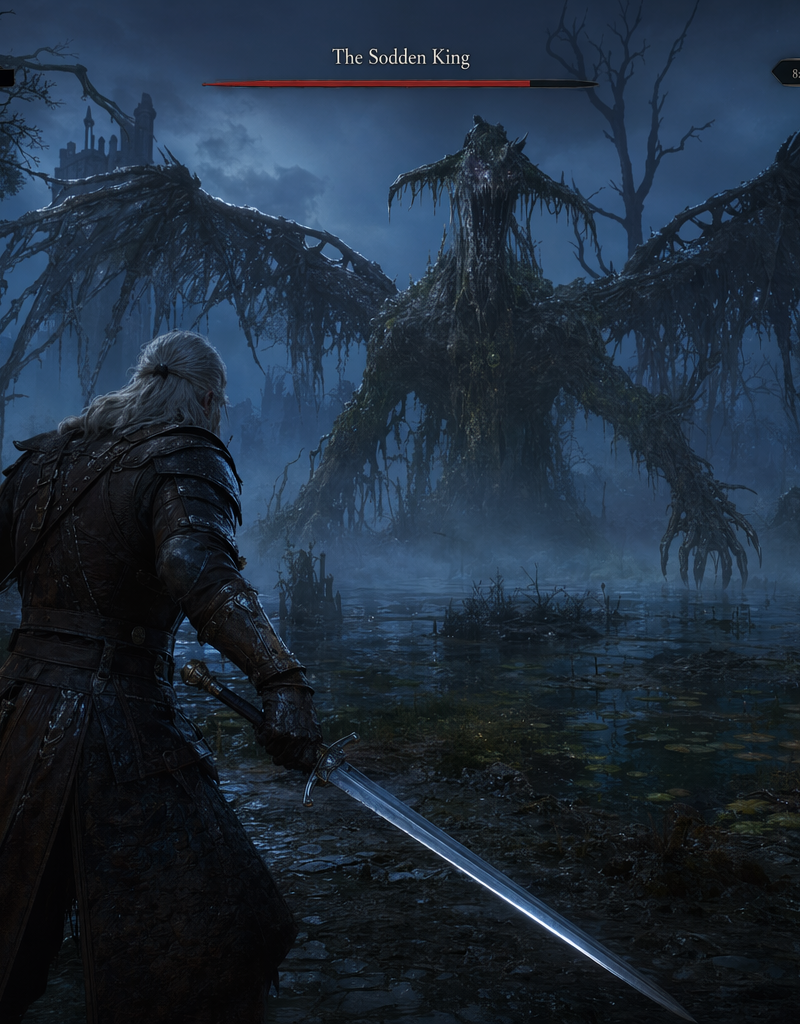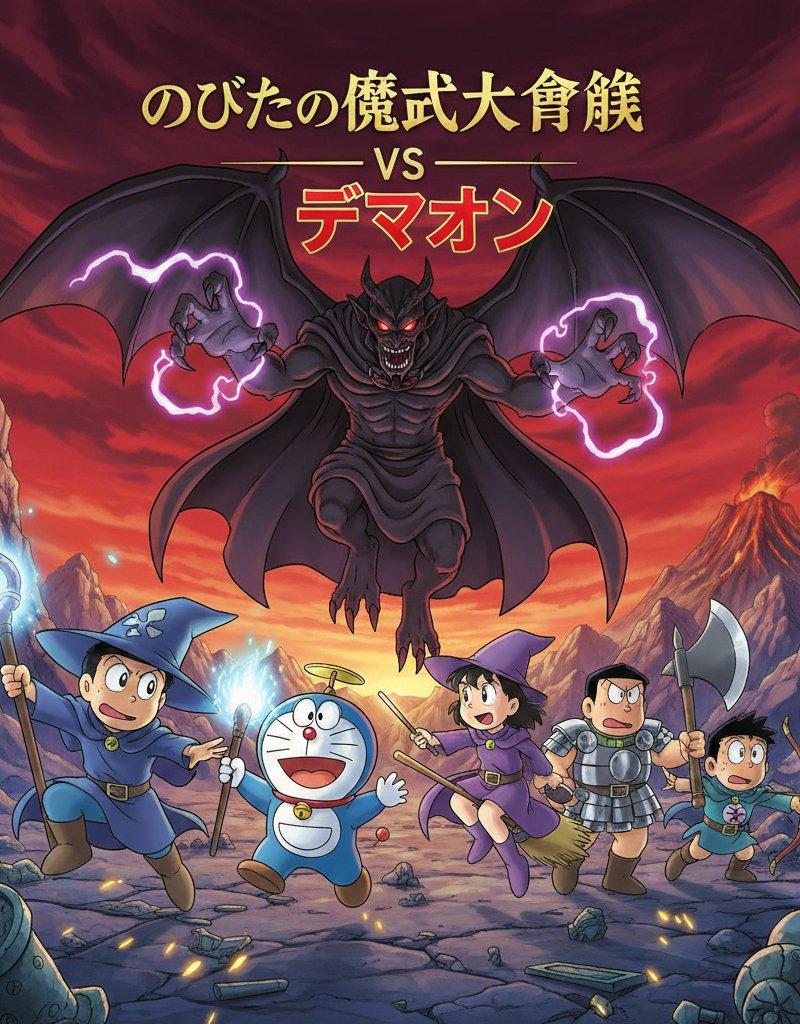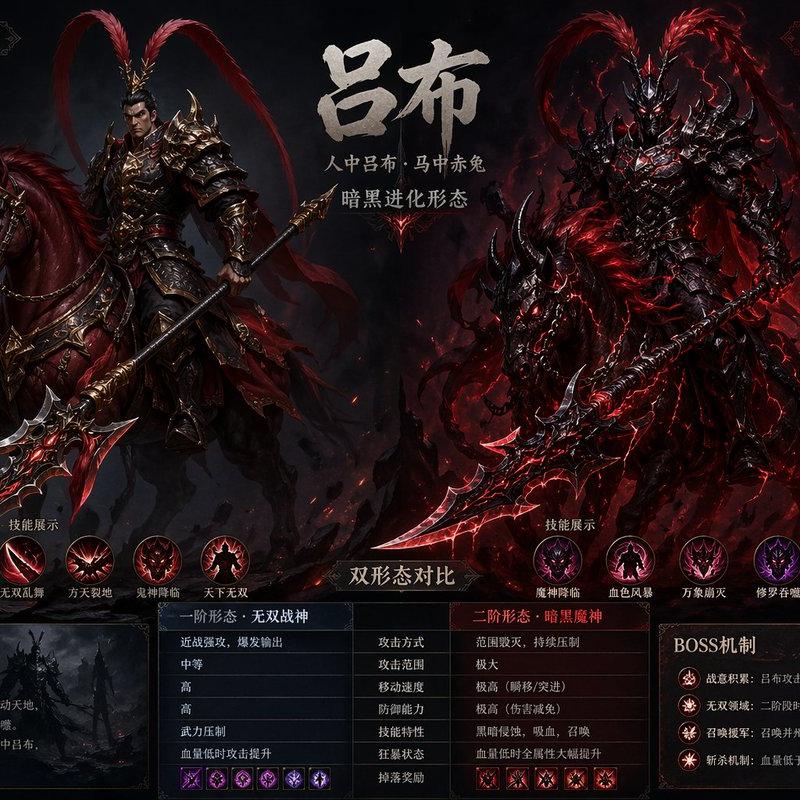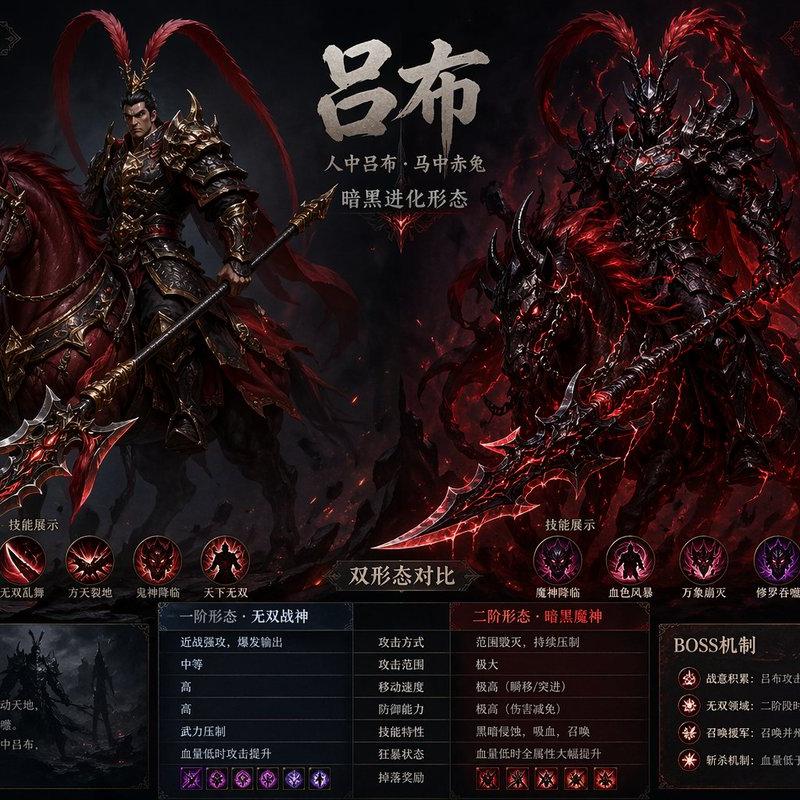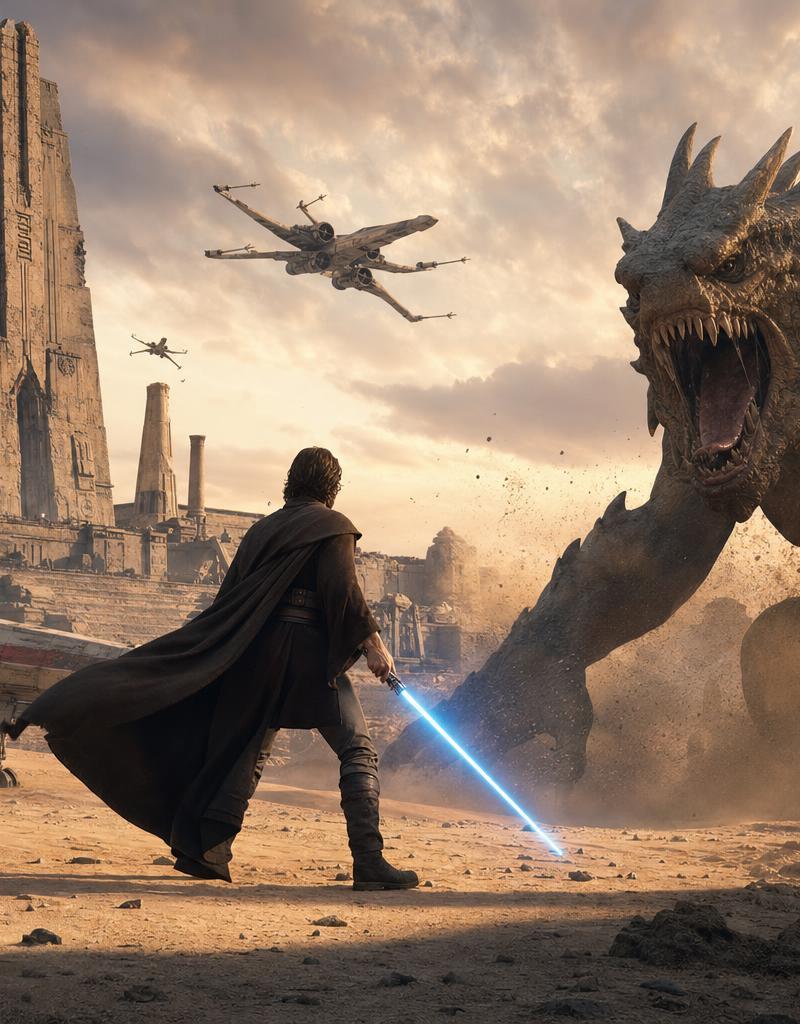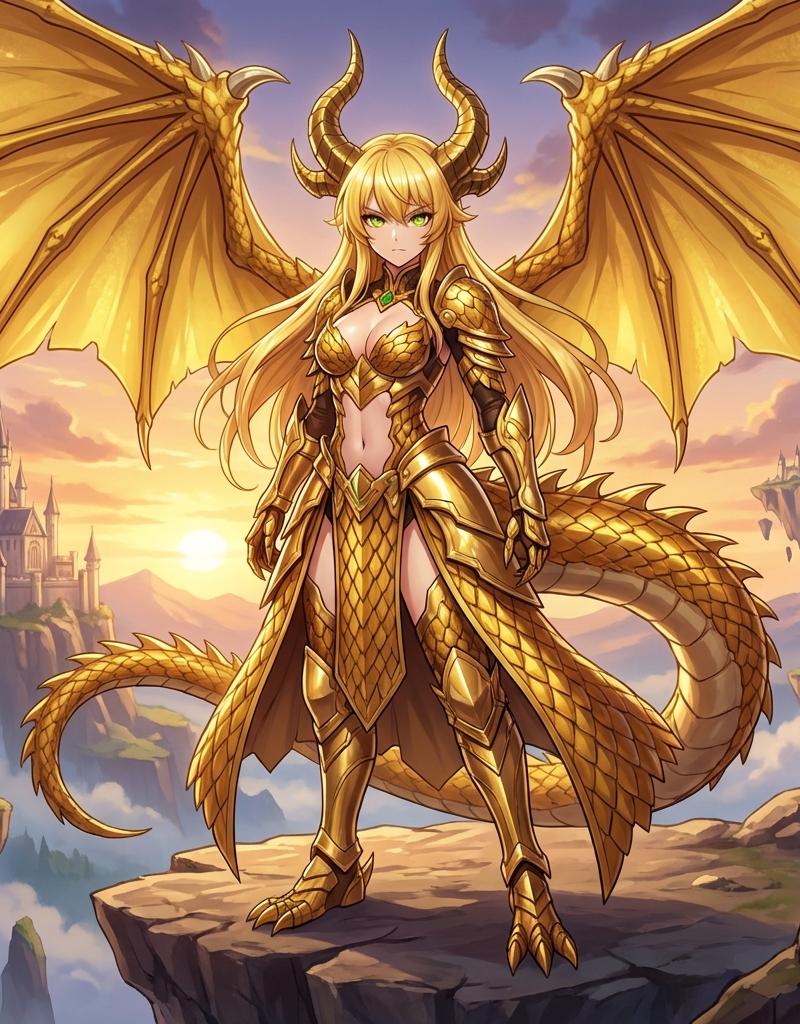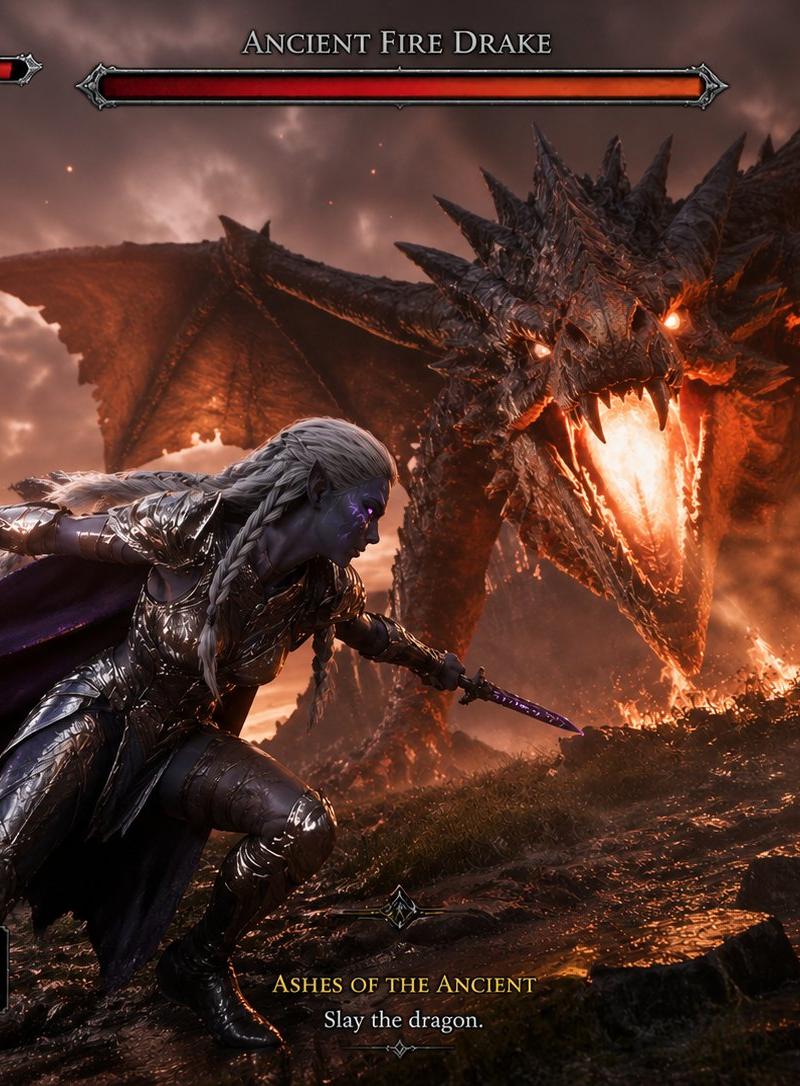
暗夜精灵对战远古火龙游戏画面
Prompt
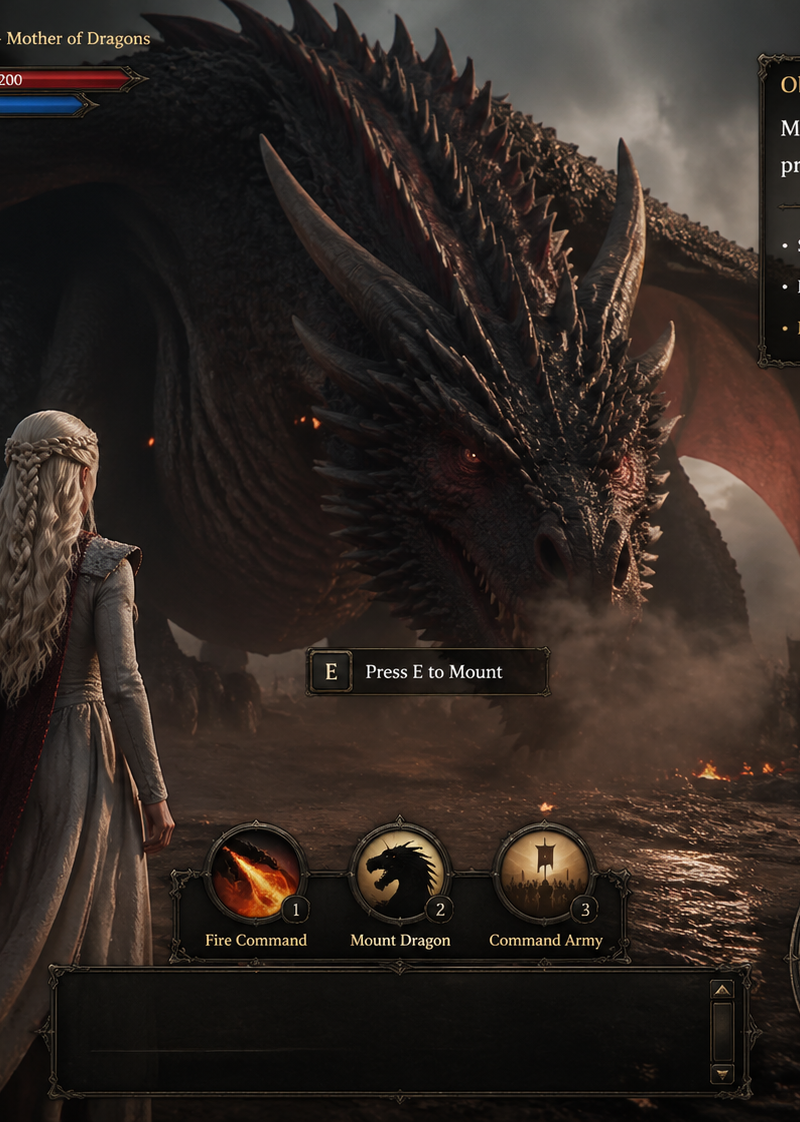
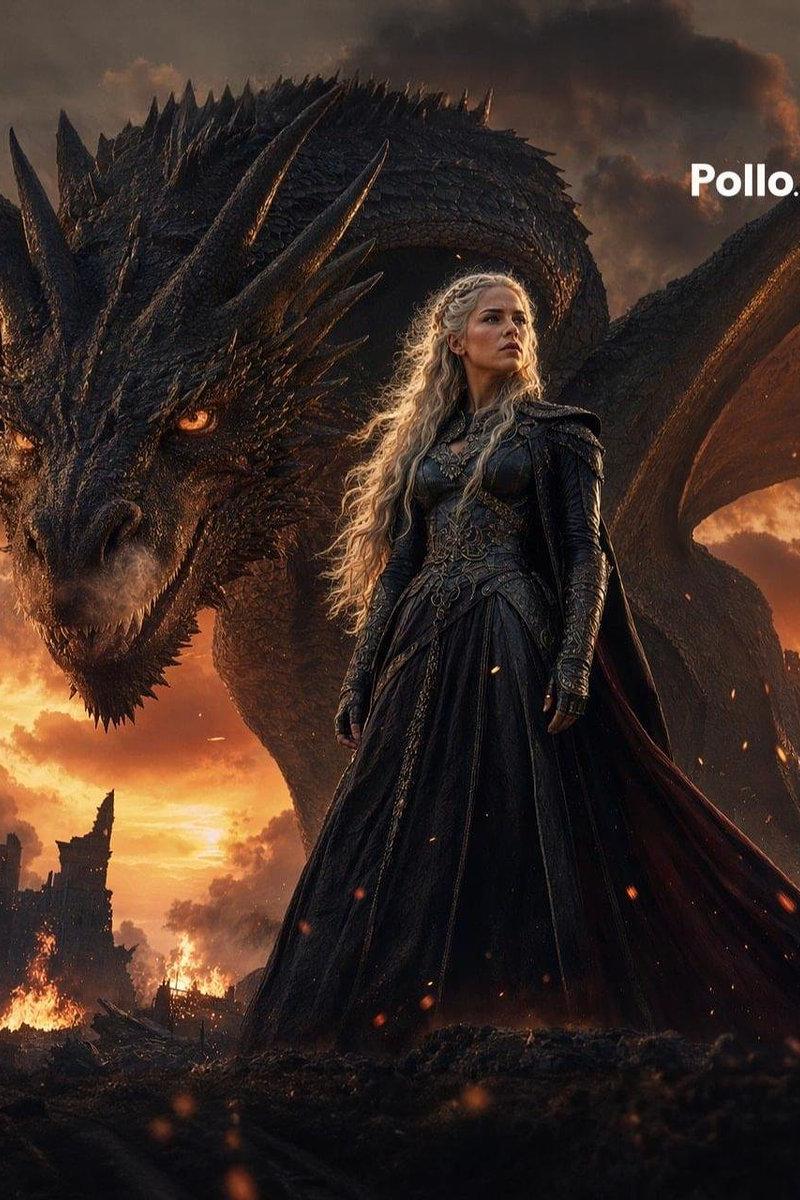
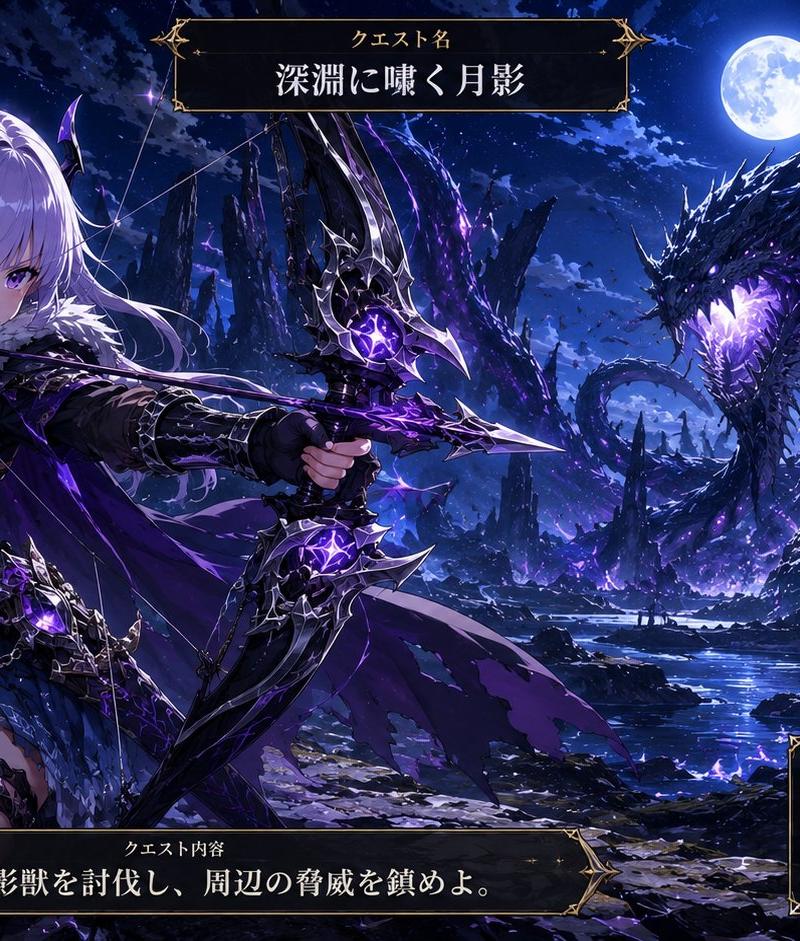
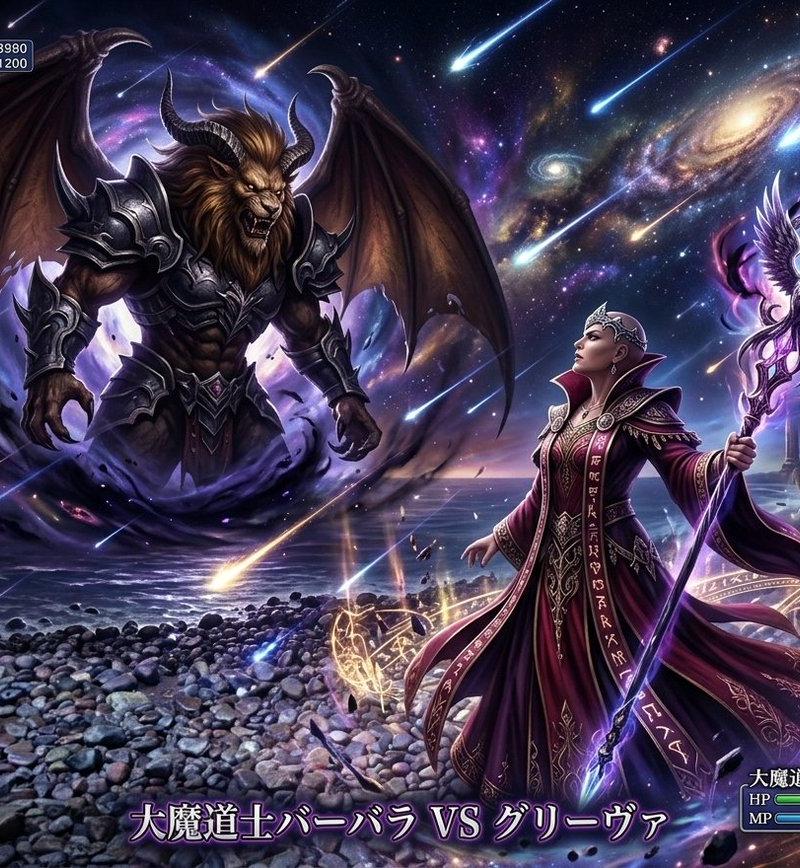
Goal: Create an AAA dark fantasy RPG gameplay screenshot, presented as an actual in-game screen capture rather than concept art or illustration, showing a dramatic boss fight against {argument name="boss name" default="Ancient Fire Drake"}.

Canvas: 4:3 landscape game screenshot, cinematic third-person camera, 1024x768 feel, high-contrast HDR rendering, realistic materials, motion blur, volumetric smoke, ember particles, wet reflective volcanic ground.

Main scene: In the foreground left-center, show {argument name="character description" default="a female dark elf assassin with pale blue-gray skin, glowing violet eyes, long silver braided hair"} crouching and lunging sideways in an evasive combat stance. She wears highly detailed polished silver plate armor with engraved edges, fitted leg armor, gauntlets, and a flowing dark purple cloak whipping behind her. She dual-wields two short violet-glowing daggers, one extended backward to the left and one pointed low toward the dragon. Her expression is fierce and focused.

Enemy and environment: In the midground and background, a colossal black-and-red ancient fire drake dominates the frame, facing the player with wings spread wide. It has jagged obsidian scales, many sharp horns and spines, glowing orange eyes, molten cracks across its neck and body, and an open mouth blasting bright fire downward. Set the battle in {argument name="location name" default="Dragonspine Valley"}, a volcanic ruined valley with dark rocks, burning grass, lava-like orange reflections, castle ruins silhouetted on the far left, a huge dark cliff or tree-like rock shape on the right, storm clouds, smoke, sparks, and a red-orange apocalyptic sky.

HUD and layout: Add a complete dark fantasy RPG interface with ornate gothic silver frames. Include exactly 1 player status cluster at the top left: a circular portrait silhouette frame plus exactly 3 horizontal bars, red health, blue mana, and yellow stamina. Include exactly 1 boss title at the top center reading "ANCIENT FIRE DRAKE" with exactly 1 long red boss health bar below it. Include exactly 1 circular minimap at the top right with the area label "DRAGONSPINE VALLEY" above it, and below it the time "20:15" plus a storm/weather icon and the word "STORM". Include exactly 1 quest objective panel at bottom center with gold title text "ASHES OF THE ANCIENT" and smaller white objective text "Slay the dragon." Include exactly 3 quick item slots at the bottom left: slot 1 red potion labeled x4, slot 2 purple orb labeled x2, slot 3 crossed or single weapon icon labeled with an infinity symbol. Include exactly 4 ability icons stacked vertically on the right edge: ability 1 purple blade with cooldown 13s, ability 2 violet vortex with cooldown 8s, ability 3 blue lightning strike with cooldown 18s, ability 4 purple starburst with cooldown 11s. Show each ability with its key number 1, 2, 3, and 4.

Text style: Use legible medieval serif all-caps for major labels, small clean serif for UI numbers, gold and white text, no subtitles beyond the specified quest text. Keep all UI elements sharp and aligned while the game world remains cinematic.

Constraints: The image must look like a real paused gameplay screenshot from a high-budget dark fantasy action RPG, not a poster, not an illustration, not a character sheet. Preserve the exact visible UI element counts and text labels listed above. No watermark, no logo, no extra characters, no extra monsters.- Category
- Charts & Infographics
- Model
- GPT Image 2
- Creator
- lume_itigo15
- Source language
- en
- Source ID
- 24838
- Published
- Jun 8, 2026
Views0