16

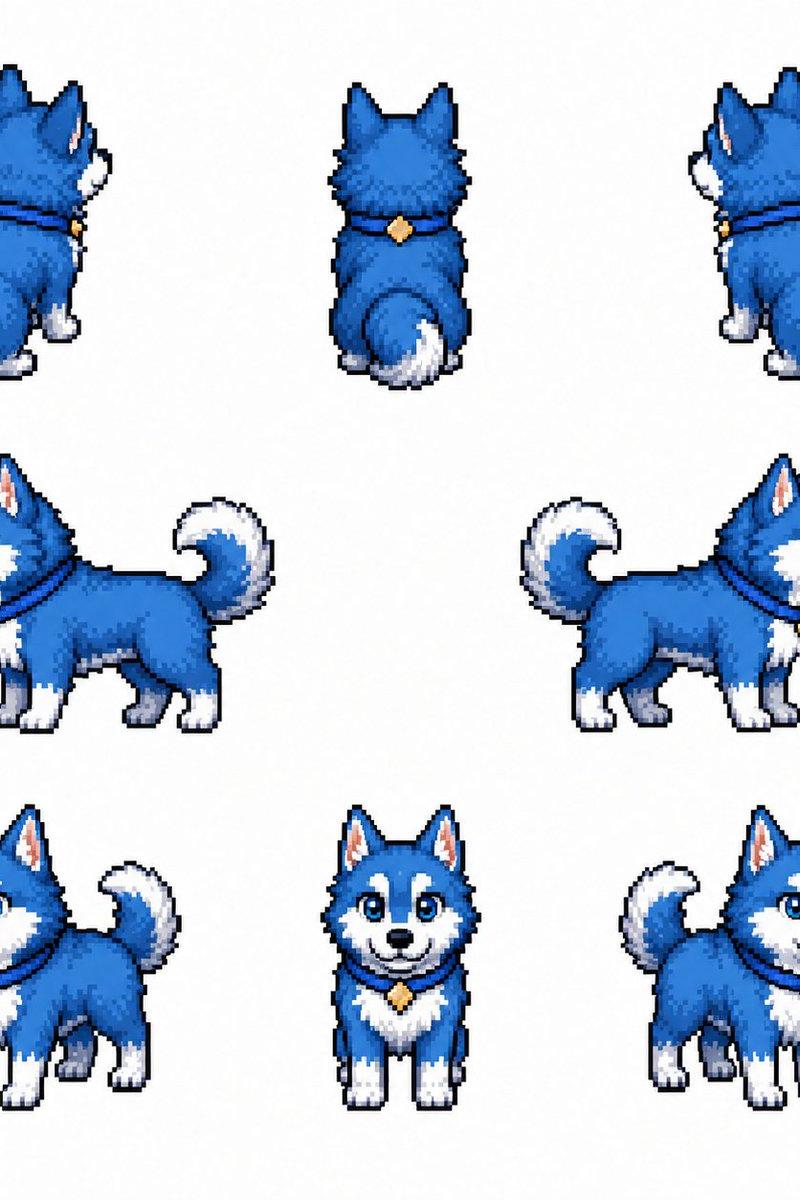
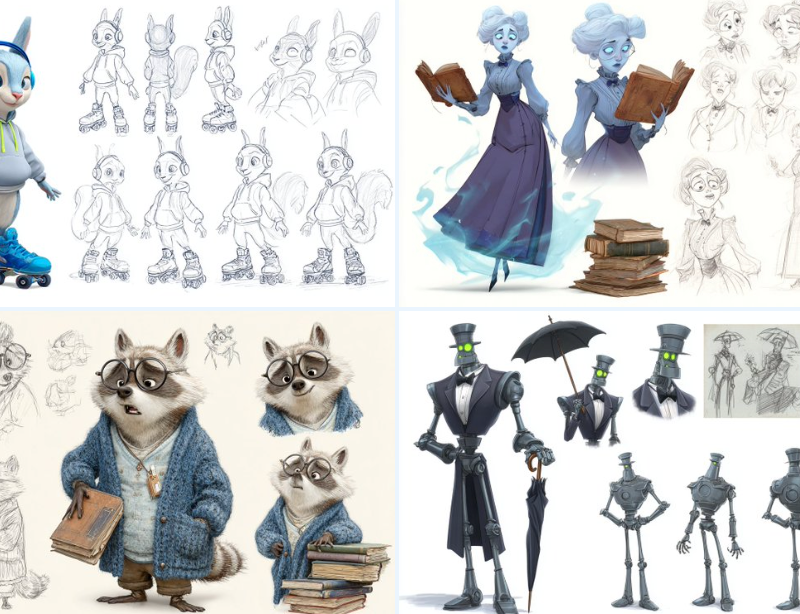
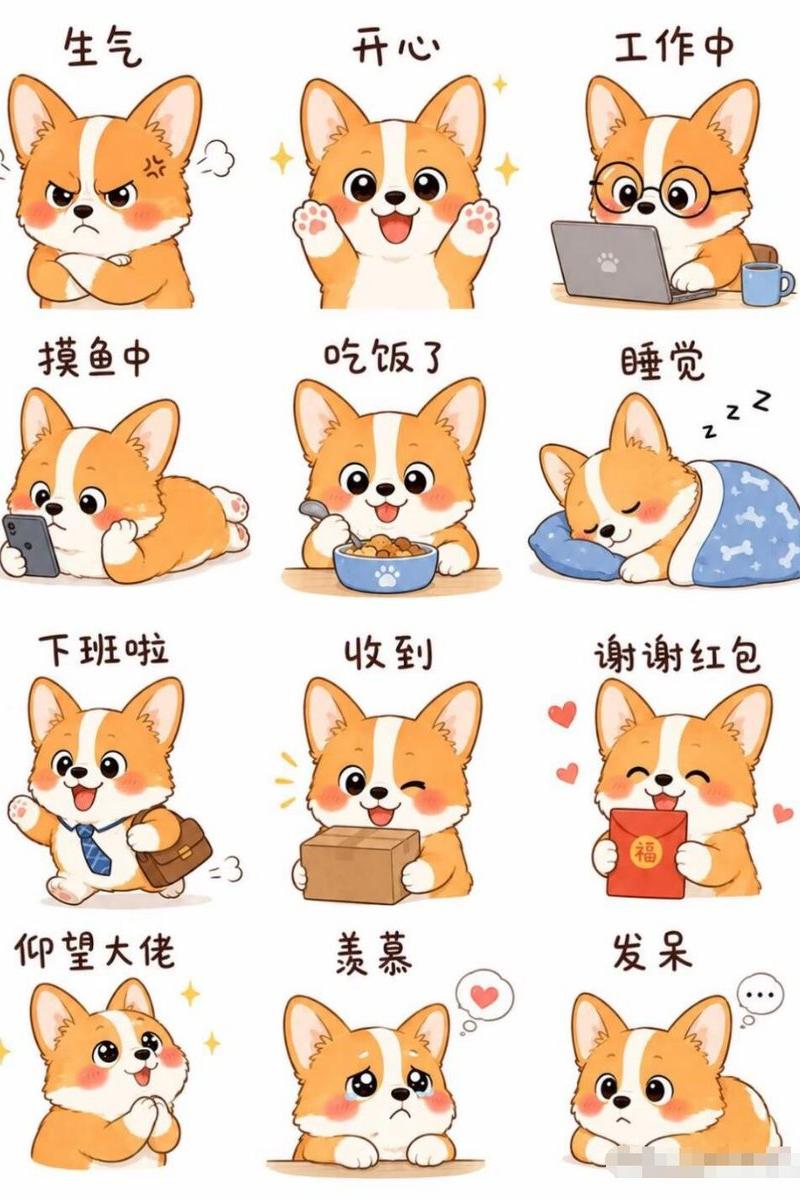
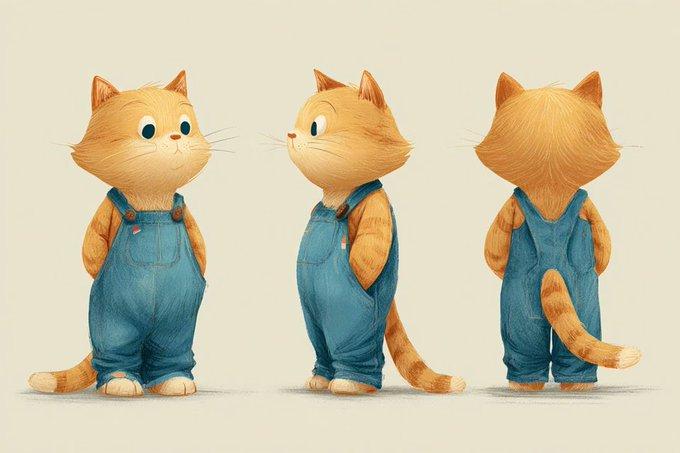
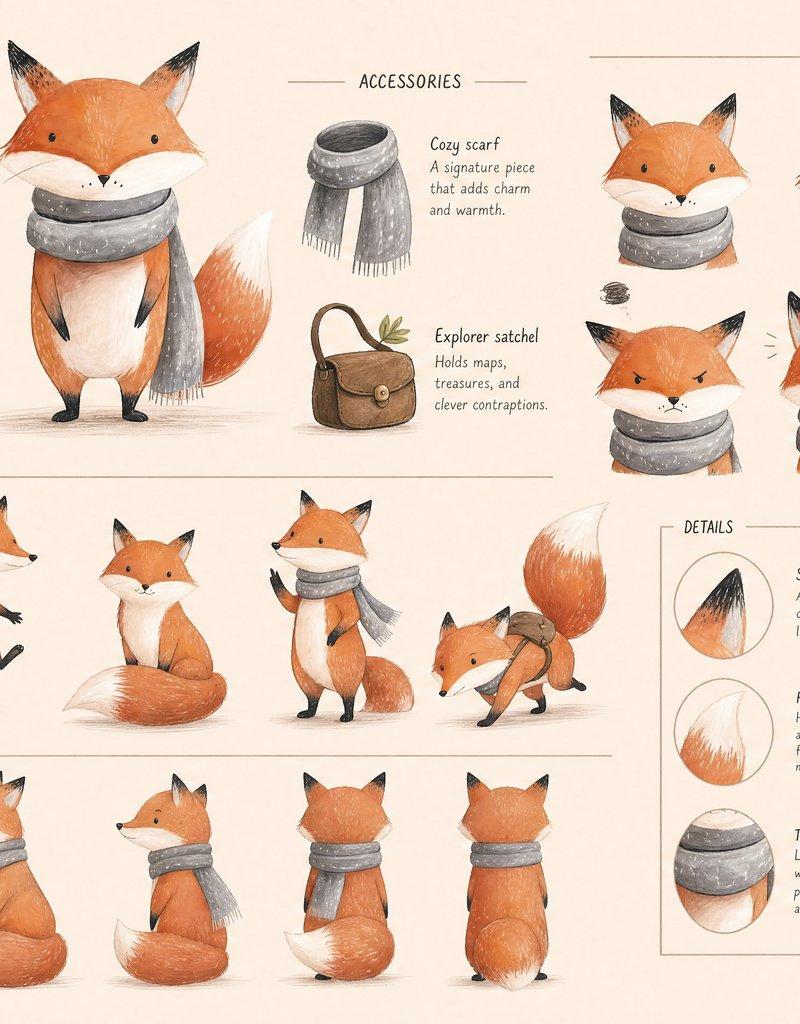
角色技术三视图参考表
Enlarge

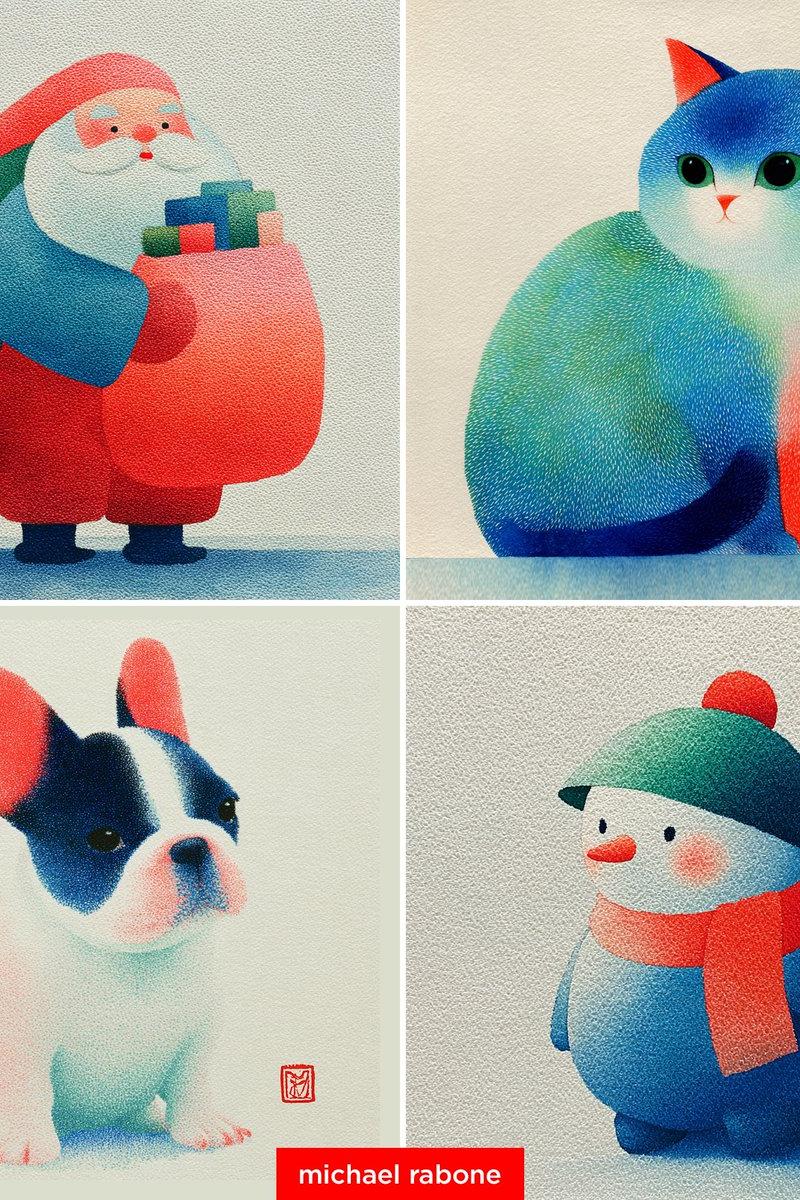
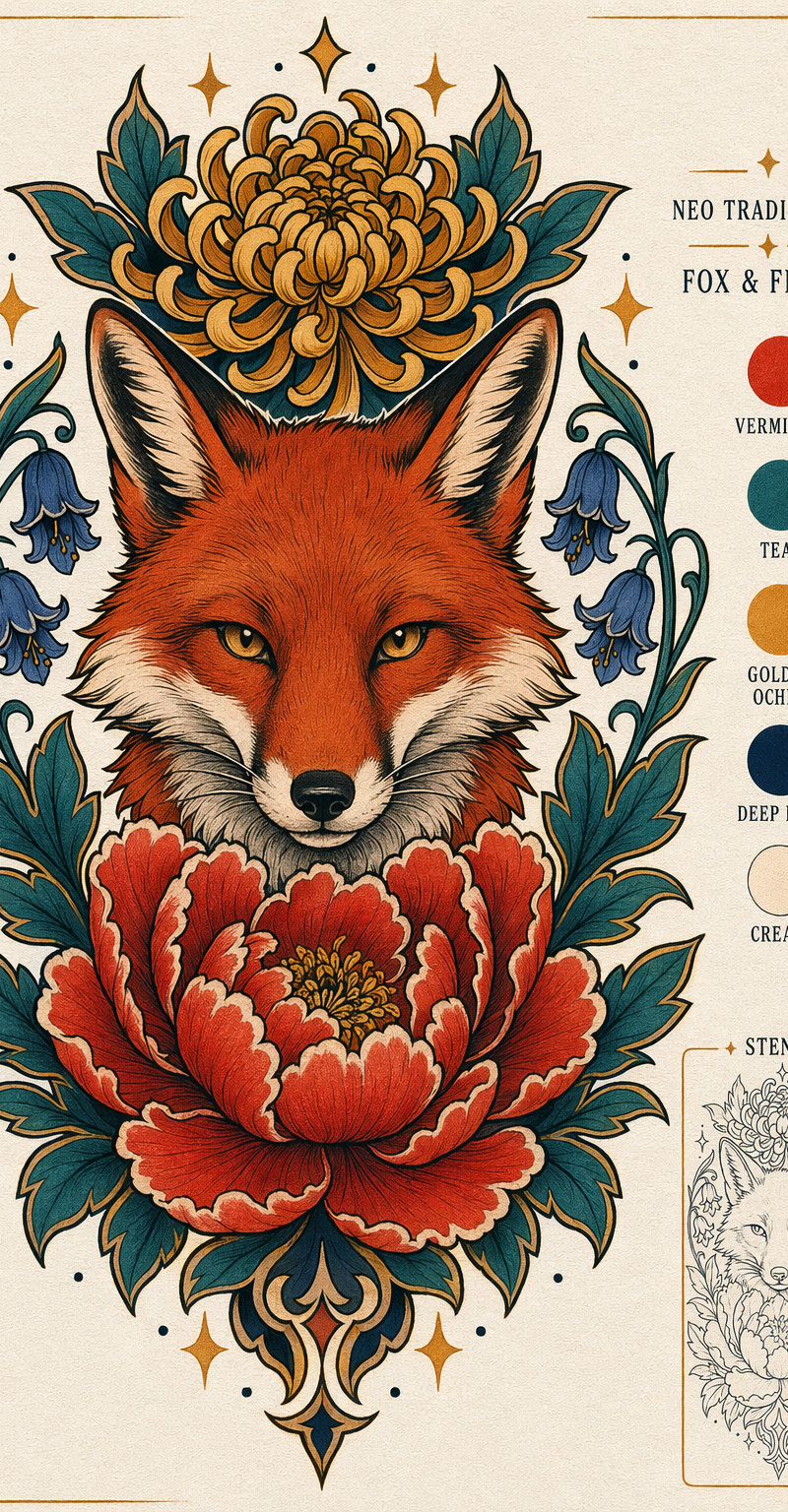
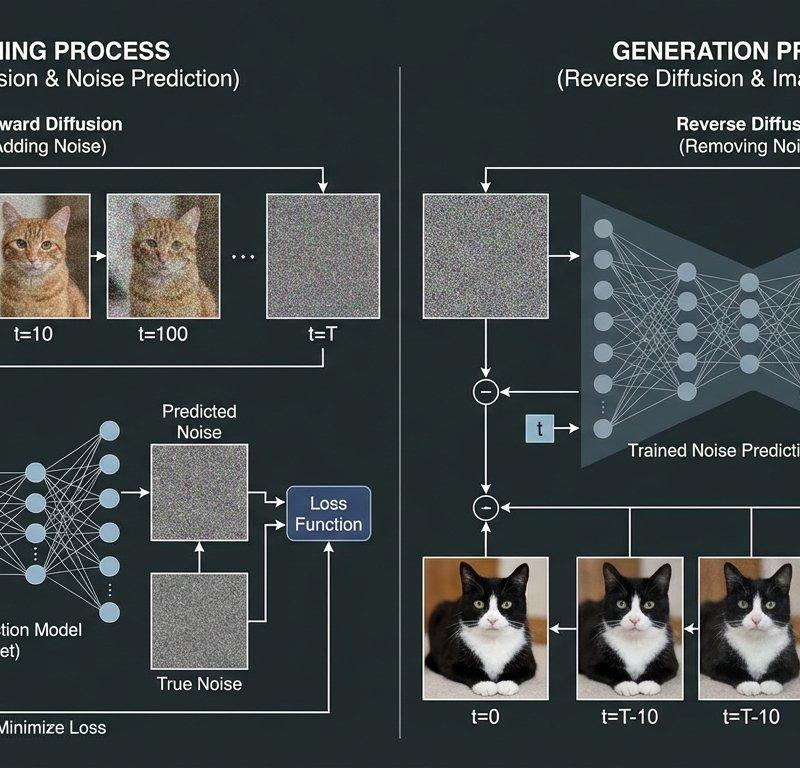
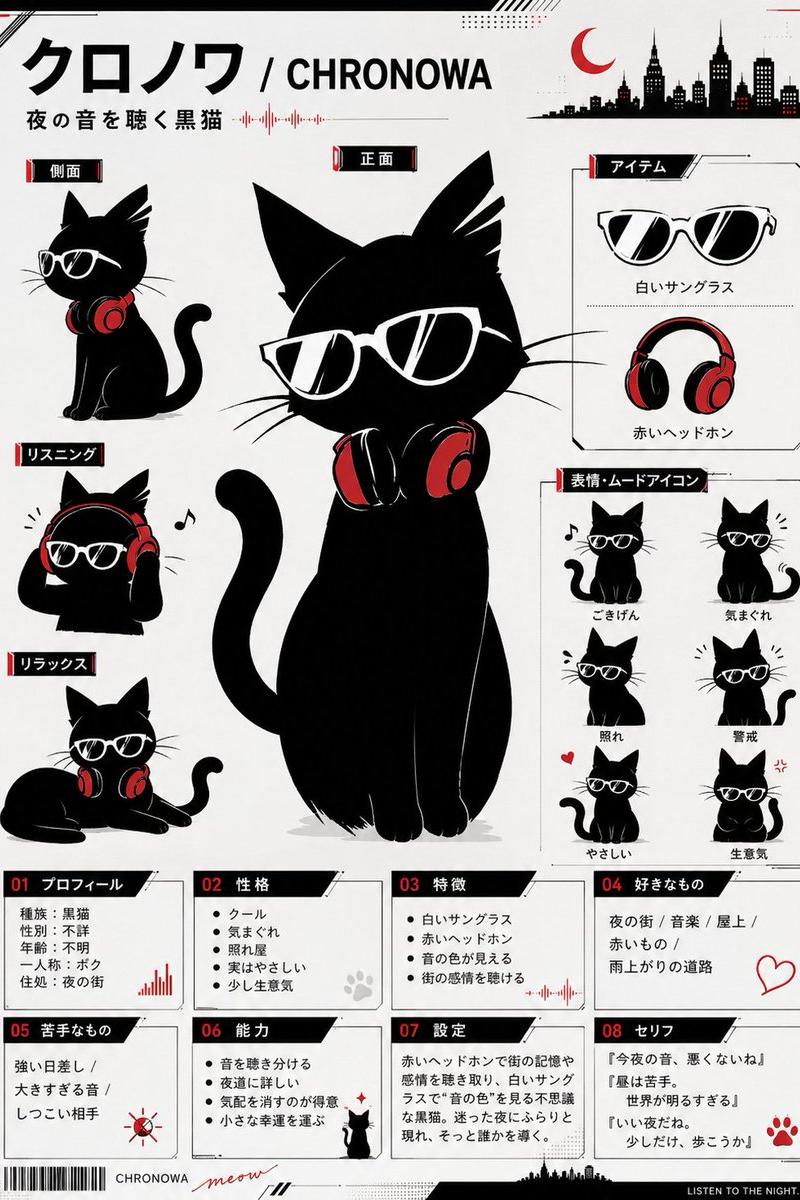
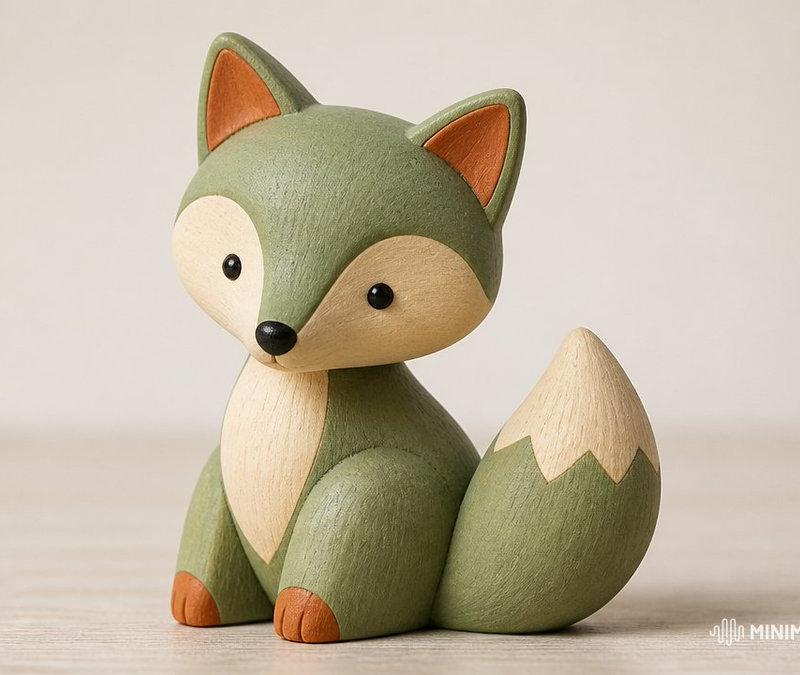
Example images

角色技术三视图参考表

Prompt
Create a professional character reference sheet based strictly on the uploaded reference image. Use a {argument name="background" default="clean, neutral plain background"} and present the sheet as a technical model turnaround while matching the exact visual style of the reference (same realism level, rendering approach, texture, color treatment, and overall aesthetic). Arrange the {argument name="layout" default="composition into two horizontal rows. Top row: four full-body standing views. Bottom row: three highly detailed close-up portraits"}. Maintain perfect identity consistency across every panel. Keep the subject in a relaxed A-pose and with consistent scale and alignment between views, accurate anatomy, and clear silhouette; ensure even spacing and clean panel separation, with uniform framing and consistent head height across the full-body lineup and consistent facial scale across the portraits. {argument name="lighting" default="Lighting should be consistent across all panels (same direction, intensity, and softness)"}, with natural, controlled shadows that preserve detail without dramatic mood shifts. Output a crisp, print-ready reference sheet look, sharp details.
Category
Photography & Realism
Model
GPT Image 2
Creator
dreamflux
Source language
en
Views0
Source ID
24897
Published
Jun 9, 2026
Studio

Guide

About "角色技术三视图参考表"

What is this prompt for?

"角色技术三视图参考表" AI image prompt for GPT Image 2 (Photography & Realism). 专为 gpt-image-2 设计的详细技术角色参考表提示词,旨在创建一致的多角度三视图和肖像,以辅助角色设计。 Copy it on Picva and recreate th…

The full copyable prompt and example visuals above are ready for AI image generation or one-click recreate in Picva.

How to use this prompt

  1. Step 1

    Open the prompt detail

    Review the example visuals, category, and full prompt text for "角色技术三视图参考表".

  2. Step 2

    Copy the prompt

    Copy the prompt body from this page, or load it directly in Studio.

  3. Step 3

    Pick a model (GPT Image 2)

    Prefer GPT Image 2. If you switch models, keep subject and composition and tweak style terms.

  4. Step 4

    Generate and export

    Recreate the look in Picva, or export into your workflow for editing and publishing.

FAQ

What is the "角色技术三视图参考表" prompt?
It is an AI image-generation prompt for GPT Image 2 in the Photography & Realism category. This page includes the full prompt text, example visuals, and a one-click recreate path in Picva.
How do I use this prompt to generate an image?
Copy the prompt from this page, or use Generate / Studio. Paste it into a compatible image model, or recreate the look in Picva with optional reference images.
Which model is this prompt for?
This page lists GPT Image 2. Most descriptive prompts also transfer to nearby image models such as GPT Image, Flux, or Midjourney with light style tweaks.
Can I use the result commercially?
You can usually copy the prompt for creation, but commercial use of the final image depends on the model terms, reference-image rights, and the generated content. Follow the source author and platform rules.