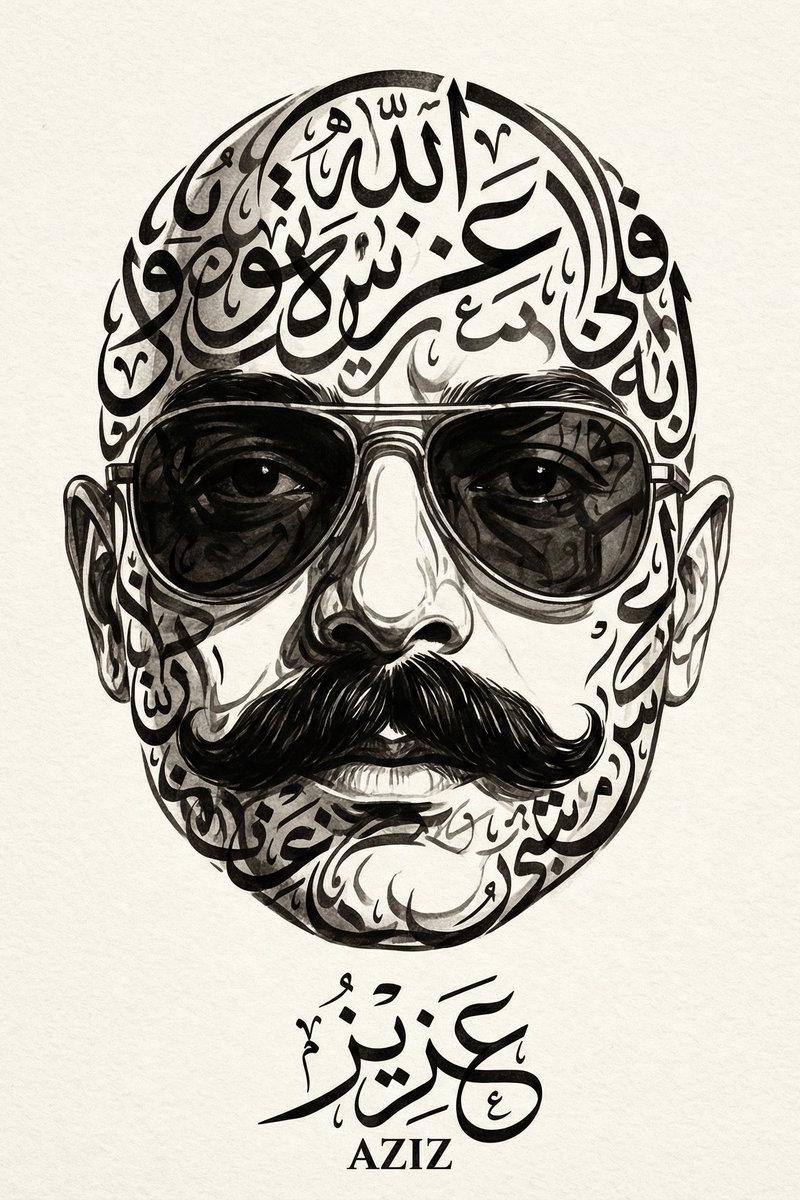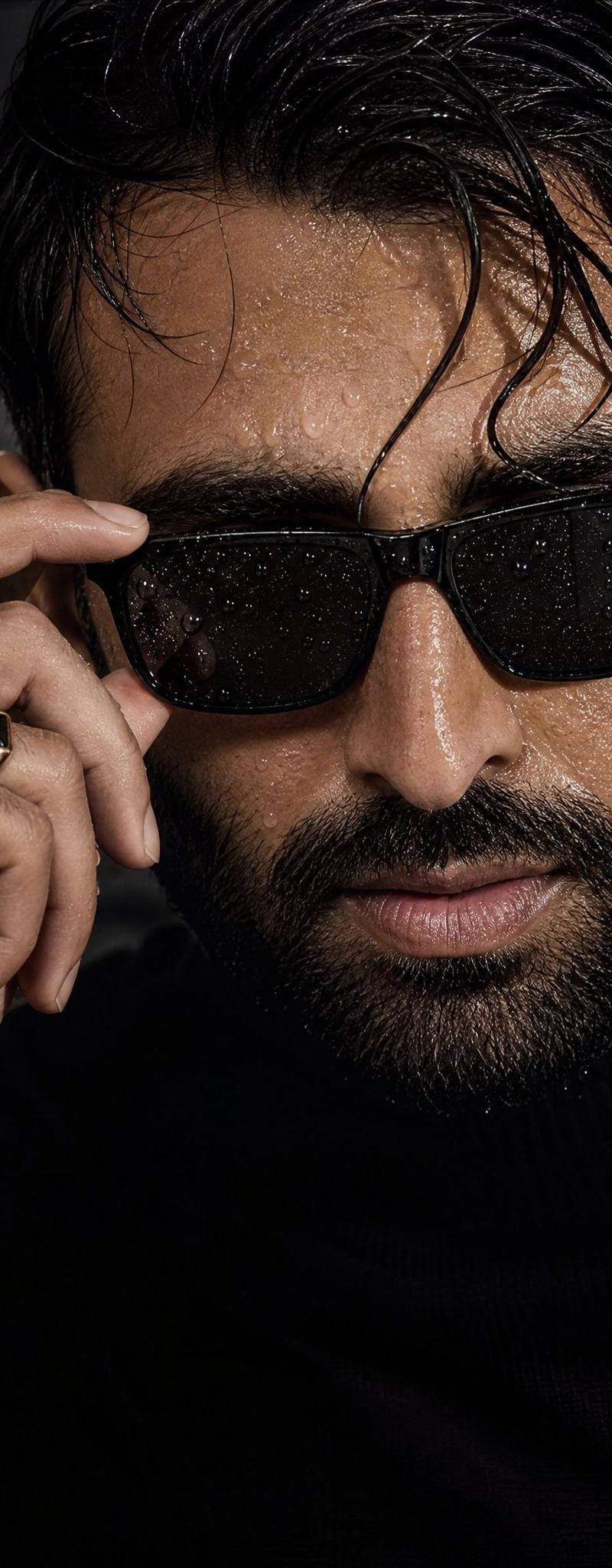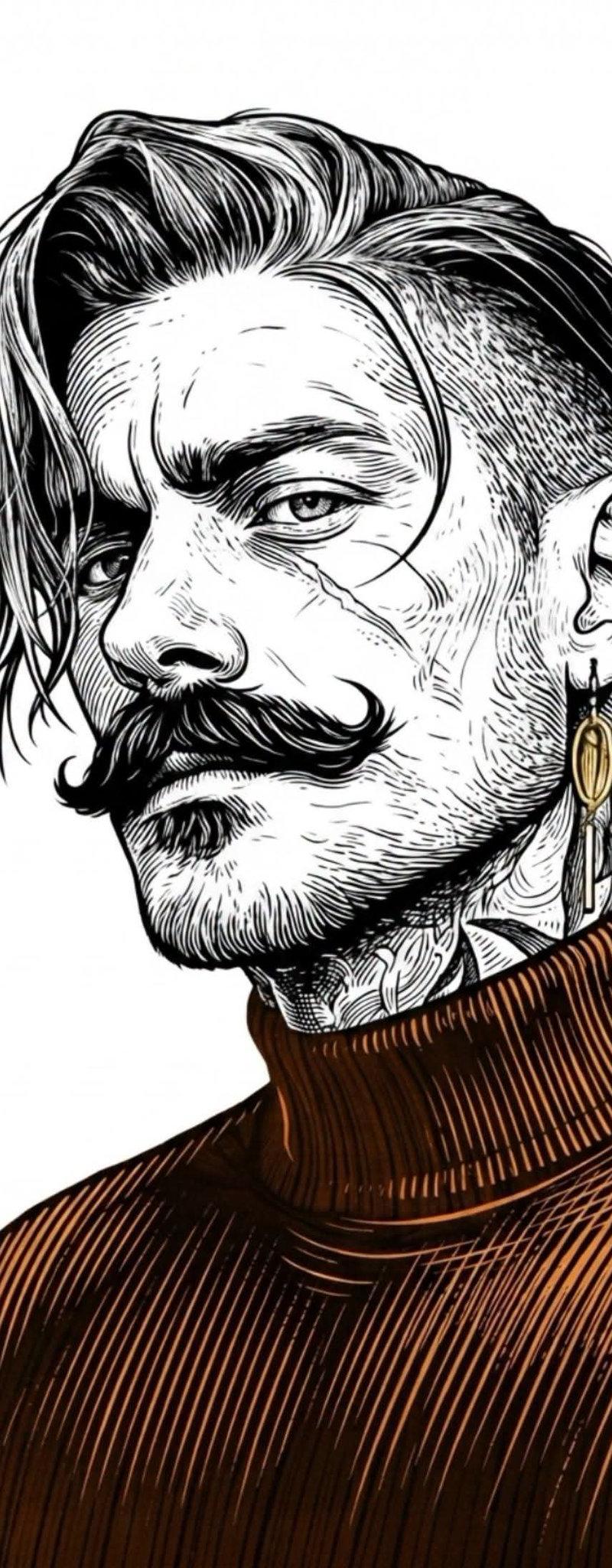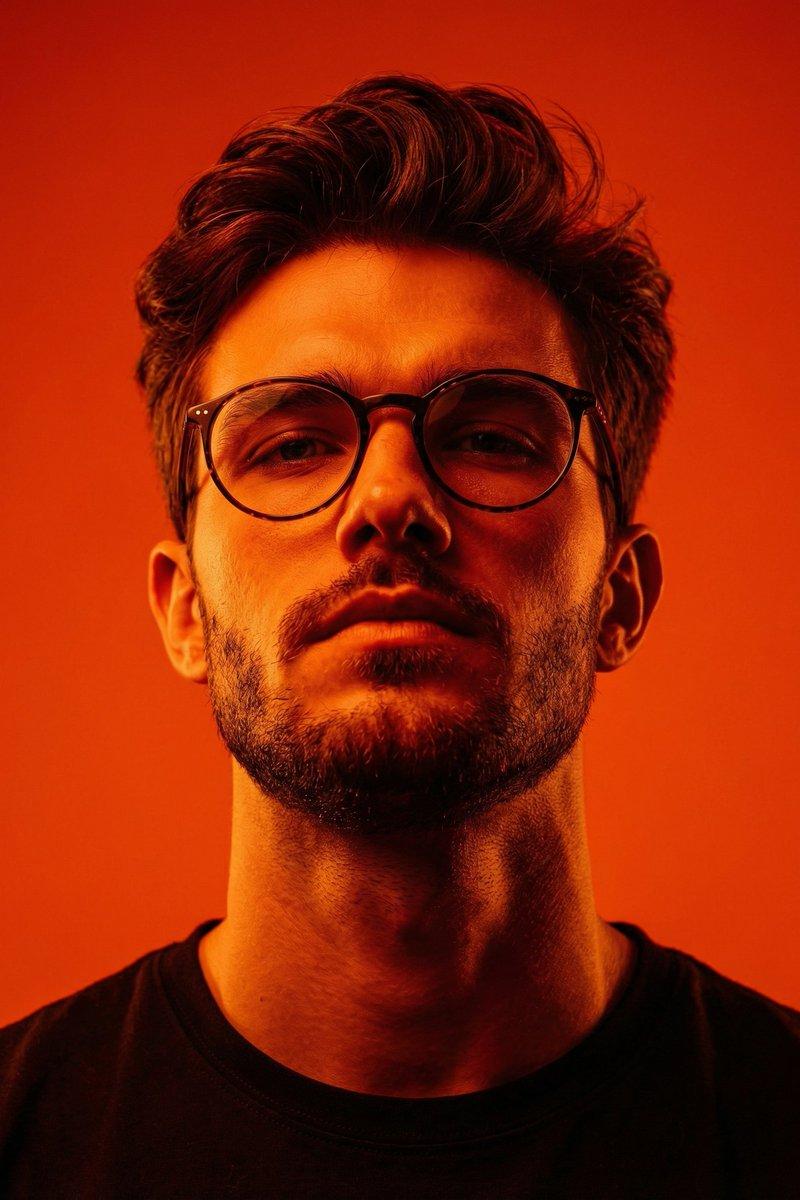
16

霓虹遮挡肖像头像
Enlarge

Example images

霓虹遮挡肖像头像

Prompt
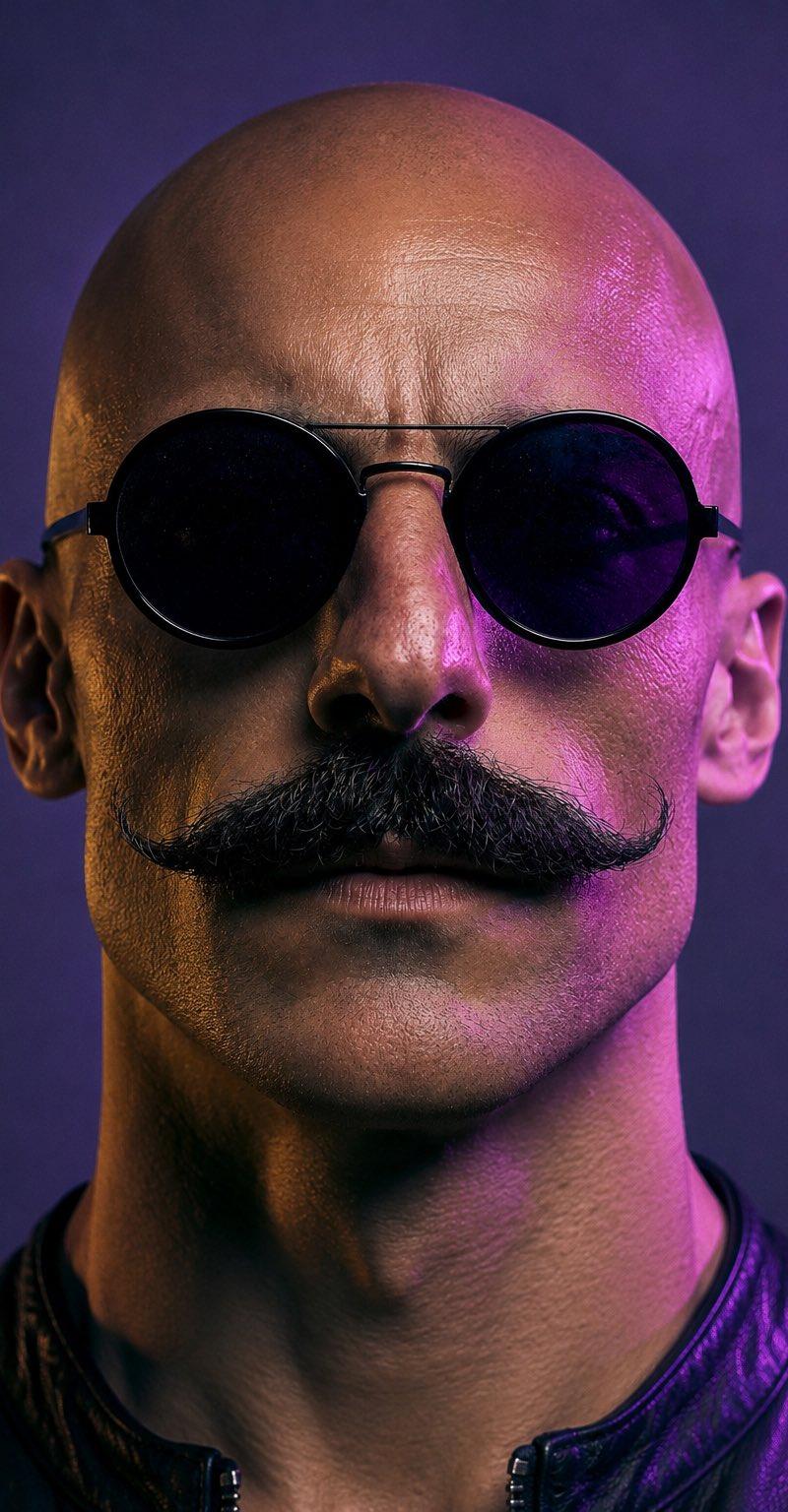
Create a square-crop profile-picture style cinematic portrait of a bald adult man viewed from the front, tightly framed from the top of the head to the upper chest. The subject has visible ears on both sides, a strong neck, and wears a black leather jacket with a short stand collar and a small front zipper. Cover the entire face with exactly 1 large centered opaque square censor block, aligned vertically and horizontally over the head, extending from just below the top of the skull down past the mouth/chin area; the block should be a muted dark plum-to-purple gradient with no text or symbols. Use dramatic neon studio lighting: warm amber/orange rim light on the left side of the head and neck, bright magenta/pink rim light on the right side, with a dark indigo-purple background and soft depth-of-field blur. The visible skin should have realistic texture and high-detail pores, while the overall look is photorealistic, moody, futuristic, and suitable as a mysterious social media avatar. Use {argument name="censor block color" default="muted dark plum purple gradient"}, {argument name="jacket color" default="black leather"}, {argument name="left rim light color" default="warm amber orange"}, {argument name="right rim light color" default="magenta pink"}, and {argument name="background color" default="dark indigo purple"}.
Category
Photography & Realism
Model
GPT Image 2
Creator
AZIZ | AI 🇸🇦
Source language
en
Views0
Source ID
24949
Published
Jun 9, 2026
Studio

Guide

About "霓虹遮挡肖像头像"

What is this prompt for?

"霓虹遮挡肖像头像" AI image prompt for GPT Image 2 (Photography & Realism). 一张照片级逼真的赛博朋克风格个人肖像,面部被一个巨大的紫色遮挡方块掩盖,营造出神秘的头像效果。 Copy it on Picva and recreate the look in o…

The full copyable prompt and example visuals above are ready for AI image generation or one-click recreate in Picva.

How to use this prompt

  1. Step 1

    Open the prompt detail

    Review the example visuals, category, and full prompt text for "霓虹遮挡肖像头像".

  2. Step 2

    Copy the prompt

    Copy the prompt body from this page, or load it directly in Studio.

  3. Step 3

    Pick a model (GPT Image 2)

    Prefer GPT Image 2. If you switch models, keep subject and composition and tweak style terms.

  4. Step 4

    Generate and export

    Recreate the look in Picva, or export into your workflow for editing and publishing.

FAQ

What is the "霓虹遮挡肖像头像" prompt?
It is an AI image-generation prompt for GPT Image 2 in the Photography & Realism category. This page includes the full prompt text, example visuals, and a one-click recreate path in Picva.
How do I use this prompt to generate an image?
Copy the prompt from this page, or use Generate / Studio. Paste it into a compatible image model, or recreate the look in Picva with optional reference images.
Which model is this prompt for?
This page lists GPT Image 2. Most descriptive prompts also transfer to nearby image models such as GPT Image, Flux, or Midjourney with light style tweaks.
Can I use the result commercially?
You can usually copy the prompt for creation, but commercial use of the final image depends on the model terms, reference-image rights, and the generated content. Follow the source author and platform rules.