20

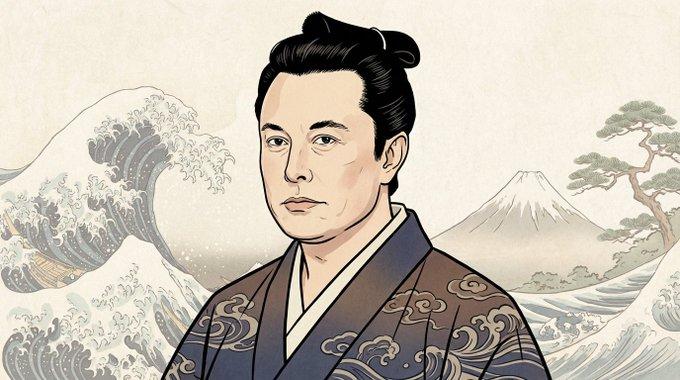
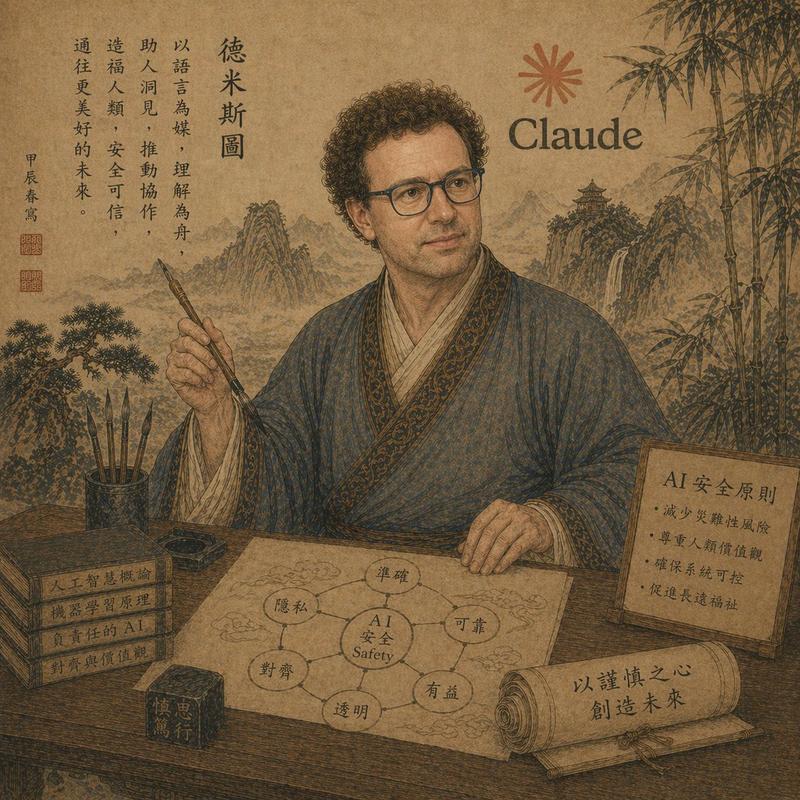
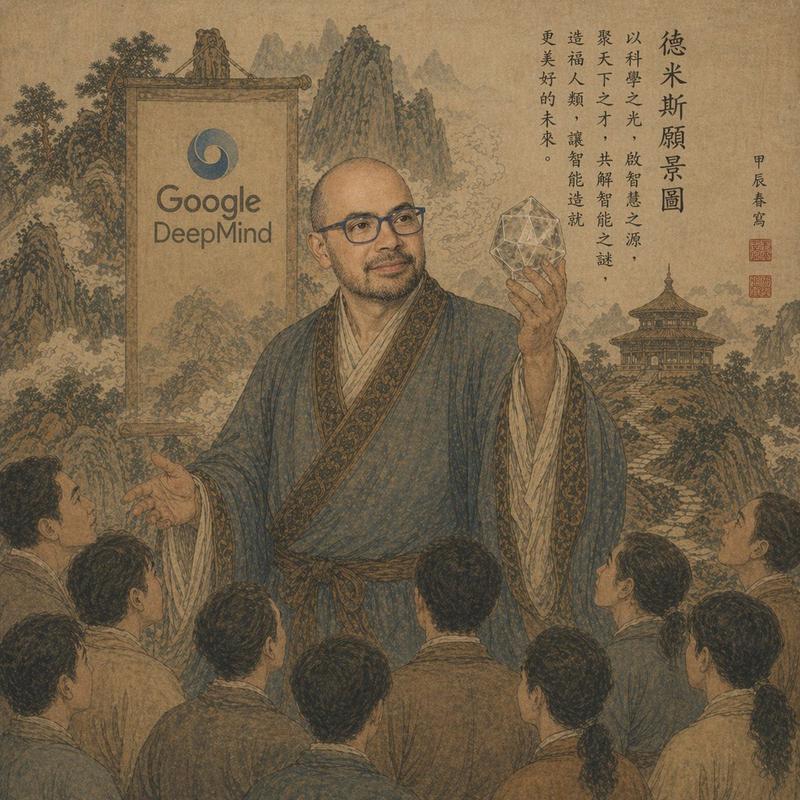
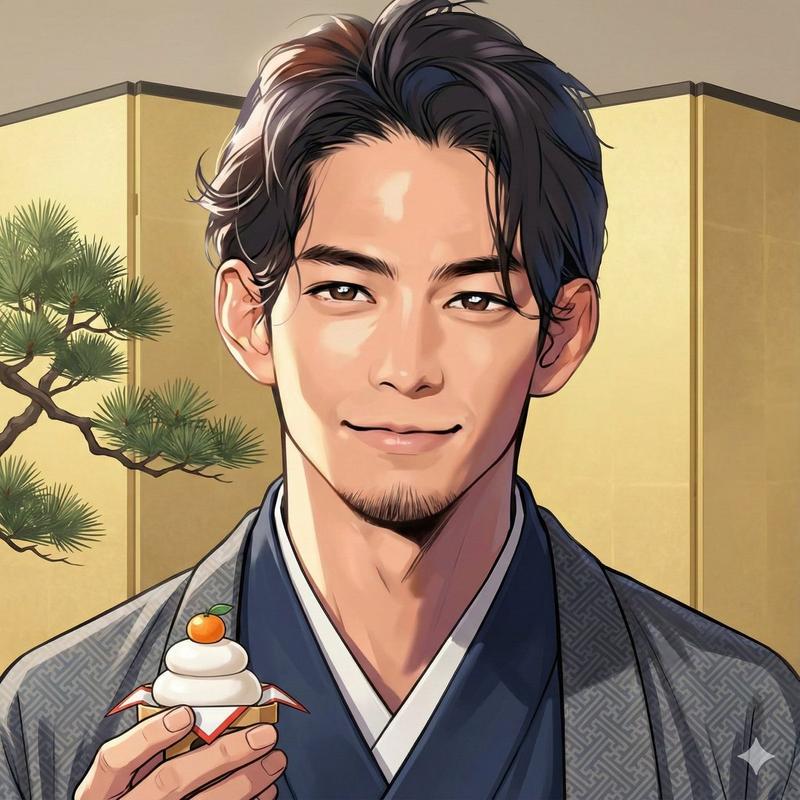
浮世绘肖像转换
Enlarge

浮世绘肖像转换

Prompt
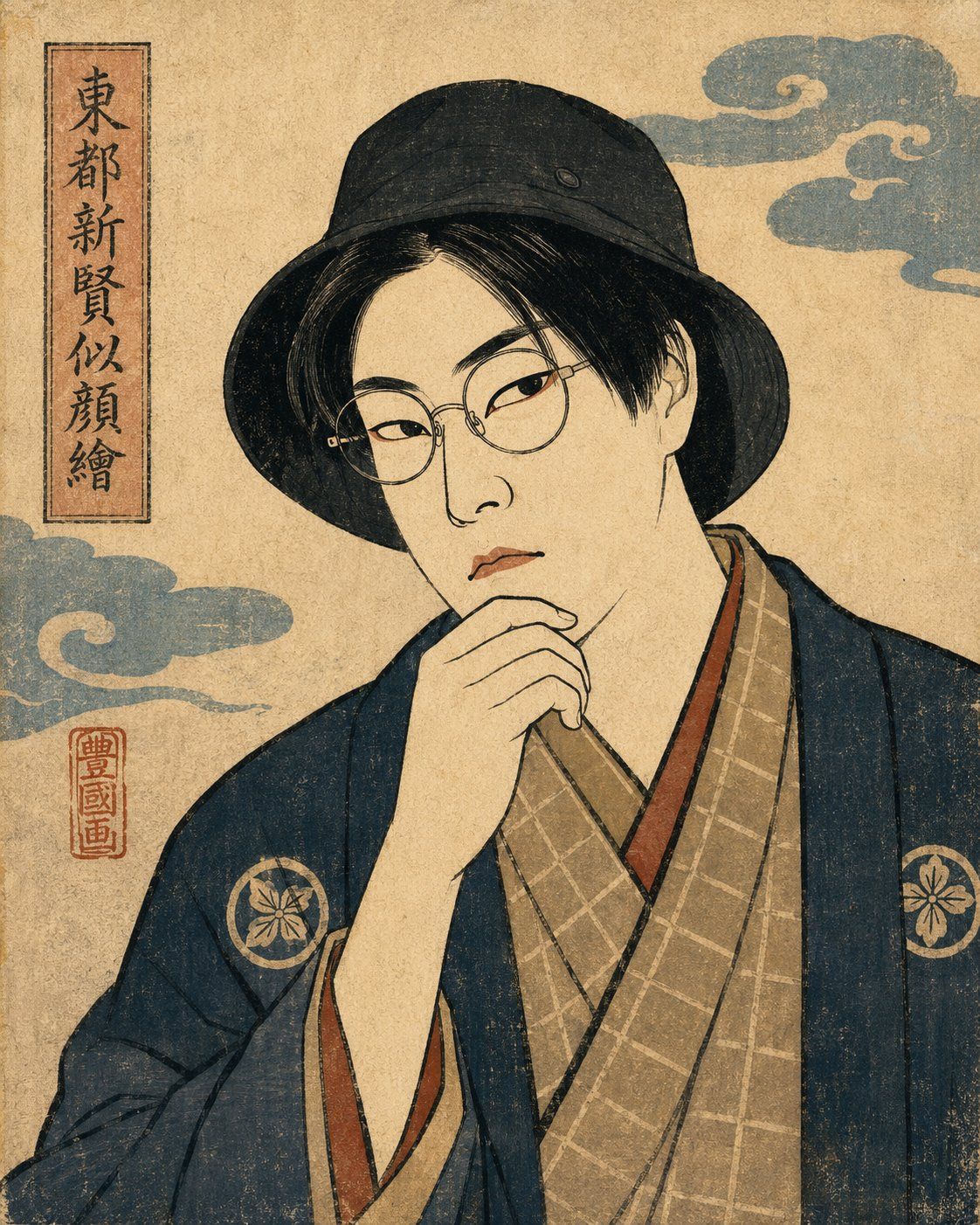
Using the provided reference image, transform the person into an Edo-period ukiyo-e / nishiki-e / kabuki actor portrait style while preserving the original pose, black bucket hat, hand-near-mouth gesture, and anonymous blurred face area. Replace the modern shirt with traditional layered kimono robes: a dark navy outer robe with two circular floral crests, a tan checked inner robe, and subtle reddish trim. Change the composition to a vertical close-up woodblock print on aged beige washi paper with visible grain, ink texture, worn edges, and muted traditional pigments. Add exactly 4 new decorative/background elements: 1 vertical title cartouche on the upper left with Japanese calligraphy reading {argument name="vertical title text" default="東都新賢似顔繪"}, 1 red artist seal beneath it reading {argument name="seal text" default="豊國画"}, and 2 stylized blue-gray Edo cloud motifs, one near the upper right and one along the left middle. Keep the face intentionally obscured with a soft rectangular blur matching the reference privacy treatment. Avoid photorealism, modern lighting, and extra text.
Category
Photography & Realism
Model
GPT Image 2
Views0
Source ID
24955
Published
Jun 9, 2026

Guide

About "浮世绘肖像转换"

What is this prompt for?

"浮世绘肖像转换" AI image prompt for GPT Image 2 (Photography & Realism). 将现代肖像照片转换为江户时代日本木版画演员风格,同时保留主体姿势和匿名处理。 Copy it on Picva and recreate the look in one click.

The full copyable prompt and example visuals above are ready for AI image generation or one-click recreate in Picva.

How to use this prompt

  1. Step 1

    Open the prompt detail

    Review the example visuals, category, and full prompt text for "浮世绘肖像转换".

  2. Step 2

    Copy the prompt

    Copy the prompt body from this page, or load it directly in Studio.

  3. Step 3

    Pick a model (GPT Image 2)

    Prefer GPT Image 2. If you switch models, keep subject and composition and tweak style terms.

  4. Step 4

    Generate and export

    Recreate the look in Picva, or export into your workflow for editing and publishing.

FAQ

What is the "浮世绘肖像转换" prompt?
It is an AI image-generation prompt for GPT Image 2 in the Photography & Realism category. This page includes the full prompt text, example visuals, and a one-click recreate path in Picva.
How do I use this prompt to generate an image?
Copy the prompt from this page, or use Generate / Studio. Paste it into a compatible image model, or recreate the look in Picva with optional reference images.
Which model is this prompt for?
This page lists GPT Image 2. Most descriptive prompts also transfer to nearby image models such as GPT Image, Flux, or Midjourney with light style tweaks.
Can I use the result commercially?
You can usually copy the prompt for creation, but commercial use of the final image depends on the model terms, reference-image rights, and the generated content. Follow the source author and platform rules.