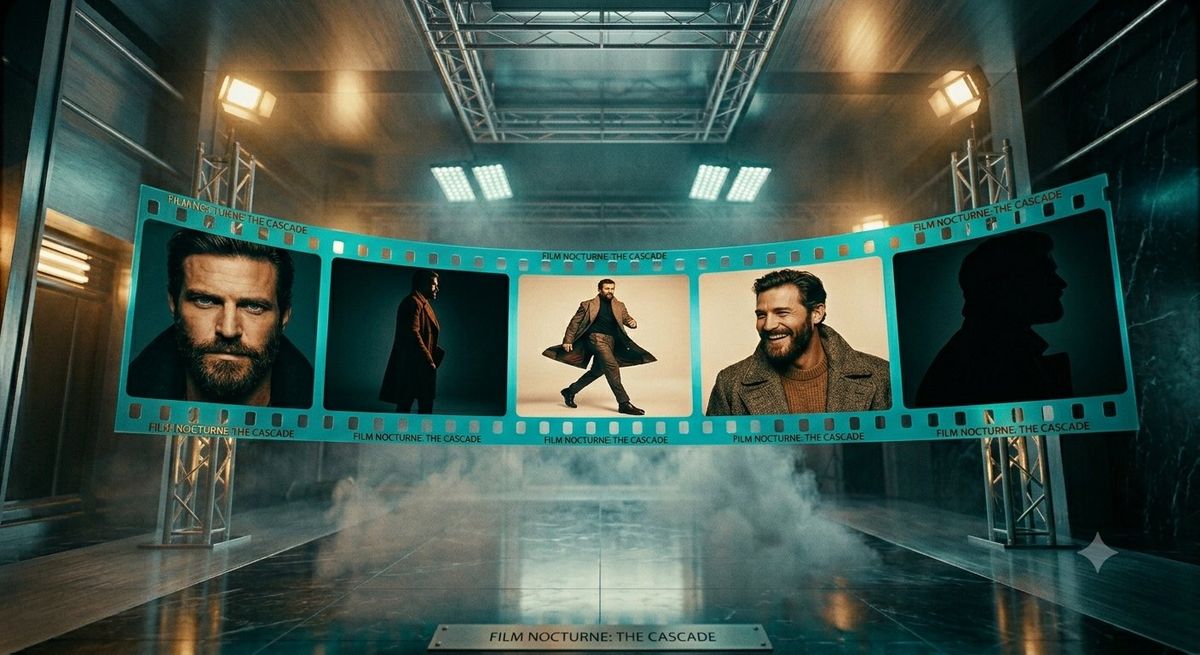
电影感黑色电影胶片展示
Prompt
Create a cinematic wide-angle studio scene showing a large turquoise 35mm film strip suspended in a dark industrial soundstage. The film strip curves gently across the middle of the frame from left to right, supported by silver truss towers on both sides, with visible sprocket holes along the top and bottom edges and small repeated printed text reading “FILM NOCTURNE: THE CASCADE.” The strip contains exactly 5 large rectangular film frames: frame 1 shows a close cropped male portrait with the face intentionally blurred, dark hair and dark clothing; frame 2 shows a full-body man standing in profile wearing a long dark coat against a teal background; frame 3 shows a man mid-stride in a dramatic coat, centered on a warm cream background; frame 4 shows a close portrait of a man in a textured gray coat and brown sweater with the face intentionally blurred; frame 5 shows a dark black silhouette profile of a man in a coat against a deep teal background. Use the title text {argument name="film title" default="FILM NOCTURNE: THE CASCADE"} repeatedly on the film strip border and on a small metal plaque centered on the glossy floor in the foreground. The environment is moody and high-budget: wet reflective black floor, low rolling fog, overhead metal rigging, rectangular studio lights glowing warm amber and cool white, teal-and-orange color grading, volumetric haze, strong perspective depth, symmetrical composition, realistic materials, dramatic cinematic lighting, 16:9 aspect ratio. The main subject is a mysterious male actor styled like a modern noir character, wearing {argument name="coat style" default="long dark tailored overcoat"}, with {argument name="background color palette" default="teal, amber, black, and cream"}. Keep the faces in frames 1 and 4 softly anonymized/blurred while preserving the rest of the image sharp and photorealistic. Do not add extra frames, extra readable text, logos, or watermarks.- Category
- Photography & Realism
- Model
- GPT Image 2
- Creator
- Cherry 2.O
- Source ID
- 24985
- Published
- Jun 9, 2026
Views0








