18

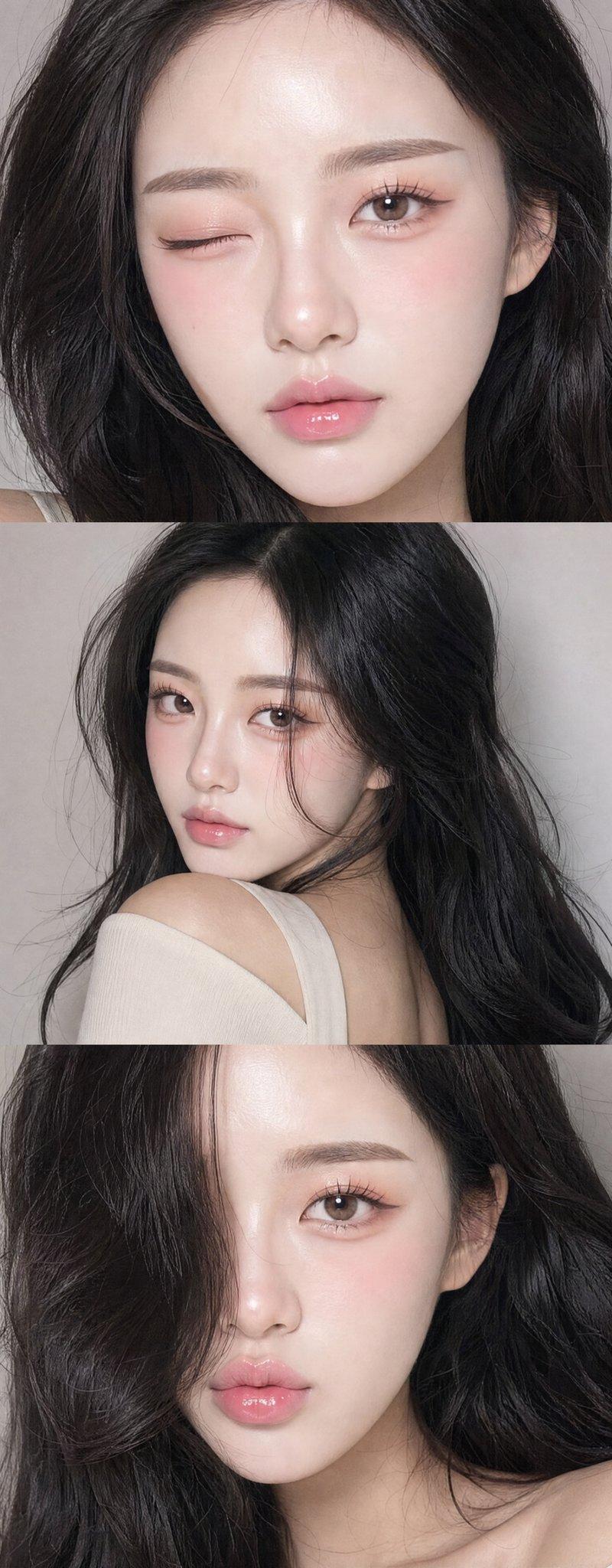
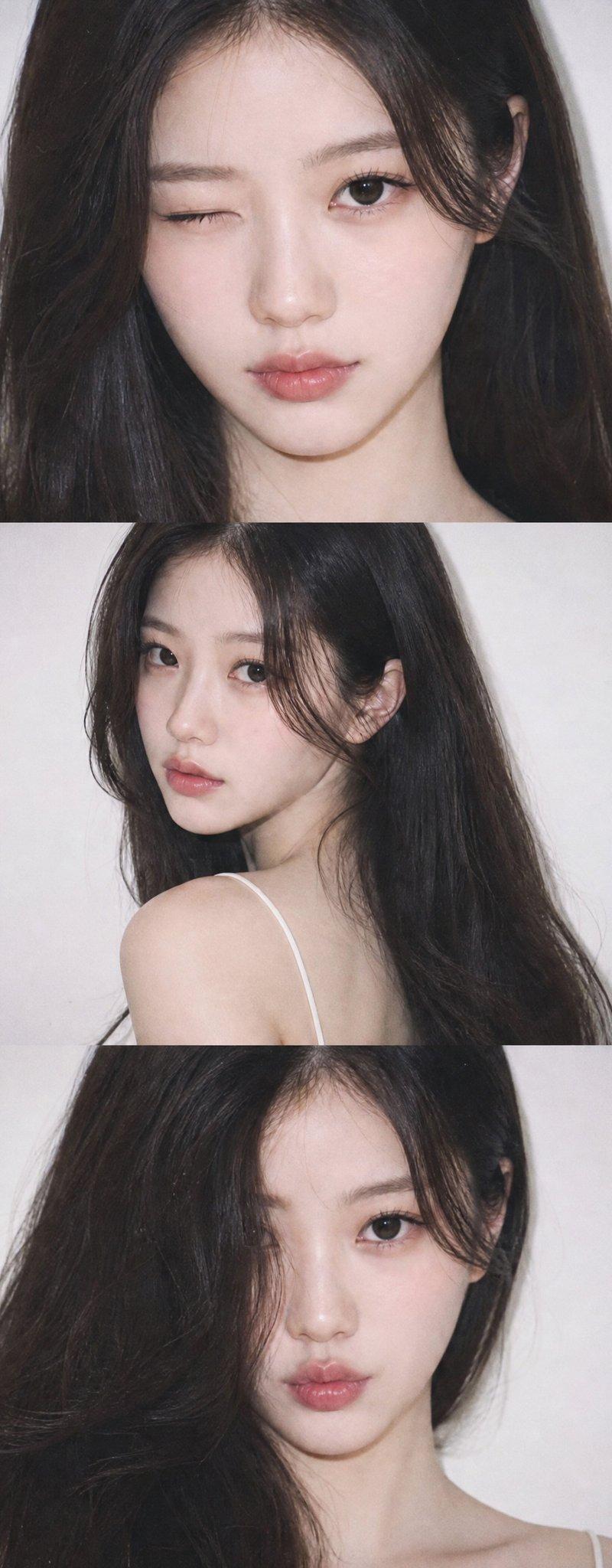
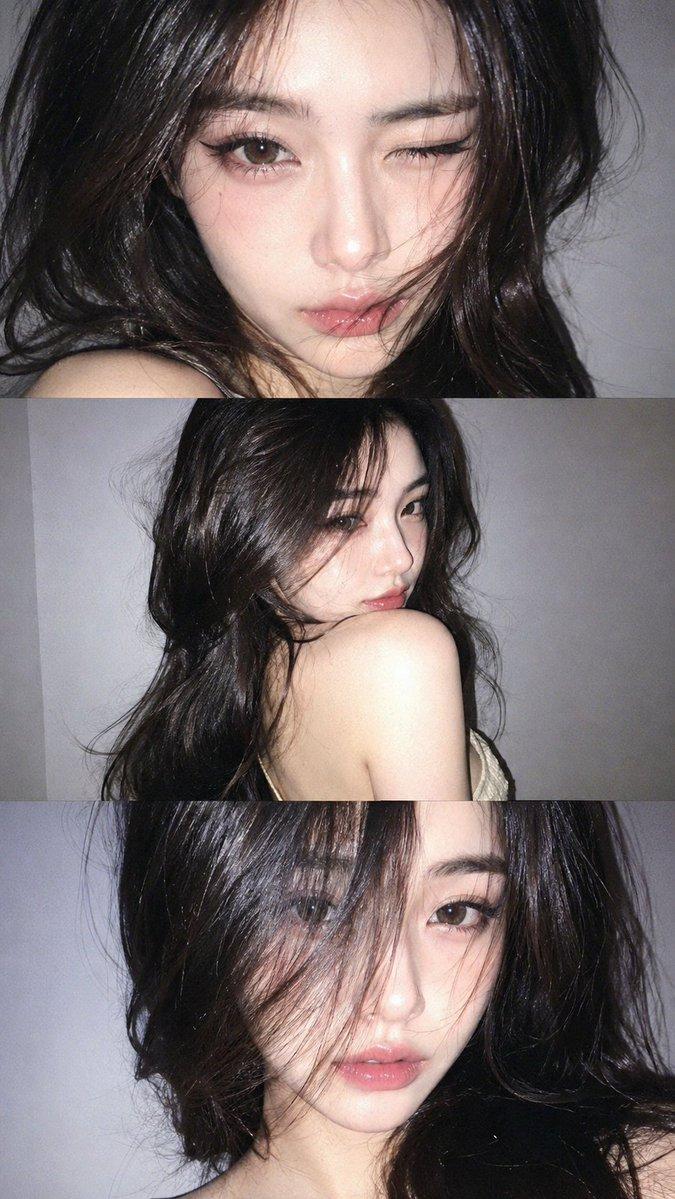
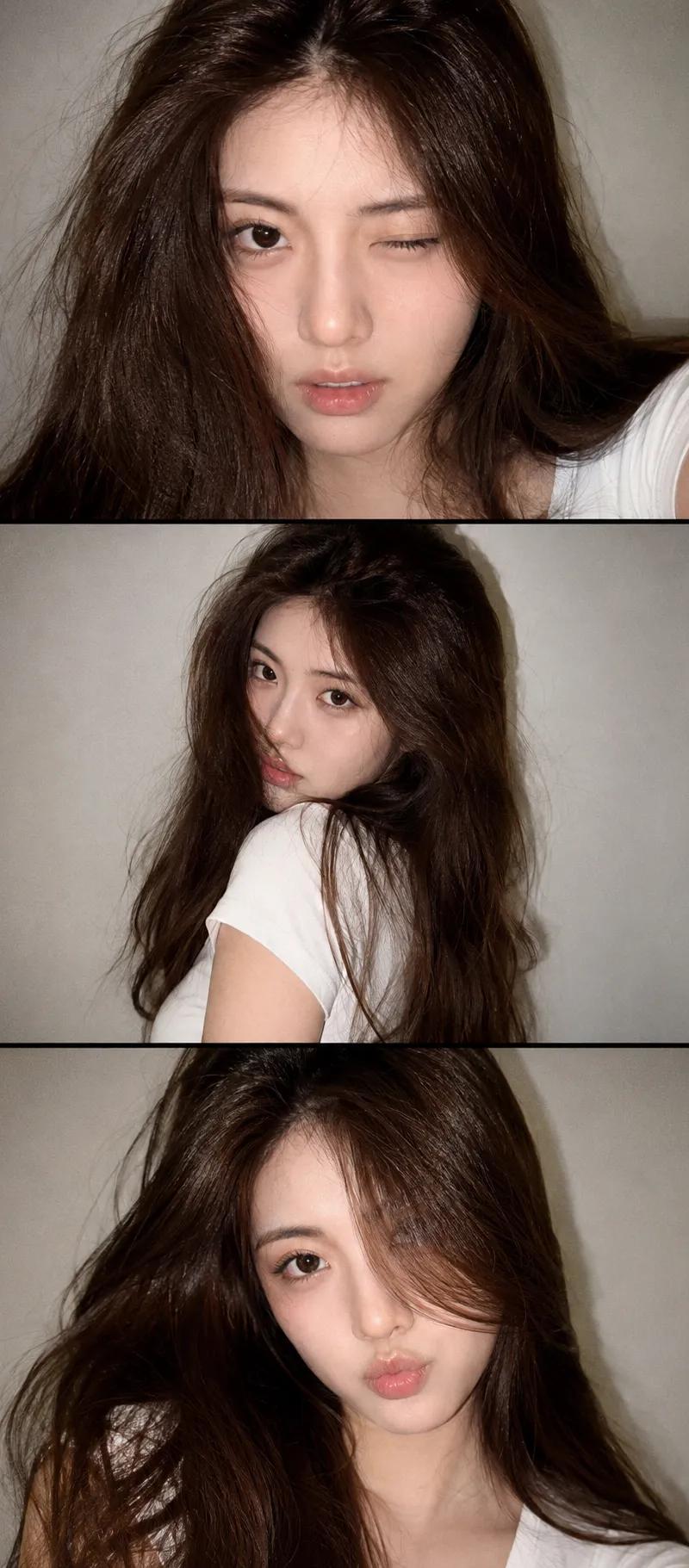
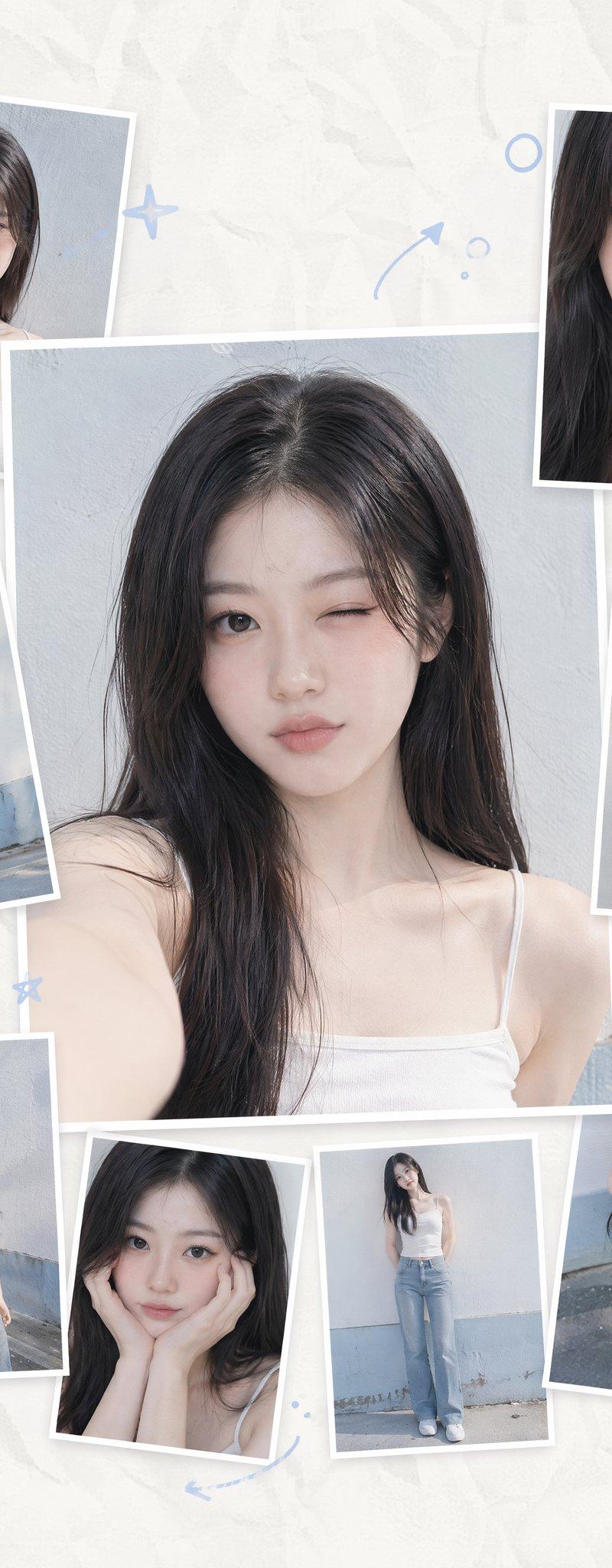
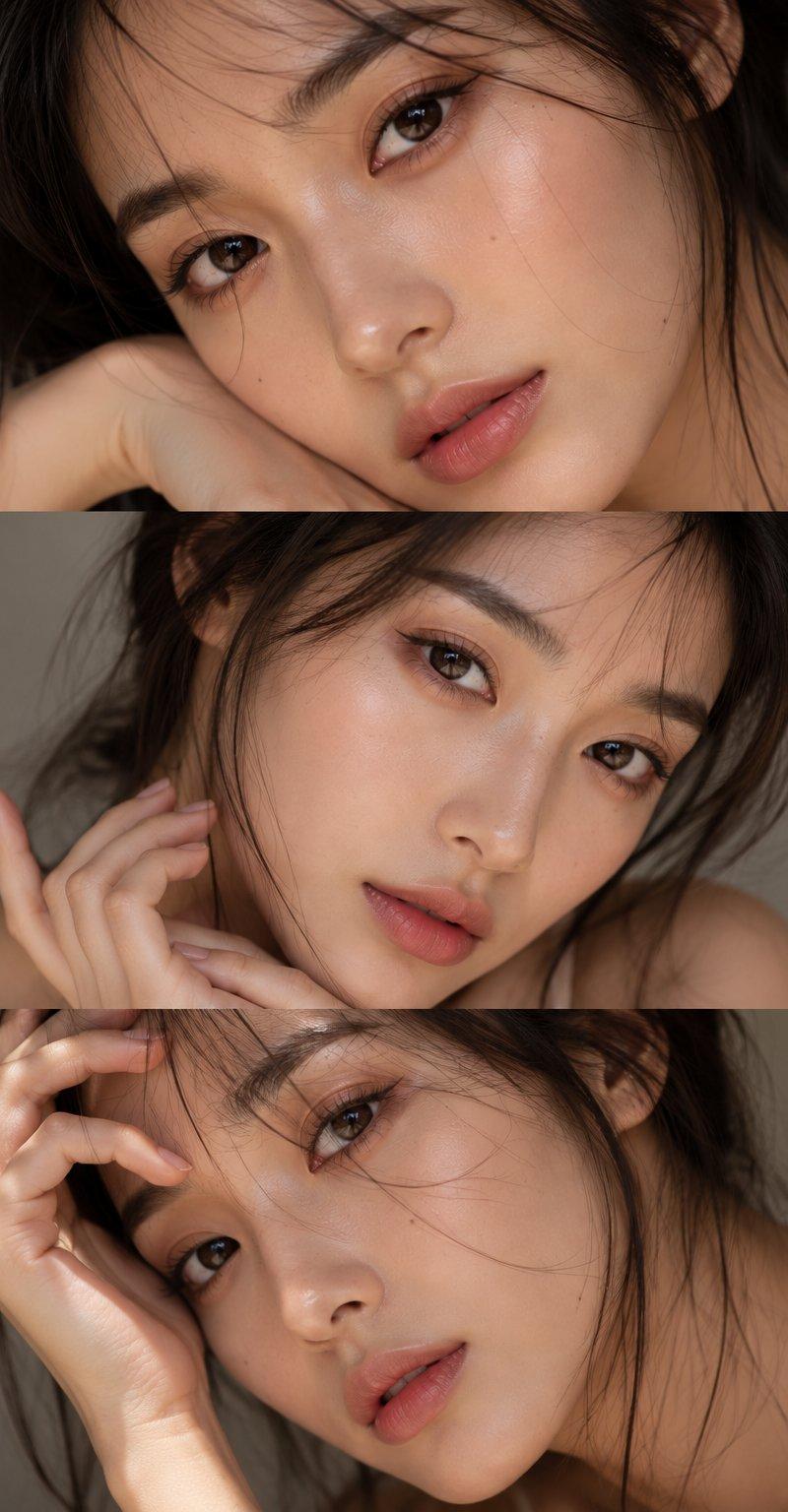
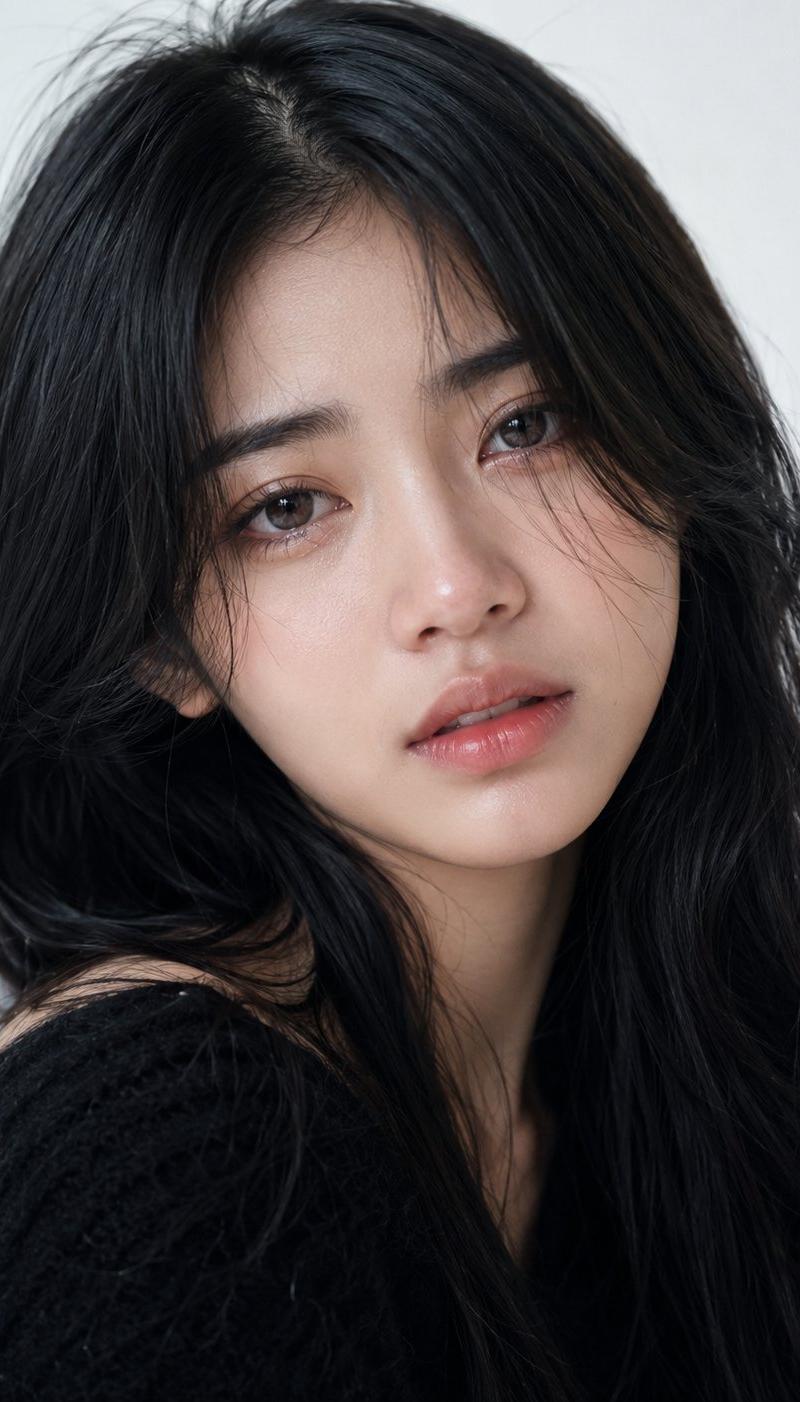
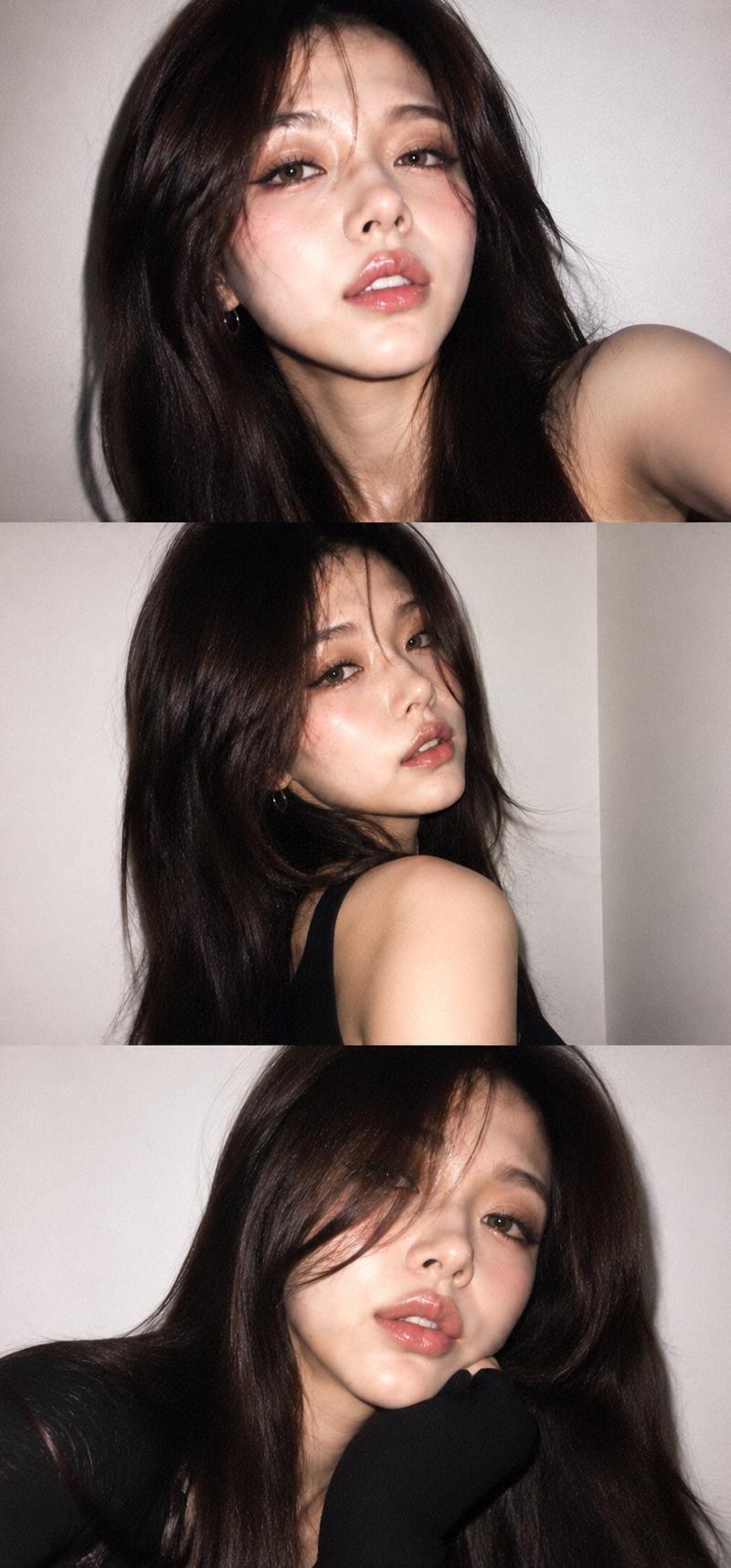
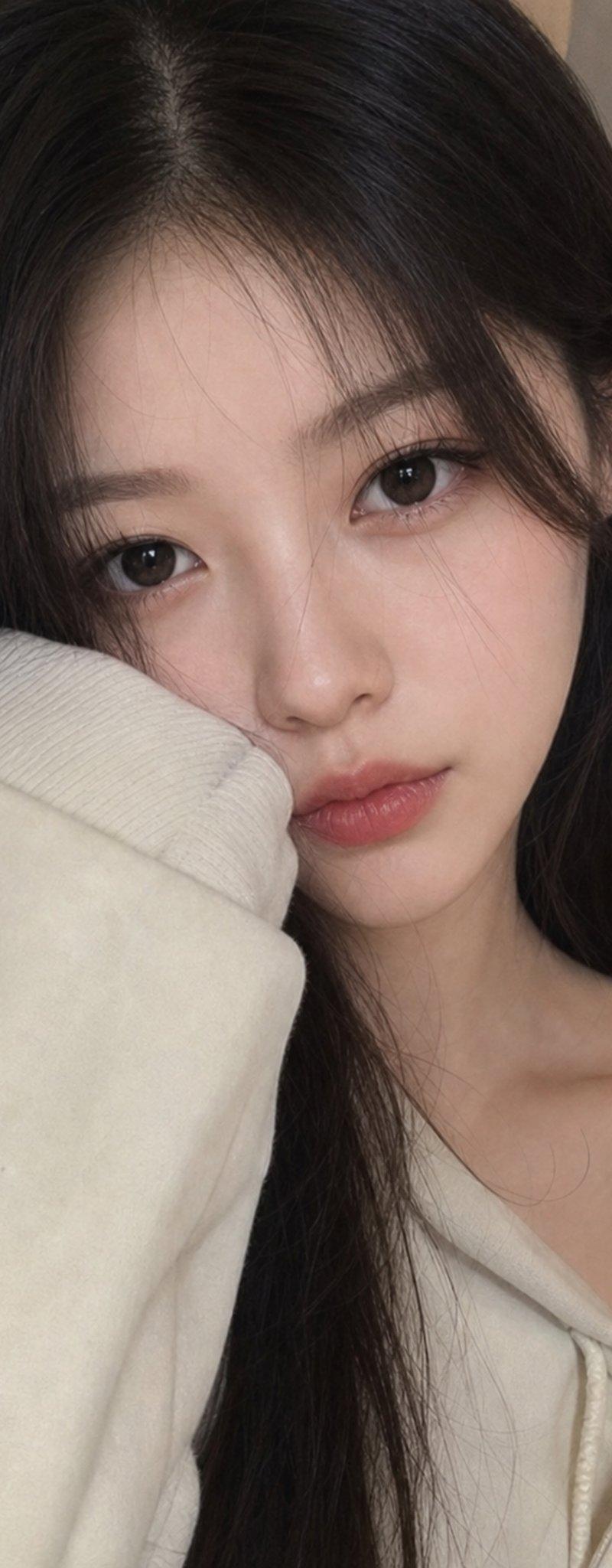
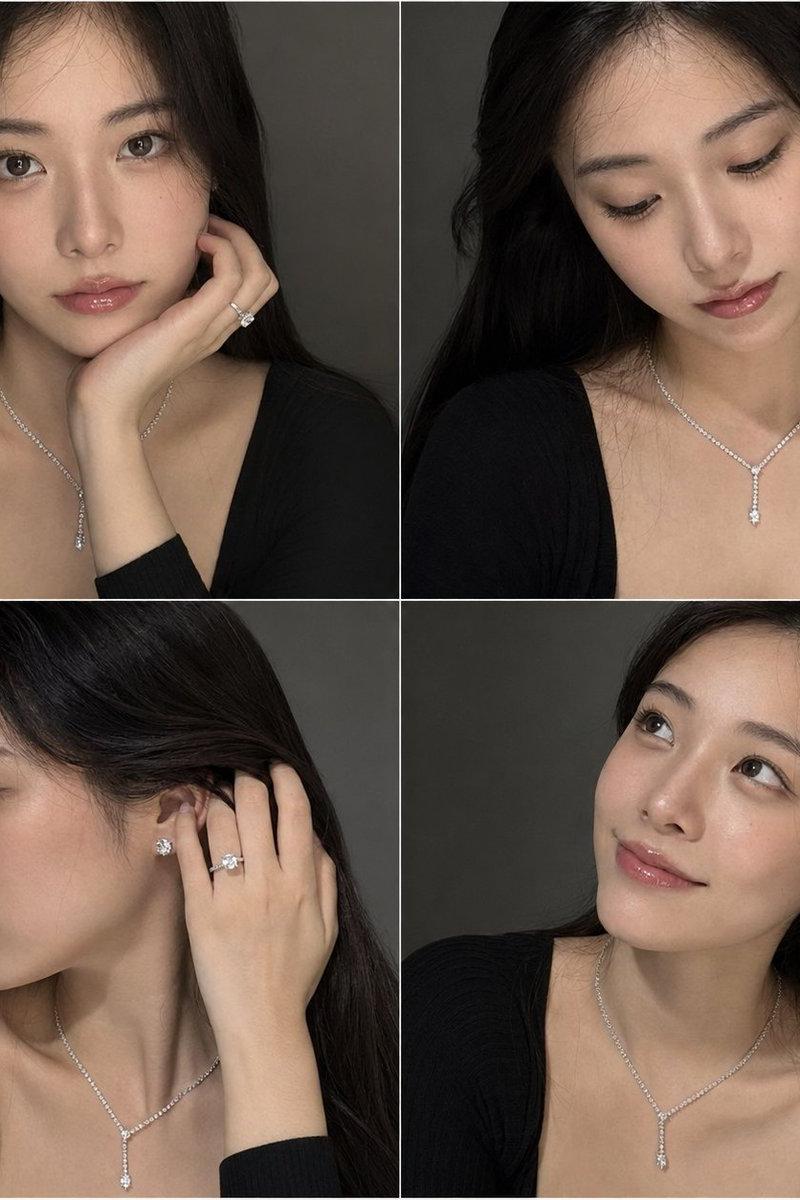
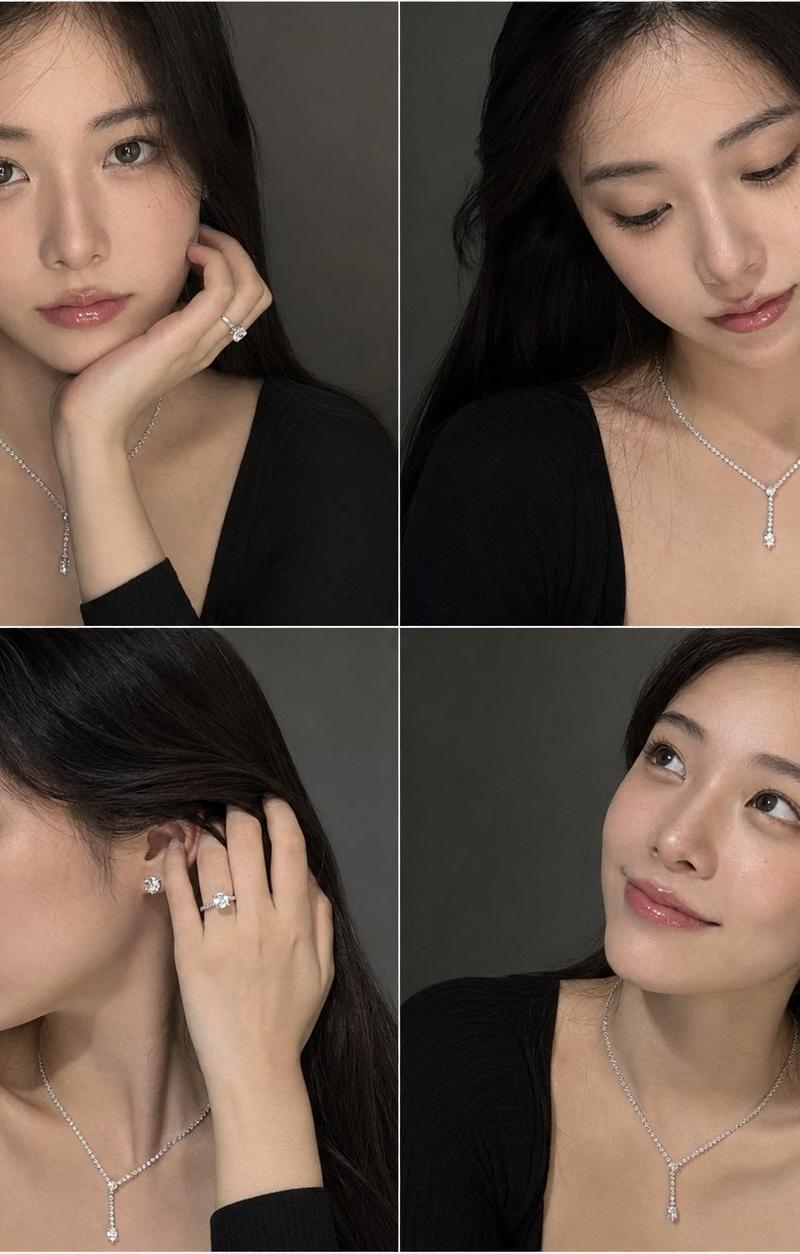
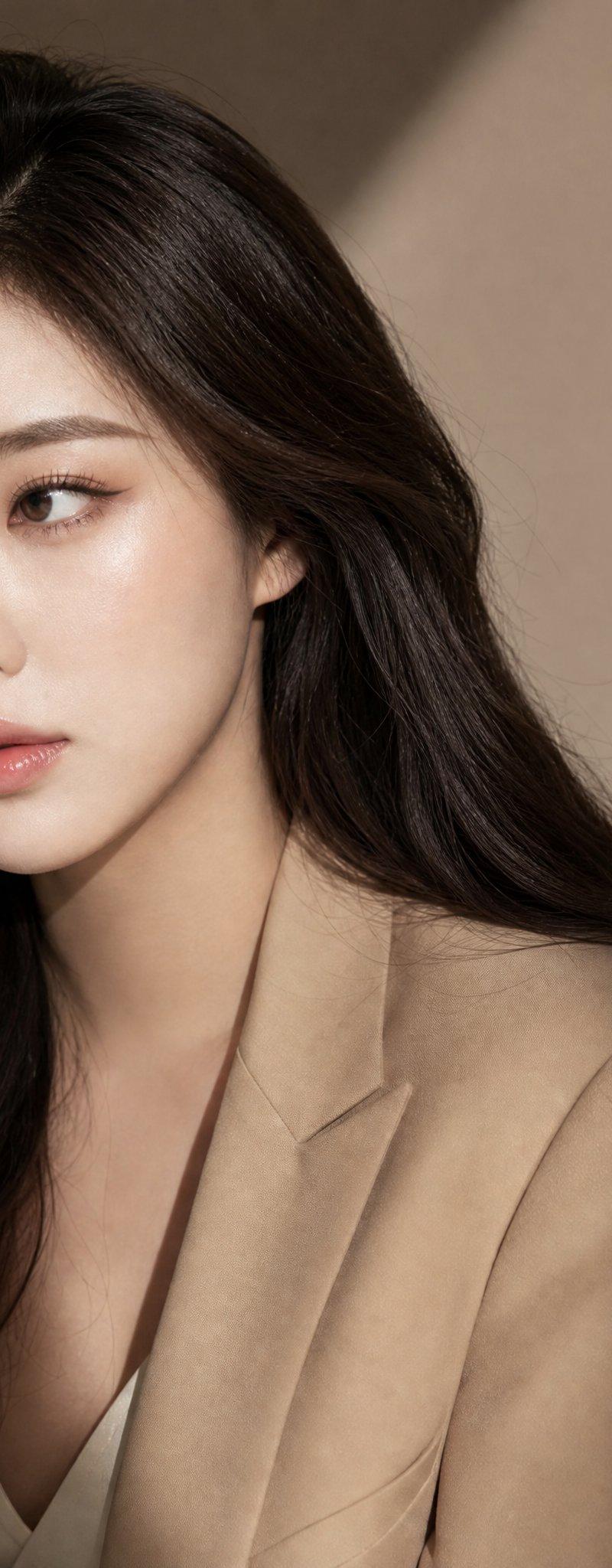
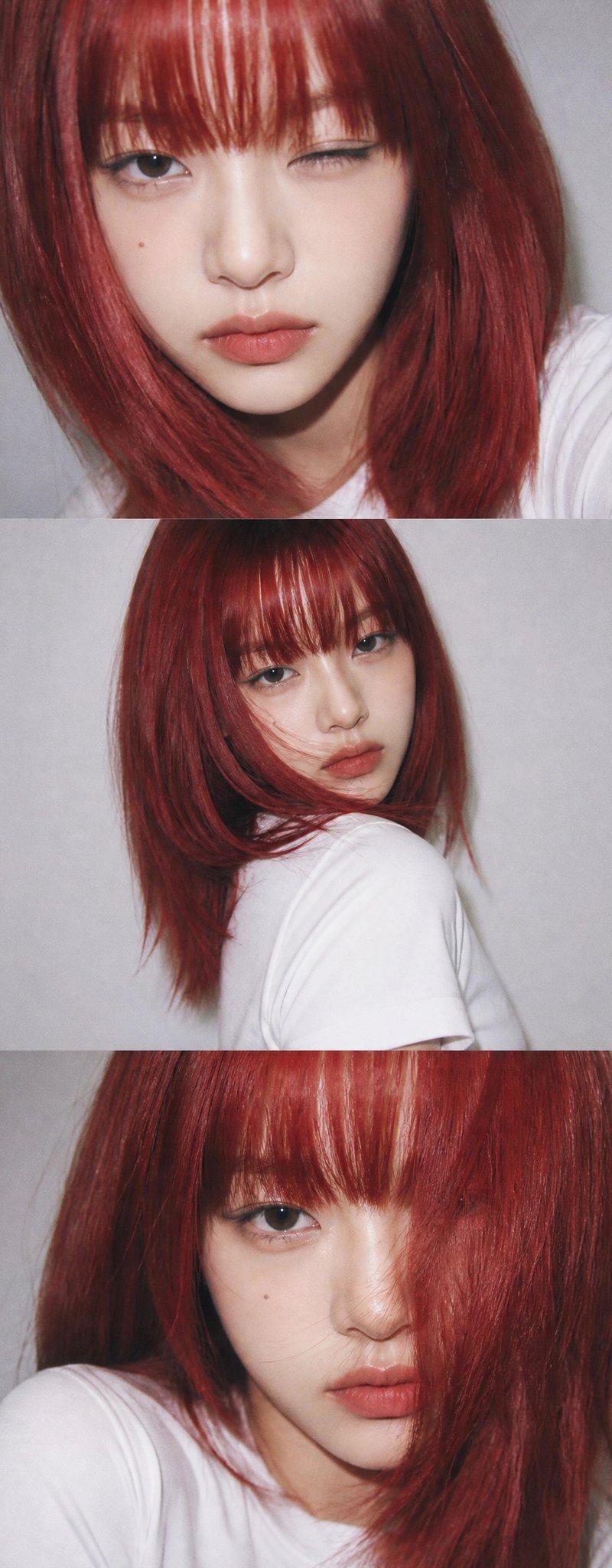
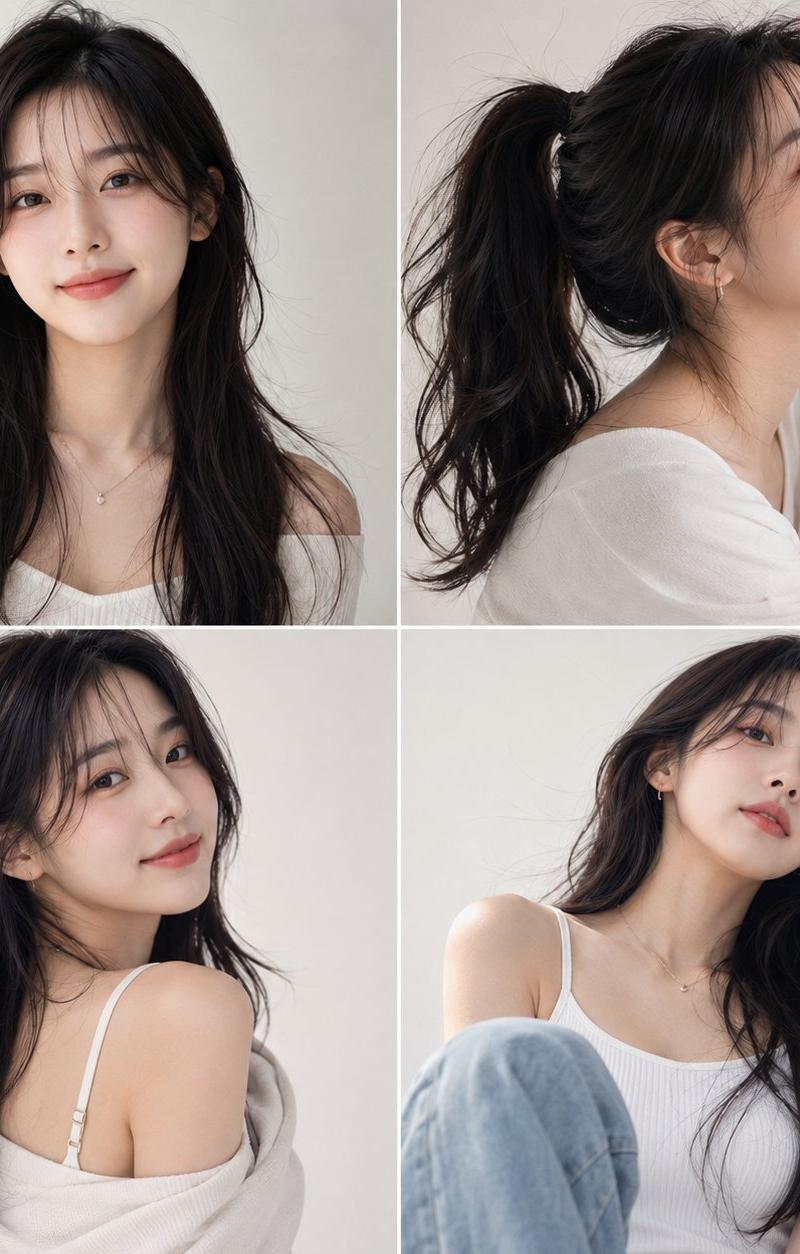
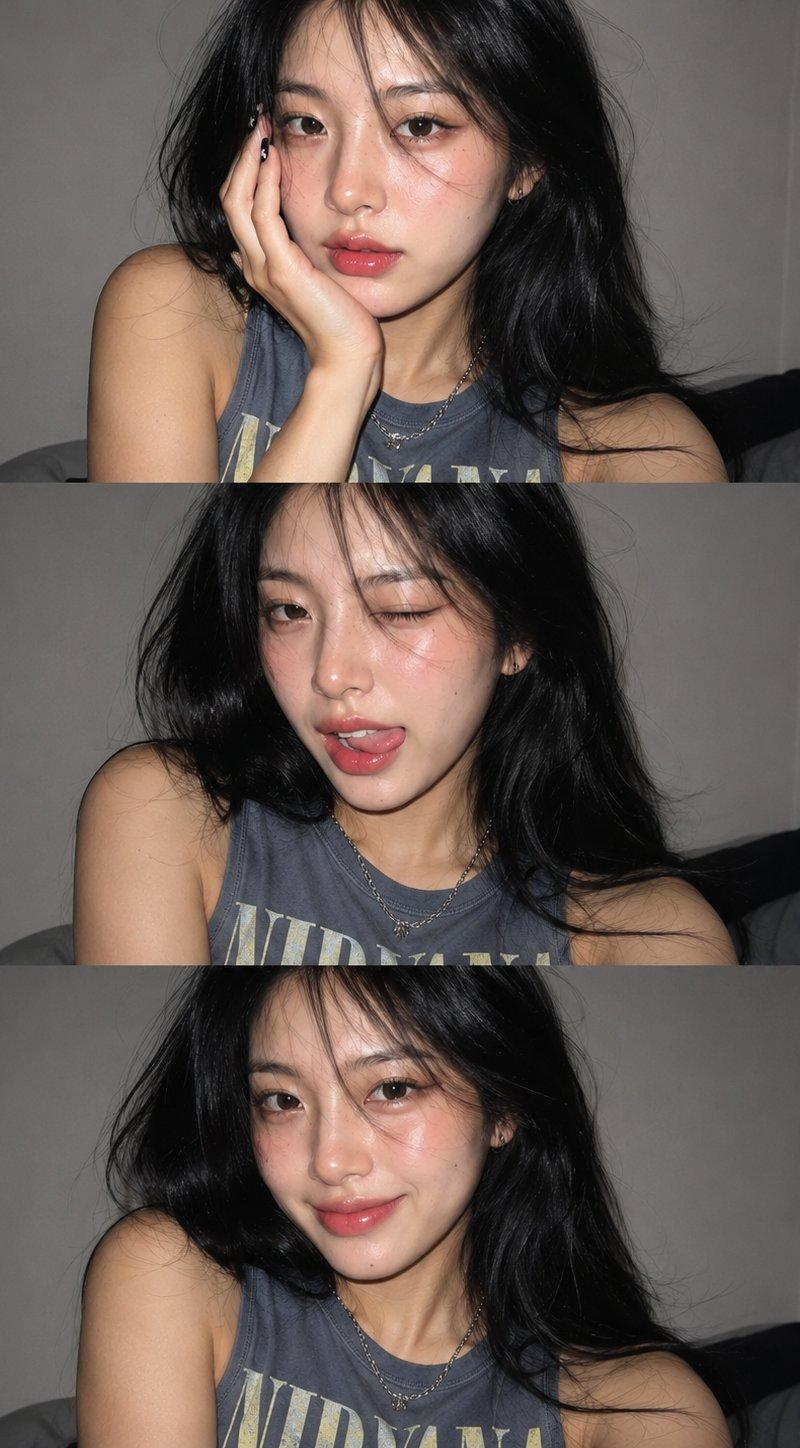
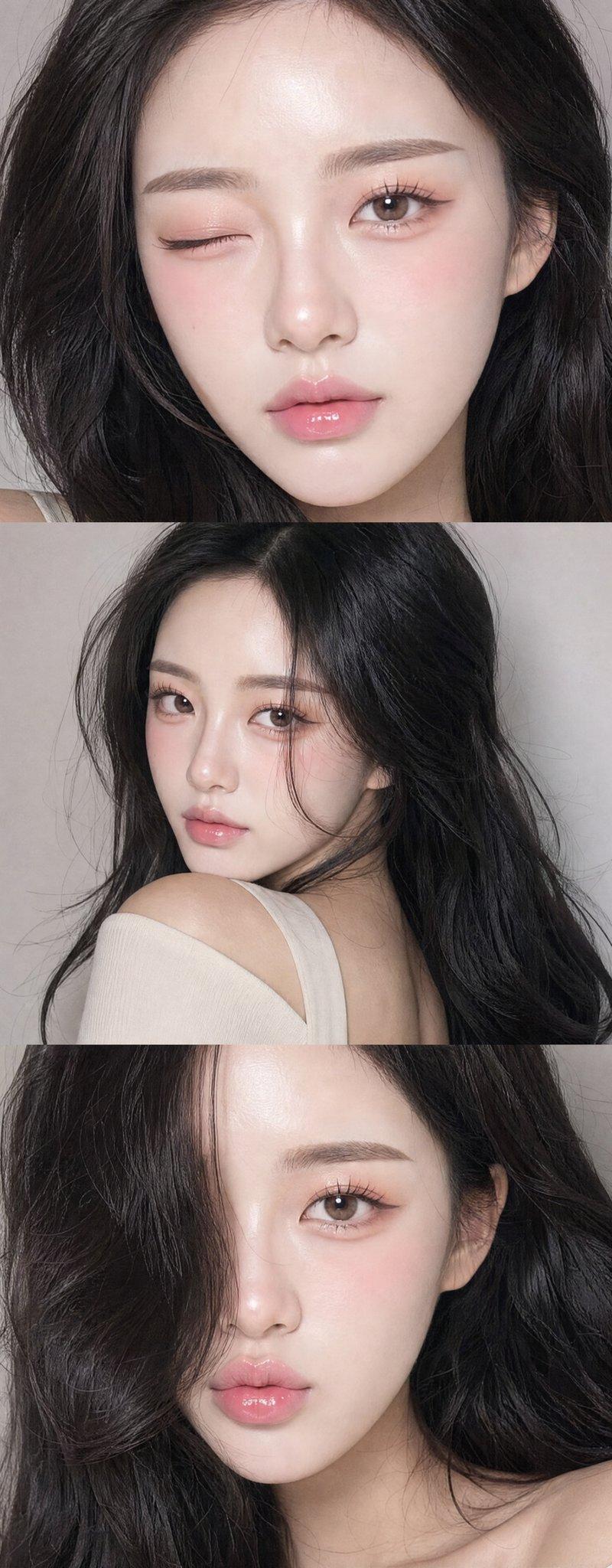
保持面部一致的精美肖像拼贴
Enlarge

Example images

保持面部一致的精美肖像拼贴

Prompt
A vertical collage of three {argument name="style" default="YZK"} photos. Using the uploaded selfie as the ONLY and exclusive face reference, keep the facial features, and facial structure exactly the same as the reference image. The character poses against a neutral light background. A girl with a beautiful, voluminous hairstyle, seemingly styled with a brush, wearing {argument name="makeup style" default="foxy makeup and pronounced, angled lashes"}. In the first photo, she's very close to the camera, looking at it with one eye and winking. In the second photo, she's turned away, her head coquettishly turned toward the lens, her hairstyle slightly covering her face, but not too much. In the third photo, she's looking very close to the lens, her hair to the side, thus covering her left eye, pouting and looking forward. Close-up and medium shot, minimalist composition, vintage digital texture, slight blur, glamorous atmosphere. Photo taken on {argument name="device" default="iPhone 17 Pro Max"} with flash.
Category
Photography & Realism
Model
GPT Image 2
Creator
WasifAI
Source language
en
Views0
Source ID
25146
Published
Jun 11, 2026
Studio

Guide

About "保持面部一致的精美肖像拼贴"

What is this prompt for?

"保持面部一致的精美肖像拼贴" AI image prompt for GPT Image 2 (Photography & Realism). 一个用于创建三张照片垂直拼贴的提示词,基于单一参考人脸,确保角色特征和风格的一致性。 Copy it on Picva and recreate the look in o…

The full copyable prompt and example visuals above are ready for AI image generation or one-click recreate in Picva.

How to use this prompt

  1. Step 1

    Open the prompt detail

    Review the example visuals, category, and full prompt text for "保持面部一致的精美肖像拼贴".

  2. Step 2

    Copy the prompt

    Copy the prompt body from this page, or load it directly in Studio.

  3. Step 3

    Pick a model (GPT Image 2)

    Prefer GPT Image 2. If you switch models, keep subject and composition and tweak style terms.

  4. Step 4

    Generate and export

    Recreate the look in Picva, or export into your workflow for editing and publishing.

FAQ

What is the "保持面部一致的精美肖像拼贴" prompt?
It is an AI image-generation prompt for GPT Image 2 in the Photography & Realism category. This page includes the full prompt text, example visuals, and a one-click recreate path in Picva.
How do I use this prompt to generate an image?
Copy the prompt from this page, or use Generate / Studio. Paste it into a compatible image model, or recreate the look in Picva with optional reference images.
Which model is this prompt for?
This page lists GPT Image 2. Most descriptive prompts also transfer to nearby image models such as GPT Image, Flux, or Midjourney with light style tweaks.
Can I use the result commercially?
You can usually copy the prompt for creation, but commercial use of the final image depends on the model terms, reference-image rights, and the generated content. Follow the source author and platform rules.