17

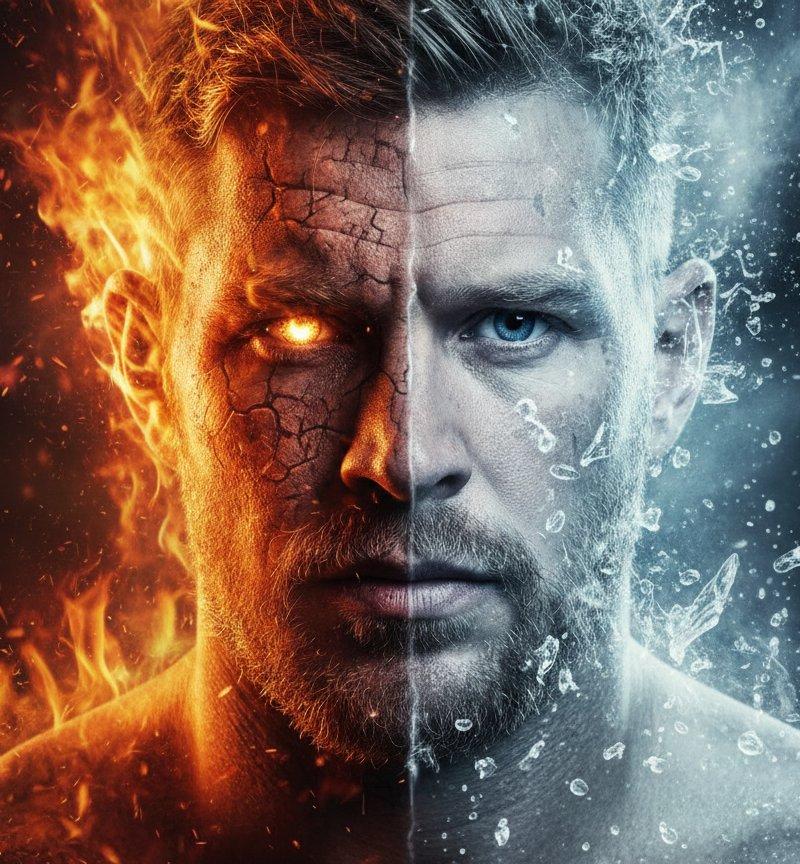
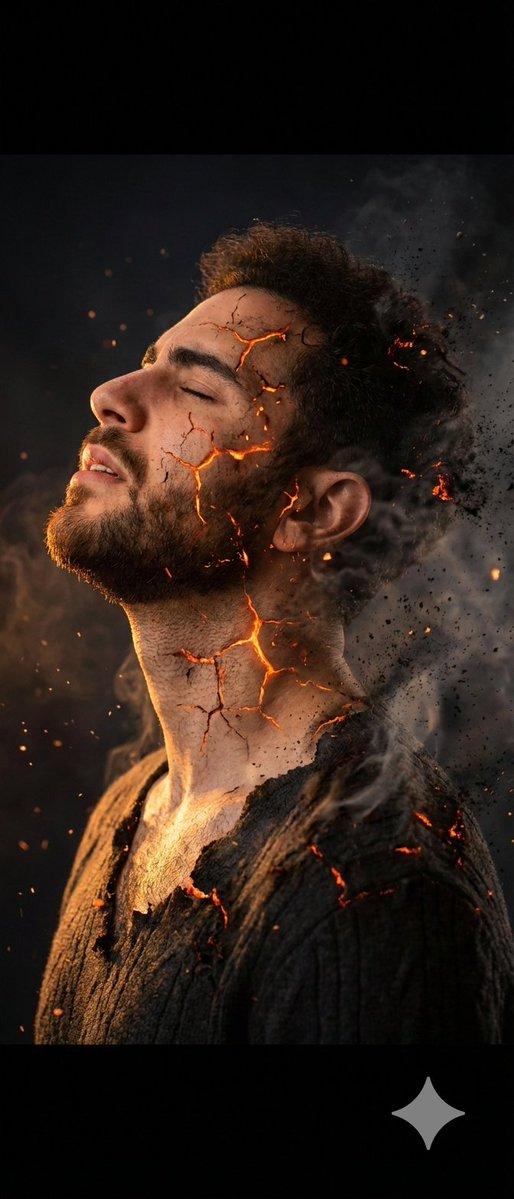
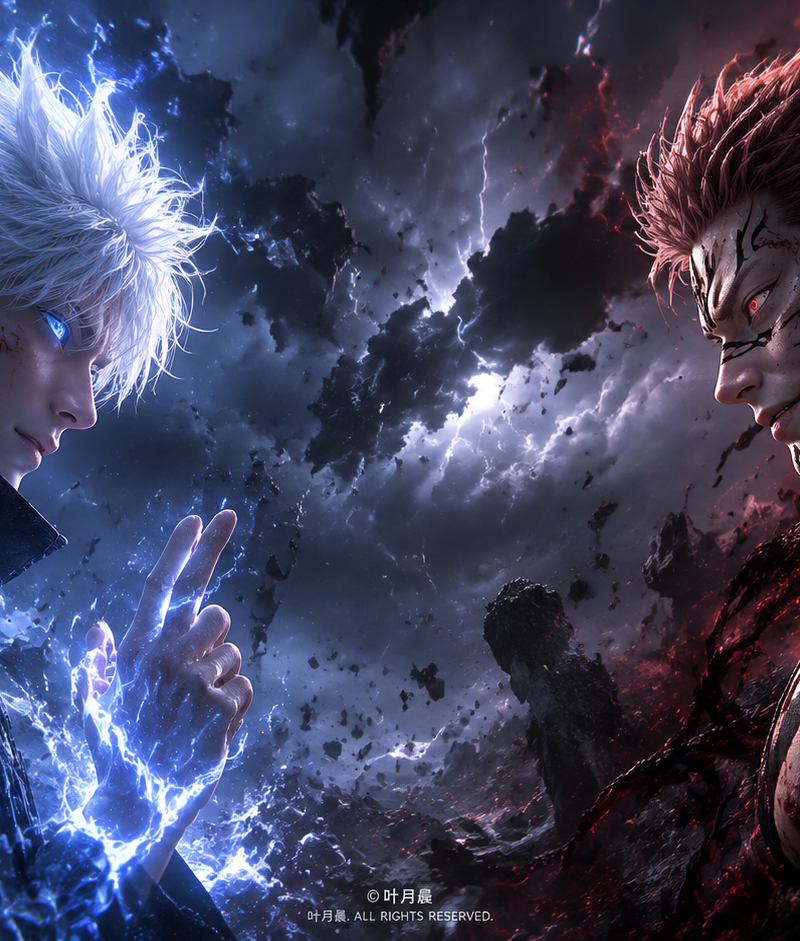
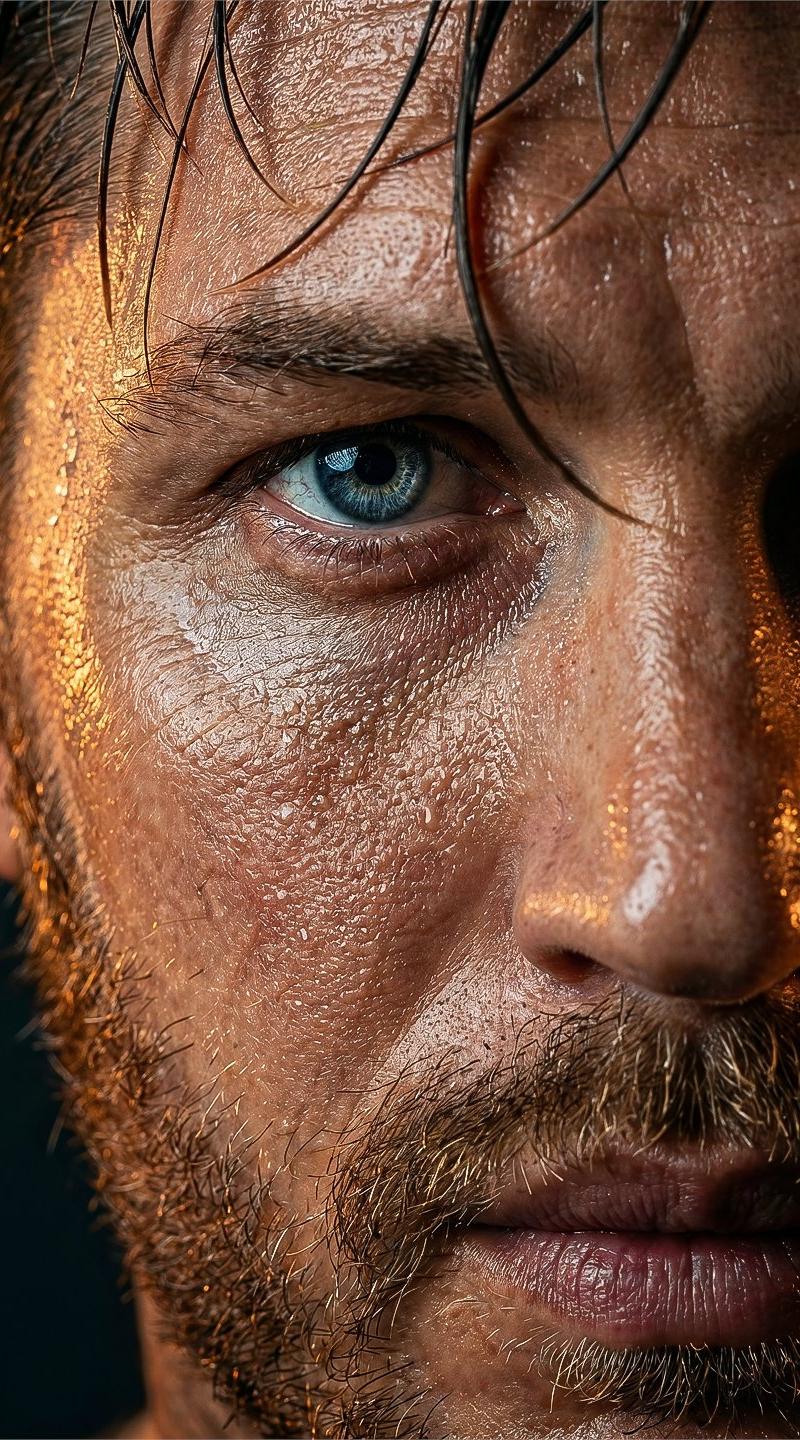
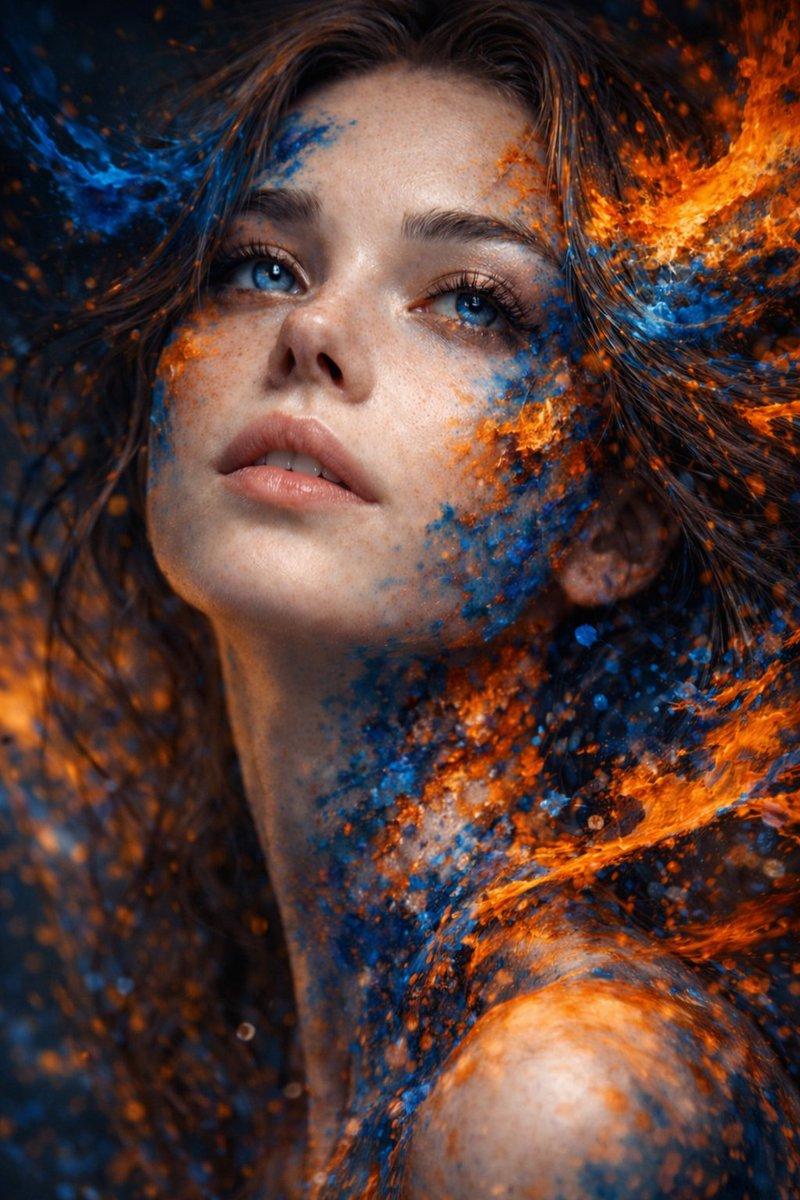
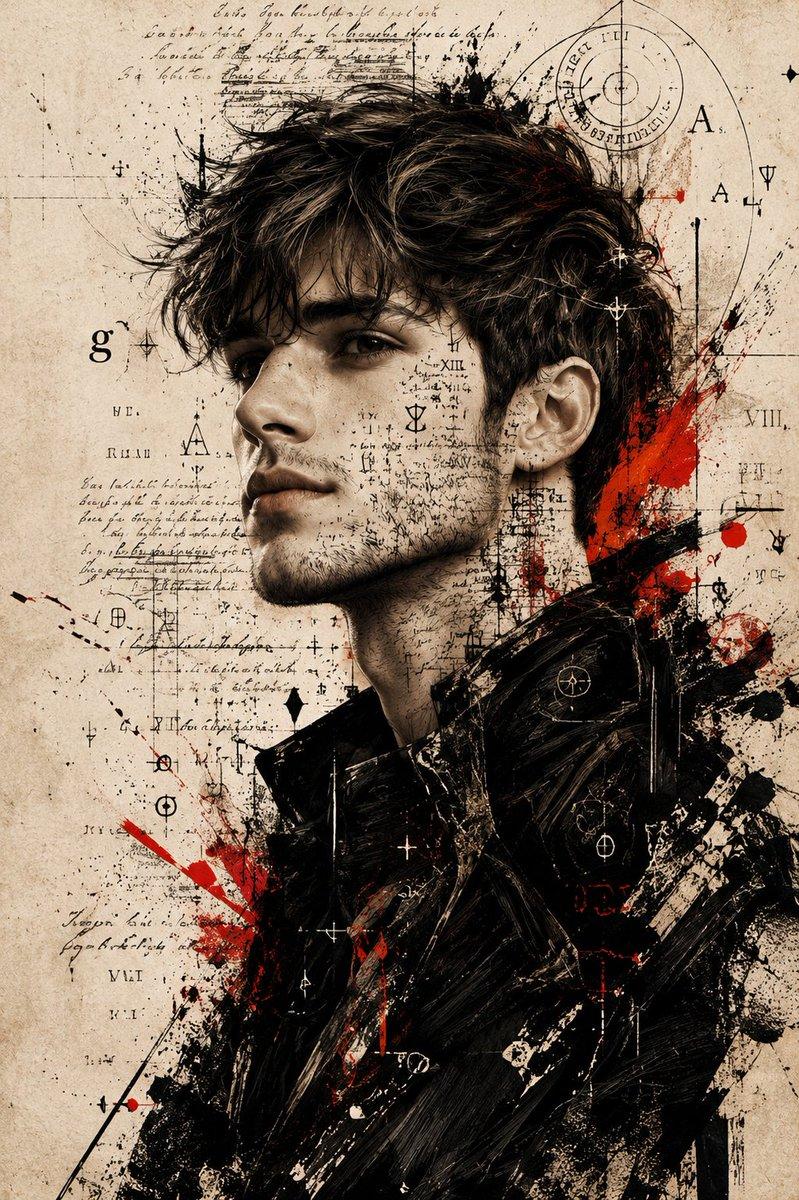
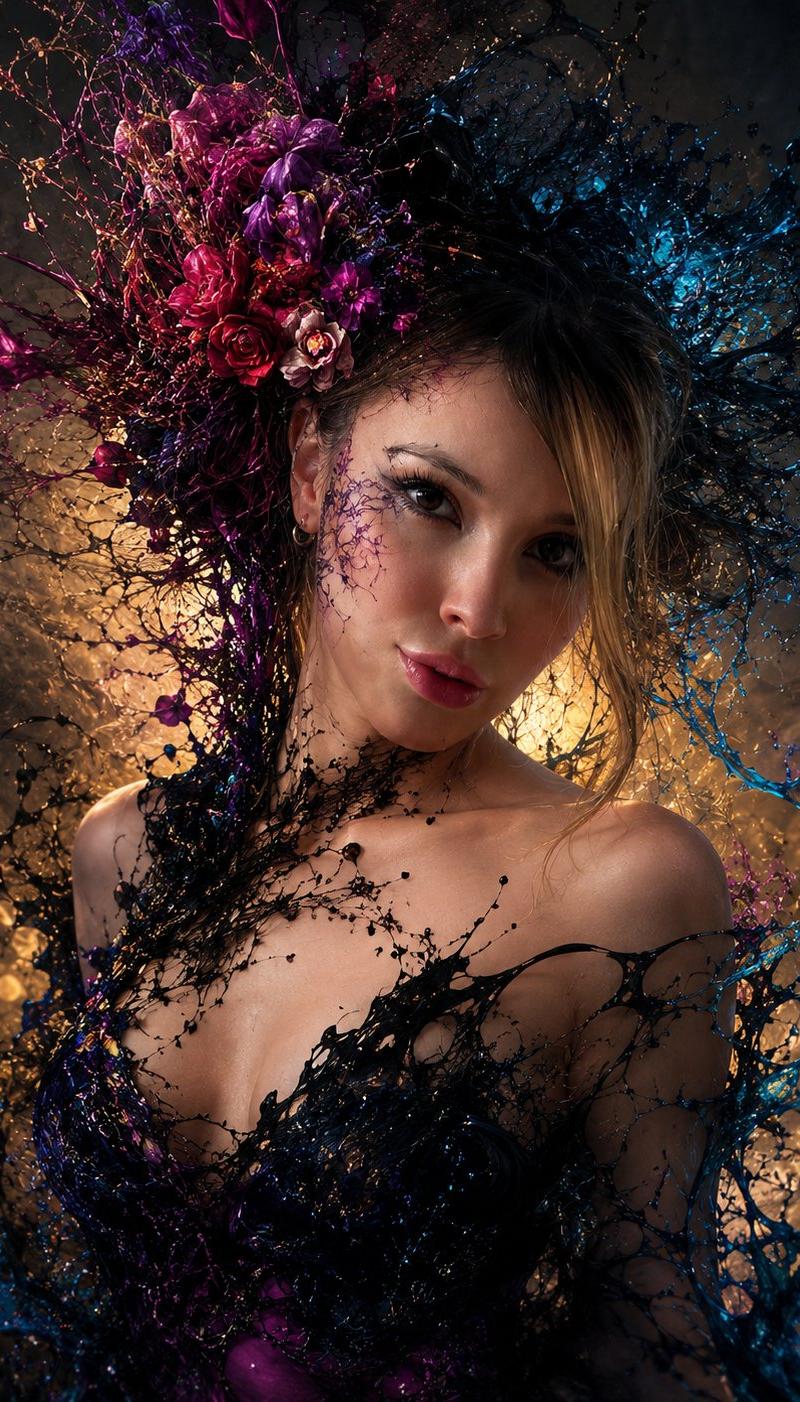
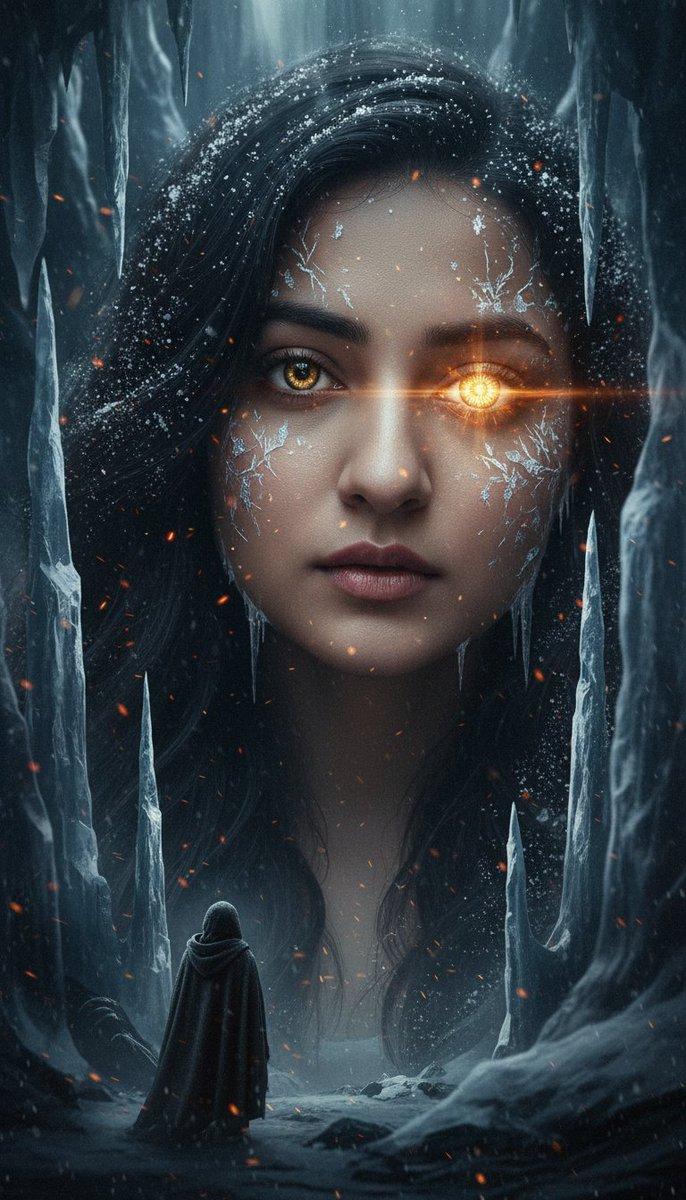
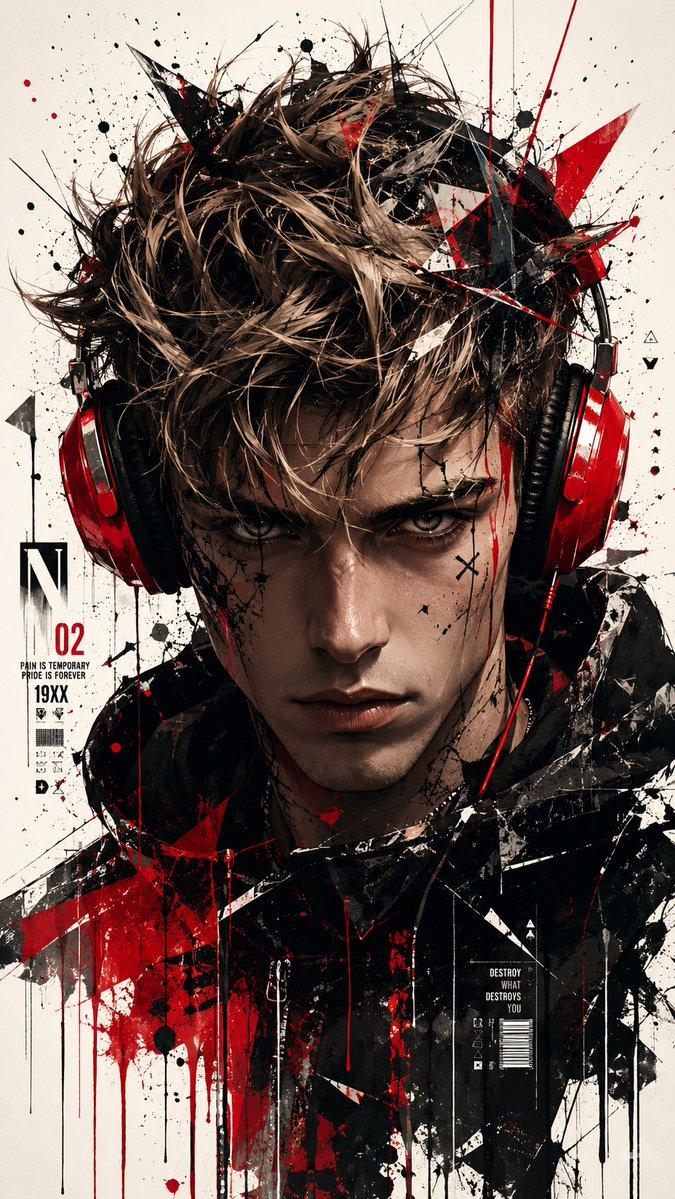
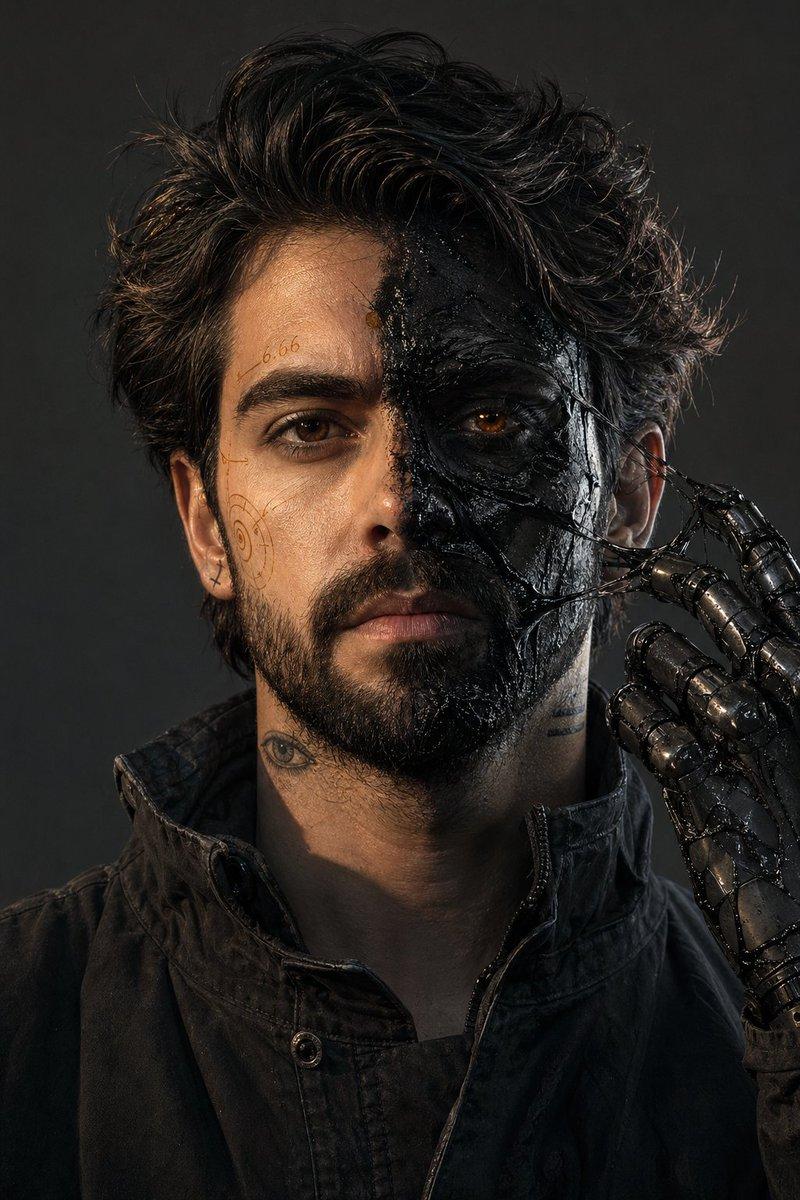
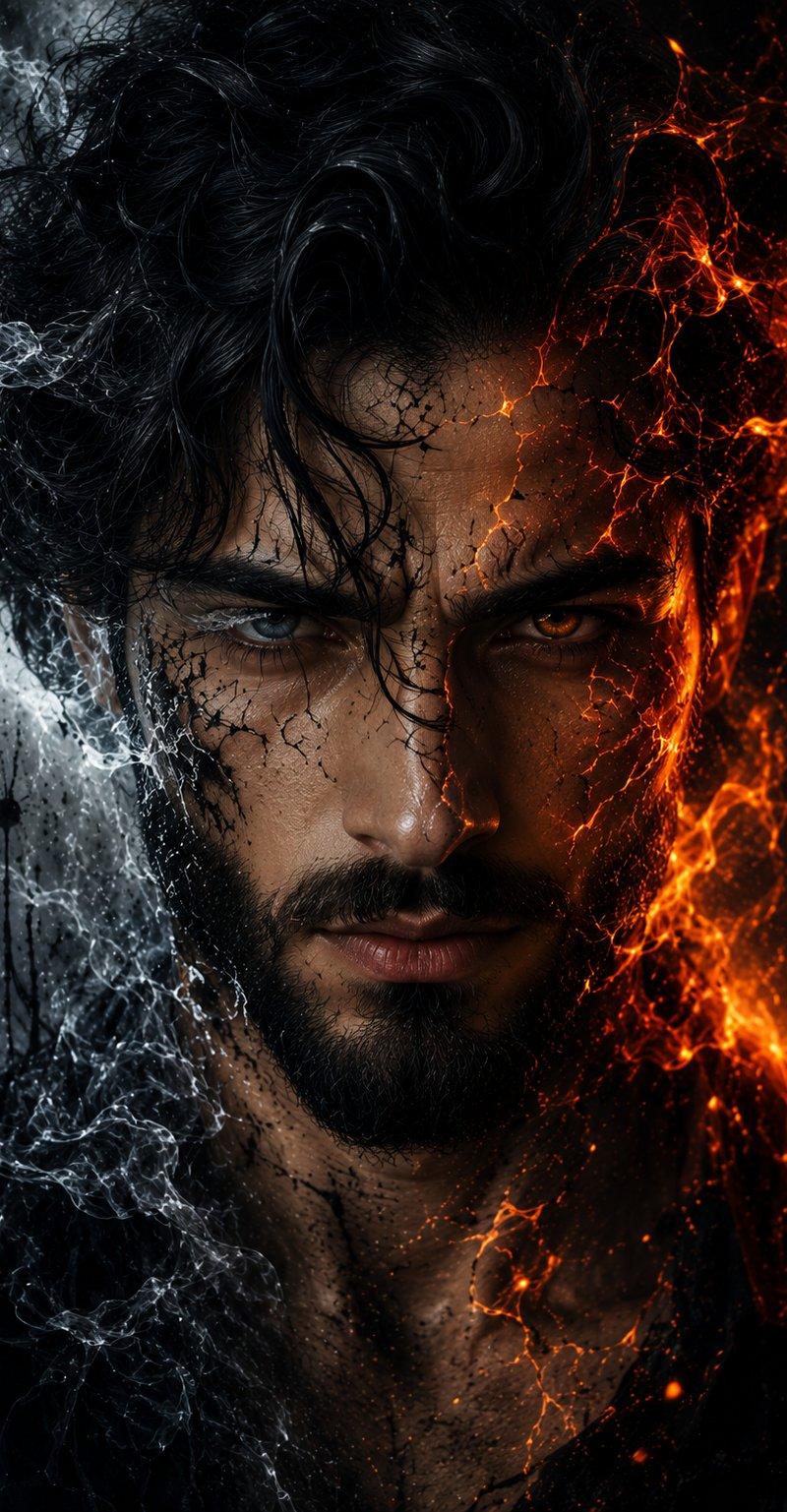
冰火元素男子肖像
Enlarge

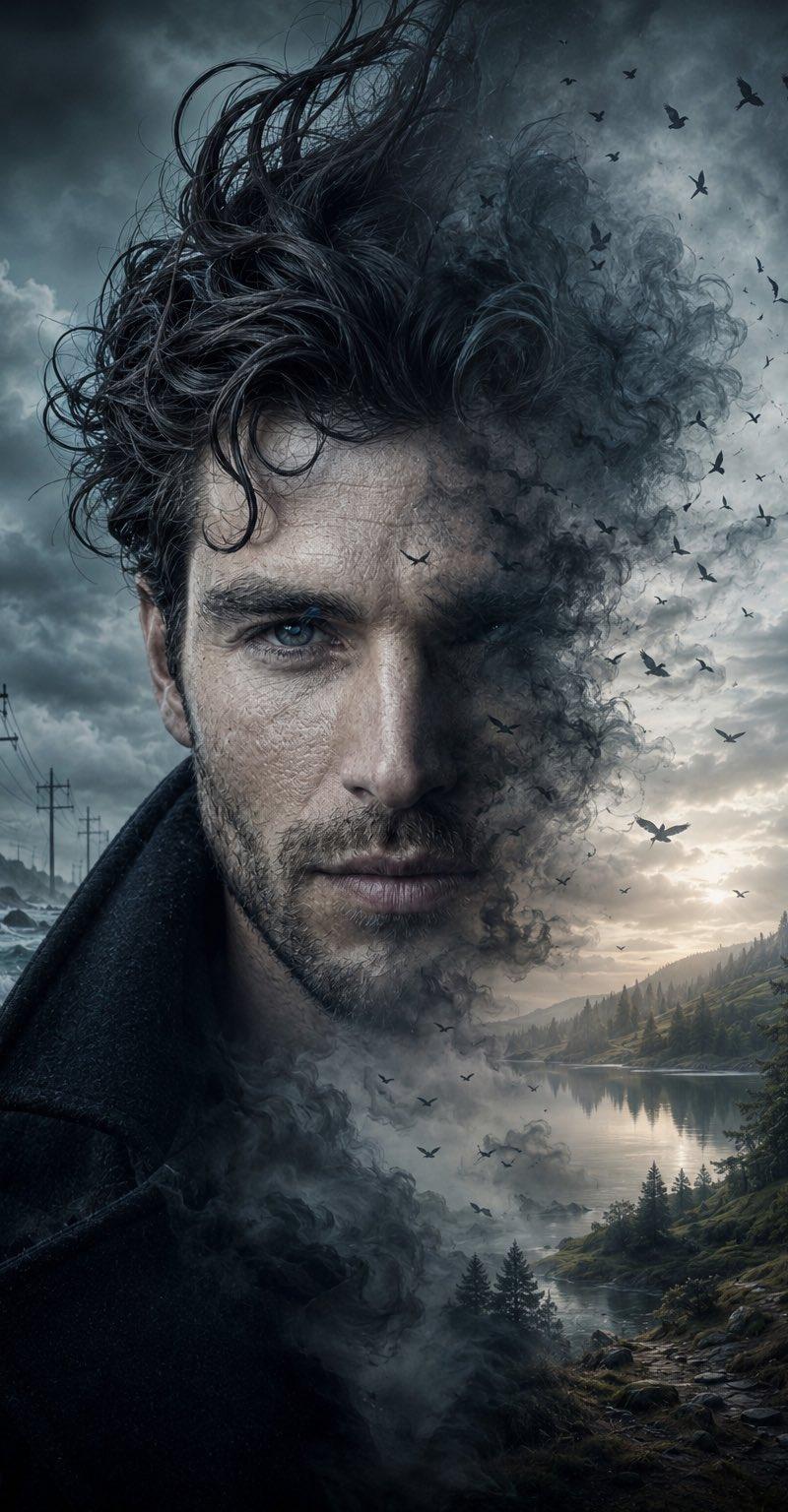
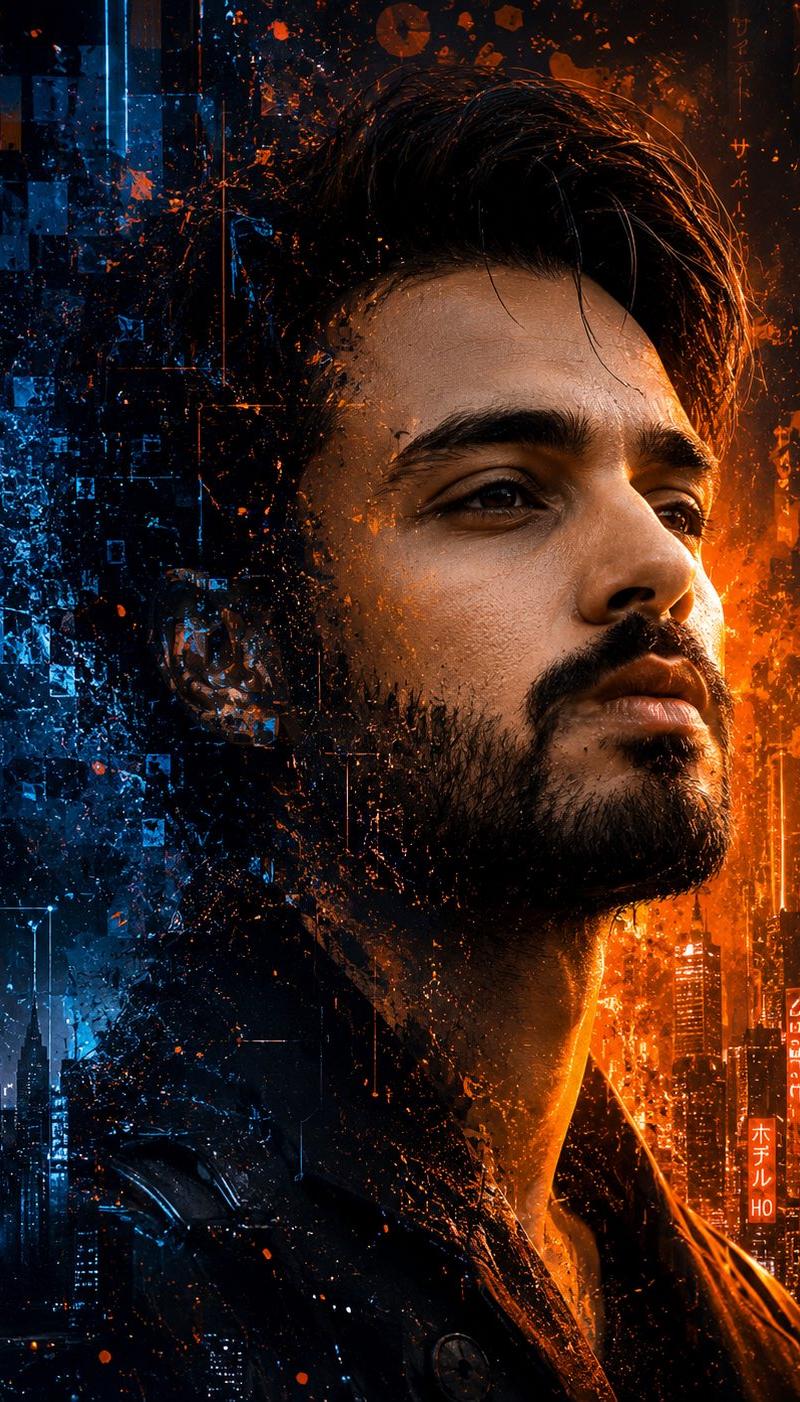
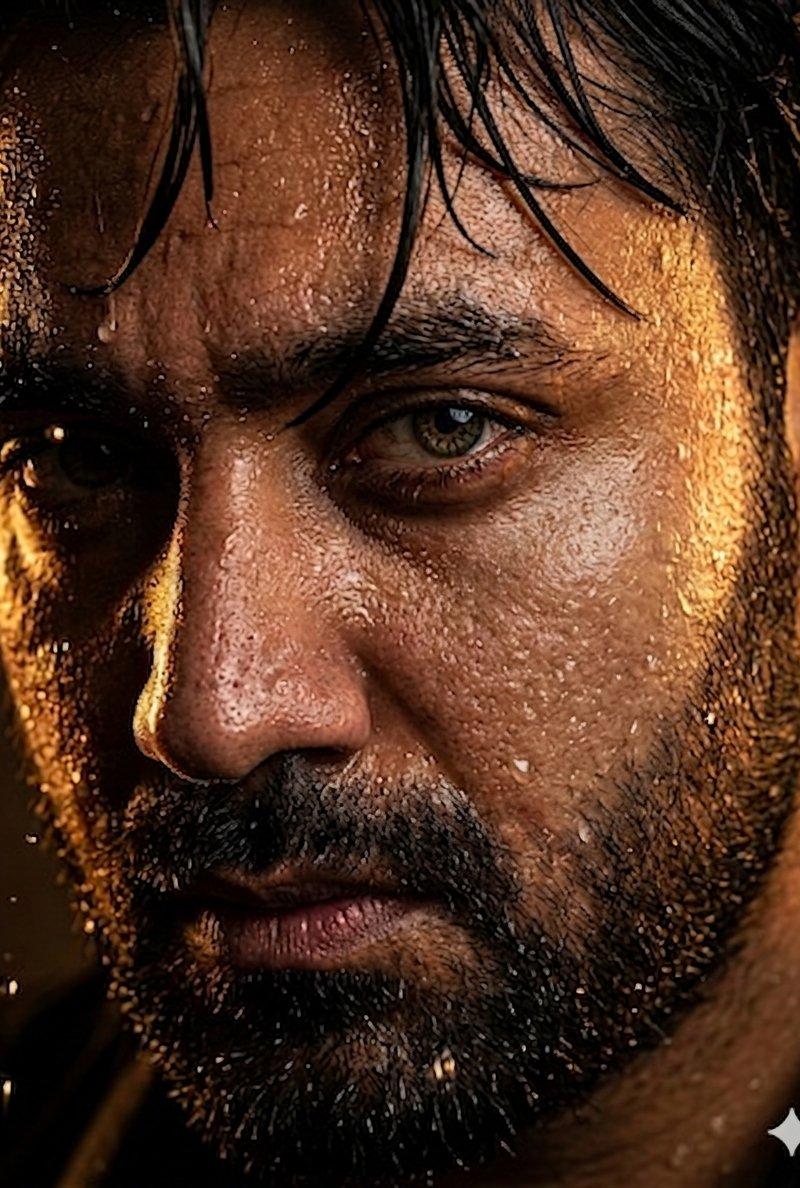
Example images

冰火元素男子肖像

Prompt
Ultra-detailed cinematic element portrait of an {argument name="subject" default="intense bearded man"} with piercing eyes, rugged face, thick beard, sharp jawline, dramatic expression, {argument name="fire side" default="half face made of burning fire and glowing lava cracks"}, {argument name="ice side" default="other half surrounded by cold smoke and icy textures"}, dark fantasy aesthetic, cinematic lighting, ultra realistic skin details, glowing embers, volumetric smoke, moody dark background, symmetrical composition, intense eye contact, hyper detailed, 8K, masterpiece, dramatic shadows, sharp focus
Category
Photography & Realism
Model
GPT Image 2
Creator
Sheikh Sharik 2.0
Source language
en
Views0
Source ID
25158
Published
Jun 11, 2026
Studio

Guide

About "冰火元素男子肖像"

What is this prompt for?

"冰火元素男子肖像" AI image prompt for GPT Image 2 (Photography & Realism). 一个用于创作双元素男子肖像的电影级提示词,画面一半由火焰和熔岩构成,另一半则环绕着冰霜质感。 Copy it on Picva and recreate the look in on…

The full copyable prompt and example visuals above are ready for AI image generation or one-click recreate in Picva.

How to use this prompt

  1. Step 1

    Open the prompt detail

    Review the example visuals, category, and full prompt text for "冰火元素男子肖像".

  2. Step 2

    Copy the prompt

    Copy the prompt body from this page, or load it directly in Studio.

  3. Step 3

    Pick a model (GPT Image 2)

    Prefer GPT Image 2. If you switch models, keep subject and composition and tweak style terms.

  4. Step 4

    Generate and export

    Recreate the look in Picva, or export into your workflow for editing and publishing.

FAQ

What is the "冰火元素男子肖像" prompt?
It is an AI image-generation prompt for GPT Image 2 in the Photography & Realism category. This page includes the full prompt text, example visuals, and a one-click recreate path in Picva.
How do I use this prompt to generate an image?
Copy the prompt from this page, or use Generate / Studio. Paste it into a compatible image model, or recreate the look in Picva with optional reference images.
Which model is this prompt for?
This page lists GPT Image 2. Most descriptive prompts also transfer to nearby image models such as GPT Image, Flux, or Midjourney with light style tweaks.
Can I use the result commercially?
You can usually copy the prompt for creation, but commercial use of the final image depends on the model terms, reference-image rights, and the generated content. Follow the source author and platform rules.