18

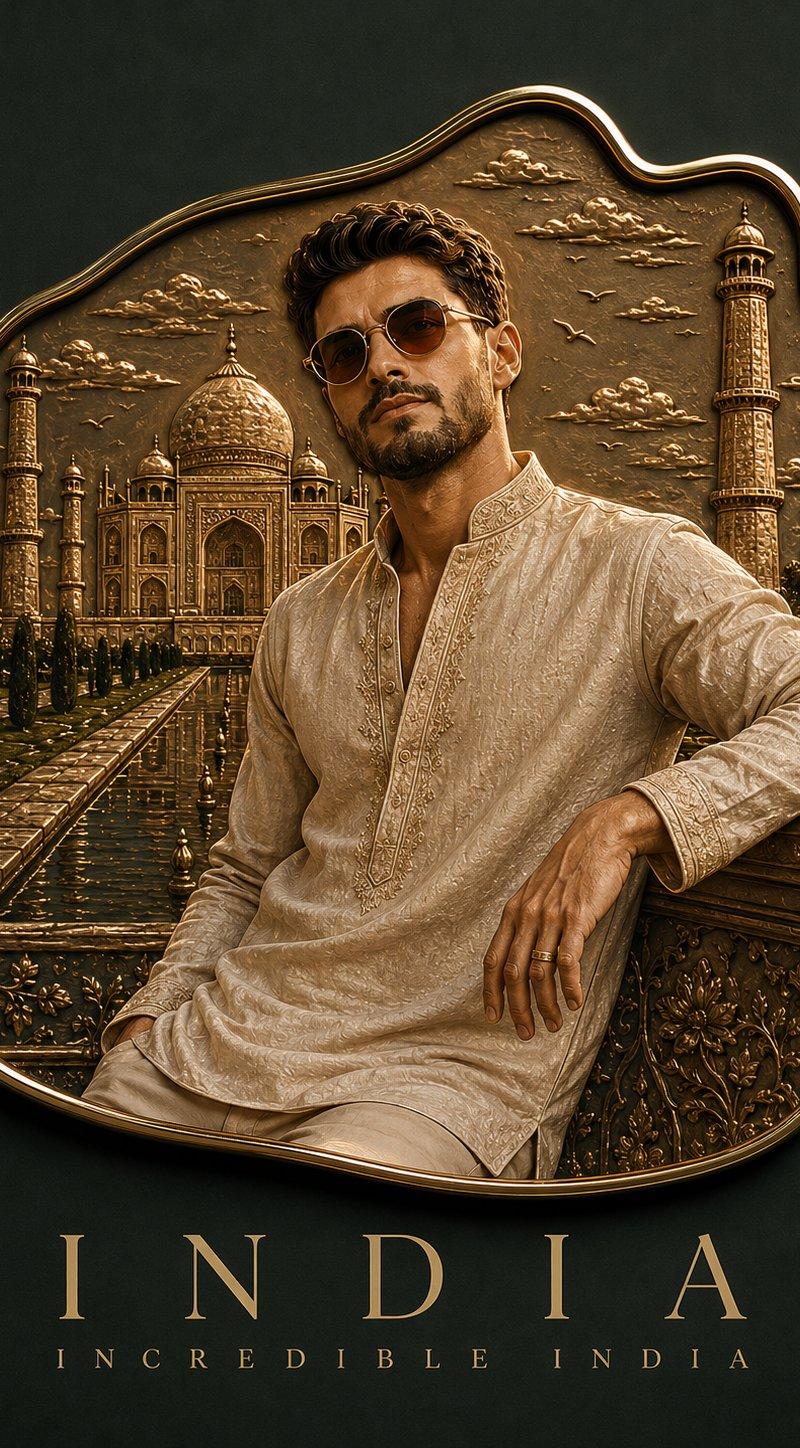
定制珐琅纪念磁贴
Enlarge

Example images

定制珐琅纪念磁贴

Prompt
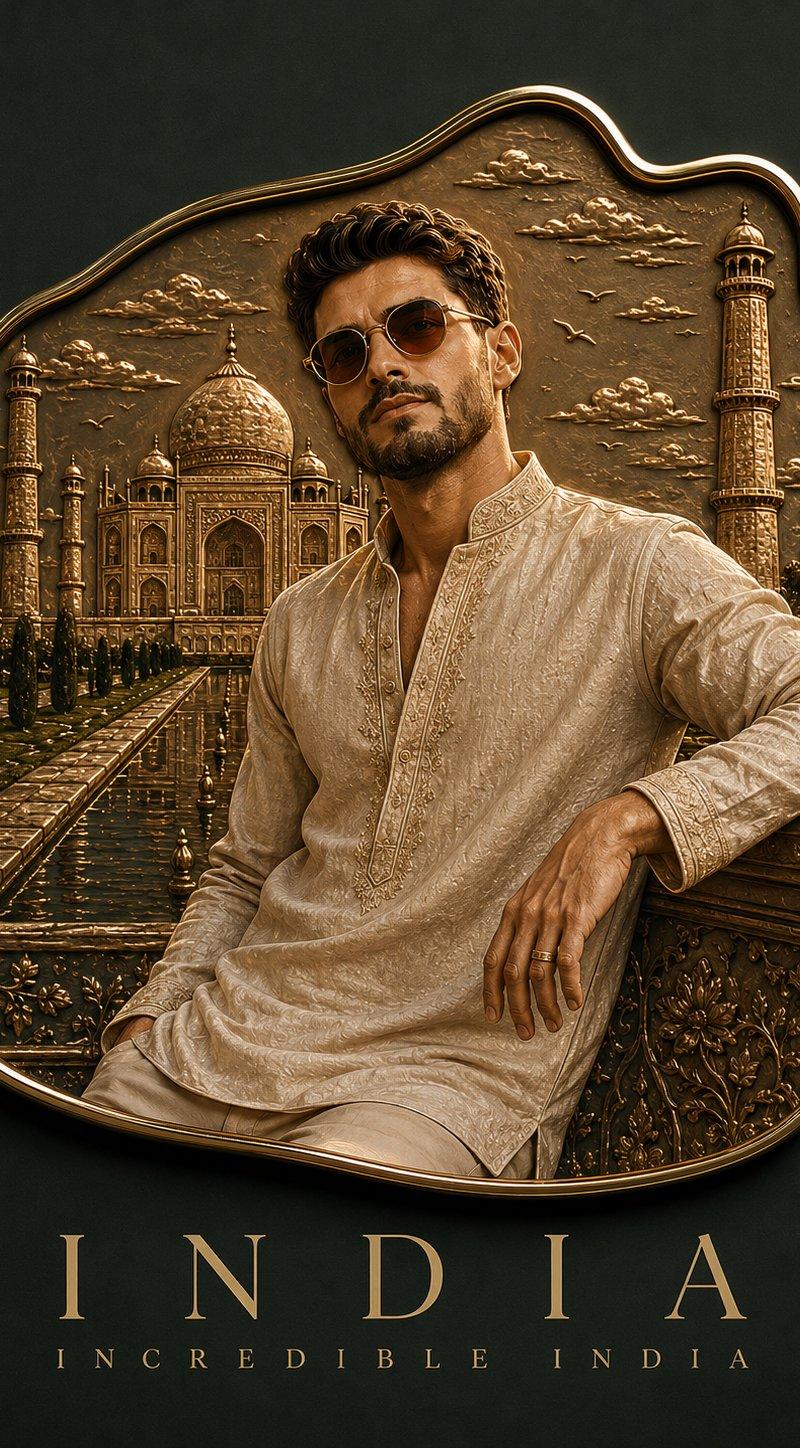
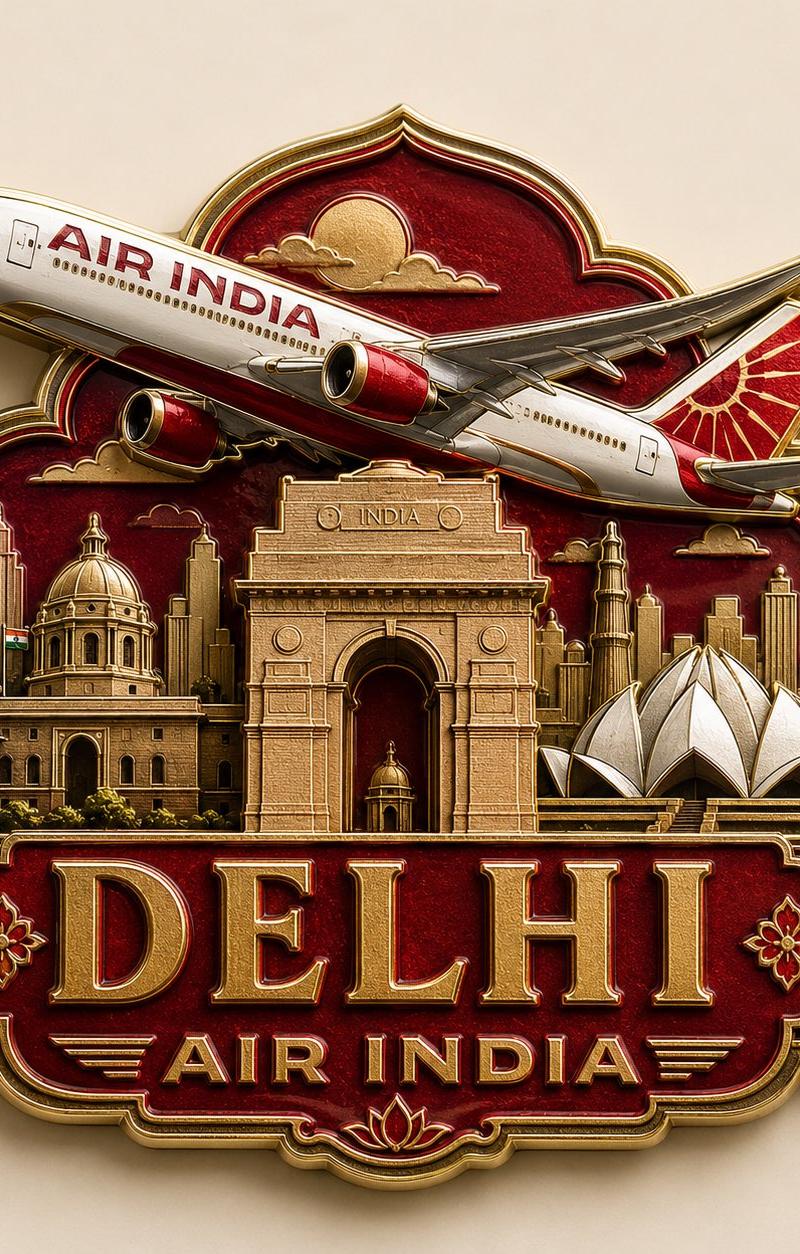
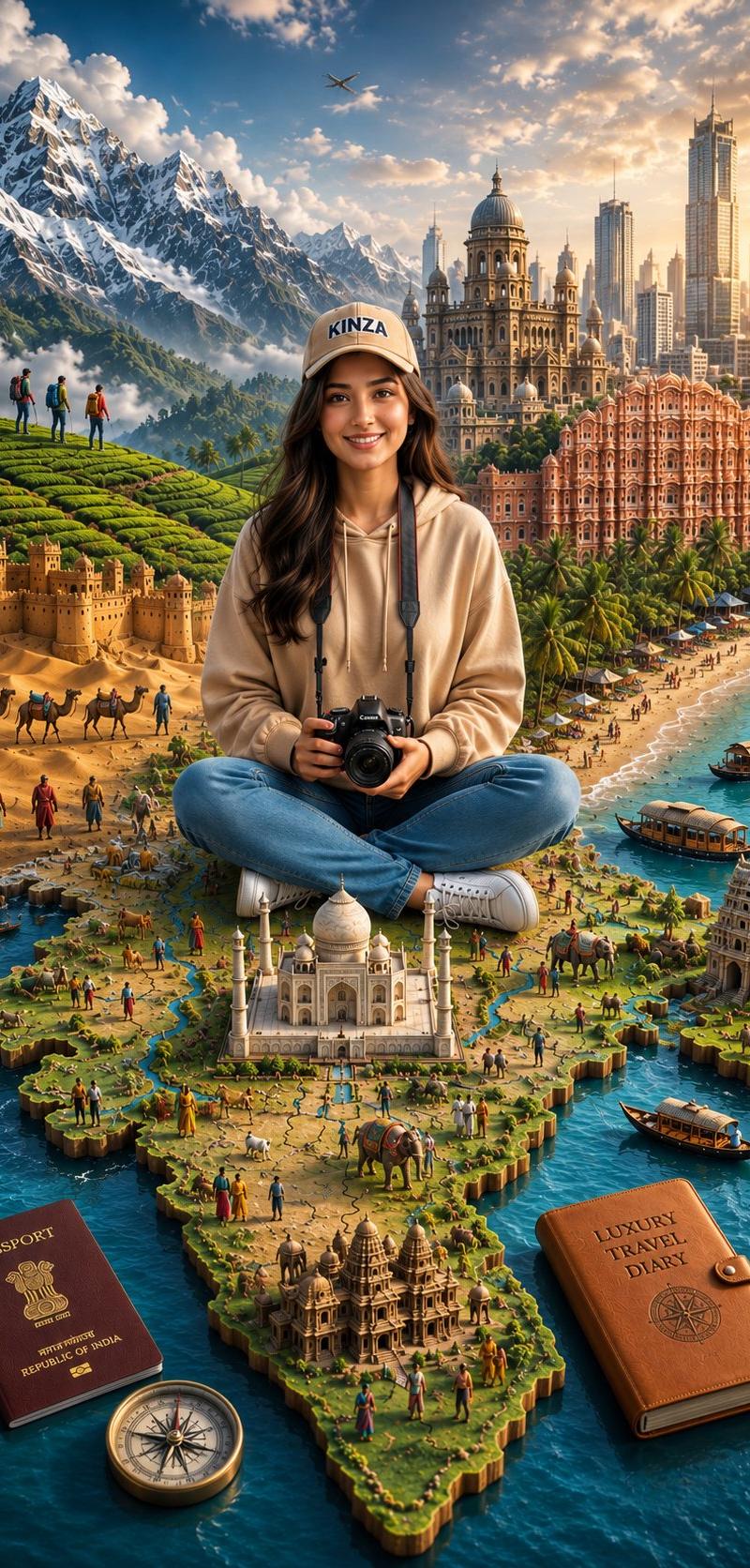
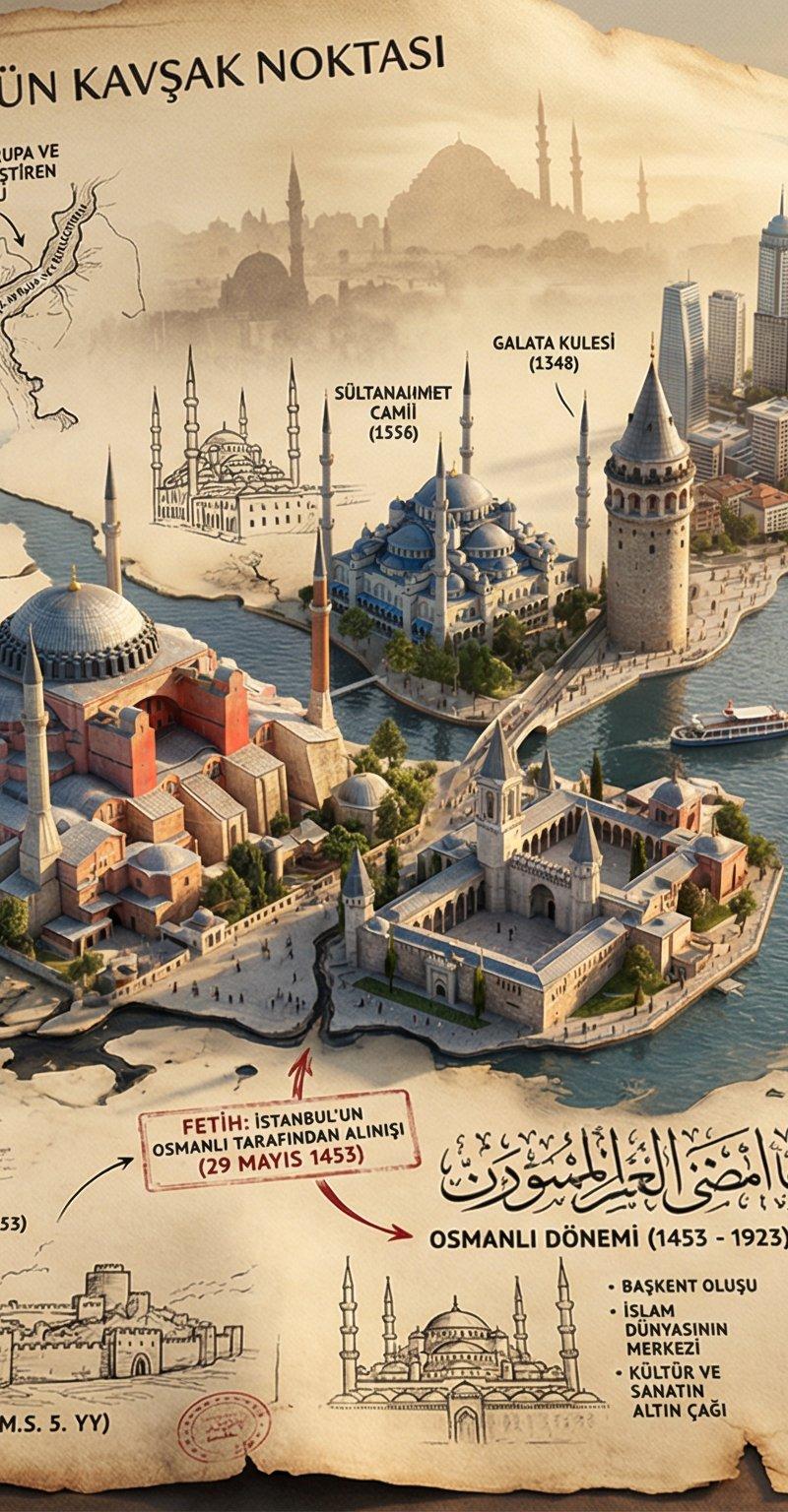
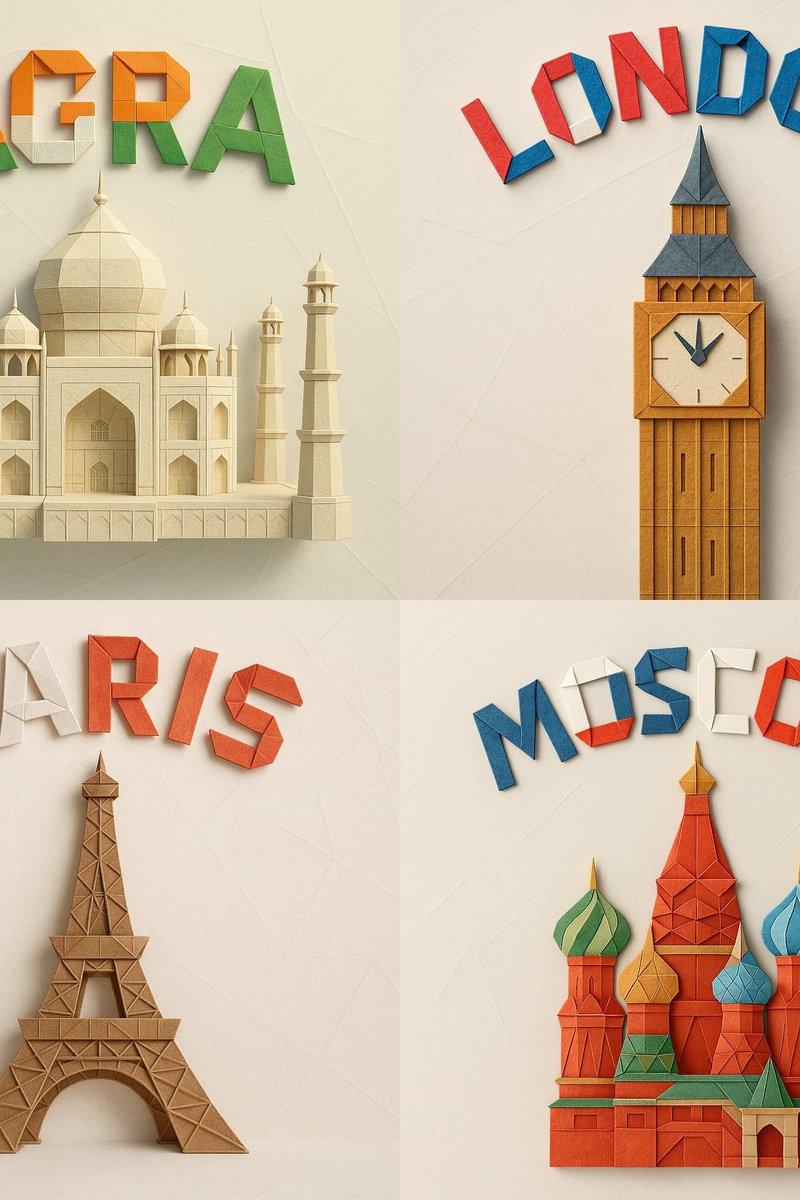
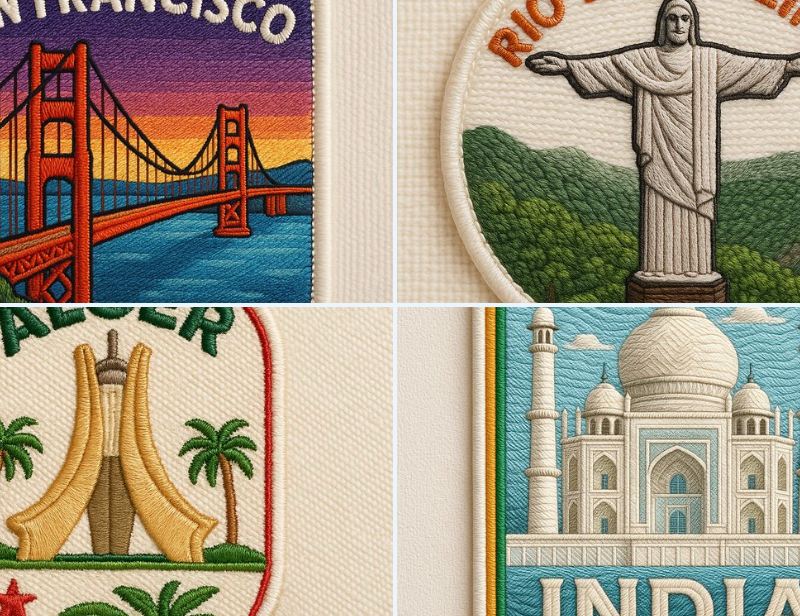
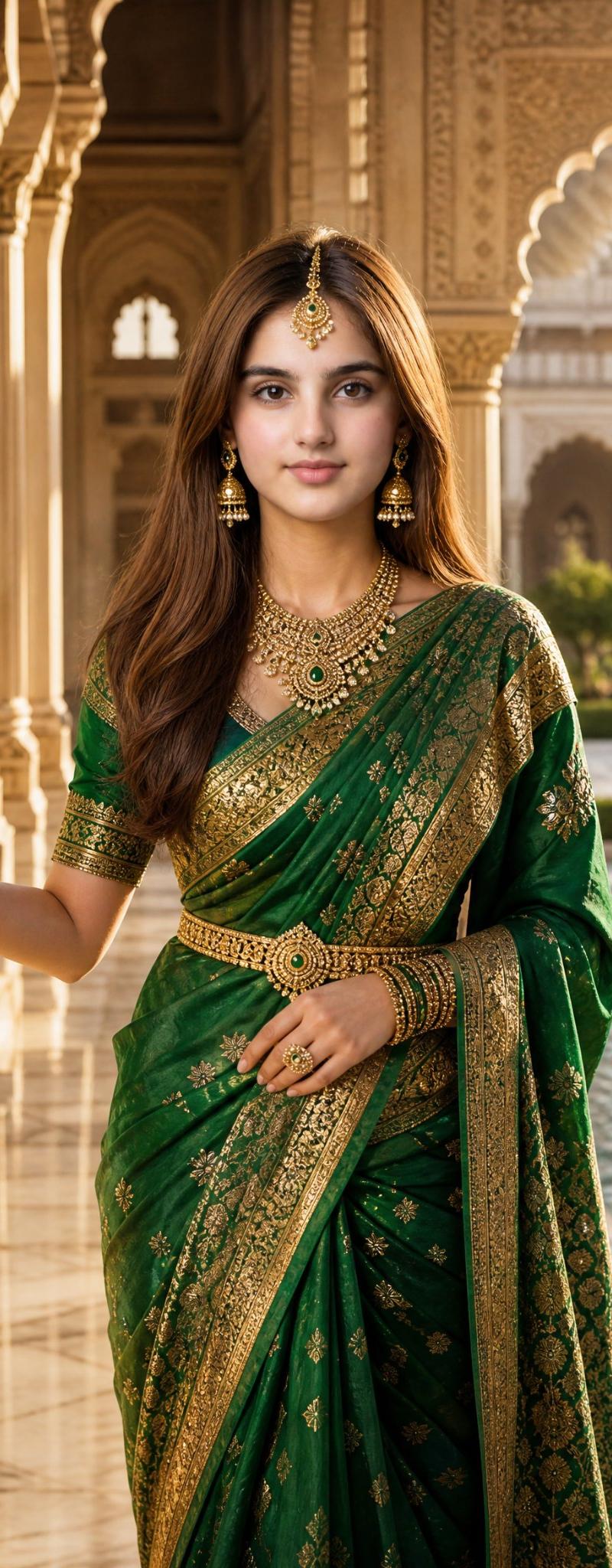
Create a realistic handmade enamel souvenir magnet inspired by the uploaded photo. Premium luxury travel collectible with realistic 3D metal depth, recessed enamel surfaces, ultra-thin selective gold contours, embossed gold edges, soft studio lighting, subtle reflections, realistic enamel texture, and gentle shadows. Feature the person from the reference photo as the main subject, but change the outfit, styling, and pose completely. Place the character within an iconic {argument name="country" default="Indian"} travel scene featuring {argument name="landmark" default="the Taj Mahal"}, traditional architecture, lush gardens, and elegant cultural elements. Magnet shape: organic sculptural silhouette inspired by the Taj Mahal outline, asymmetrical contour, no rectangular or square frame. Style: cinematic luxury tourism souvenir, museum-store quality, refined minimalism, highly realistic handcrafted enamel magnet, not a flat illustration, not vector art, not cartoon. Color palette: {argument name="background color" default="deep emerald green"} background matching dominant tones from the original image, with warm gold metal accents and rich enamel colors. Typography below the magnet: INDIA INCREDIBLE INDIA Elegant luxury serif font, all caps, very wide letter spacing, centered alignment, minimalist premium travel-poster aesthetic. Ultra-detailed, photorealistic, collectible souvenir product photography, shallow depth of field, soft glare, premium studio presentation, 3:4 vertical ratio.
Category
Posters & Typography
Model
GPT Image 2
Creator
Maverick | AI
Source language
en
Views0
Source ID
25219
Published
Jun 3, 2026
Studio

Guide

About "定制珐琅纪念磁贴"

What is this prompt for?

"定制珐琅纪念磁贴" AI image prompt for GPT Image 2 (Posters & Typography). 一个用于生成具有金属边缘和摄影棚灯光效果的逼真 3D 珐琅磁贴的高质量提示词,灵感源自参考照片。 Copy it on Picva and recreate the look in o…

The full copyable prompt and example visuals above are ready for AI image generation or one-click recreate in Picva.

How to use this prompt

  1. Step 1

    Open the prompt detail

    Review the example visuals, category, and full prompt text for "定制珐琅纪念磁贴".

  2. Step 2

    Copy the prompt

    Copy the prompt body from this page, or load it directly in Studio.

  3. Step 3

    Pick a model (GPT Image 2)

    Prefer GPT Image 2. If you switch models, keep subject and composition and tweak style terms.

  4. Step 4

    Generate and export

    Recreate the look in Picva, or export into your workflow for editing and publishing.

FAQ

What is the "定制珐琅纪念磁贴" prompt?
It is an AI image-generation prompt for GPT Image 2 in the Posters & Typography category. This page includes the full prompt text, example visuals, and a one-click recreate path in Picva.
How do I use this prompt to generate an image?
Copy the prompt from this page, or use Generate / Studio. Paste it into a compatible image model, or recreate the look in Picva with optional reference images.
Which model is this prompt for?
This page lists GPT Image 2. Most descriptive prompts also transfer to nearby image models such as GPT Image, Flux, or Midjourney with light style tweaks.
Can I use the result commercially?
You can usually copy the prompt for creation, but commercial use of the final image depends on the model terms, reference-image rights, and the generated content. Follow the source author and platform rules.