15

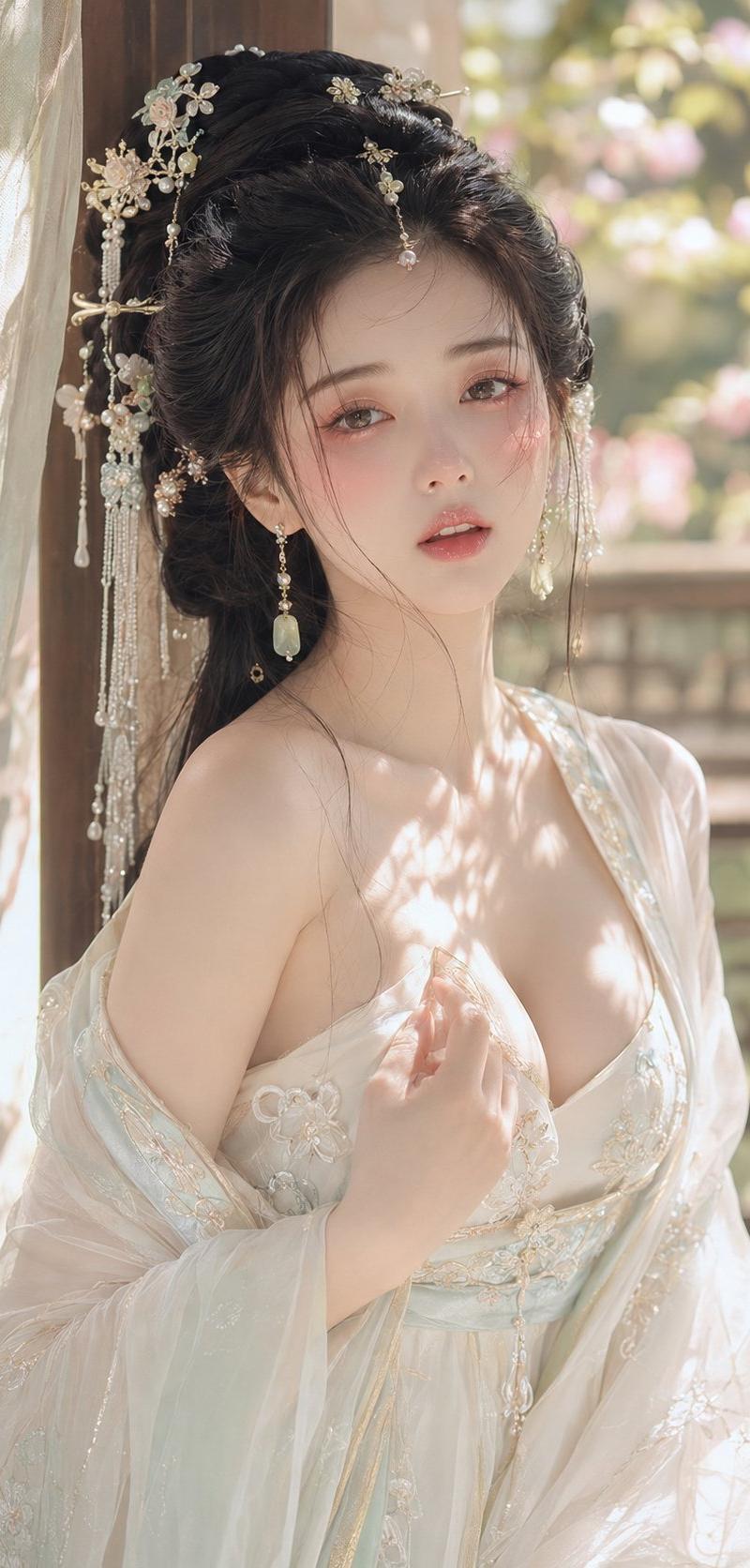
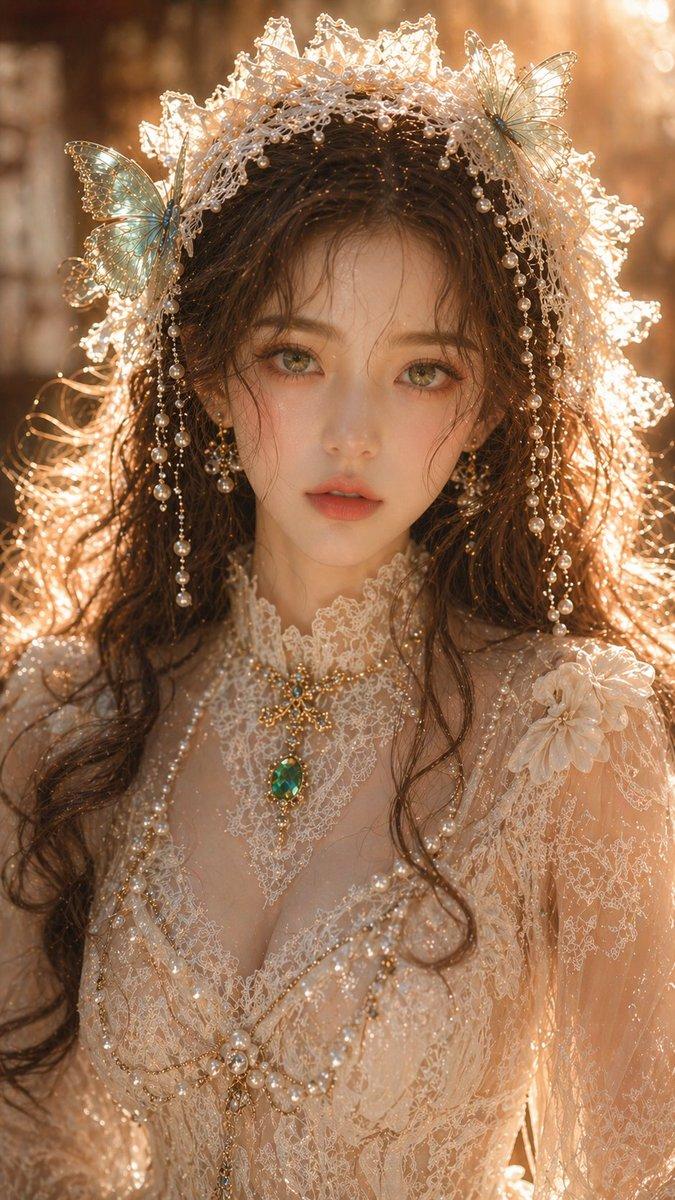
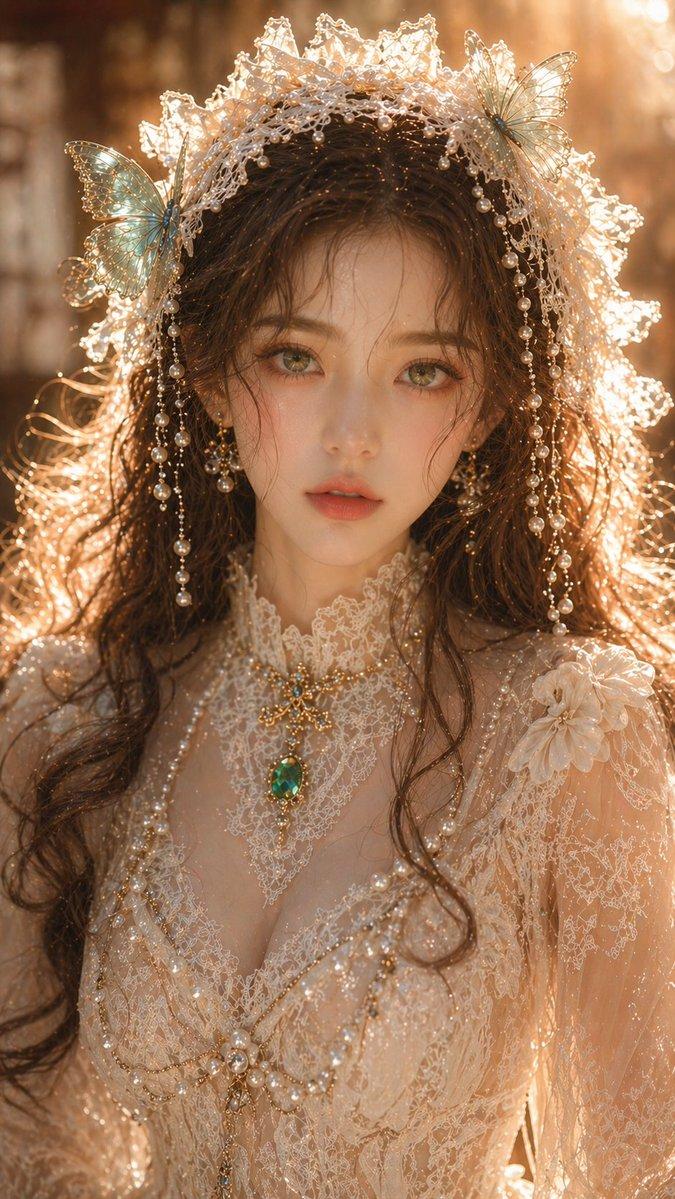
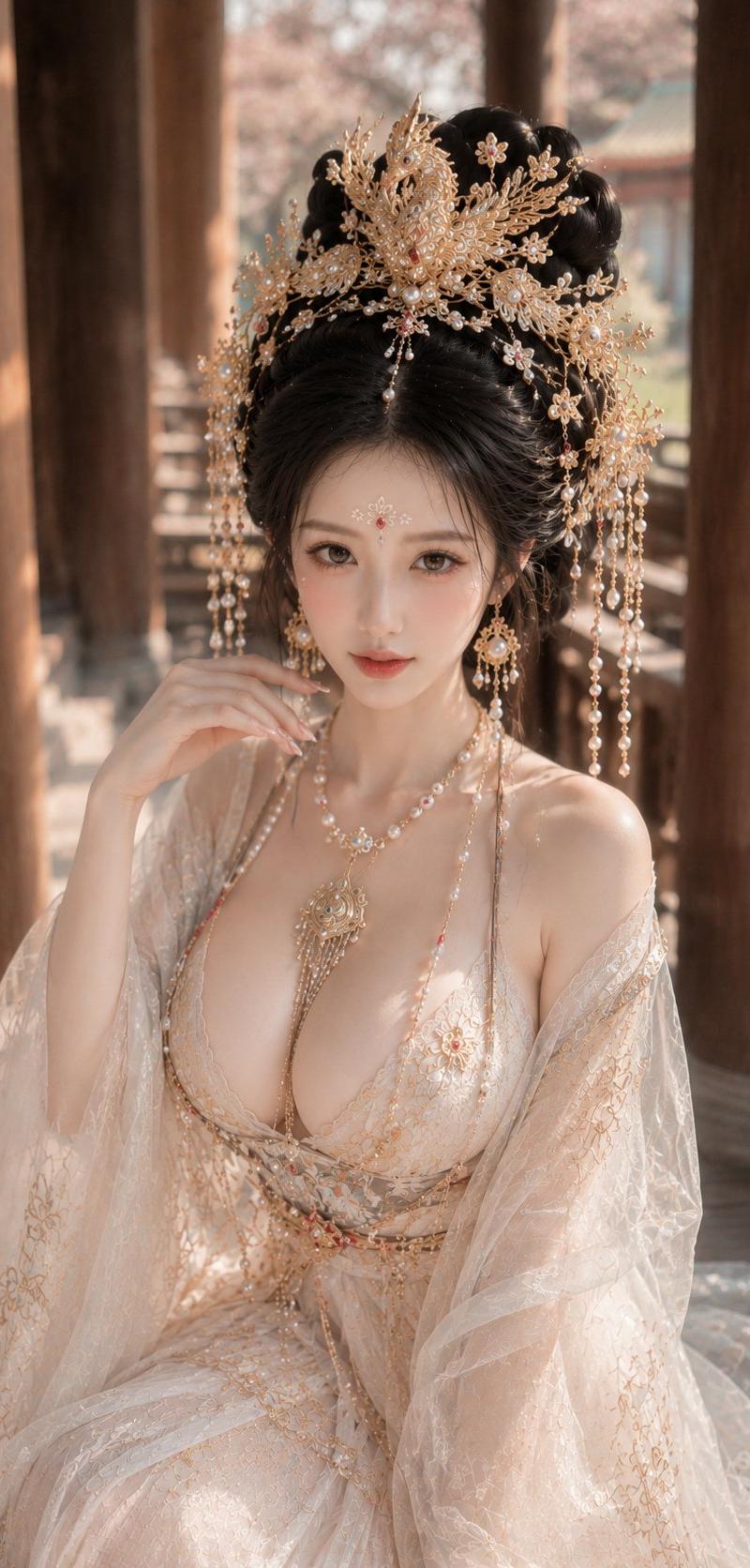
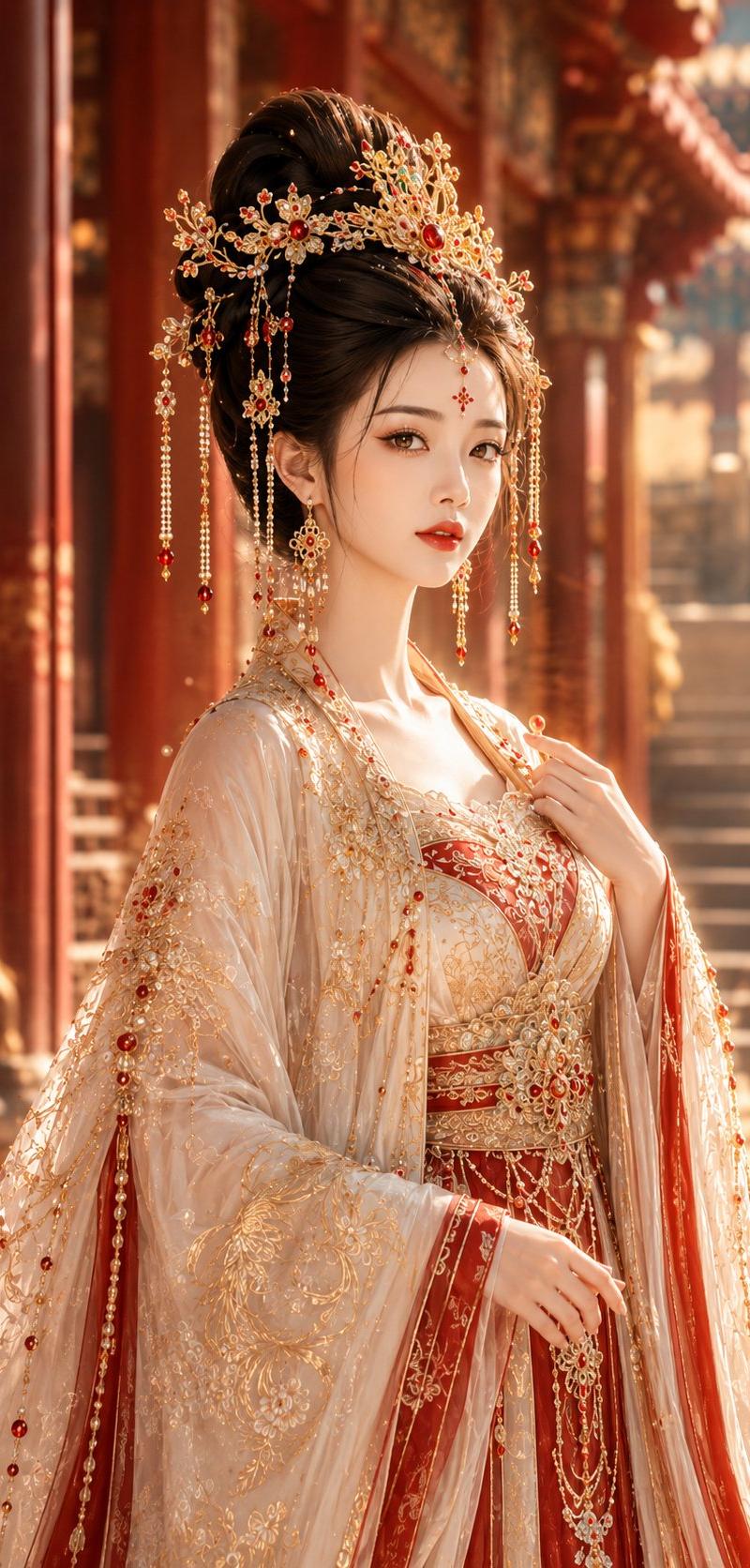
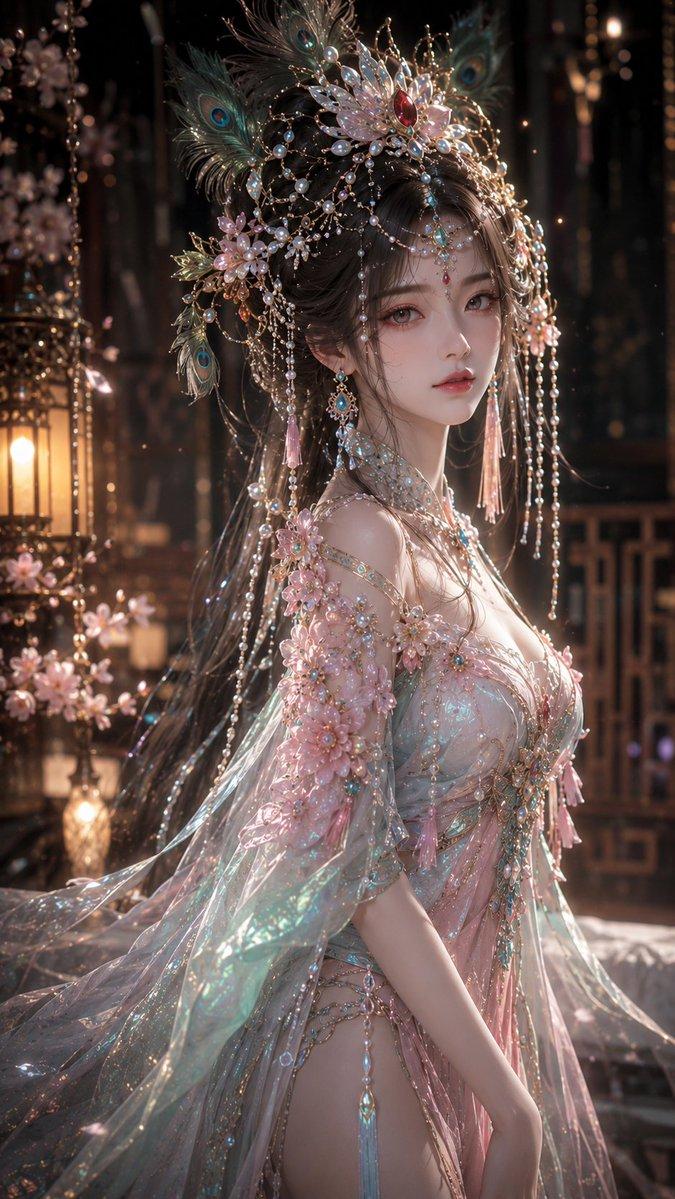
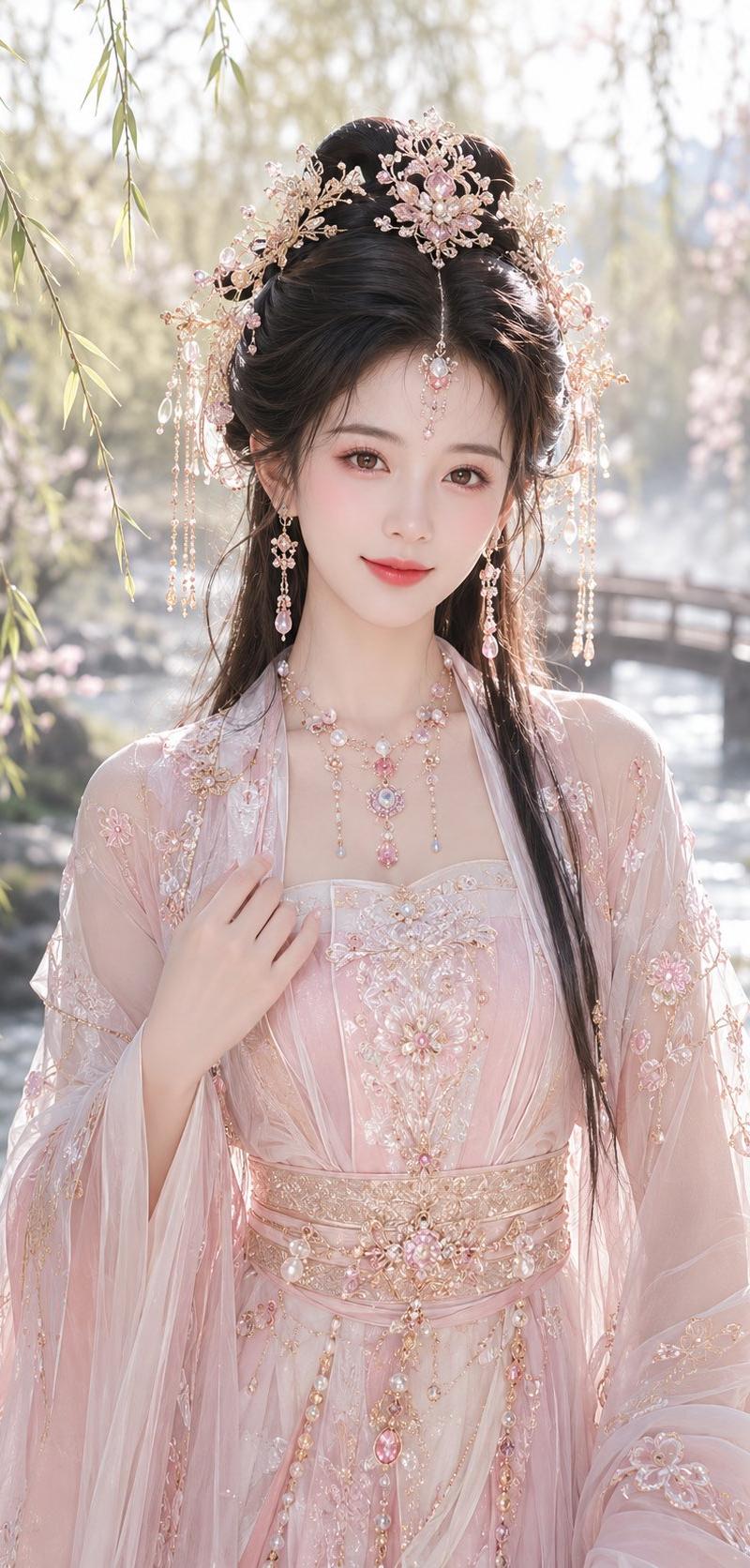
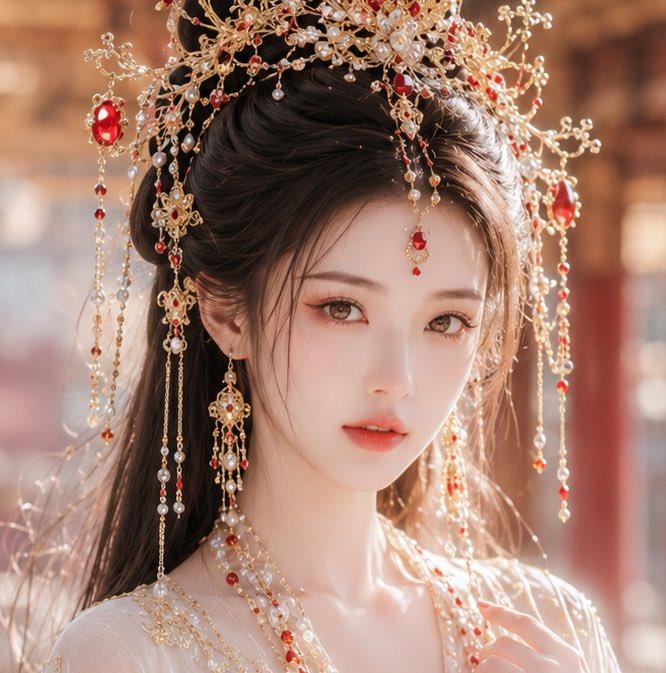
华丽中式新娘肖像
Enlarge

Example images

华丽中式新娘肖像

Prompt
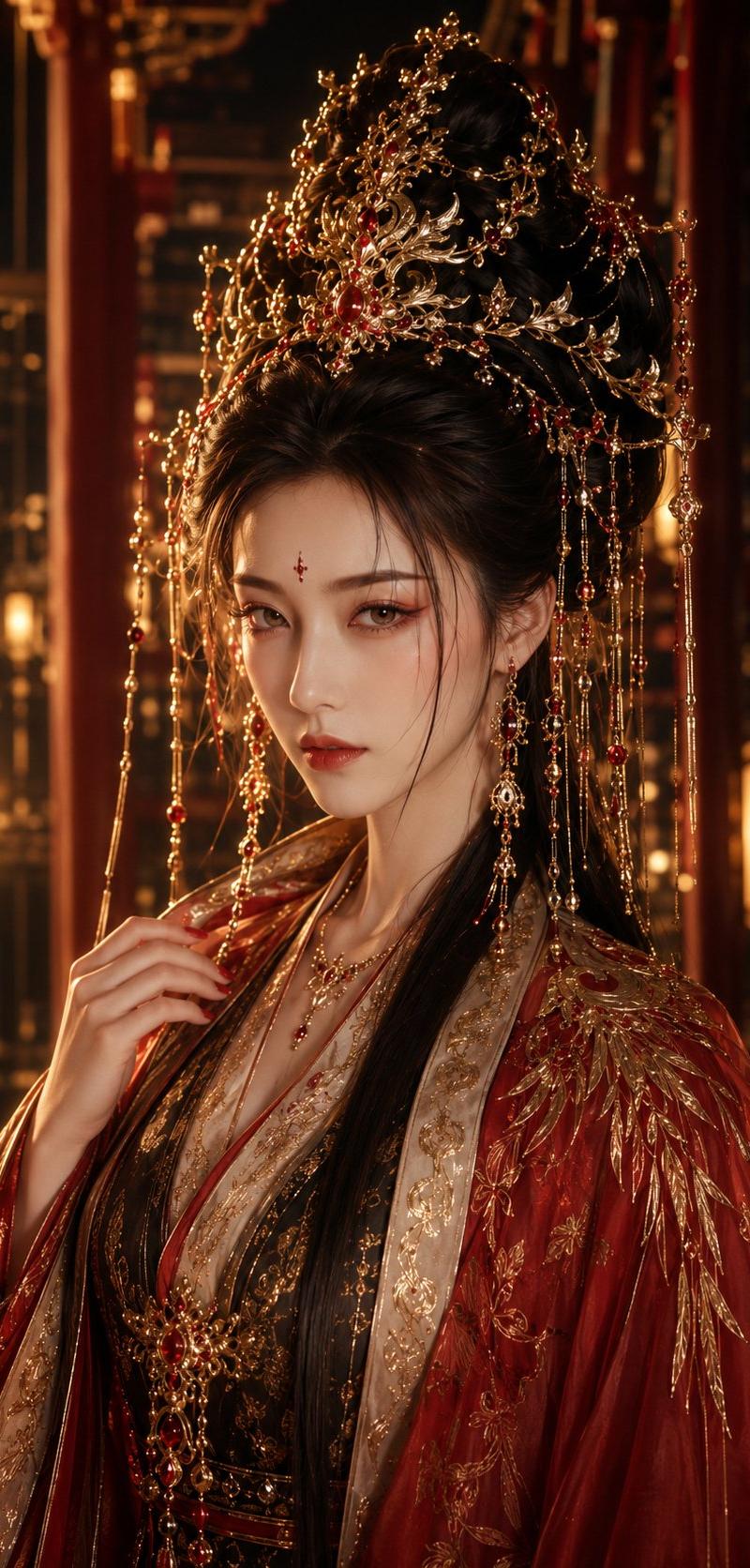
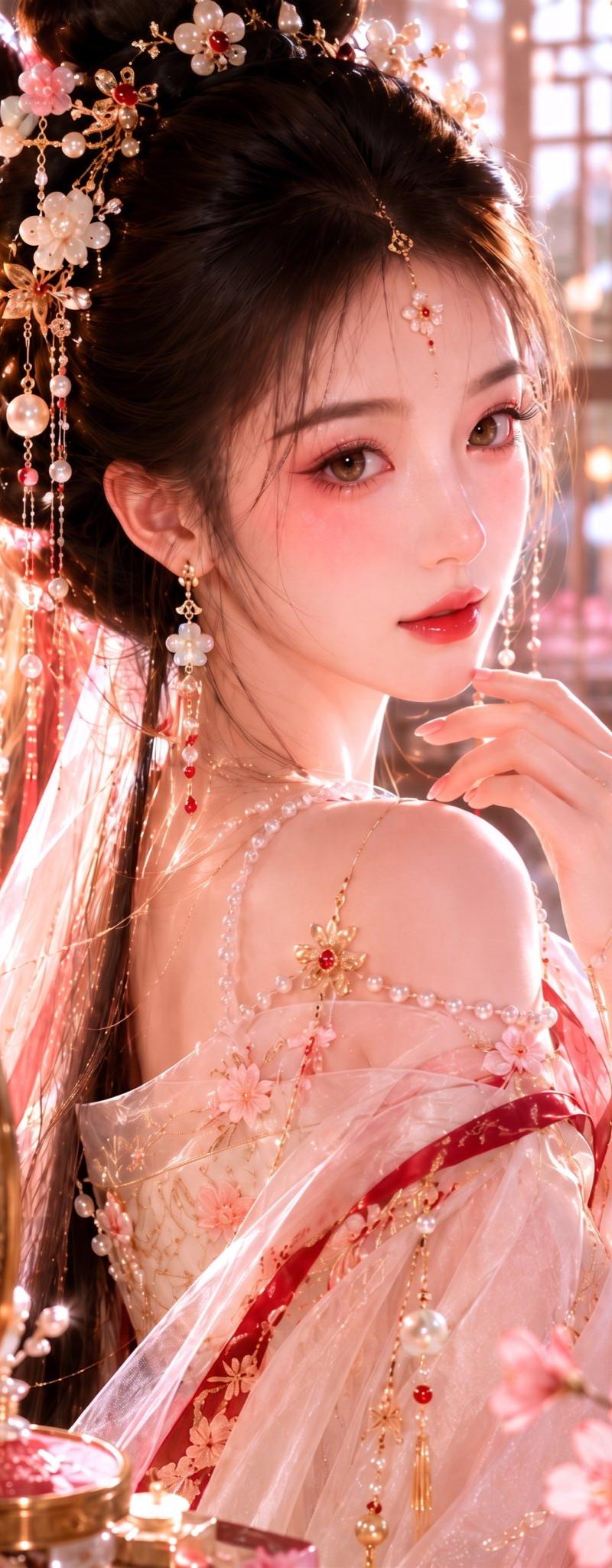
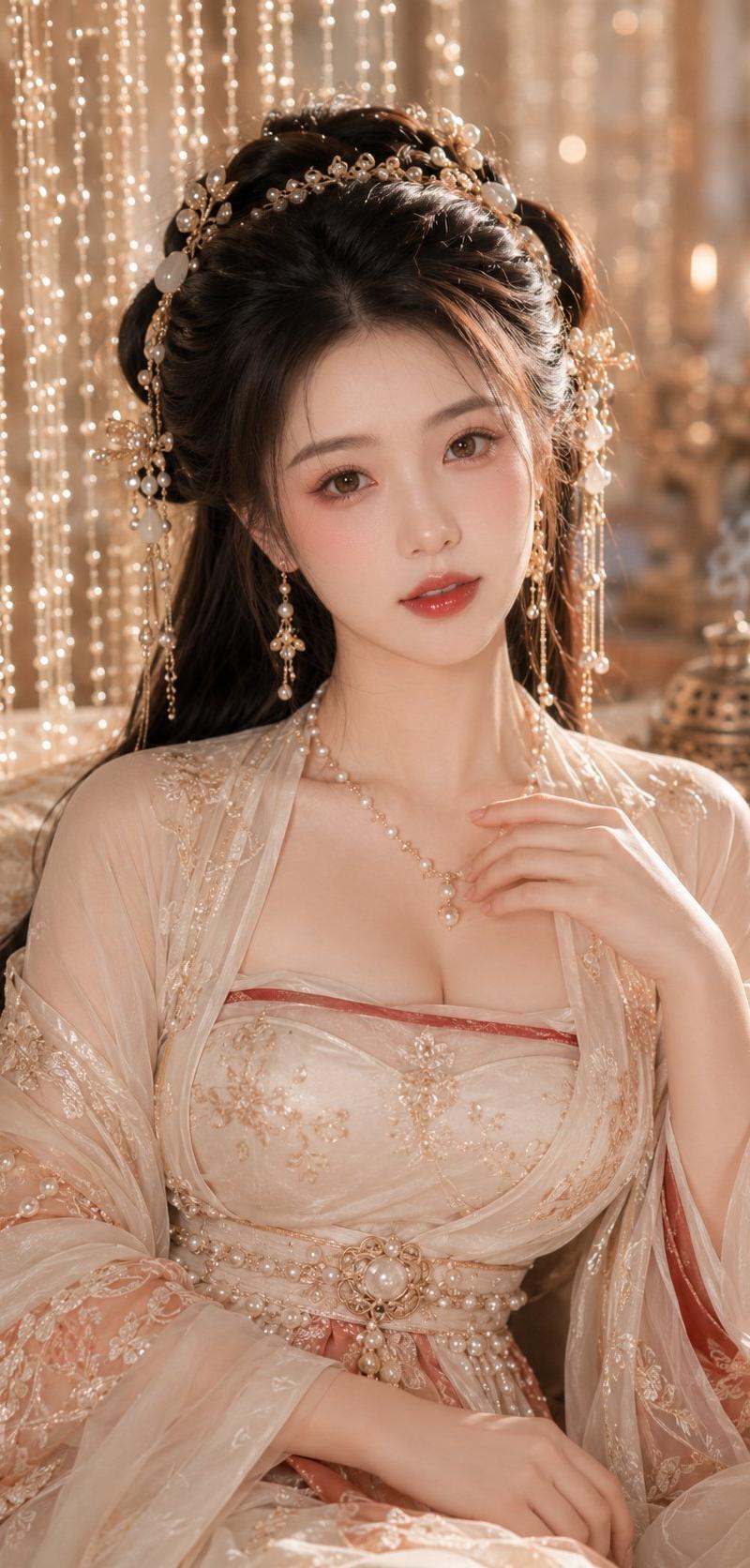
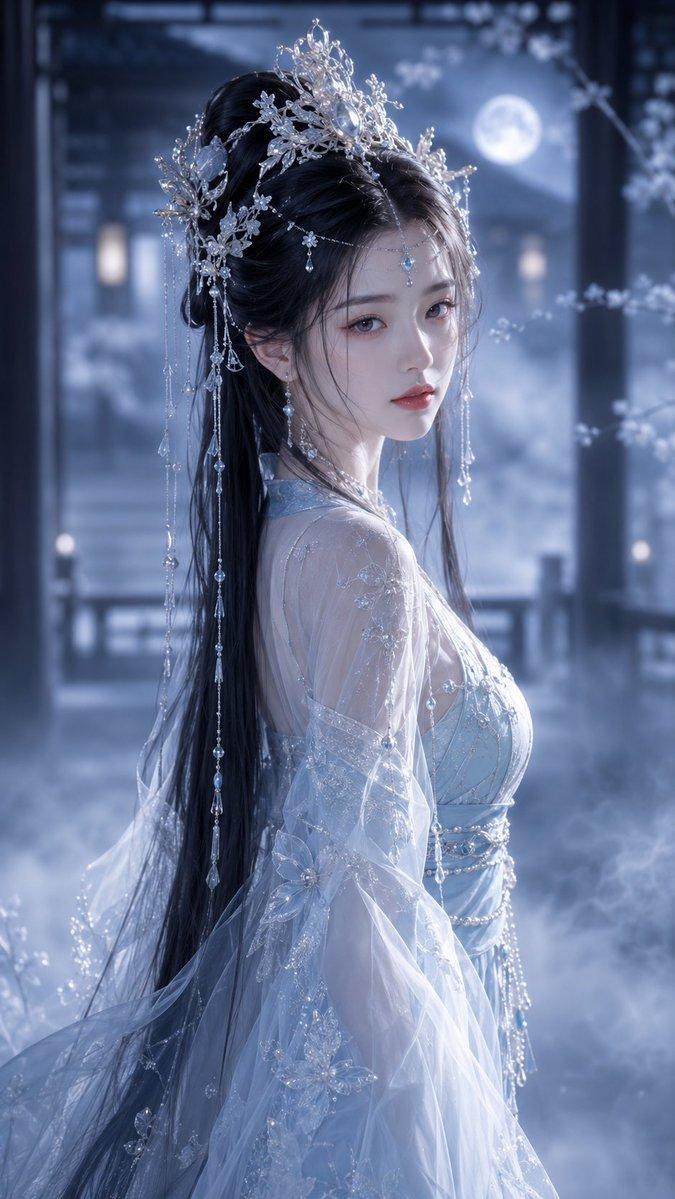
Create a close-up vertical portrait of a young East Asian woman in an elaborate ancient Chinese bridal or palace style, wearing a translucent ivory hanfu robe and an extremely ornate gold phoenix-style hair crown with dangling chains, pearls, red gemstones, floral filigree, and bead tassels. Her {argument name="hair color" default="dark brown"} hair is styled half-up in a polished traditional updo with long loose strands falling over the shoulders. The face is intentionally hidden by one centered opaque square censor block in a warm skin-tone gradient, covering the entire facial feature area from forehead to chin while leaving the hairline, ears, neck, jewelry, and shoulders visible. Include exactly 3 prominent red oval gemstones on the headdress, many small pearl drops, and 2 long dangling earring ornaments visible beside the neck. Use warm golden sunlight, shallow depth of field, soft cinematic bokeh, and a blurred red-and-gold palace interior background. The mood should feel luxurious, romantic, and hyper-realistic, with crisp detail on the jewelry and fabric, natural skin on the neck and shoulders, and no visible text, watermark, or modern objects.
Category
Photography & Realism
Model
GPT Image 2
Creator
李岳
Source language
en
Views0
Source ID
25231
Published
Jun 11, 2026
Studio

Guide

About "华丽中式新娘肖像"

What is this prompt for?

"华丽中式新娘肖像" AI image prompt for GPT Image 2 (Photography & Realism). 一个超写实特写肖像提示词,用于创作一位佩戴奢华金红珠宝、面部经过遮挡处理的古代中式新娘风格人物。 Copy it on Picva and recreate the look in…

The full copyable prompt and example visuals above are ready for AI image generation or one-click recreate in Picva.

How to use this prompt

  1. Step 1

    Open the prompt detail

    Review the example visuals, category, and full prompt text for "华丽中式新娘肖像".

  2. Step 2

    Copy the prompt

    Copy the prompt body from this page, or load it directly in Studio.

  3. Step 3

    Pick a model (GPT Image 2)

    Prefer GPT Image 2. If you switch models, keep subject and composition and tweak style terms.

  4. Step 4

    Generate and export

    Recreate the look in Picva, or export into your workflow for editing and publishing.

FAQ

What is the "华丽中式新娘肖像" prompt?
It is an AI image-generation prompt for GPT Image 2 in the Photography & Realism category. This page includes the full prompt text, example visuals, and a one-click recreate path in Picva.
How do I use this prompt to generate an image?
Copy the prompt from this page, or use Generate / Studio. Paste it into a compatible image model, or recreate the look in Picva with optional reference images.
Which model is this prompt for?
This page lists GPT Image 2. Most descriptive prompts also transfer to nearby image models such as GPT Image, Flux, or Midjourney with light style tweaks.
Can I use the result commercially?
You can usually copy the prompt for creation, but commercial use of the final image depends on the model terms, reference-image rights, and the generated content. Follow the source author and platform rules.