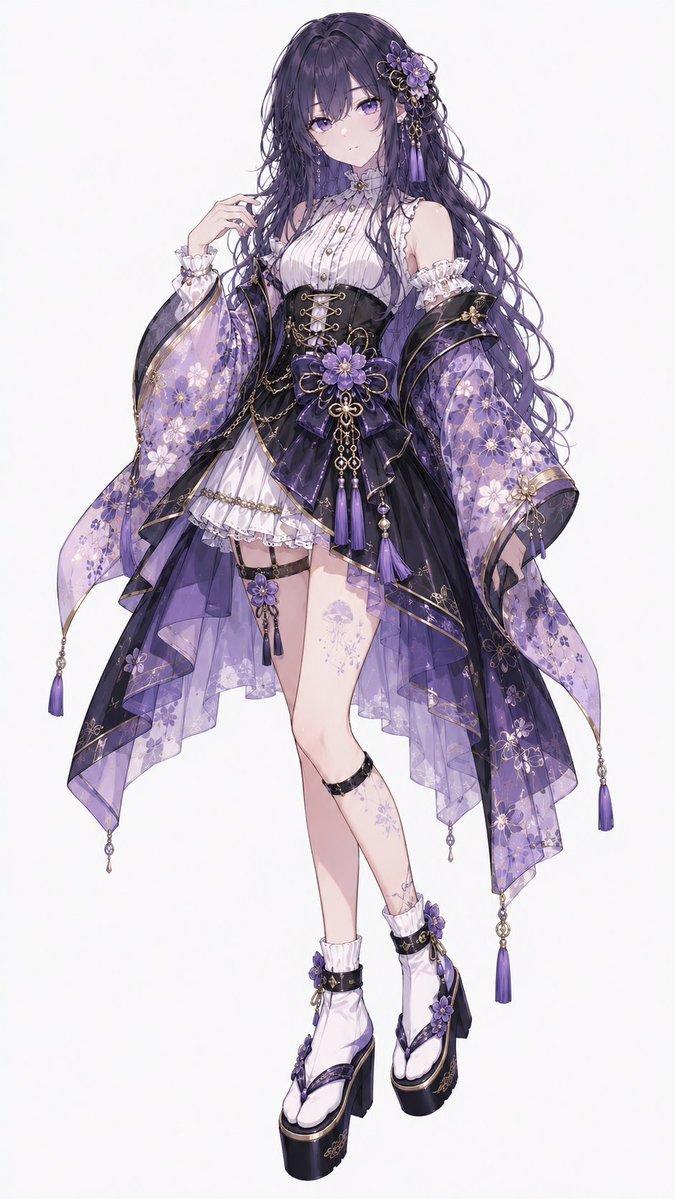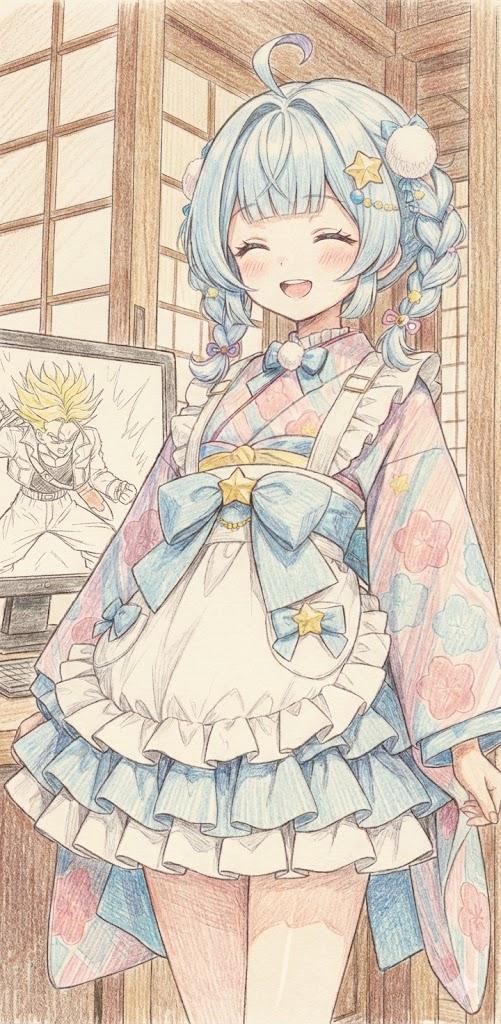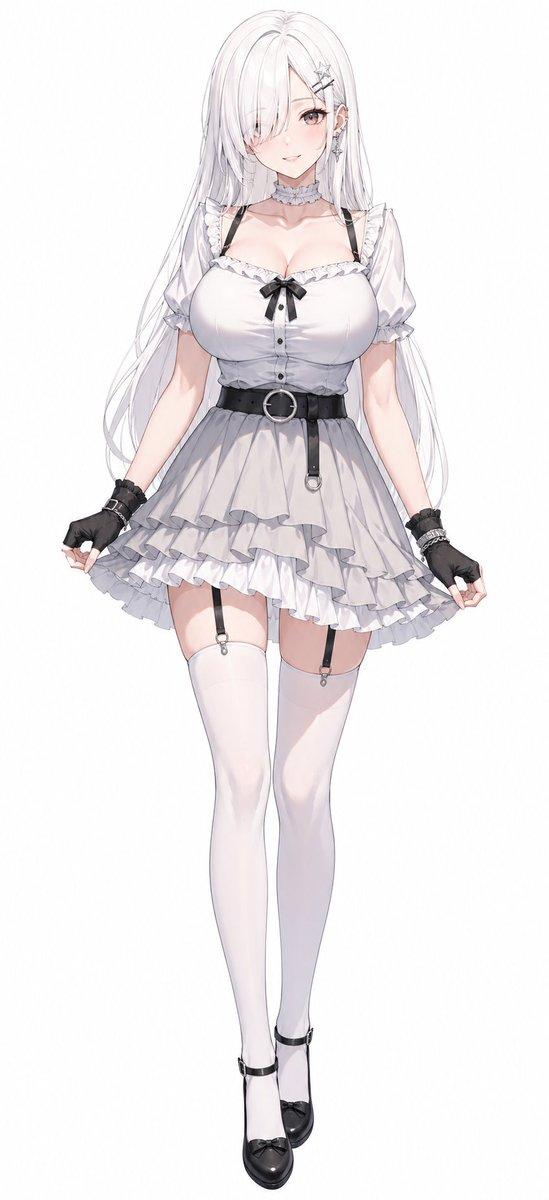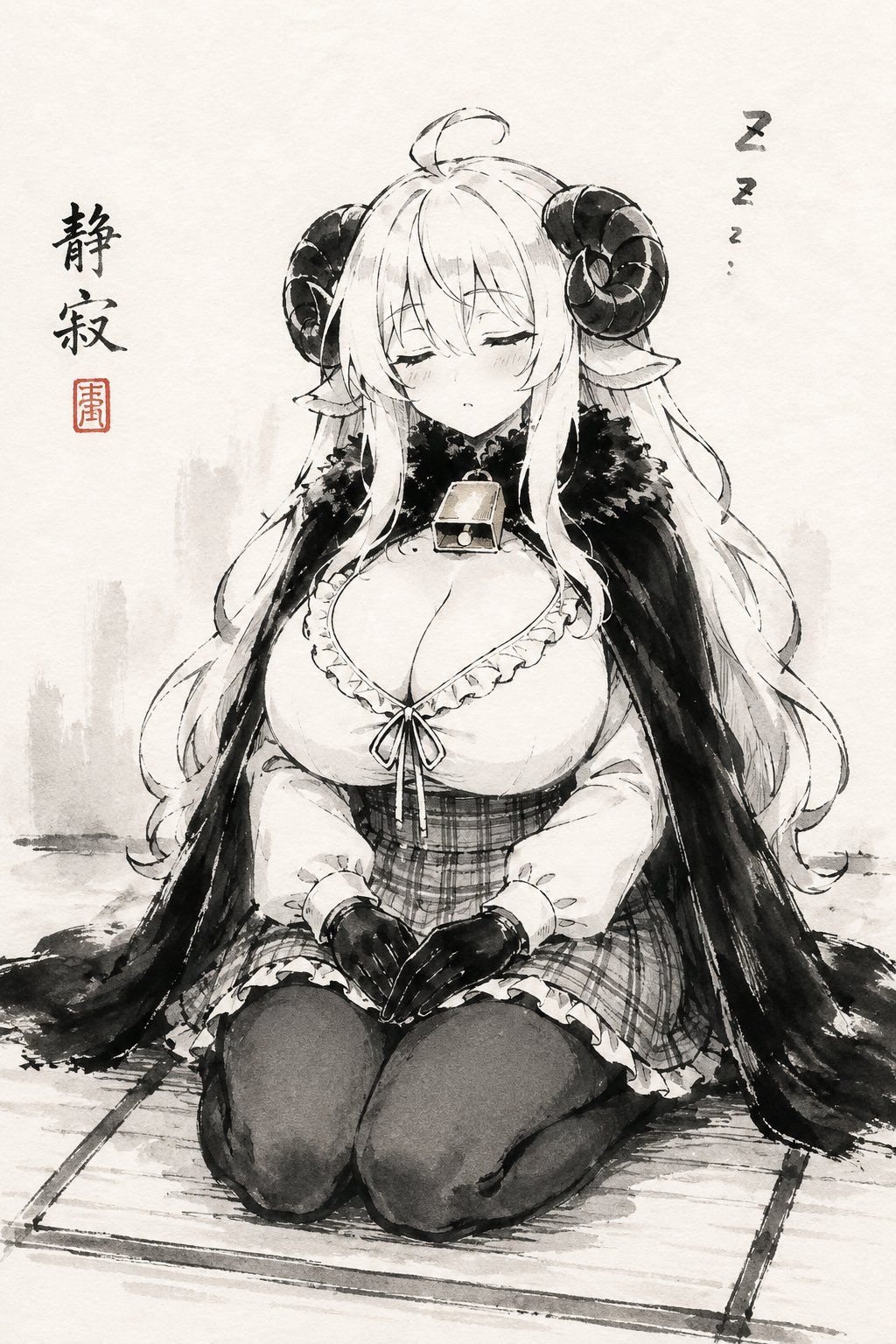
沉睡羊角少女水墨画
Prompt
Create a vertical monochrome Japanese ink-wash anime illustration on textured off-white rice paper, showing {argument name="character name" default="a sleepy sheep-horned anime girl"} kneeling in formal seiza on a simple tatami mat. She is centered, front-facing, eyes closed, with a peaceful drowsy expression, faint blush, long flowing {argument name="hair color" default="white"} hair, pointed elf-like ears, and two large dark curled ram horns. She wears a frilled low-neck blouse, plaid corset-style waist skirt, dark thigh-high stockings, short black gloves, and a heavy black fur-trimmed cape draped over both shoulders; add a small square bell or pendant at her throat. Her hands rest neatly together in her lap, fingers forming a quiet relaxed pose, emphasizing calm sleepiness. Use expressive sumi-e brushwork: black and gray ink washes, loose sketch lines, soft bleeding edges, minimal shading with occasional warm beige accents on the pendant, no full color. Background is sparse with pale gray misty brush marks suggesting distant vertical shapes, lots of empty paper space, and a grounded ink shadow under the mat. Add exactly two text elements: vertical calligraphy on the left reading {argument name="calligraphy text" default="静寂"} with one small red square seal beneath it, and a tiny vertical sleep mark on the upper right reading {argument name="sleep text" default="Z z z…"}. Keep the composition serene, cute, and sleepy, like a modern manga character rendered as traditional ink painting; no watermark, no extra characters, no border.- Category
- Charts & Infographics
- Model
- GPT Image 2
- Creator
- 人定@人外娘専用アカウント
- Source ID
- 25234
- Published
- Jun 12, 2026
Views7