20

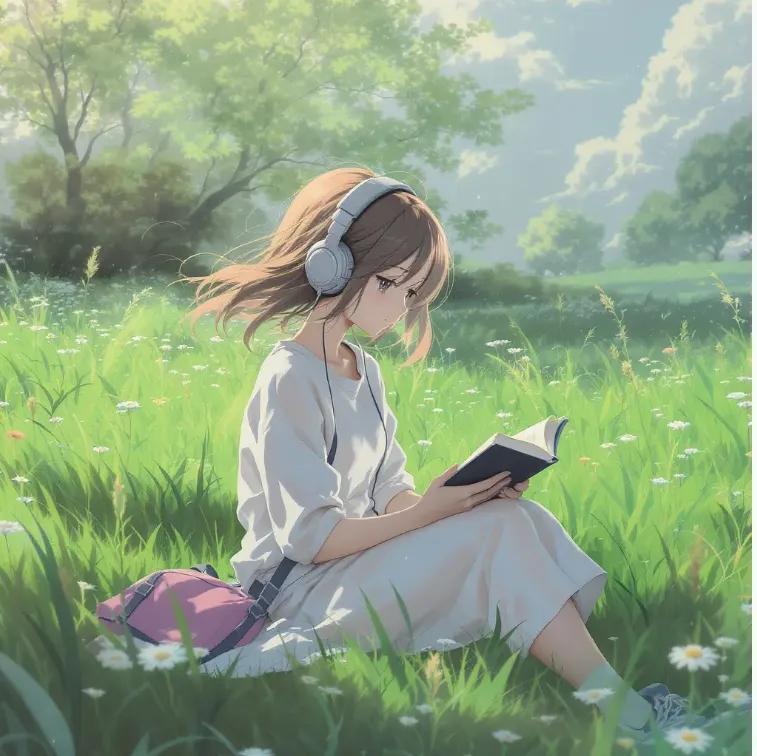
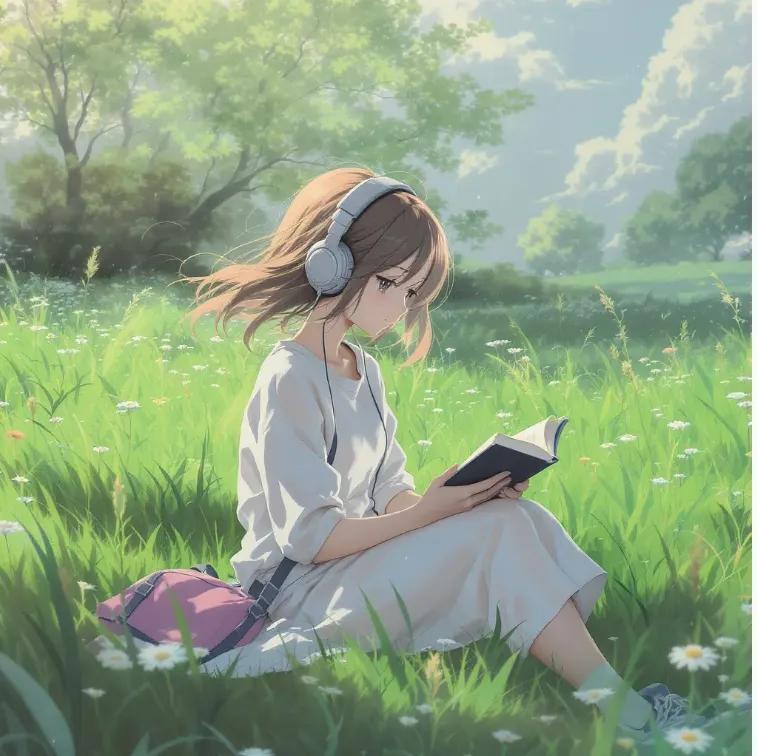
动漫少女草地阅读
Enlarge

Example images

动漫少女草地阅读

Prompt
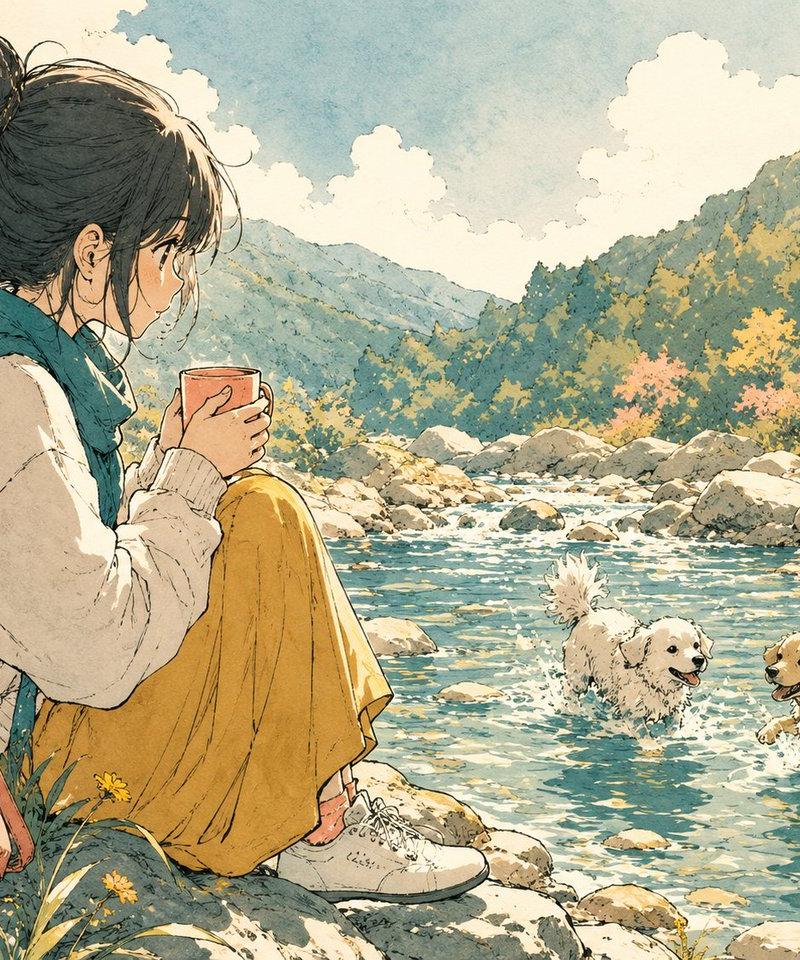
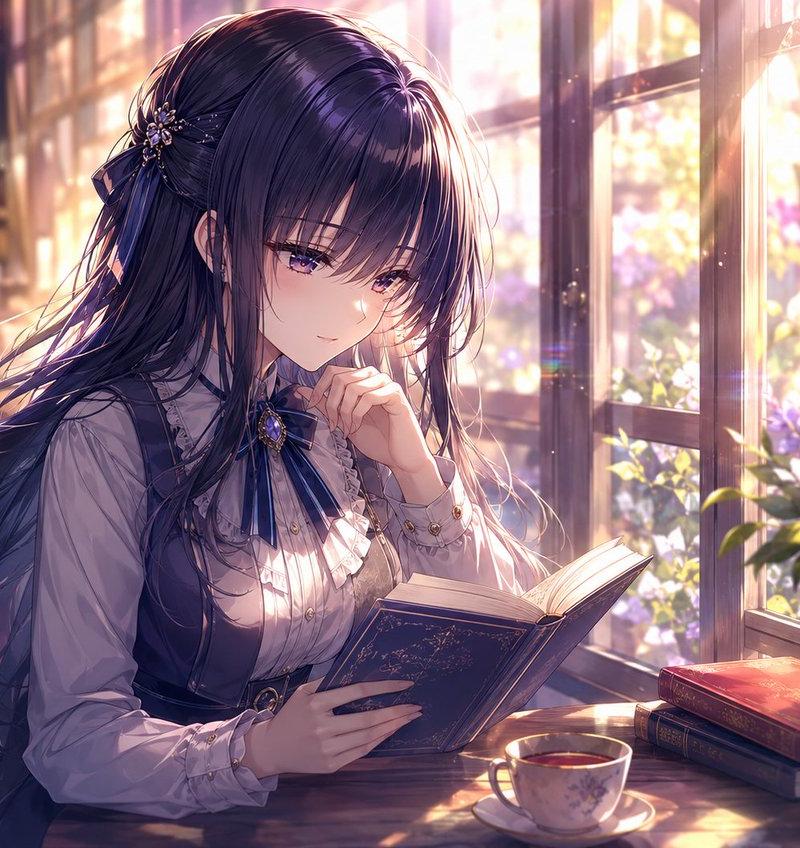
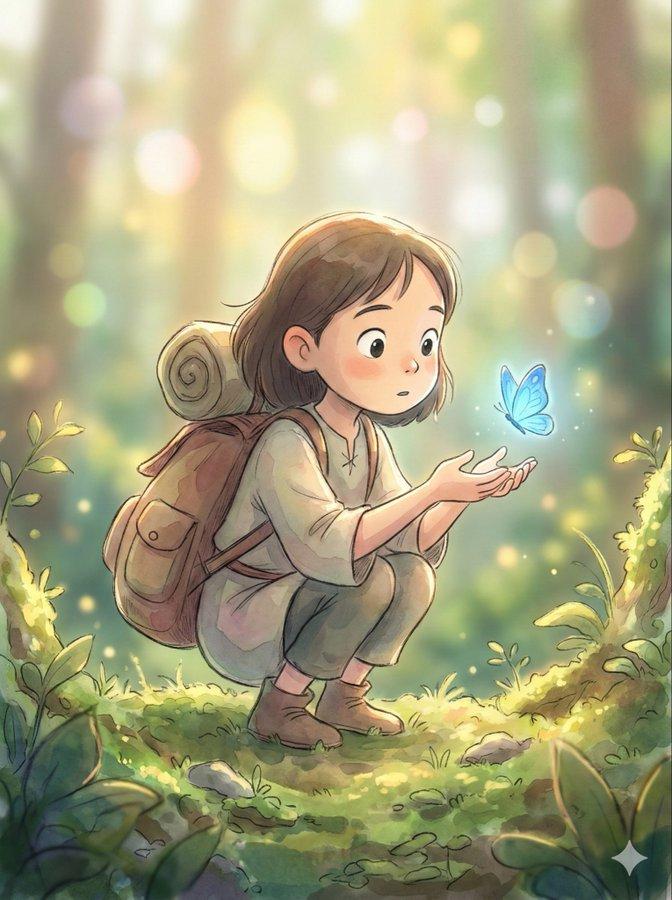
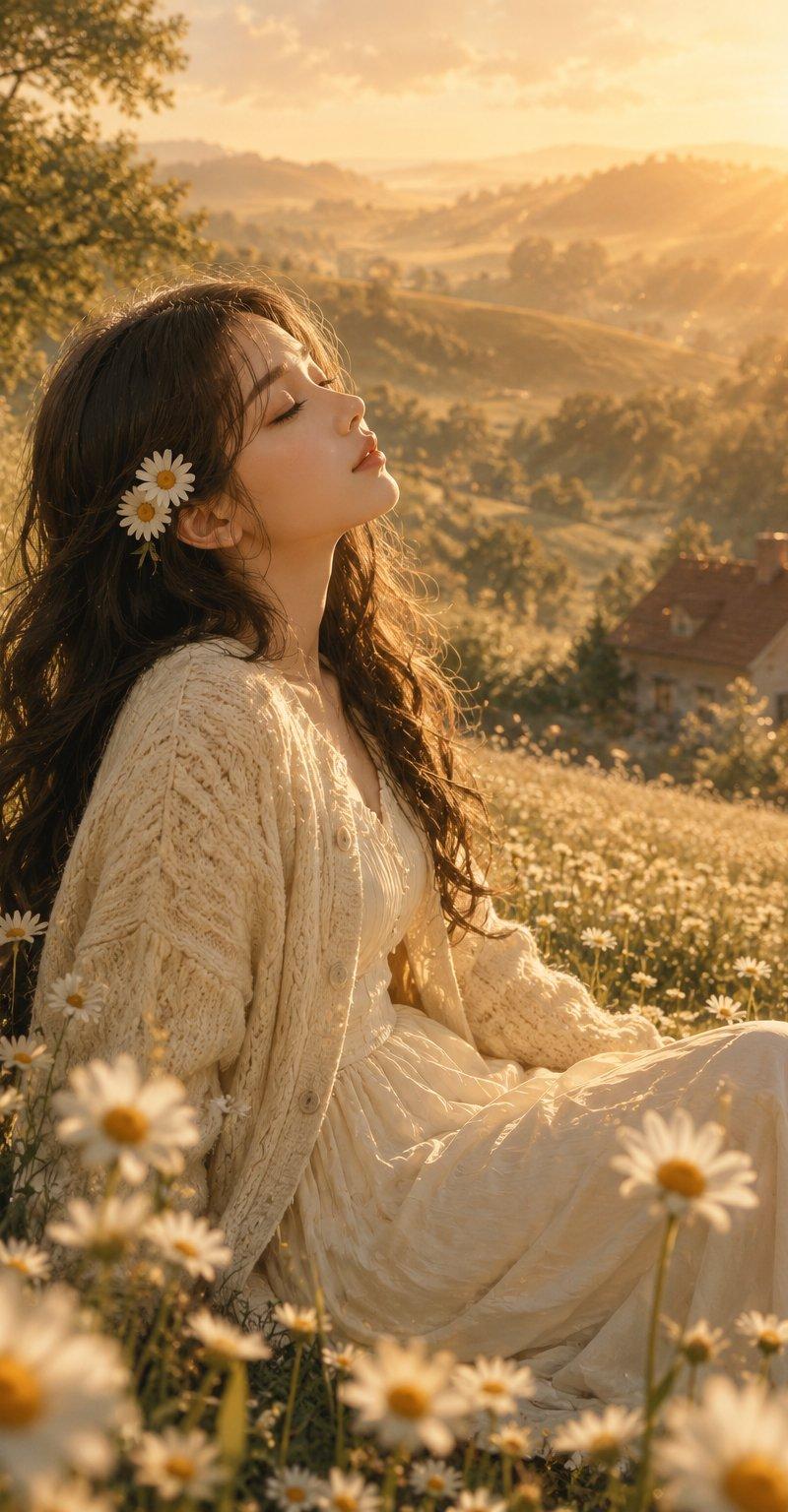
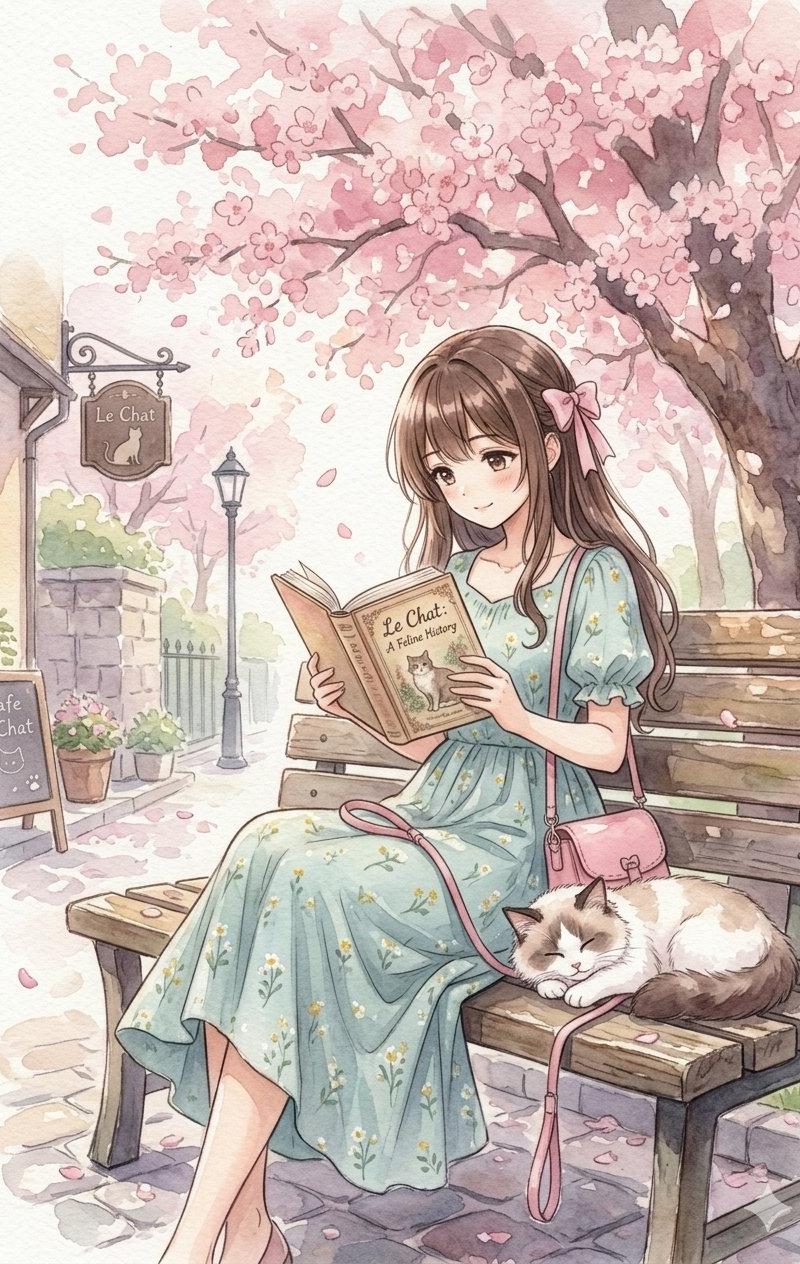
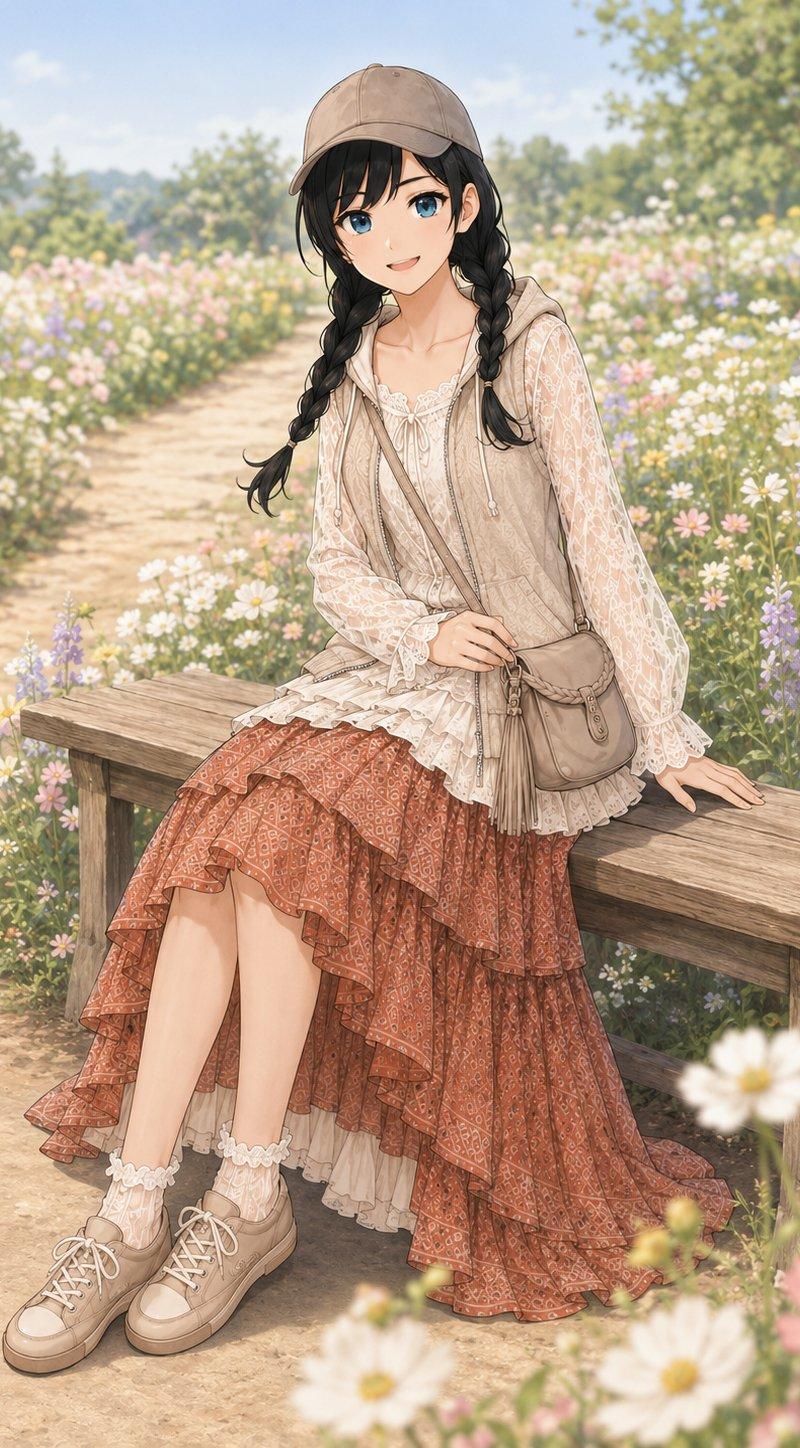
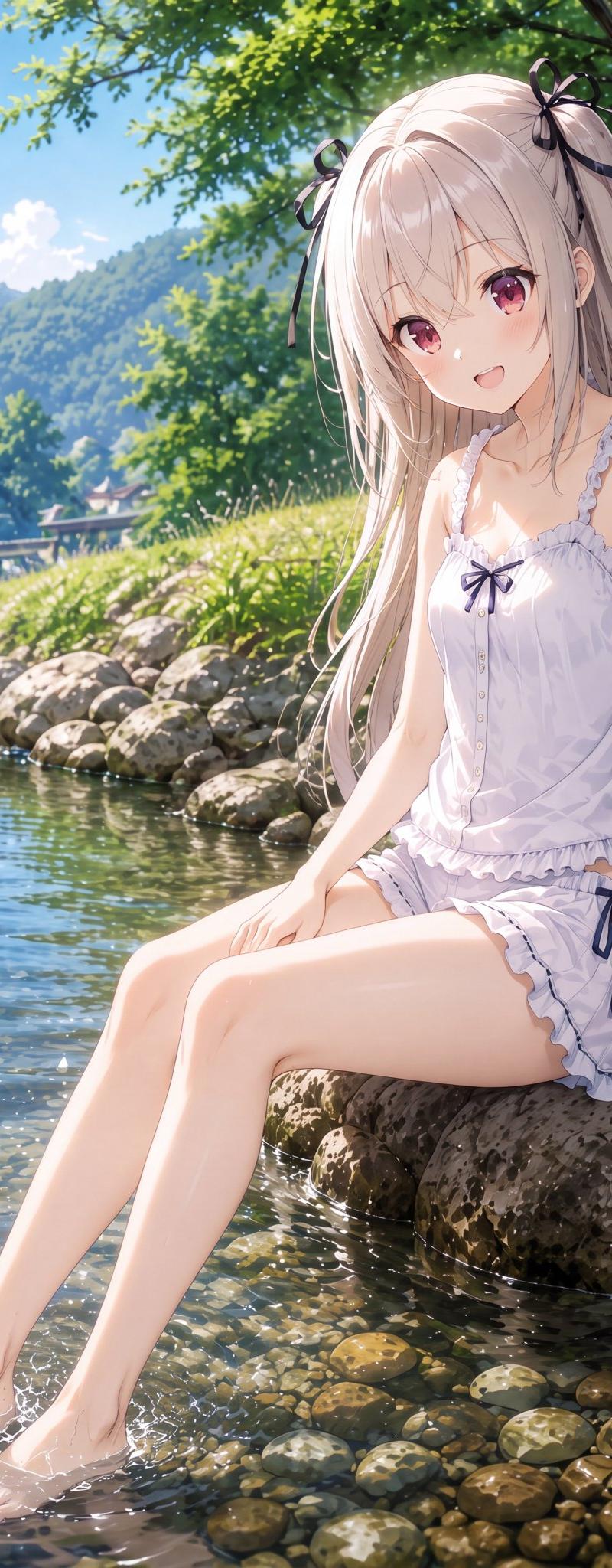
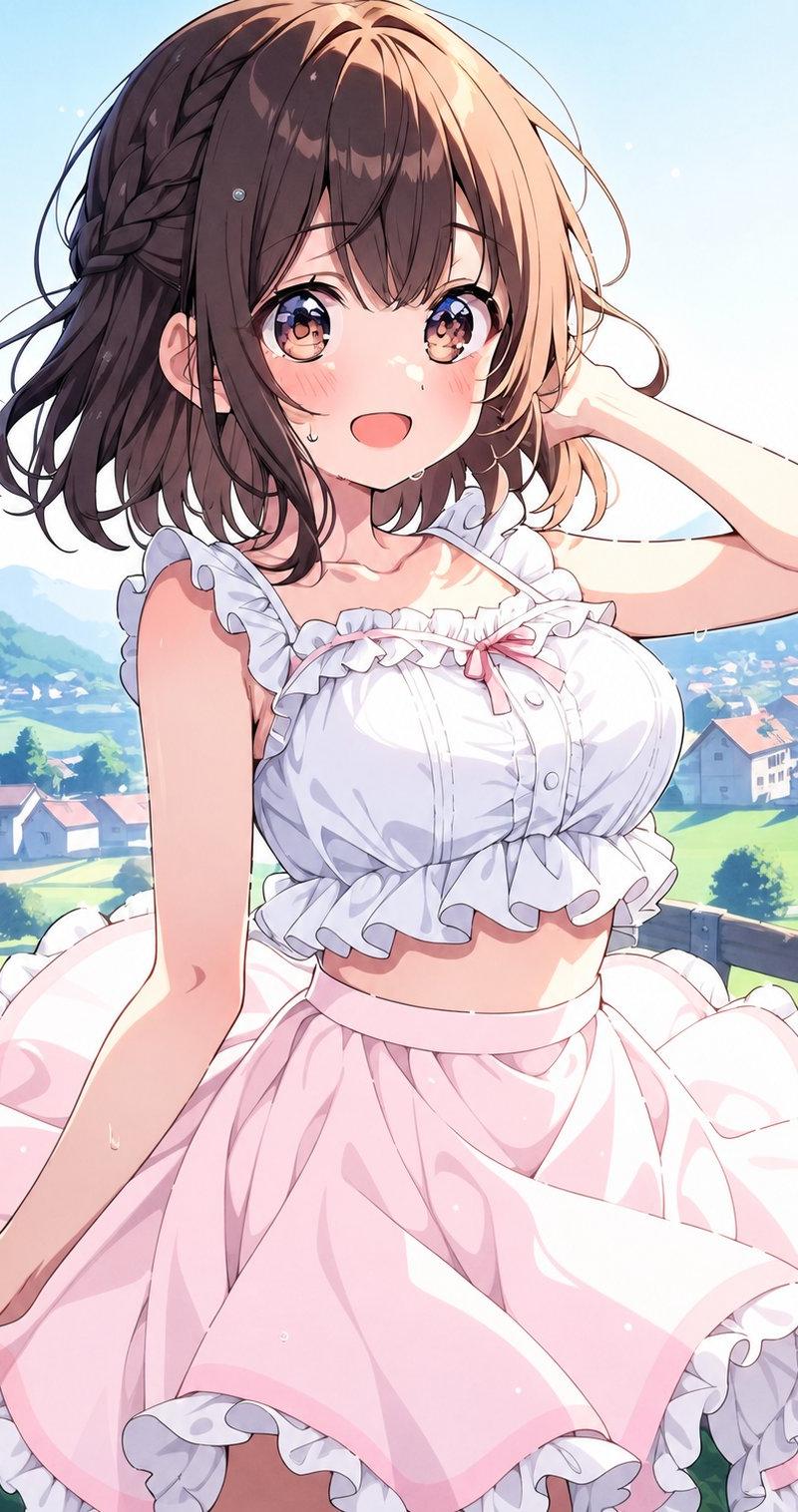
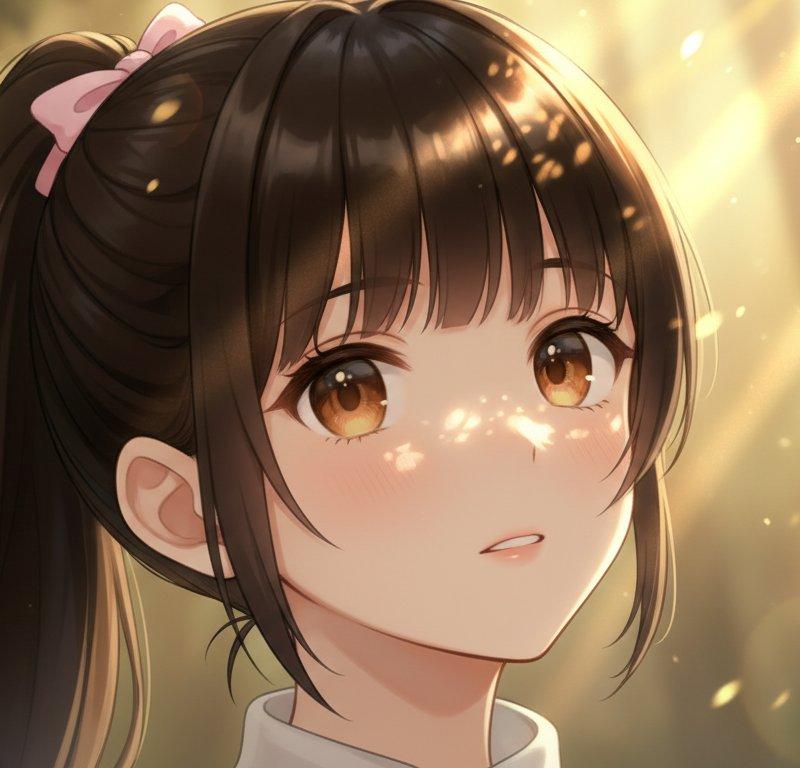
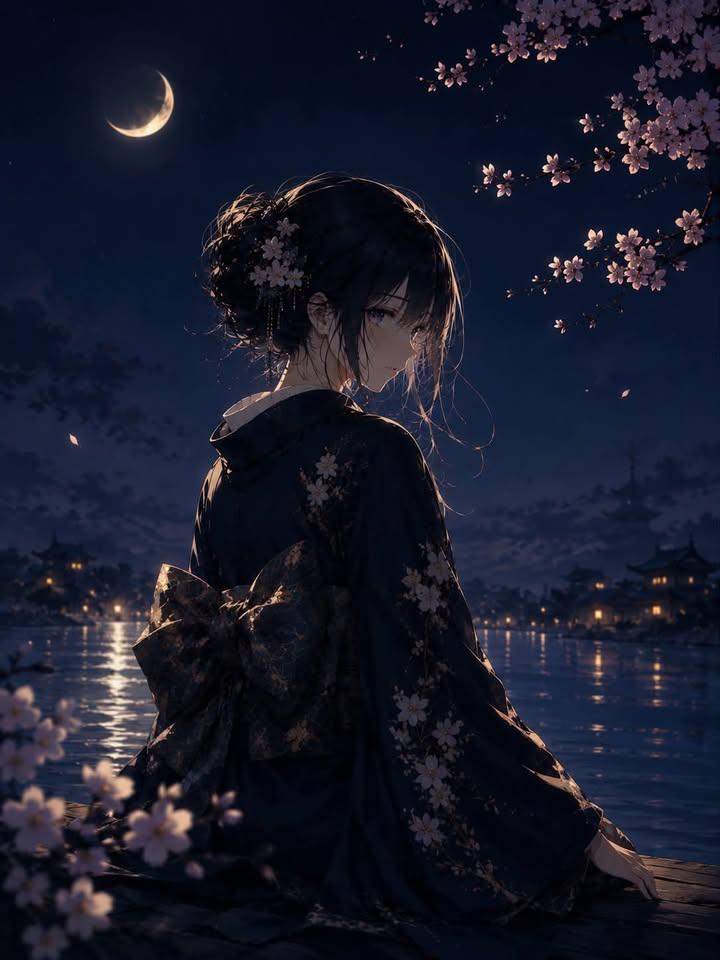
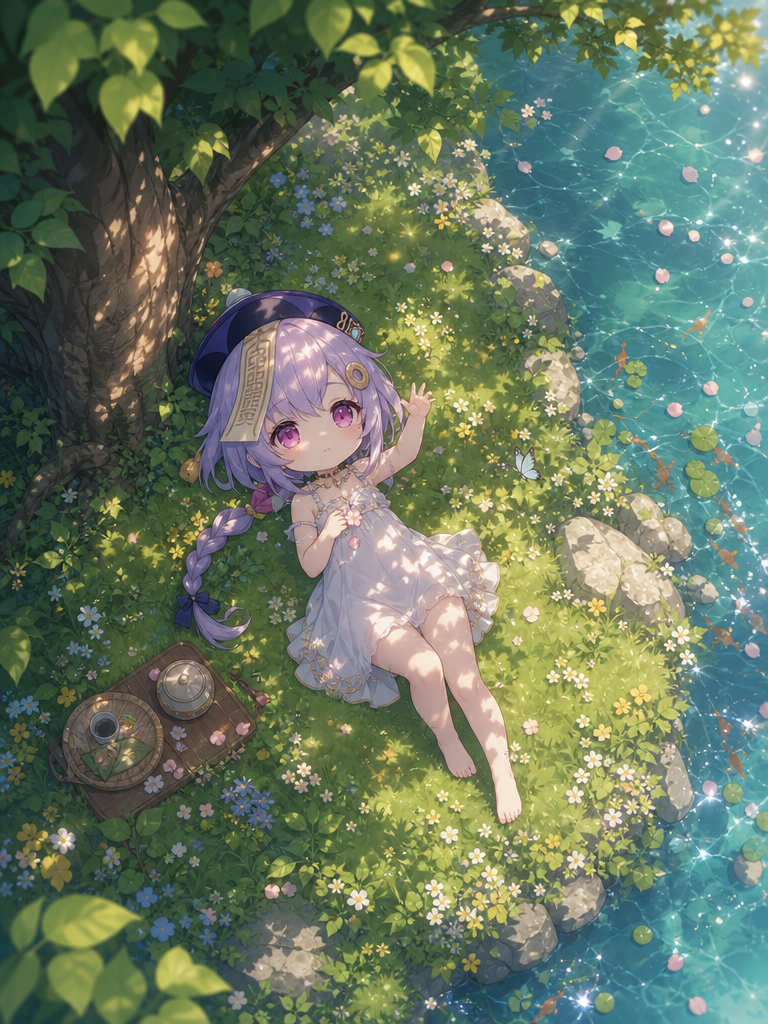
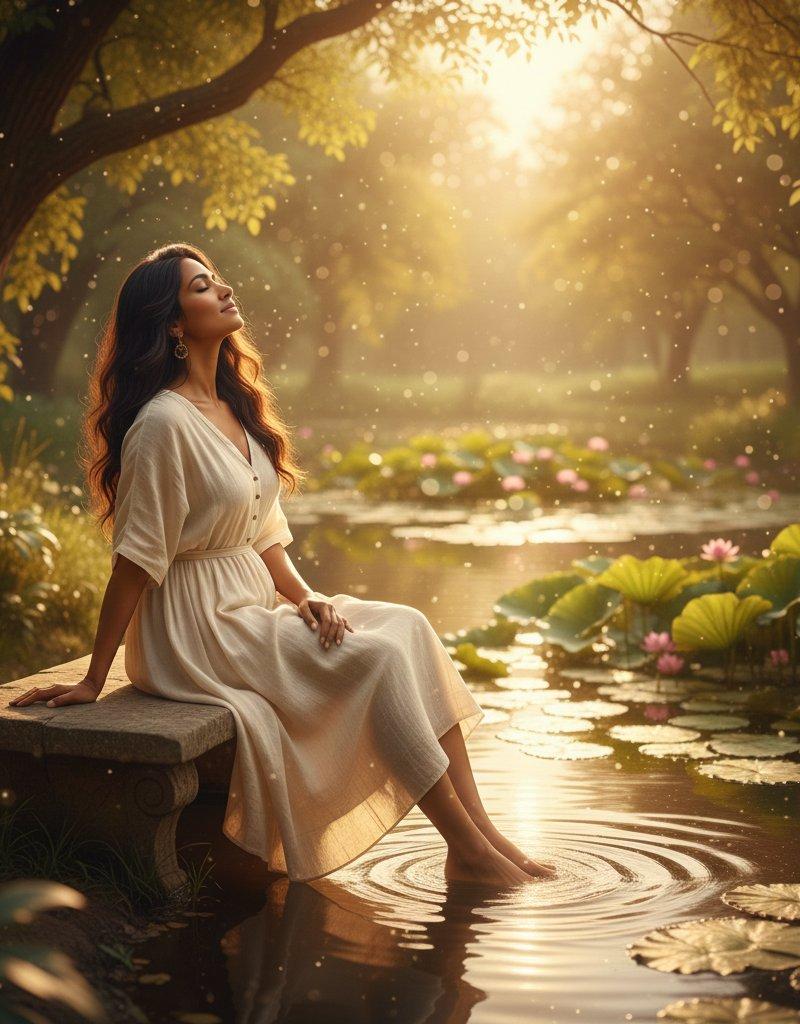
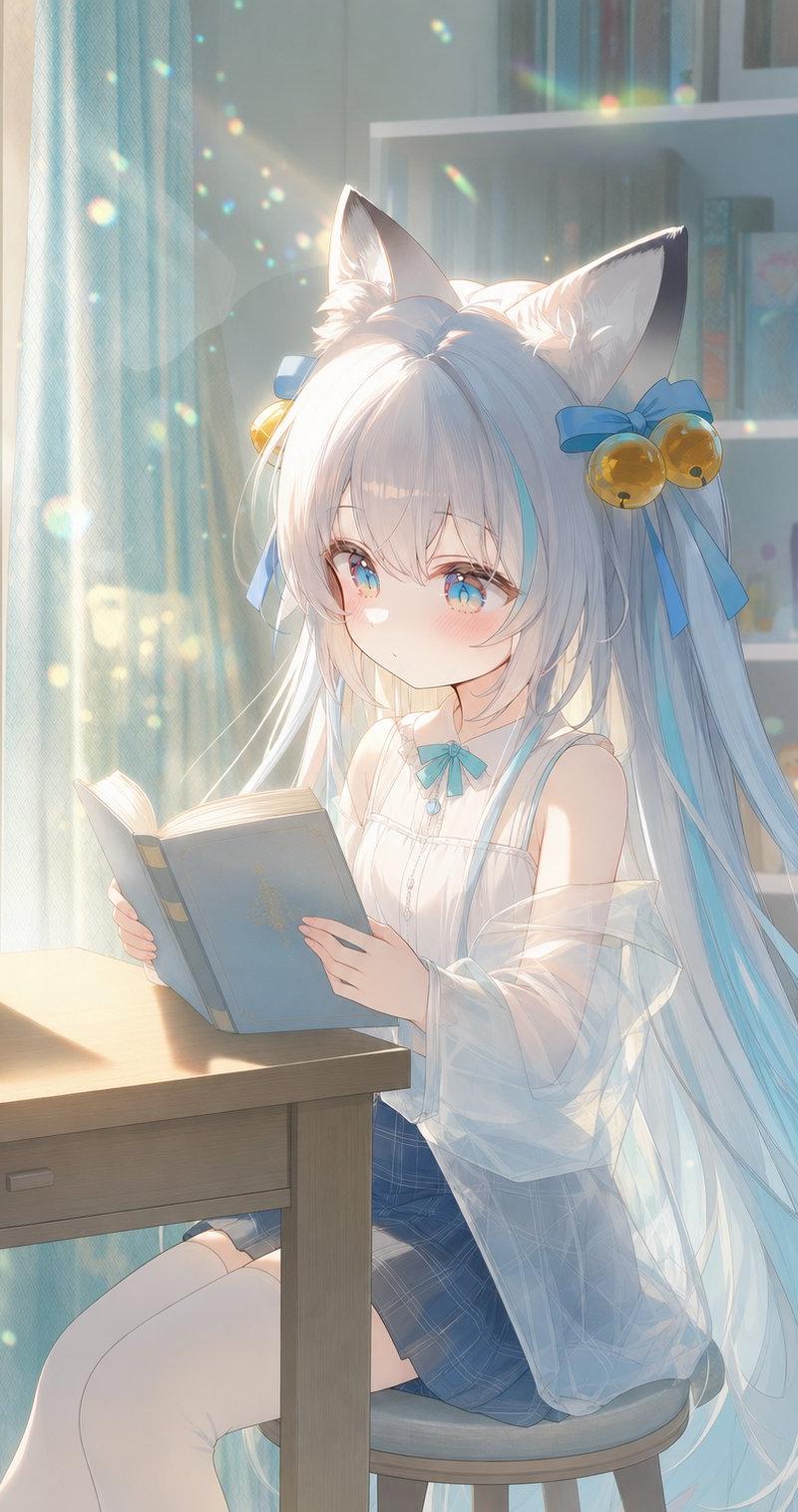
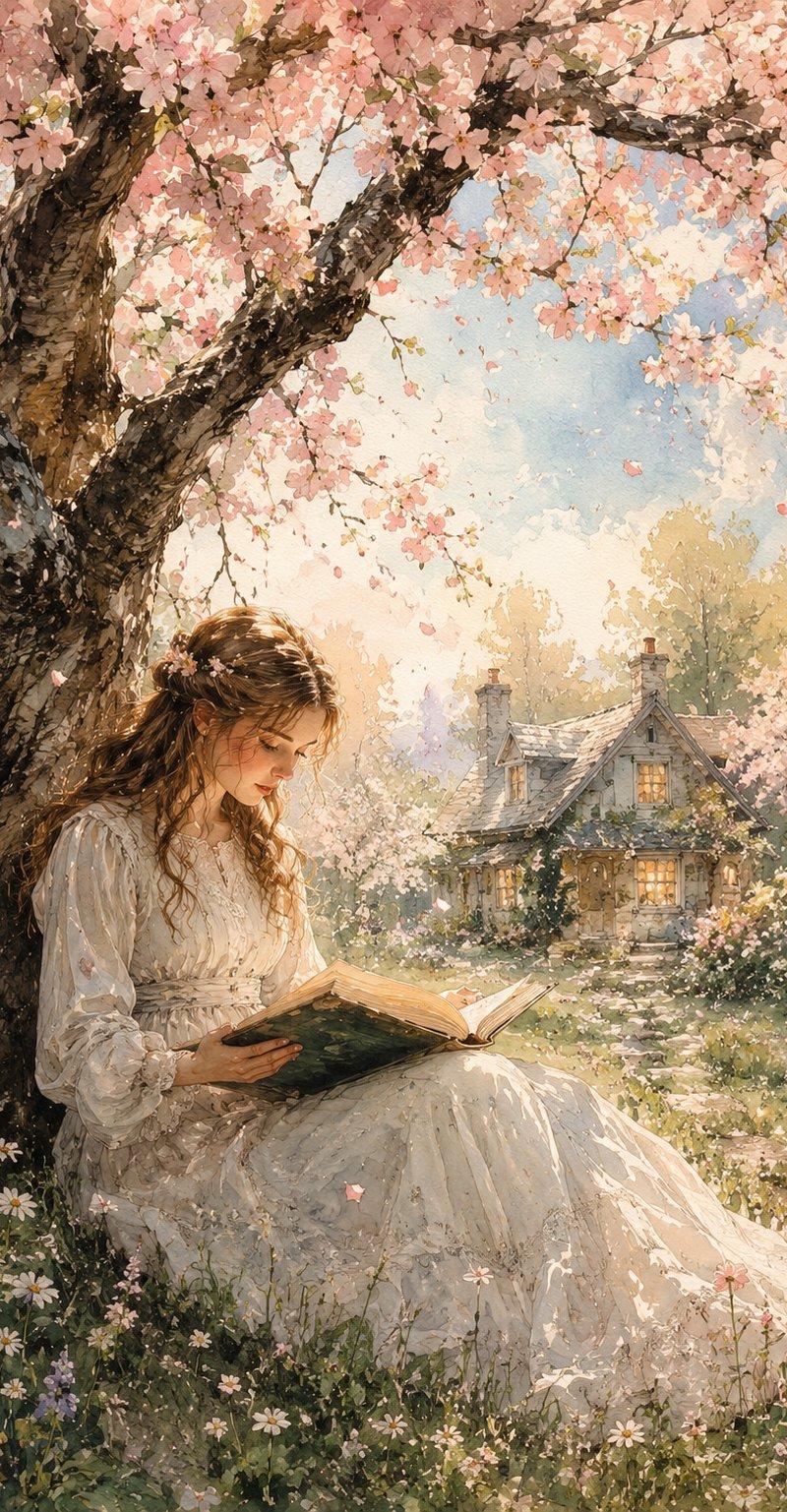
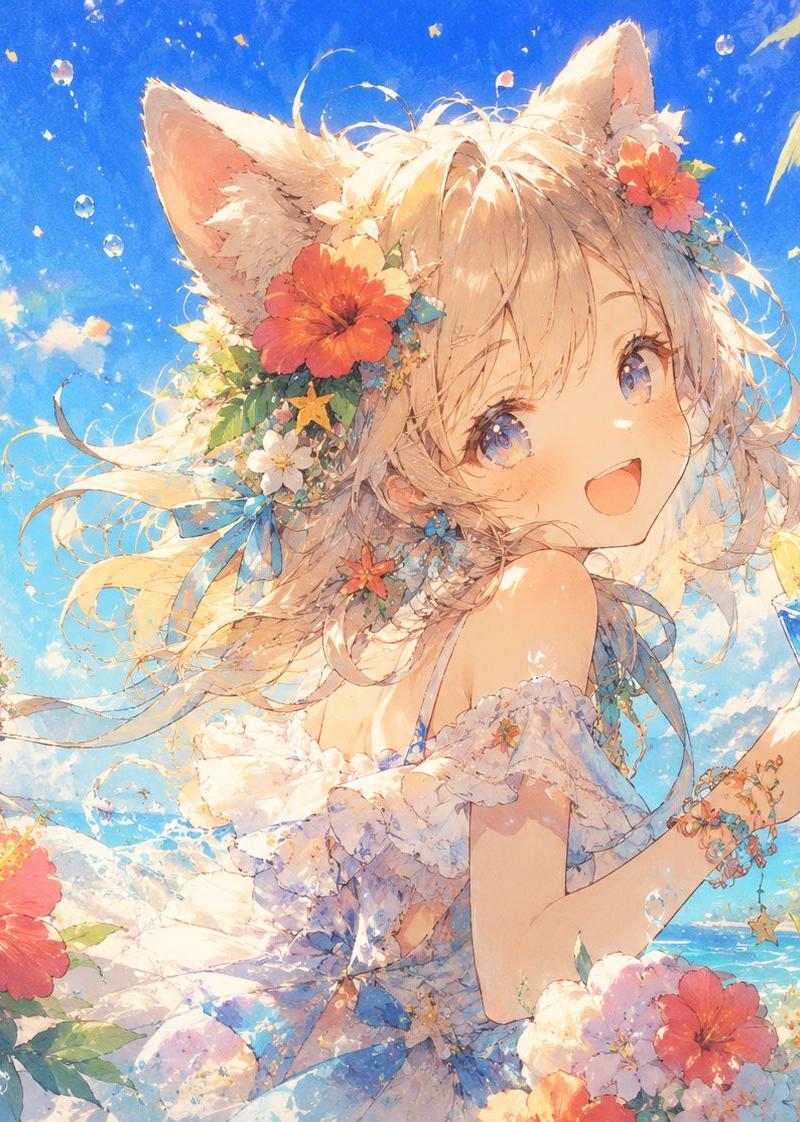
{ "Anime-style illustration of a young girl with shoulder-length light brown hair sitting in a flower-filled meadow, reading a book while wearing white over-ear headphones. Wearing a loose white dress and white sneakers, seated on grass with a pink bag beside her. Side profile composition, soft wind flowing through hair. Lush green field with white wildflowers, large trees in the background, bright sky with soft clouds. Warm diffused sunlight, dreamy glow, tranquil spring atmosphere, highly detailed grass and flowers, cinematic depth, soft shadows, peaceful emotional mood.", "style": { "art_style": "anime / semi-realistic", "lighting": "warm diffused sunlight", "mood": "dreamy, serene" }, "composition": { "camera_angle": "side profile, eye-level", "framing": "medium full shot", "aspect_ratio": "1:1" } }
Category
Photography & Realism
Model
GPT Image 2
Creator
Maercih
Source language
en
Views0
Source ID
25356
Published
Jun 12, 2026
Studio

Guide

About "动漫少女草地阅读"

What is this prompt for?

"动漫少女草地阅读" AI image prompt for GPT Image 2 (Photography & Realism). 一幅宁静的动漫风格插画,描绘了一位少女在春日草地上阅读的场景,呈现出梦幻般的漫射阳光与电影级的景深效果。 Copy it on Picva and recreate the look…

The full copyable prompt and example visuals above are ready for AI image generation or one-click recreate in Picva.

How to use this prompt

  1. Step 1

    Open the prompt detail

    Review the example visuals, category, and full prompt text for "动漫少女草地阅读".

  2. Step 2

    Copy the prompt

    Copy the prompt body from this page, or load it directly in Studio.

  3. Step 3

    Pick a model (GPT Image 2)

    Prefer GPT Image 2. If you switch models, keep subject and composition and tweak style terms.

  4. Step 4

    Generate and export

    Recreate the look in Picva, or export into your workflow for editing and publishing.

FAQ

What is the "动漫少女草地阅读" prompt?
It is an AI image-generation prompt for GPT Image 2 in the Photography & Realism category. This page includes the full prompt text, example visuals, and a one-click recreate path in Picva.
How do I use this prompt to generate an image?
Copy the prompt from this page, or use Generate / Studio. Paste it into a compatible image model, or recreate the look in Picva with optional reference images.
Which model is this prompt for?
This page lists GPT Image 2. Most descriptive prompts also transfer to nearby image models such as GPT Image, Flux, or Midjourney with light style tweaks.
Can I use the result commercially?
You can usually copy the prompt for creation, but commercial use of the final image depends on the model terms, reference-image rights, and the generated content. Follow the source author and platform rules.