18

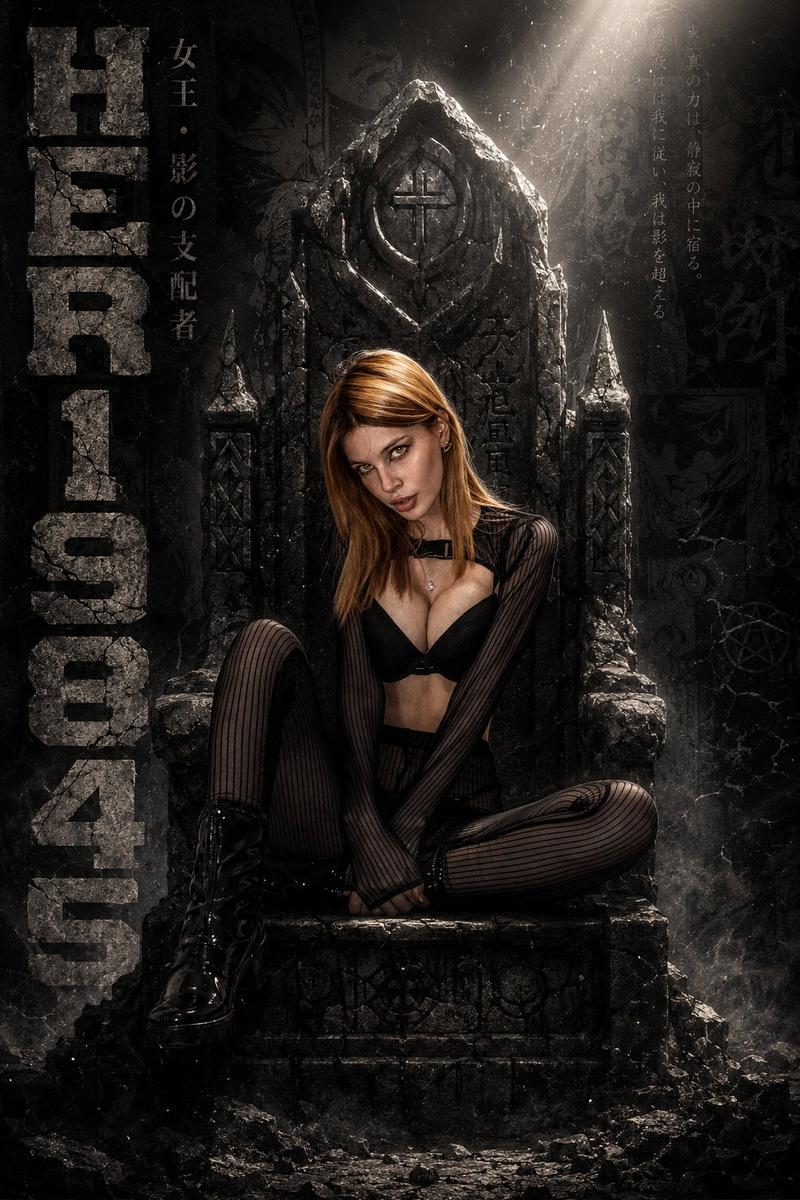
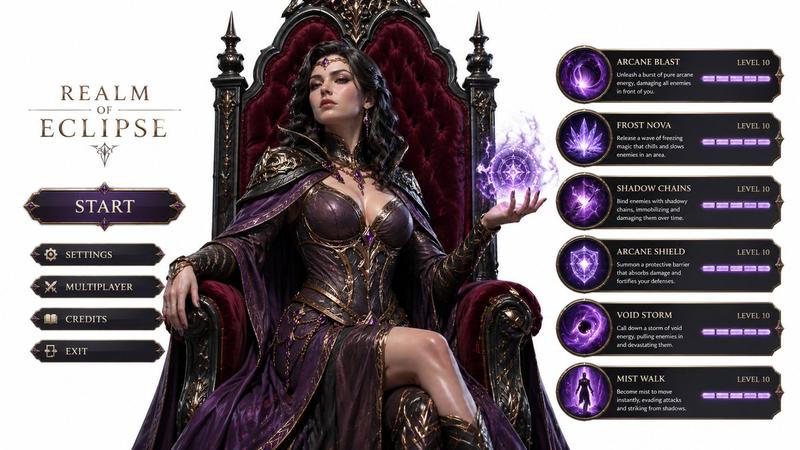
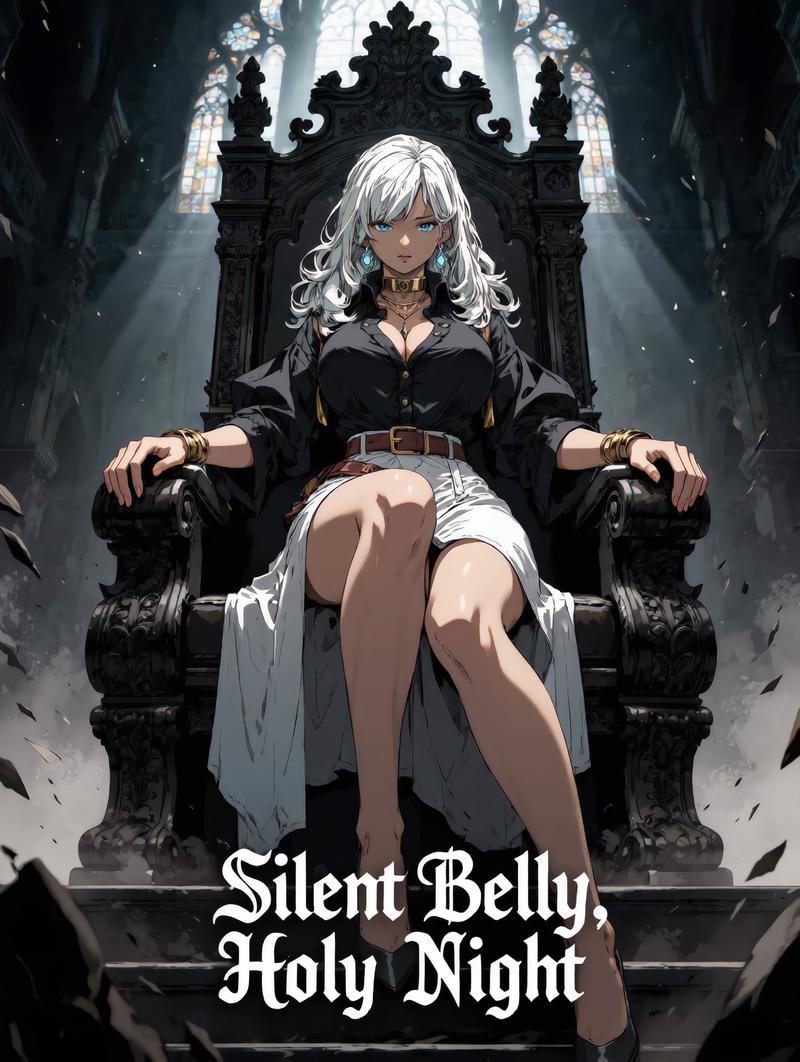
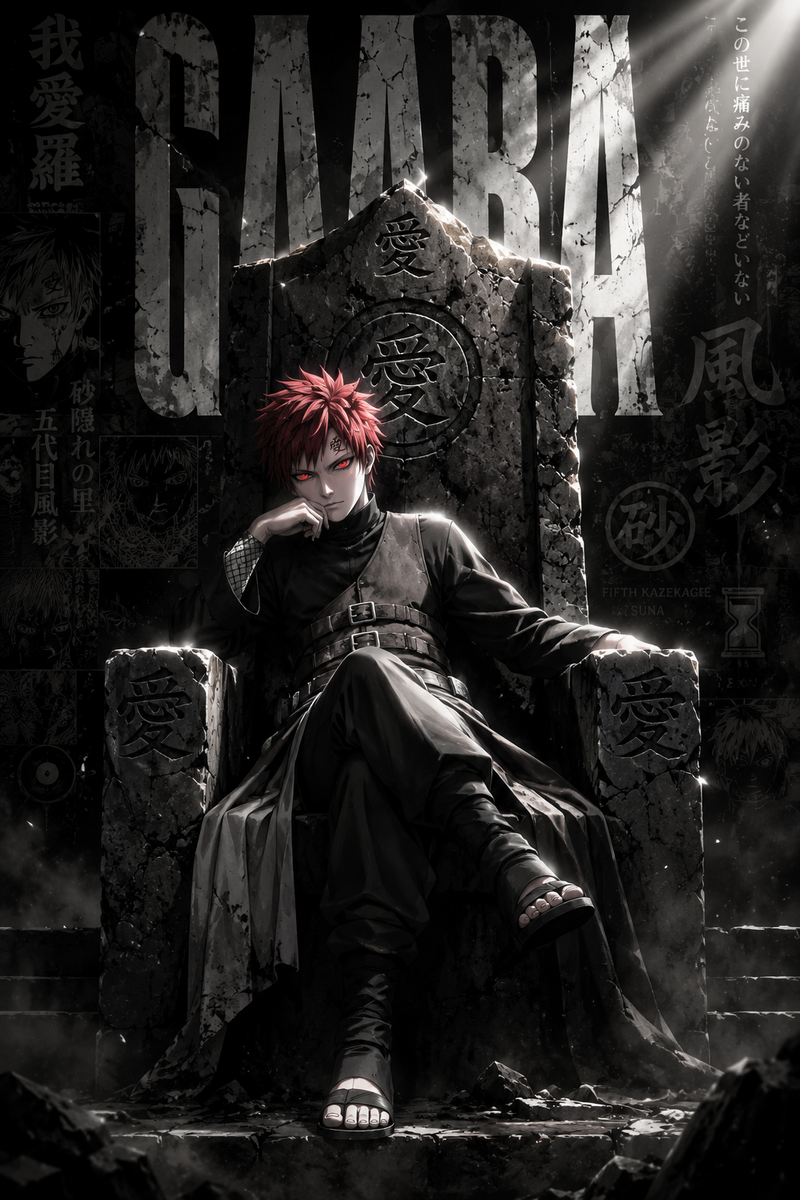
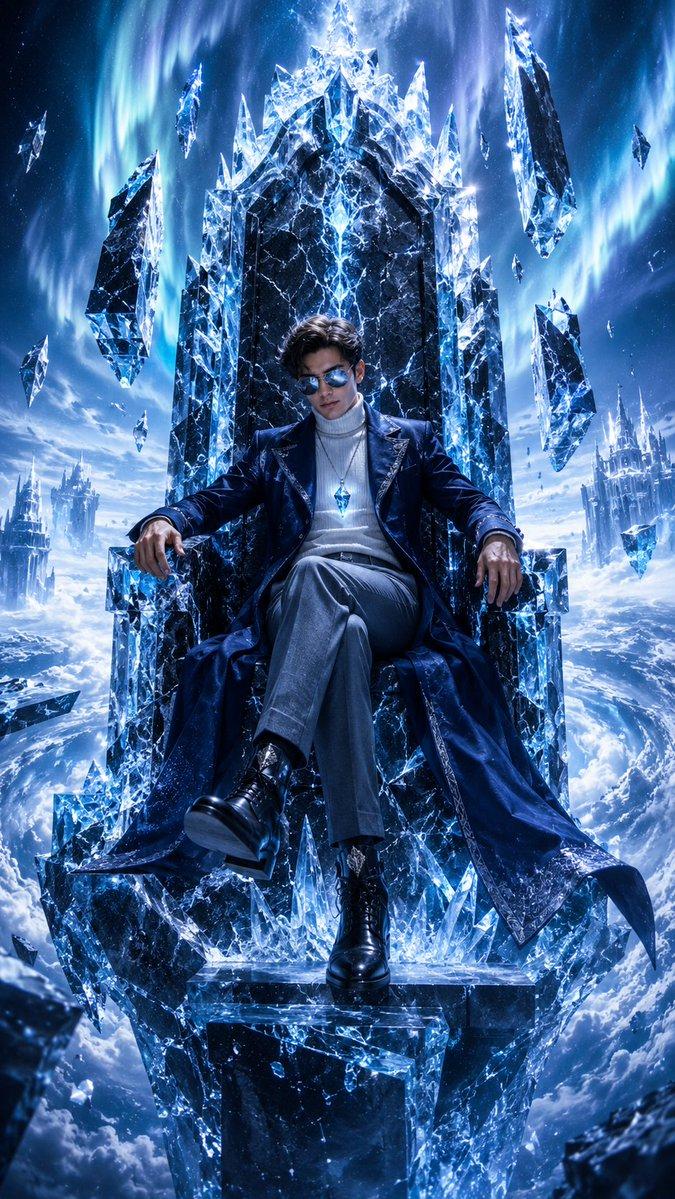
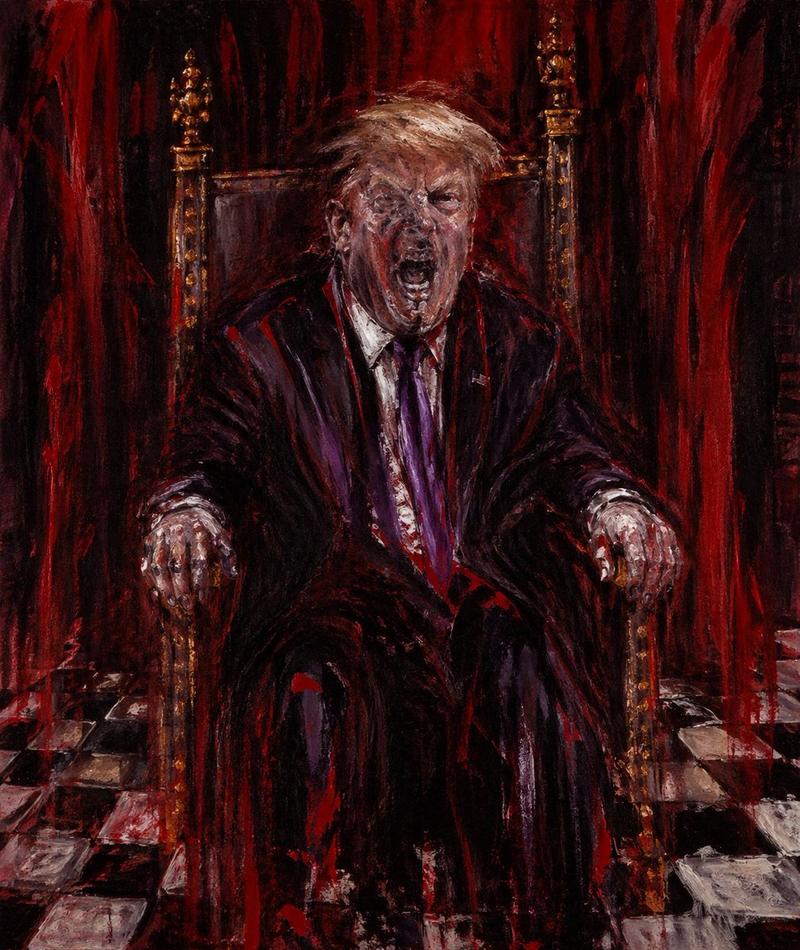
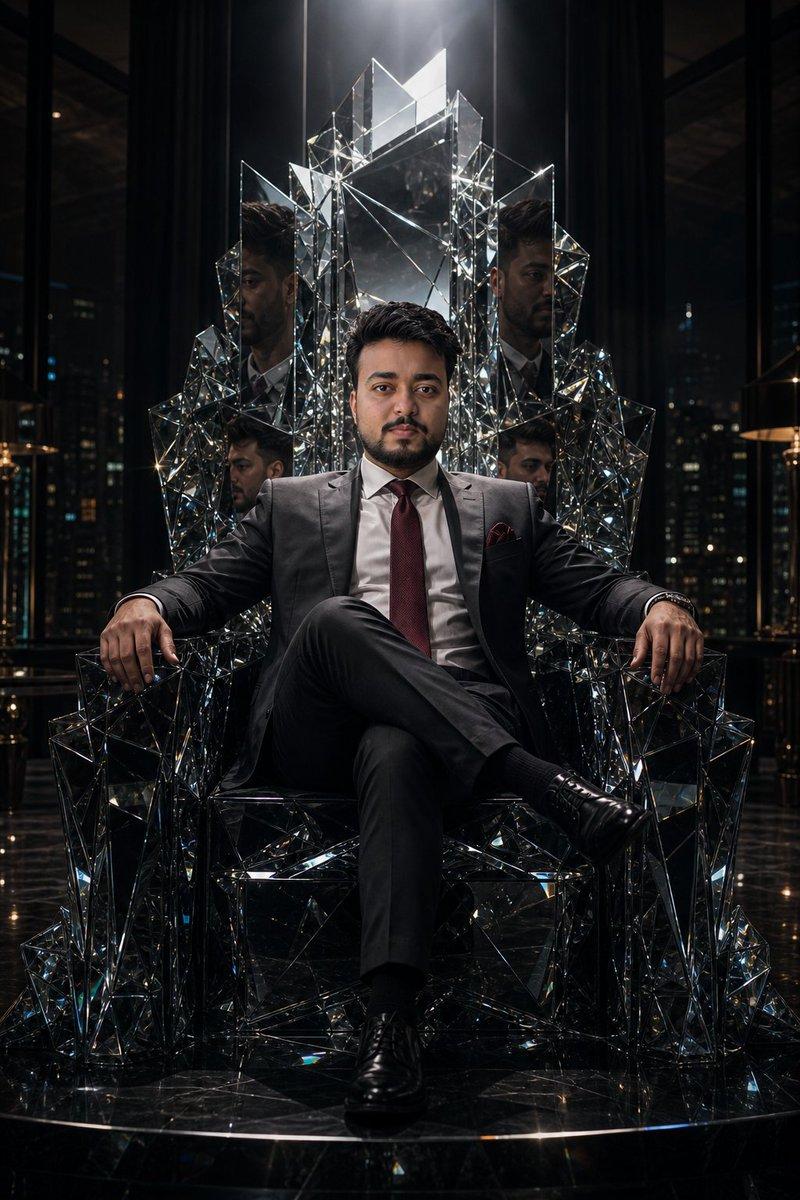
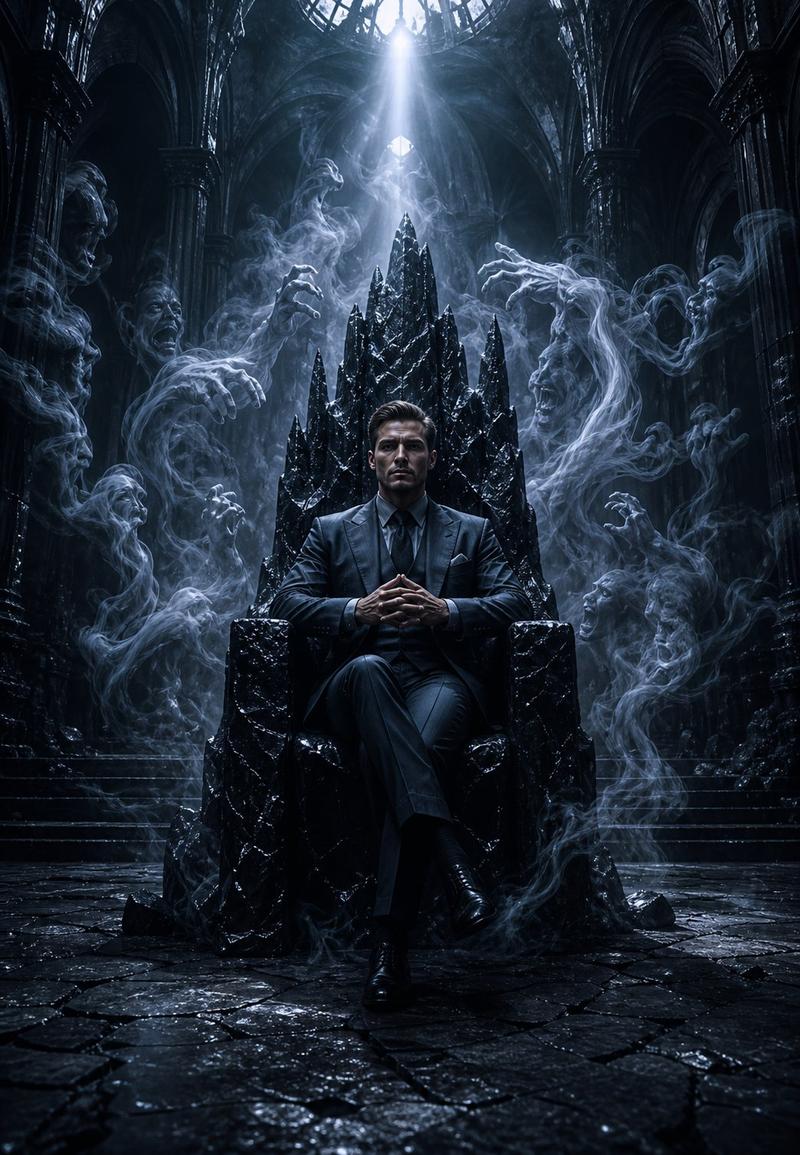
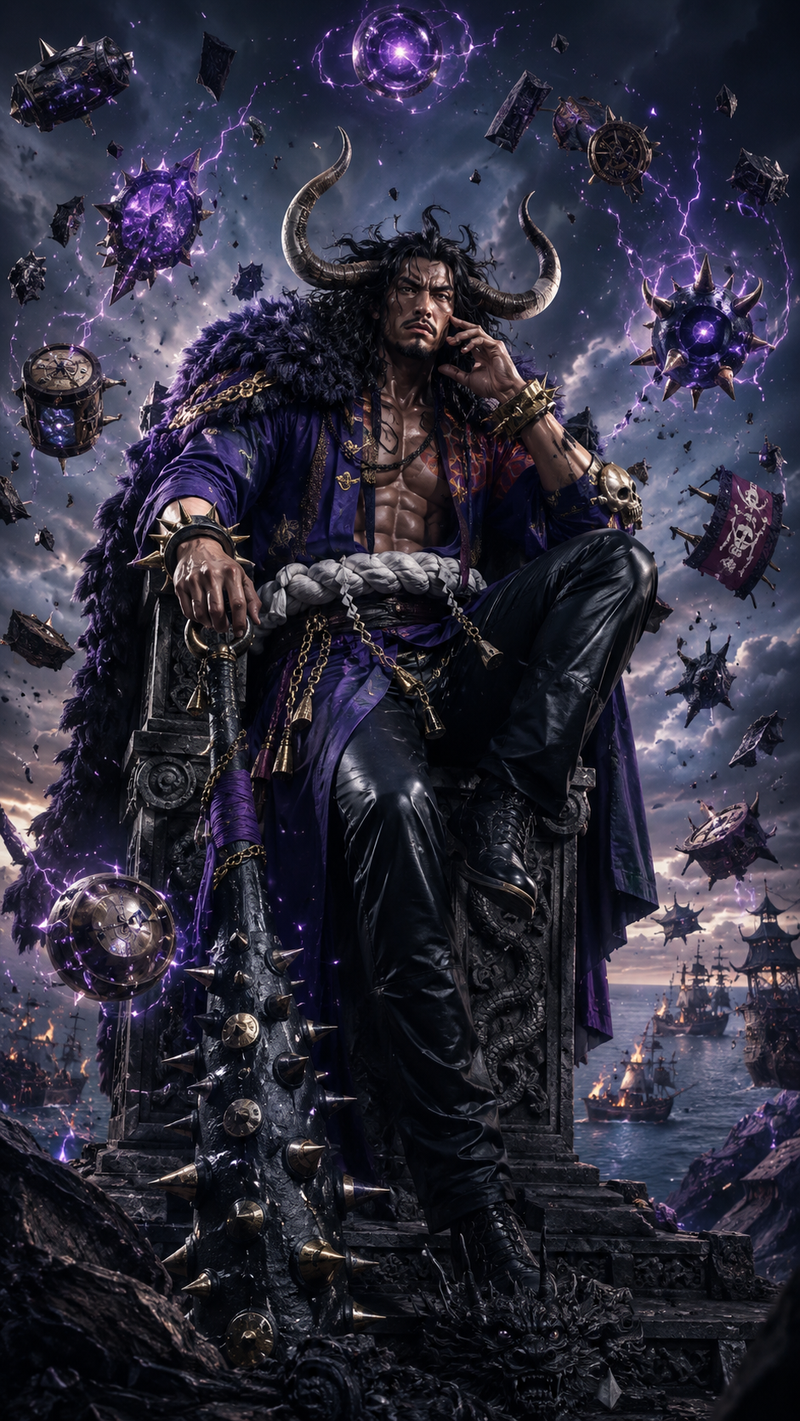
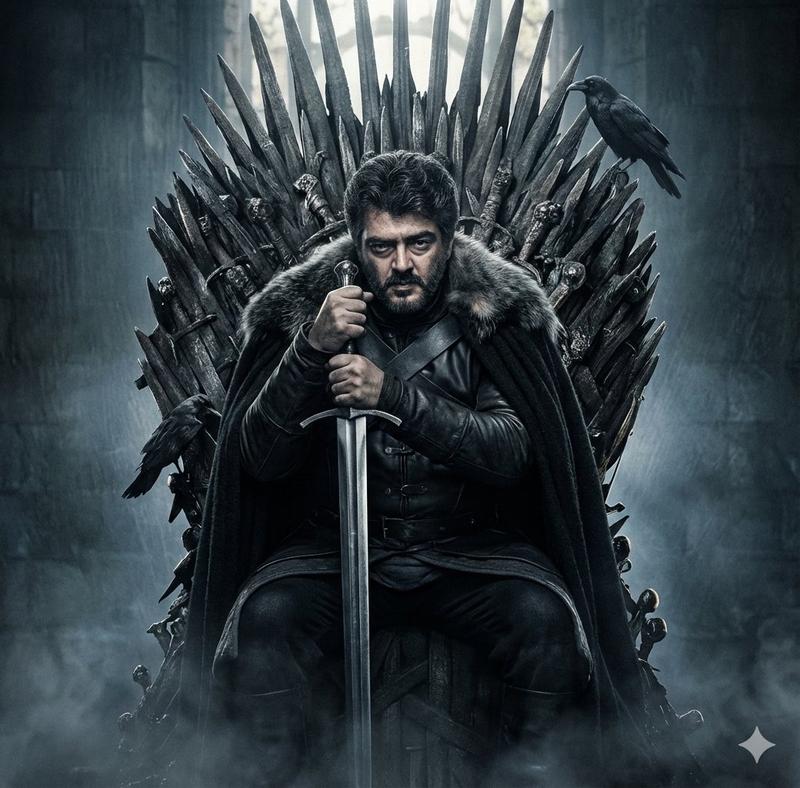
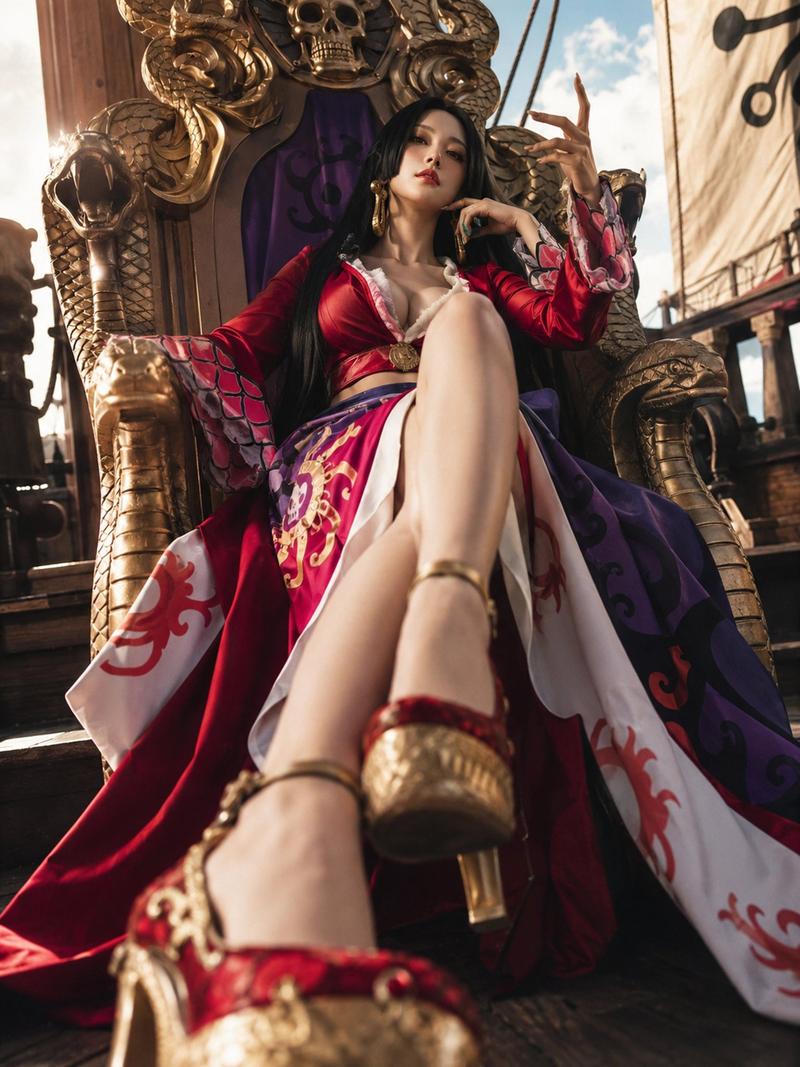
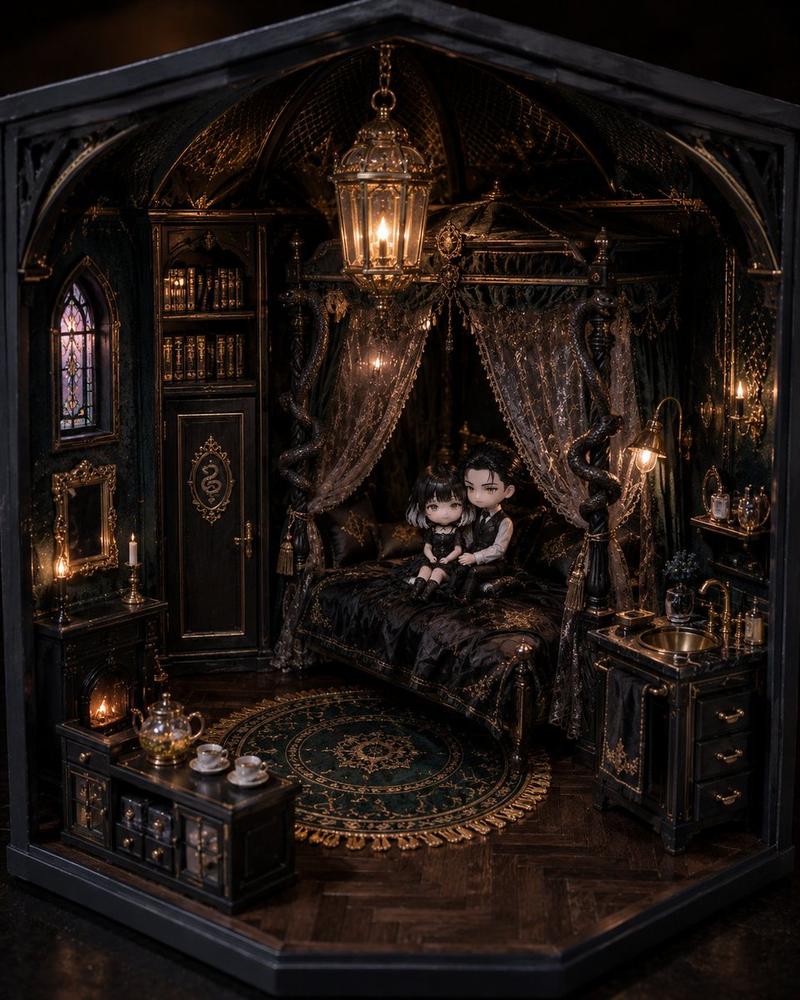
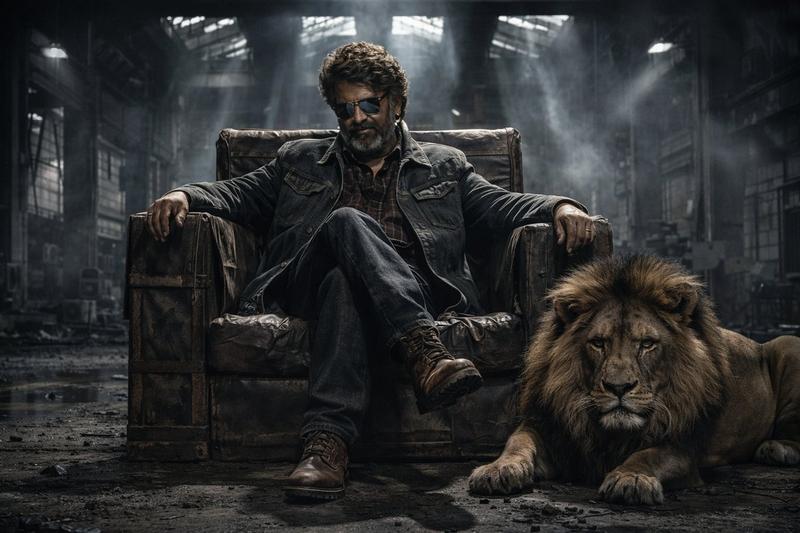
黑暗奇幻国王王座肖像
Enlarge

黑暗奇幻国王王座肖像

Prompt
An ultra-cinematic dark fantasy portrait of an {argument name="subject" default="extremely handsome, intense bearded man"} sitting on a {argument name="throne" default="massive royal throne"}, sharp jawline, piercing eyes, thick styled hair, perfectly groomed beard, dark luxury black outfit, partially unbuttoned shirt, powerful king aura, deep intense expression, one hand resting near face, dramatic pose, smoky atmosphere, cracked dark palace walls, golden light rays falling from above, dark shadows, embers floating in the air, royal gothic throne with intricate details, {argument name="aesthetic" default="dark luxury aesthetic"}, cinematic lighting, ultra realistic skin texture, moody atmosphere, masterpiece, hyper detailed, 8K, sharp focus, black and gold color palette
Category
Photography & Realism
Model
GPT Image 2
Views0
Source ID
25359
Published
Jun 12, 2026

Guide

About "黑暗奇幻国王王座肖像"

What is this prompt for?

"黑暗奇幻国王王座肖像" AI image prompt for GPT Image 2 (Photography & Realism). 一张极具电影感的黑暗奇幻肖像,描绘了一位坐在哥特式王座上的强大国王,展现出黑金奢华美学。 Copy it on Picva and recreate the look in on…

The full copyable prompt and example visuals above are ready for AI image generation or one-click recreate in Picva.

How to use this prompt

  1. Step 1

    Open the prompt detail

    Review the example visuals, category, and full prompt text for "黑暗奇幻国王王座肖像".

  2. Step 2

    Copy the prompt

    Copy the prompt body from this page, or load it directly in Studio.

  3. Step 3

    Pick a model (GPT Image 2)

    Prefer GPT Image 2. If you switch models, keep subject and composition and tweak style terms.

  4. Step 4

    Generate and export

    Recreate the look in Picva, or export into your workflow for editing and publishing.

FAQ

What is the "黑暗奇幻国王王座肖像" prompt?
It is an AI image-generation prompt for GPT Image 2 in the Photography & Realism category. This page includes the full prompt text, example visuals, and a one-click recreate path in Picva.
How do I use this prompt to generate an image?
Copy the prompt from this page, or use Generate / Studio. Paste it into a compatible image model, or recreate the look in Picva with optional reference images.
Which model is this prompt for?
This page lists GPT Image 2. Most descriptive prompts also transfer to nearby image models such as GPT Image, Flux, or Midjourney with light style tweaks.
Can I use the result commercially?
You can usually copy the prompt for creation, but commercial use of the final image depends on the model terms, reference-image rights, and the generated content. Follow the source author and platform rules.