18

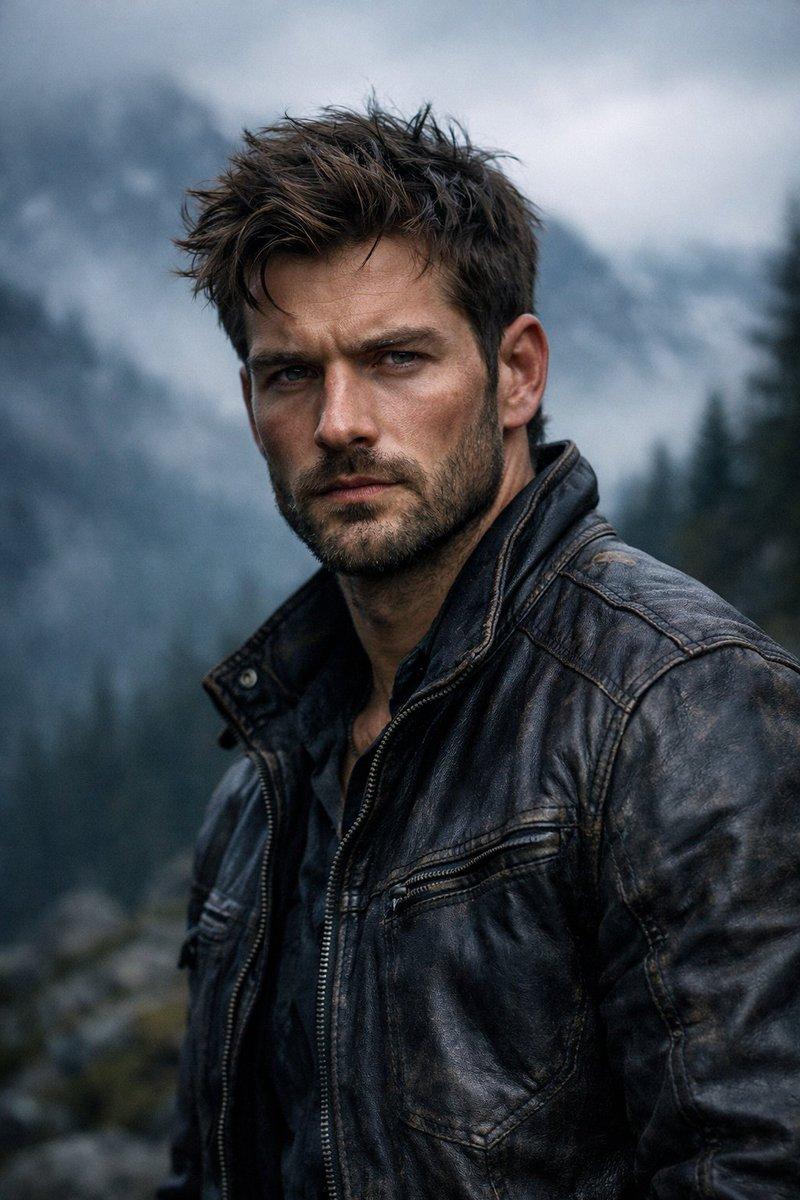
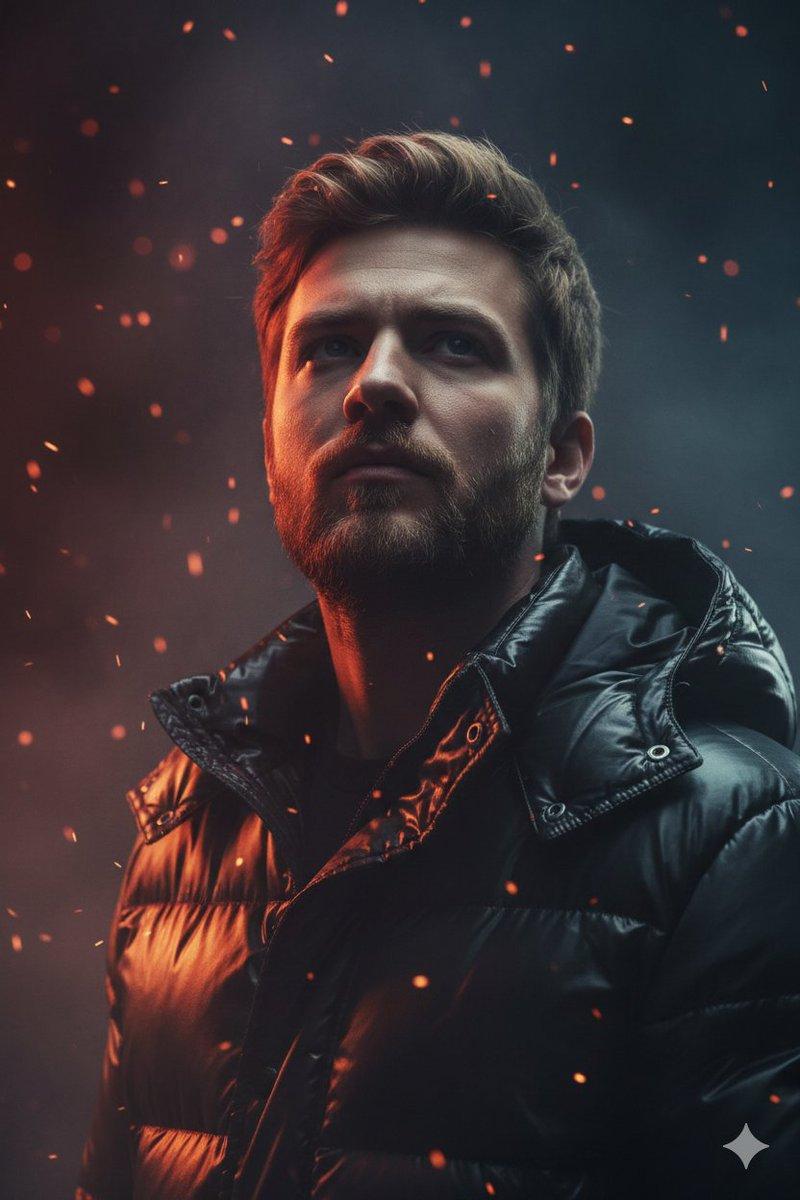
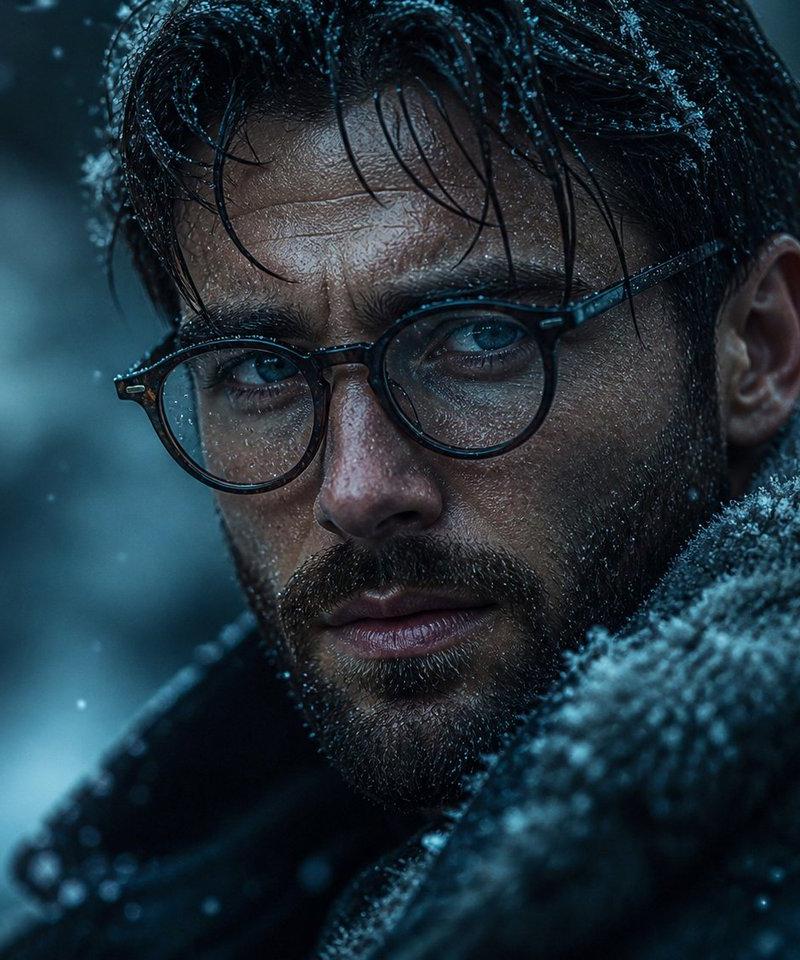
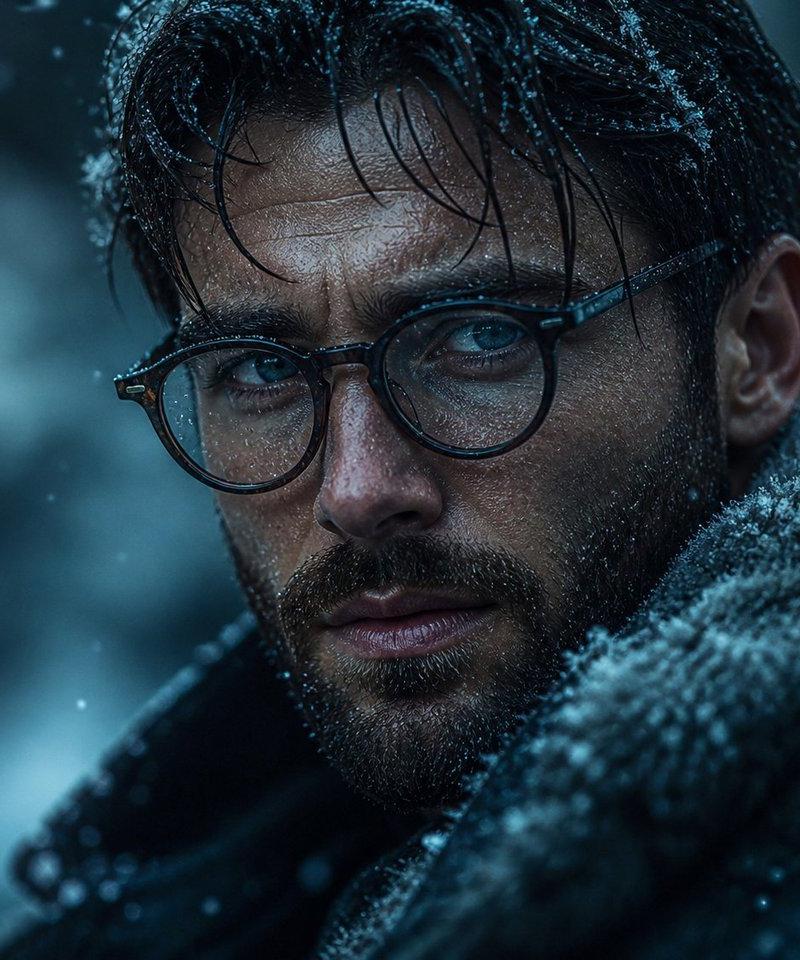
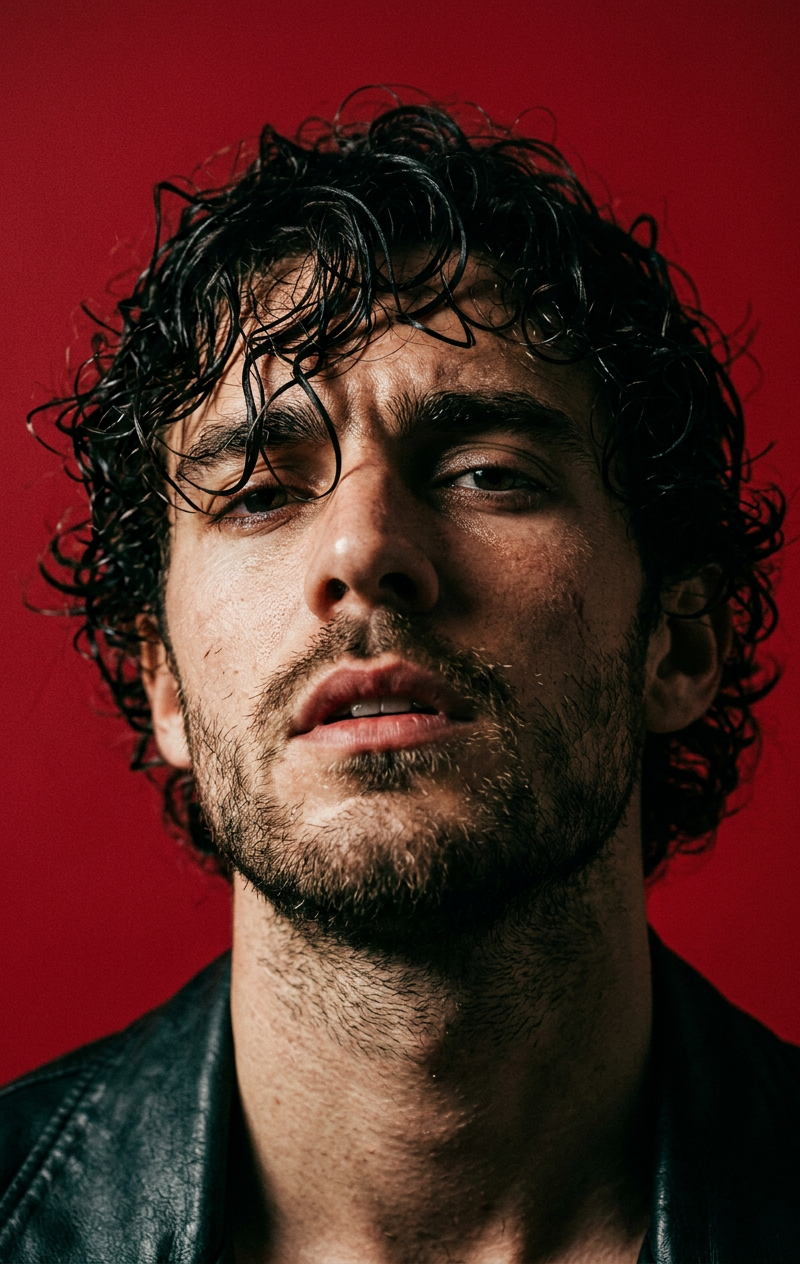
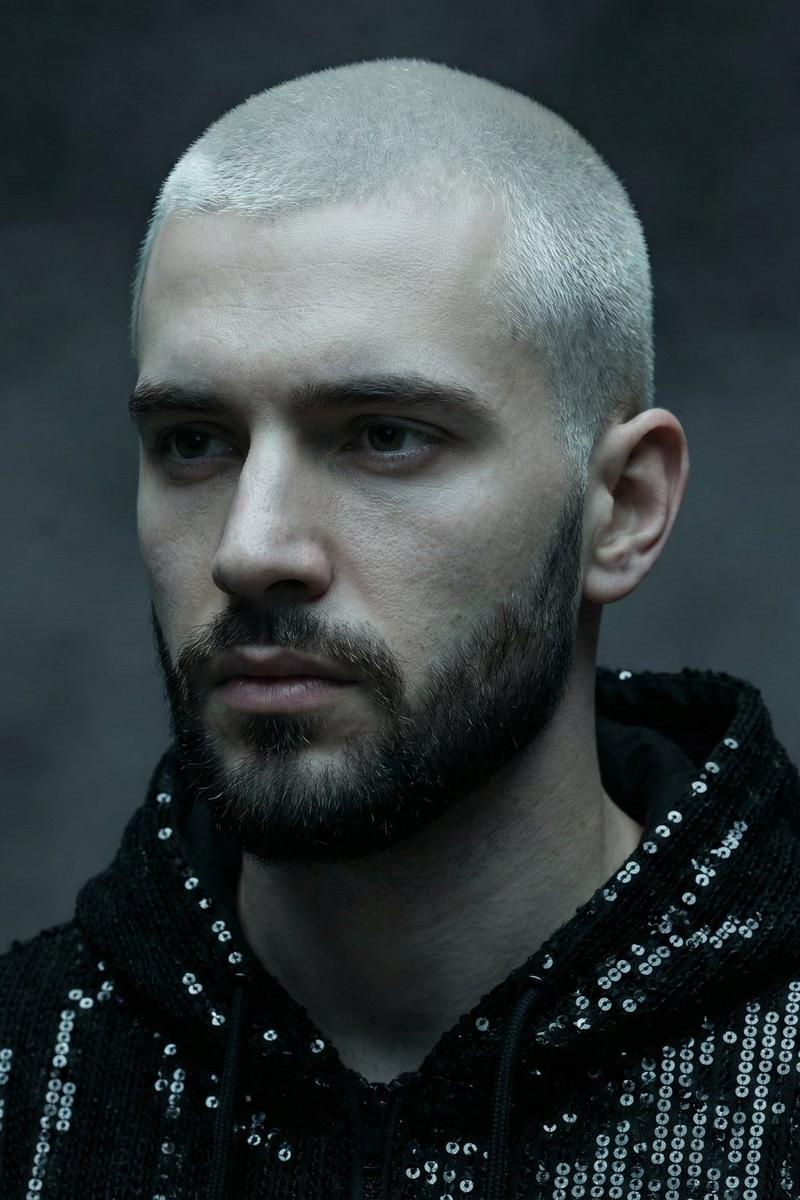
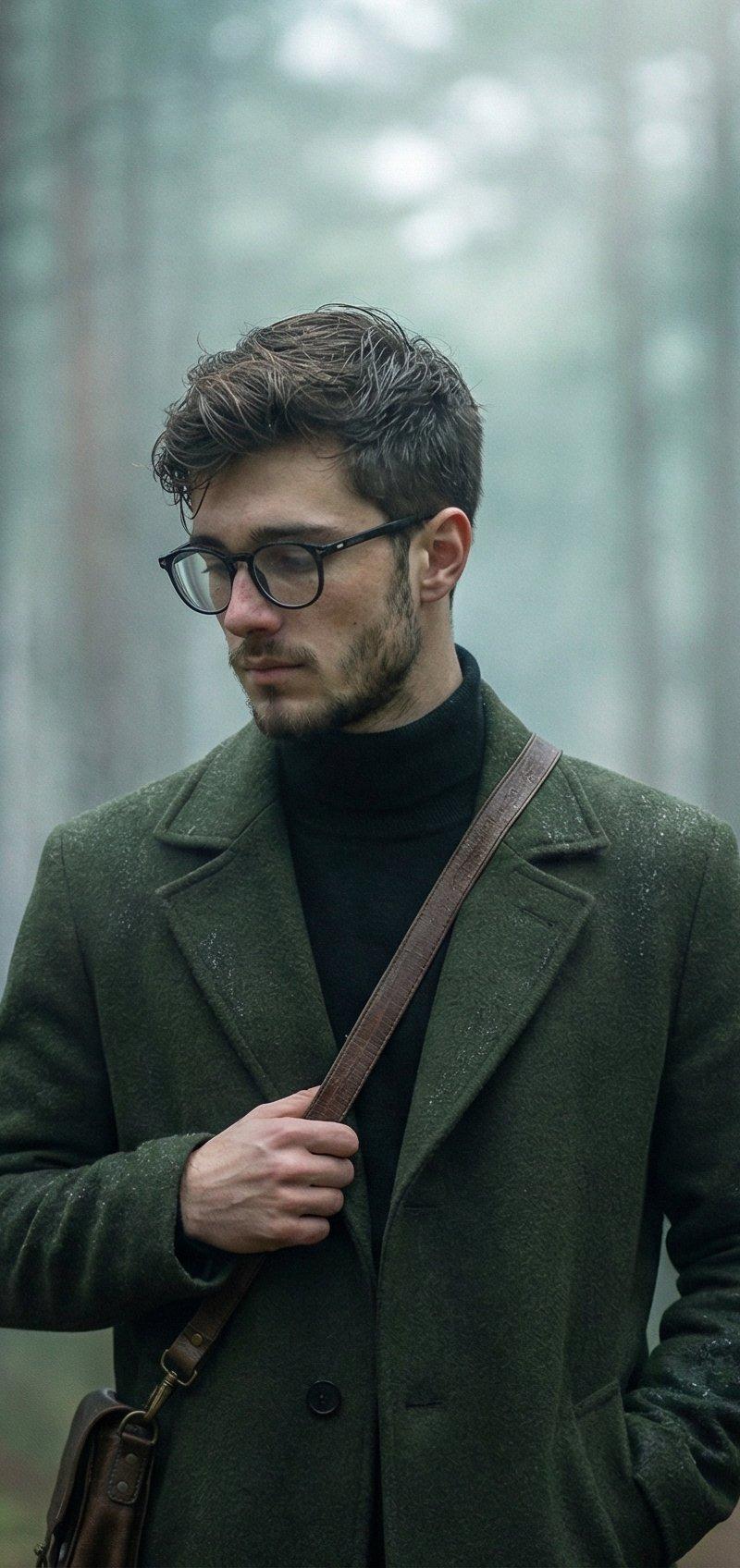
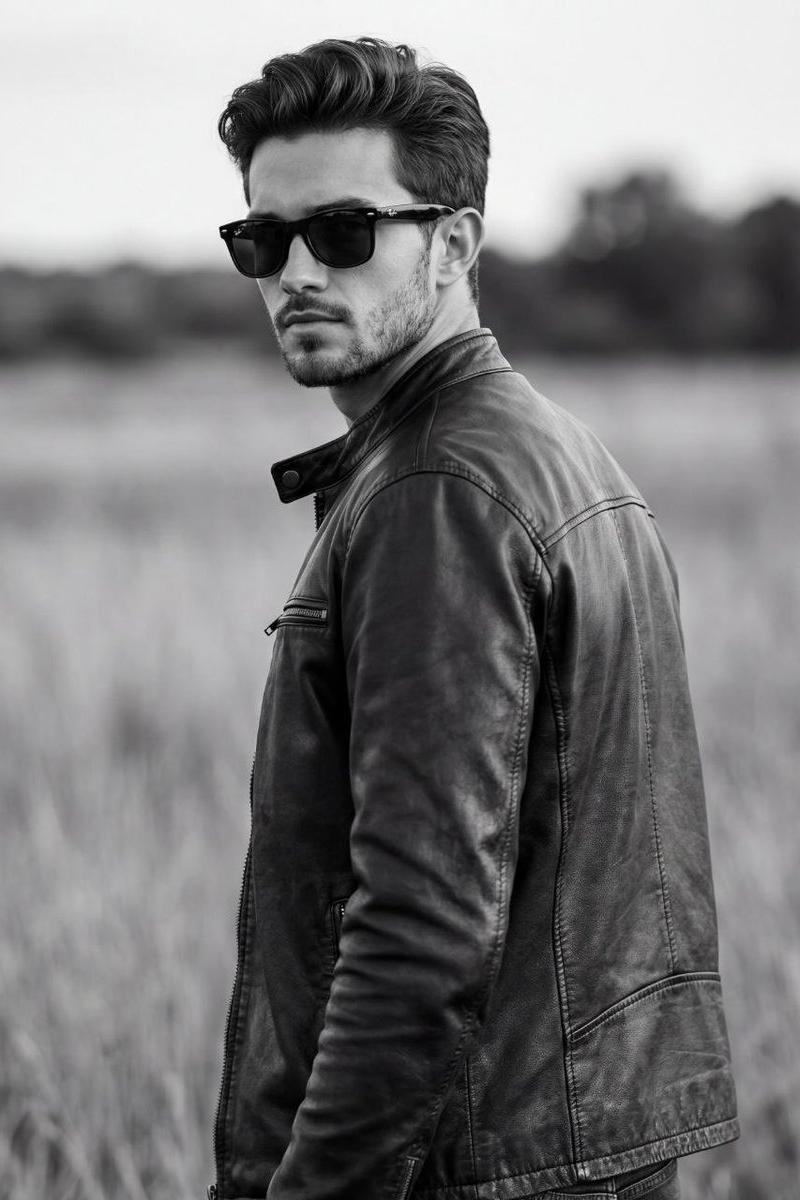
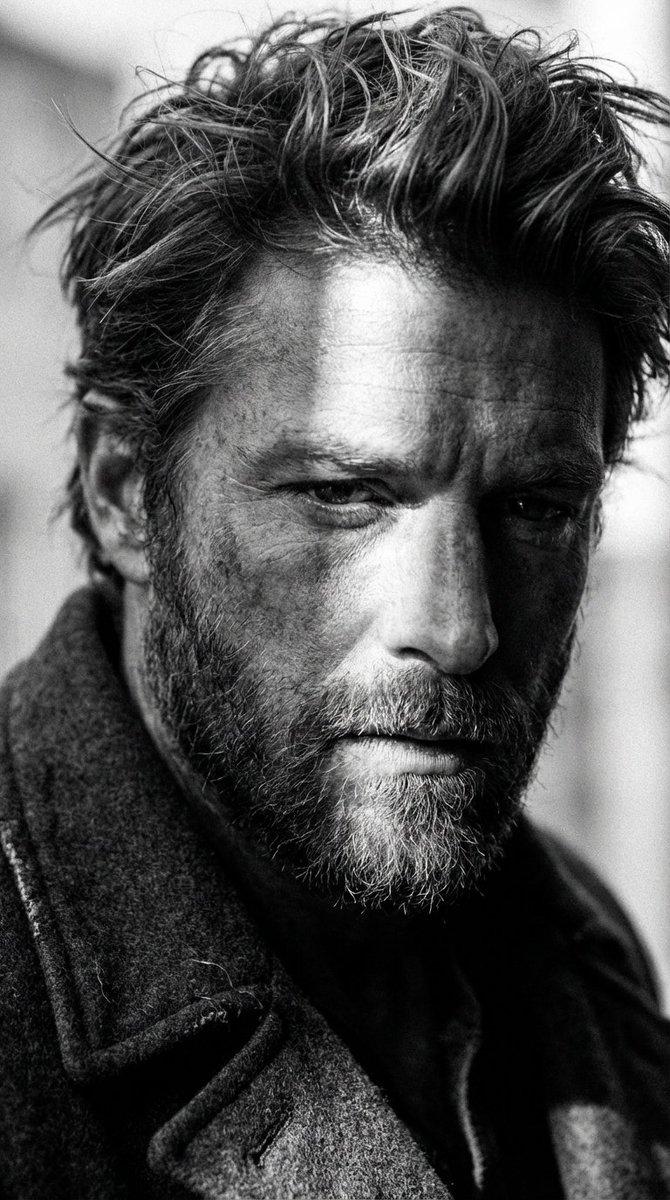
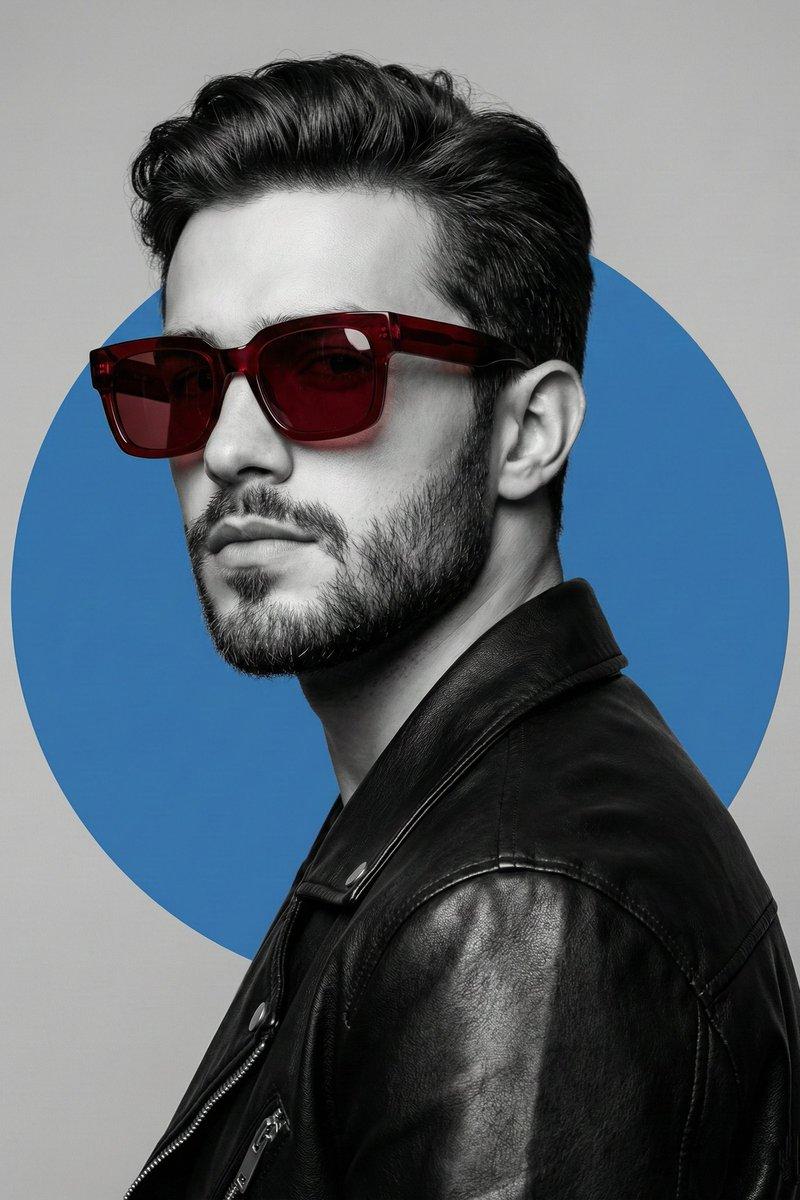
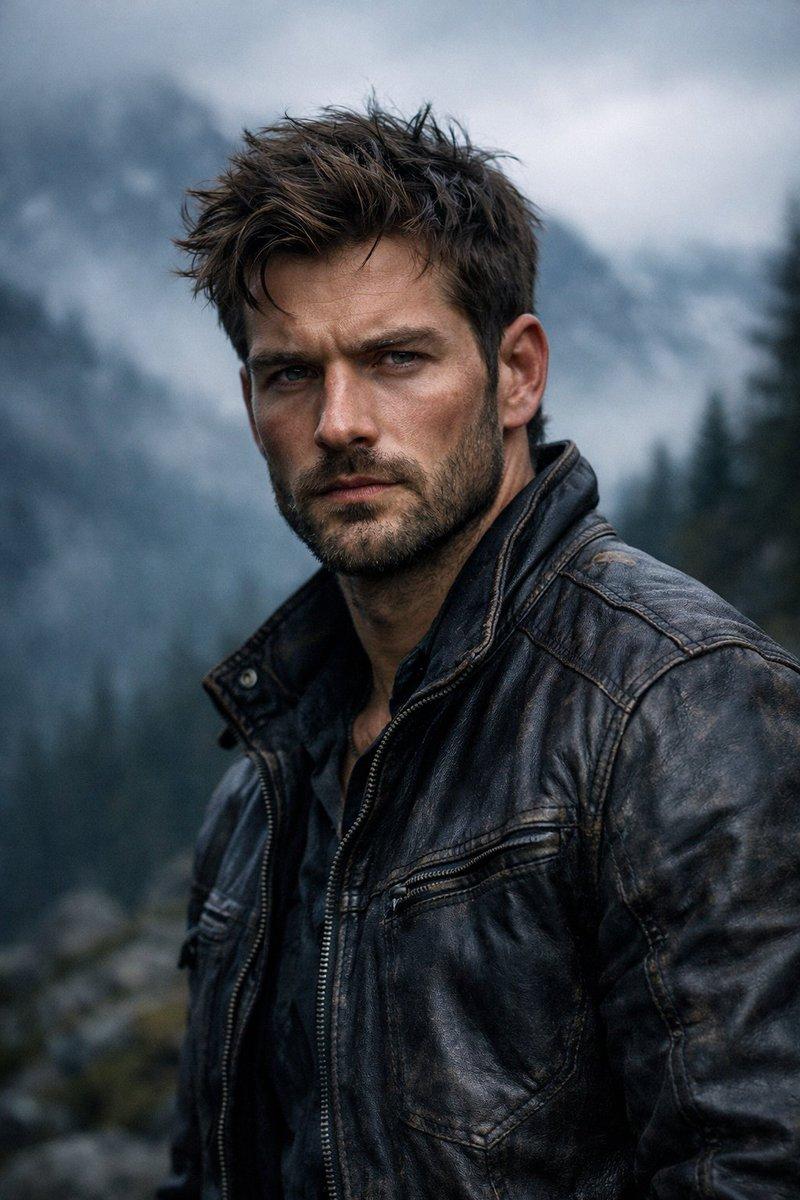
电影感粗犷山脉肖像
Enlarge

Example images

电影感粗犷山脉肖像

Prompt
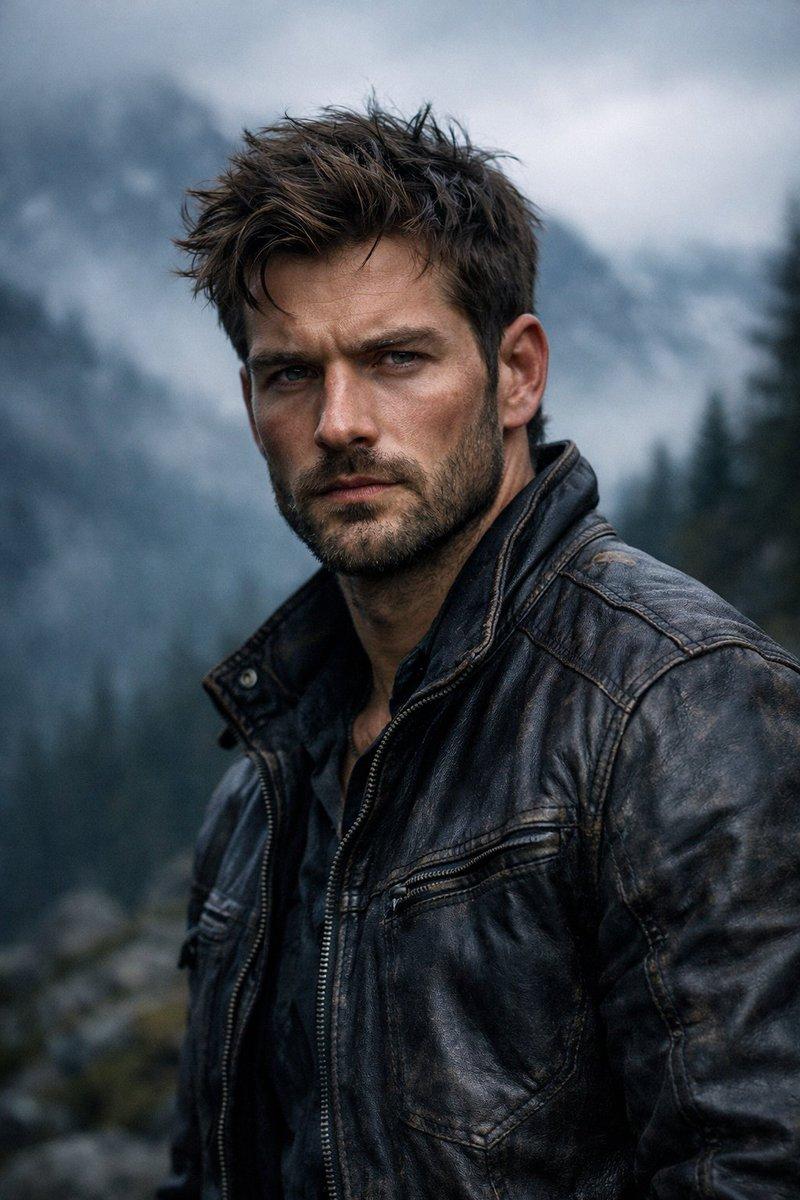
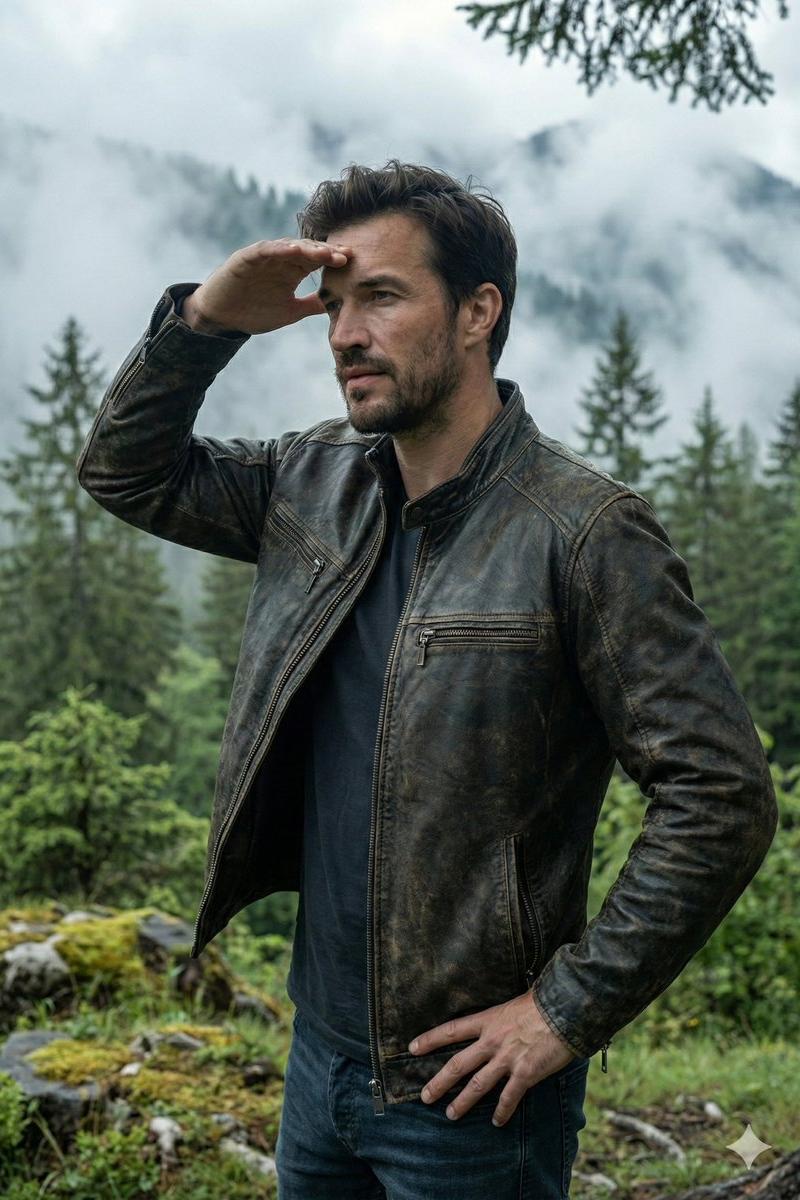
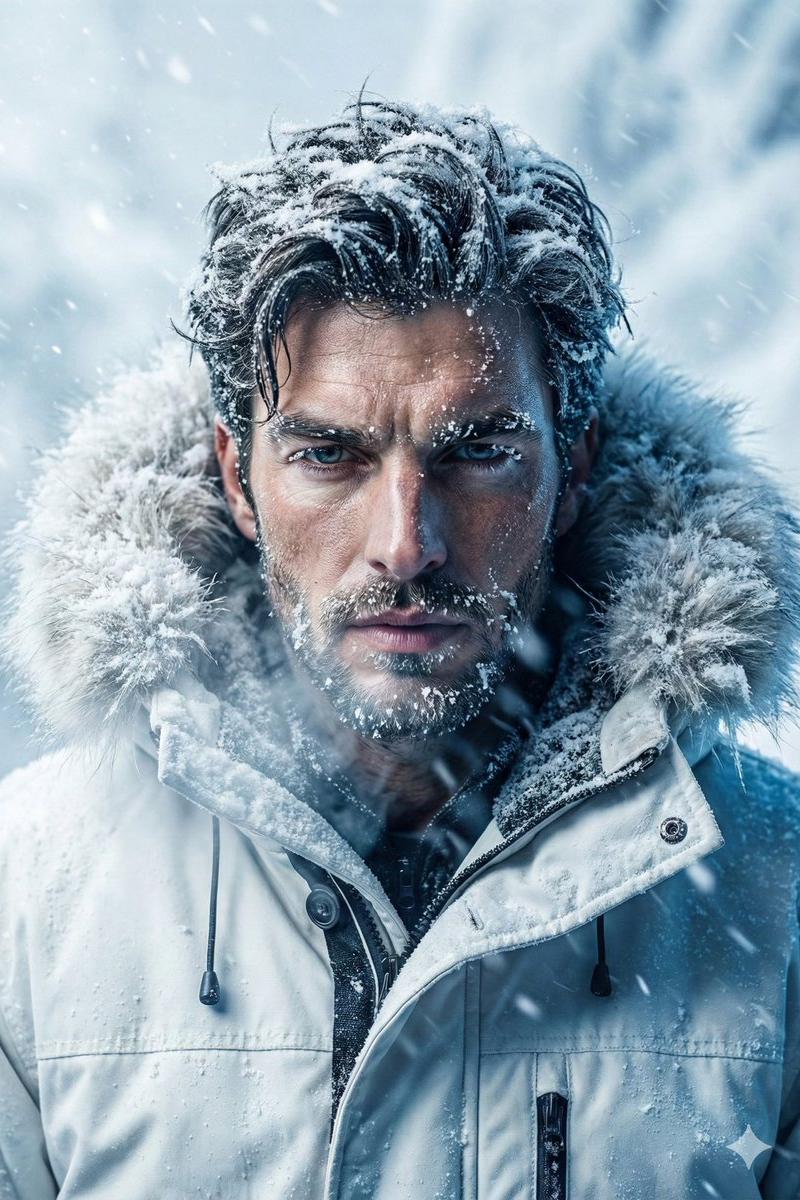
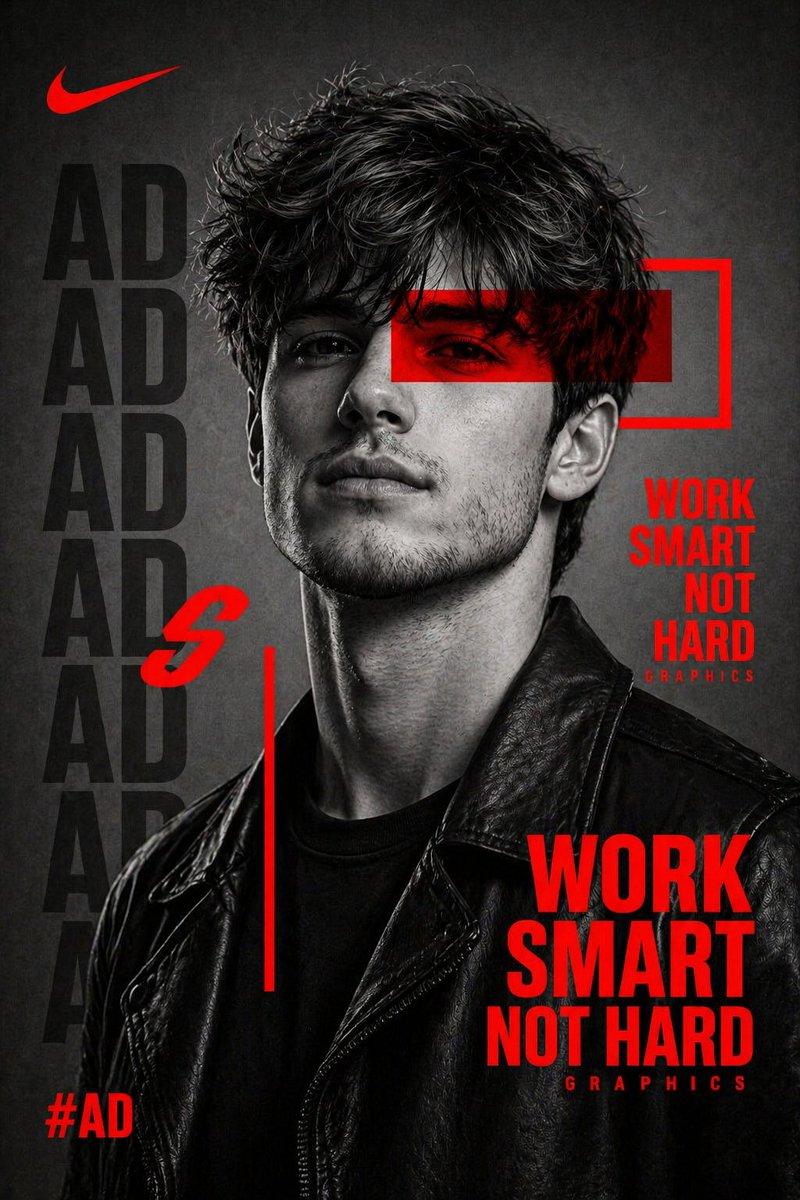
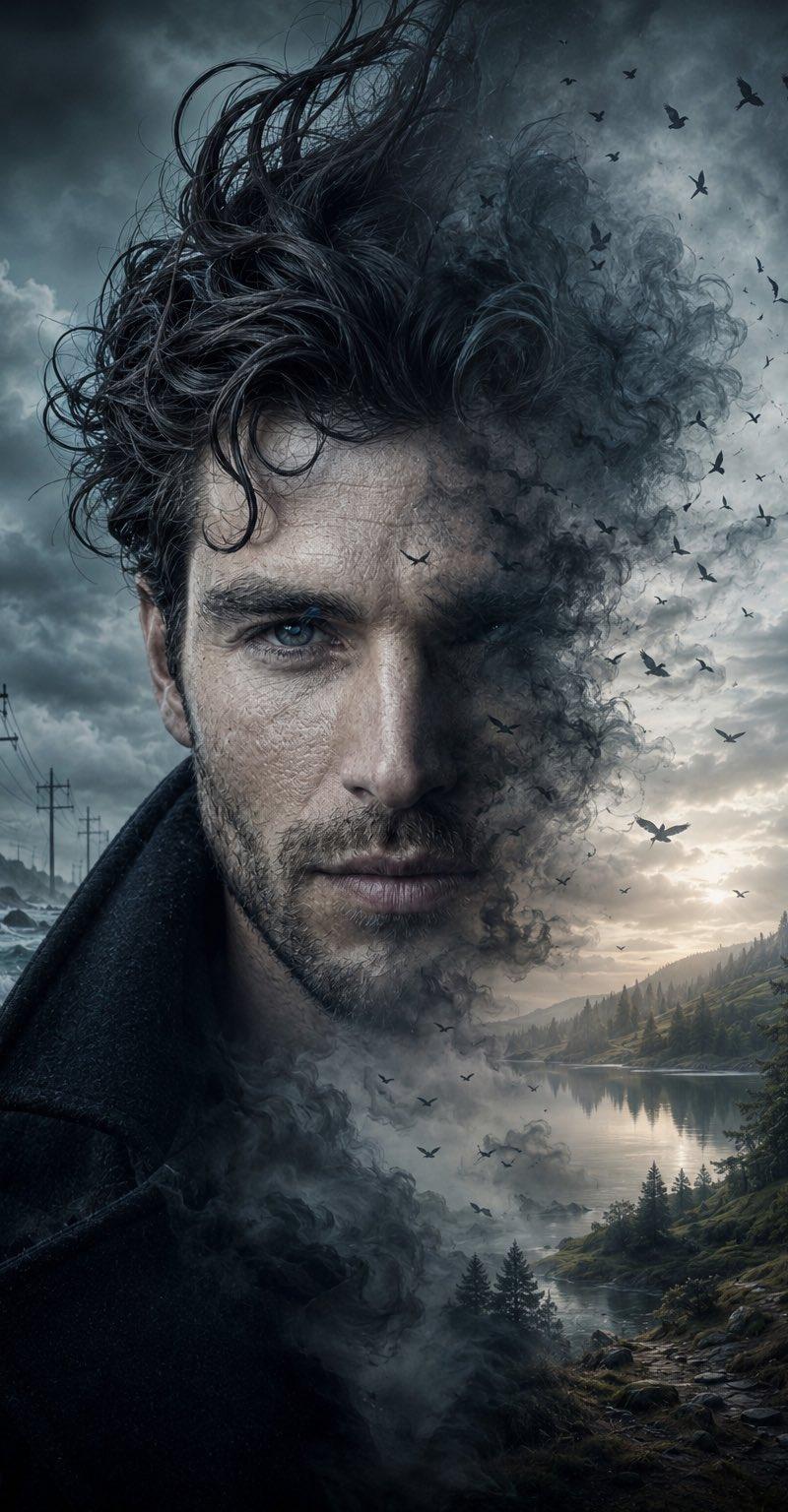
Hyper-realistic cinematic portrait of {argument name="subject" default="a rugged man in his mid-to-late 20s"}, windswept textured hair, short well-groomed beard, sharp chiseled facial features with an intense serious expression, ultra-detailed skin texture with natural tones, wearing a {argument name="clothing" default="worn dark leather jacket"} with visible stitching. Set against a {argument name="background" default="misty fog-covered mountain landscape"} with dark evergreen forest fading into the distance, dense atmospheric fog. Moody cinematic lighting, soft overcast daylight, dramatic natural shadows, cool desaturated color palette. Shot on 85mm lens at f/1.8, shallow depth of field, razor-sharp focus on subject with blurred background. Professional photography, hyper-realistic quality, high micro-detail, crisp textures, cinematic contrast.
Category
Photography & Realism
Model
GPT Image 2
Creator
PromptLab
Source language
en
Views0
Source ID
25383
Published
Jun 12, 2026
Studio

Guide

About "电影感粗犷山脉肖像"

What is this prompt for?

"电影感粗犷山脉肖像" AI image prompt for GPT Image 2 (Photography & Realism). 一张超写实摄影提示词,描绘了一名身穿皮夹克的男子置身于雾气缭绕的山林中,具有清晰的焦点和情绪化的氛围光影。 Copy it on Picva and recreate the lo…

The full copyable prompt and example visuals above are ready for AI image generation or one-click recreate in Picva.

How to use this prompt

  1. Step 1

    Open the prompt detail

    Review the example visuals, category, and full prompt text for "电影感粗犷山脉肖像".

  2. Step 2

    Copy the prompt

    Copy the prompt body from this page, or load it directly in Studio.

  3. Step 3

    Pick a model (GPT Image 2)

    Prefer GPT Image 2. If you switch models, keep subject and composition and tweak style terms.

  4. Step 4

    Generate and export

    Recreate the look in Picva, or export into your workflow for editing and publishing.

FAQ

What is the "电影感粗犷山脉肖像" prompt?
It is an AI image-generation prompt for GPT Image 2 in the Photography & Realism category. This page includes the full prompt text, example visuals, and a one-click recreate path in Picva.
How do I use this prompt to generate an image?
Copy the prompt from this page, or use Generate / Studio. Paste it into a compatible image model, or recreate the look in Picva with optional reference images.
Which model is this prompt for?
This page lists GPT Image 2. Most descriptive prompts also transfer to nearby image models such as GPT Image, Flux, or Midjourney with light style tweaks.
Can I use the result commercially?
You can usually copy the prompt for creation, but commercial use of the final image depends on the model terms, reference-image rights, and the generated content. Follow the source author and platform rules.