19

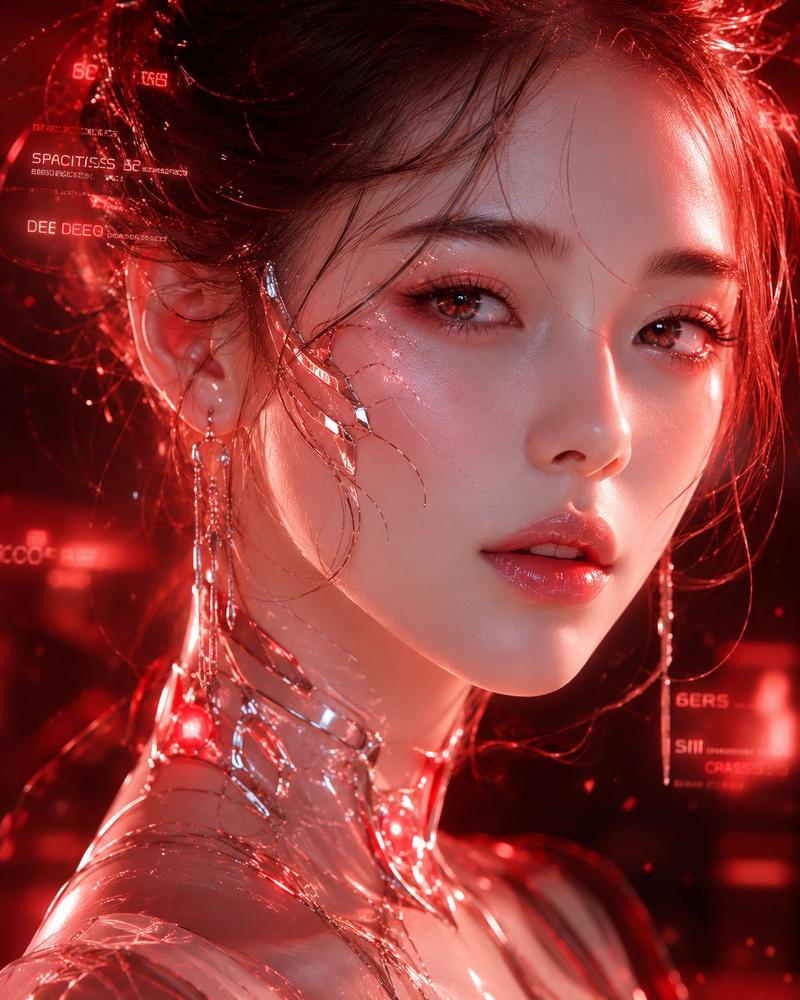
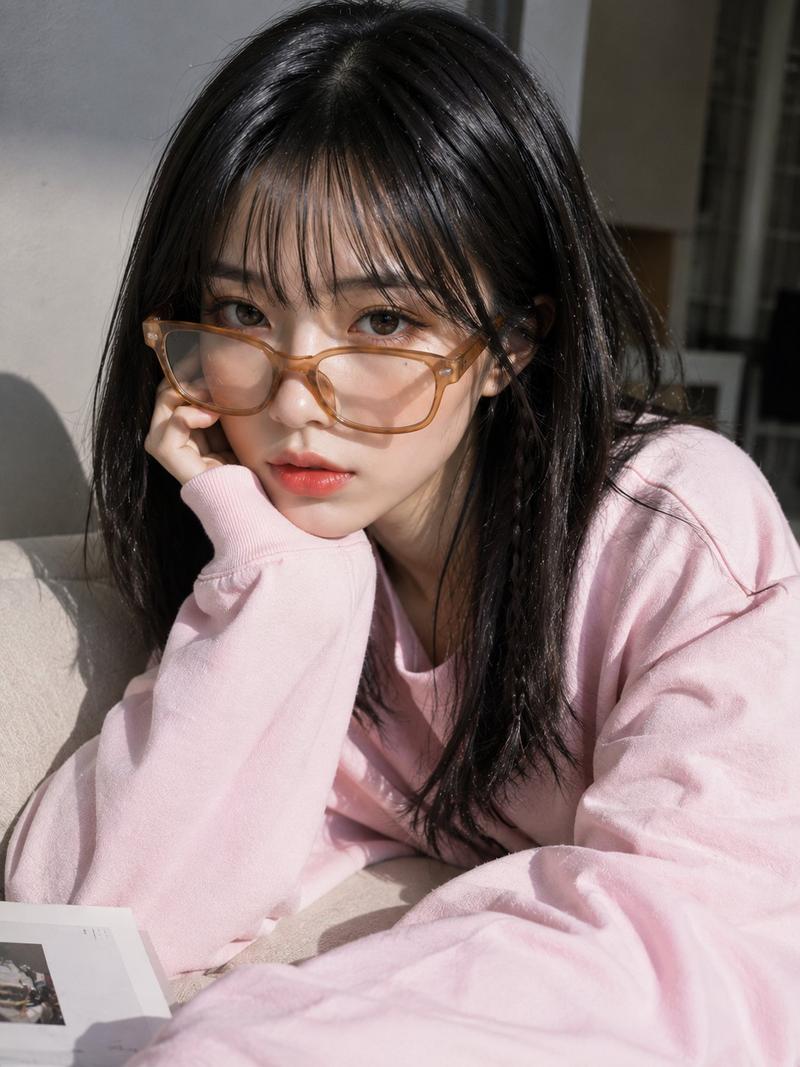
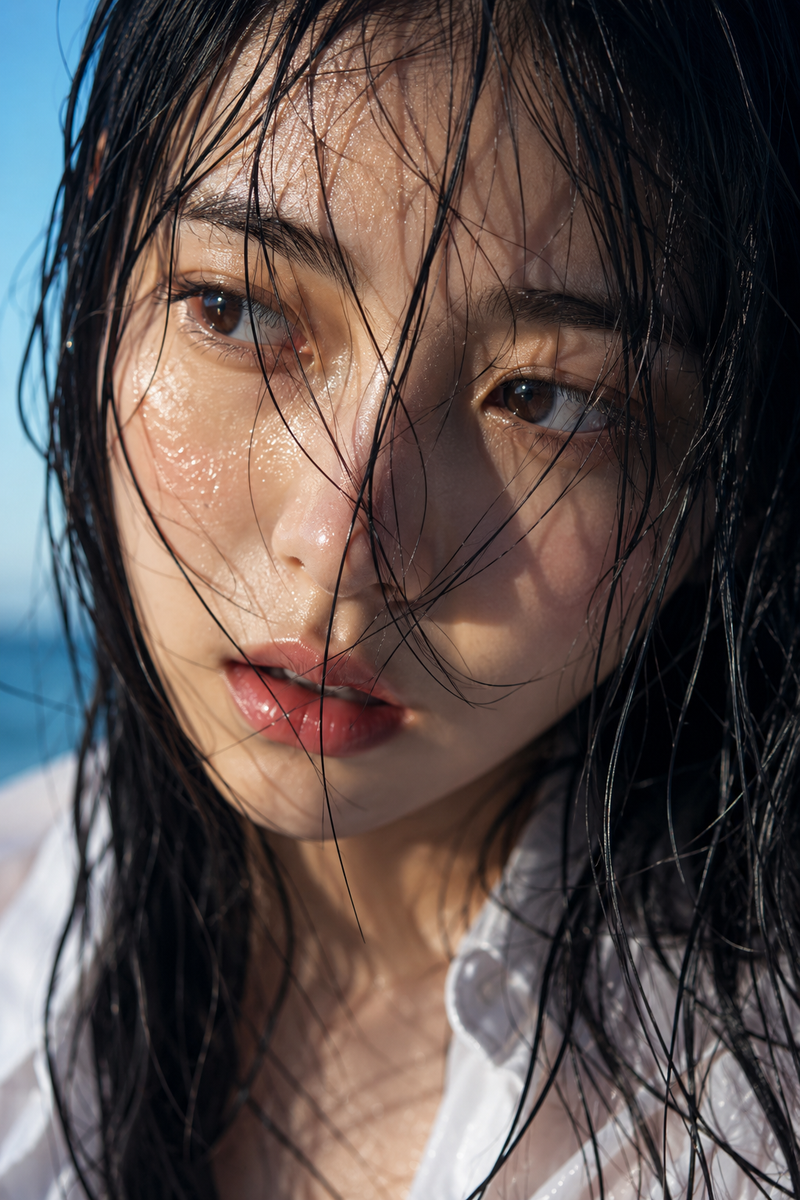
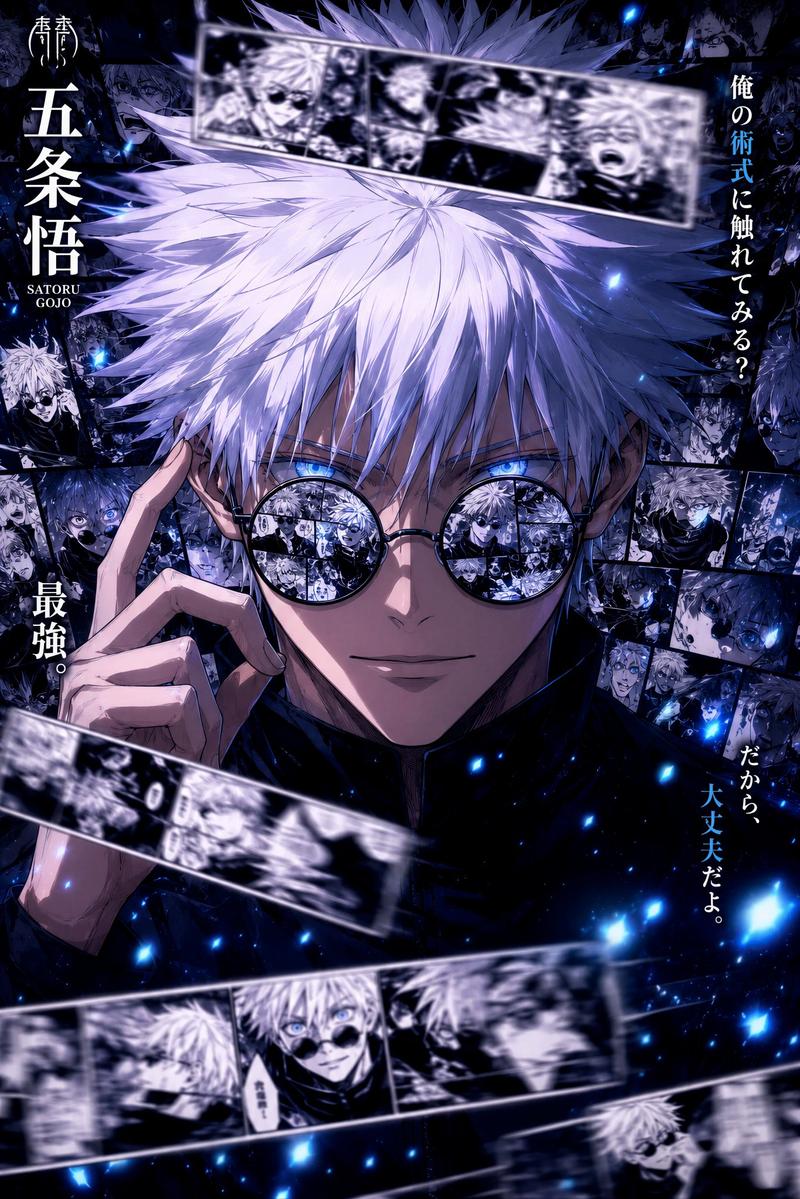
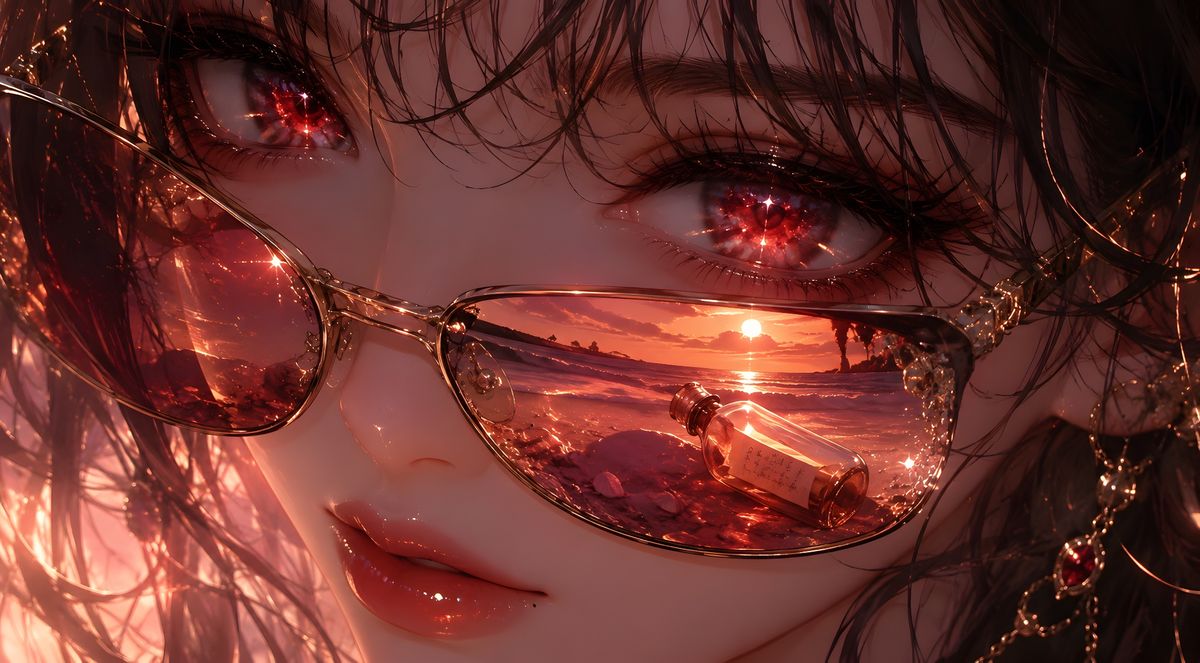
深红之瞳眼镜倒影肖像
Enlarge

Example images

深红之瞳眼镜倒影肖像

Prompt
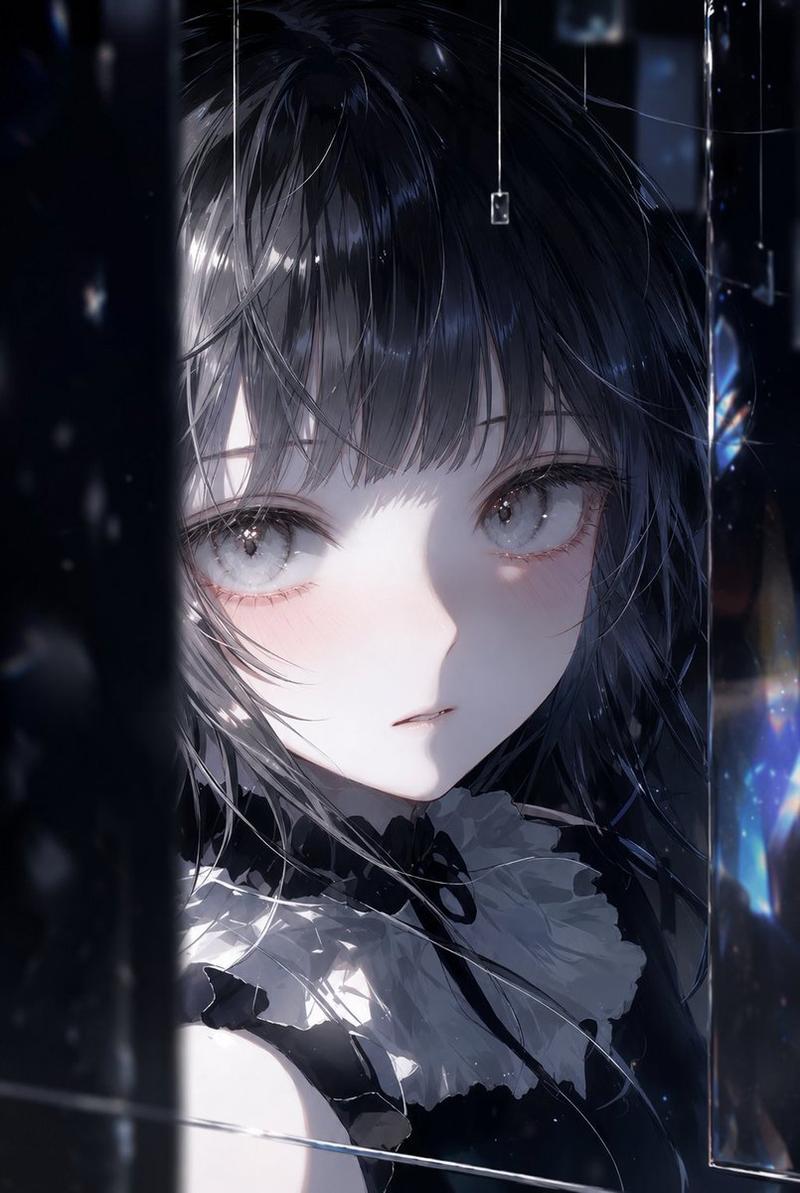
Create an ultra-detailed cinematic close-up anime portrait of {argument name="character name" default="a mysterious young woman"}, framed tightly on the eyes and upper face with wet, messy {argument name="hair color" default="black-brown"} strands falling across her forehead and cheeks. Show exactly 2 large glossy eyes with glowing crimson starburst reflections, long dark lashes, and a melancholic, hypnotic gaze. She wears exactly 1 pair of thin gold-rimmed oval glasses with exactly 2 visible lenses; in the right lens, render a miniature sunset seascape reflection with an orange sun on the horizon, dark distant rock silhouettes, shimmering waves, and exactly 1 small glass bottle containing a tiny paper note floating in the reflected water. Use warm red-orange dusk lighting, sparkling highlights, glass caustics, tiny droplets, jewelry-like gold chain details near the right side, and dramatic high-contrast shadows. Add exactly 1 large opaque muted reddish-brown square censor block centered over the lower middle of the face, covering the nose and mouth area and overlapping both cheeks, while leaving the eyes, hair, glasses, and right-lens reflection visible. Style: highly polished digital anime realism, macro photography composition, intricate hair strands, luminous reflections, romantic dark fantasy mood, 16:9 horizontal canvas, no text, no watermark.
Category
Photography & Realism
Model
GPT Image 2
Views0
Source ID
25428
Published
Jun 12, 2026

Guide

About "深红之瞳眼镜倒影肖像"

What is this prompt for?

"深红之瞳眼镜倒影肖像" AI image prompt for GPT Image 2 (Photography & Realism). 生成一张电影感动漫特写,描绘拥有深红双眸、佩戴金丝眼镜的女性,镜片中映出海上落日与漂流瓶,适用于营造忧郁的奇幻风格头像。 Copy it on Picva and recreat…

The full copyable prompt and example visuals above are ready for AI image generation or one-click recreate in Picva.

How to use this prompt

  1. Step 1

    Open the prompt detail

    Review the example visuals, category, and full prompt text for "深红之瞳眼镜倒影肖像".

  2. Step 2

    Copy the prompt

    Copy the prompt body from this page, or load it directly in Studio.

  3. Step 3

    Pick a model (GPT Image 2)

    Prefer GPT Image 2. If you switch models, keep subject and composition and tweak style terms.

  4. Step 4

    Generate and export

    Recreate the look in Picva, or export into your workflow for editing and publishing.

FAQ

What is the "深红之瞳眼镜倒影肖像" prompt?
It is an AI image-generation prompt for GPT Image 2 in the Photography & Realism category. This page includes the full prompt text, example visuals, and a one-click recreate path in Picva.
How do I use this prompt to generate an image?
Copy the prompt from this page, or use Generate / Studio. Paste it into a compatible image model, or recreate the look in Picva with optional reference images.
Which model is this prompt for?
This page lists GPT Image 2. Most descriptive prompts also transfer to nearby image models such as GPT Image, Flux, or Midjourney with light style tweaks.
Can I use the result commercially?
You can usually copy the prompt for creation, but commercial use of the final image depends on the model terms, reference-image rights, and the generated content. Follow the source author and platform rules.