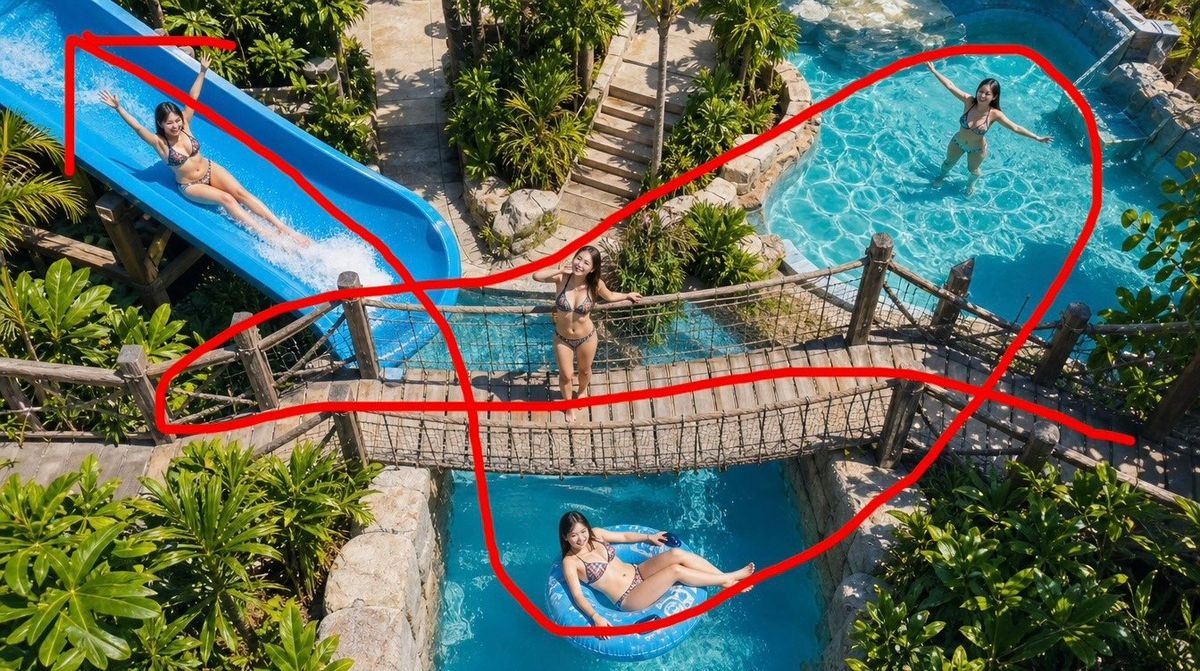
FPV 无人机水上乐园航线
Prompt
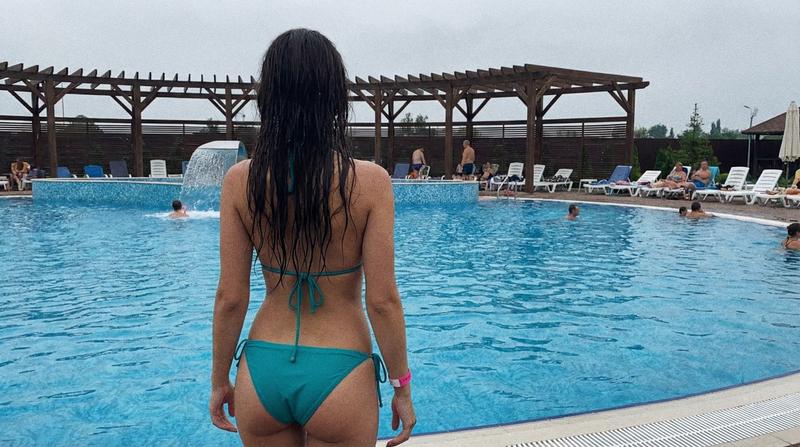
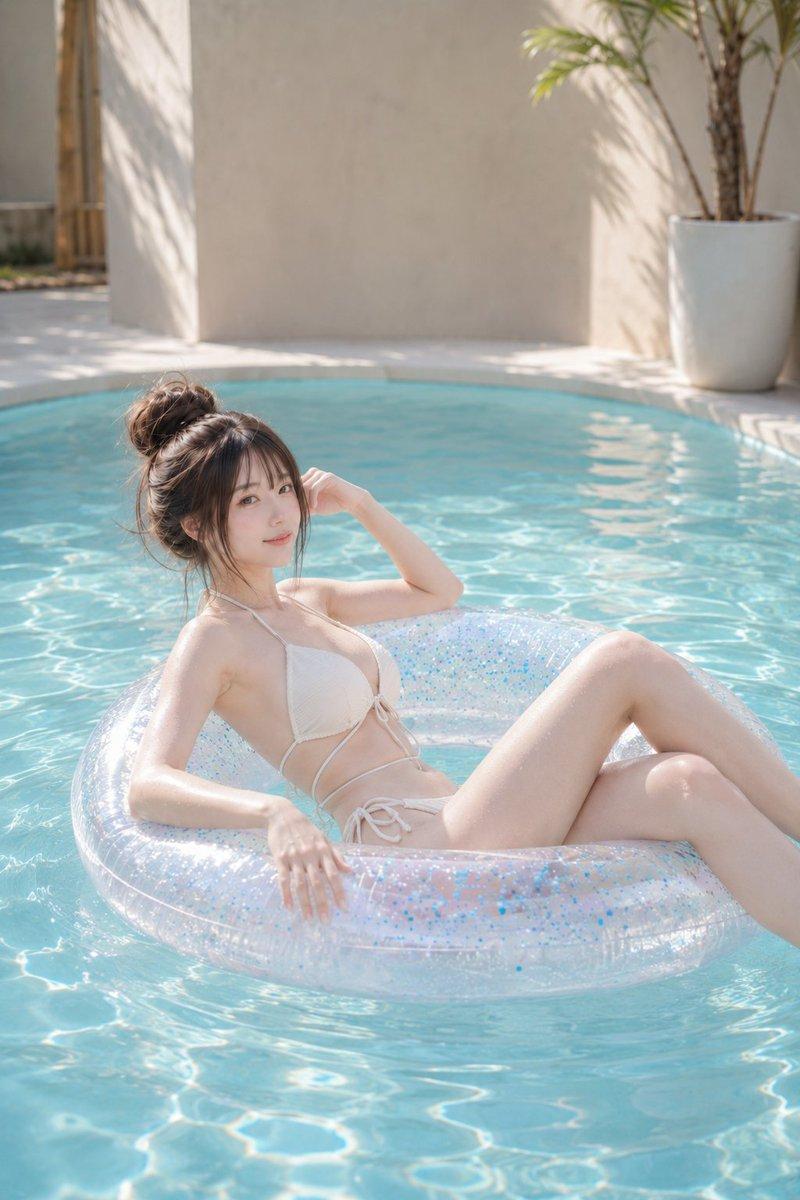
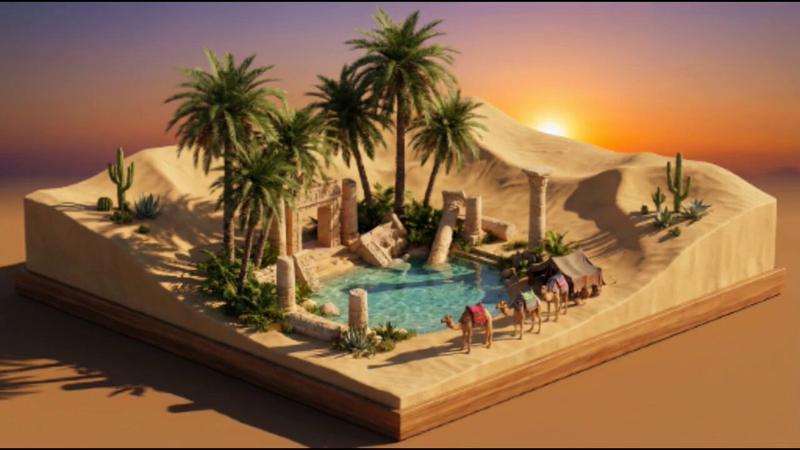
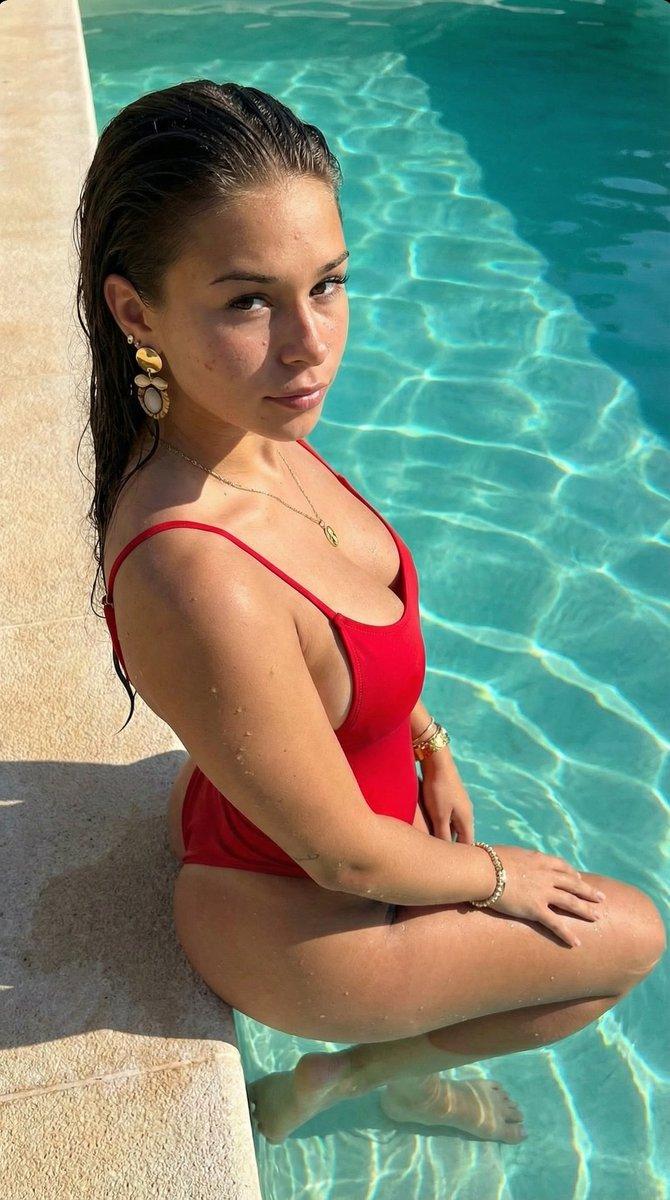
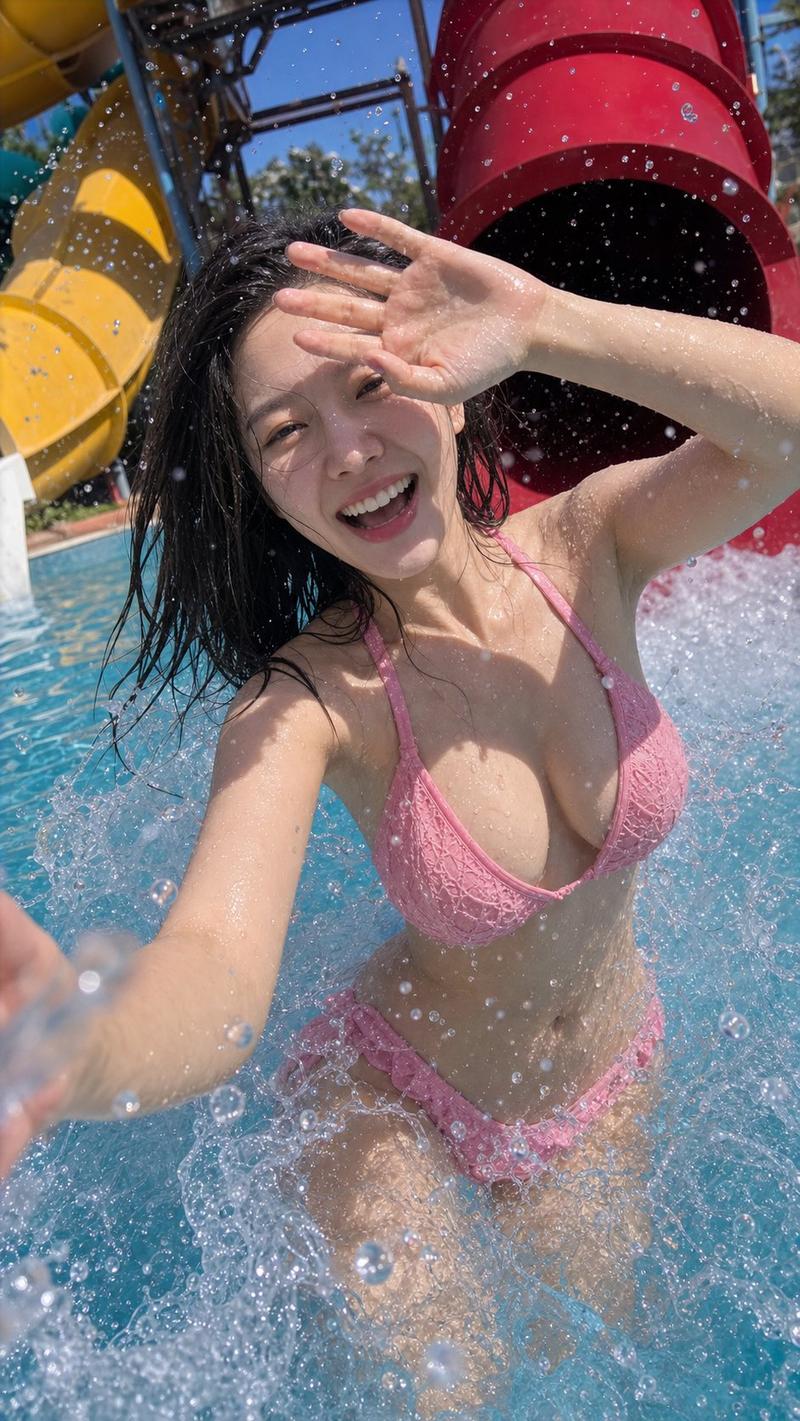
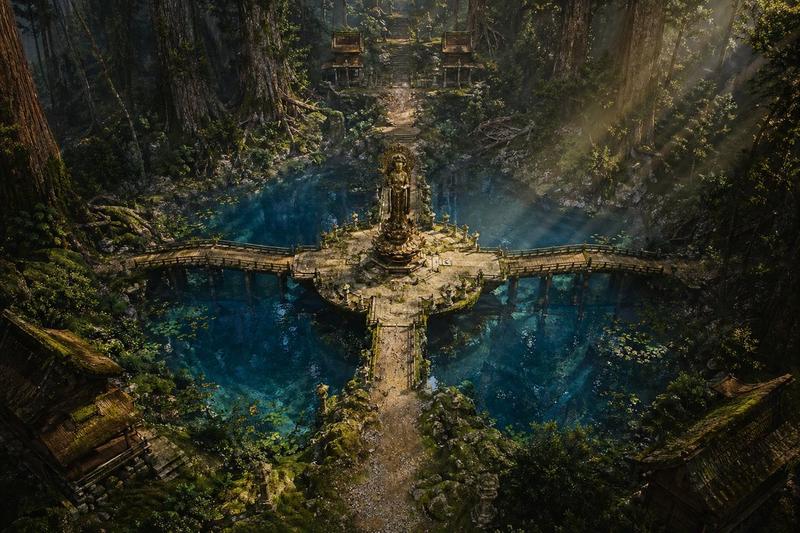
Create a photorealistic FPV drone-style aerial image of a tropical water park, viewed from a high oblique overhead angle with an ultra-wide lens. The scene should show a lush resort environment filled with dense green palm trees and tropical plants, bright midday sunlight, vivid turquoise water, tan stone paths, and rustic wooden structures. Center the composition on a rope suspension bridge crossing over a narrow blue pool channel, with wooden posts, rope net railings, and weathered plank flooring. Include exactly 4 visible women in bikinis: 1 woman standing at the center of the suspension bridge with arms open, smiling up toward the drone; 1 woman sliding down a large bright blue waterslide in the upper left; 1 woman standing or wading in a clear shallow pool in the upper right; and 1 woman reclining on a pale blue inflatable ring in the lower center pool channel. Add a large hand-drawn red FPV camera-route annotation over the image: thick opaque red marker lines forming one continuous sweeping flight path that starts near the top left waterslide, loops around the upper-right pool, curves down around the lower-center floating ring, crosses the bridge area, and continues toward the right edge, with additional straight red directional segments over the slide and bridge area. The red route should look like it was drawn manually on top of the finished photo, with uneven strokes and rounded ends. Keep the image realistic, dynamic, and cinematic, as if planning a drone fly-through route across the whole water park. Use {argument name="location theme" default="tropical water park resort"}, {argument name="camera angle" default="high oblique FPV drone aerial view"}, {argument name="main structure" default="rope suspension bridge over a blue pool channel"}, {argument name="route color" default="bright red"}, and {argument name="number of people" default="4"}.- Category
- Photography & Realism
- Model
- GPT Image 2
- Creator
- iX
- Source ID
- 25431
- Published
- Jun 12, 2026
Views0