16

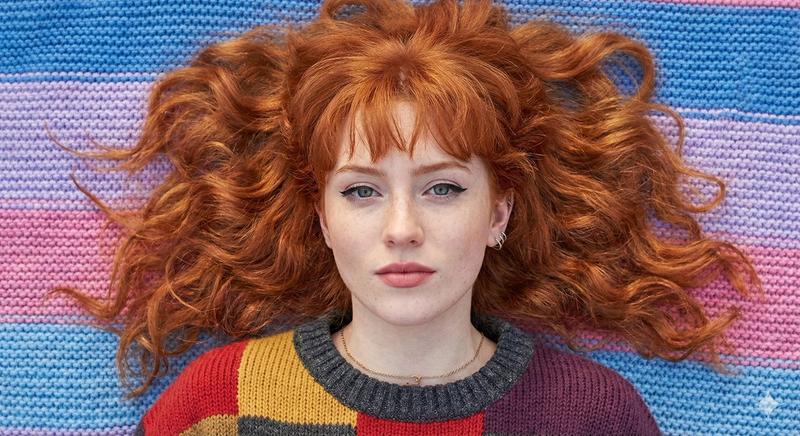
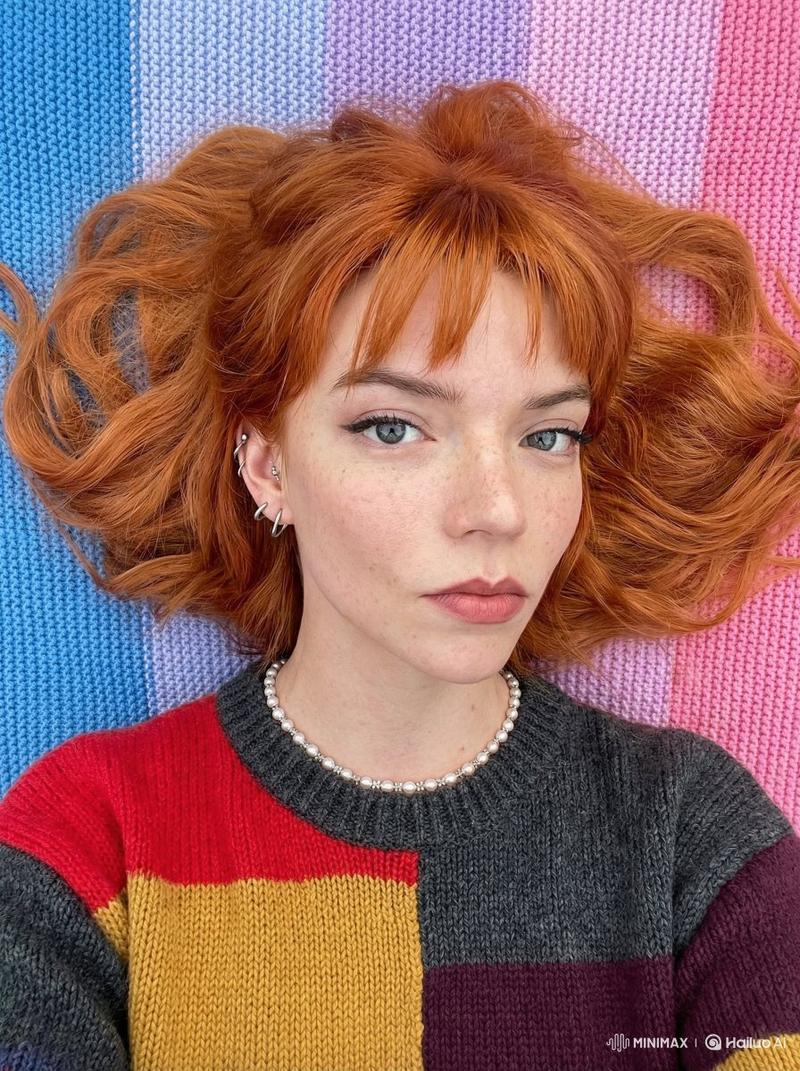
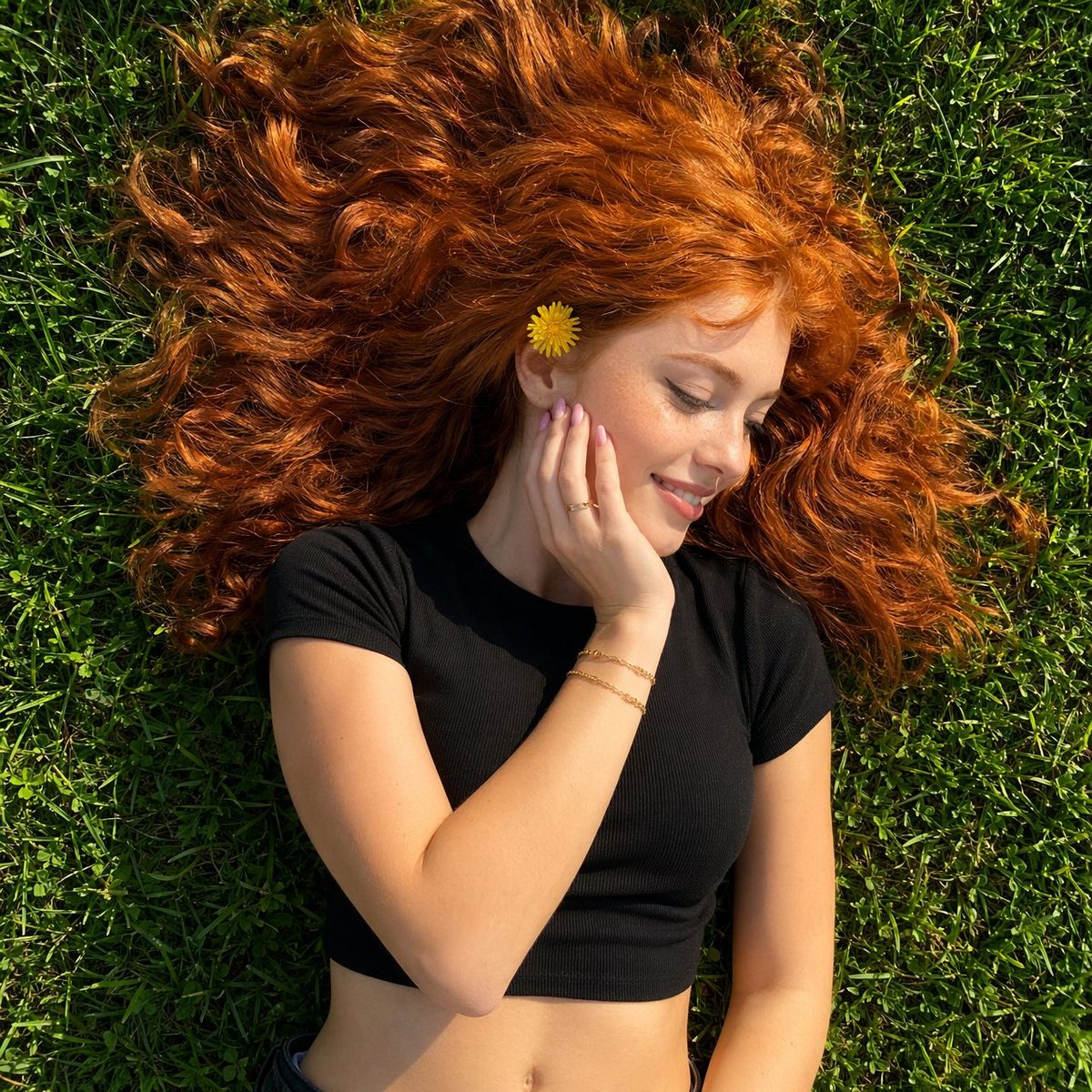
俯拍红发女子肖像
Enlarge

俯拍红发女子肖像

Prompt
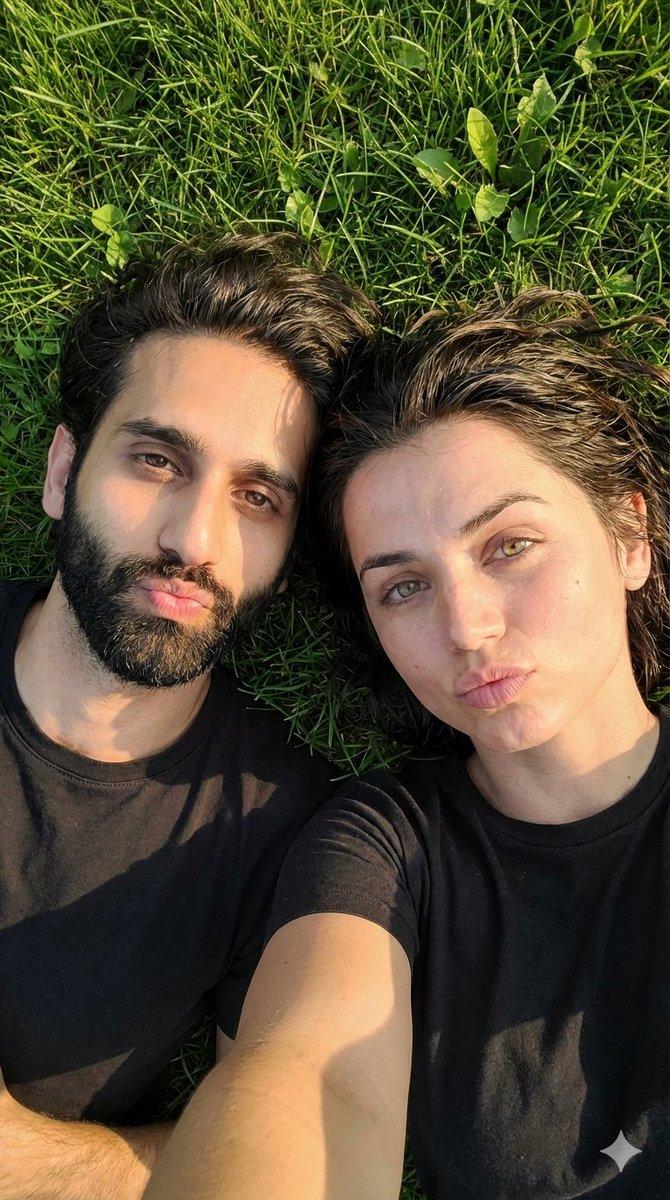
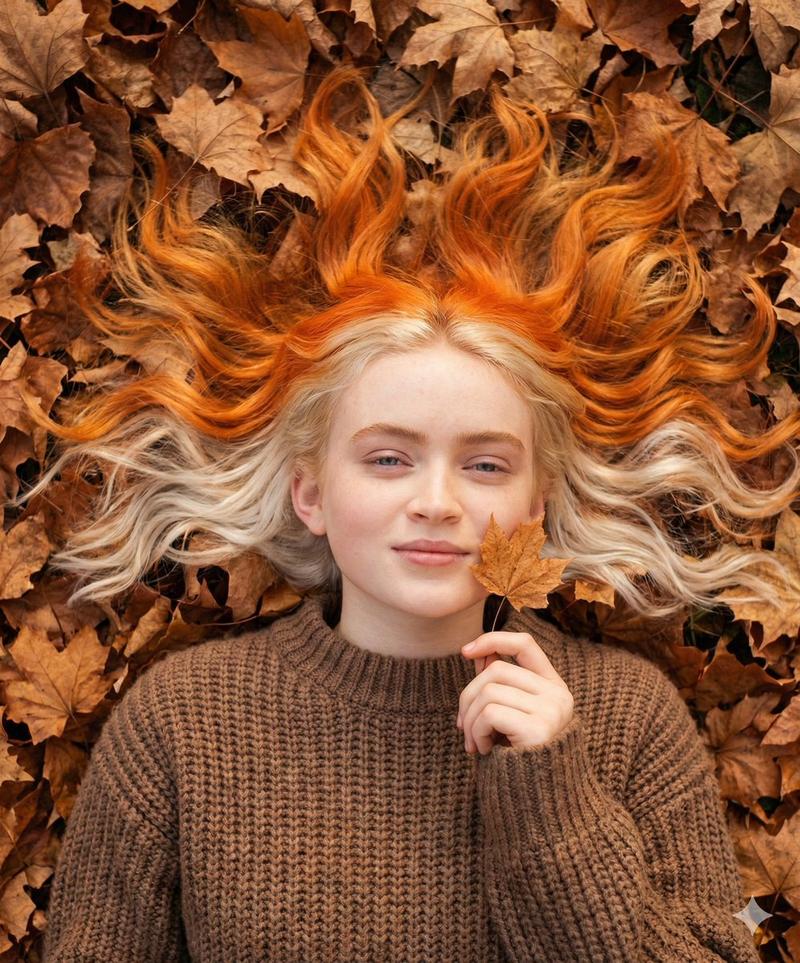
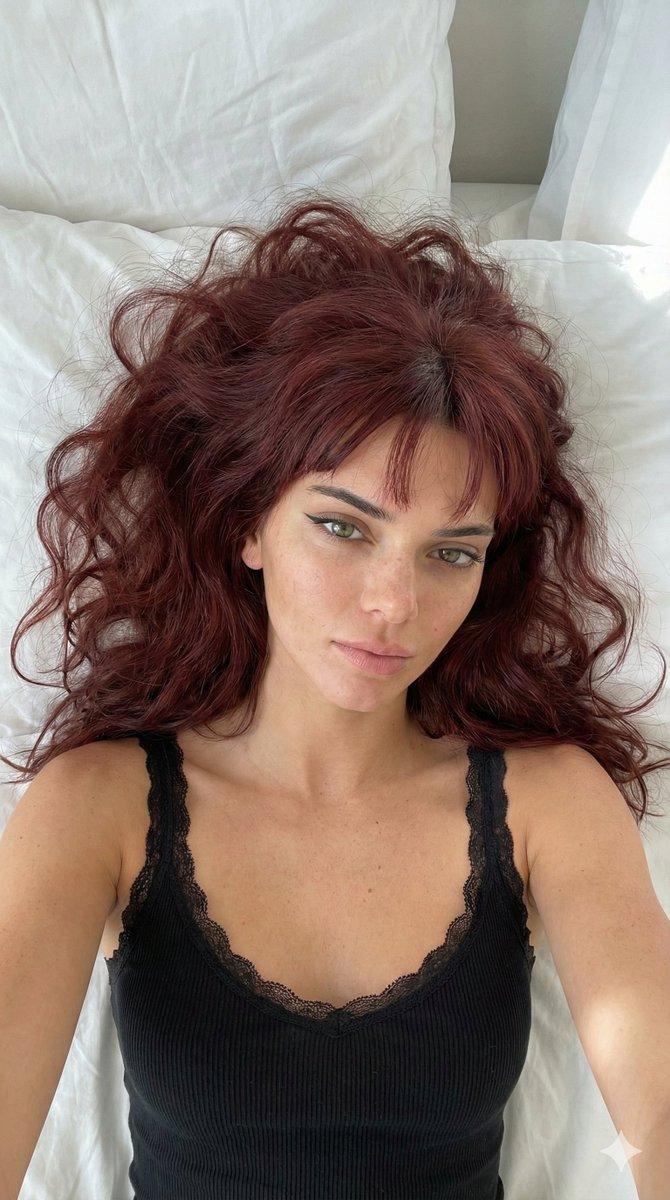
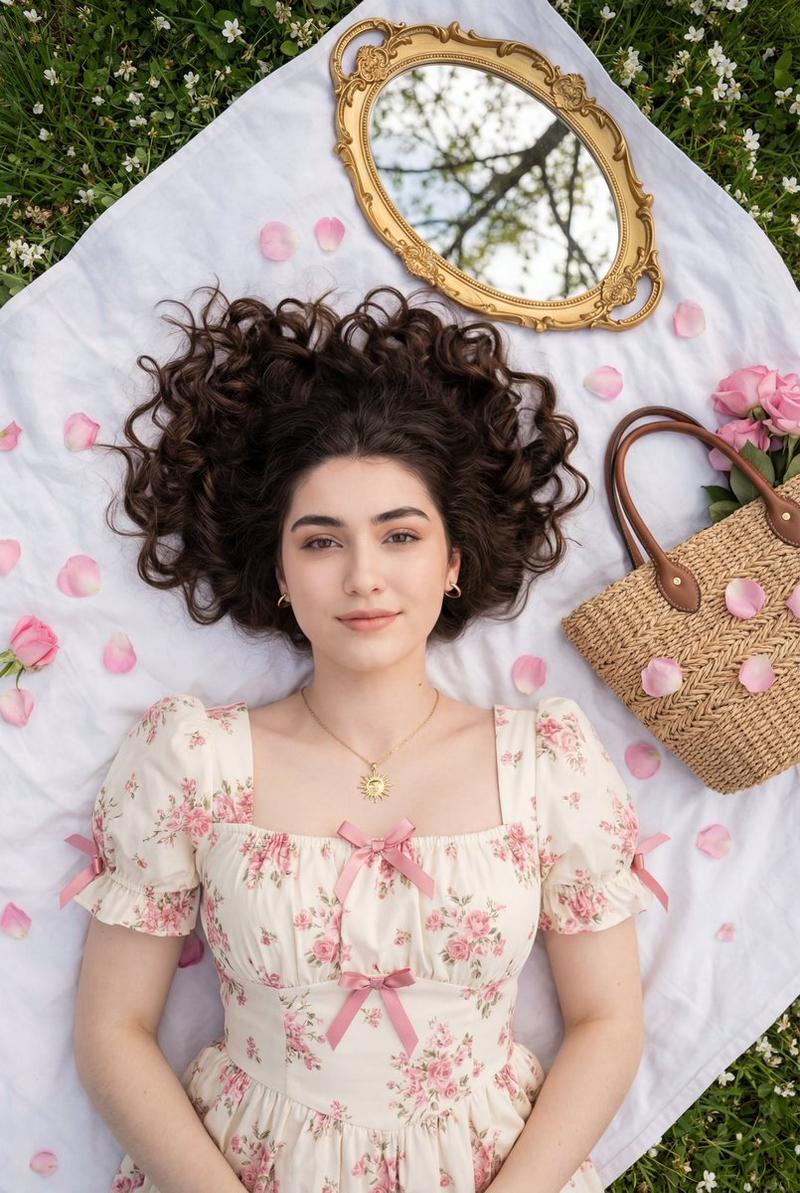
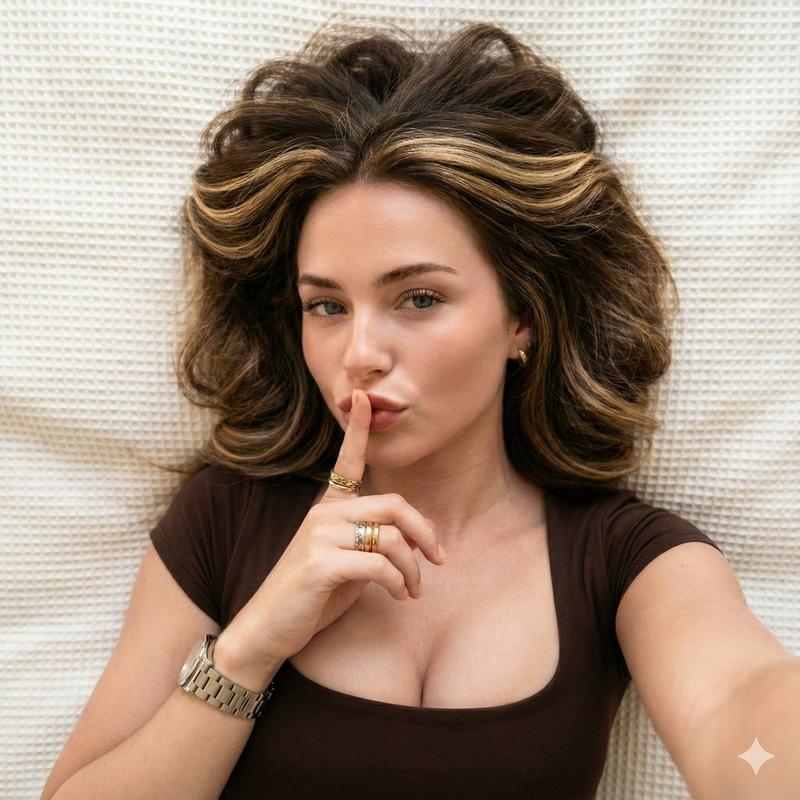
A top-down, high-angle shot of a {argument name="subject" default="young woman with vibrant, voluminous copper-red hair"} lying down on {argument name="surface" default="lush green grass"} in bright, natural sunlight. She is looking away from the camera with a soft, cheerful smile, gently resting her face on her hand. She has a tiny yellow dandelion tucked behind her ear, soft makeup, pink manicured nails, and is wearing a simple black cropped t-shirt, gold bracelets, and a delicate ring. The lighting is warm and sunny, casting soft shadows across her face and highlighting the rich texture of her hair spread across the lawn.
Category
Photography & Realism
Model
GPT Image 2
Creator
yusra.
Views0
Source ID
25488
Published
Jun 13, 2026

Guide

About "俯拍红发女子肖像"

What is this prompt for?

"俯拍红发女子肖像" AI image prompt for GPT Image 2 (Photography & Realism). 一张红发女子躺在明媚阳光下草地上的俯拍照片,突显了质感与温暖的氛围。 Copy it on Picva and recreate the look in one click.

The full copyable prompt and example visuals above are ready for AI image generation or one-click recreate in Picva.

How to use this prompt

  1. Step 1

    Open the prompt detail

    Review the example visuals, category, and full prompt text for "俯拍红发女子肖像".

  2. Step 2

    Copy the prompt

    Copy the prompt body from this page, or load it directly in Studio.

  3. Step 3

    Pick a model (GPT Image 2)

    Prefer GPT Image 2. If you switch models, keep subject and composition and tweak style terms.

  4. Step 4

    Generate and export

    Recreate the look in Picva, or export into your workflow for editing and publishing.

FAQ

What is the "俯拍红发女子肖像" prompt?
It is an AI image-generation prompt for GPT Image 2 in the Photography & Realism category. This page includes the full prompt text, example visuals, and a one-click recreate path in Picva.
How do I use this prompt to generate an image?
Copy the prompt from this page, or use Generate / Studio. Paste it into a compatible image model, or recreate the look in Picva with optional reference images.
Which model is this prompt for?
This page lists GPT Image 2. Most descriptive prompts also transfer to nearby image models such as GPT Image, Flux, or Midjourney with light style tweaks.
Can I use the result commercially?
You can usually copy the prompt for creation, but commercial use of the final image depends on the model terms, reference-image rights, and the generated content. Follow the source author and platform rules.