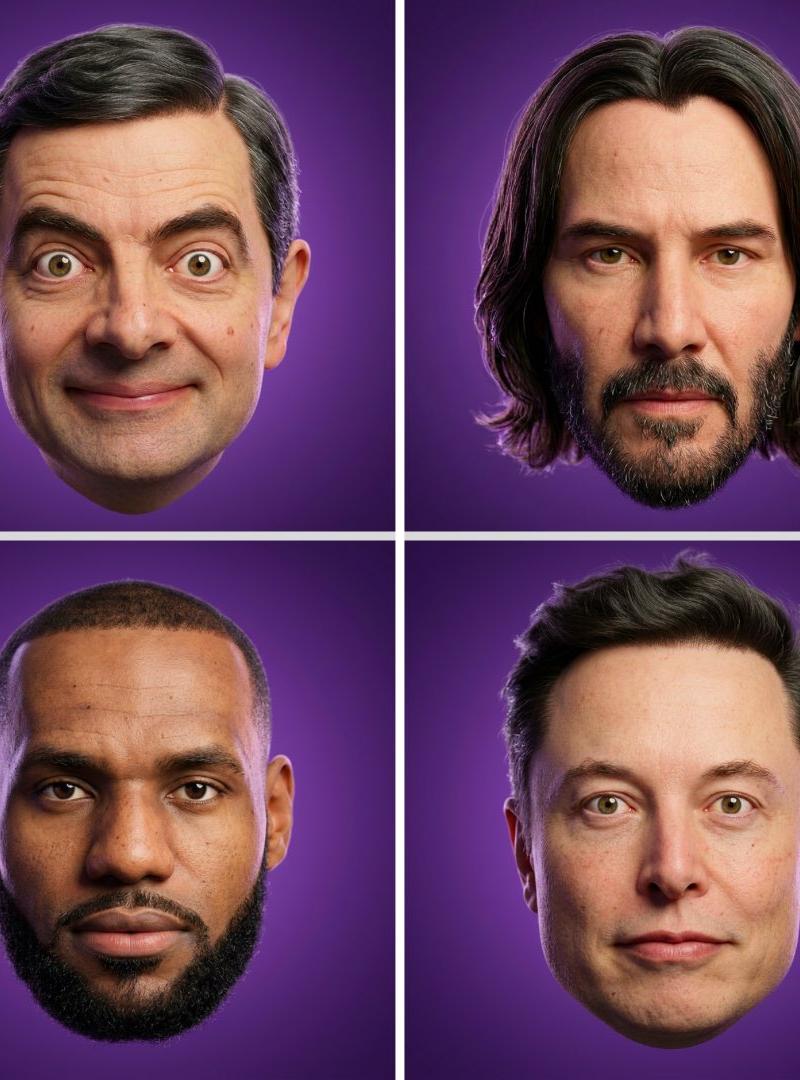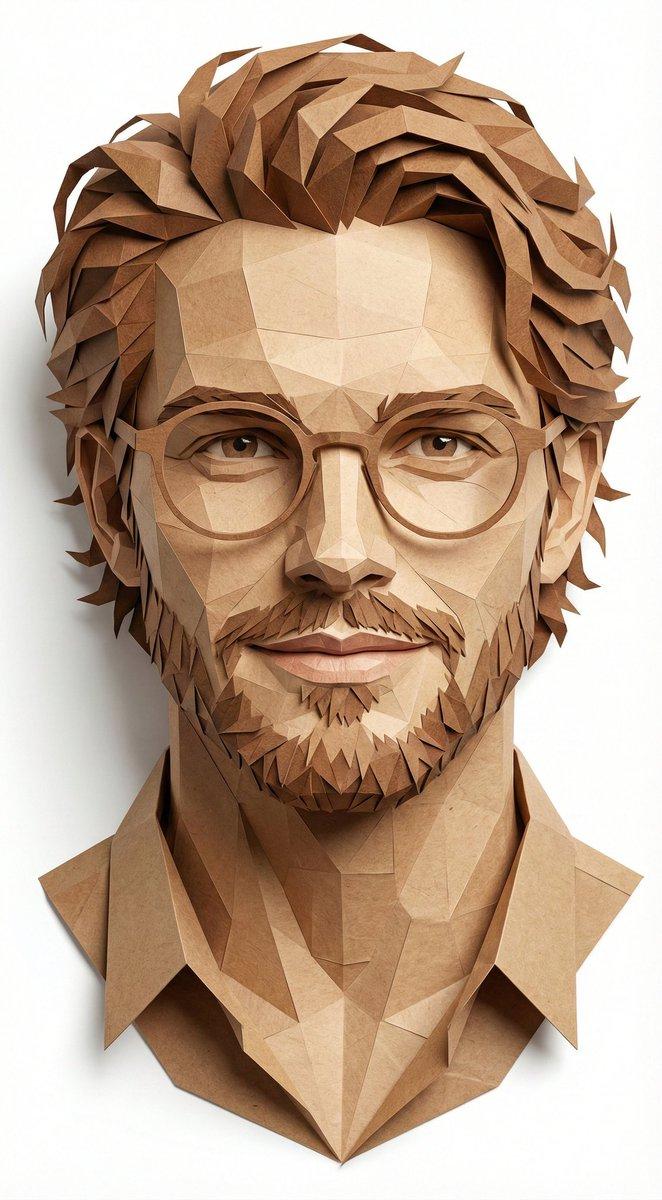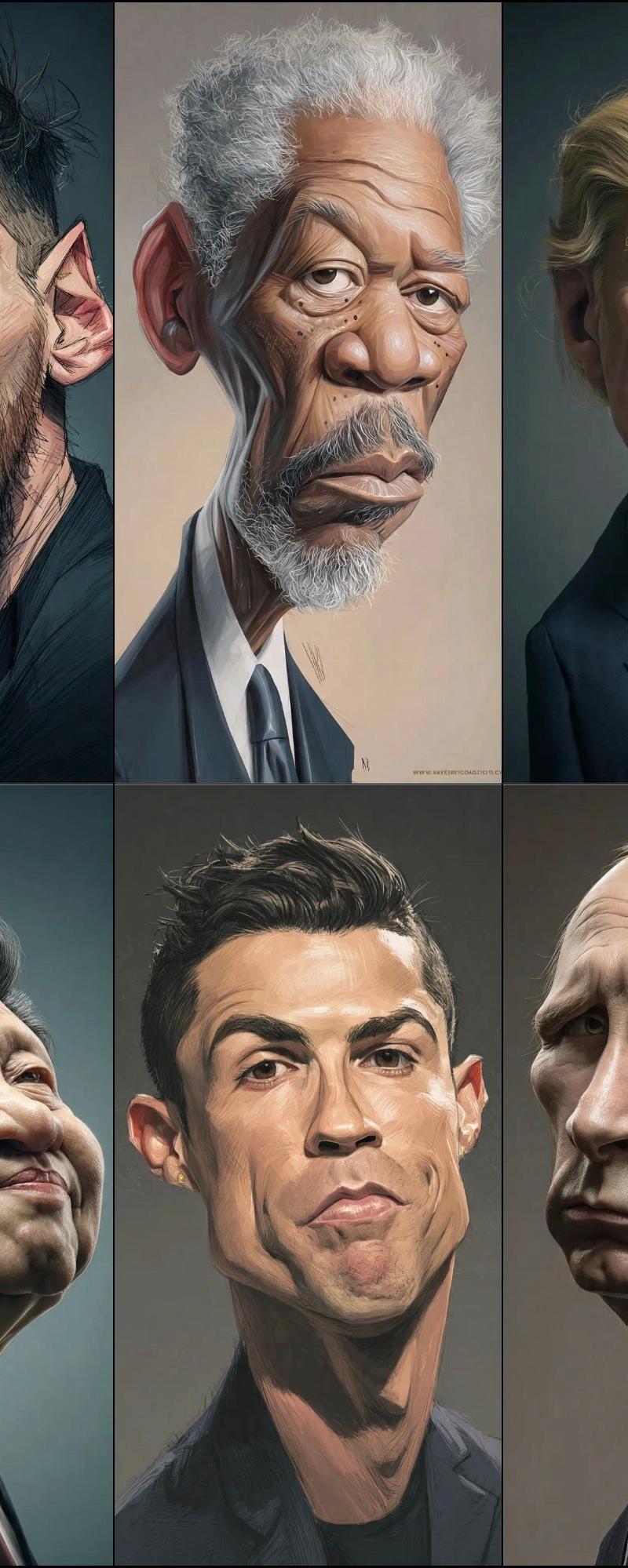
16

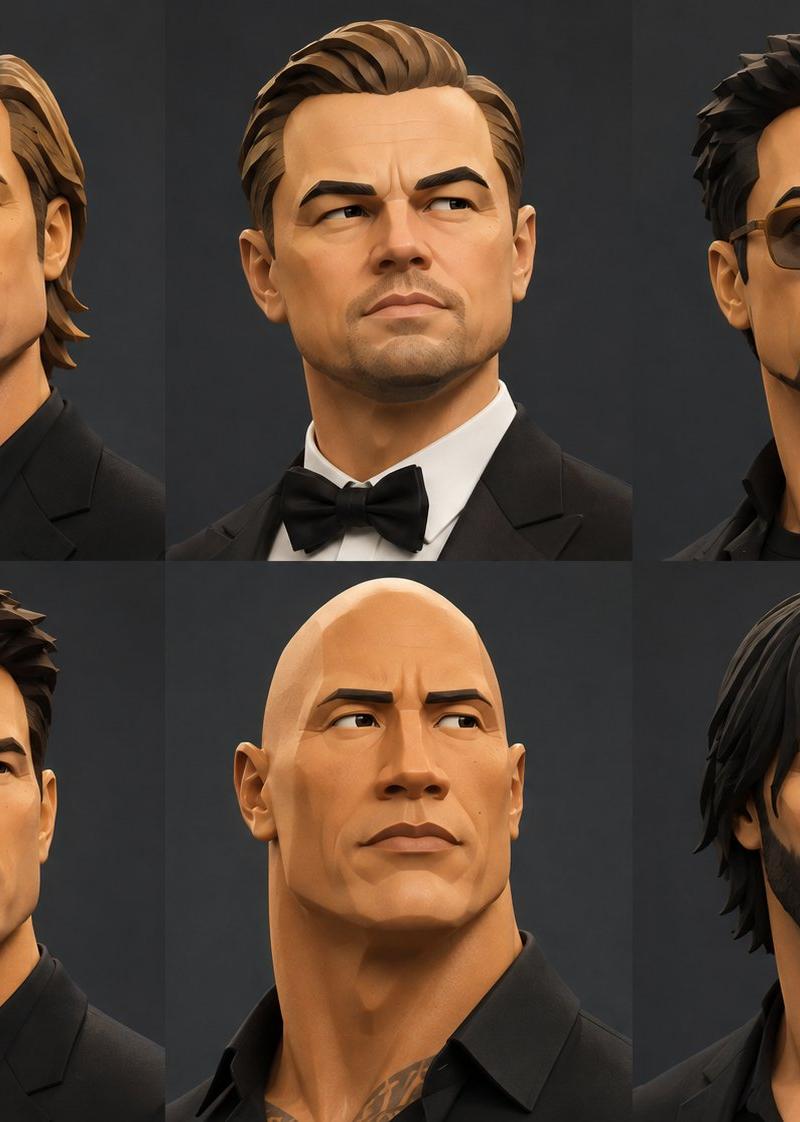
风格化 3D 时尚肖像
Enlarge

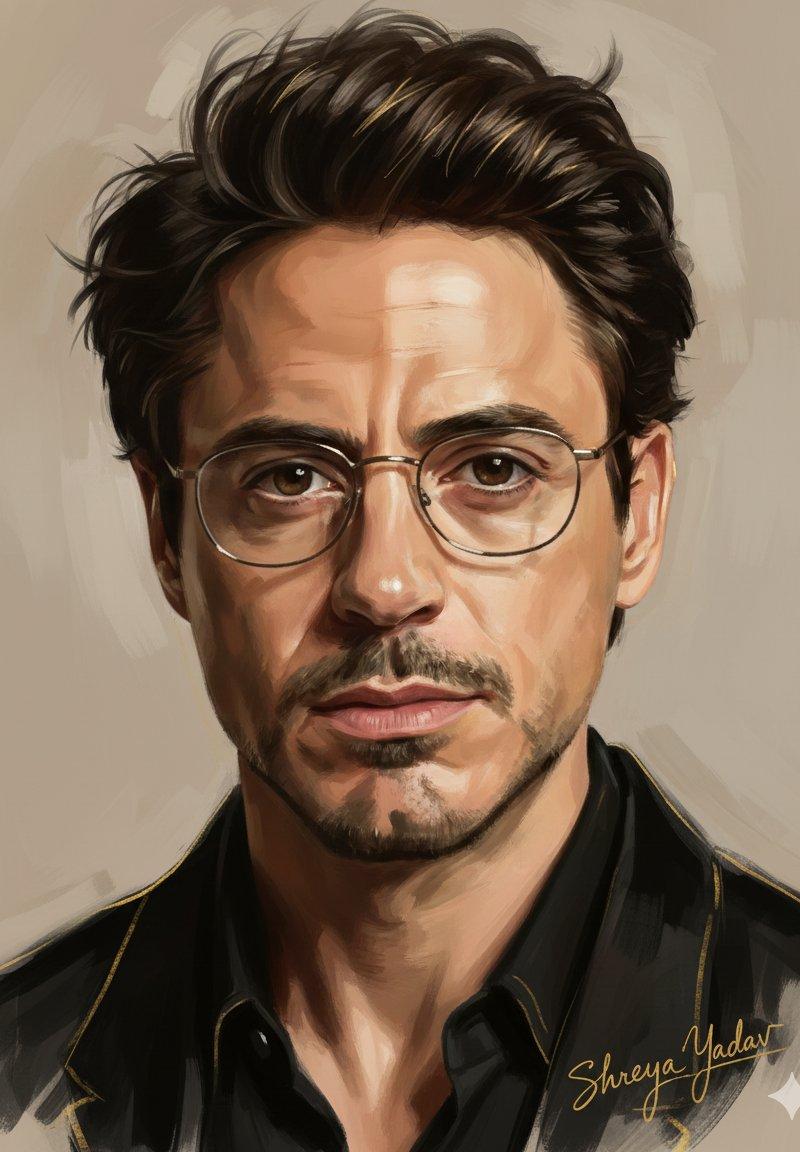
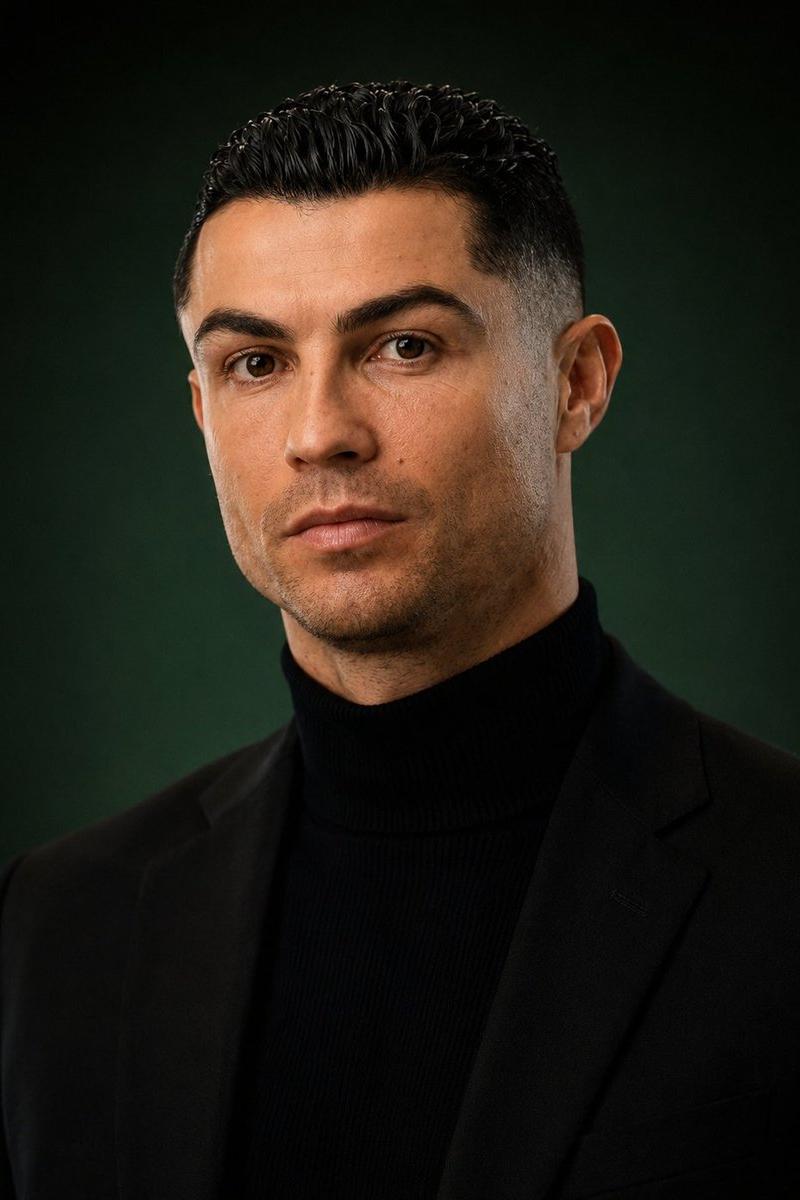
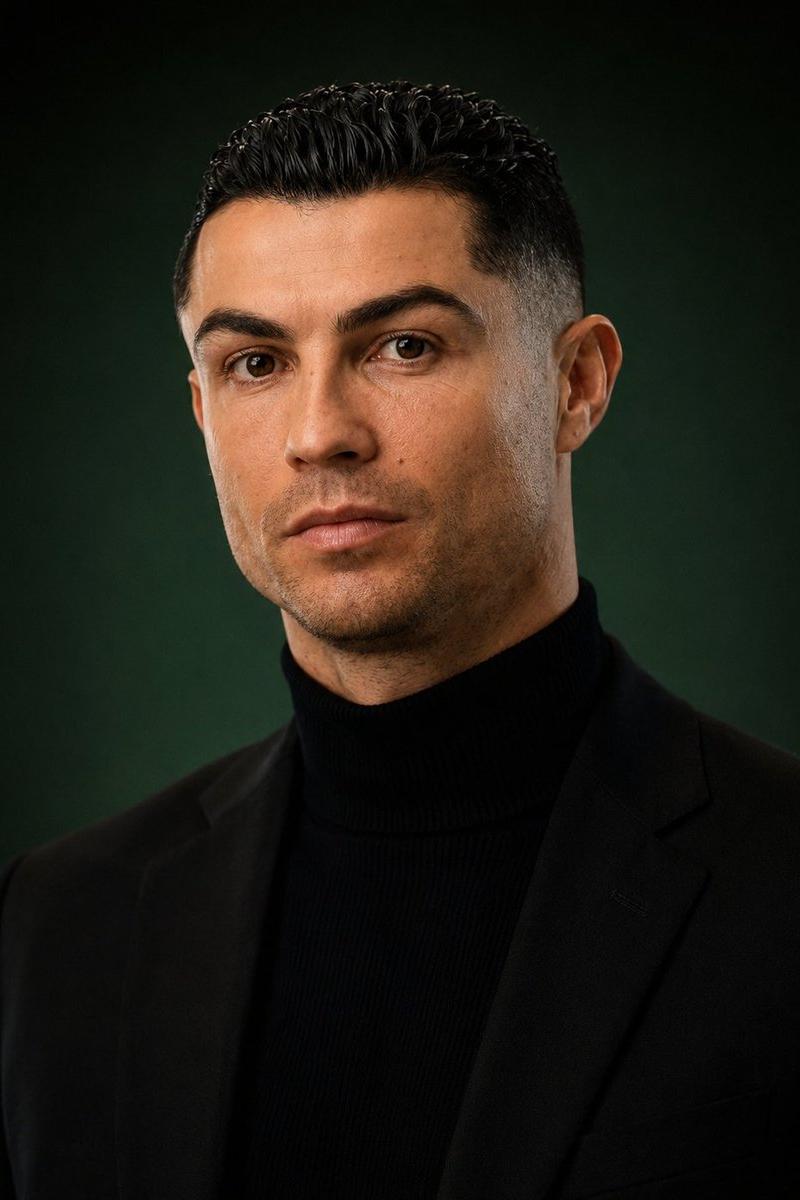
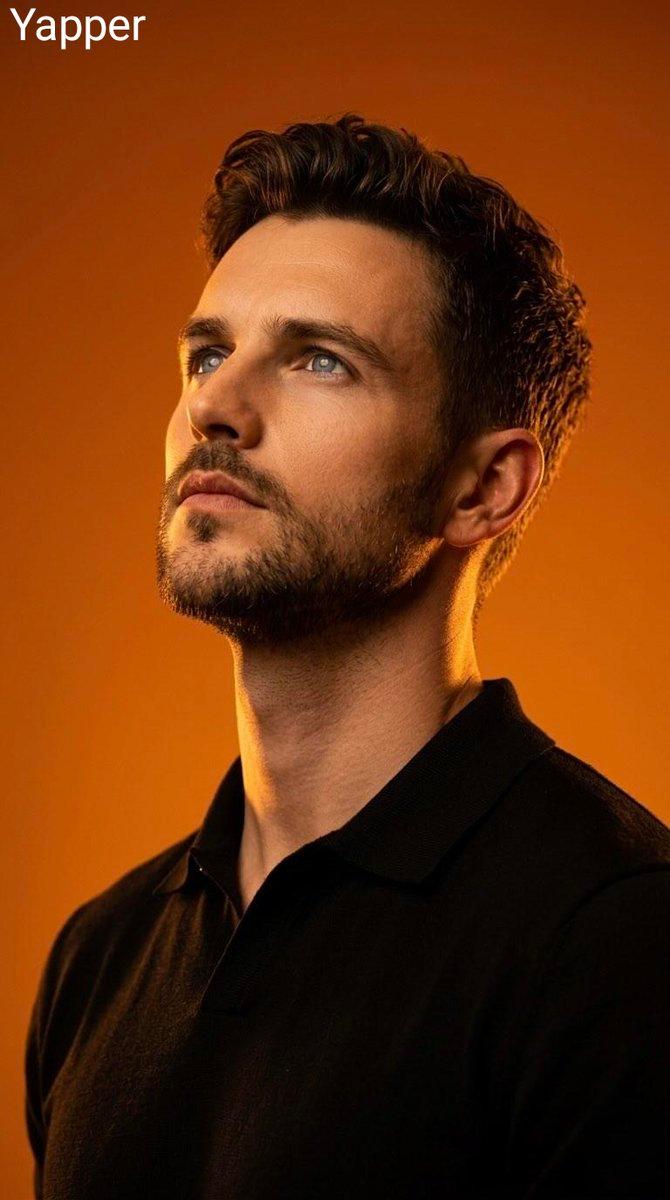
Example images

风格化 3D 时尚肖像

Prompt
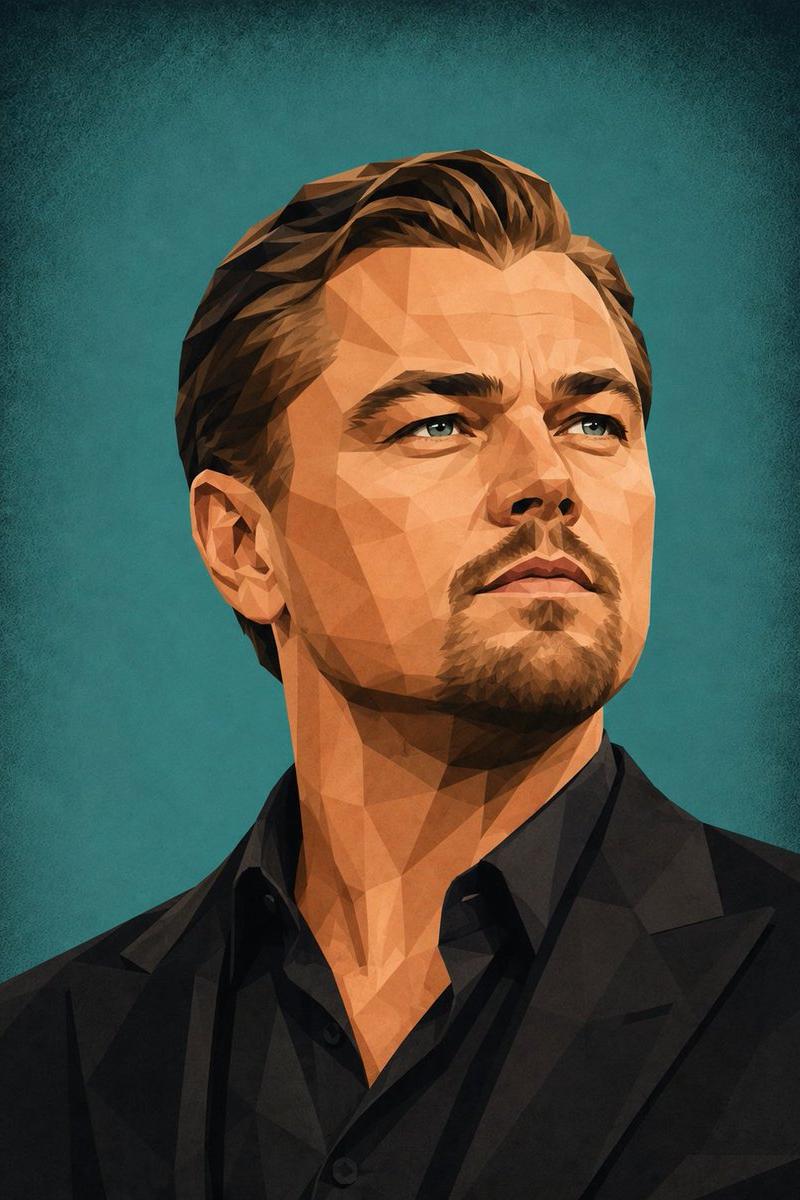
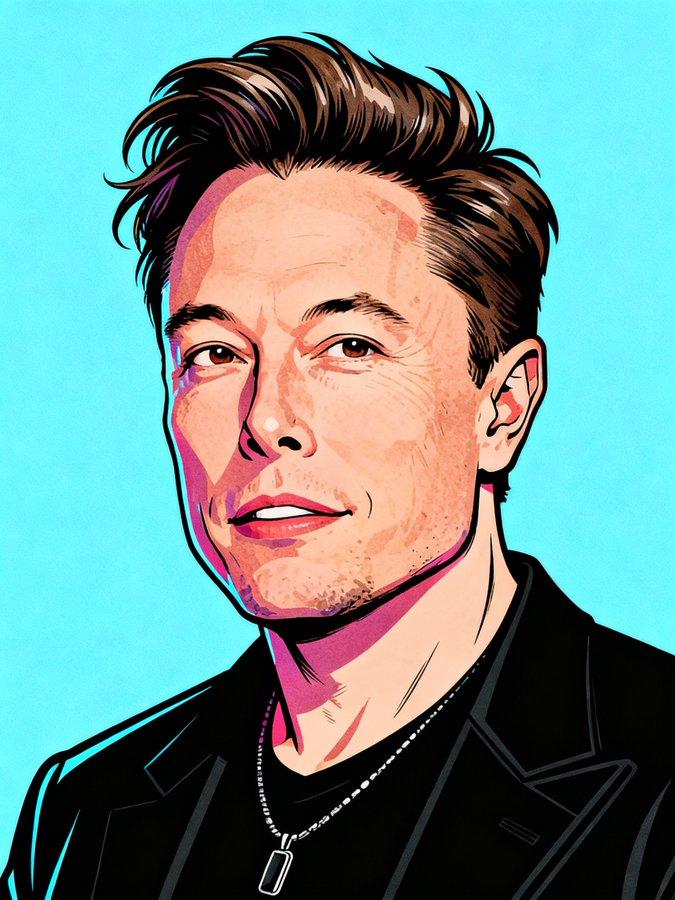
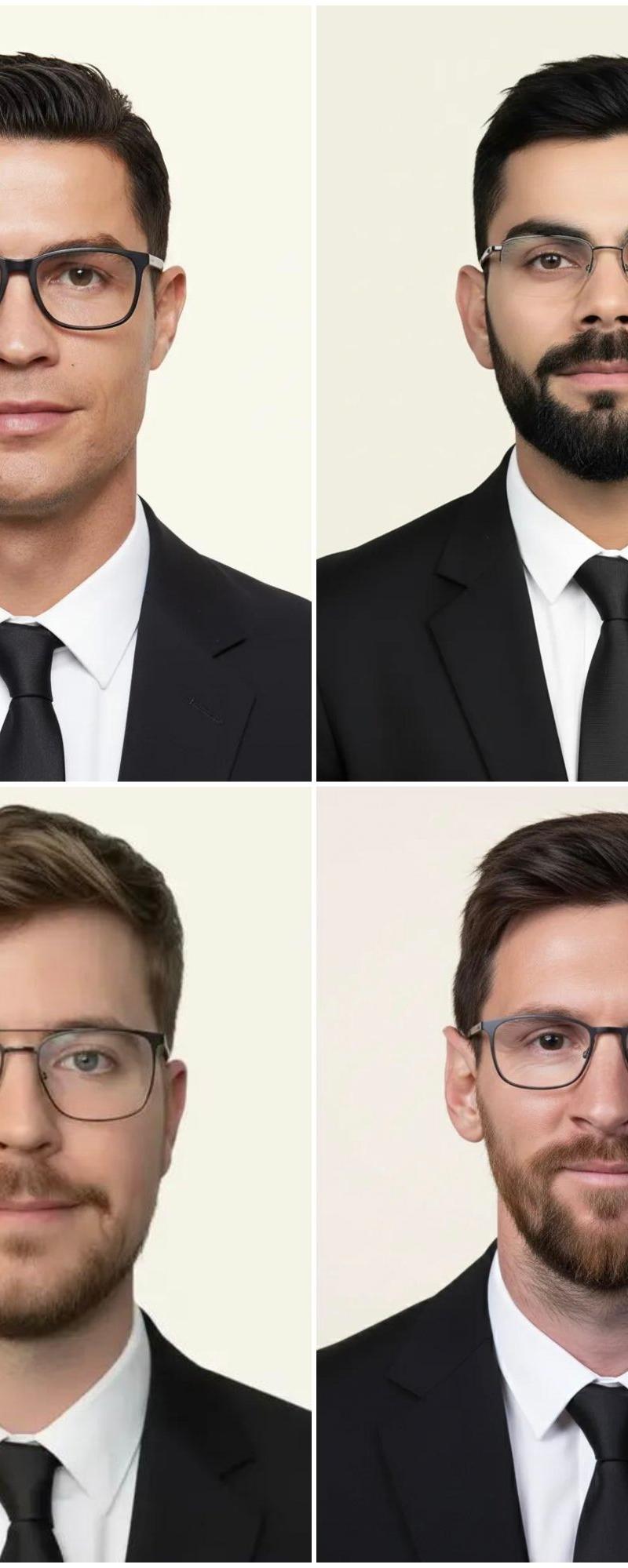
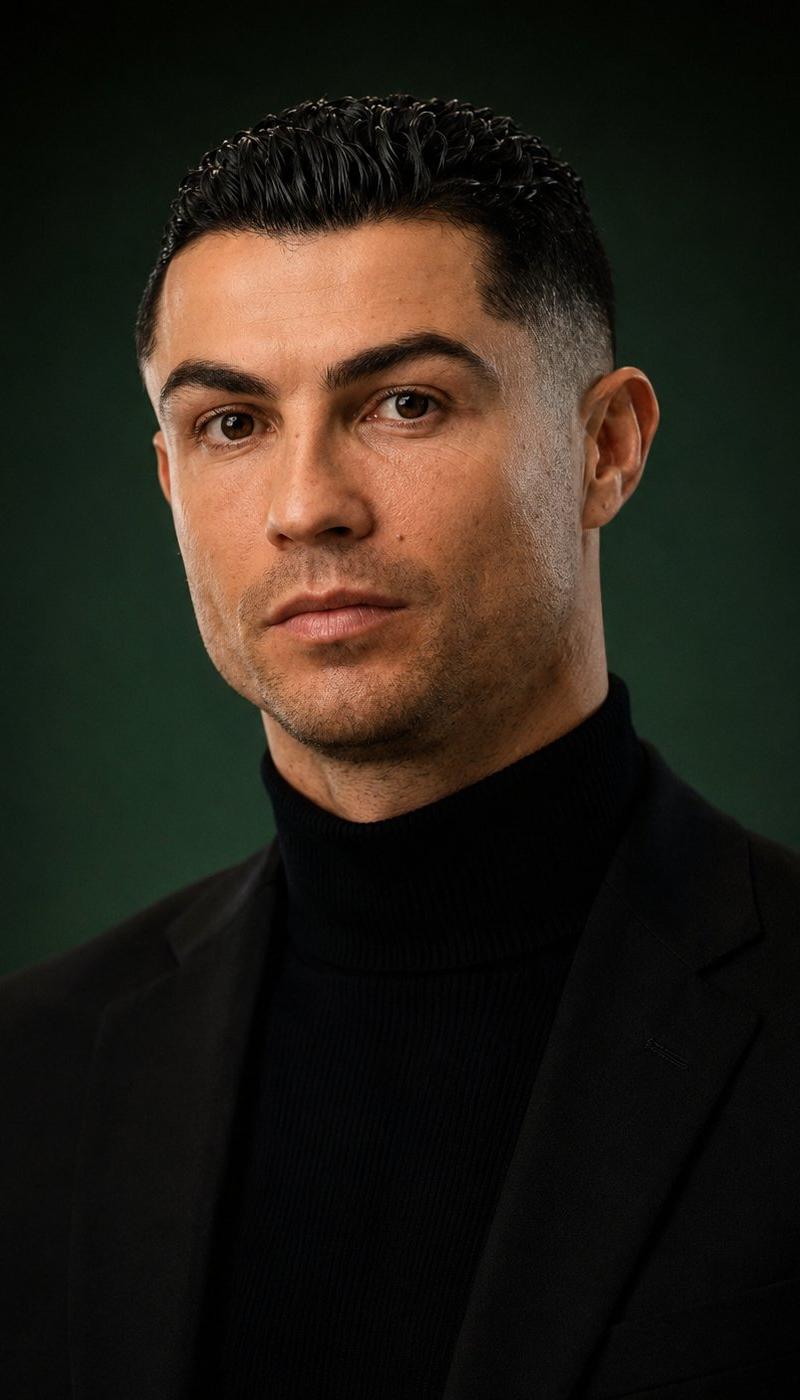
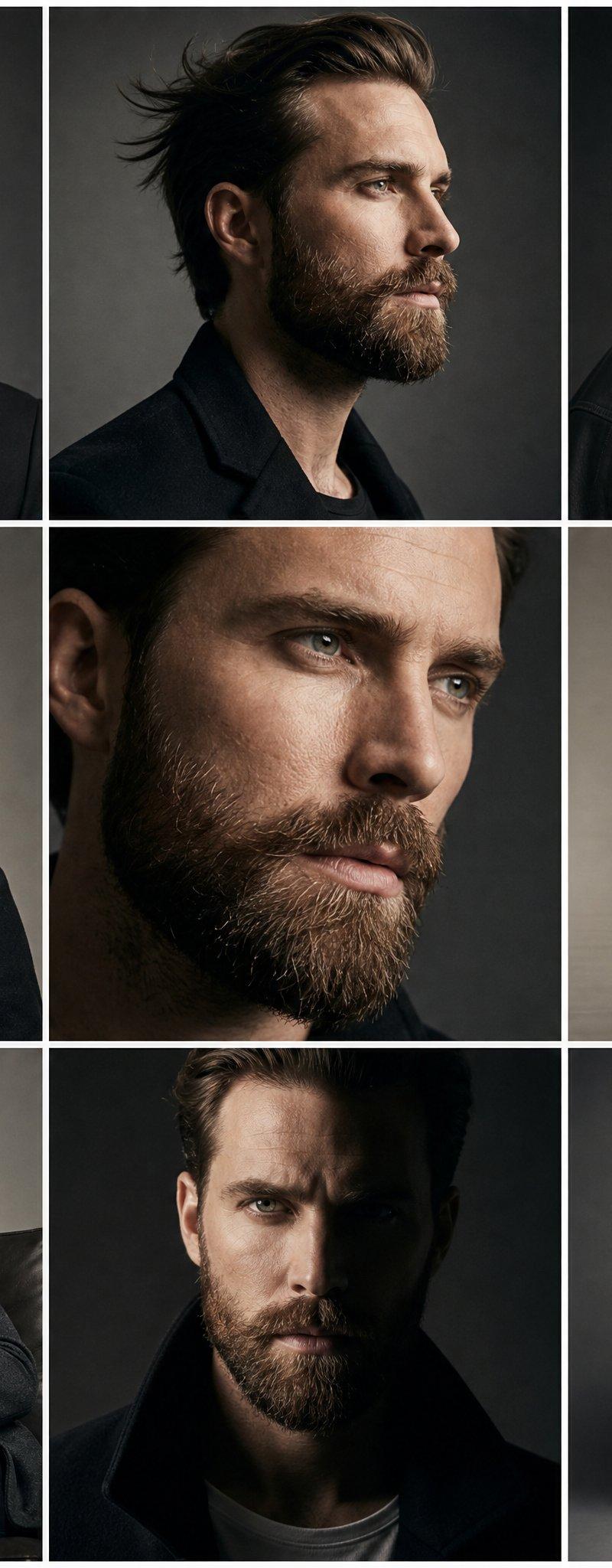
The style of an original stylized 3D portrait illustration with the aesthetic of a {argument name="style" default="collectible designer figurine"} and fashion character design. Geometrized, intentionally simplified, and slightly exaggerated facial features: a large monolithic nose, broad flat facial planes, narrow rectangular eyes, graphic eyebrows, clearly defined lips, and elongated head and neck proportions. Smooth sculptural plasticity, minimalistic detailing, decorative abstraction, a combination of naive doll-like expressiveness with refined editorial presentation. A matte tactile surface with subtle grain, soft studio lighting, delicate shadows, precise highlights, clean color stylization, a contemporary high-end 3D caricature aesthetic, polished stylized p tortrait sculpture, elegant toylike realism, refined geometric facial design.
Category
Photography & Realism
Model
GPT Image 2
Creator
Clara | AI
Source language
en
Views0
Source ID
25490
Published
Jun 13, 2026
Studio

Guide

About "风格化 3D 时尚肖像"

What is this prompt for?

"风格化 3D 时尚肖像" AI image prompt for GPT Image 2 (Photography & Realism). 一种用于创作风格化 3D 肖像的艺术提示词,呈现出类似收藏级设计师手办的几何感与夸张特征。 Copy it on Picva and recreate the look in…

The full copyable prompt and example visuals above are ready for AI image generation or one-click recreate in Picva.

How to use this prompt

  1. Step 1

    Open the prompt detail

    Review the example visuals, category, and full prompt text for "风格化 3D 时尚肖像".

  2. Step 2

    Copy the prompt

    Copy the prompt body from this page, or load it directly in Studio.

  3. Step 3

    Pick a model (GPT Image 2)

    Prefer GPT Image 2. If you switch models, keep subject and composition and tweak style terms.

  4. Step 4

    Generate and export

    Recreate the look in Picva, or export into your workflow for editing and publishing.

FAQ

What is the "风格化 3D 时尚肖像" prompt?
It is an AI image-generation prompt for GPT Image 2 in the Photography & Realism category. This page includes the full prompt text, example visuals, and a one-click recreate path in Picva.
How do I use this prompt to generate an image?
Copy the prompt from this page, or use Generate / Studio. Paste it into a compatible image model, or recreate the look in Picva with optional reference images.
Which model is this prompt for?
This page lists GPT Image 2. Most descriptive prompts also transfer to nearby image models such as GPT Image, Flux, or Midjourney with light style tweaks.
Can I use the result commercially?
You can usually copy the prompt for creation, but commercial use of the final image depends on the model terms, reference-image rights, and the generated content. Follow the source author and platform rules.