16

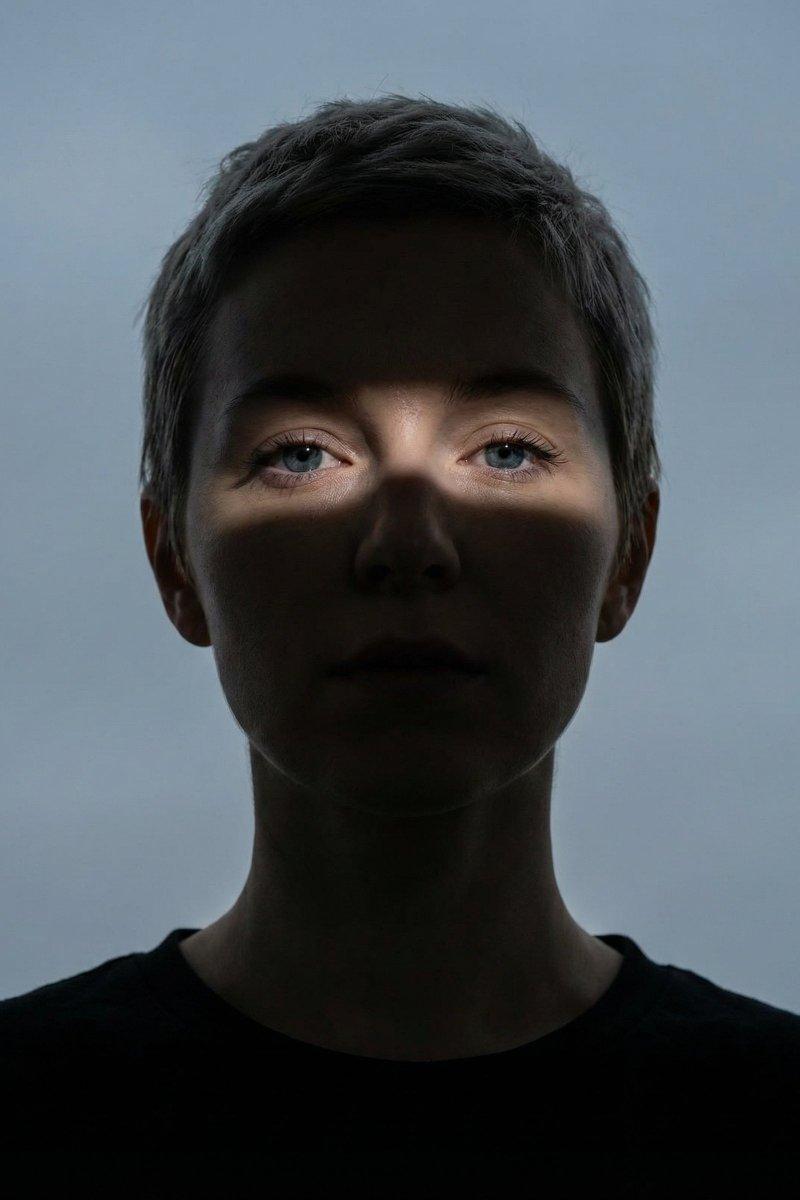
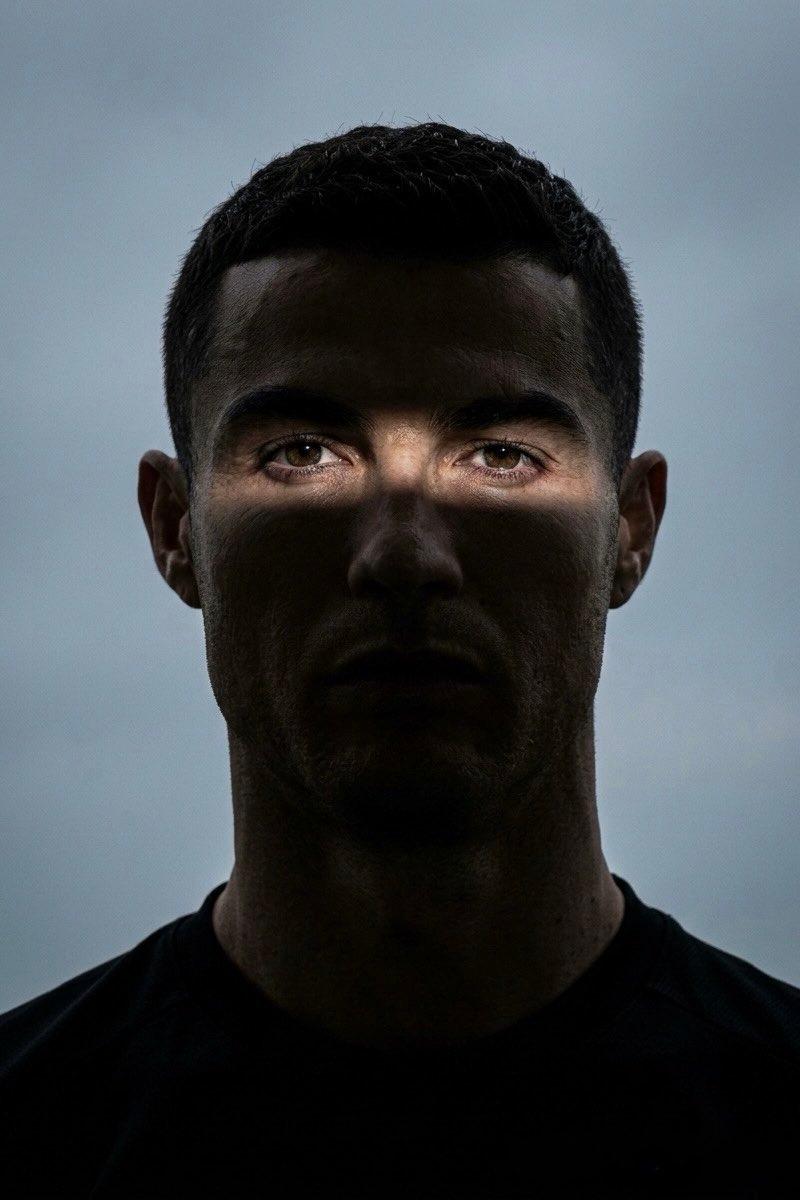
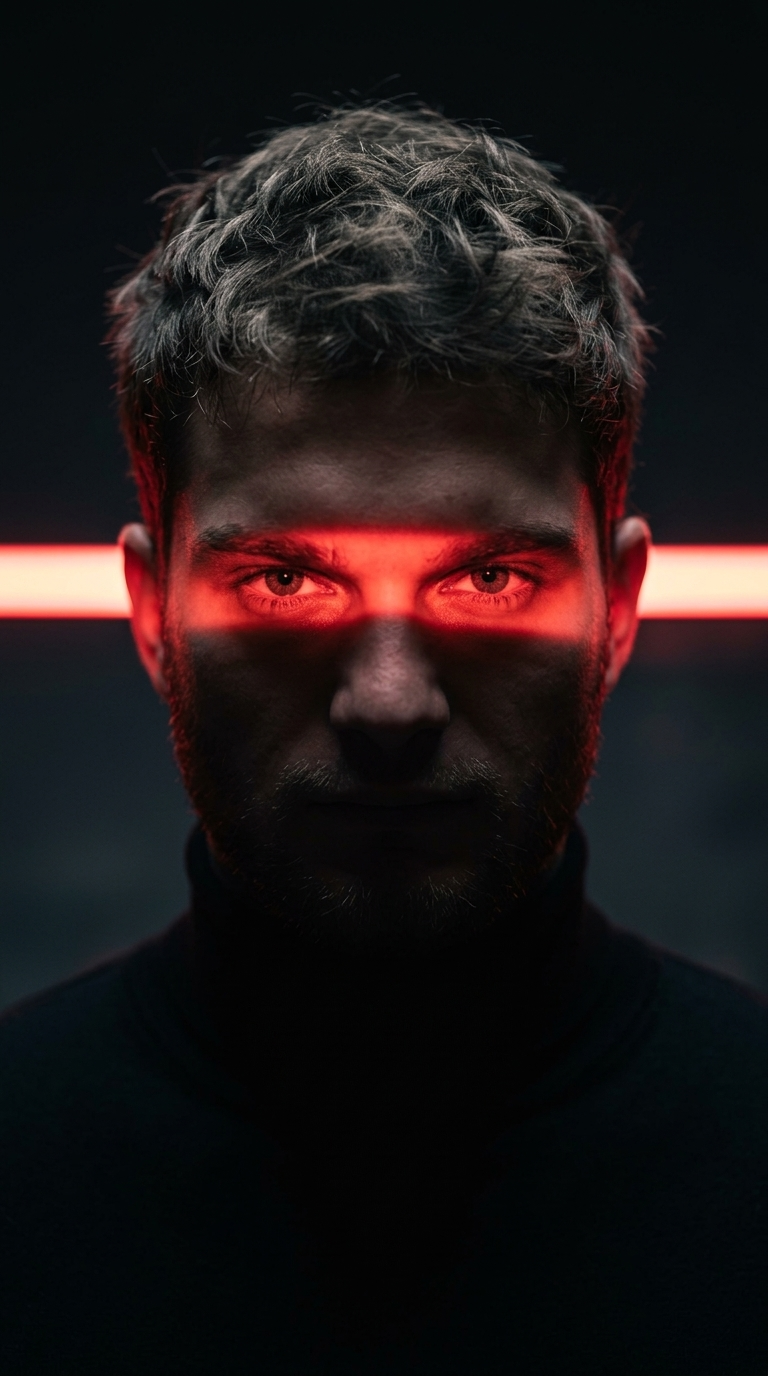
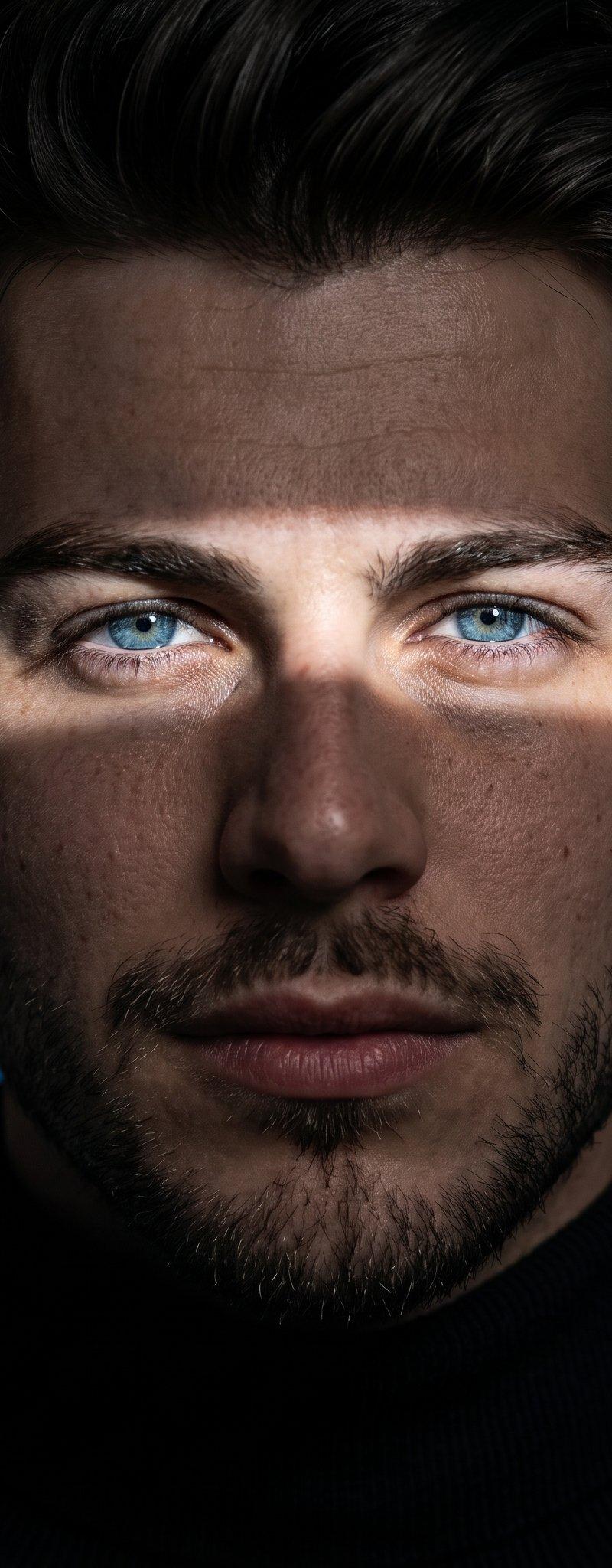
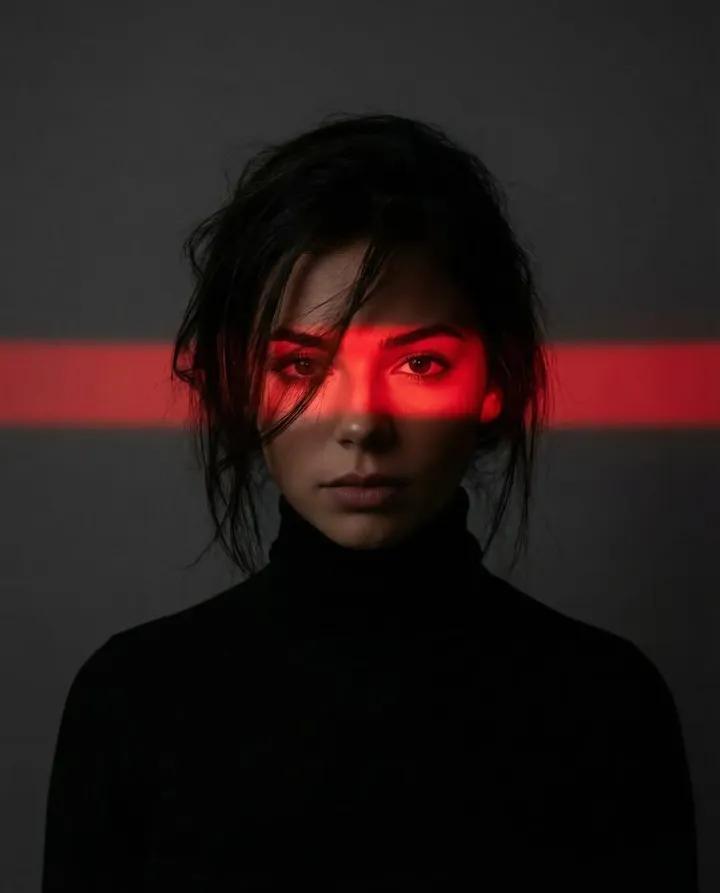
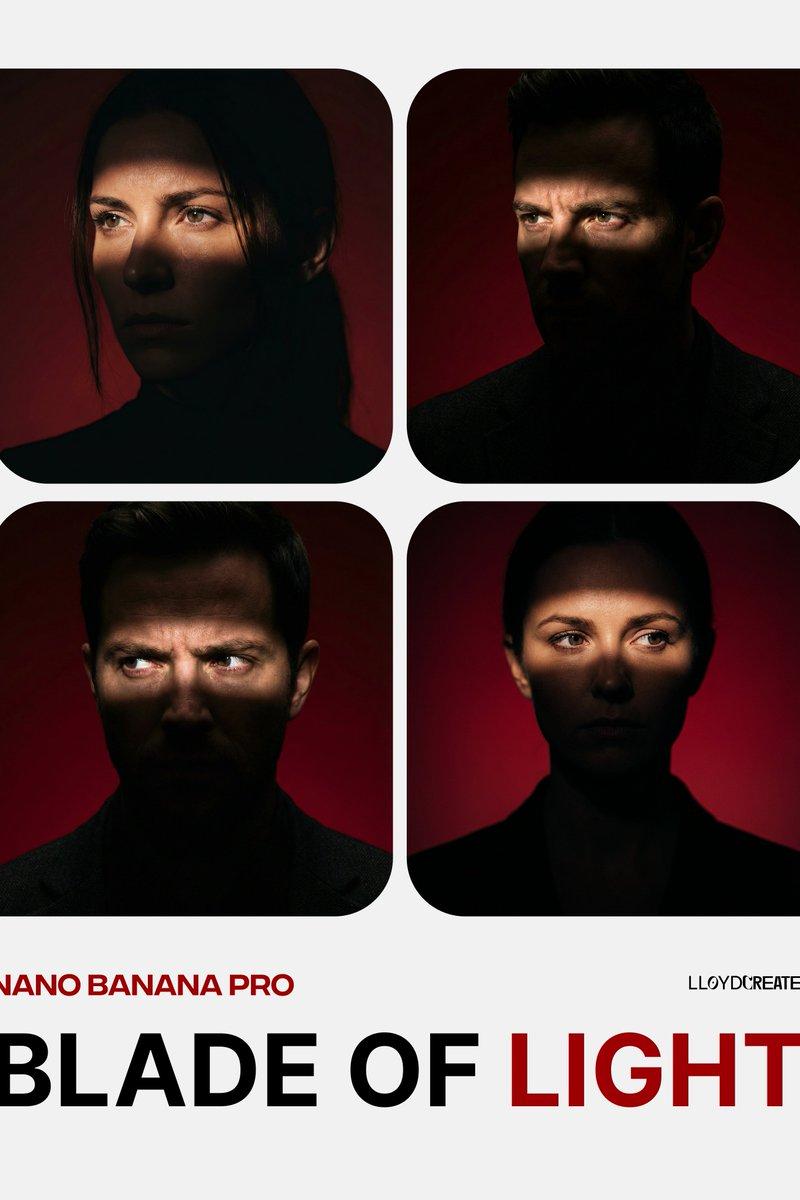
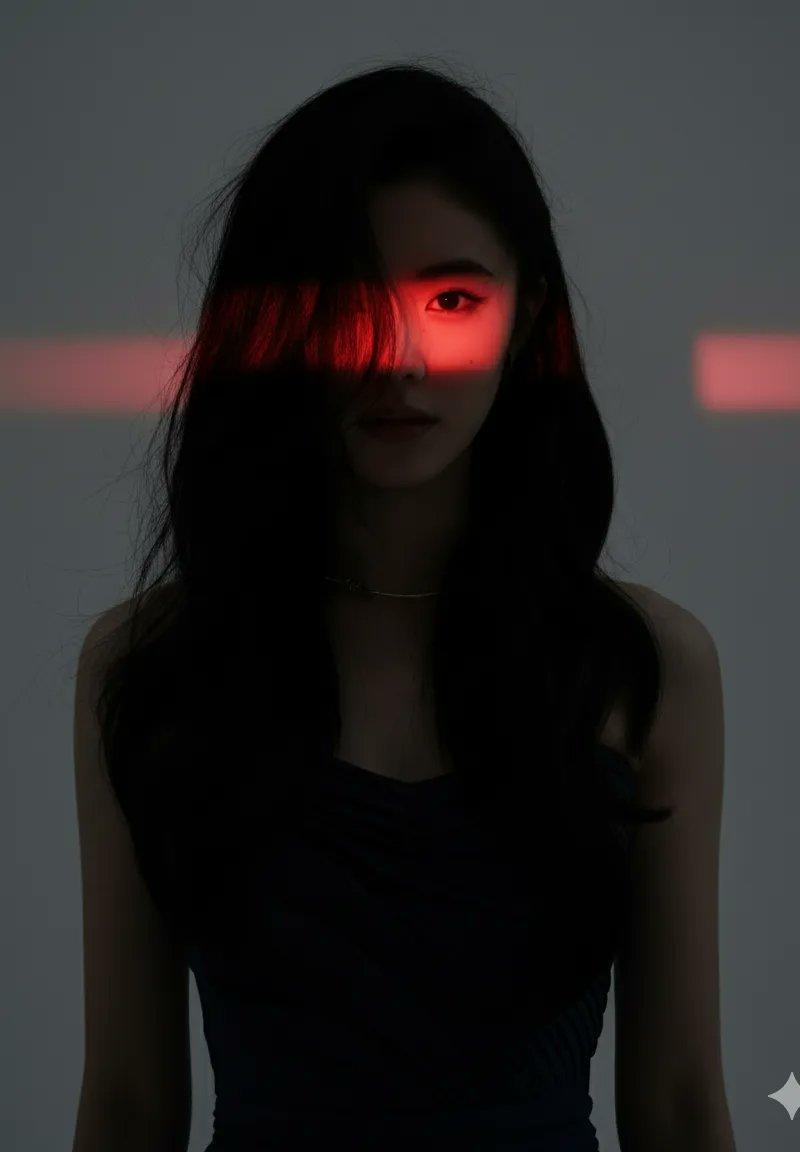
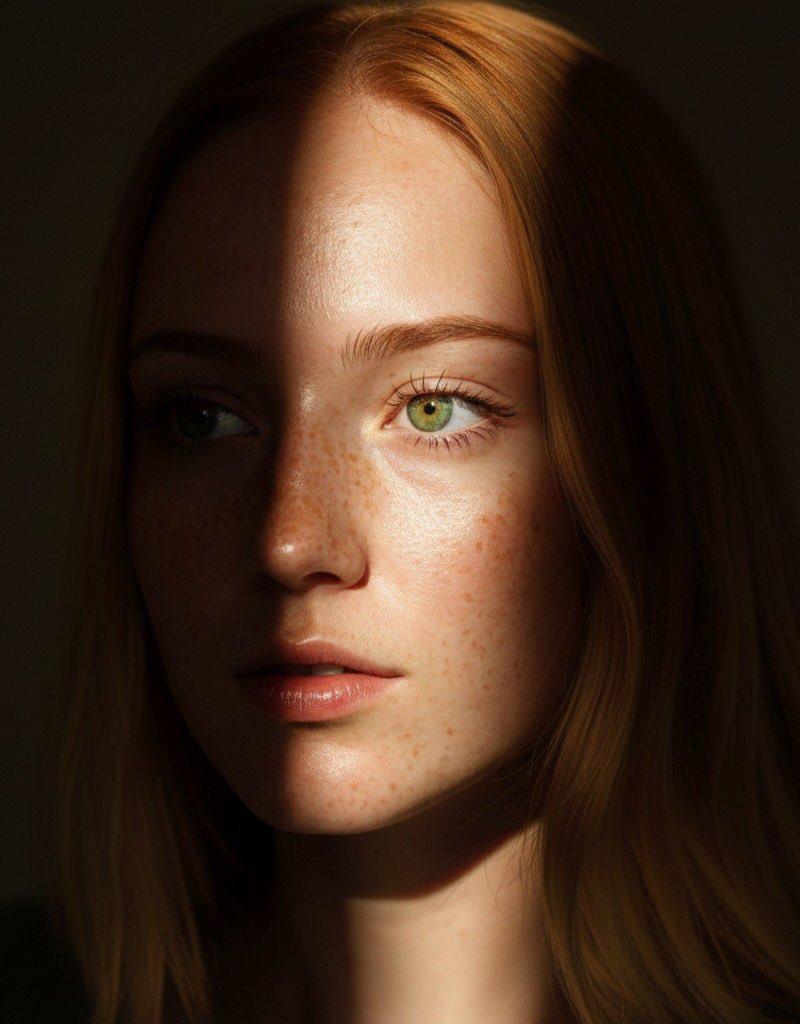
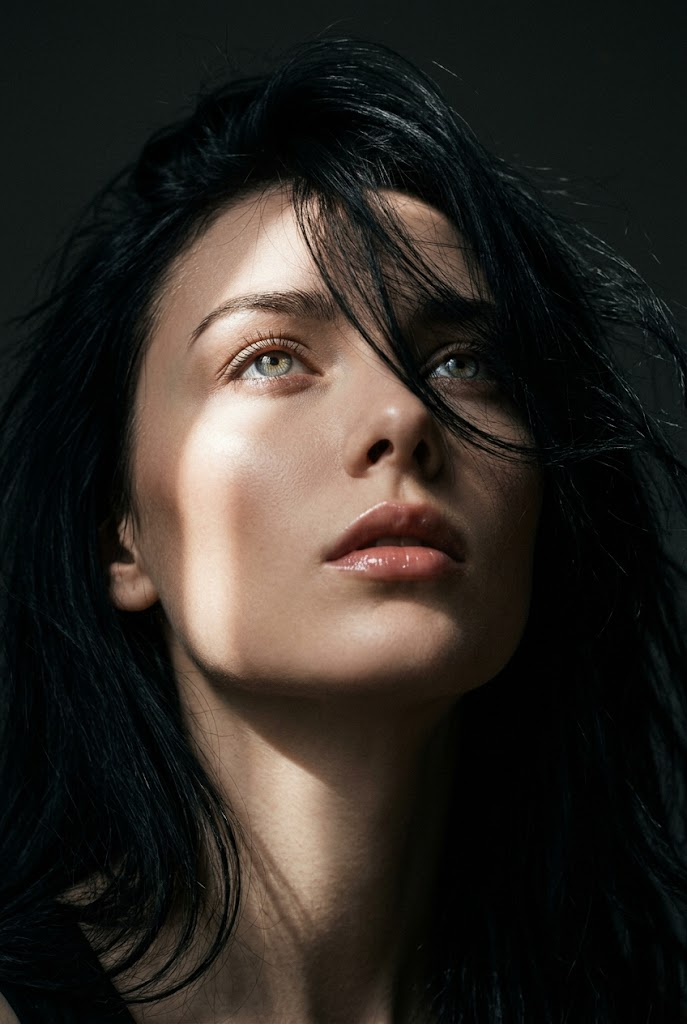
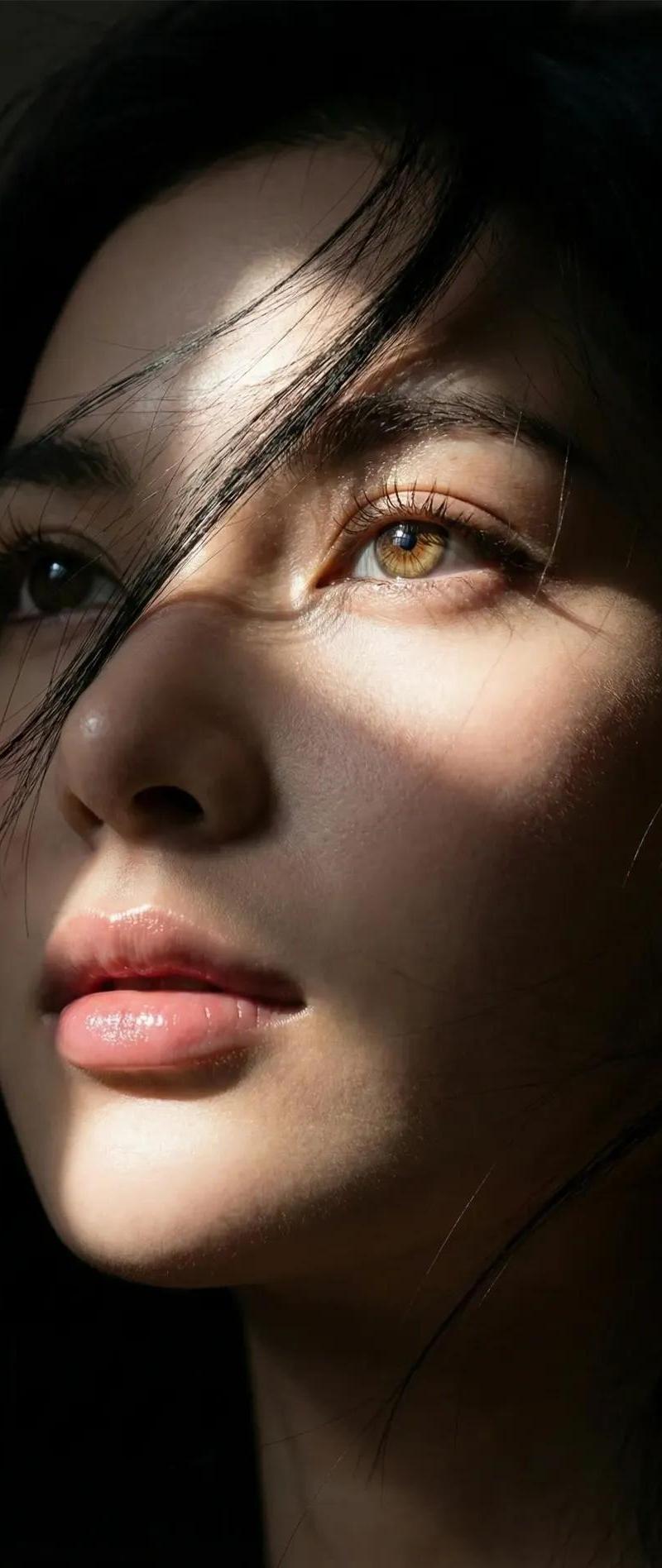
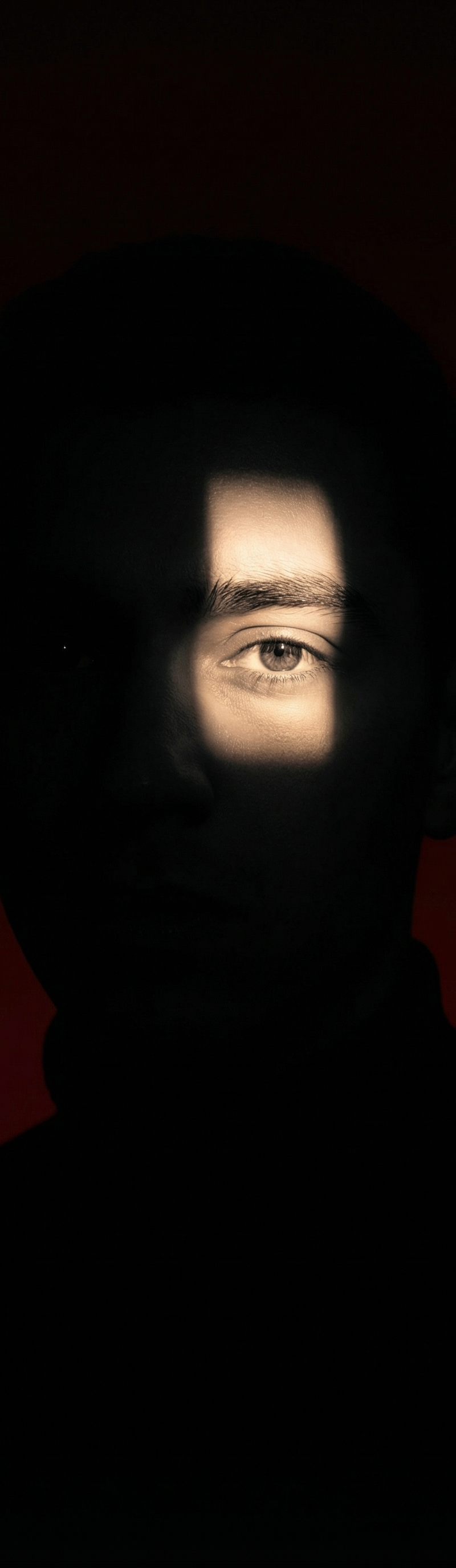
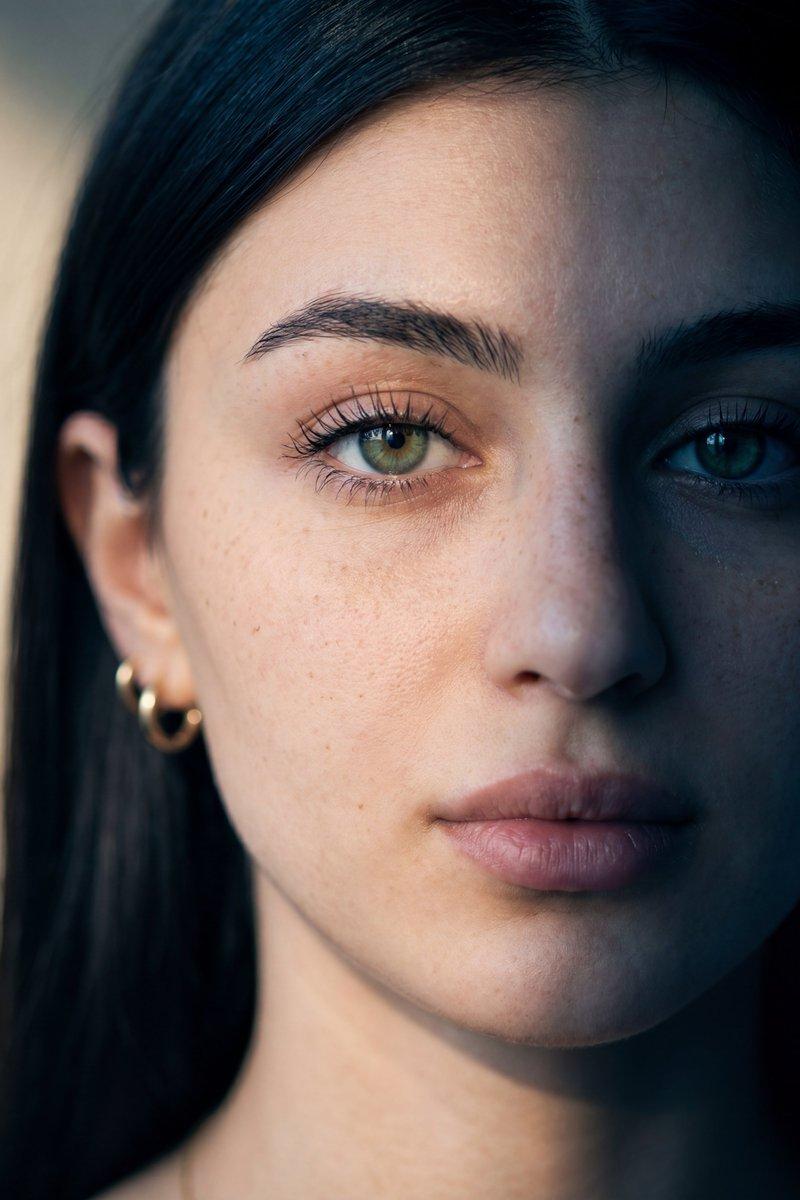
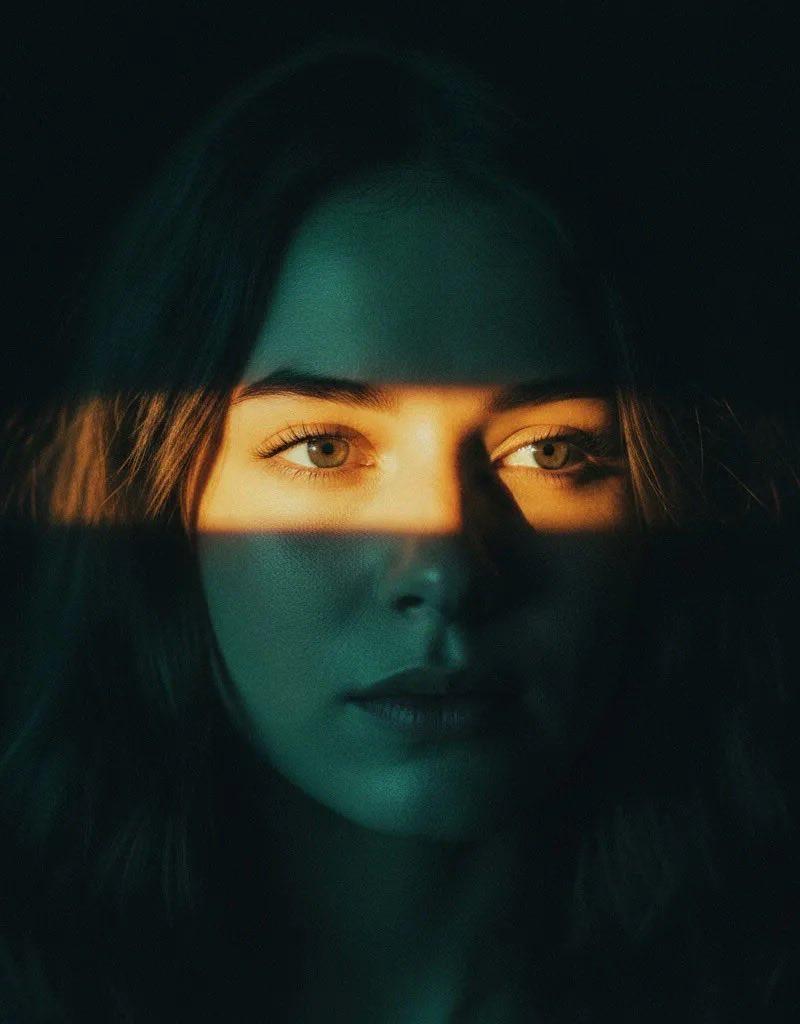
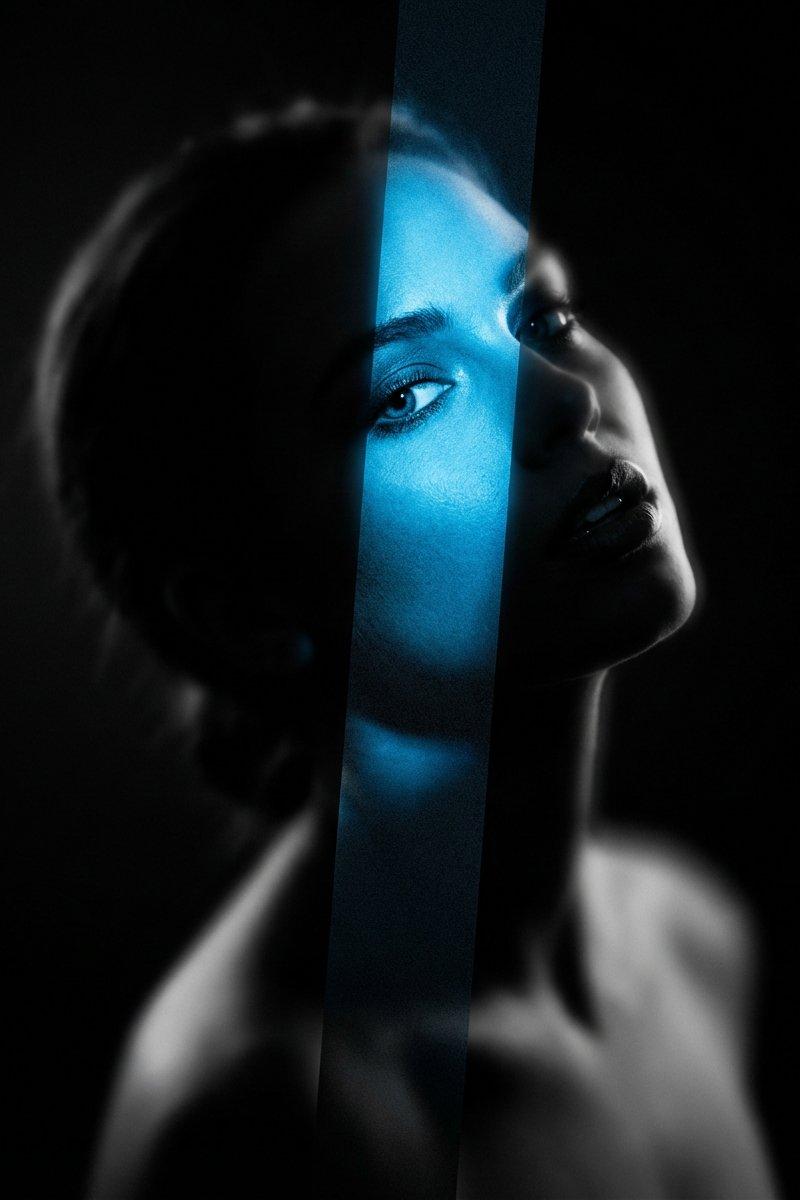
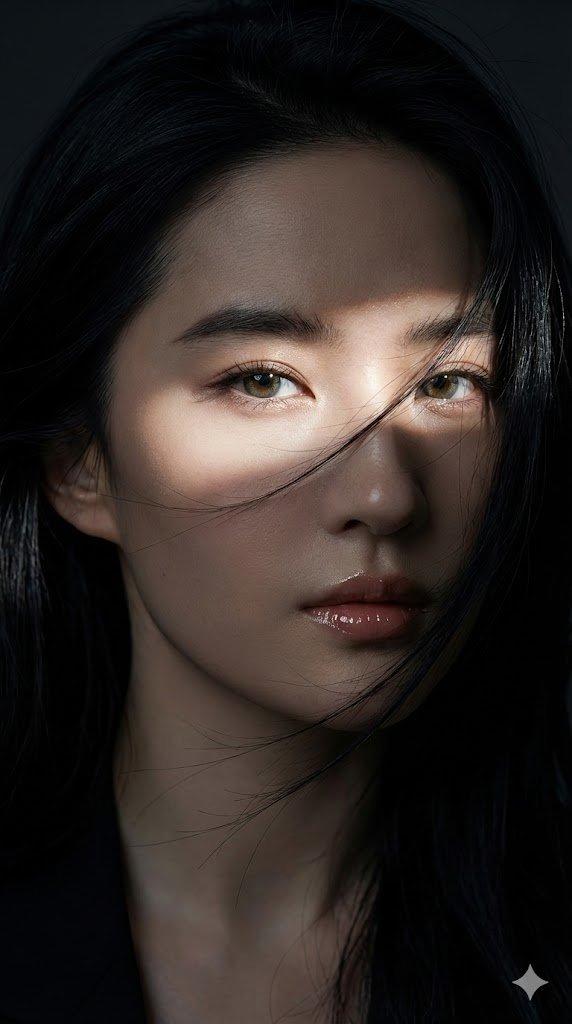
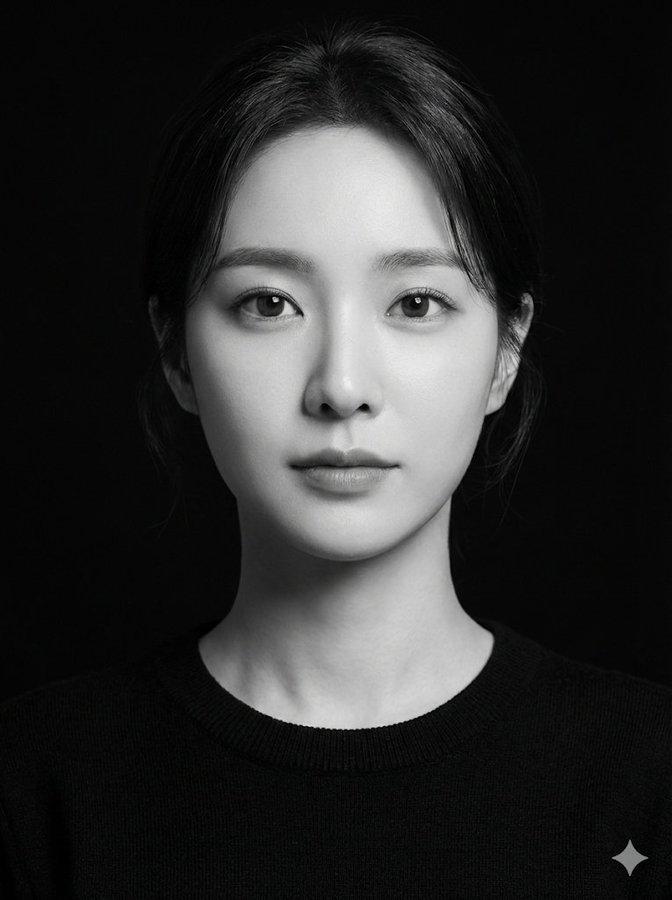
高对比度阴影带肖像
Enlarge

Example images

高对比度阴影带肖像

Prompt
Close-up portrait of a {argument name="subject" default="woman"} gazing directly into the camera. Most of her face and neck are swallowed in deep shadow. A {argument name="light band" default="single thin horizontal band of light"} cuts across her features, revealing only her eyes and the bridge of her nose. She has a sharp, defined jawline and {argument name="hair style" default="short textured hair"}, wearing a plain black shirt. The background is a flat, overcast gray-blue sky. High-contrast shadow-heavy lighting gives the frame a tense, cinematic atmosphere.
Category
Photography & Realism
Model
GPT Image 2
Creator
PromptLab
Source language
en
Views0
Source ID
25522
Published
Jun 13, 2026
Studio

Guide

About "高对比度阴影带肖像"

What is this prompt for?

"高对比度阴影带肖像" AI image prompt for GPT Image 2 (Photography & Realism). 一个电影感提示词,通过将主体置于深沉阴影中,仅由一道水平光带显露,从而营造出紧张的氛围。 Copy it on Picva and recreate the look in one…

The full copyable prompt and example visuals above are ready for AI image generation or one-click recreate in Picva.

How to use this prompt

  1. Step 1

    Open the prompt detail

    Review the example visuals, category, and full prompt text for "高对比度阴影带肖像".

  2. Step 2

    Copy the prompt

    Copy the prompt body from this page, or load it directly in Studio.

  3. Step 3

    Pick a model (GPT Image 2)

    Prefer GPT Image 2. If you switch models, keep subject and composition and tweak style terms.

  4. Step 4

    Generate and export

    Recreate the look in Picva, or export into your workflow for editing and publishing.

FAQ

What is the "高对比度阴影带肖像" prompt?
It is an AI image-generation prompt for GPT Image 2 in the Photography & Realism category. This page includes the full prompt text, example visuals, and a one-click recreate path in Picva.
How do I use this prompt to generate an image?
Copy the prompt from this page, or use Generate / Studio. Paste it into a compatible image model, or recreate the look in Picva with optional reference images.
Which model is this prompt for?
This page lists GPT Image 2. Most descriptive prompts also transfer to nearby image models such as GPT Image, Flux, or Midjourney with light style tweaks.
Can I use the result commercially?
You can usually copy the prompt for creation, but commercial use of the final image depends on the model terms, reference-image rights, and the generated content. Follow the source author and platform rules.