17

无脸狼尾剪时尚人像
Enlarge

无脸狼尾剪时尚人像

Prompt
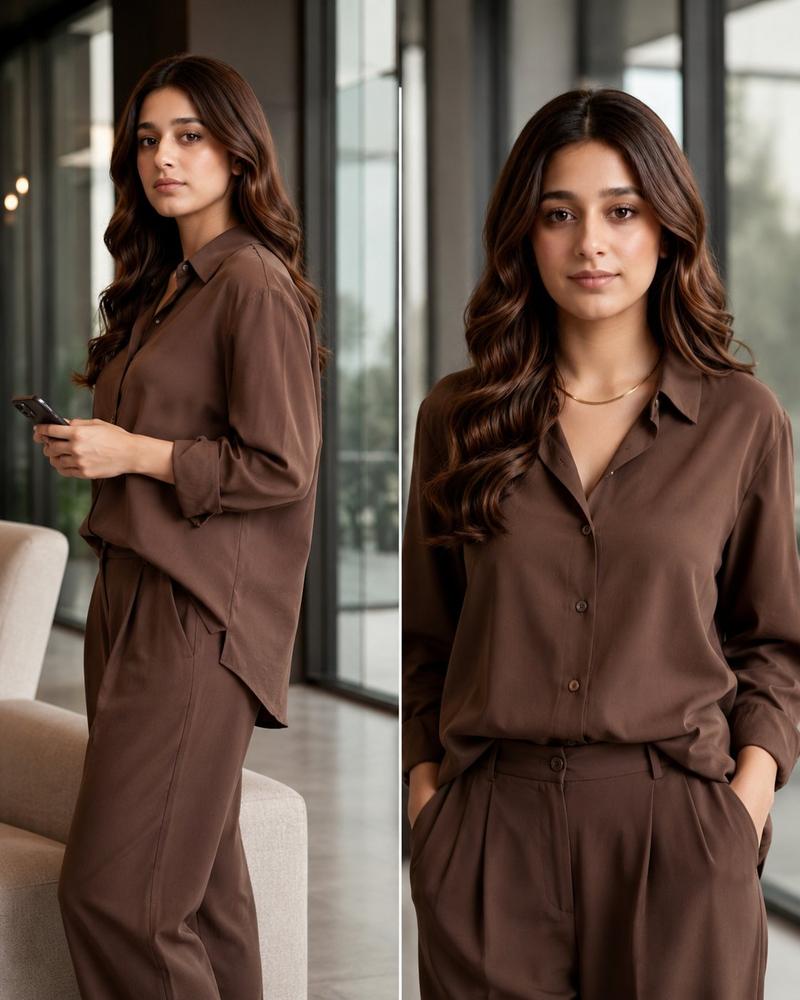
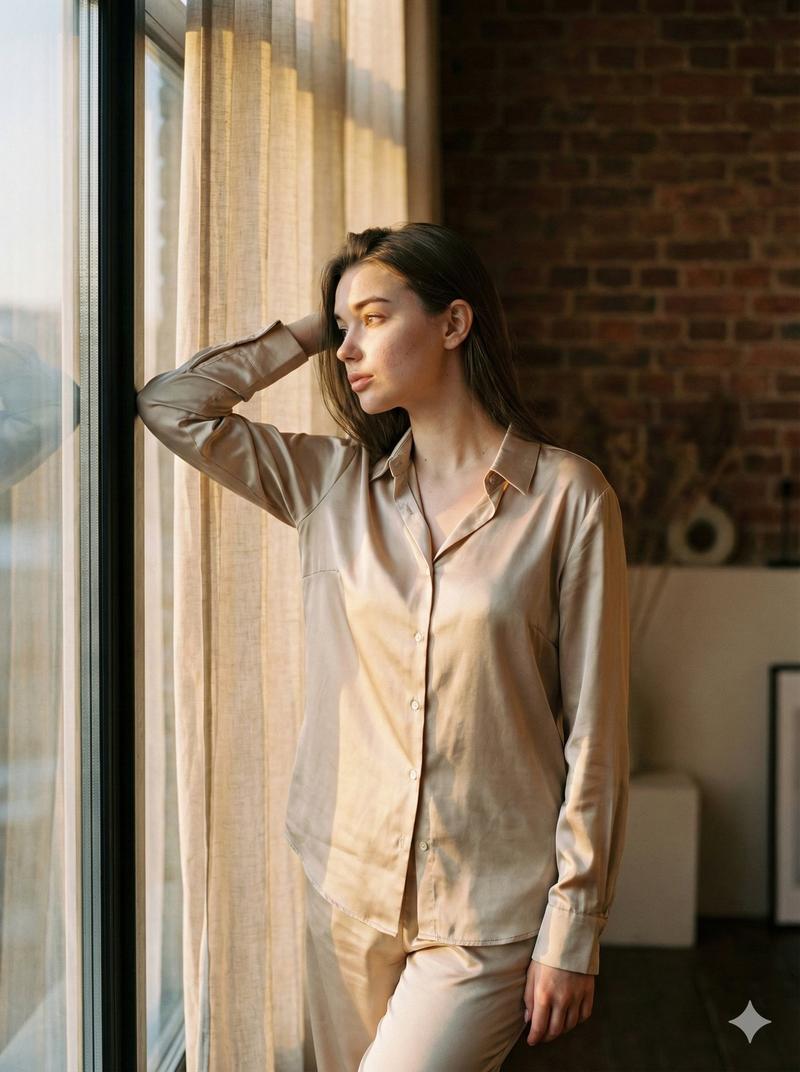
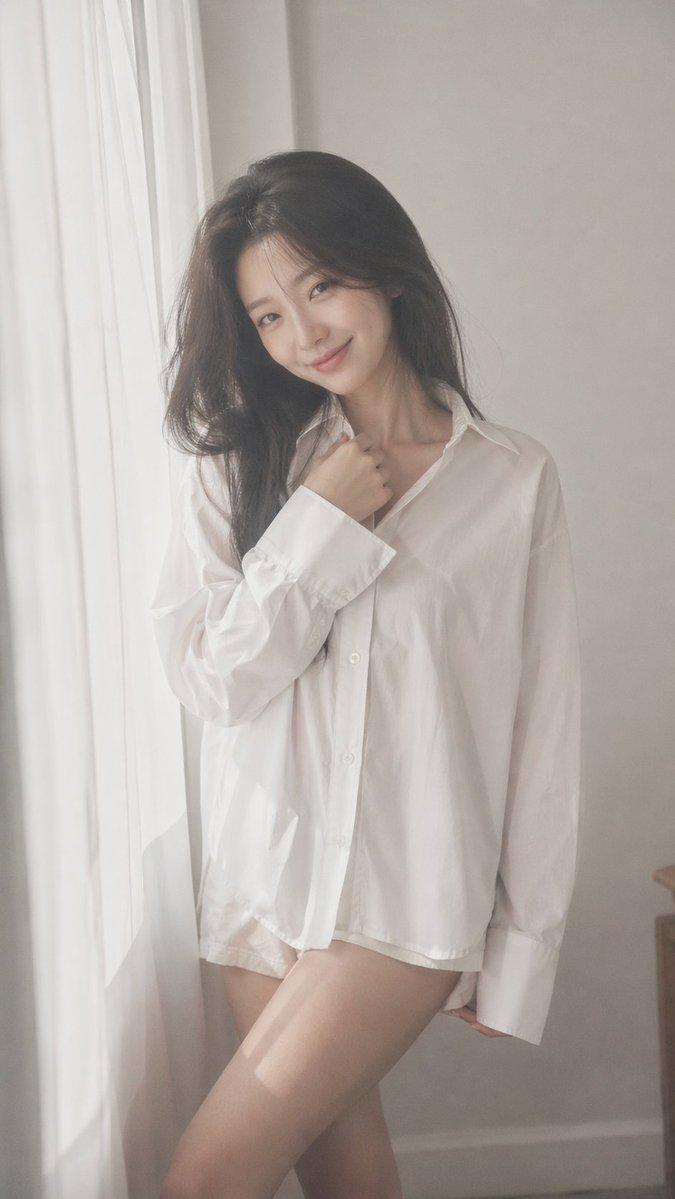
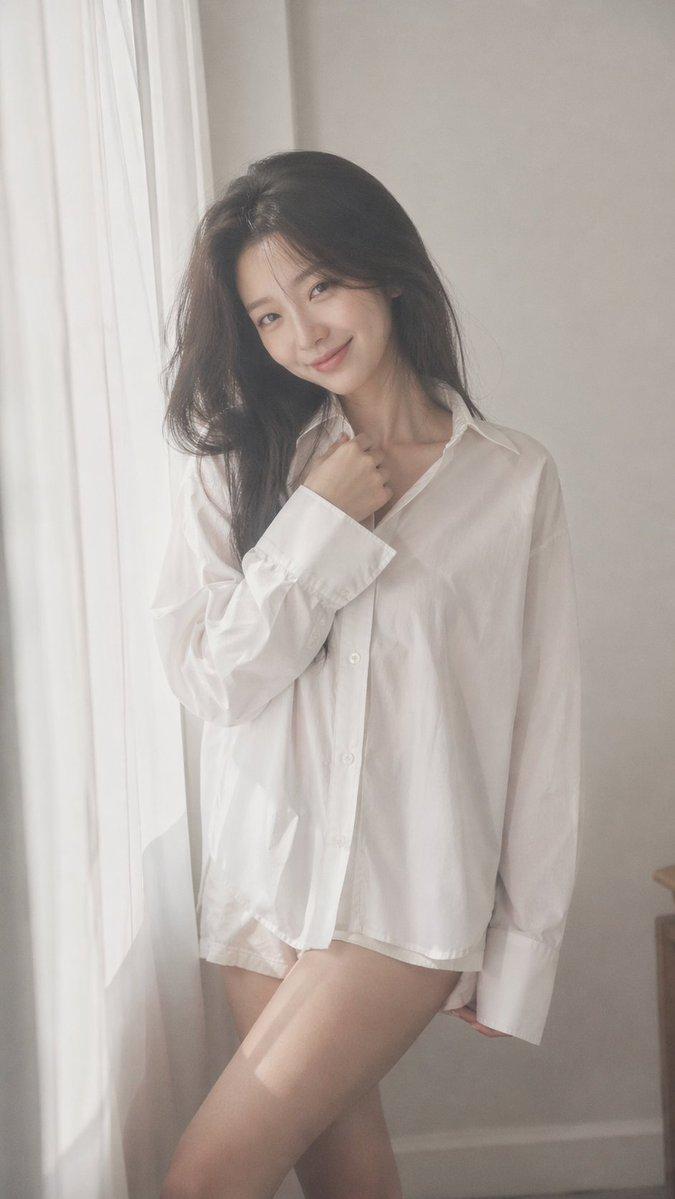
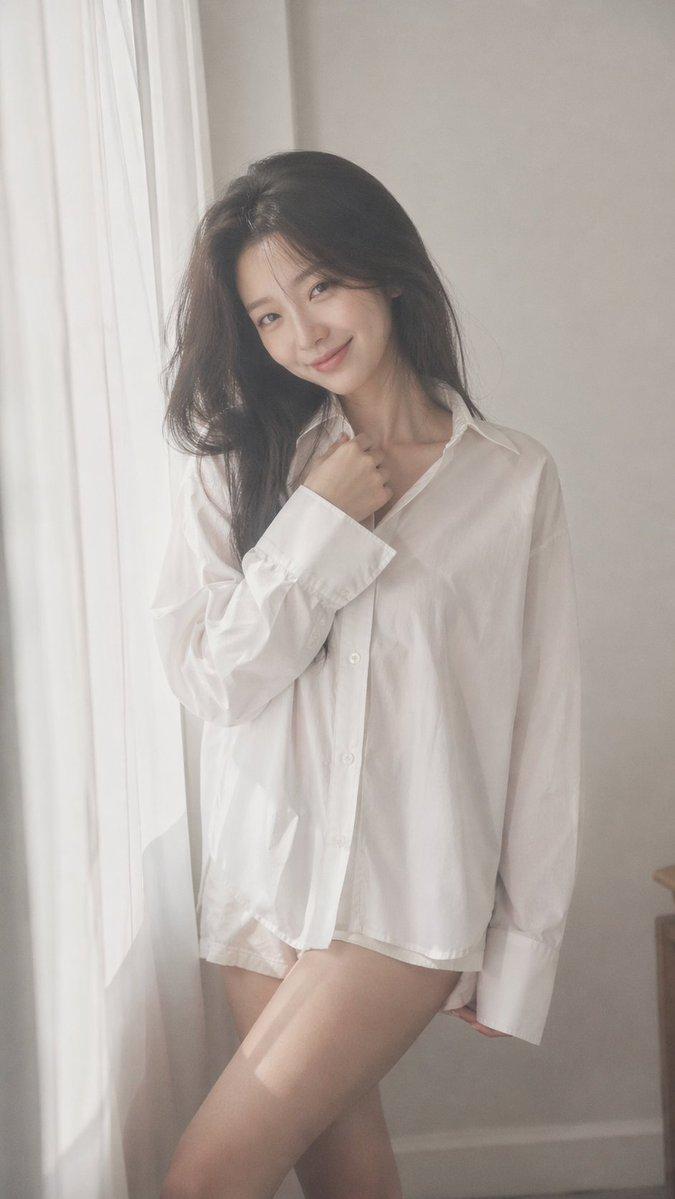
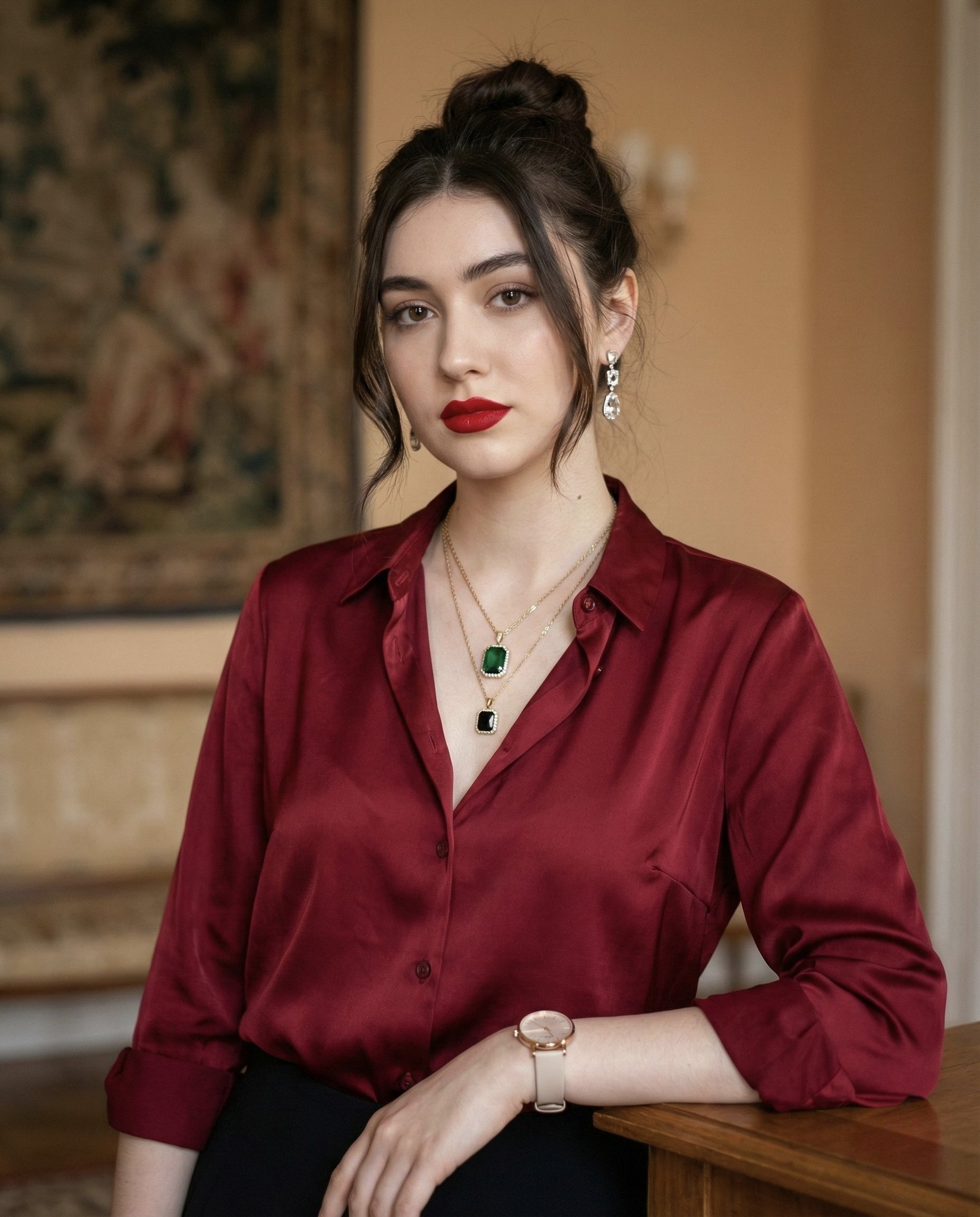
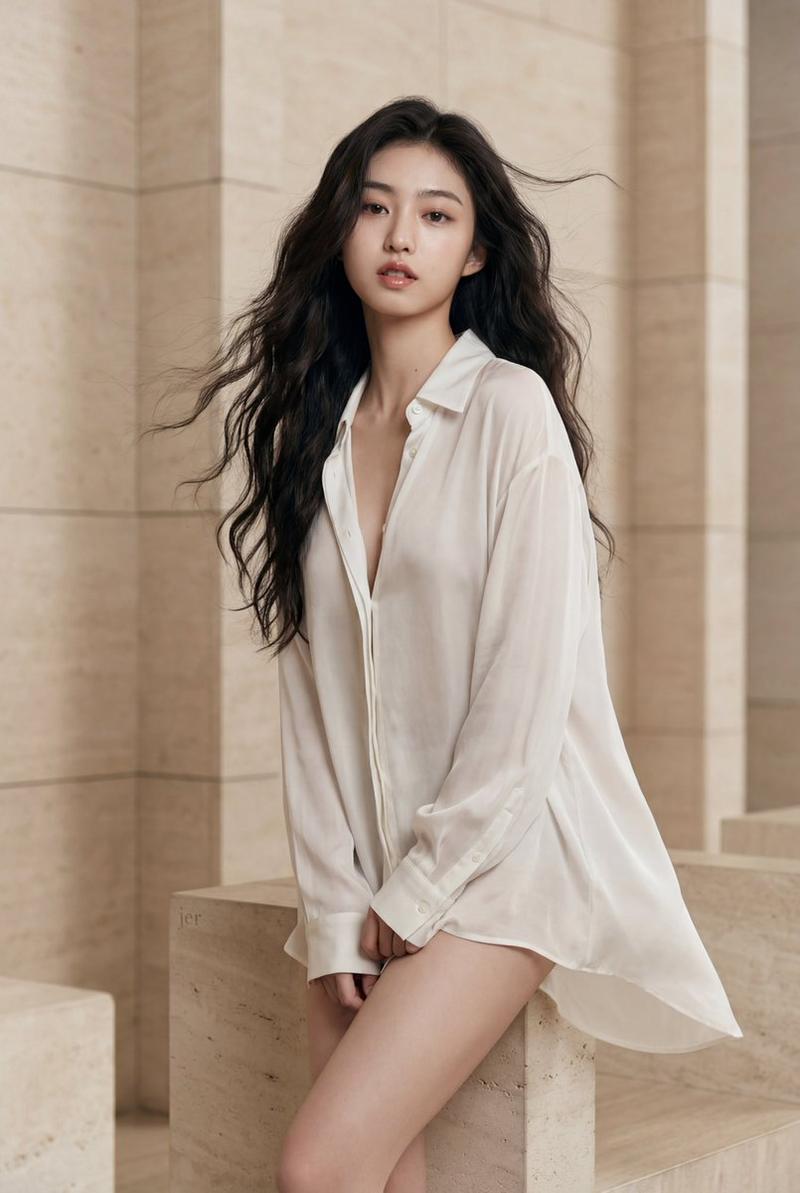
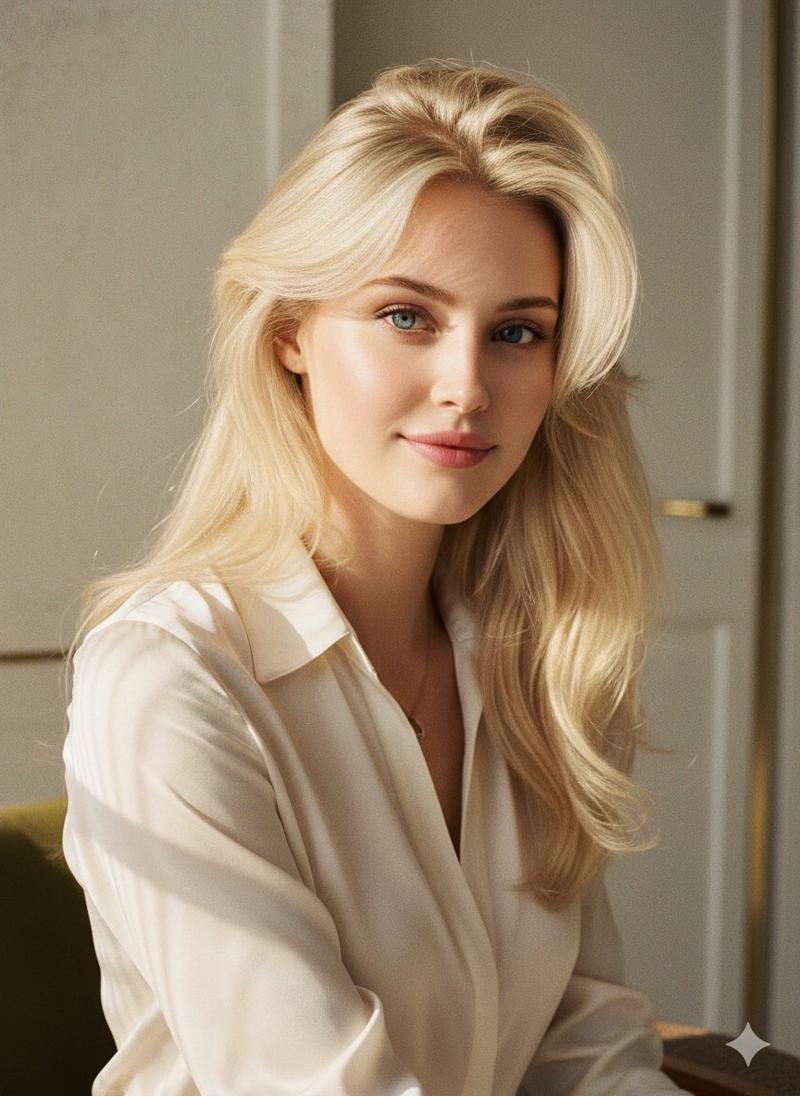
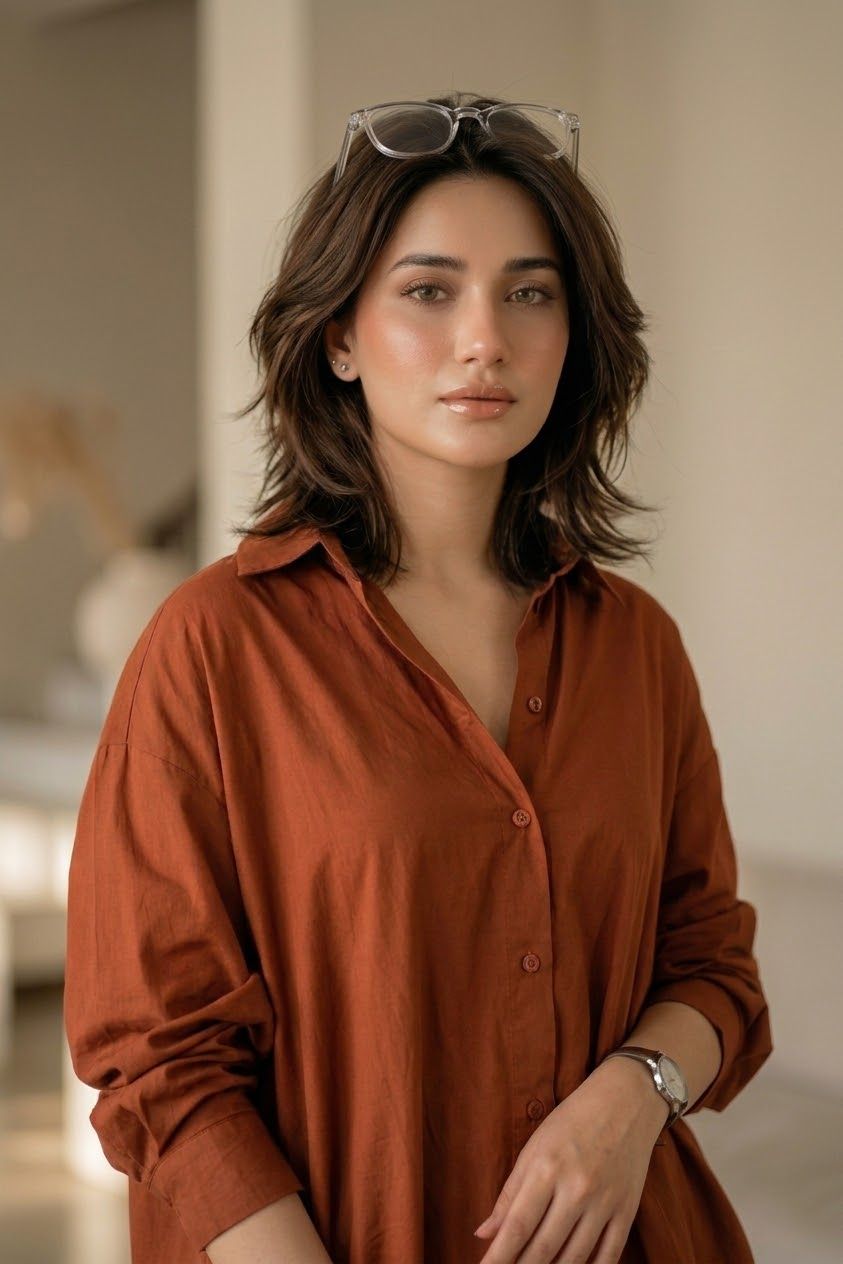
Create an ultra-realistic vertical cinematic fashion editorial portrait of an {argument name="age and subject" default="18-year-old young woman"} standing indoors in a warm minimalist apartment or studio. She is framed from upper thighs to head, centered, with a relaxed confident pose: one arm down with a bent elbow, the other hand resting lightly near her waist. She wears an oversized rust-orange button-up shirt with a soft cotton/linen texture, open collar, visible front buttons, dropped shoulders, and sleeves rolled up to the forearms. Add exactly 3 visible accessories: clear-framed eyeglasses resting on top of her head, a small stud earring on one ear, and a silver wristwatch on her right wrist. Her hair is a modern layered {argument name="hair style" default="medium-length wolf cut"} with soft volume, natural texture, tousled outward layers, and {argument name="hair color" default="dark brown with subtle warm highlights"}. Keep the face area intentionally covered by a centered vertical rectangular privacy block in a medium warm brown color, obscuring all facial features from forehead to chin while leaving the hair, ears, neck, and outfit visible. Use warm natural window light, shallow depth of field, creamy beige background blur, high-end editorial photography, realistic skin on visible neck and hands, subtle fabric wrinkles, soft shadows, 85mm lens look, f/1.8 bokeh, natural color grading, no text, no watermark, no extra people.
Category
Photography & Realism
Model
GPT Image 2
Views0
Source ID
25836
Published
Jun 15, 2026

Guide

About "无脸狼尾剪时尚人像"

What is this prompt for?

"无脸狼尾剪时尚人像" AI image prompt for GPT Image 2 (Photography & Realism). 一个写实的时尚编辑人像提示词,主角为留着狼尾剪发型的年轻女性,身着铁锈色衬衫,面部带有隐私遮挡块。 Copy it on Picva and recreate the look i…

The full copyable prompt and example visuals above are ready for AI image generation or one-click recreate in Picva.

How to use this prompt

  1. Step 1

    Open the prompt detail

    Review the example visuals, category, and full prompt text for "无脸狼尾剪时尚人像".

  2. Step 2

    Copy the prompt

    Copy the prompt body from this page, or load it directly in Studio.

  3. Step 3

    Pick a model (GPT Image 2)

    Prefer GPT Image 2. If you switch models, keep subject and composition and tweak style terms.

  4. Step 4

    Generate and export

    Recreate the look in Picva, or export into your workflow for editing and publishing.

FAQ

What is the "无脸狼尾剪时尚人像" prompt?
It is an AI image-generation prompt for GPT Image 2 in the Photography & Realism category. This page includes the full prompt text, example visuals, and a one-click recreate path in Picva.
How do I use this prompt to generate an image?
Copy the prompt from this page, or use Generate / Studio. Paste it into a compatible image model, or recreate the look in Picva with optional reference images.
Which model is this prompt for?
This page lists GPT Image 2. Most descriptive prompts also transfer to nearby image models such as GPT Image, Flux, or Midjourney with light style tweaks.
Can I use the result commercially?
You can usually copy the prompt for creation, but commercial use of the final image depends on the model terms, reference-image rights, and the generated content. Follow the source author and platform rules.