16

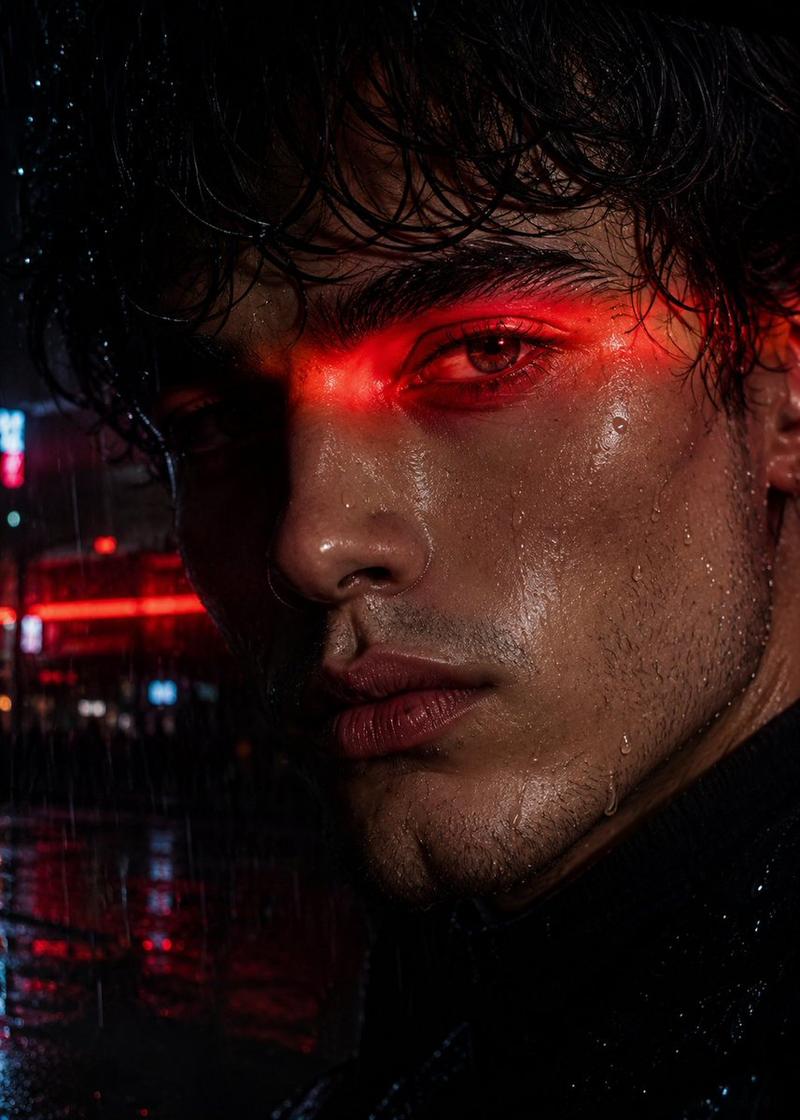
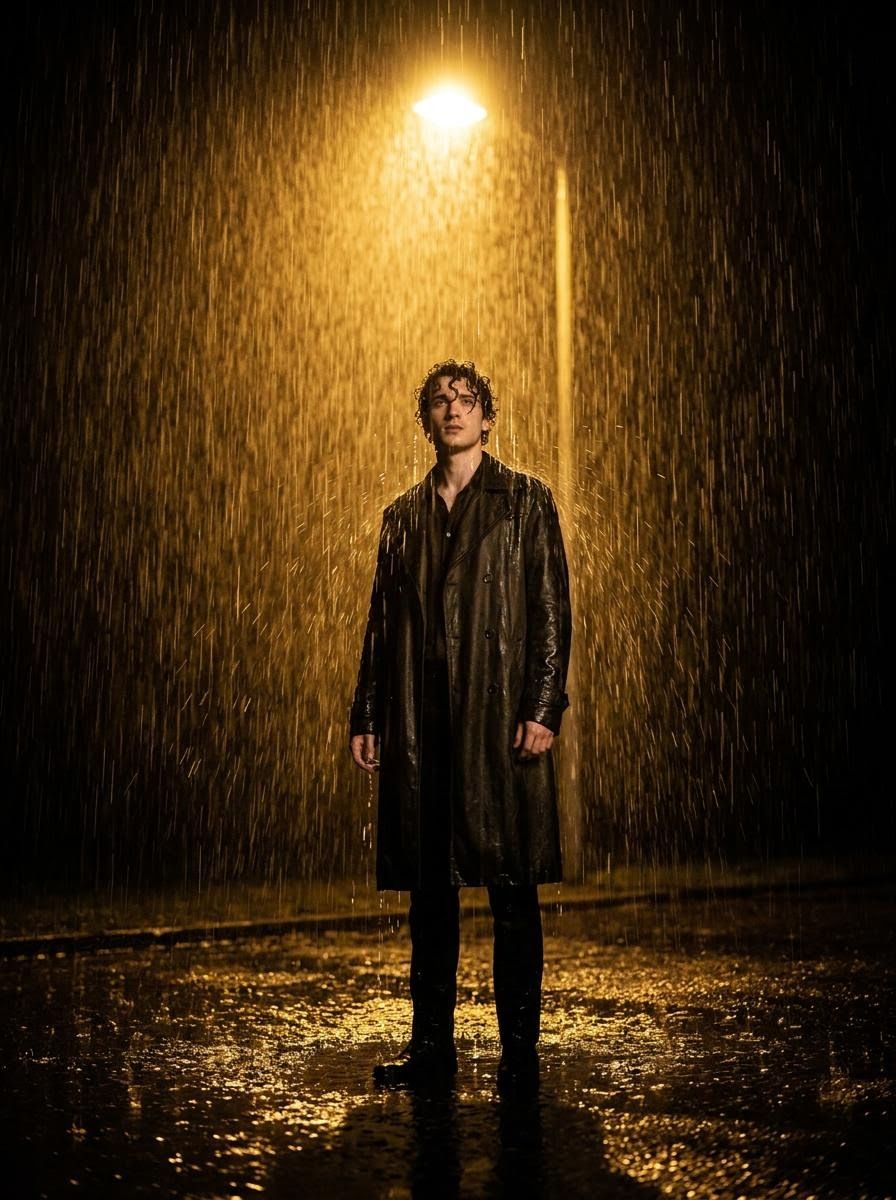
电影感雨夜人像
Enlarge

电影感雨夜人像

Prompt
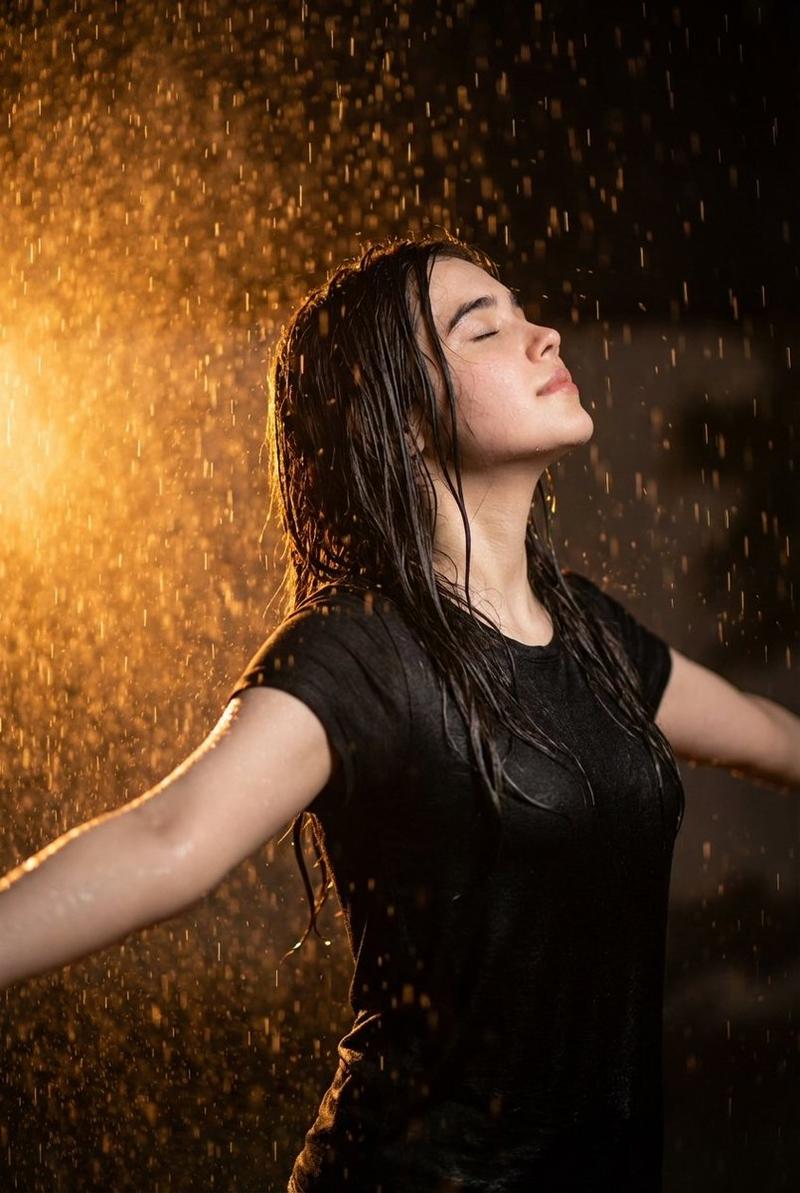
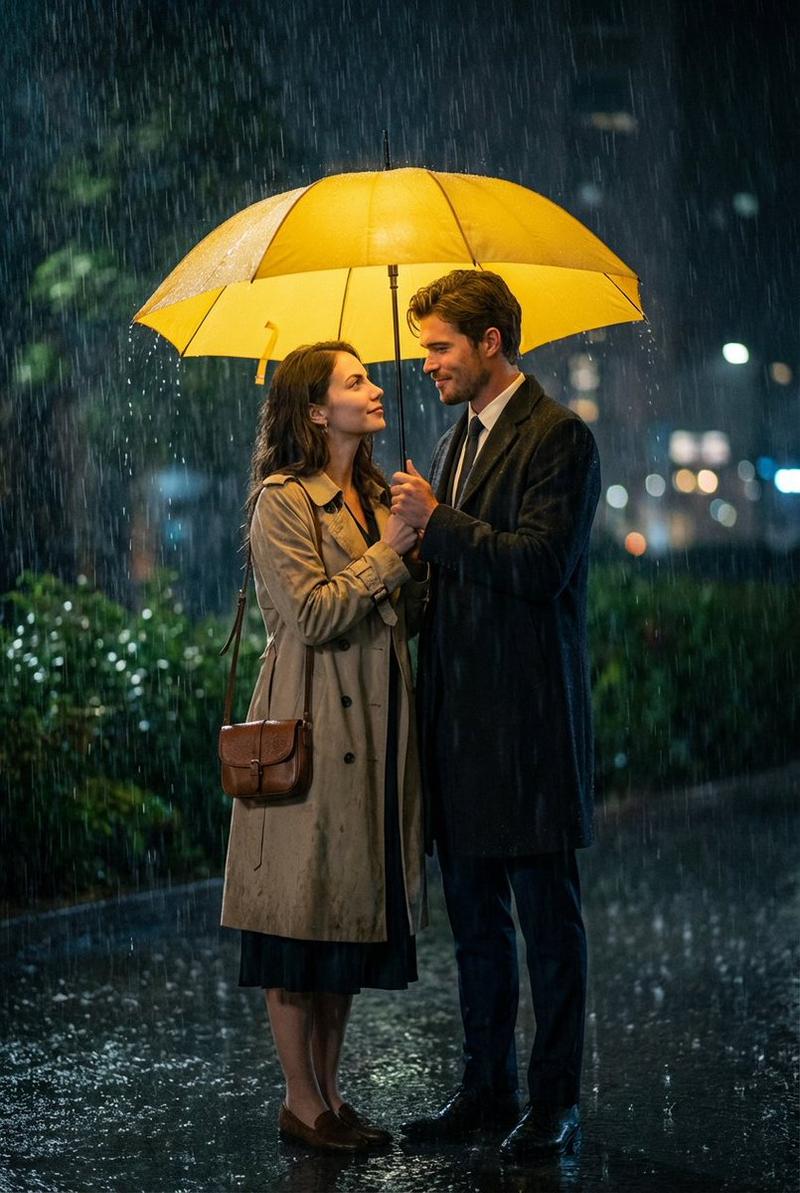
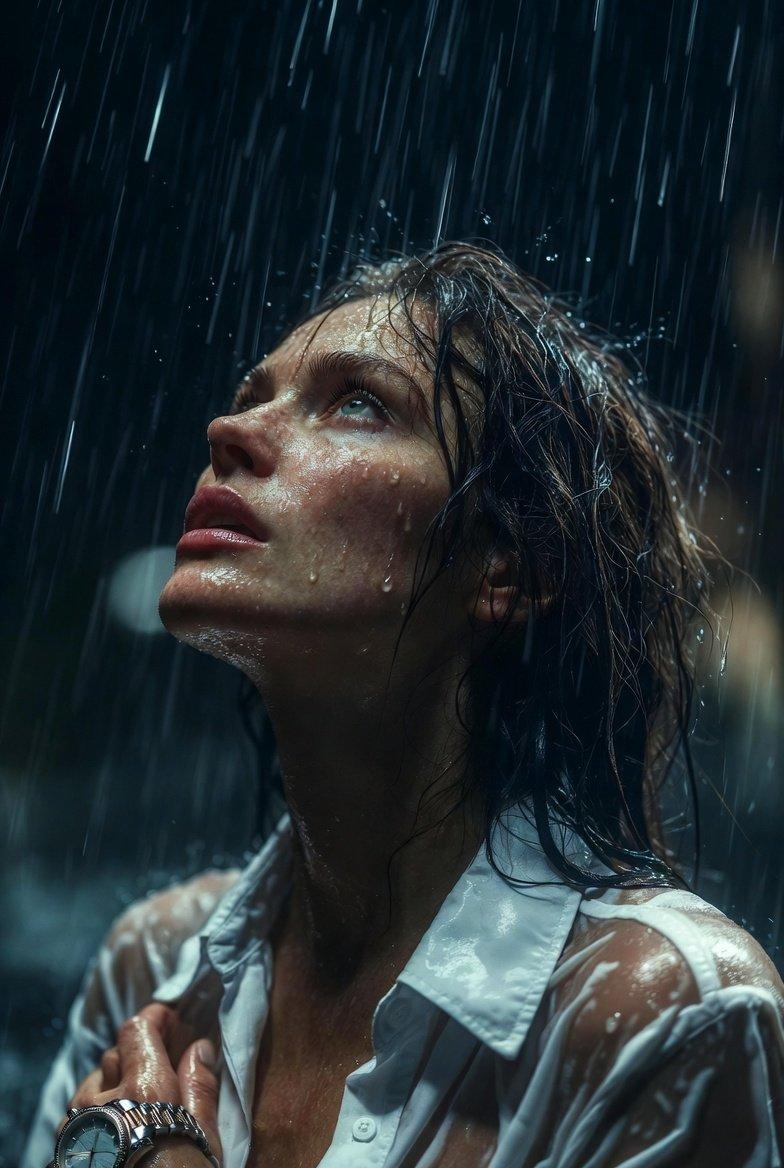
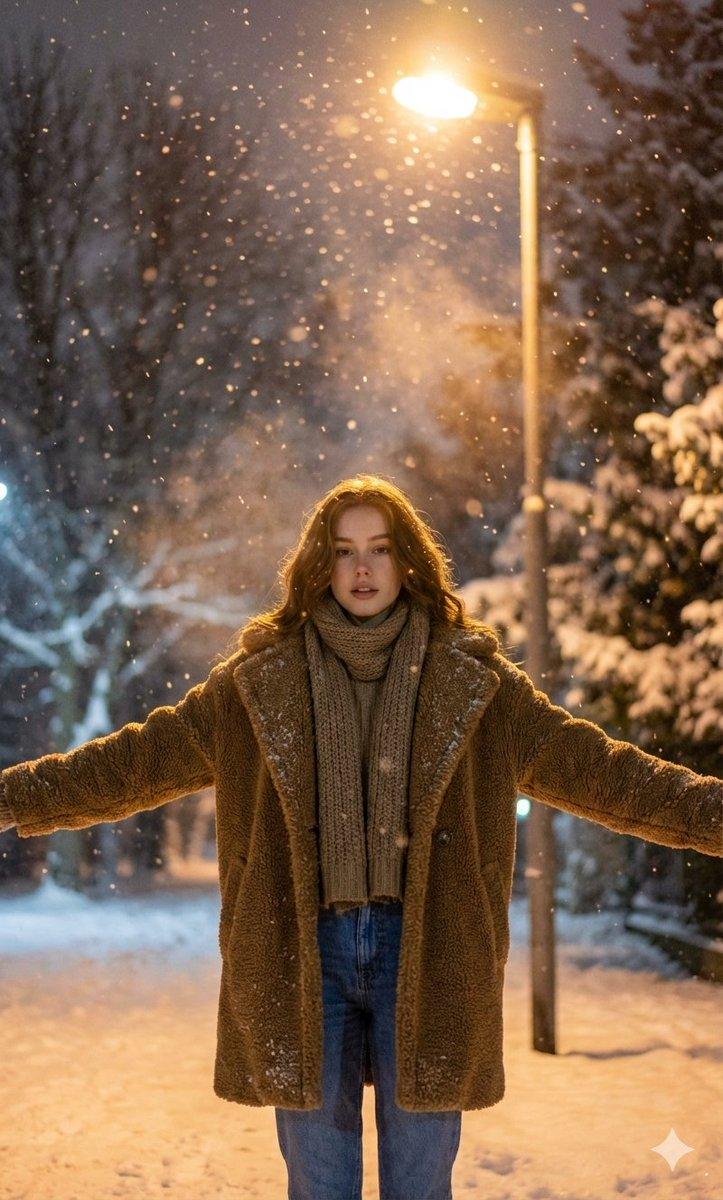
Generate a hyper-cinematic, photorealistic portrait using the face from the reference image. The figure stands alone beneath a {argument name="lighting" default="single glowing streetlight"} in a torrential night rain. Rain cascades visibly with heavy droplets splashing off the pavement. The lamp casts a warm amber glow, spotlighting the subject as the surroundings dissolve into deep shadows. The wet ground mirrors the golden light in liquid reflections. Frame the shot from a slightly low, centered angle for a bold, film-noir look. The subject wears a {argument name="outfit" default="sleek dark coat or jacket"}, soaked through, water streaming down fabric and hair. Expression: composed, intense, magnetic. Style: cinematic contrast, volumetric rain shafts, Hollywood production quality, ultra-realistic detail, rich atmospheric depth.
Category
Photography & Realism
Model
GPT Image 2
Creator
PromptLab
Views0
Source ID
25887
Published
Jun 16, 2026

Guide

About "电影感雨夜人像"

What is this prompt for?

"电影感雨夜人像" AI image prompt for GPT Image 2 (Photography & Realism). 这是一个为 GPT Image 2 设计的写实黑色电影风格提示词,利用参考人脸生成一张在倾盆大雨中极具张力的人像。 Copy it on Picva and recreate the…

The full copyable prompt and example visuals above are ready for AI image generation or one-click recreate in Picva.

How to use this prompt

  1. Step 1

    Open the prompt detail

    Review the example visuals, category, and full prompt text for "电影感雨夜人像".

  2. Step 2

    Copy the prompt

    Copy the prompt body from this page, or load it directly in Studio.

  3. Step 3

    Pick a model (GPT Image 2)

    Prefer GPT Image 2. If you switch models, keep subject and composition and tweak style terms.

  4. Step 4

    Generate and export

    Recreate the look in Picva, or export into your workflow for editing and publishing.

FAQ

What is the "电影感雨夜人像" prompt?
It is an AI image-generation prompt for GPT Image 2 in the Photography & Realism category. This page includes the full prompt text, example visuals, and a one-click recreate path in Picva.
How do I use this prompt to generate an image?
Copy the prompt from this page, or use Generate / Studio. Paste it into a compatible image model, or recreate the look in Picva with optional reference images.
Which model is this prompt for?
This page lists GPT Image 2. Most descriptive prompts also transfer to nearby image models such as GPT Image, Flux, or Midjourney with light style tweaks.
Can I use the result commercially?
You can usually copy the prompt for creation, but commercial use of the final image depends on the model terms, reference-image rights, and the generated content. Follow the source author and platform rules.