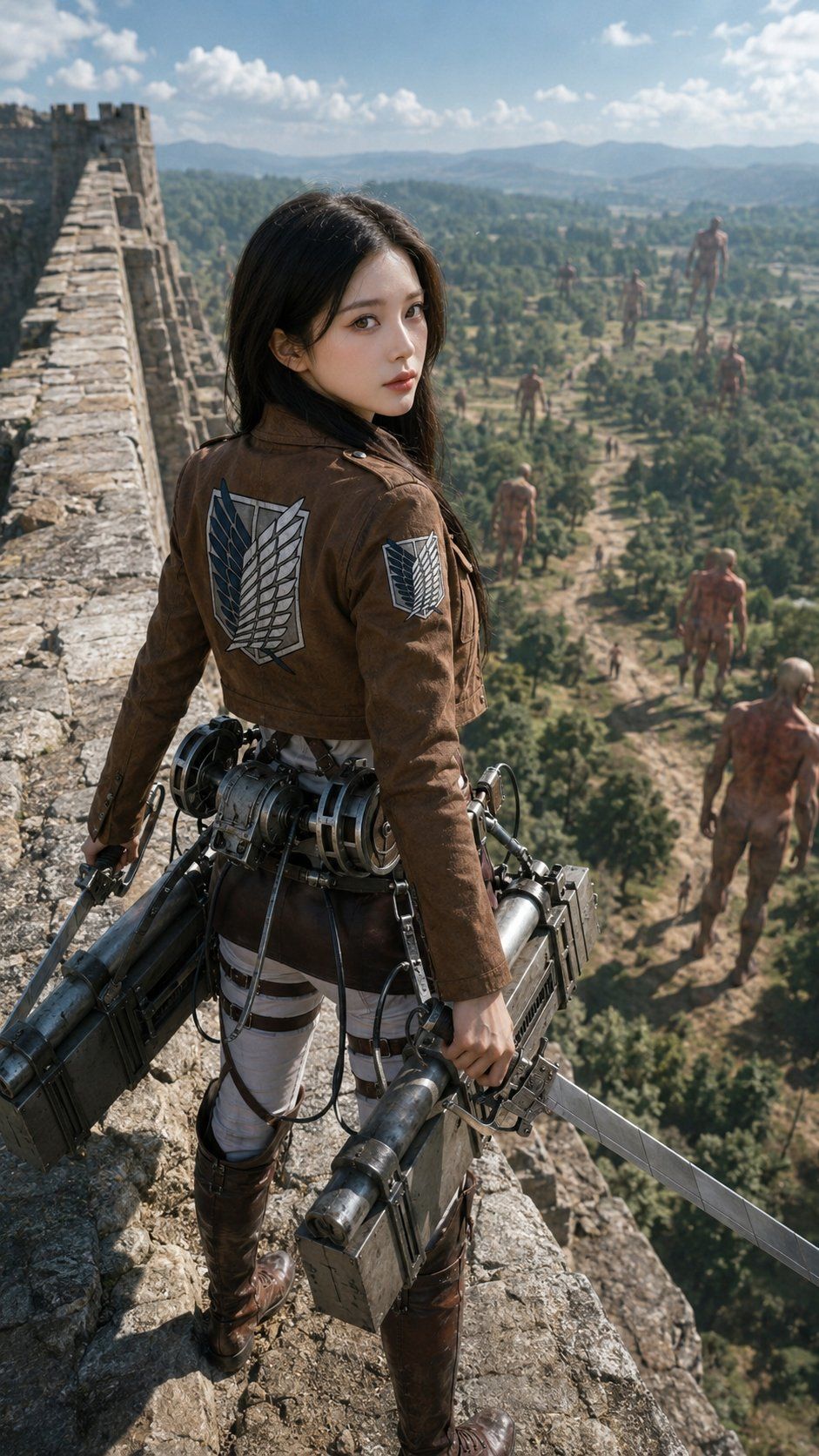
泰坦墙上的写实侦察兵
Prompt
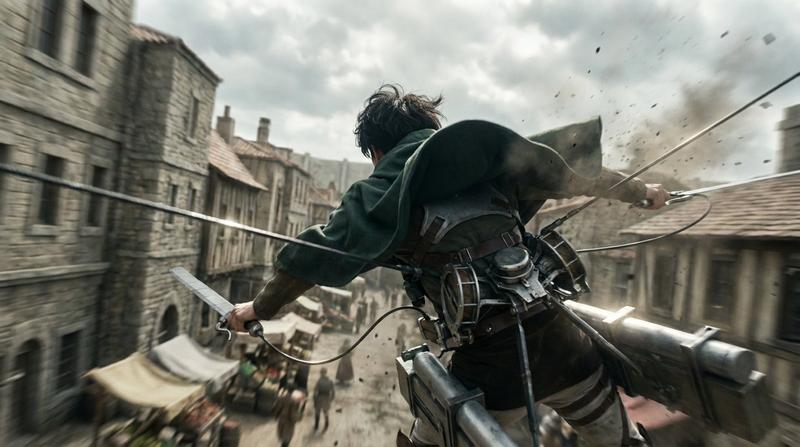
Create a cinematic photorealistic scene inspired by Attack on Titan: a young female Scout Regiment soldier named {argument name="character name" default="Mikasa Ackerman"} stands on top of a massive medieval stone wall, viewed from behind and slightly above in a vertical 9:16 composition. She has {argument name="hair color" default="black"} shoulder-length hair blowing lightly in the wind and wears the brown Survey Corps cropped jacket with the Wings of Freedom emblem clearly visible on the back and on one sleeve, white tactical pants with dark harness straps, tall brown leather boots, and full 3D maneuver gear at her waist. She grips two long steel blades, one in each hand, with bulky gas canisters, cable reels, metal boxes, triggers, tubes, and mechanical details attached around her hips. The wall stretches into the distance on the left with rough weathered stones, battlements, and a fortress tower. Below and beyond the wall is a vast green valley with forests, dirt paths, villages, rolling hills, and blue mountains under a bright partly cloudy sky. Include exactly 8 visible Titans in the valley: 1 enormous distant Titan near the horizon on the right, 2 mid-distance standing Titans near the center-right, 1 smaller Titan walking near the center, 2 foreground Titans at the lower right, 1 crouched or crawling Titan in the mid-lower valley, and 1 tiny far Titan among the trees. Use dramatic realistic scale, epic adventure mood, natural daylight, sharp foreground detail, atmospheric haze in the distance, film still quality, realistic textures, no anime drawing style, no captions, no watermark.- Category
- Photography & Realism
- Model
- GPT Image 2
- Source ID
- 25962
- Published
- Jun 17, 2026
Views0