12

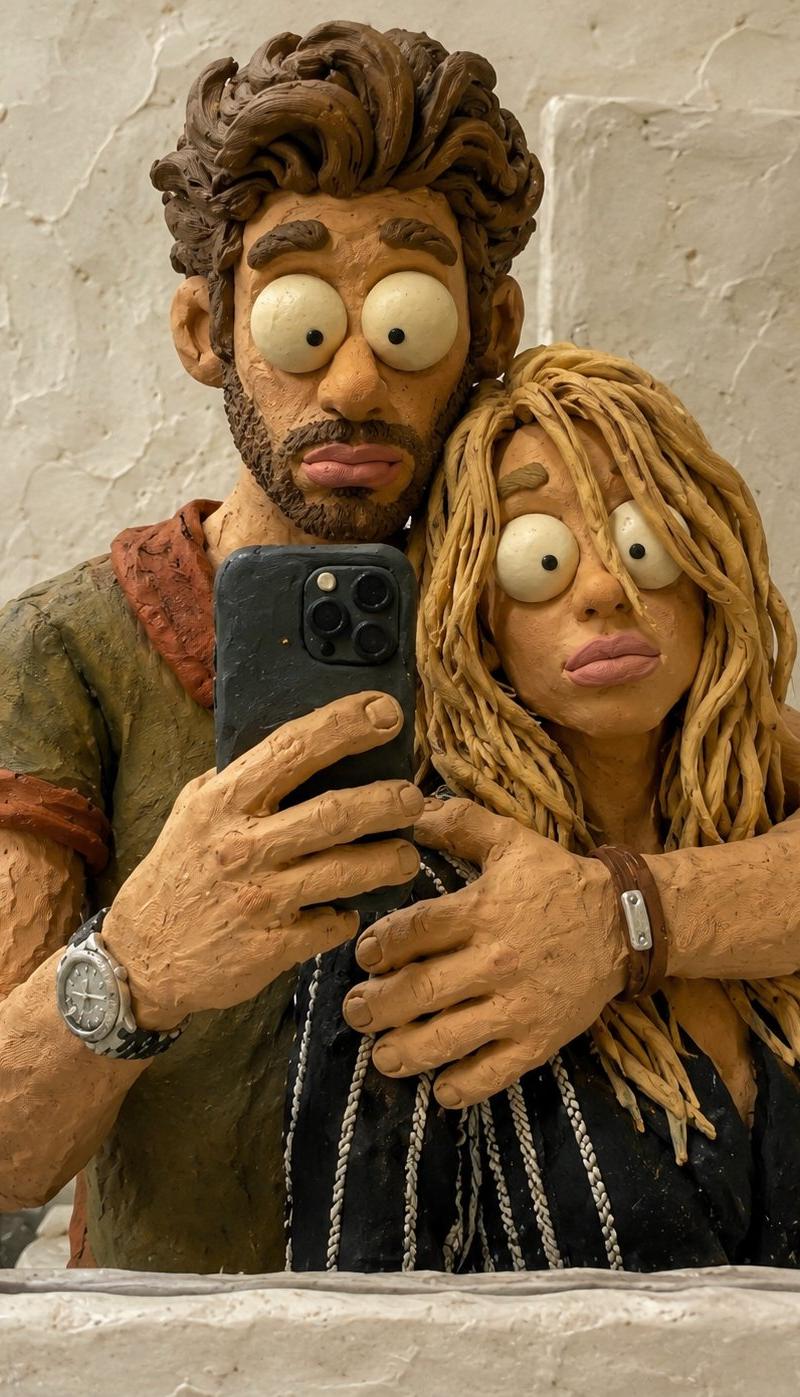
混乱的黏土动画风格照片转换
Enlarge

Example images

混乱的黏土动画风格照片转换

Prompt
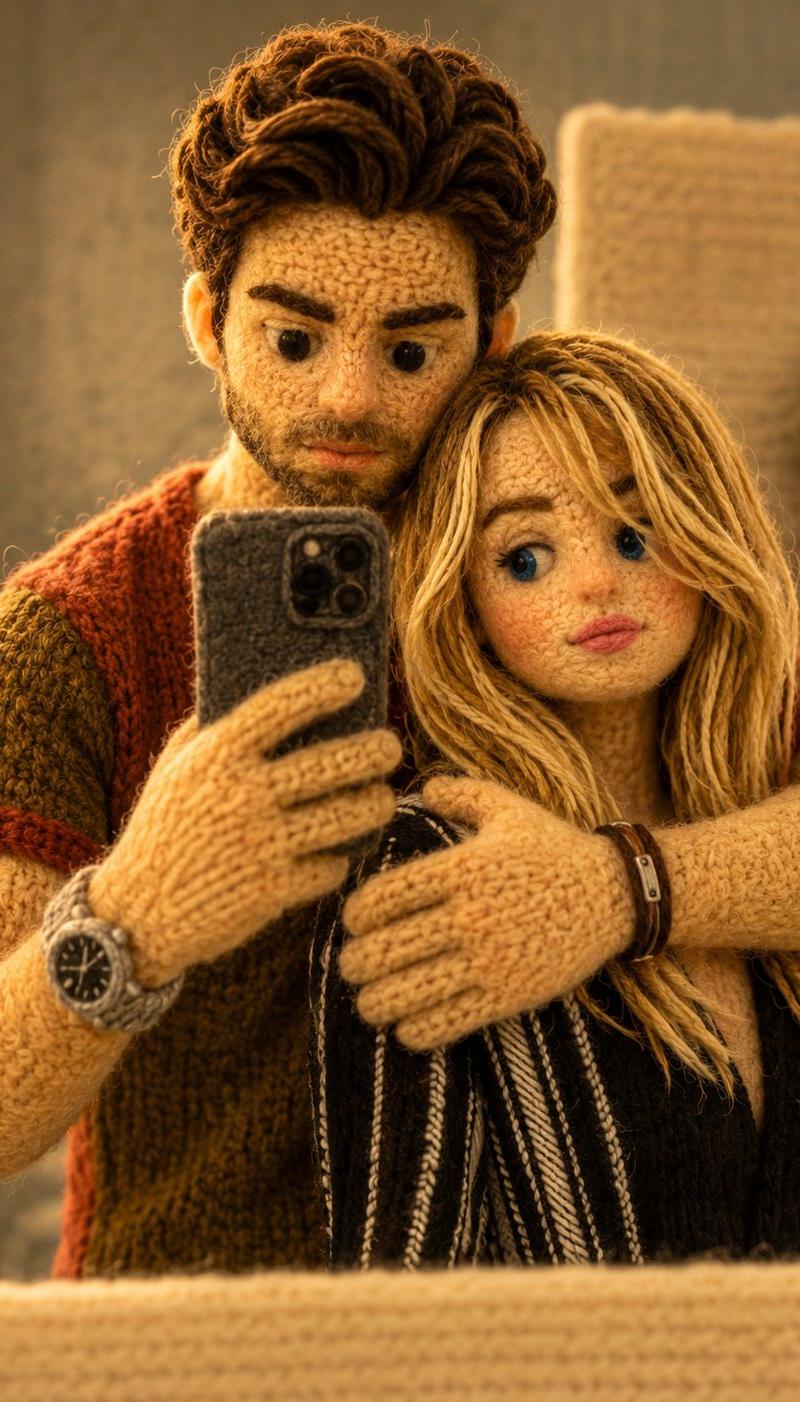
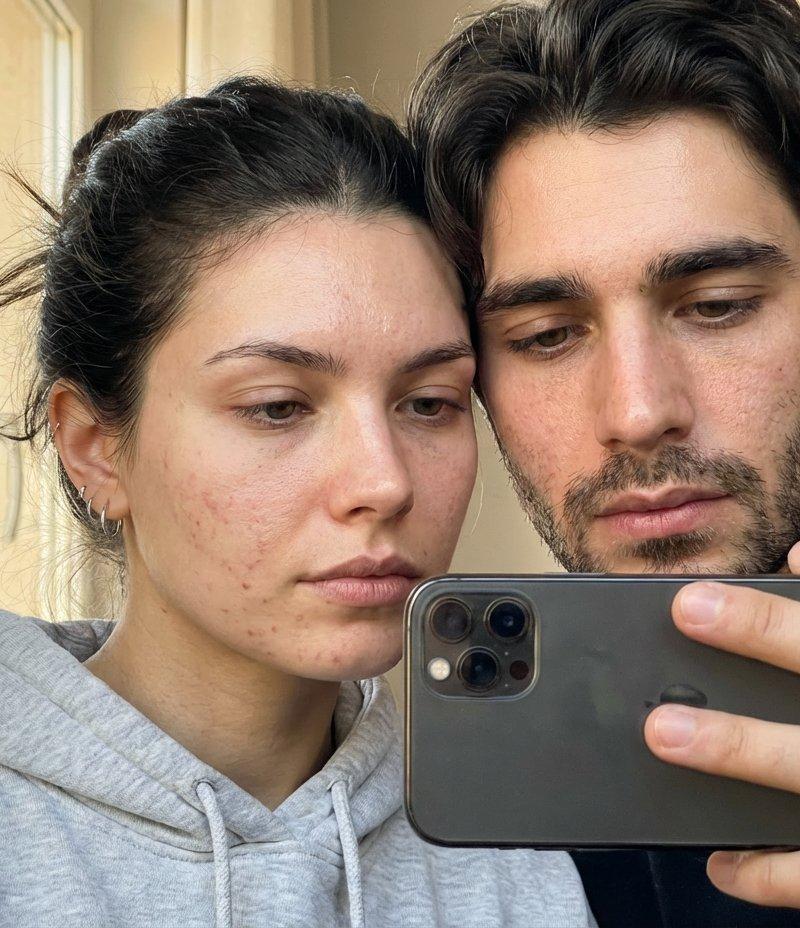
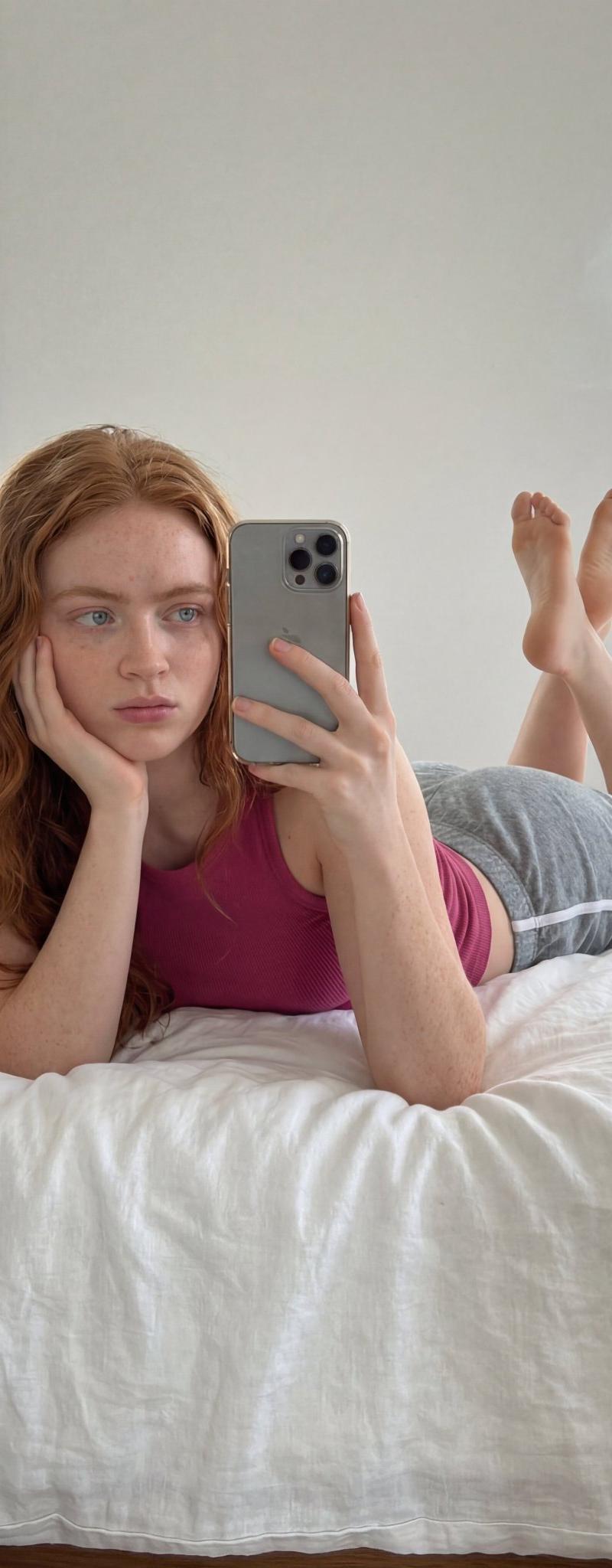
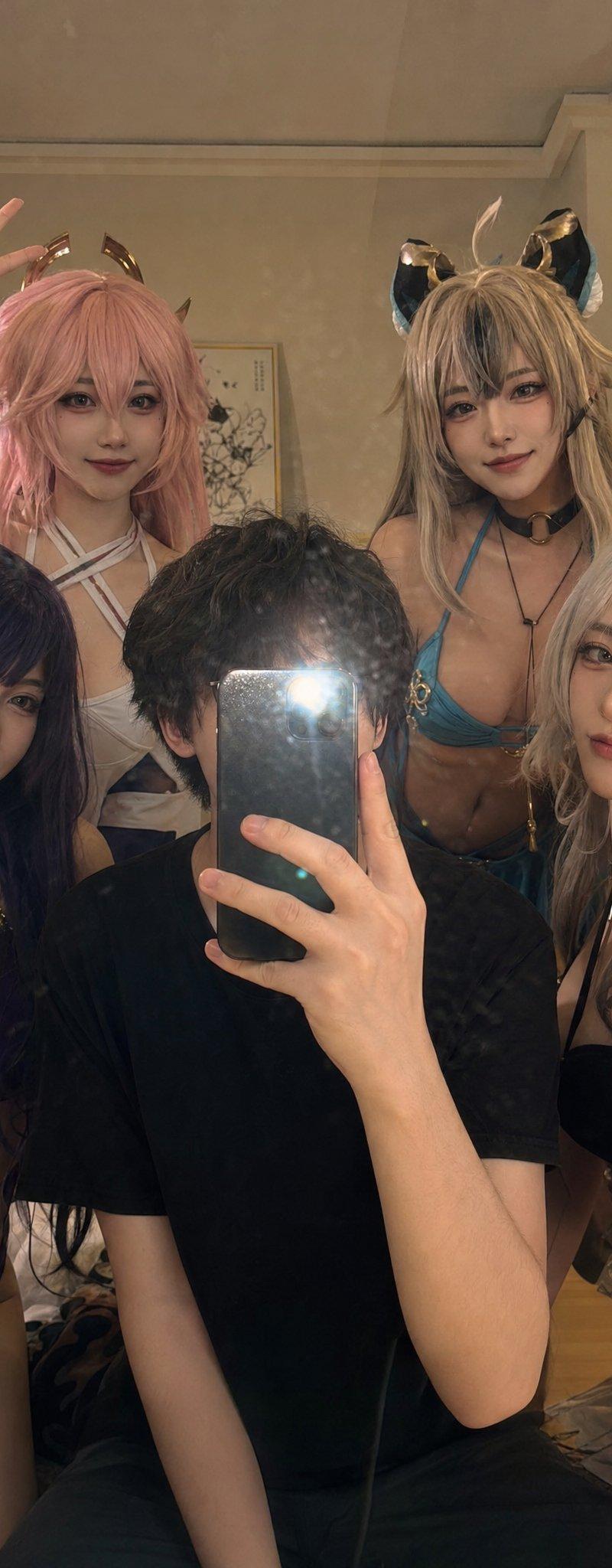
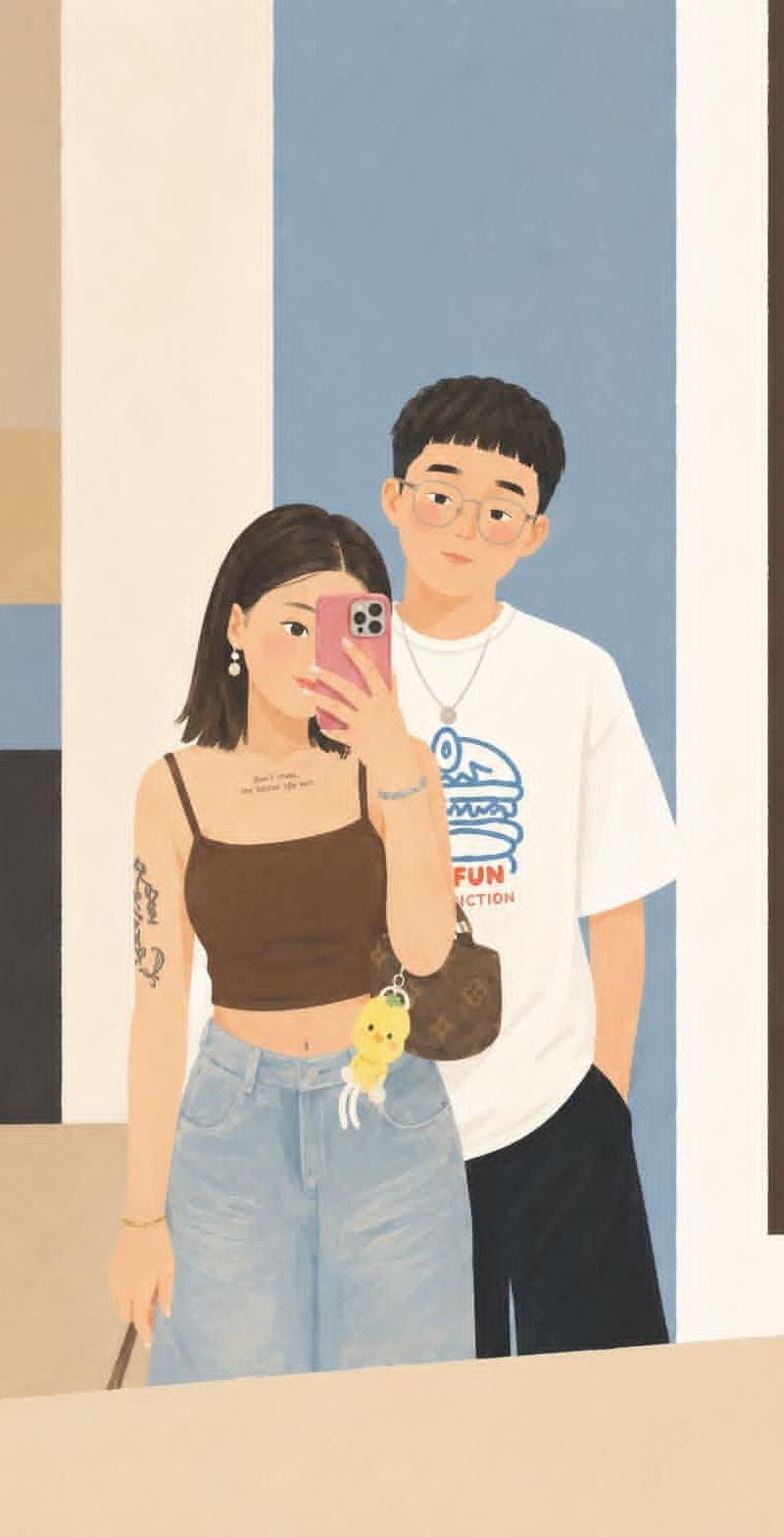
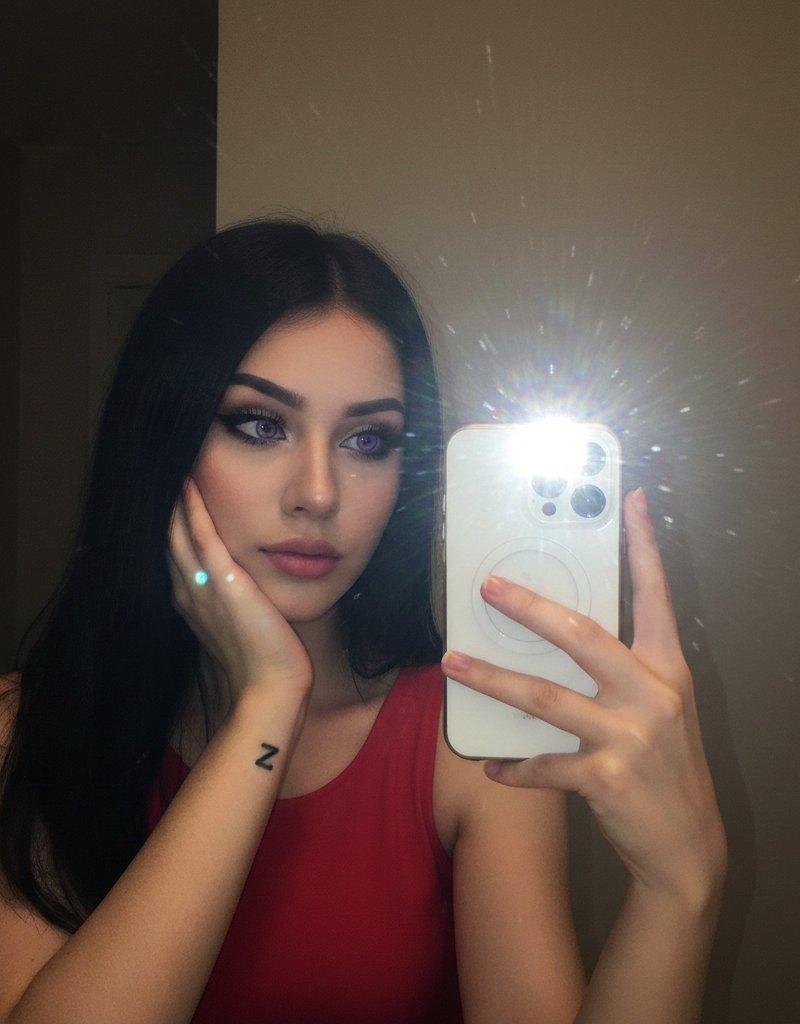
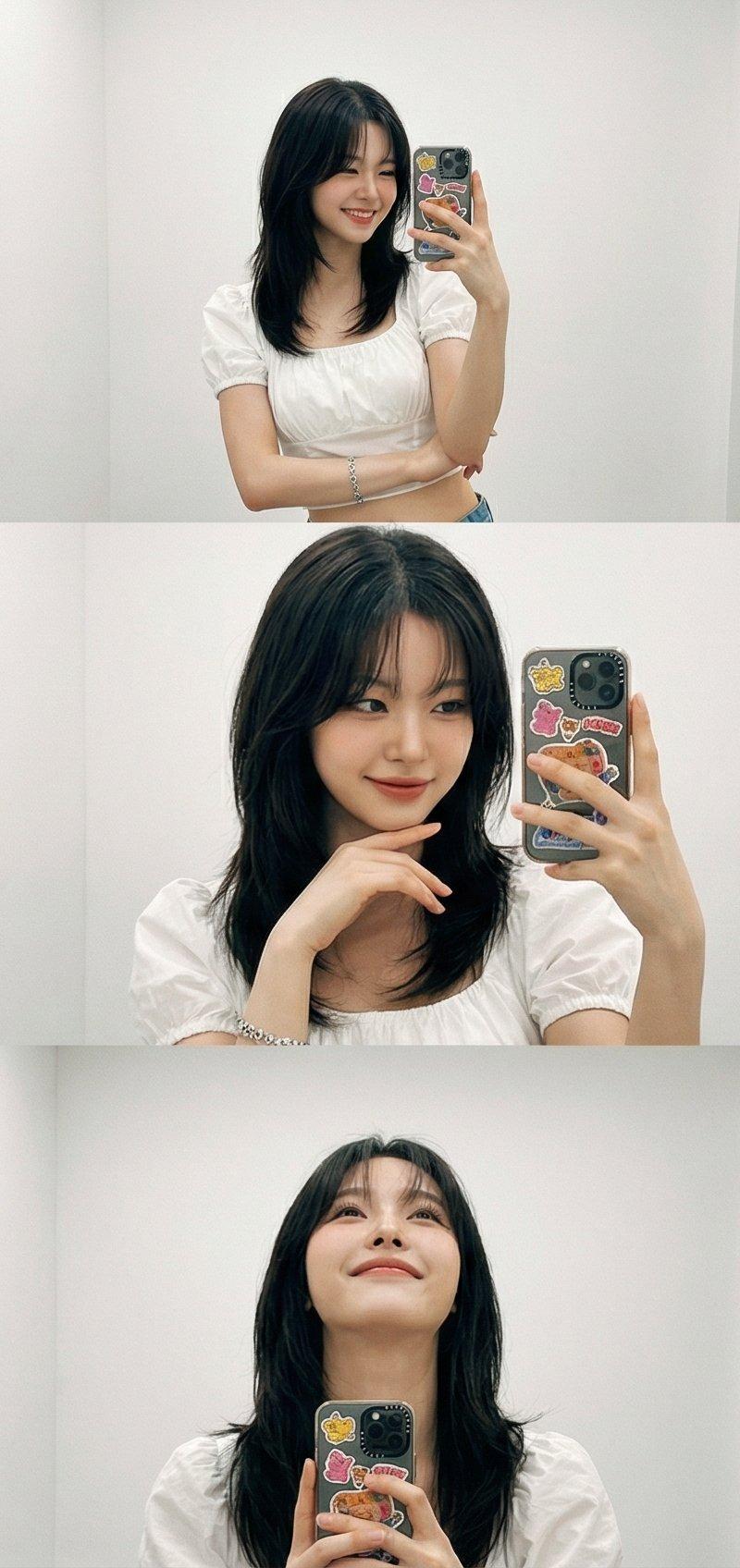
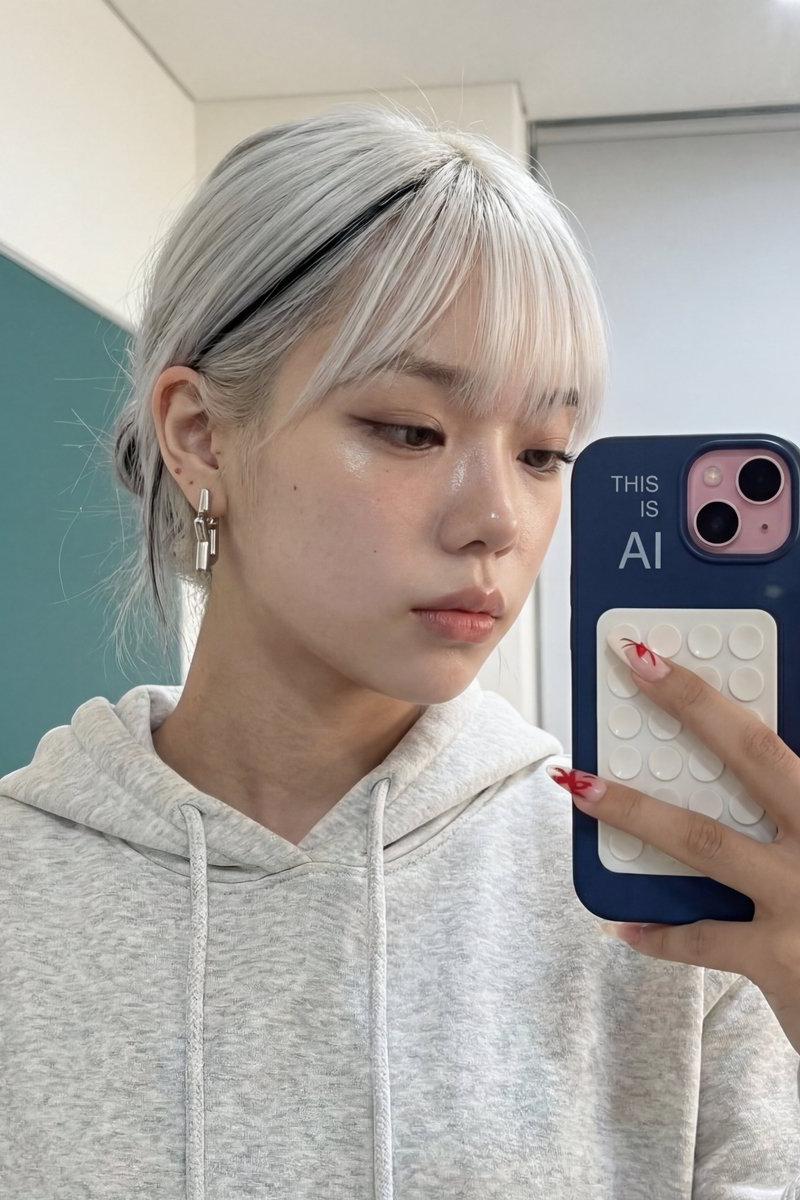
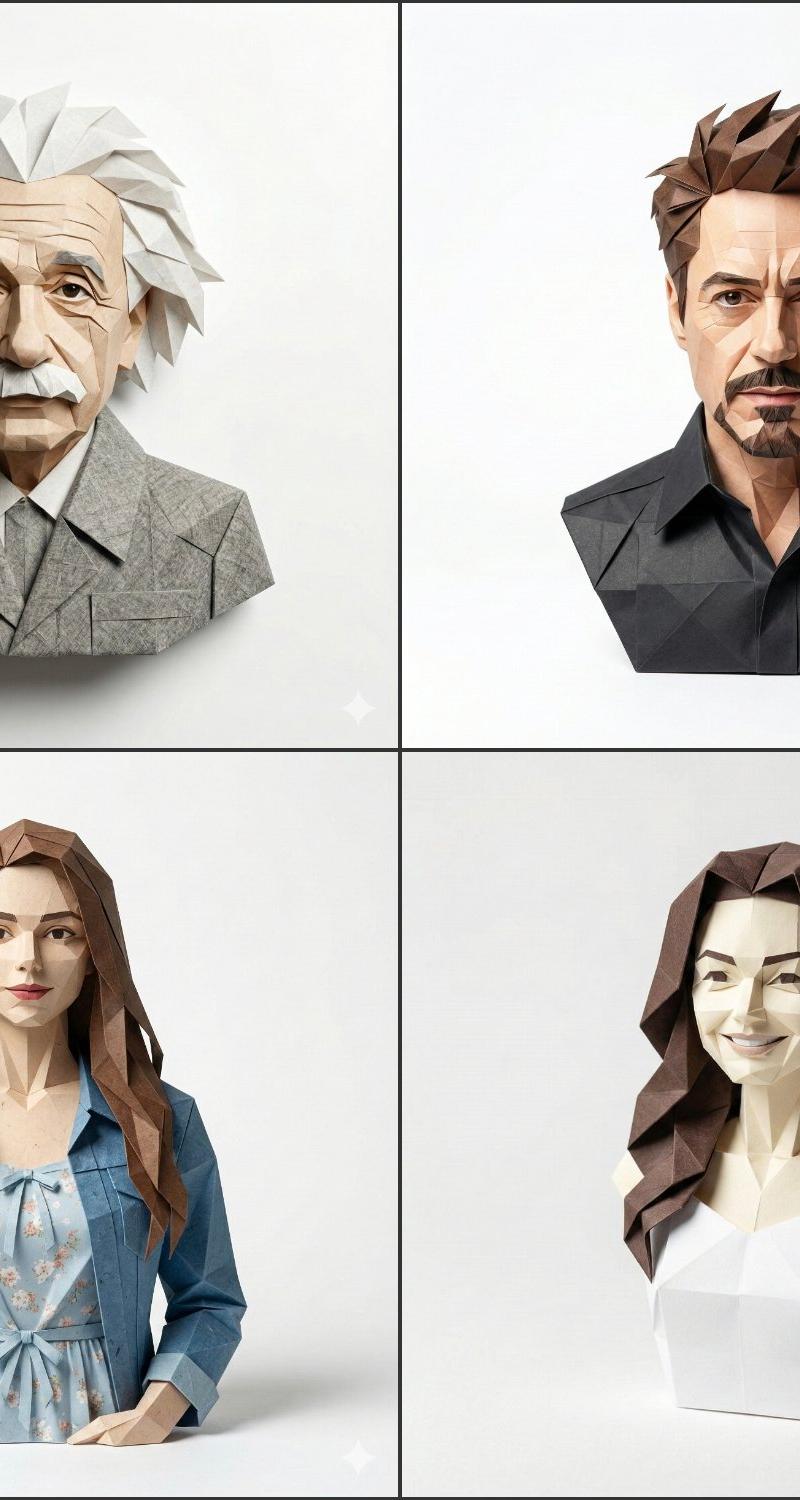
Using the provided reference image, transform the entire photo into a handcrafted absurdist claymation scene while preserving the exact composition, mirror-selfie framing, camera angle, subject placement, pose, proportions, object positions, clothing layout, phone position, arm placement, and overall structure as accurately as possible.

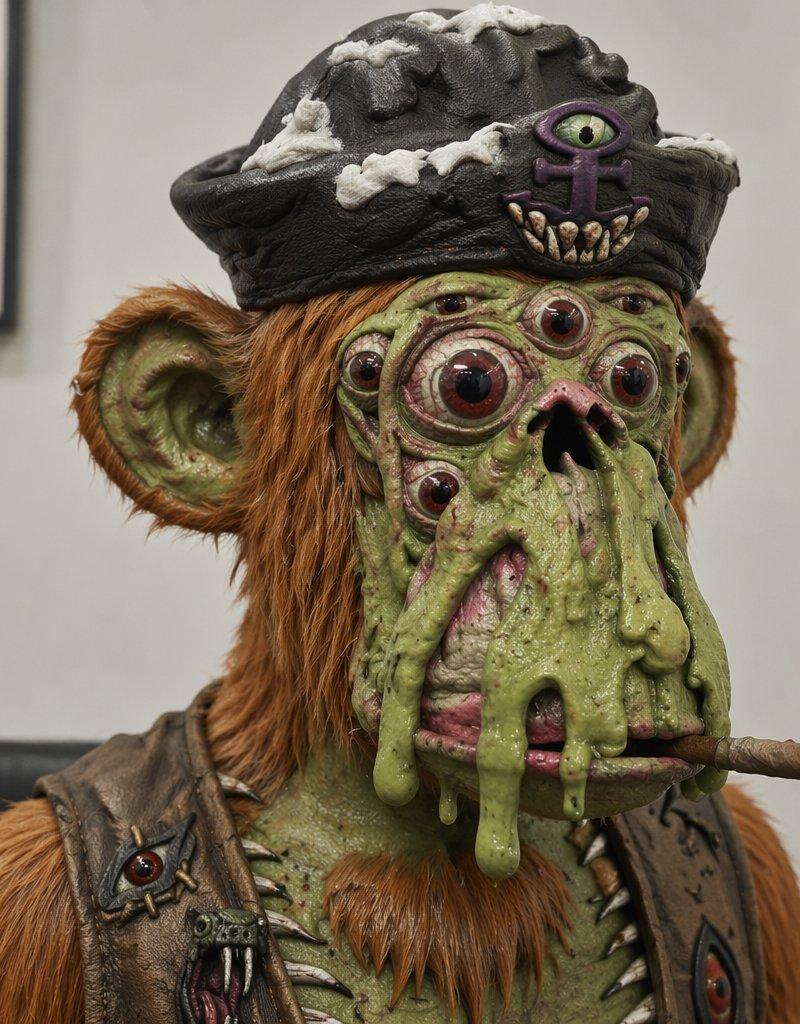
Style transformation: Recreate every visible surface as tactile stop-motion clay, with lumpy hand-sculpted forms, thumbprints, uneven edges, rough fingerprints, small dents, imperfect seams, smudges, and matte painted clay texture. Make the people, hair, clothes, phone, watch, bracelet, mirror frame, and bathroom wall all look physically molded from clay.

Preserve: Keep the two face-obscuring square blocks in the same locations and colors, keep the mirror selfie arrangement, keep the man holding the dark phone, keep the woman in front with the man’s arm around her, and keep the same visible outfit shapes and accessories.

Add/Emphasize: Make the background wall and mirror border look like thick cracked plaster/clay slabs with exaggerated handmade texture. Turn the hair into chunky clay strands, the hands into oversized sculpted clay fingers, and the phone/camera lenses into soft rounded clay details. Use warm earthy lighting and a chaotic handmade claymation finish.

Constraints: Do not change the pose, crop, number of people, main object positions, or facial privacy blocks. Do not add text, new objects, extra characters, or a different environment.
Category
Photography & Realism
Model
GPT Image 2
Creator
Nexora
Source language
en
Views0
Source ID
26036
Published
Jun 17, 2026
Studio

Guide

About "混乱的黏土动画风格照片转换"

What is this prompt for?

"混乱的黏土动画风格照片转换" AI image prompt for GPT Image 2 (Photography & Realism). 将参考的镜面自拍转换为手工黏土动画风格,同时保留原始构图和隐私遮挡块。 Copy it on Picva and recreate the look in one clic…

The full copyable prompt and example visuals above are ready for AI image generation or one-click recreate in Picva.

How to use this prompt

  1. Step 1

    Open the prompt detail

    Review the example visuals, category, and full prompt text for "混乱的黏土动画风格照片转换".

  2. Step 2

    Copy the prompt

    Copy the prompt body from this page, or load it directly in Studio.

  3. Step 3

    Pick a model (GPT Image 2)

    Prefer GPT Image 2. If you switch models, keep subject and composition and tweak style terms.

  4. Step 4

    Generate and export

    Recreate the look in Picva, or export into your workflow for editing and publishing.

FAQ

What is the "混乱的黏土动画风格照片转换" prompt?
It is an AI image-generation prompt for GPT Image 2 in the Photography & Realism category. This page includes the full prompt text, example visuals, and a one-click recreate path in Picva.
How do I use this prompt to generate an image?
Copy the prompt from this page, or use Generate / Studio. Paste it into a compatible image model, or recreate the look in Picva with optional reference images.
Which model is this prompt for?
This page lists GPT Image 2. Most descriptive prompts also transfer to nearby image models such as GPT Image, Flux, or Midjourney with light style tweaks.
Can I use the result commercially?
You can usually copy the prompt for creation, but commercial use of the final image depends on the model terms, reference-image rights, and the generated content. Follow the source author and platform rules.