17

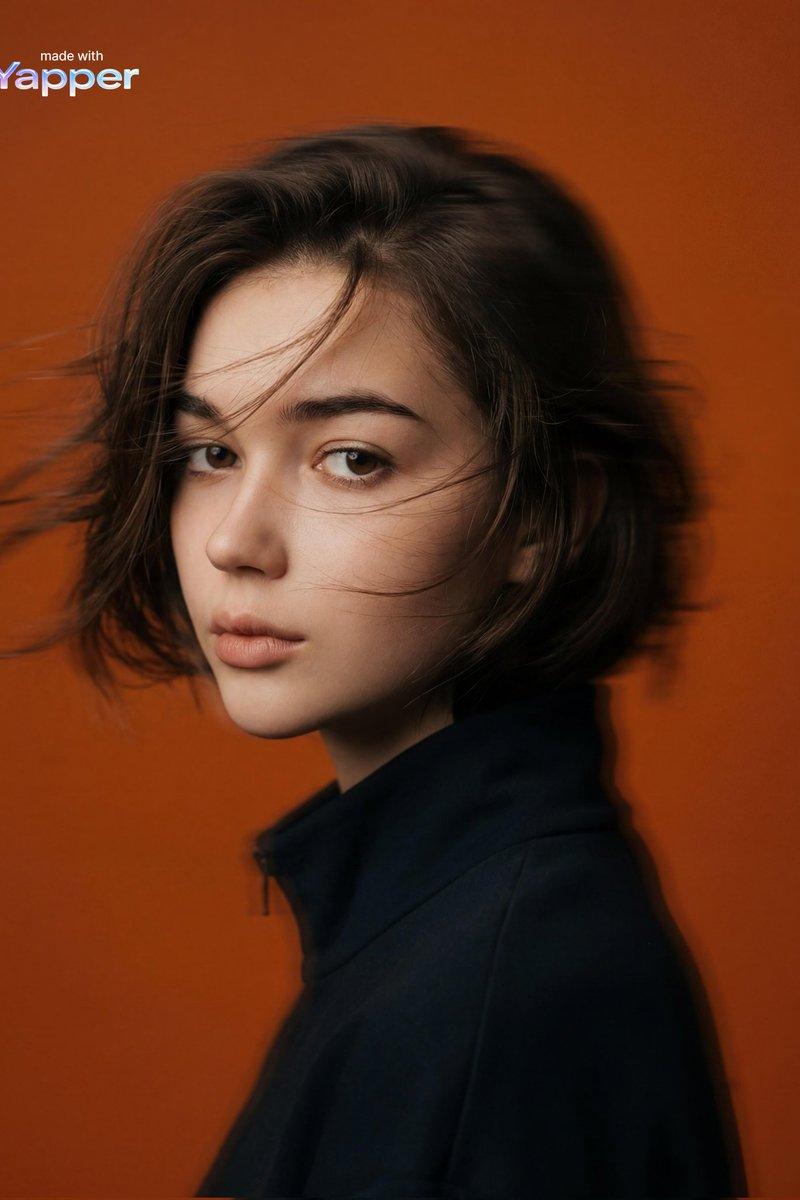
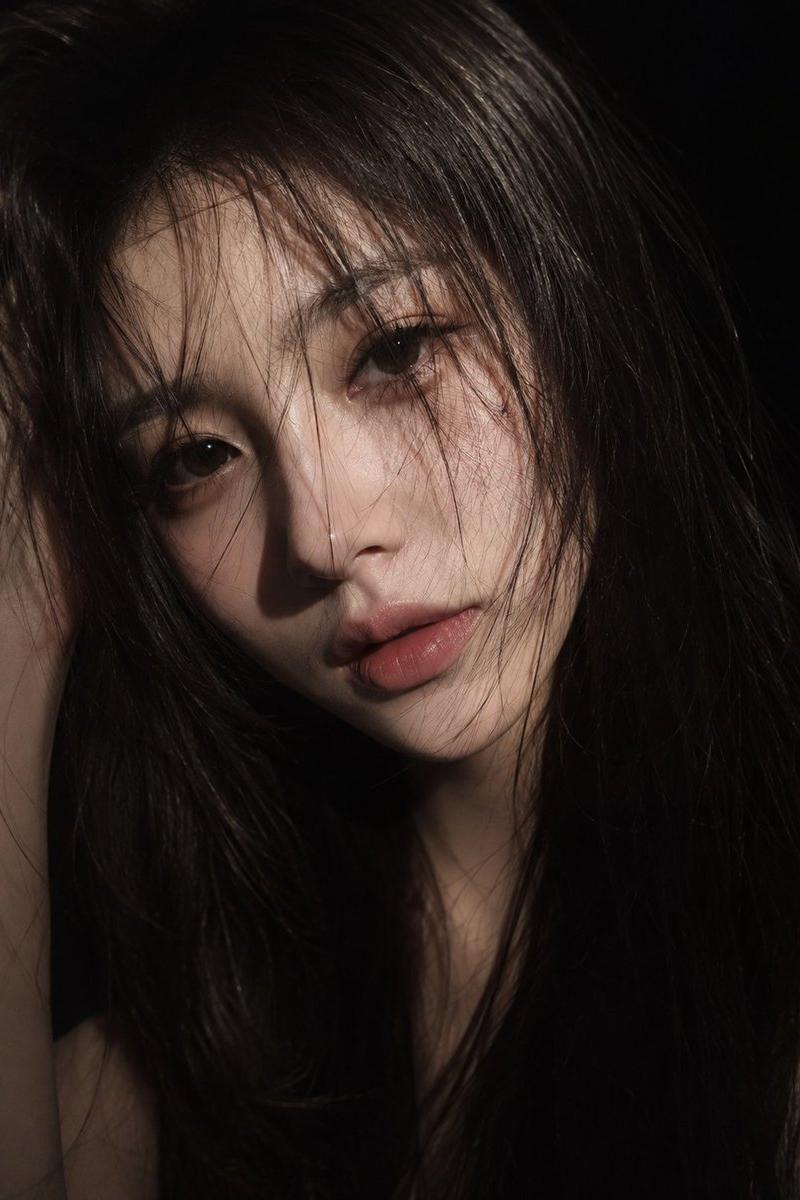
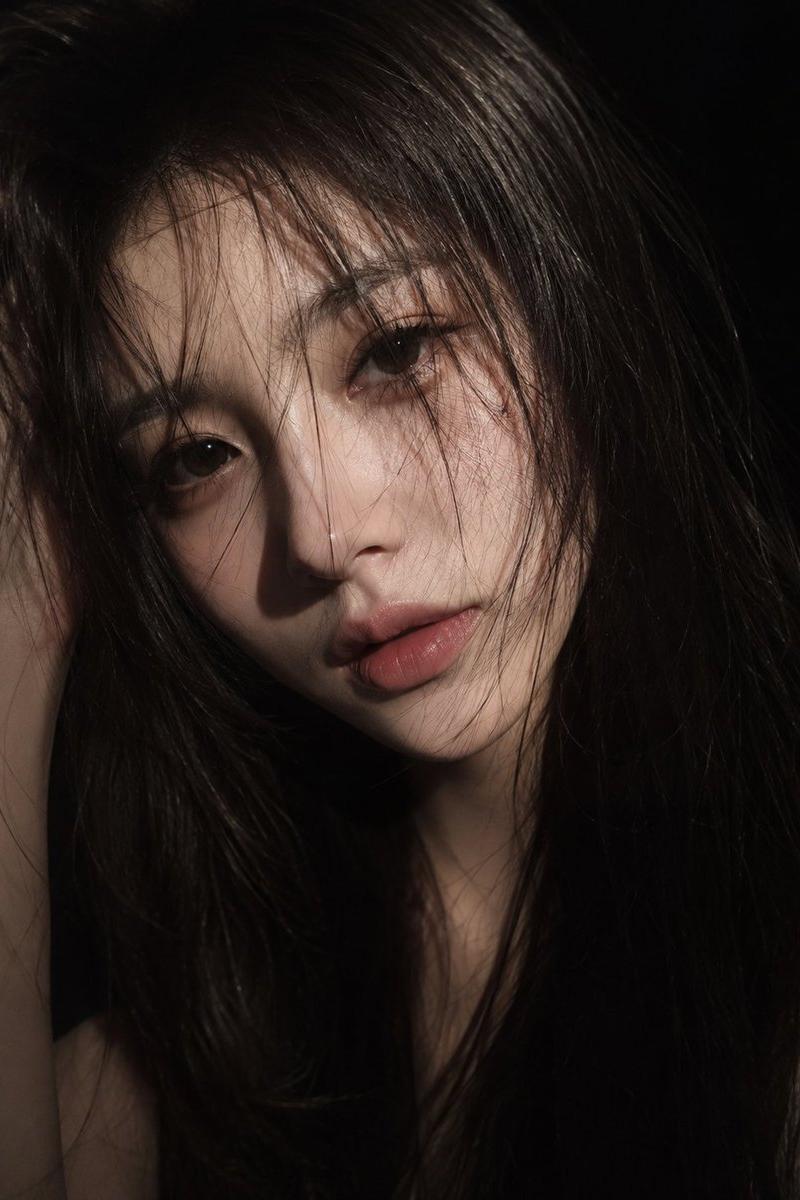
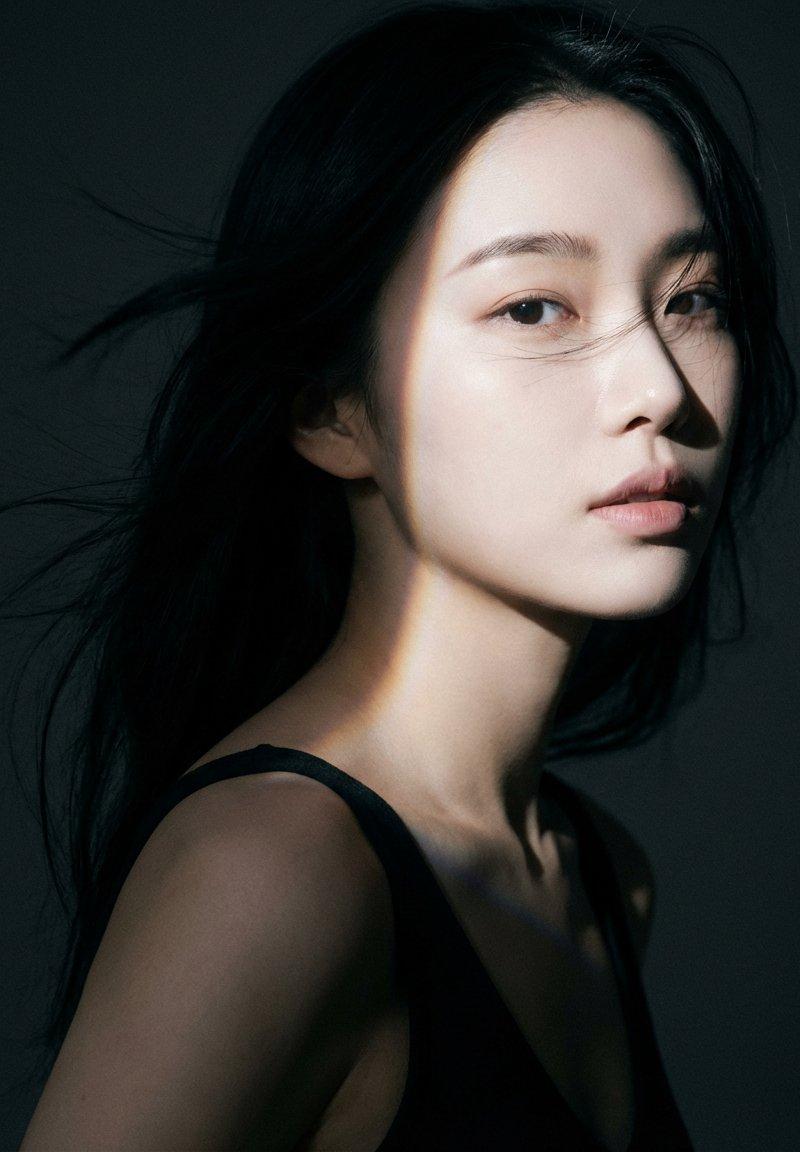
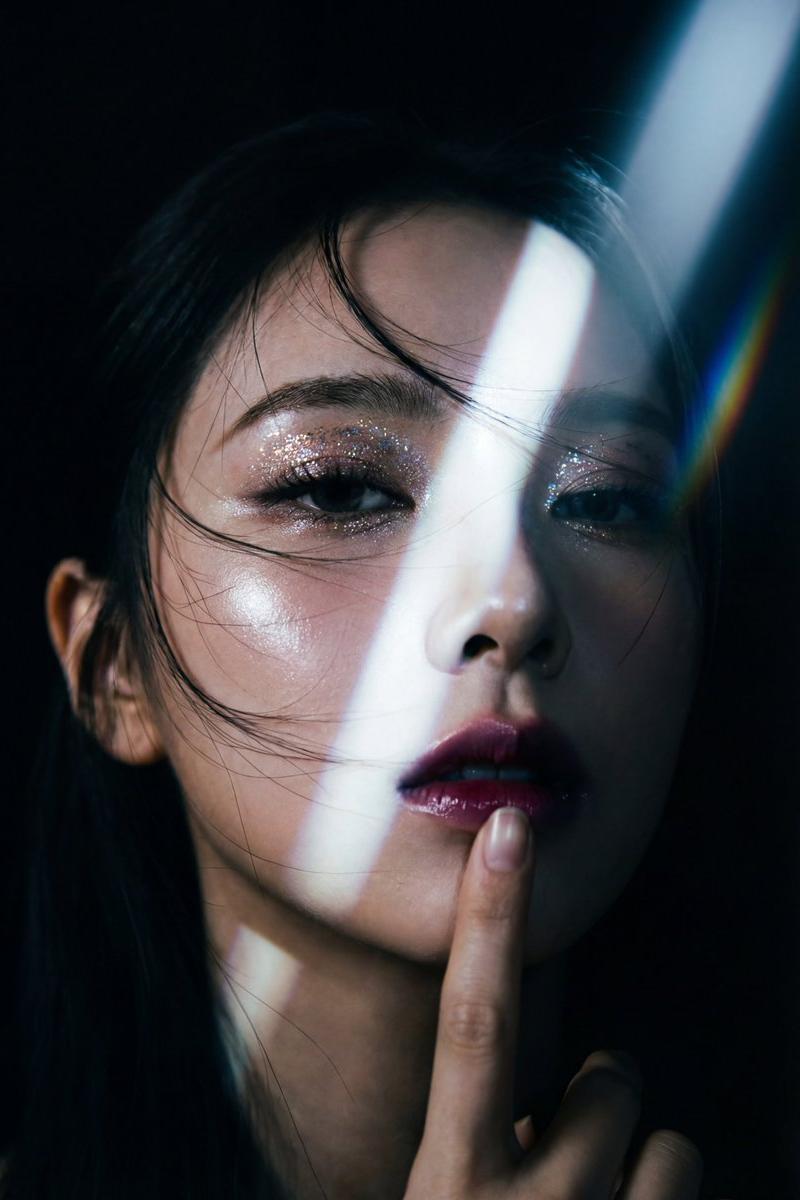
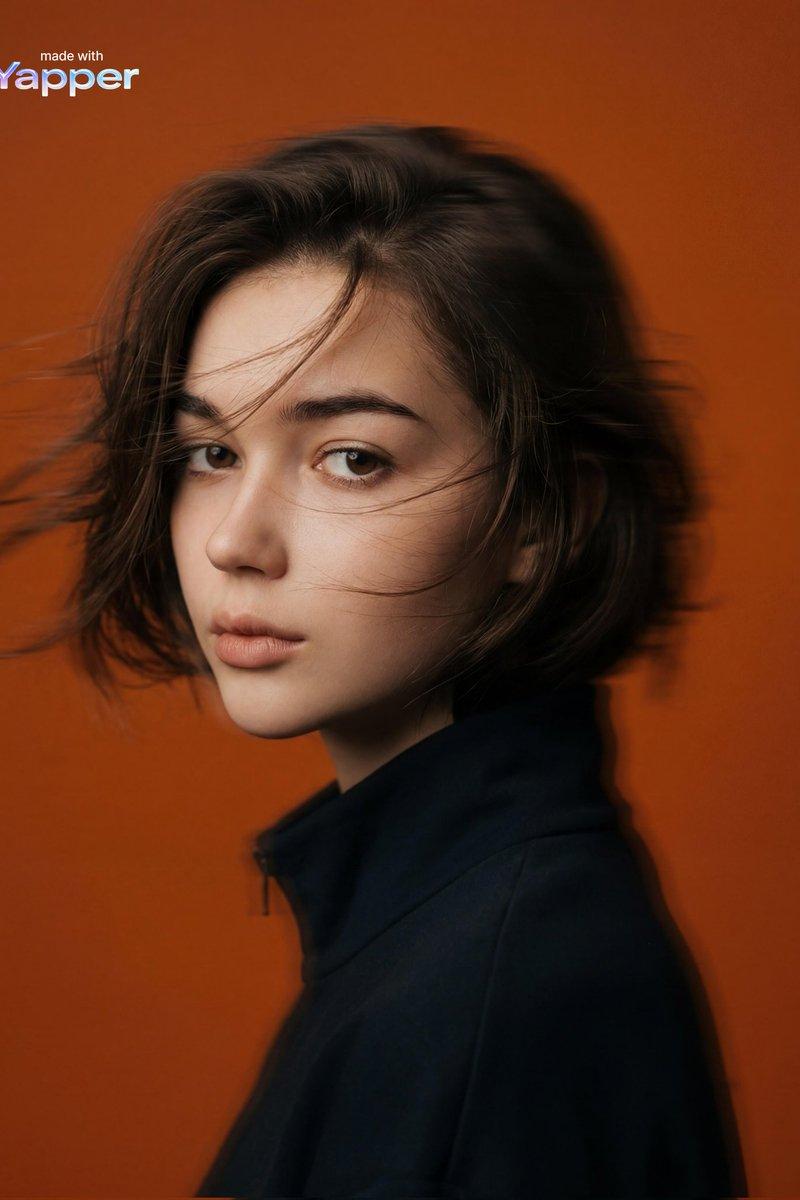
电影感橙色背景人像
Enlarge

Example images

电影感橙色背景人像

Prompt
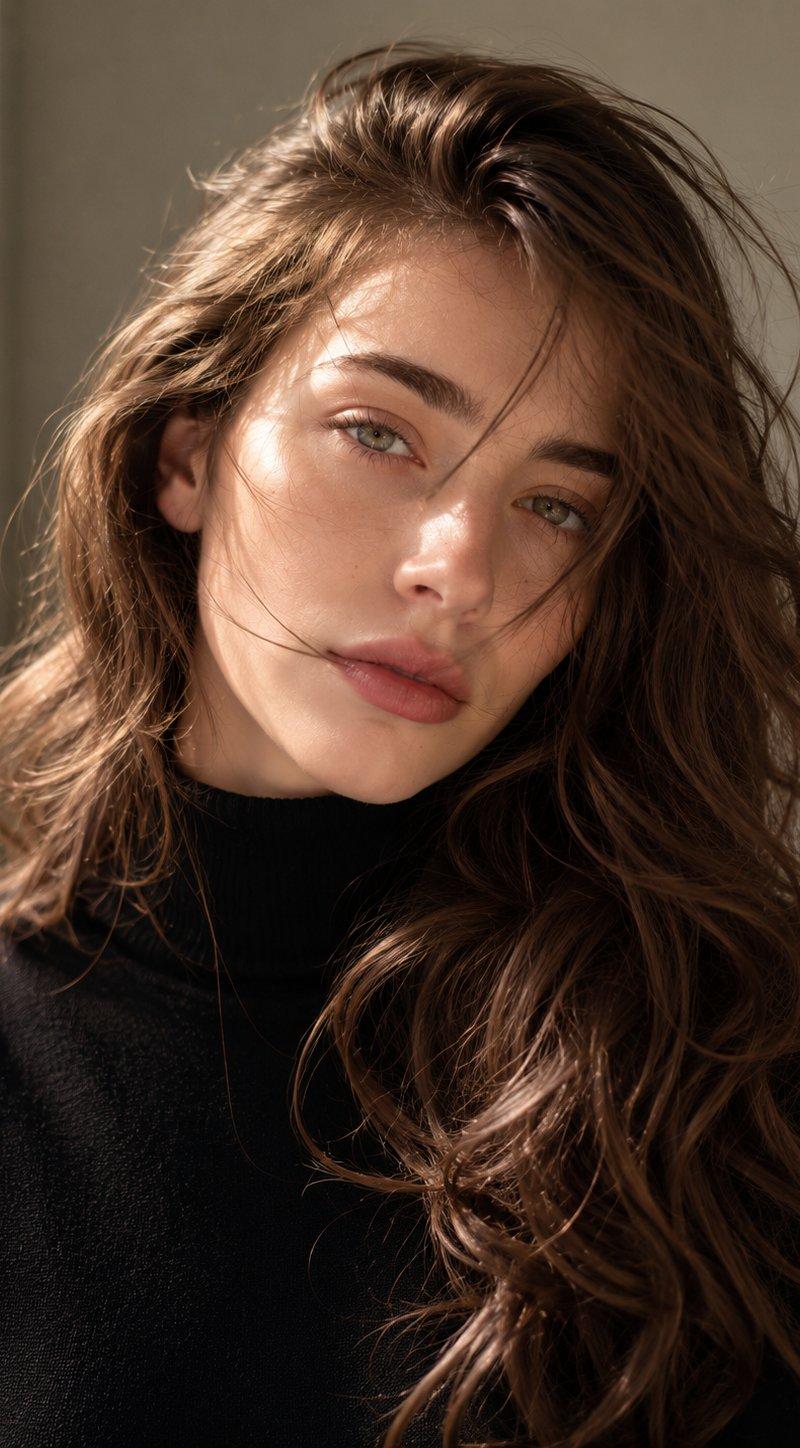
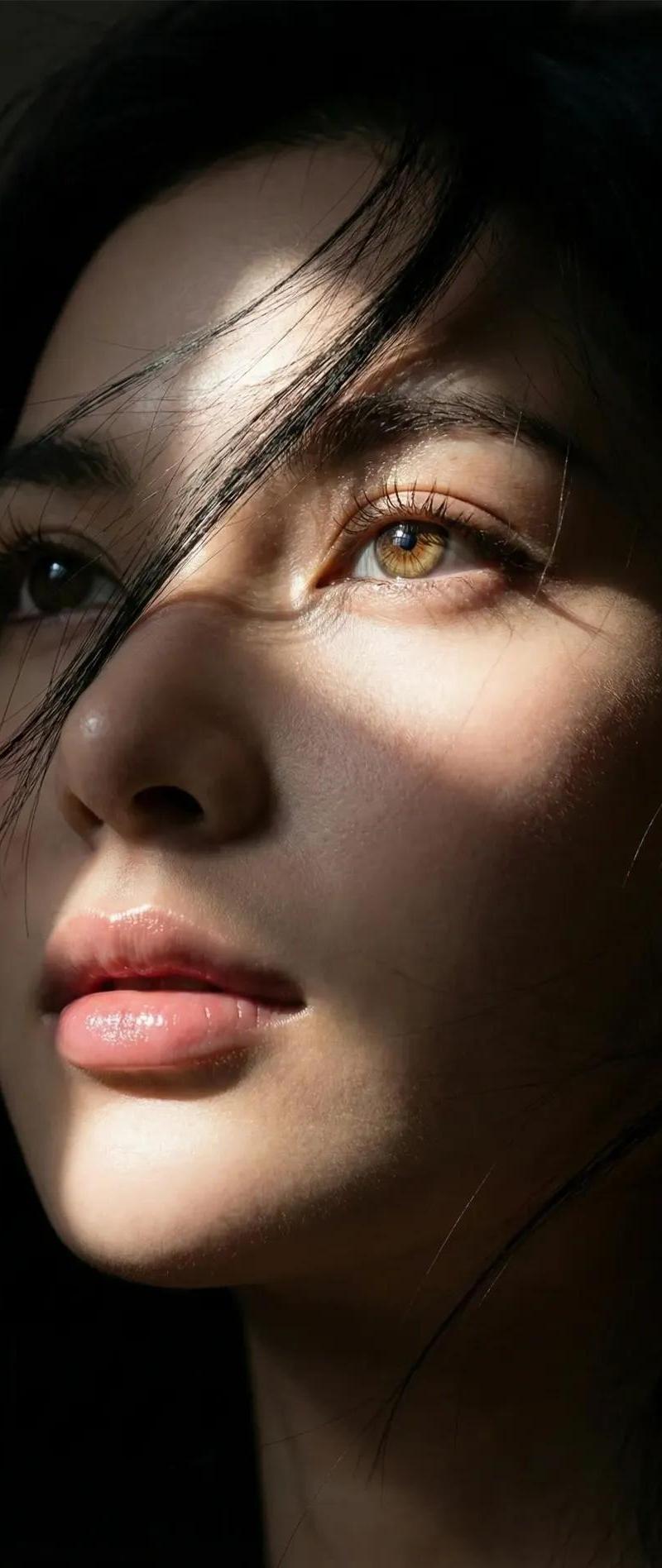
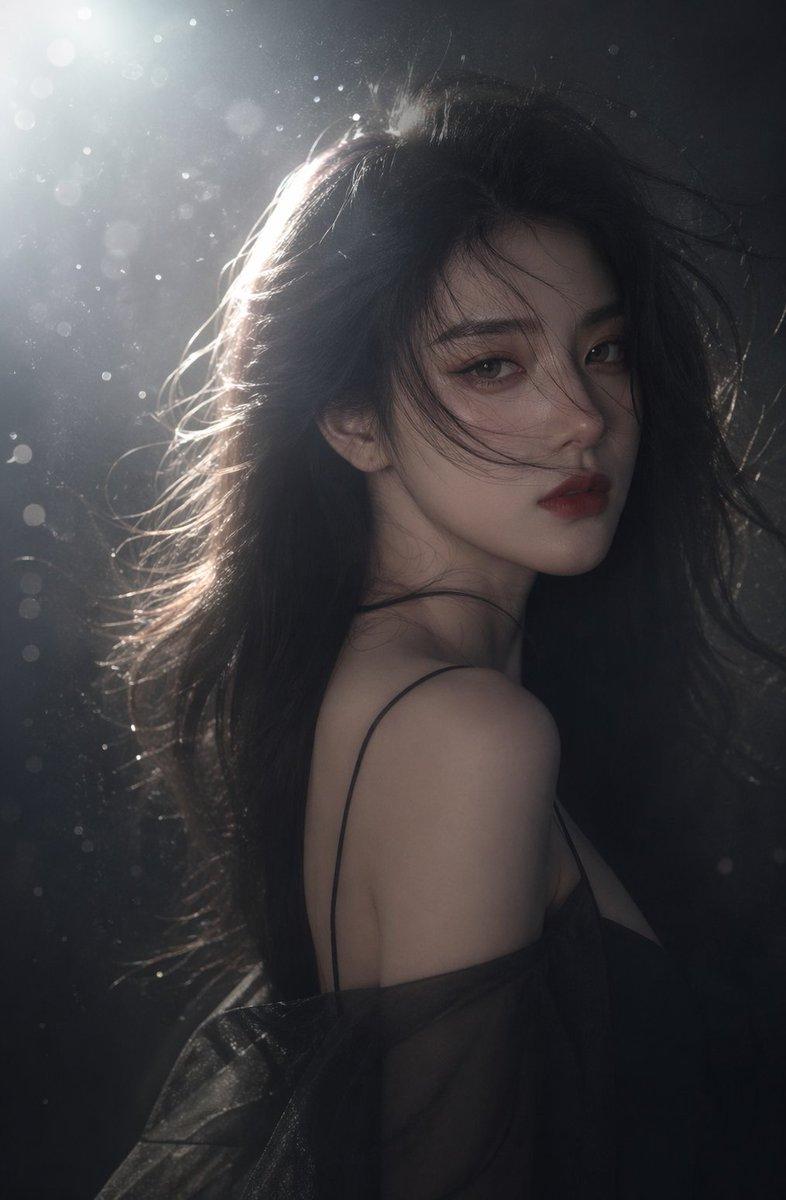
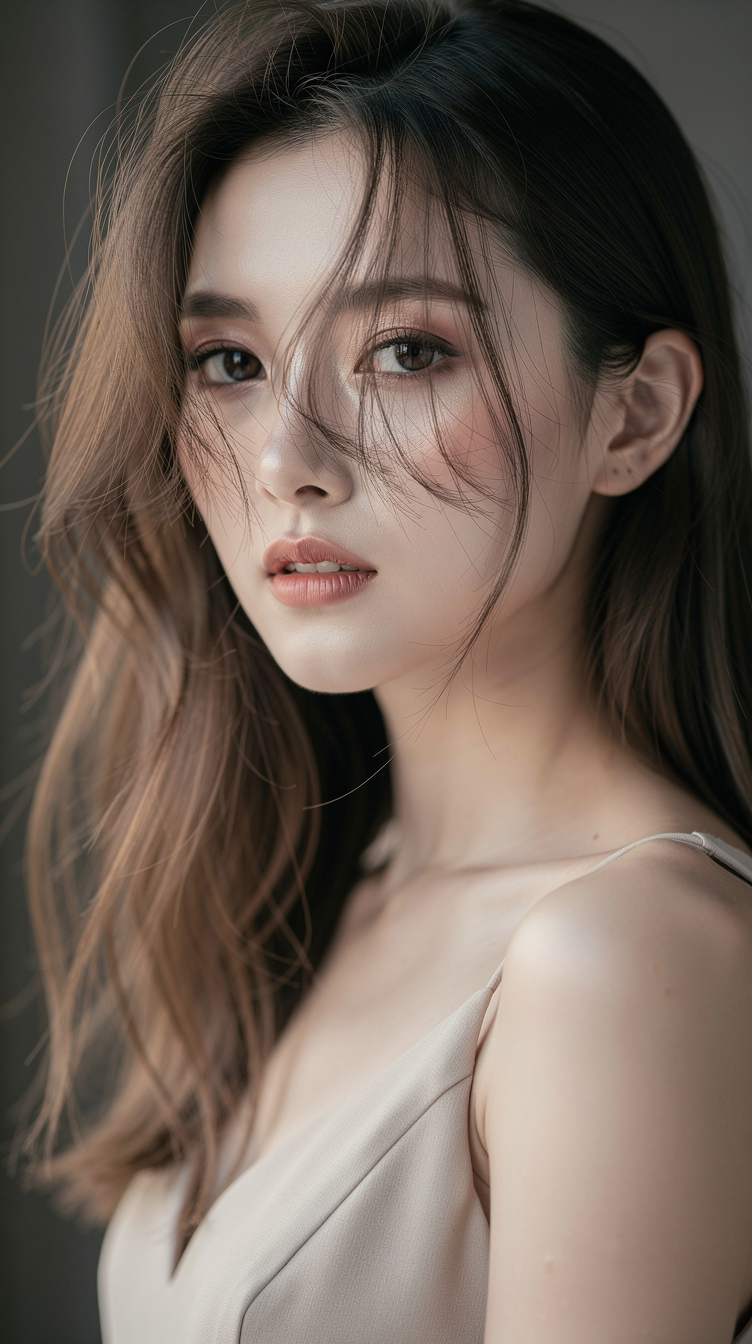
Cinematic editorial portrait of a {argument name="subject" default="mysterious young woman in side profile"}, head slightly turned toward camera. Calm, serious expression with gaze directed forward into the distance. Short dark brown hair with wind-blown movement and motion blur. Smooth, glowing natural skin with cinematic texture. Wearing a {argument name="clothing" default="dark minimal high-collar coat or jacket"}. Shot against a {argument name="background" default="vivid solid orange studio backdrop"} with soft diffused lighting and smooth shadow gradients. Medium portrait framing with panning horizontal motion blur creating dynamic movement. Matte faded film look with cinematic color grading, soft film grain, and high-resolution photorealistic detail. Mysterious, modern, artistic vibe.
Category
Photography & Realism
Model
GPT Image 2
Creator
PromptLab
Source language
en
Views0
Source ID
26220
Published
Jun 19, 2026
Studio

Guide

About "电影感橙色背景人像"

What is this prompt for?

"电影感橙色背景人像" AI image prompt for GPT Image 2 (Photography & Realism). 一张高分辨率的编辑类人像提示词,展现了一位带有动态模糊效果的神秘女性,背景为鲜艳的橙色。 Copy it on Picva and recreate the look in one…

The full copyable prompt and example visuals above are ready for AI image generation or one-click recreate in Picva.

How to use this prompt

  1. Step 1

    Open the prompt detail

    Review the example visuals, category, and full prompt text for "电影感橙色背景人像".

  2. Step 2

    Copy the prompt

    Copy the prompt body from this page, or load it directly in Studio.

  3. Step 3

    Pick a model (GPT Image 2)

    Prefer GPT Image 2. If you switch models, keep subject and composition and tweak style terms.

  4. Step 4

    Generate and export

    Recreate the look in Picva, or export into your workflow for editing and publishing.

FAQ

What is the "电影感橙色背景人像" prompt?
It is an AI image-generation prompt for GPT Image 2 in the Photography & Realism category. This page includes the full prompt text, example visuals, and a one-click recreate path in Picva.
How do I use this prompt to generate an image?
Copy the prompt from this page, or use Generate / Studio. Paste it into a compatible image model, or recreate the look in Picva with optional reference images.
Which model is this prompt for?
This page lists GPT Image 2. Most descriptive prompts also transfer to nearby image models such as GPT Image, Flux, or Midjourney with light style tweaks.
Can I use the result commercially?
You can usually copy the prompt for creation, but commercial use of the final image depends on the model terms, reference-image rights, and the generated content. Follow the source author and platform rules.